One reference is the safe move
One strong image gives you a clean signal. No competing directions, no risk of two styles fighting for control. If you’re not sure this is the right call, it’s the right call.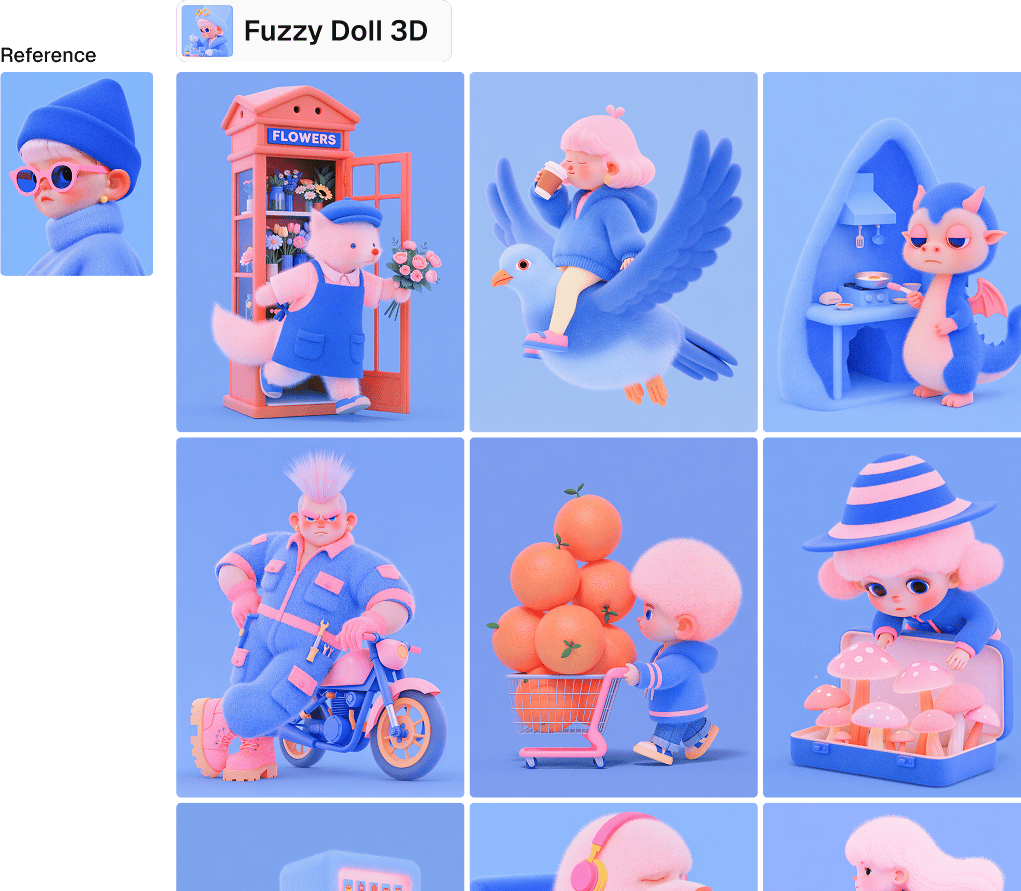
Multiple references, one strict rule
More references help in exactly one situation: they already agree with each other. A page pulled from a consistent brand book, not a mood board you assembled at 1AM.Do this right and the style understands the vibe. It stops fixating on the one pose or object it saw first and starts applying the logic of the style instead. That’s the upside.
However, the rule doesn’t bend. Every reference has to come from the same visual world. Mismatched references don’t average out into something reasonable. They compete, and the output pays for it.
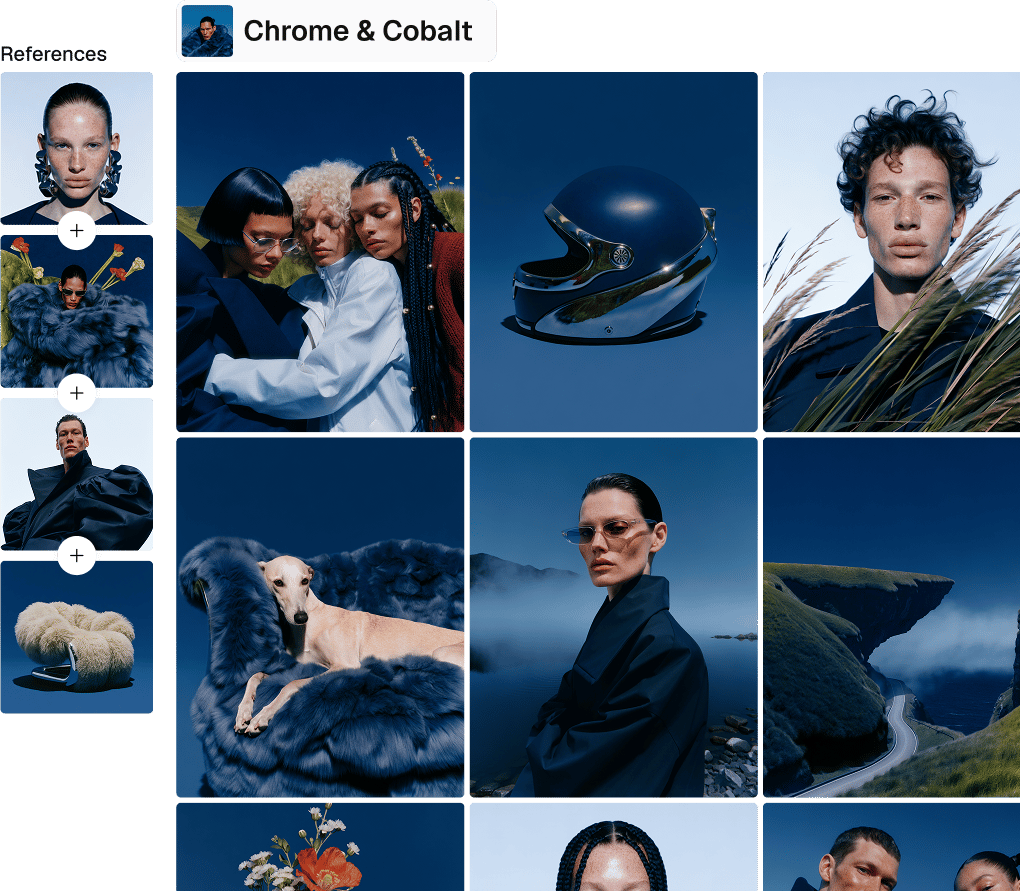
Mixed references don’t blend, they collide
Feed it unrelated sources and the model doesn’t pick a lane. It lifts details, objects, and motifs from each one and stitches them together, often nowhere near what you asked for. Not sure your references match? Use one. This isn’t a hedge, it’s the fastest path to a result you actually want.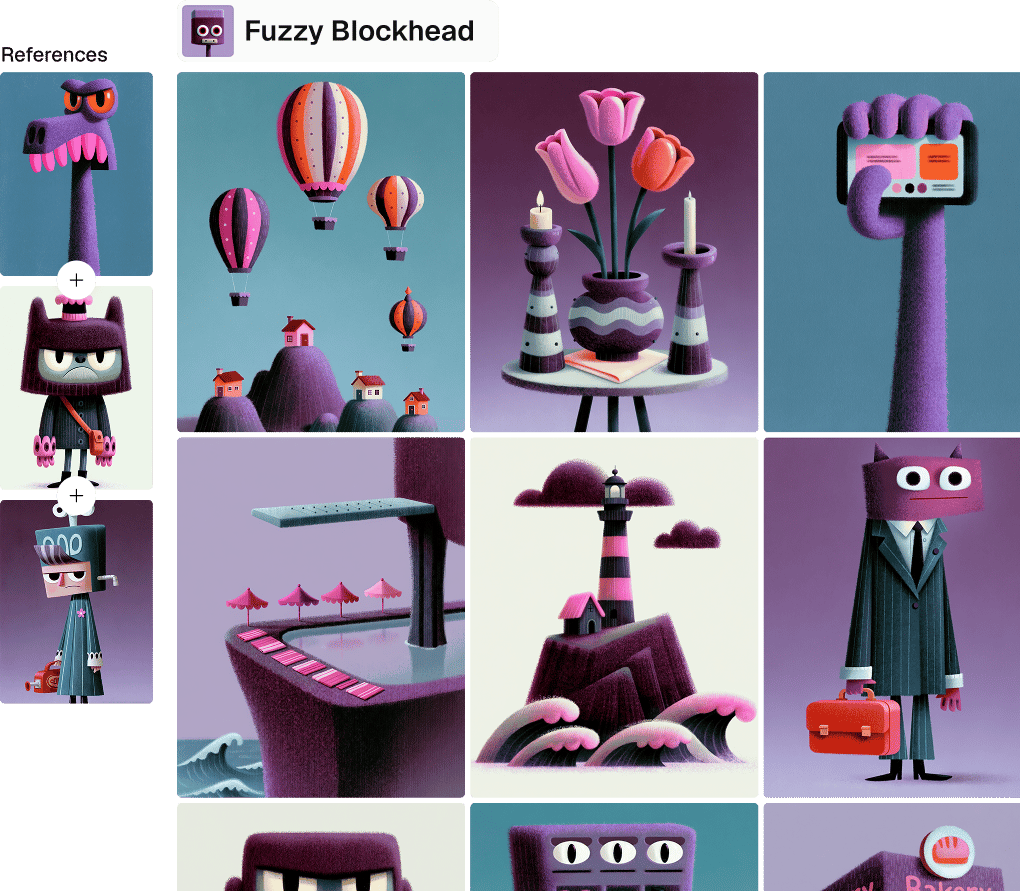
The reference sets the style, the prompt does everything else
Line weight, color logic, texture, rendering style: that’s the reference’s job.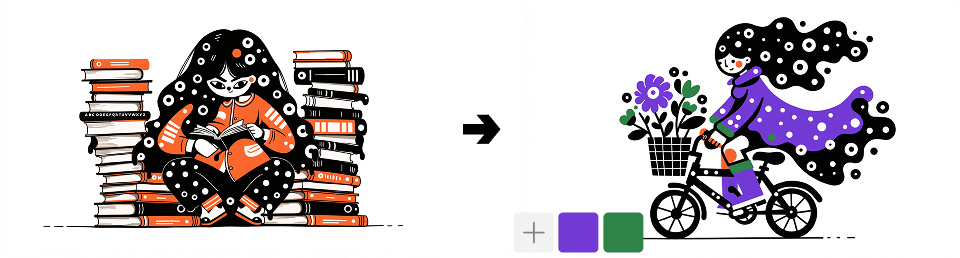
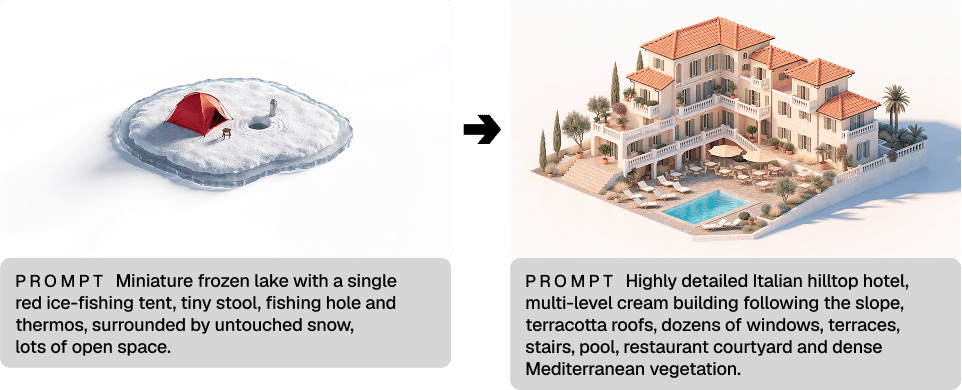
Vague prompts, vague results
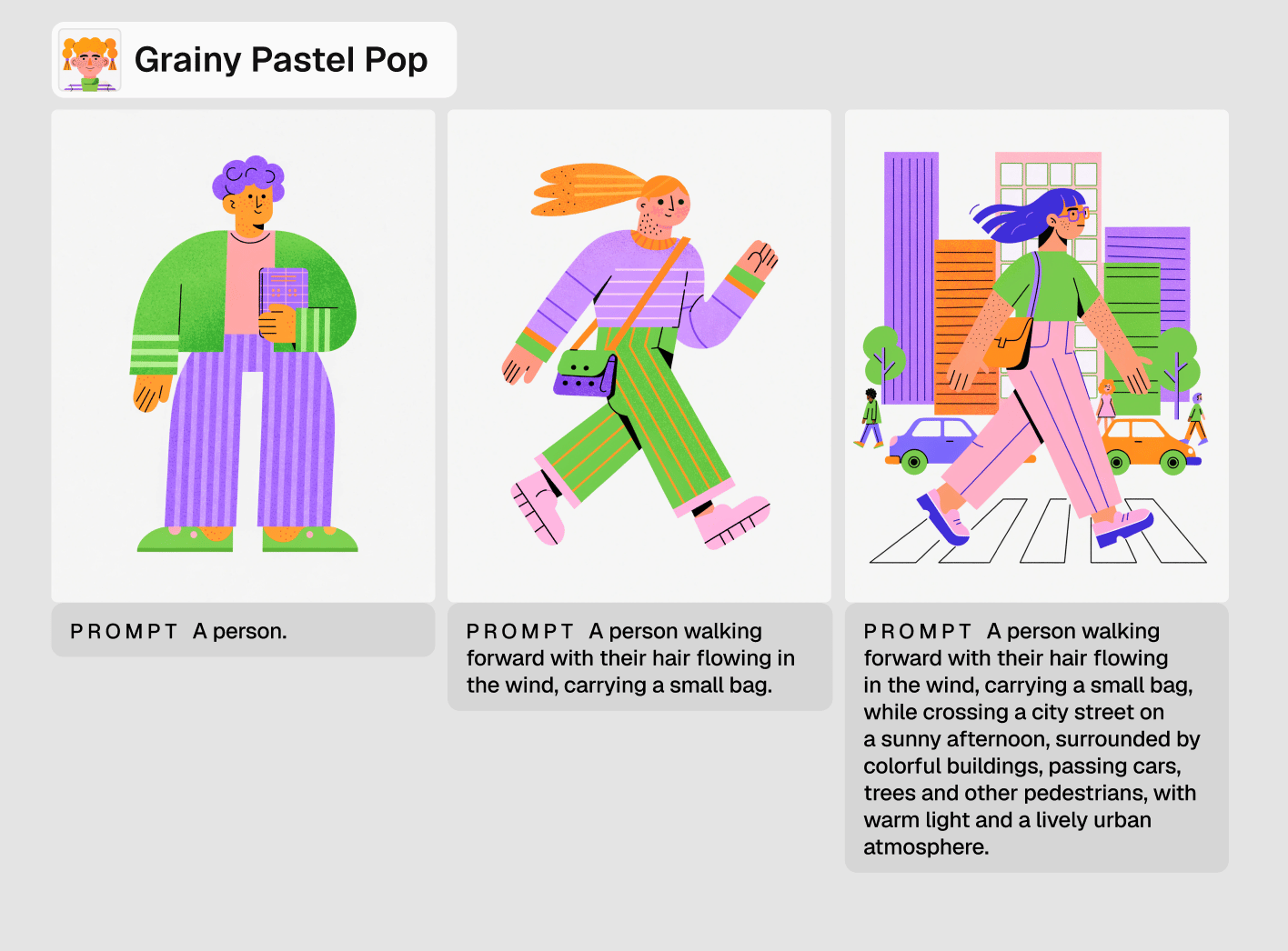
“A person” gives you the same pose and the same framing, every time. The model isn’t being lazy. It’s doing exactly what you told it to.”A person walking forward with their hair flowing in the wind, carrying a small bag” gives you something else entirely.
Specificity isn’t a nice-to-have here. It’s your superpower.
The reference is only as good as the file
A low-resolution reference caps your results before the prompt gets a say. Upload clean, high-resolution assets. This one’s non-negotiable.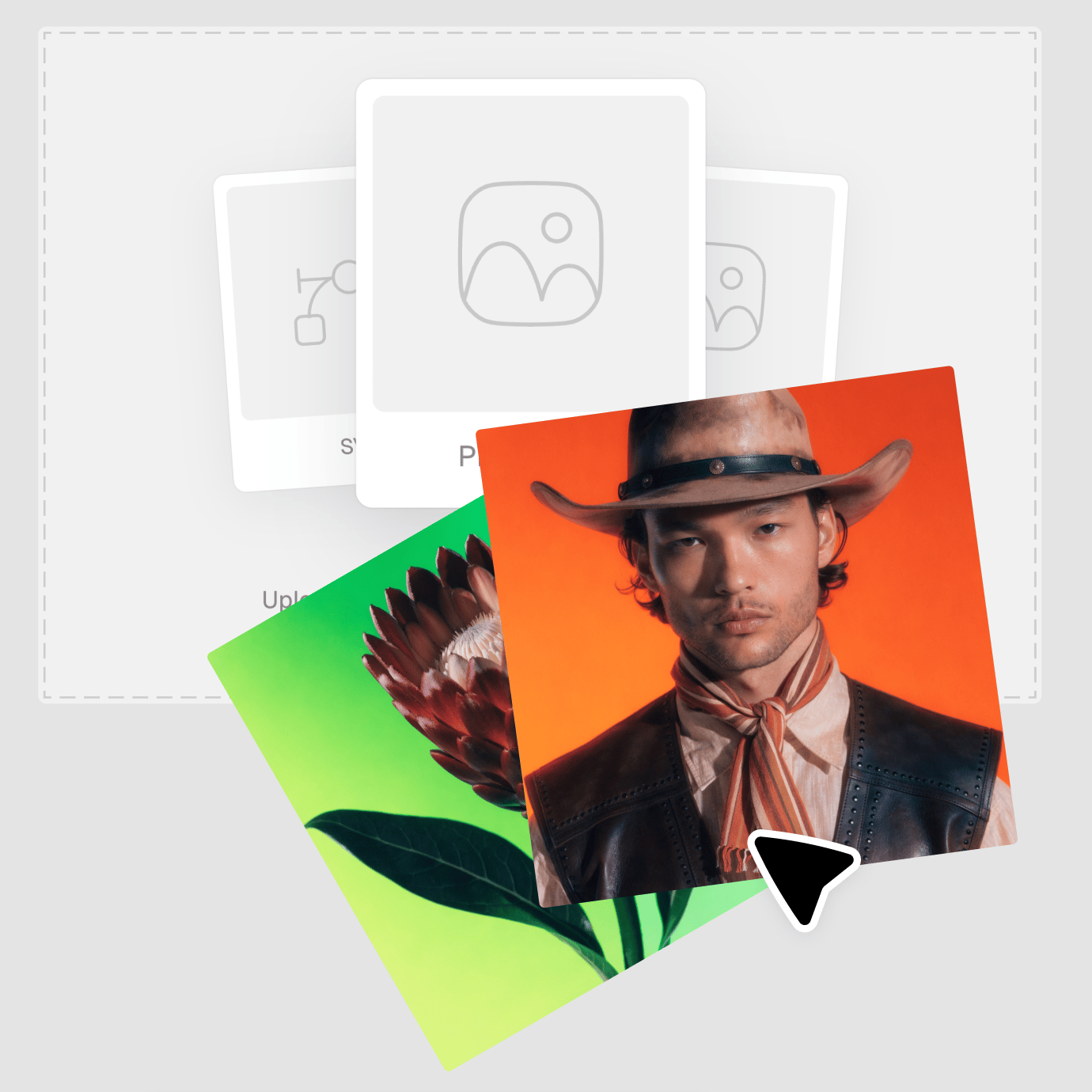
Color matching is a maybe, not a promise
Reference-to-output color consistency isn’t guaranteed. If exact color match matters to the brief, check the output. Don’t assume.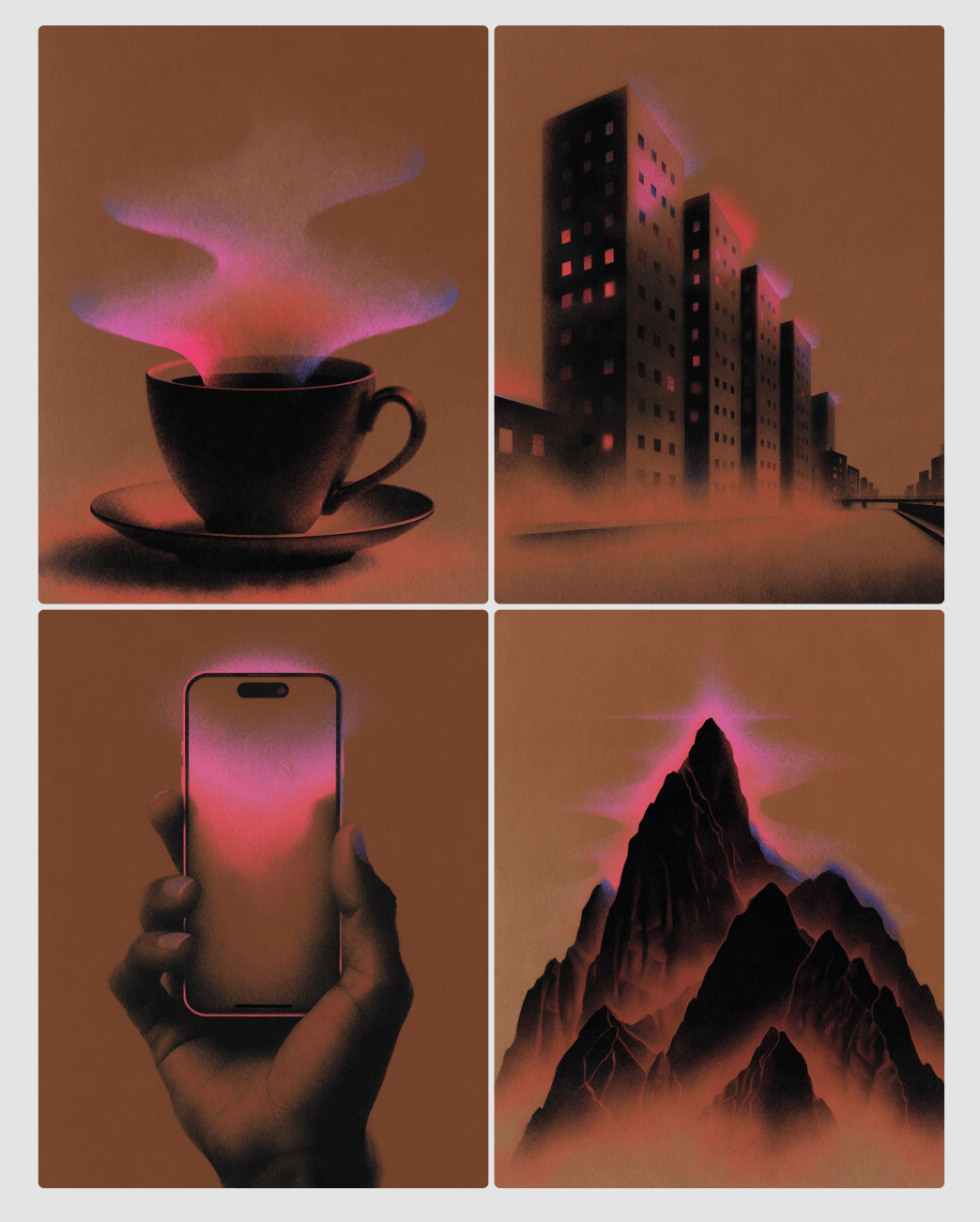
Weight your references like a mix, not a checklist
With a multi-reference set, you can adjust which one leads. Drag the divider toward the asset that carries the style best, useful when one image from the brand book does more work than the rest.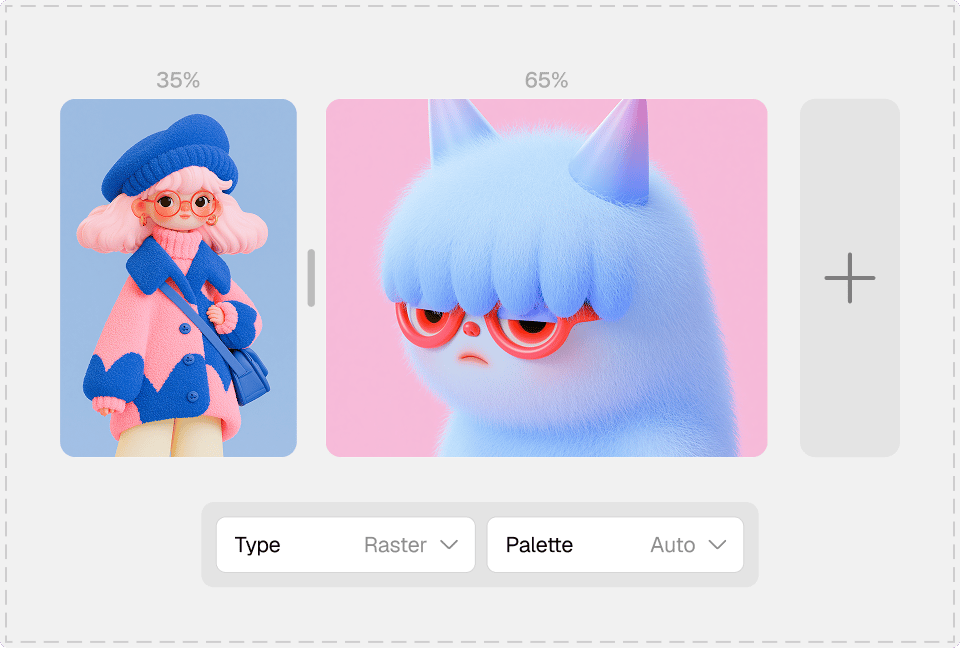
Two stages, not one long process
→ Stage 1: Create
Upload a single reference, or a set that’s actually consistent. This is where the style’s rendering logic and texture get locked in.→ Stage 2: Save
The style becomes its own object, separate from the source. You never touch the original references again. It attaches to any new prompt like a preset you built once and now just reach for.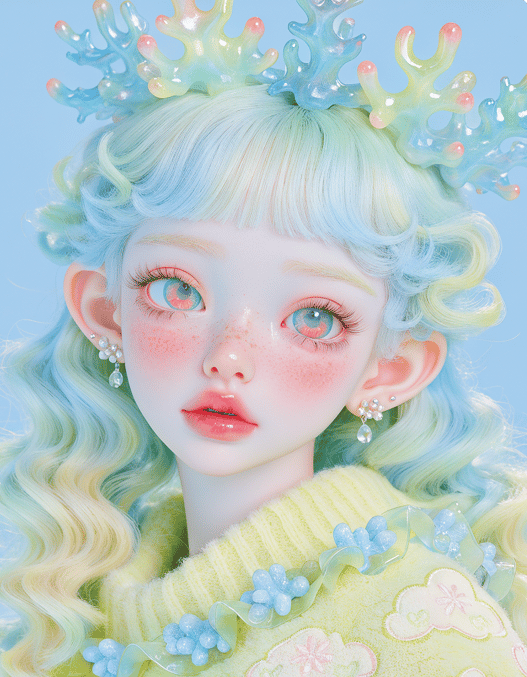
Match the reference to the job
Icon style → icon set
Save a style from a single, clear icon reference, or from a small set of icons pulled from the same brand book, if you have one. Then generate each icon with its own prompt: “house,” “car,” “bicycle,” or “coffee cup.” The style handles line weight, corner radius, and fill logic; the prompt names the object and drives the variety across the set.Illustrative style → banner set
Save a style from a single illustrated scene reference. Then write one prompt per banner: “a person working at a desk with a laptop,” “two people shaking hands in an office,” or “a delivery courier handing off a package.” The same illustration style will repeat across all three. The prompt alone changes the subject and composition from banner to banner.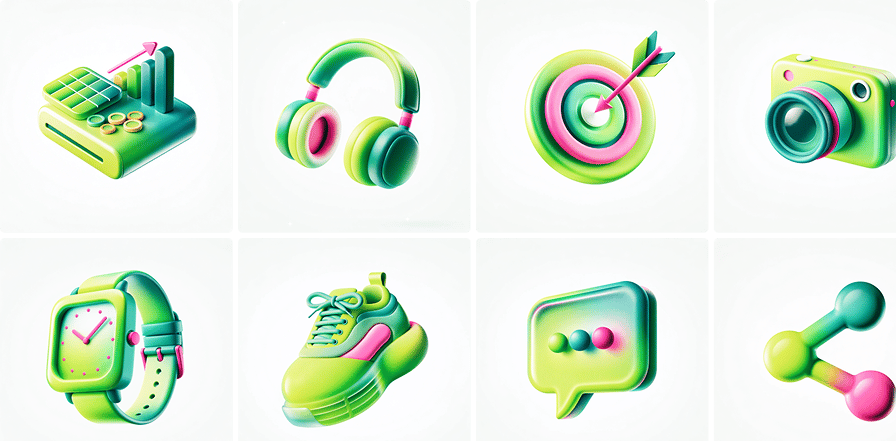
Match the reference to the job
Character style → multi-scene content
If you have several consistent references of the same character (say, a portrait, a full-body shot, or the character in a scene), then use them together to help the style generalize to the character rather than fixating on one pose. Then place the character in new situations purely through the prompt: “the character reading a book on a park bench,” “the character at a market stall,” or “the character riding a train.”Product style → mockup set
Save a style from a single product photography reference (lighting, background, angle), or from several product shots from the same shoot. Then prompt for different products, like, “a ceramic mug on the same background,” “a leather wallet,” or “a pair of sunglasses,” to produce a catalog-consistent set. The prompt introduces each new product, and the reference(s) supply the constant look.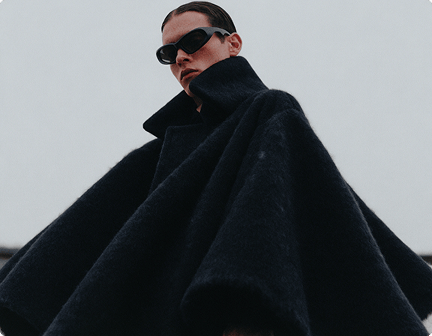
Troubleshooting if your results look repetitive
Getting the same output across different requests almost always points to an underwritten prompt.”A car” gets you the same angle every time. “A car viewed from a three-quarter angle, headlights on” doesn’t.
Add more detail: pose, angle, composition, action. And resist the urge to fix a repetitive result by throwing in another reference. That’s not a fix. That’s a blend waiting to happen.