

- V4 Styles — custom styles built from your own reference images — one is enough, no training required — and applied via
style_idor style references. This is the state-of-the-art style system, used by the V4 / V4.1 models and the dedicated V4 Styles model line. - V2 / V3 Styles — a library of predefined curated styles selected by name via the
styleparameter, and custom styles built from reference images or existing styles and applied viastyle_idor style references, used by the Recraft V2 / V3 models. This is the previous generation of the style system.
Custom styles
Custom styles are created with the Create style endpoint or on the Recraft web platform, and are applied the same way across model generations. List, inspect, or delete them with the style management endpoints. There are two ways to apply a custom style to a generation:style_id— create a style once with Create style, and pass the returnedstyle_idin generation requests.- Style references — attach the reference images directly to the generation request. The server creates a private style from them, applies it, and returns the resolved
style_idin the response so later requests can reuse it.
style_id and style references is rejected.
The style_id parameter accepts:
- style IDs created via the API;
- style IDs from the Recraft web platform, accessible if:
- you own the style;
- the style is publicly available;
- the style was explicitly shared to your account.
- custom styles created on the web platform are compatible with the model specified during creation;
- custom styles created via the API are compatible with Recraft V2, V3, V4 and V4.1 models (including the dedicated V4 Styles model, but not V4.1 Flash). The style records the model passed to Create style (defaulting to Recraft V4 Styles when omitted), and must be used with a matching model at generation time.
V4 Styles
A V4 style is a custom style built from reference images: you provide from one to ten images, and the model captures their look — rendering technique, color, texture, composition — and holds to it across every generation, not just the overall vibe. A style is a reusable blueprint for many images, not a one-off you rebuild from scratch each time. References can come from anywhere — other generators, branding materials, or existing assets — and no training or fine-tuning is required: attach the images and generate immediately. A single reference is enough to start; add more to tune the style — similar images sharpen the match, diverse ones widen the range. The dedicated V4 Styles model line (recraftv4_styles, recraftv4_styles_vector, recraftv4_styles_pro, recraftv4_styles_pro_vector) is purpose-built for style-driven generation and always requires a style: every request must supply either a style_id or style references — a request without one is rejected. For the other V4 / V4.1 models a style is an optional input. See Recraft V4 Styles for details on the model line, including examples and pricing.
Style match
A style also records amatch value set at Create style, which controls how closely generated images match the style. For V4 / V4.1 models there are two modes:
flexible(the default) — matches the general vibe, giving the model slightly more liberty — for when the mood matters more than the exact blueprint. This mode is closer to the styles experience known from V3, refined for V4.precise— follows the style meticulously, holding every detail: rendering technique, color, composition, and lighting.
regular is the only valid value.
Passing style_match in a generation request overrides the style’s stored value for that request; when omitted, the stored value (or the model default) is used. A value not supported by the resolved model is rejected.
V2 / V3 Styles
The Recraft V2 / V3 models come with a library of predefined curated styles, organized into groups: realistic, digital illustrations, vector illustrations, icons, etc. Please refer to the examples below for visual references. To generate an image, provide a specific style name via thestyle parameter, such as Recraft V3 Raw, Photorealism, or Vector art. If a style name is supported by multiple models, the API defaults to Recraft V3 (if supported, to Recraft V2 otherwise). To use a specific version, explicitly pair the style with the model parameter (e.g., Photorealism with recraftv3 or Vector art with recraftv2_vector).
Refer to the List of curated styles below for the complete list of curated styles and their compatibility across V2 / V3 models.
Examples:
Photorealism
Photorealism
Images of style 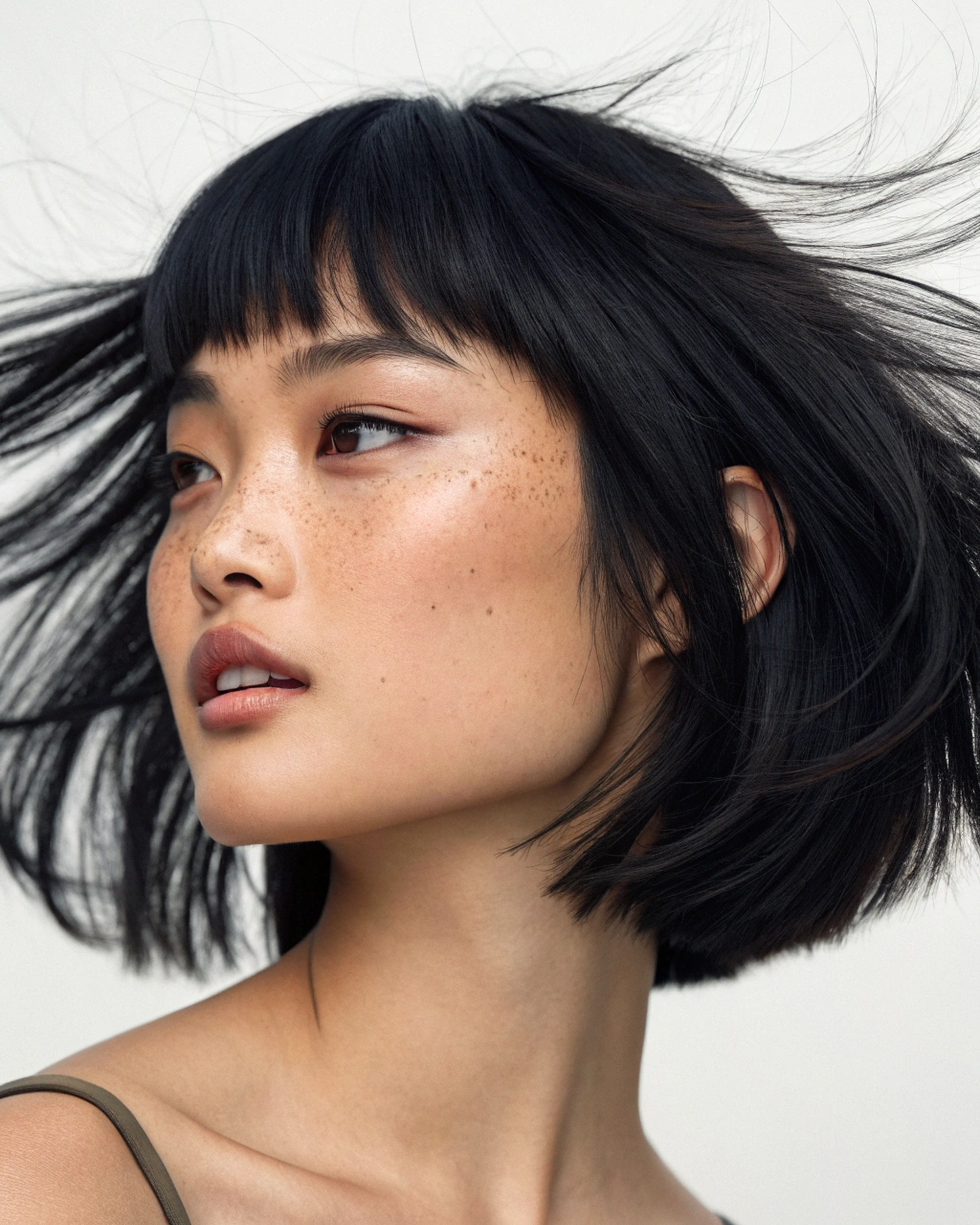
Photorealism are expected to look like just ordinary photographs made with a digital camera or a smartphone or a film camera.Illustration
Illustration
Images of style .png)

Illustration are pictures drawn by hand or using computers - virtually everything except photos and vector illustrations. The most crucial difference from Photorealism is that illustrations possess simplified textures (like in 3D-rendered or manually drawn images) - or they are stylized in a certain creative way. The difference from Vector art is that Illustration allow for more complex color transitions, shades, fine textures.Vector art
Vector art
Images of style photorealism-exp1-1.png)

Vector art are expected to look like those drawn using vector graphics (see Wikipedia). Usually, they use only a few different colors at once, shapes are filled with flat colors or simple color gradients. Shapes of objects can be arbitrarily complex.Icon
Icon
Images of style 

Icon are small digital images or symbols used in the graphical user interface. They are designed to be simple and recognizable at small sizes, often visually summarizing the action or object they stand for, or they can act as the visual identity for an app or a website and are crucial in branding.Photorealism and Illustration images are generated in raster formats such as PNG, WEBP, or JPG. These formats use pixels to represent details, making them ideal for photos and complex artwork. On the other hand, Vector art and Icon are generated in the SVG format. Unlike raster images, SVGs are made of mathematical paths and shapes, allowing them to scale to any size without losing quality.
If neither style nor style_id is provided, the default style for the selected model will be used:
- Recraft V3:
Recraft V3 Raw; - Recraft V3 Vector:
Vector art; - Recraft V2:
Photorealism; - Recraft V2 Vector:
Vector art.
model) from reference images, from existing styles via source_styles (all source styles must be created with the same model), or from a combination of both. Applying the style works as described in Custom styles.
List of curated styles
Some styles with identical names exist across multiple models (e.g.,Photorealism is available in Recraft V2 and Recraft V3 models). Use the model parameter to explicitly specify which model version to use.
Recraft V3
- Photorealistic styles:
Photorealism,Enterprise,Natural light,Studio photo,HDR,Hard flash,Motion blur,Black & white,Evening light,Faded Nostalgia,Forest life,Mystic Naturalism,Natural Tones,Organic Calm,Real-Life Glow,Retro Realism,Retro Snapshot,Urban Drama,Village Realism,Warm Folk,Product photo; - Illustration styles:
Illustration,Hand-drawn,Grain,Bold Sketch,Pencil sketch,Retro Pop,Clay,Risograph,Color engraving,Pixel art,Antiquarian,Bold fantasy,Child book,Cover,Crosshatch,Digital engraving,Expressionism,Freehand details,Grain 2.0,Graphic intensity,Hard Comics,Long shadow,Modern Folk,Multicolor,Neon Calm,Noir,Nostalgic pastel,Outline details,Pastel gradient,Pastel sketch,Pop art,Pop renaissance,Street art,Tablet sketch,Urban Glow,Urban sketching,Young adult book,Young adult book 2,Seamless Digital; - Emblem styles:
Prestige Emblem,Pop Graphic,Stamp,Punk Graphic,Vintage Emblem;
Recraft V3 Vector
- Vector styles:
Vector art,Line art,Linocut,Color blobs,Engraving,Bold stroke,Chemistry,Colored stencil,Cosmics,Cutout,Depressive,Editorial,Emotional flat,Marker outline,Mosaic,Naivector,Roundish flat,Segmented Colors,Sharp contrast,Thin,Vector Photo,Vivid shapes,Seamless Vector;
Recraft V2
- Photorealistic styles:
Photorealism,Enterprise,Natural light,Studio photo,HDR,Hard flash,Motion blur,Black & white,Product photo; - Illustration styles:
Illustration,3D render,Glow,Watercolor,Hand-drawn,Kawaii,Grain,Bold Sketch,Pencil sketch,Retro Pop,Clay,Risograph,Psychedelic,Seamless Digital,Color engraving,Pixel art,80's,Voxel art;
Recraft V2 Vector
- Vector styles:
Vector art,Line art,Linocut,Cartoon,Flat 2.0,Color blobs,Vector Kawaii,Doodle Line art,Seamless Vector,Engraving; - Icon styles:
Icon,Outline,Pictogram,Colored outline,Doodle,Colored shape,Gradient outline,Offset doodle,Gradient shape,Broken line,Offset fill;