
Free color palette generator from image
Recraft’s free color palette generator extracts three to eight colors from any PNG, JPG, or WebP image and gives you the hex and RGB codes. Pick any single color with the color picker, then generate new images in exactly those colors.
or drop or paste an image. PNG, JPG, or WebP up to 10 MB.
Or try a sample:
The palette is extracted in your browser, so your image is never uploaded.
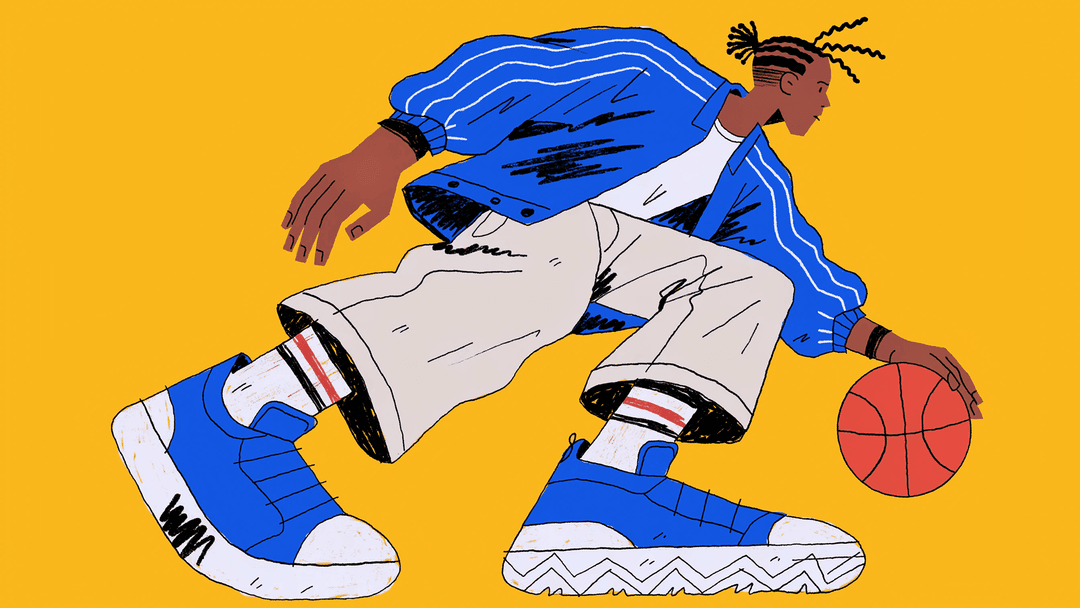
Generate AI images in this color palette
Describe a poster, a pattern, an icon set, or a product scene, and Recraft generates it in exactly these colors.
Free with a Recraft account
Your image in these colors appears here
How to get a color palette from an image
- 1
Upload an image
Drop a photo, an illustration, or a screenshot anywhere on the page, or paste it. The color palette is extracted right in your browser.
- 2
Pick colors from the image
Choose how many colors you need, from three to eight. Drag a dot on the image to pick an exact color. Copy the hex codes, or export RGB values, CSS variables, and a Tailwind config.
- 3
Generate in your palette
Describe a poster, a pattern, or an icon set, and Recraft generates it in exactly the colors of your palette.
Image color picker: get the hex code of any color
Need one color and not the whole palette? Drag a dot to any point on the image, and the color picker shows the hex code of that exact spot. Click the color to copy it.
Build a brand color palette in Recraft Studio
Save your palette in Recraft Studio, and every image you generate follows it: posters, icons, patterns, and mockups.
Try Recraft freePosters and social posts
Generate on-brand visuals with your colors locked in.
Icon sets and illustrations
Keep a whole set consistent, down to the last accent.
Patterns and mockups
Put your palette on packaging, merch, and product shots.
Frequently asked questions
A color palette generator from image reads the colors in a photo, an illustration, or a screenshot and returns the main ones as a palette with hex codes. Recraft’s generator extracts three to eight colors in your browser and can then generate new images in that palette.
Upload the image to Recraft’s color palette generator. The palette appears with a hex code on every color. Click a color to copy its hex code, or use Copy all for the whole palette. To get the hex code of one exact spot, drag a dot to that point on the image.
Yes. The palette also works as an image color picker. Drag any dot to a point on the image to get the hex code of that exact color, then click to copy it.
Most brand and interface palettes work with five or six colors: one or two dominant colors, a neutral, and a couple of accents. Use the plus and minus buttons to extract from 3 to 8 colors.
Recraft groups the pixels of the image into clusters of similar colors and returns one color for each cluster. The palette is ordered by how much of the image each color covers, from most to least.
A color palette is the set of colors you work with. A color scheme is the rule that relates them, such as complementary or analogous colors. A palette taken from an image follows the scheme the photographer or artist already chose.
Yes. Individual colors cannot be copyrighted, so you can use the hex codes anywhere, including your logo, website, and packaging. A small number of colors are protected as trademarks within a specific industry.
Generate in this palette sends your colors to Recraft’s color controls, so the AI generates a new image, such as a poster, a pattern, or an icon set, using exactly those colors. Sign in with a free Recraft account to generate.
Click Copy all to copy every hex code, then paste them into Figma color styles or the Illustrator swatches panel. Export also gives you RGB values, CSS variables, and a Tailwind config.
Yes. Extracting palettes and copying color codes is free and unlimited, with no sign-up. Generating images in your palette needs a free Recraft account.
PNG, JPG, and WebP files up to 10 MB. You can upload an image, drag and drop it, or paste it from the clipboard.
No. Recraft extracts the palette in your browser, and the image is not sent to Recraft servers. Only the colors and your prompt are sent when you generate an image.
More free apps
Free SVG converter
Convert images from PNG, JPG or WebP to SVG in seconds with the Recraft AI vectorizer.
Free background remover
Strip the background from any image in seconds. Get a precise cutout and a clean transparent PNG, ready to use anywhere.
Free AI image upscaler
Increase the resolution of any image, sharpen detail and enhance photo quality in one click.