API
Build automated visual workflows with Recraft API
Integrations
Access Recraft across different platforms
Download app
Download app

Free AI image upscaler

Increase the resolution of any image, sharpen detail, and enhance photo quality in one click. Recraft’s AI upscaler delivers print-ready images on an infinite canvas — ready for export or further editing.

Drag and drop an image
or browse to upload and upscale
Upload your image
File must be JPEG, JPG, PNG
or WebP and up to 5MB
Finish it
in Recraft Studio
We’ve upscaled your image. Open it now to see what came out and download the result.
Continue in Recraft Studio
Trusted by designers at

Increase image resolution and size

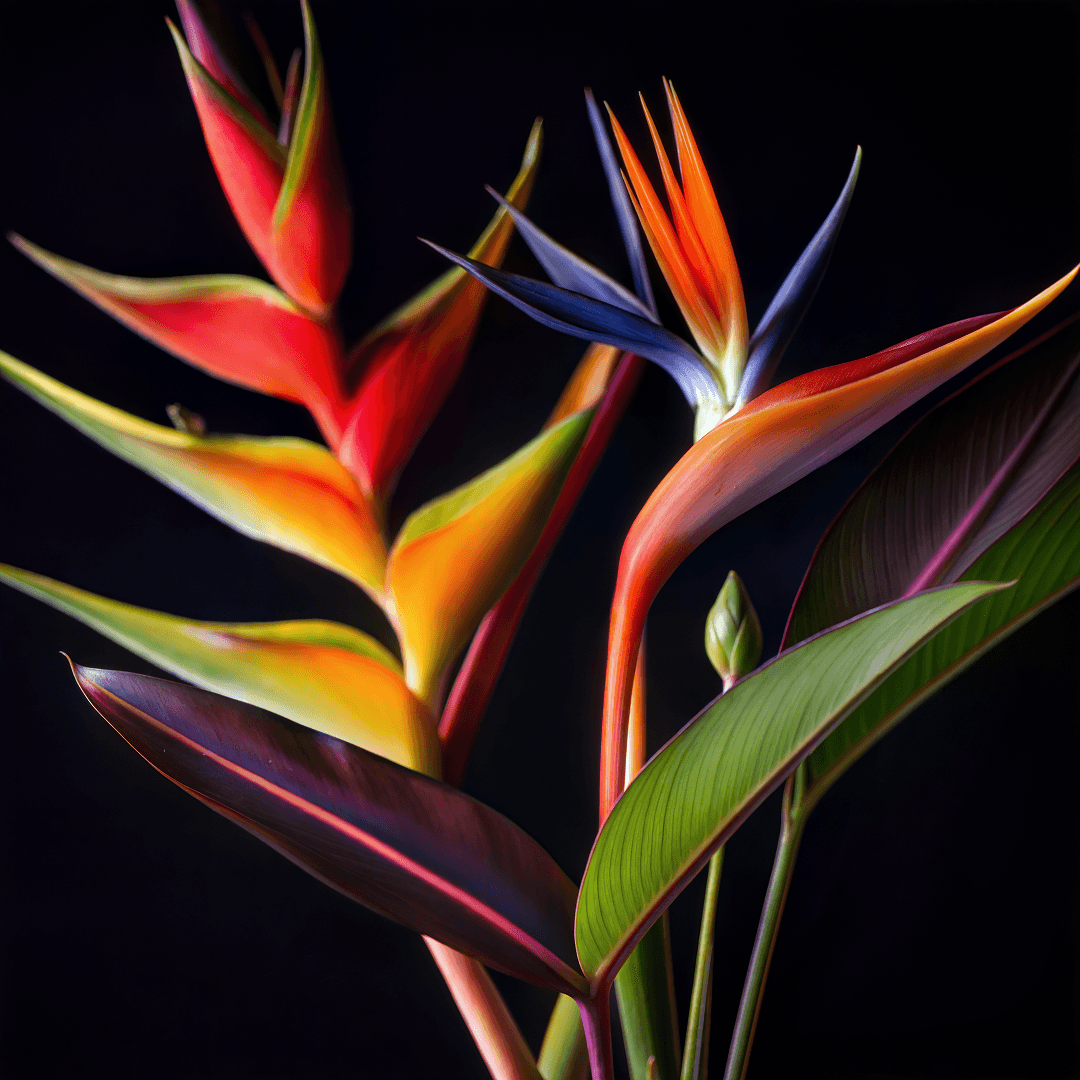
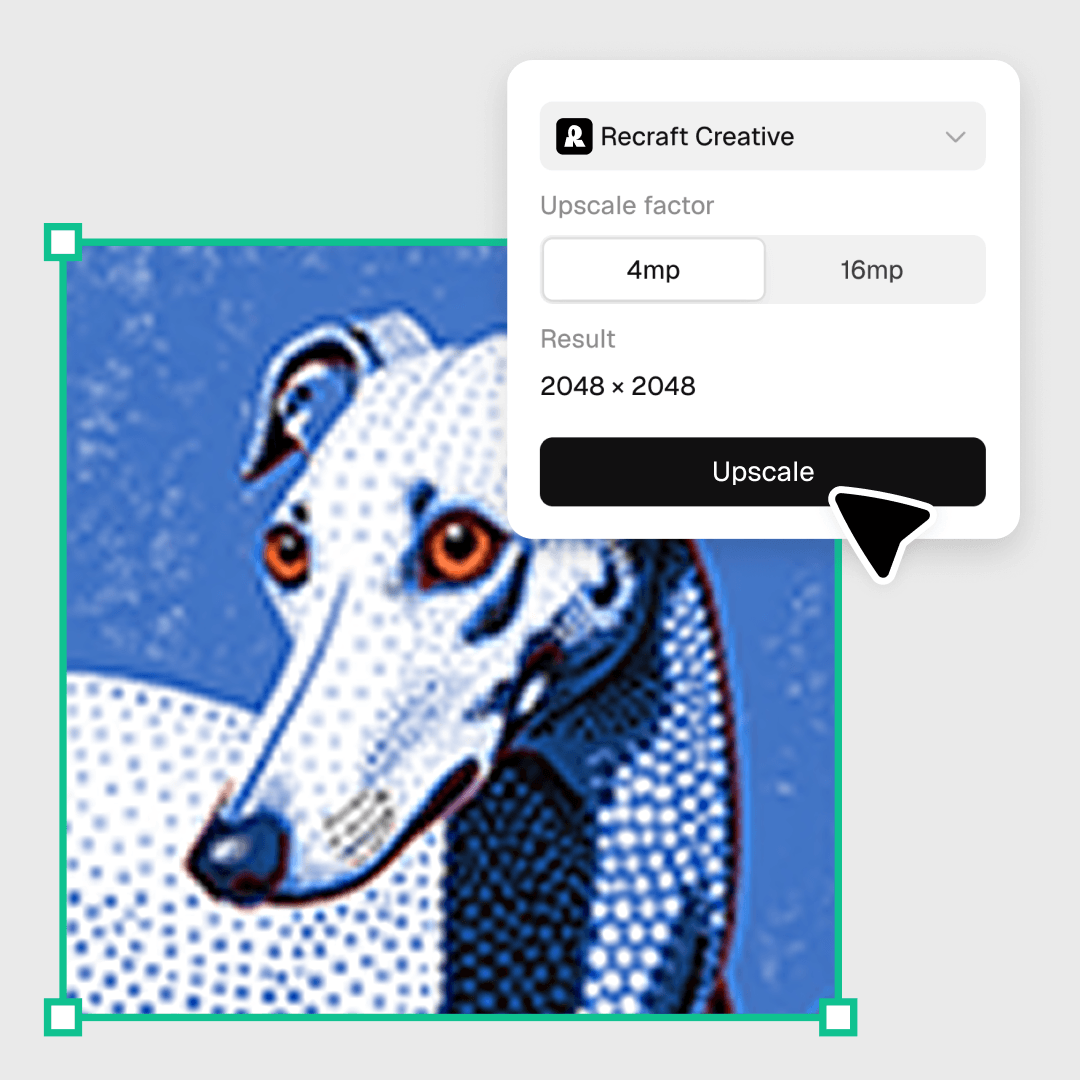
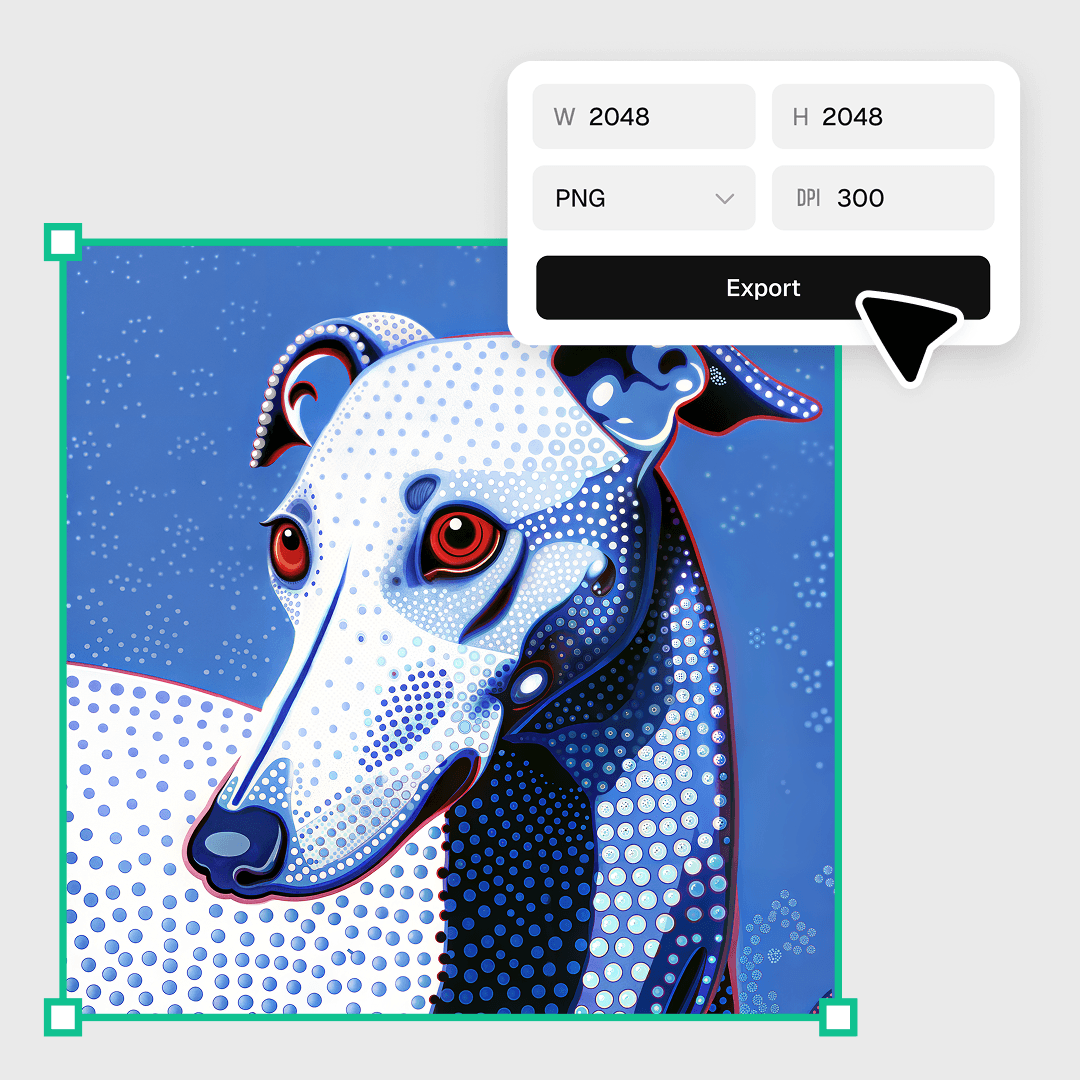
Push images up to 4K resolution without softening detail. Recraft’s AI image upscaler is built for hero banners, product shots, and large-format print — drop in a small photo, get a print-ready file back. Need it press-ready? Export at 300 DPI and CMYK for direct hand-off to print platforms.

Enhance photo quality

The AI image enhancer recovers texture, sharpens edges, and cleans up compression artifacts as it upscales. Old photos, low-res screenshots, scanned artwork, and stock images come out usable for production — not just stretched.

Need more than upscaling?

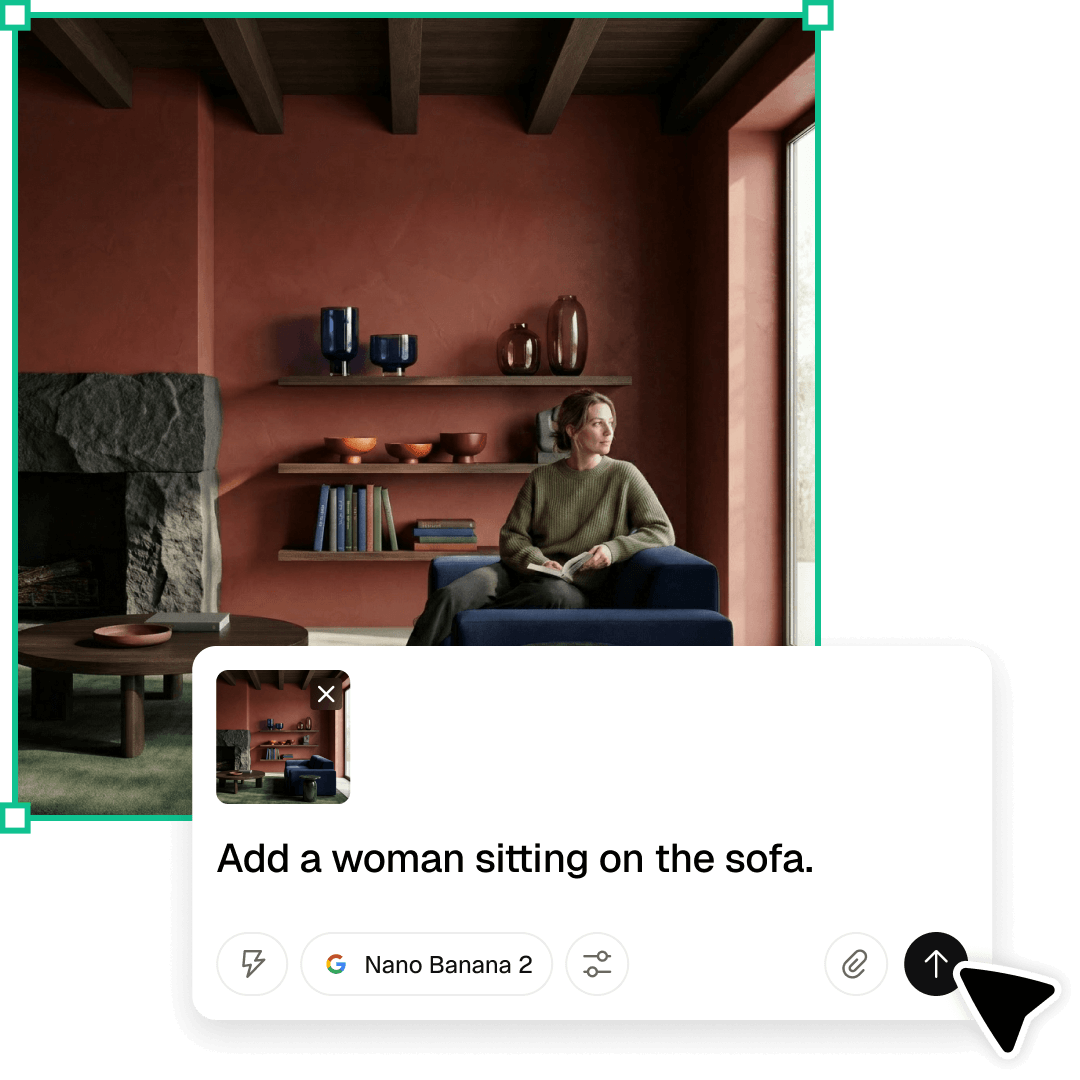
Once the image is at full resolution, finish the rest on the same canvas. The AI photo editor handles backgrounds, object removal, prompt-based edits, vectorization, and format conversion — every editing tool in one place.

Need infinite scale? Use SVG

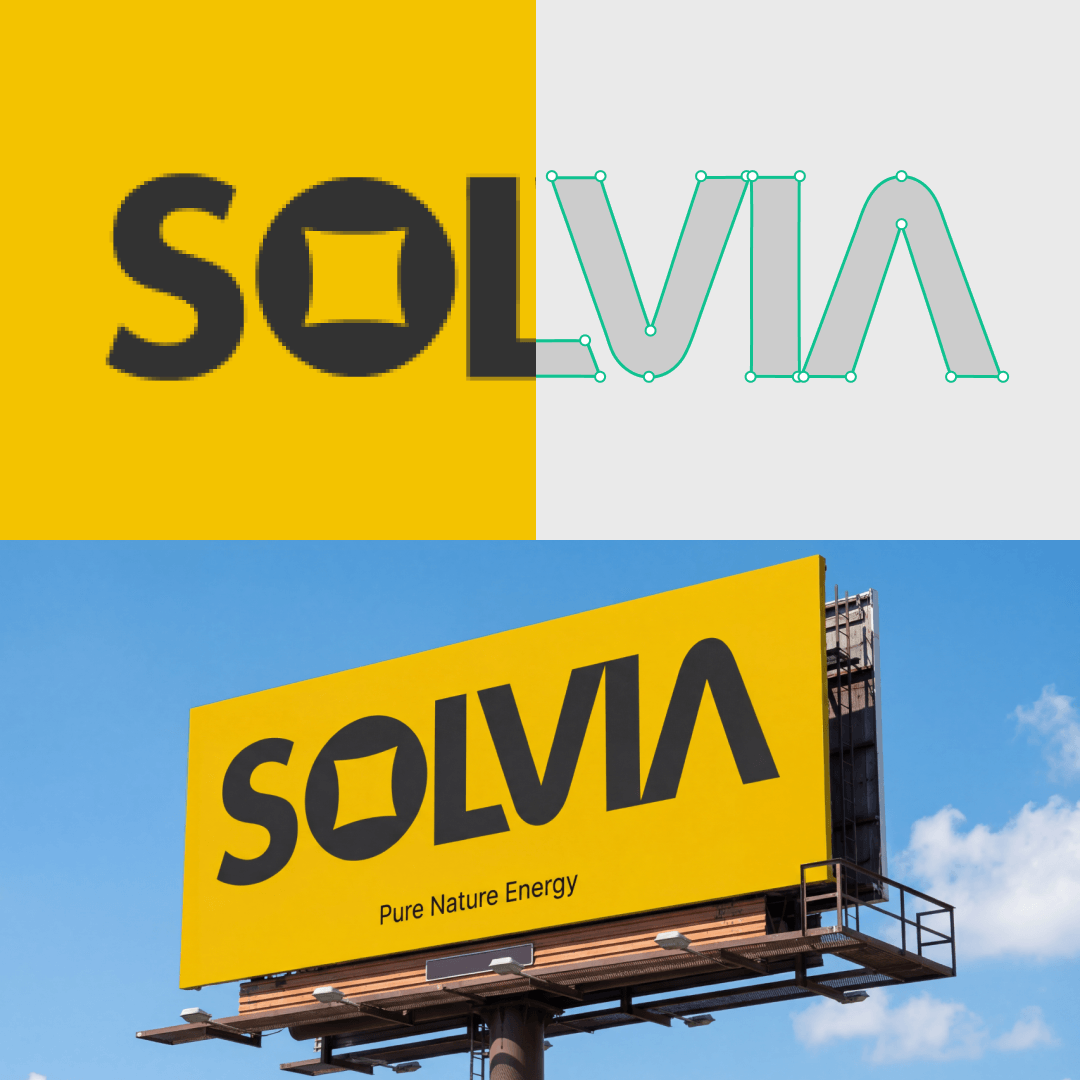
Pixel upscaling has a ceiling. Vector graphics don’t. Convert raster to clean SVG with the AI SVG converter, or create vector artwork from scratch with the AI vector generator — paths stay crisp at any size.

How to upscale an image

Three steps from a small file to a print-ready image.

1

Upload an image

Drag and drop a JPG, PNG, or WebP in Recraft Studio.

2

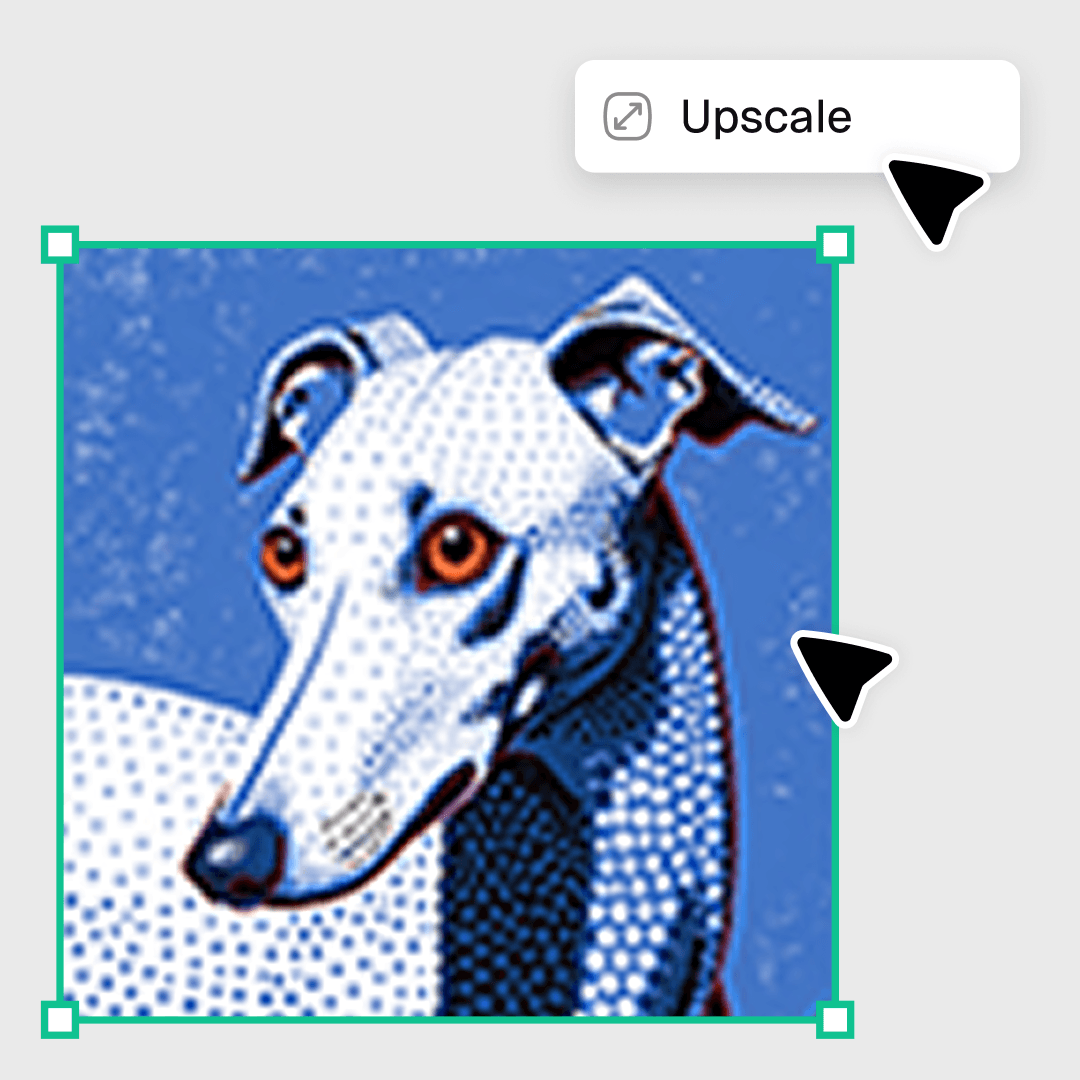
Click Upscale

Recraft’s AI upscaler boosts the resolution while preserving detail. Same image, sharper output.

3

Export and use

Download as PNG, JPG, TIFF, or PDF — or keep editing on the same canvas.

What users say about Recraft

The best AI image generator on the market right now.

Tomas Laurinavicius,

Founder, Marketer, Designer & Writer

Very handy in my work. Enjoy creating illustrations with Recraft. Really love speed and the results. Highly recommend!

Alexander Karavaev,

Designer

Recraft is absolutely amazing when it comes to vector image generation. The UI is really polished and pretty intuitive and tutorials are also provided on the platform.

Daniele Manca,

Front End Engineer

I was impressed by all the styles available in Recraft, especially the creation of seamless patterns feature.

Daniela Muntyan,

Product Designer at Craft

FAQ

What is an AI image upscaler?

An AI image upscaler increases the resolution of a photo or graphic while preserving detail. Instead of stretching pixels, it uses machine learning to reconstruct texture, sharpen edges, and clean up compression artifacts — so the larger version still looks crisp on a hero banner, product shot, or print layout.

Is Recraft's AI image upscaler free?

Yes. A free Recraft account includes up to 30 generations and edits per day, with no watermarks. For higher daily limits and commercial rights, see Recraft pricing.

How much can I upscale an image?

Recraft upscales up to 4K while keeping the image sharp. For a typical web photo, that means going from ~1000px to 4000px on the long edge — enough for a print-ready file or a high-resolution hero.

What file formats does the upscaler support?

Drag and drop a JPG, PNG, or WebP. The upscaled file lands in Recraft Studio, where you can export as PNG, JPG, TIFF, or PDF — or keep editing on the same canvas.

Does upscaling improve photo quality or just enlarge the image?

It improves quality. A simple resize stretches existing pixels and softens detail. Recraft’s AI image enhancer recovers texture, sharpens edges, and cleans up compression artifacts as it scales — so the larger output is usable for production, not just bigger.

Can I use upscaled images for print and commercial work?

Yes, on paid plans. Free accounts include up to 30 generations and edits per day with non-commercial use; paid plans add commercial rights and higher daily limits. Details on Recraft pricing.