Free AI Logo Generator

Create unique, high-quality logos in seconds. Fine-tune with powerful AI design tools.
Up to 30 free image generations per day
Trusted by designers at

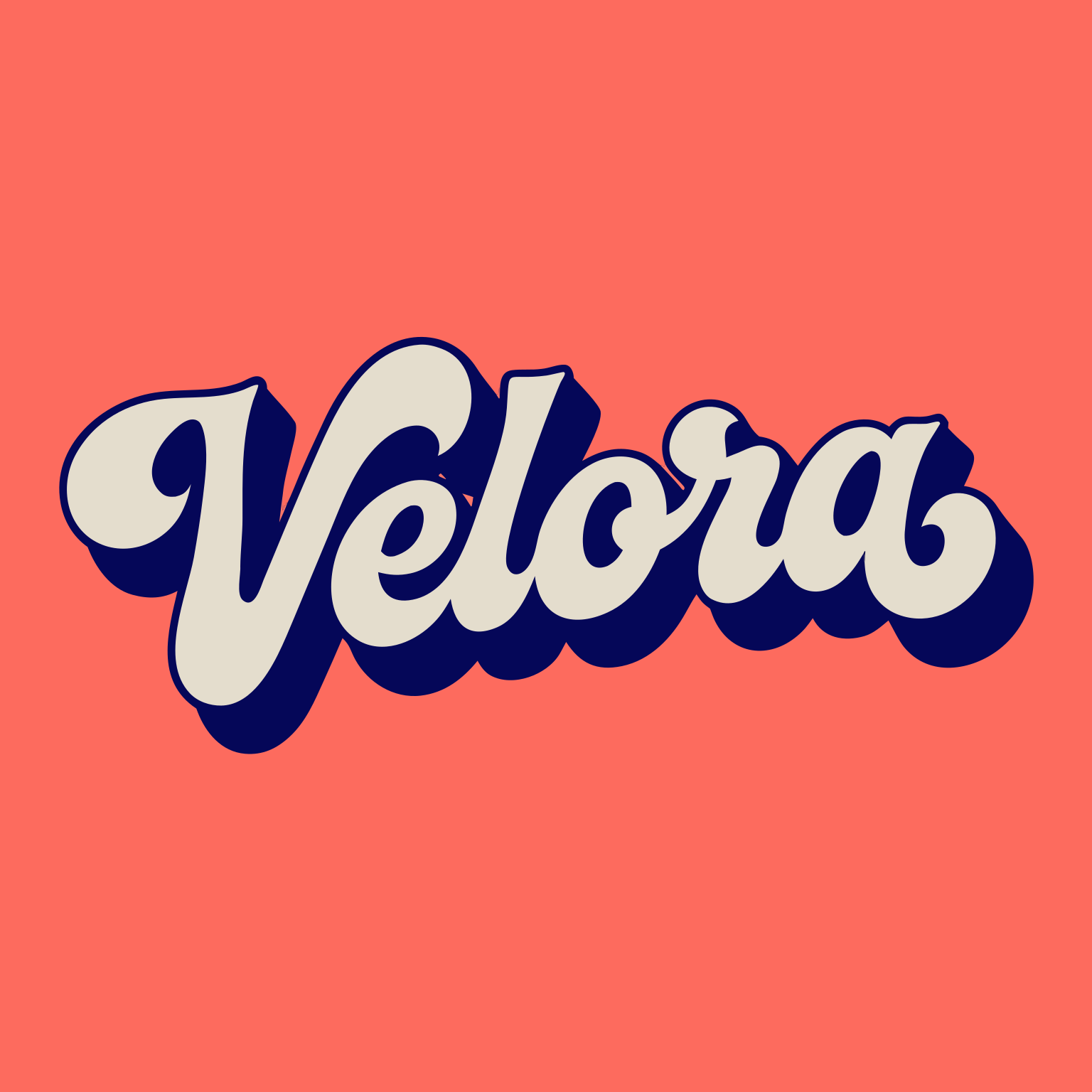
AI logo inspiration

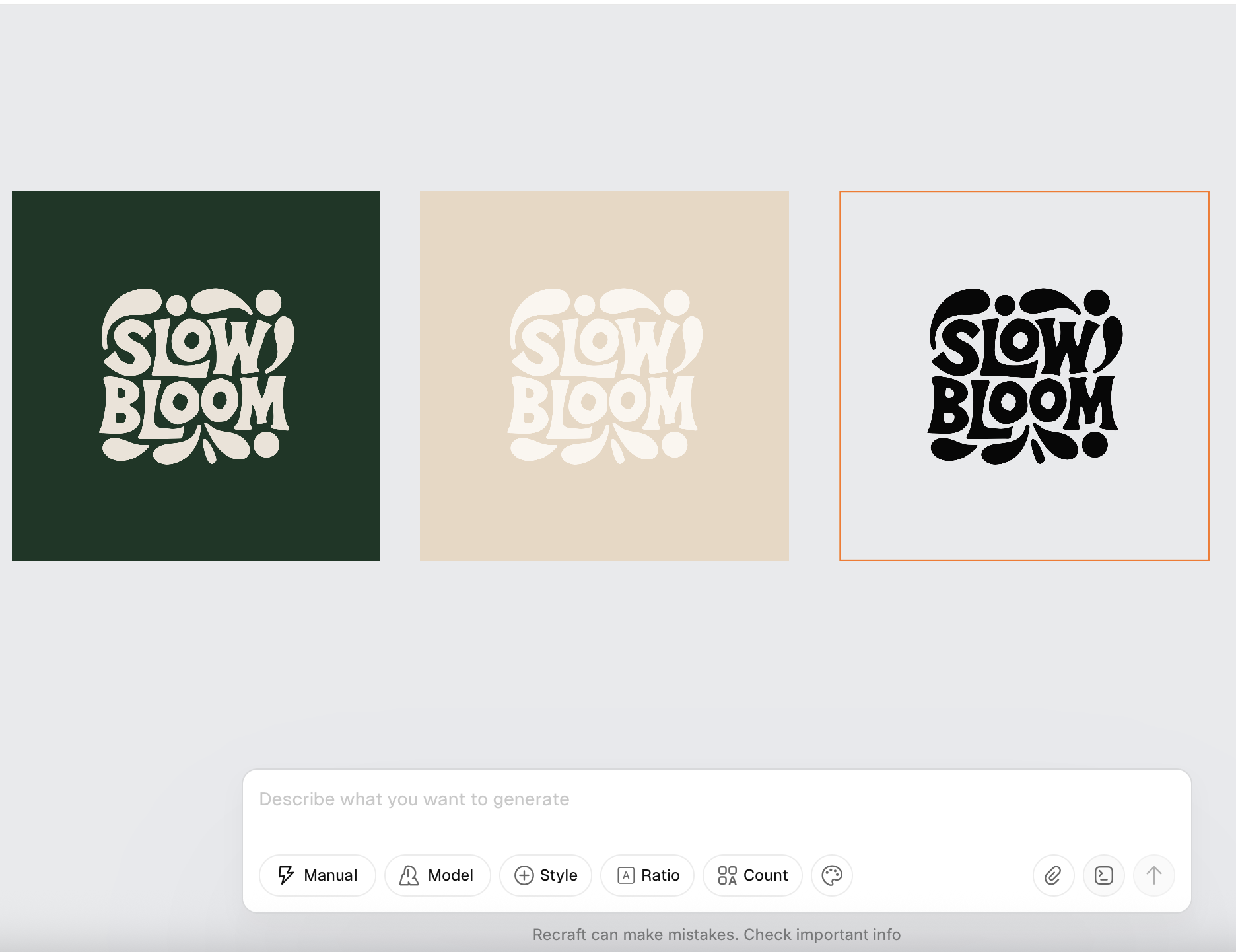
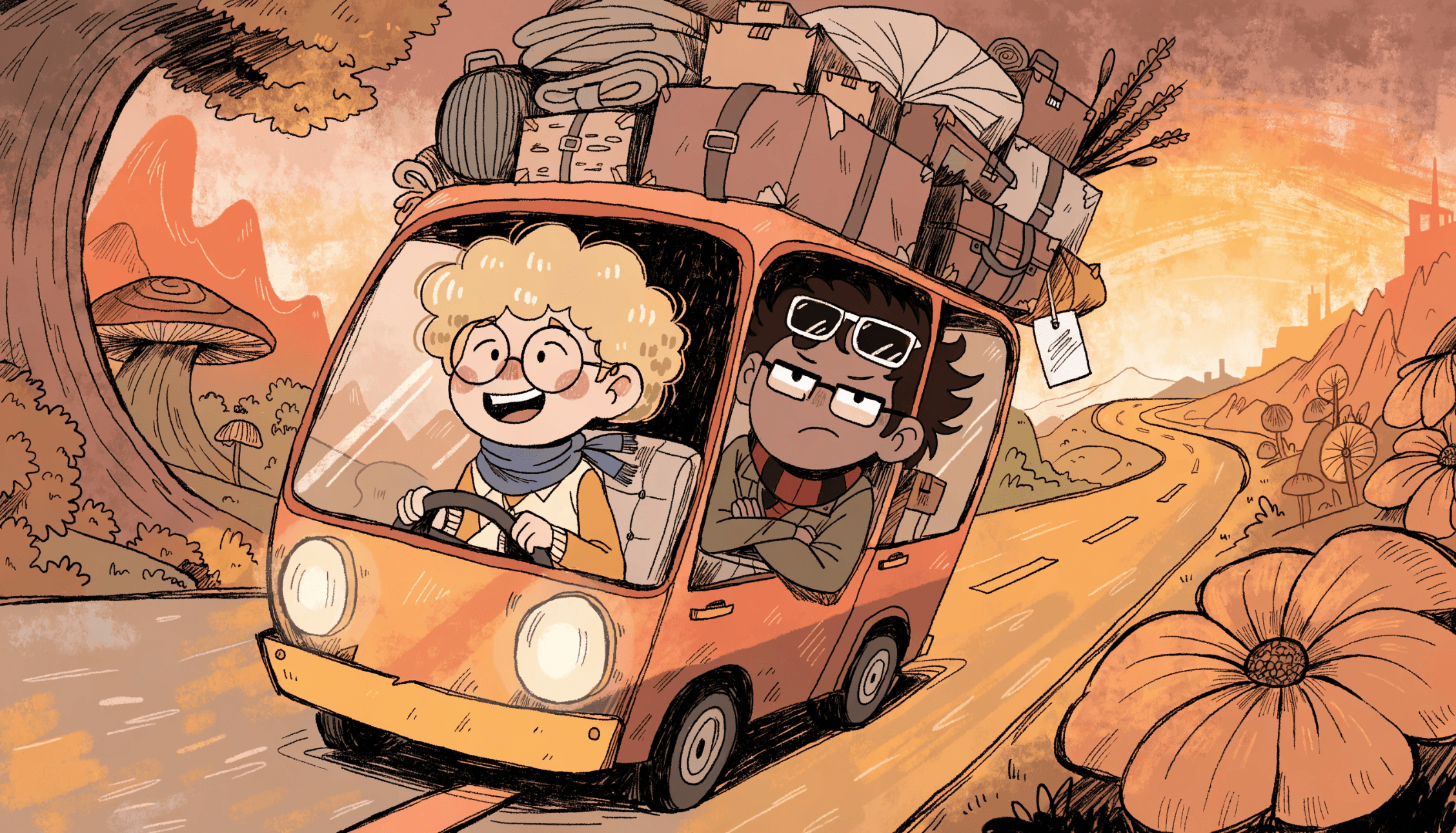
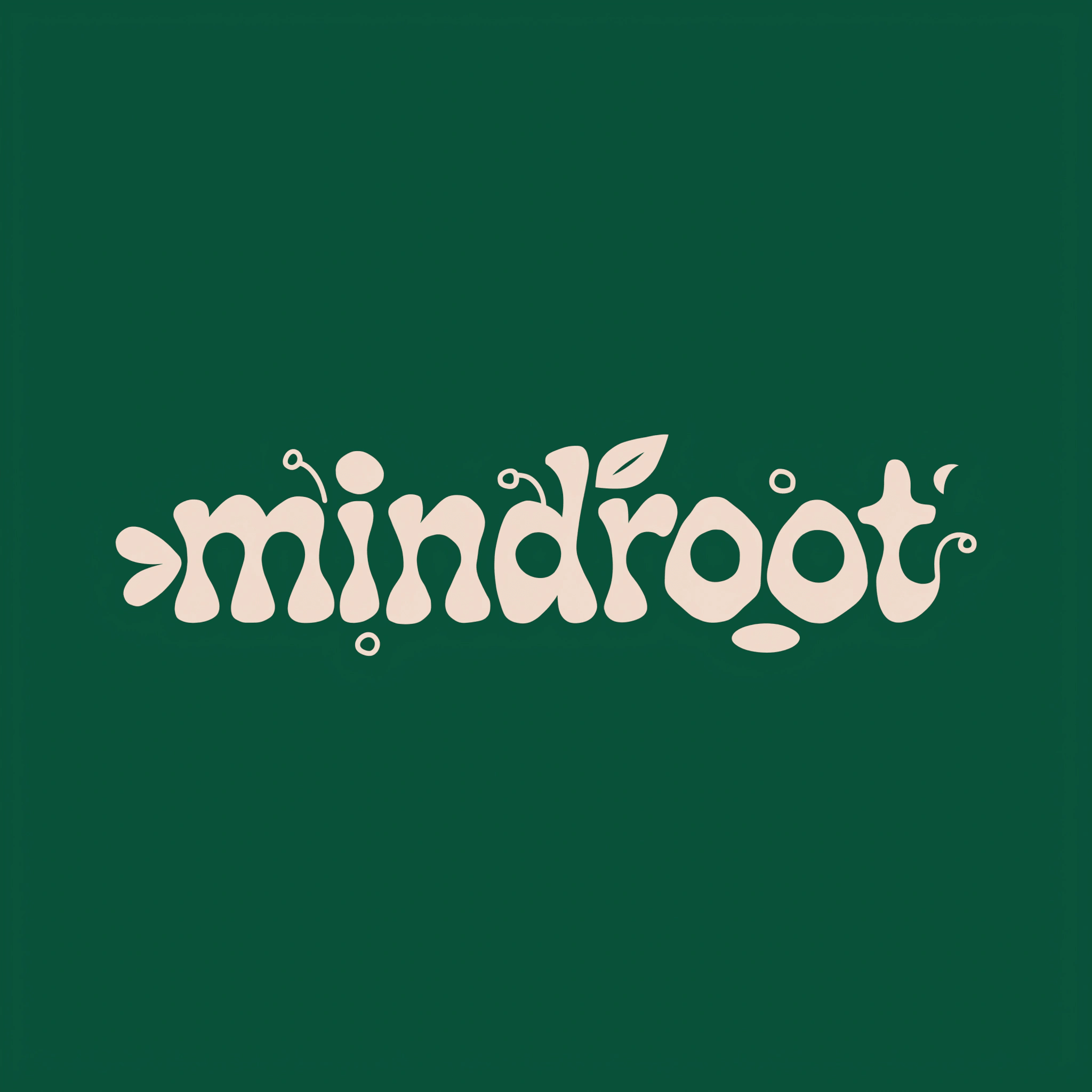
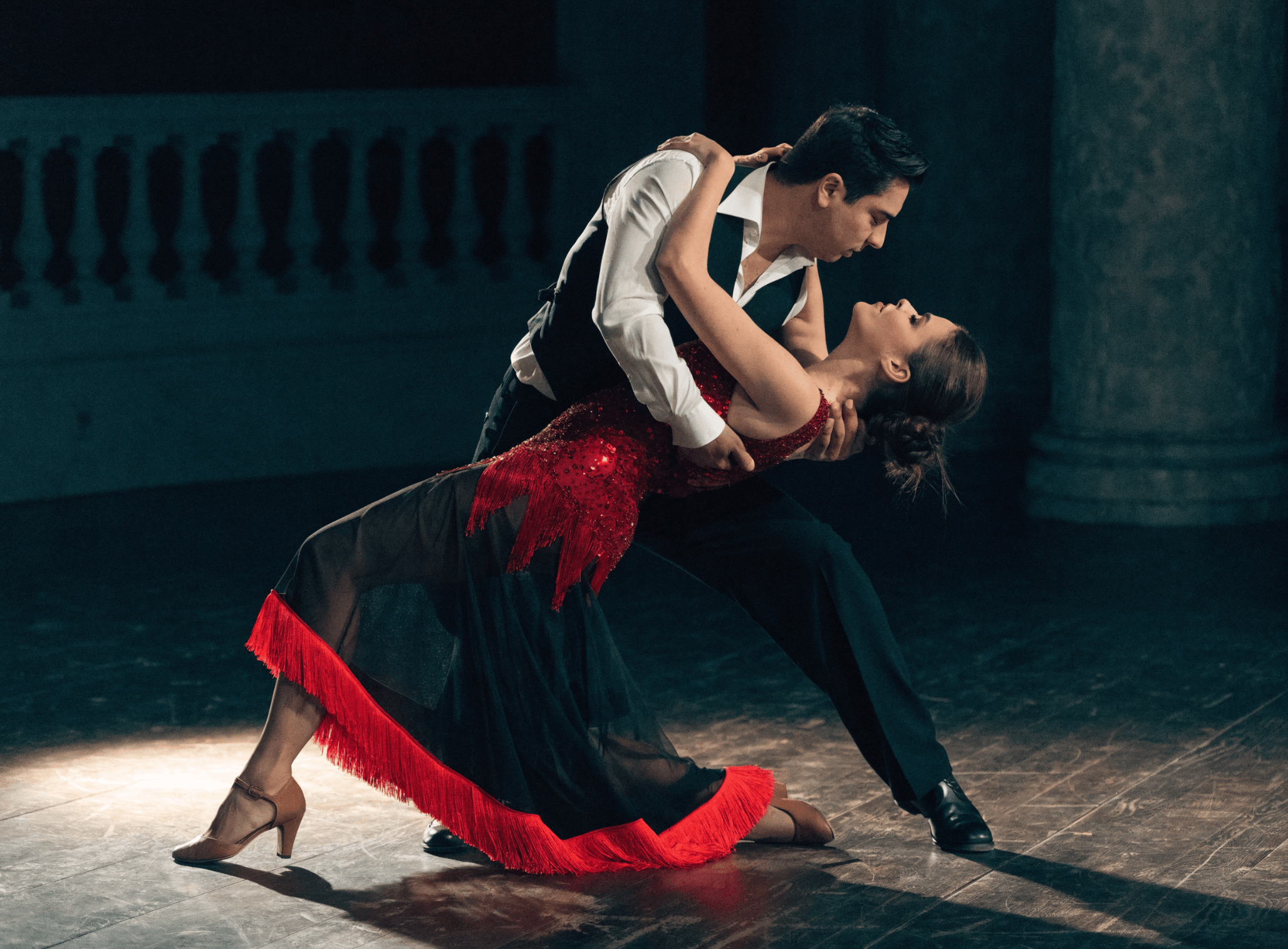
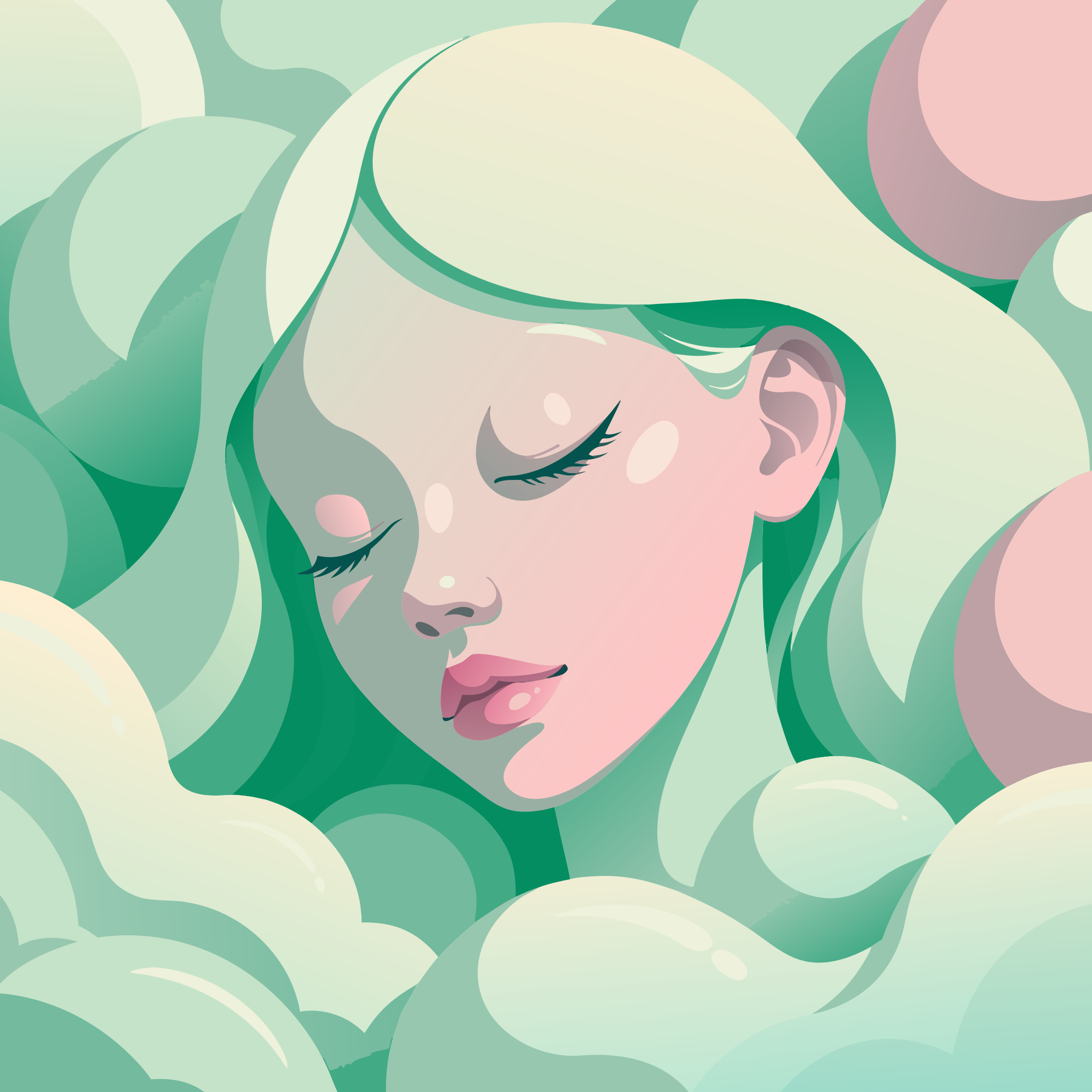
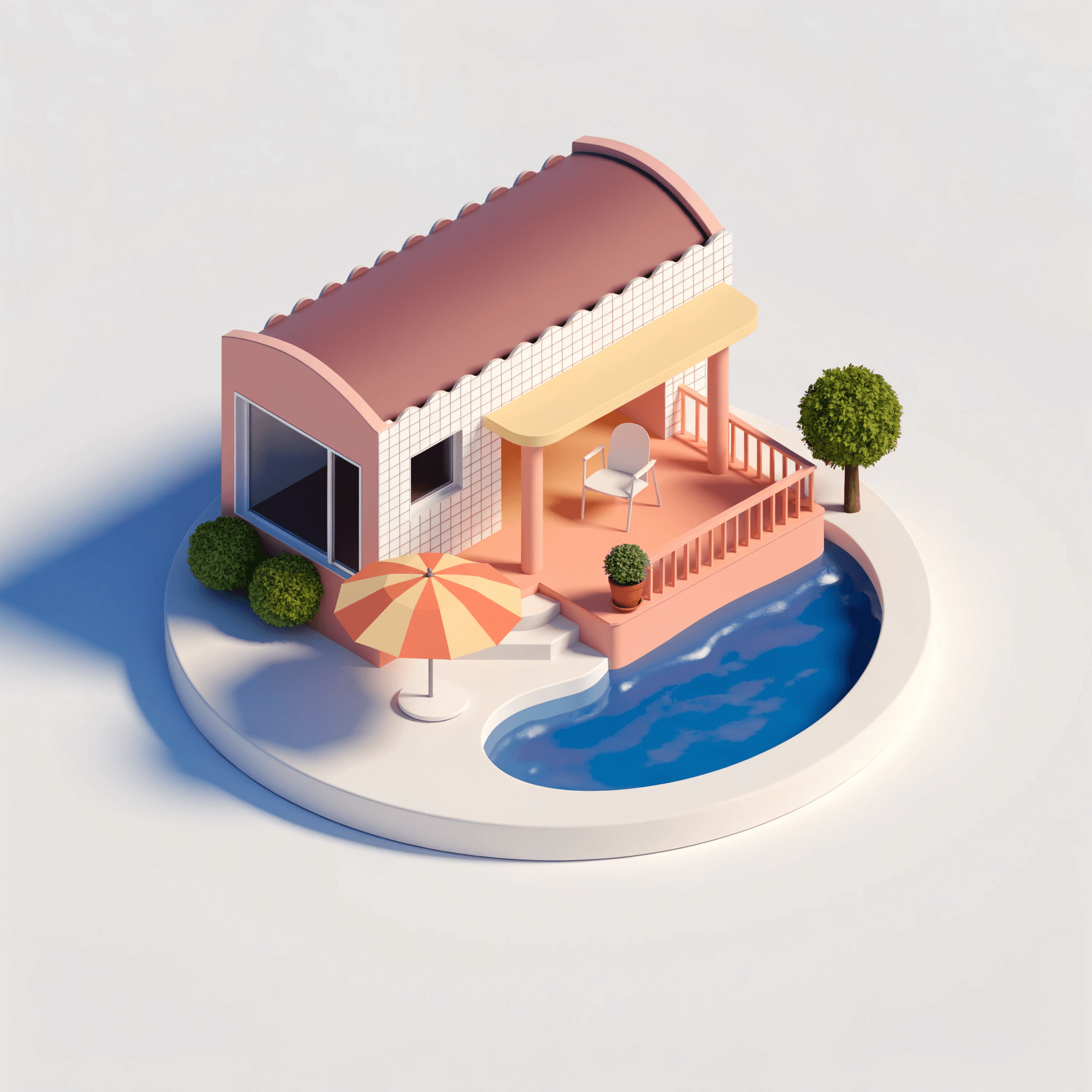
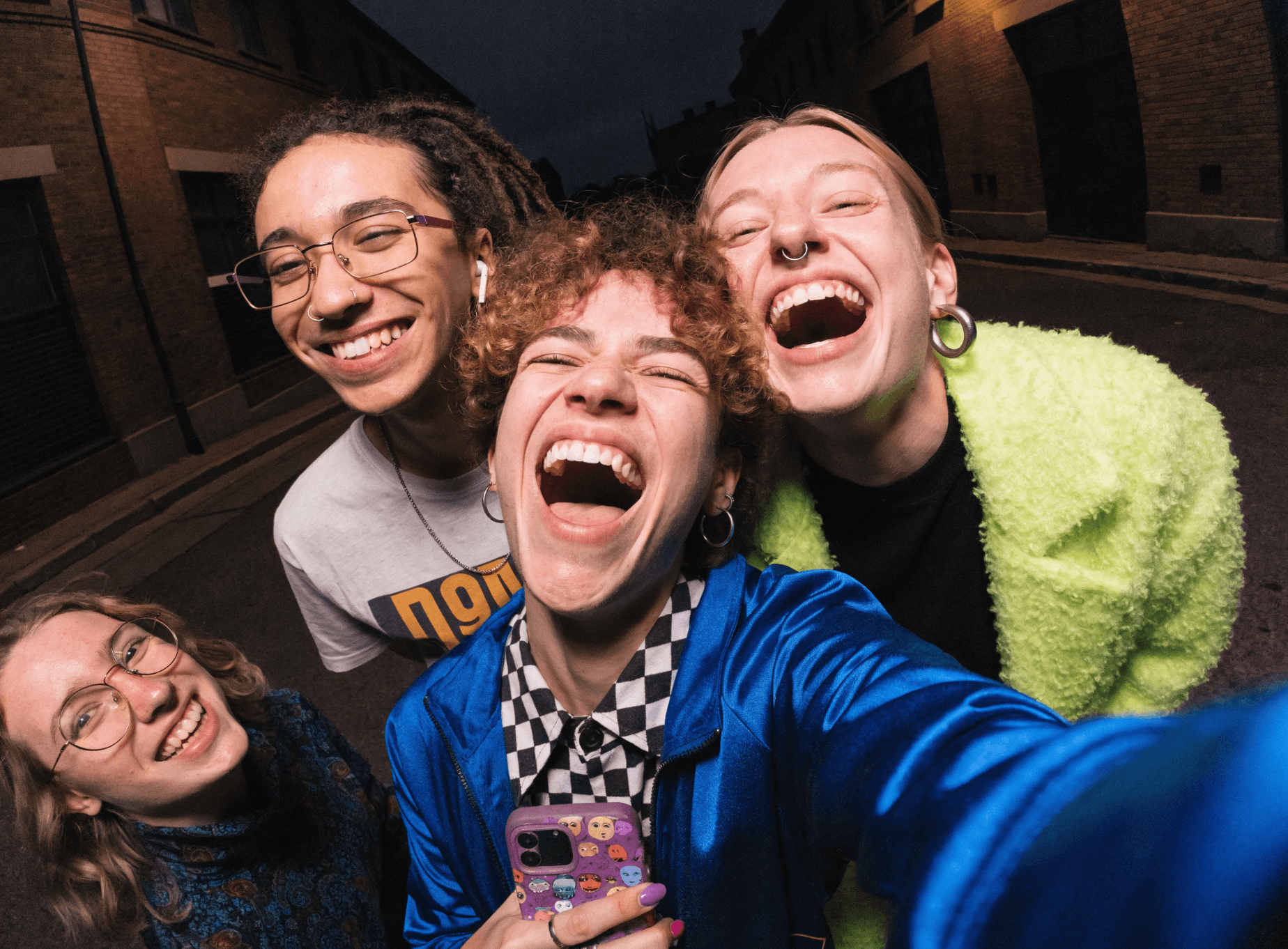
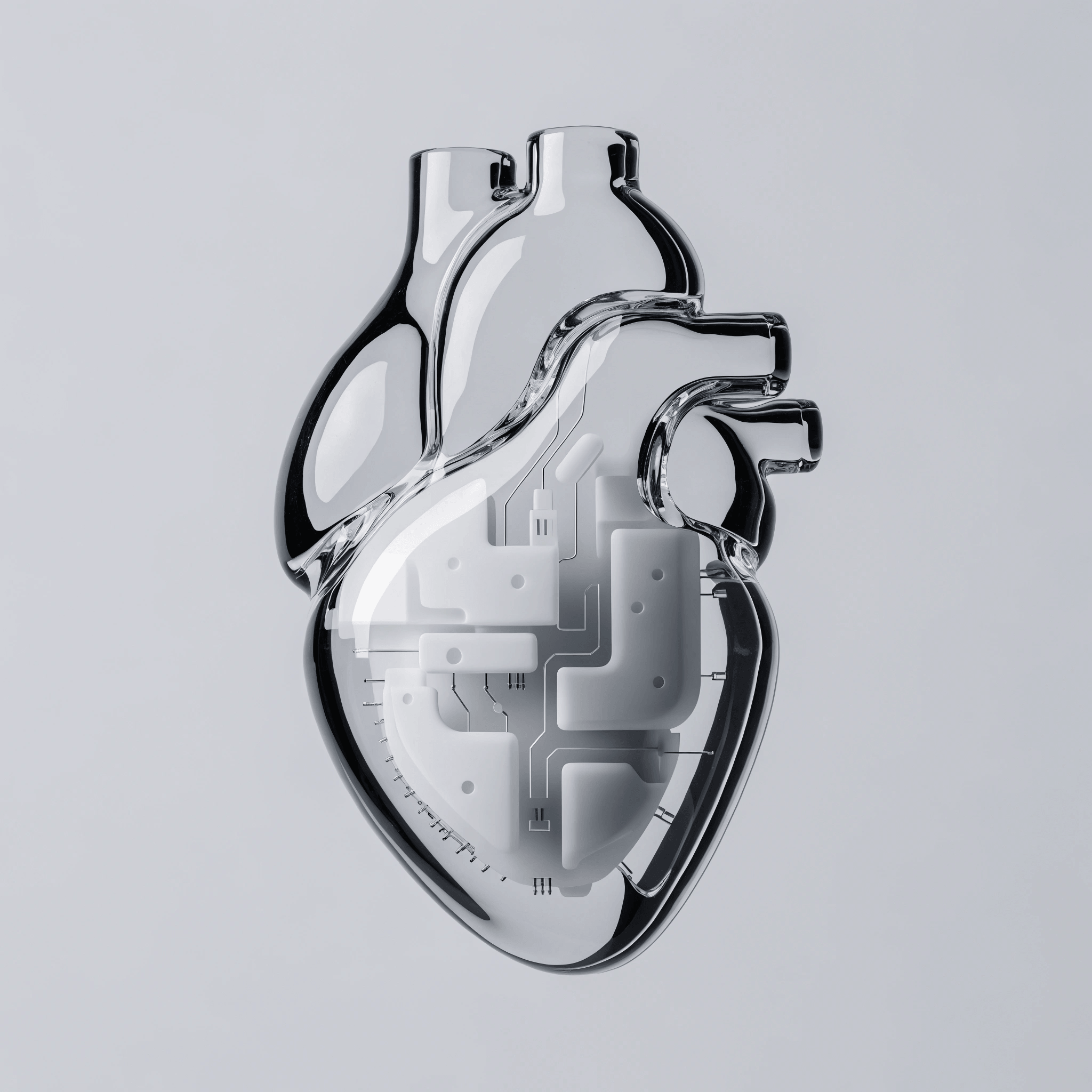
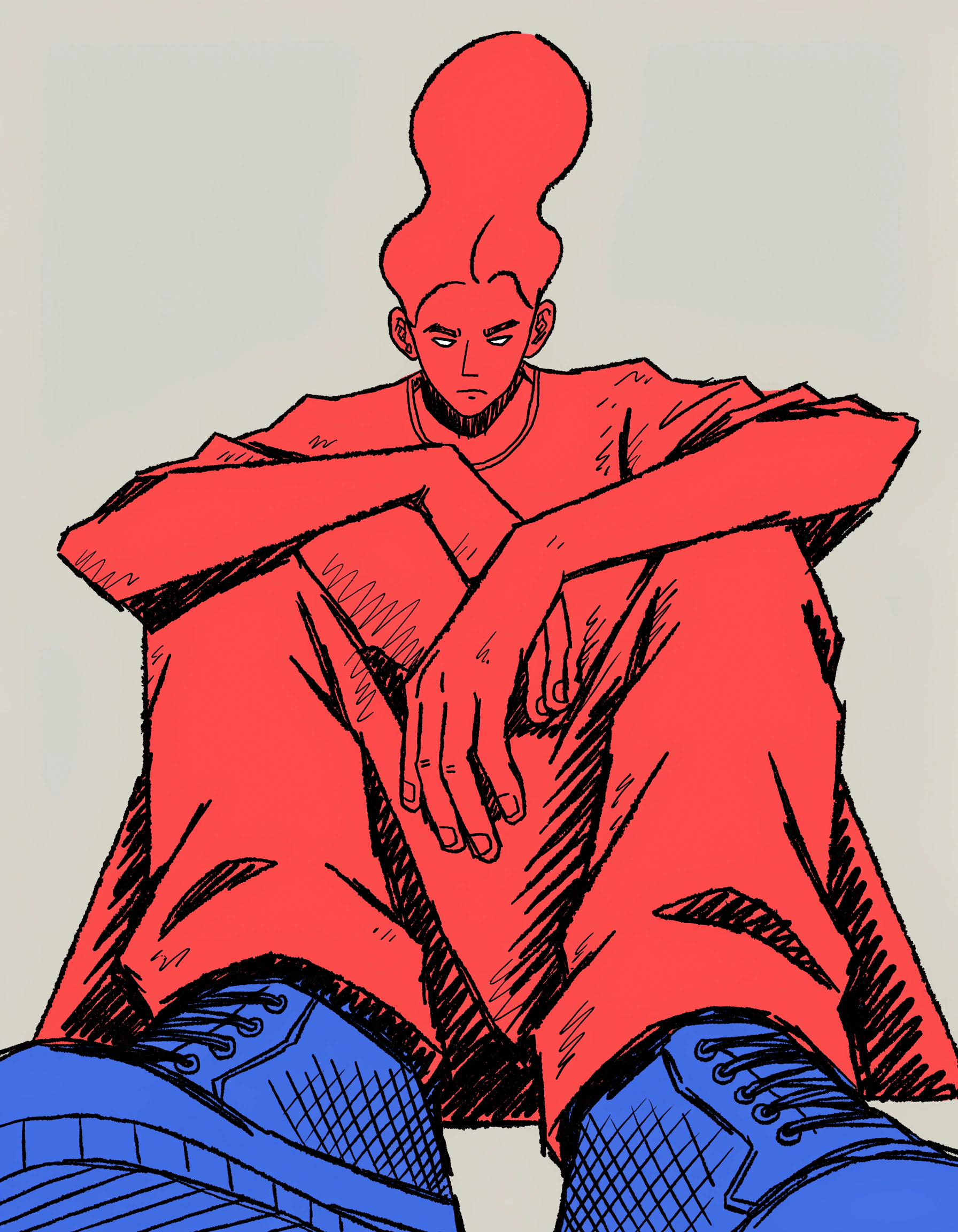
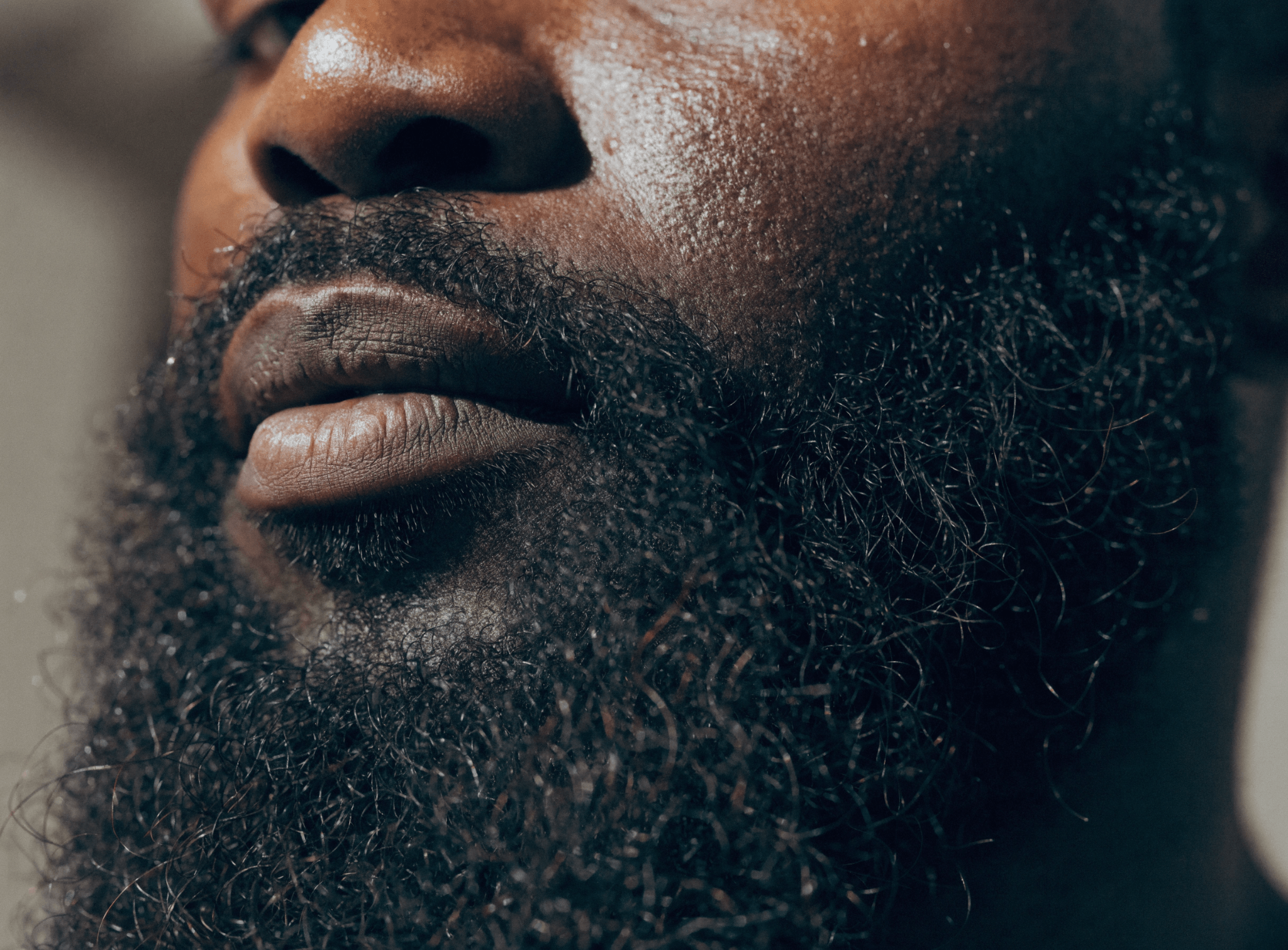
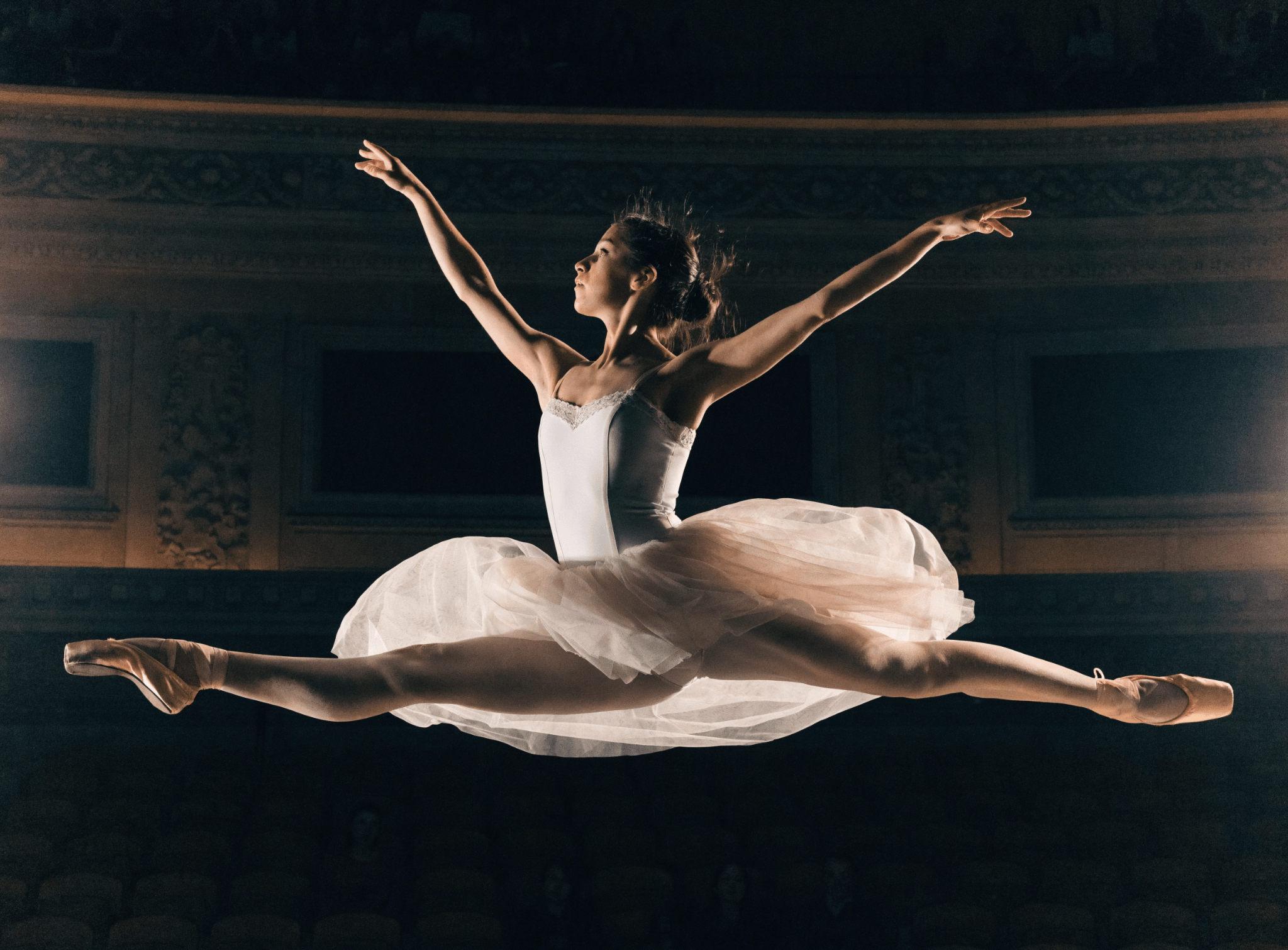
Need ideas? Recraft users are full of them. Jump into the community gallery to see all the logo goodness, AI art, imagery and high-quality graphics created by Recrafters.

How to create a logo with AI in seconds

Go from scratch to polished, professional-looking logos in seconds. Recraft logo maker accelerates your work and enhances your creativity. Super easy (and fun) to use.

1
Log in and open a project
Sign up, open a project, and select ‘Vector image’ to start.
2
Select a style
Select the 'Vector art' style (already selected by default).
3
Type your prompt and adjust the settings
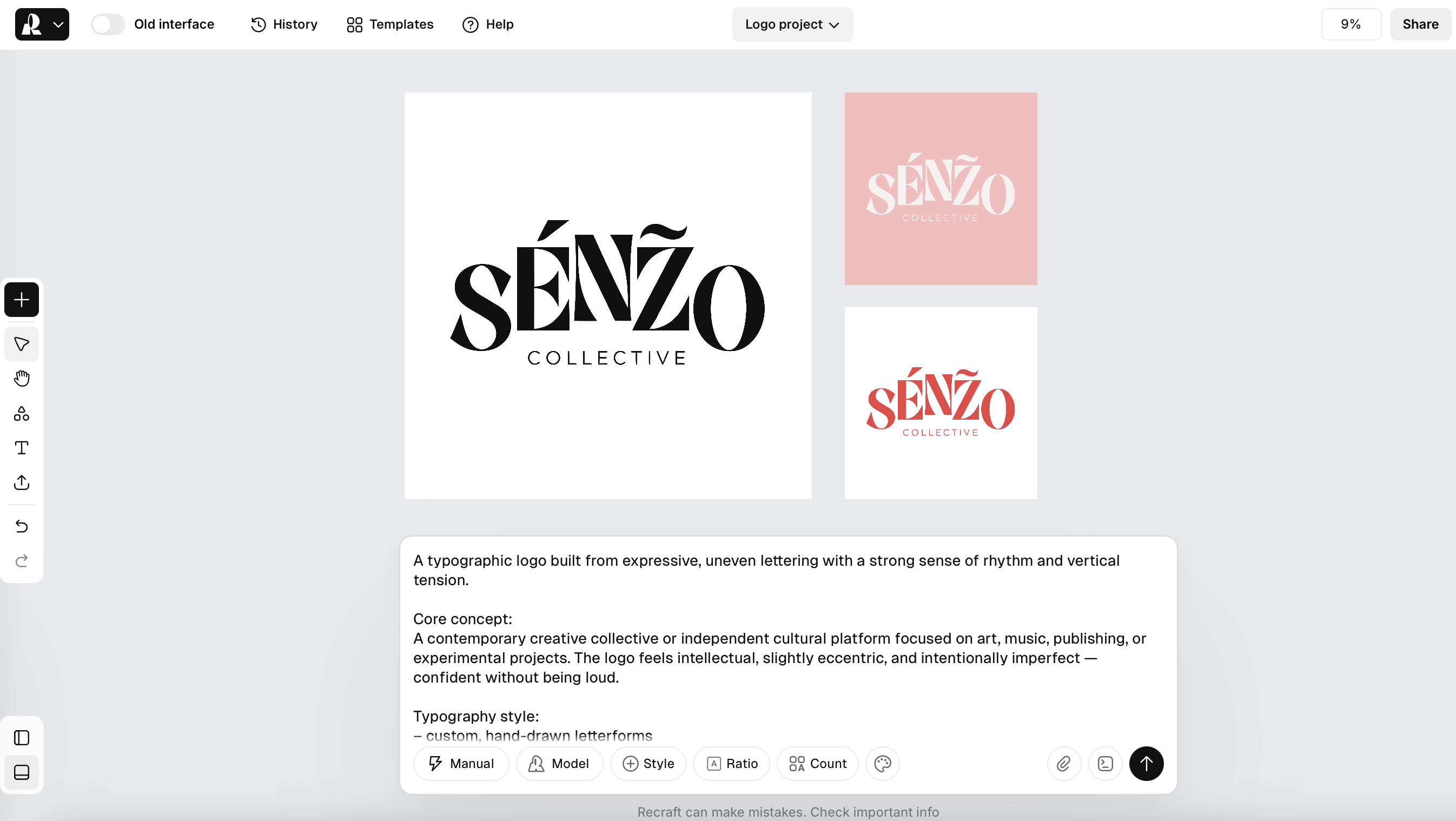
Add intricate details or let AI handle it. You can also adjust the level of detail and even choose a specific color palette.
4
Recraft and export
Click ‘Export’ or explore the infinite canvas with powerful AI tools like background removal and AI modifications.

Edit your logos with powerful AI tools

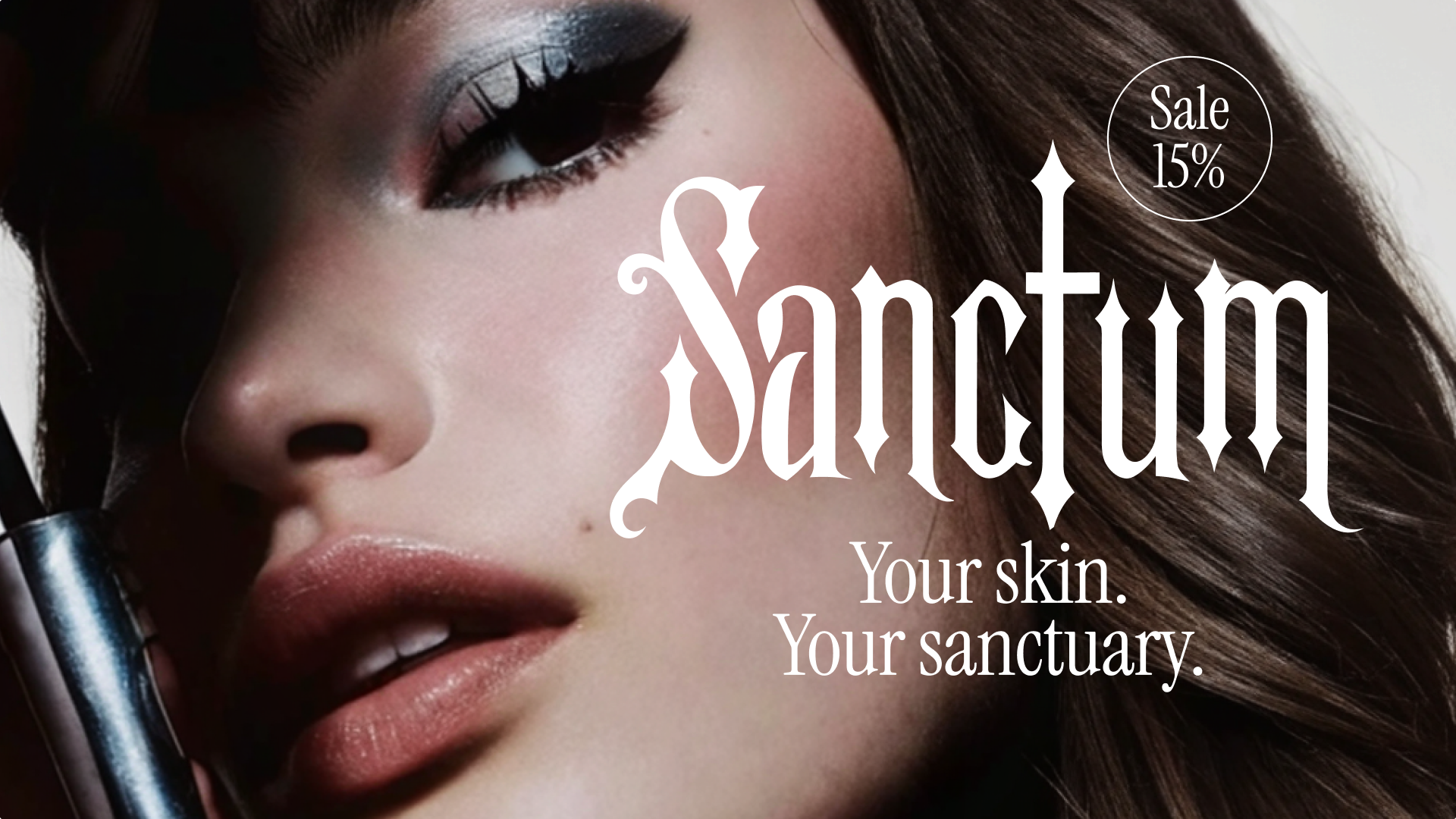
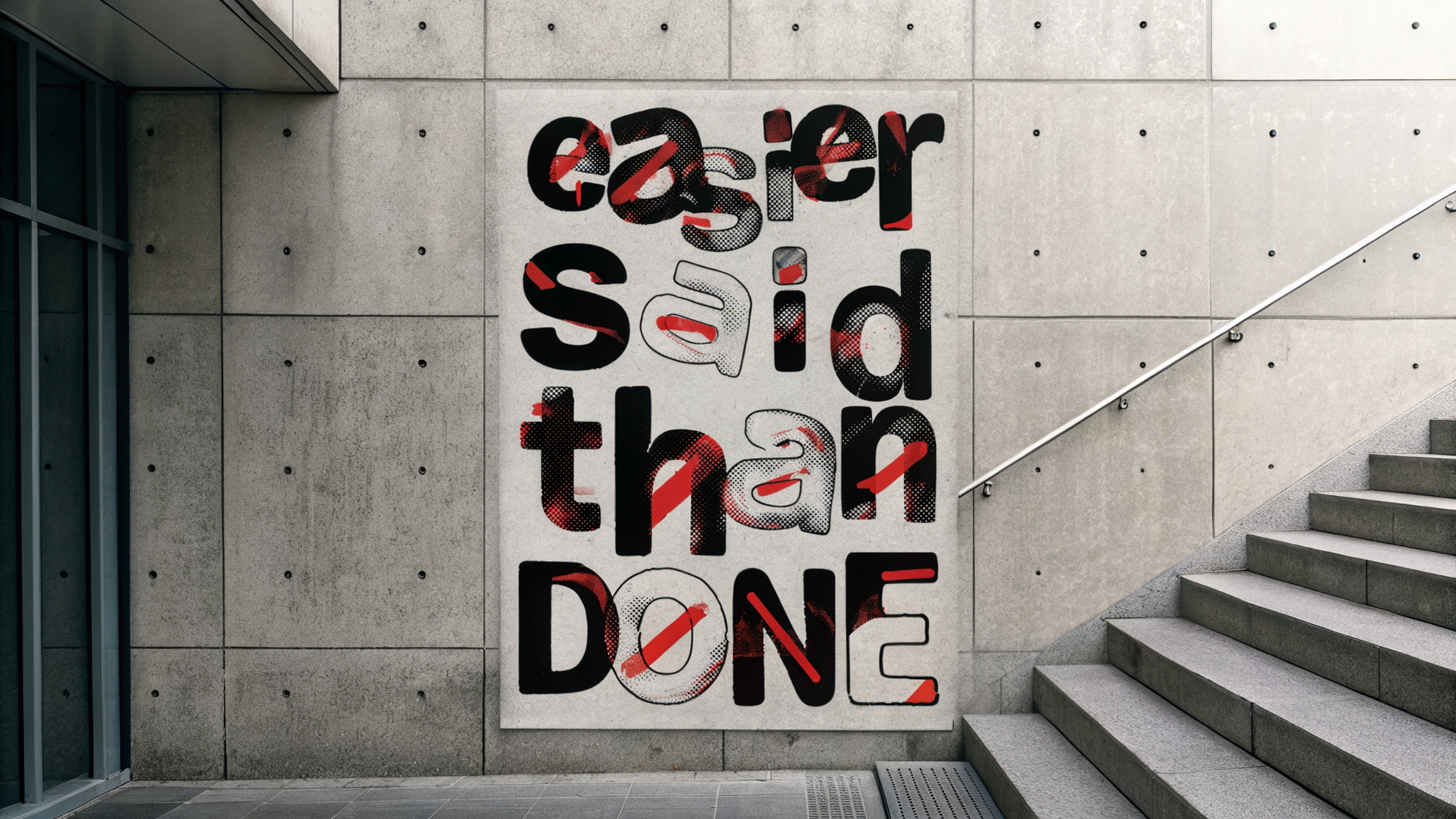
Recraft AI logo generator includes user-friendly design tools to help you easily modify the color palette, rasterize the logo, turn it into a pattern, and adjust the level of detail. Create unique AI logos that will make your brand stand out. Recraft V3 is the only model in the world that can generate images with long texts instead of just one or a couple of words.

See your AI logo in the world – mock it up

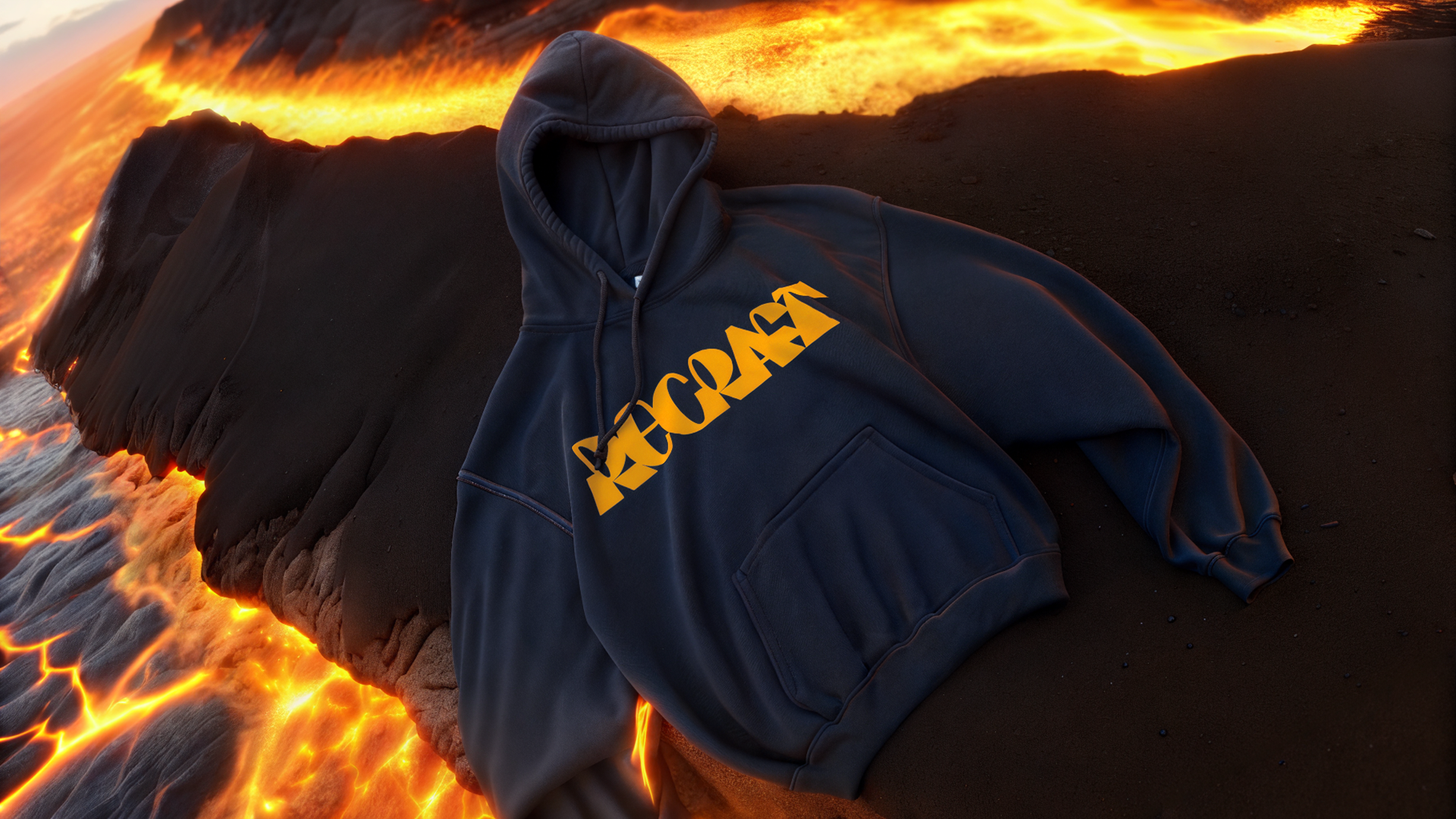
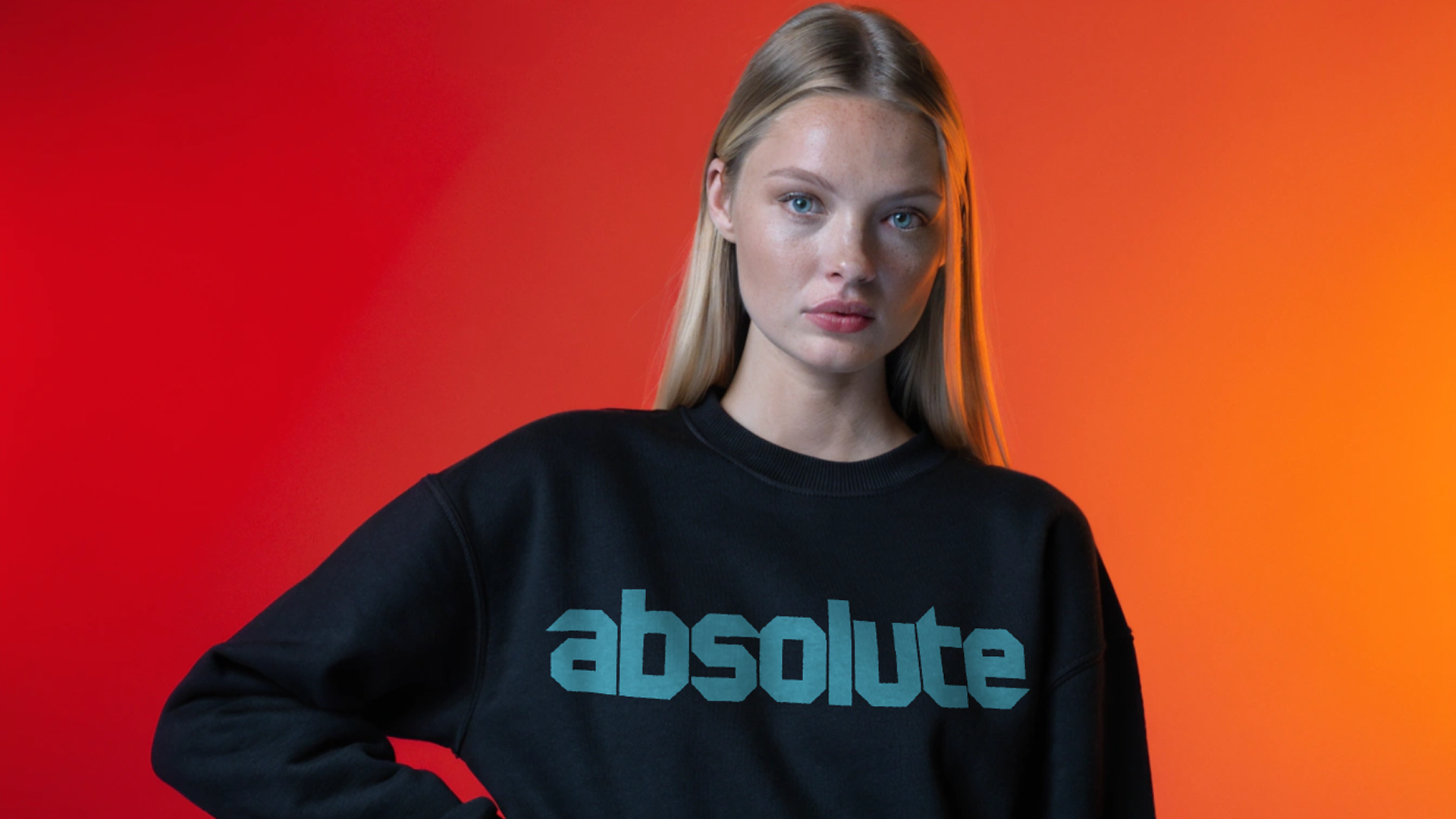
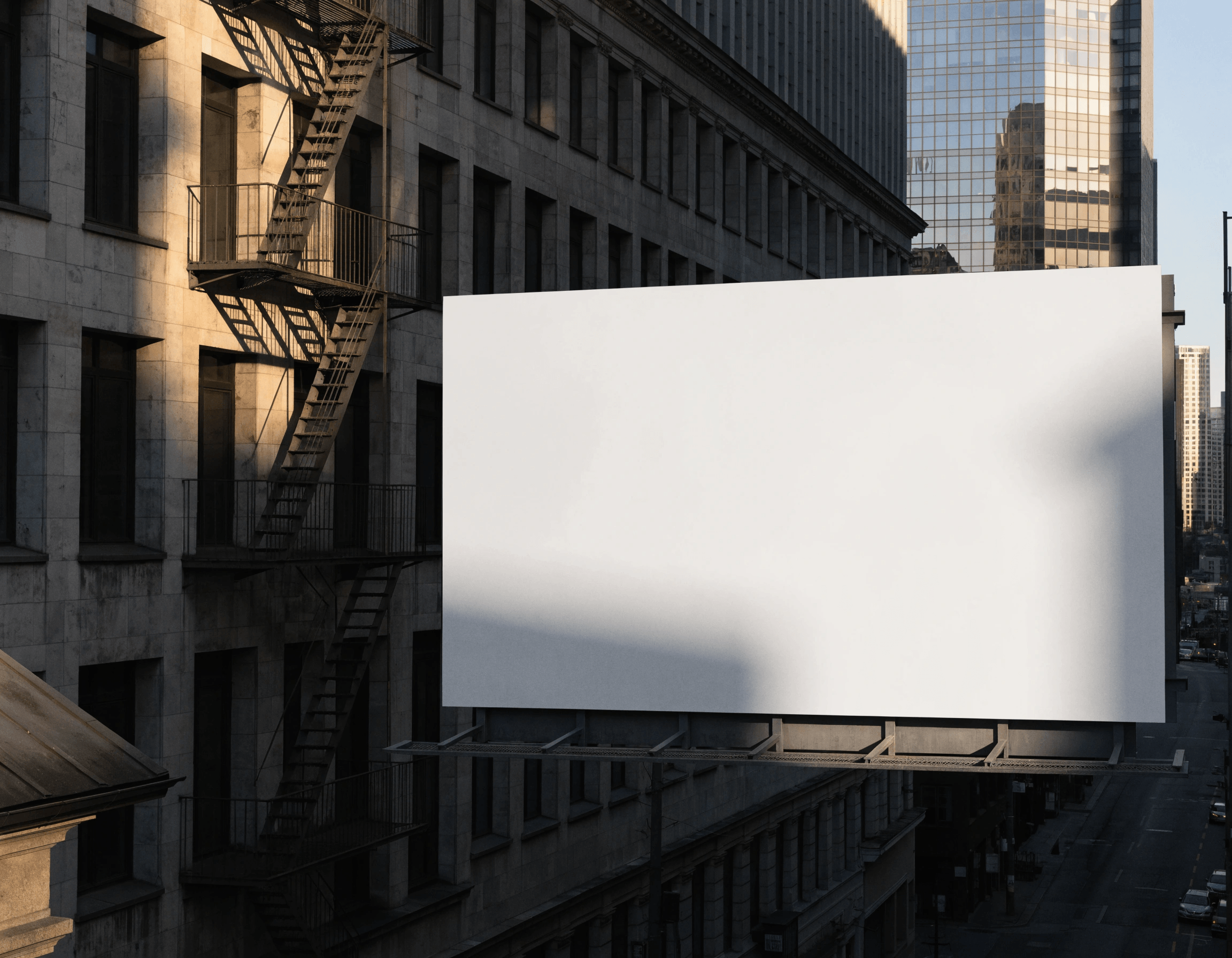
Want to see your logo in action? Put it on a T-shirt or a billboard and display it in different formats for a client. Just click the mockup icon in the toolbar, type where you want to see your logo, and drag your logo to the item.

AI logo generator FAQ

What is an AI logo generator?

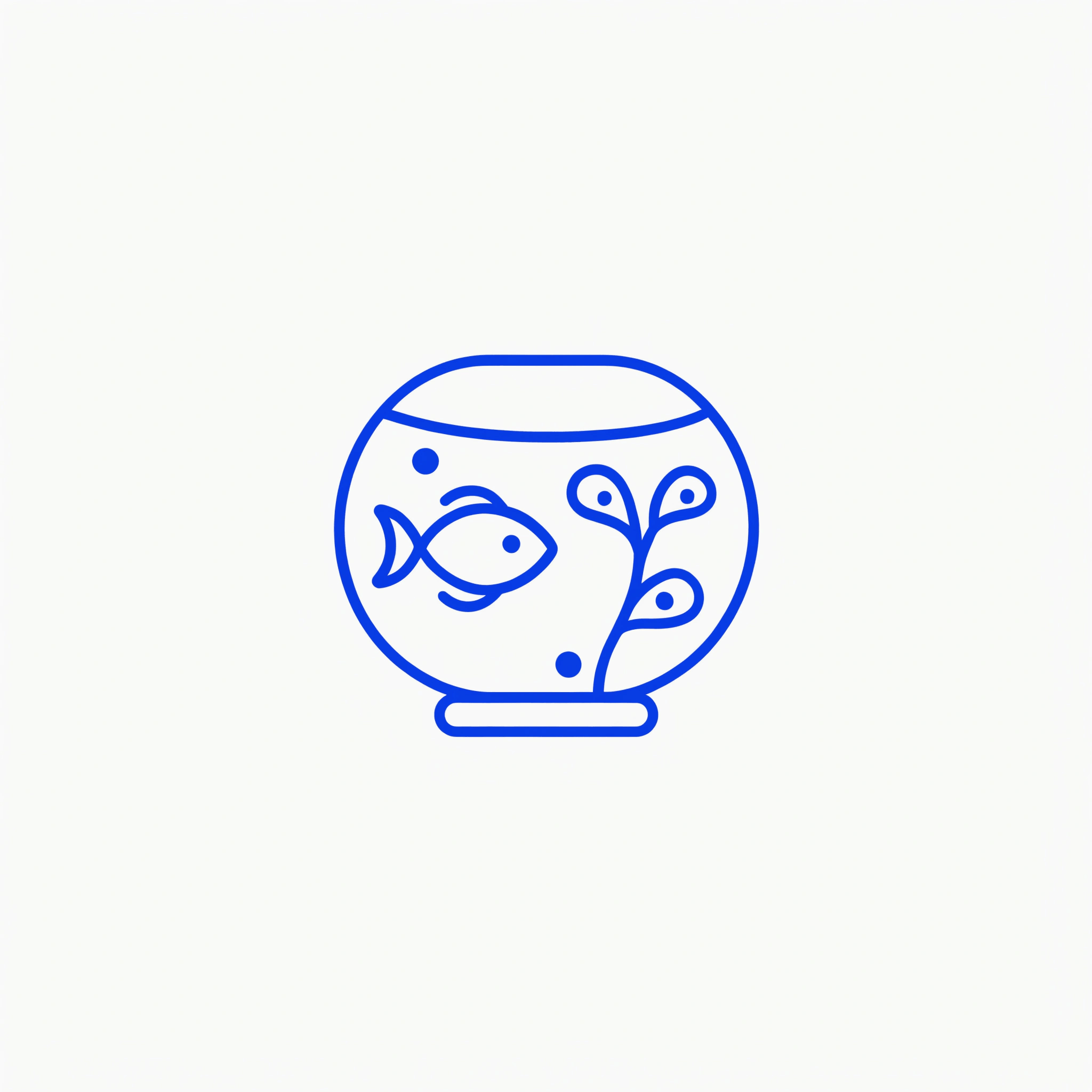
An AI logo generator is an easy-to-use design tool that lets professional or amateur designers quickly generate original logos based on AI prompts. It can be used to create startup logos, logos for brands, cafes, or any kind of business. The Recraft logo maker gives creativity a lift and speeds up the logo design process.

Is design experience necessary to use the AI logo generator?

Recraft is a premium image generation and editing tool designed to support creators and teams. However, you don’t need to be a professional designer to use it - anyone can try their hand at AI logo design with the Recraft logo generator. The tools are intuitive and user-friendly, so anyone can quickly get started, regardless of their skill level, and choose the plan that suits their needs.

How do I make a logo transparent?

To make a logo transparent, simply remove the background. Click the scissors icon in the toolbar, and your logo background will be transparent and ready for export.

Can I download and save the logos created by the AI logo generator for free?

Yes, you can download and save the logos created by the AI logo generator for free. Logos can be exported in formats like PNG, JPG, SVG, or Lottie. For logos, scalable vector formats like SVG or high-resolution PNGs are recommended. You can generate and export as many logos as you like at no cost. The images you generate become part of the Recraft community gallery. Want to own your images? Sign up for one of our monthly or annual subscription plans—Basic, Advanced, or Pro—and gain full ownership and commercial rights to all your creations.

Can I customize the logos generated by the Recraft logo generator?

You get a full set of powerful AI design tools that are easy to use. You can upscale to enhance your image, add a color palette, or keep iterating the logo design until you love it.

What is Recraft?

Recraft is AI tool for professional designers, illustrators, and marketers. It lets cretors easily generate and endlessly iterate original images, vector art, illustrations, icons, and 3D graphics using the power of an AI. Users can start from scratch using a text prompt, upload an image and modify everything about it and even upload a brand style to generate on-brand images, AI photos, icon sets and other visuals. Recraft’s new model is the first to offer image generation with text of any size and length. And with unique graphic design generator is now possible to set the exact positions of text and different elements in the image instead of interpreting the explanation in the prompt to get the needed result.