Download app
Download app

Free AI image vectorizer

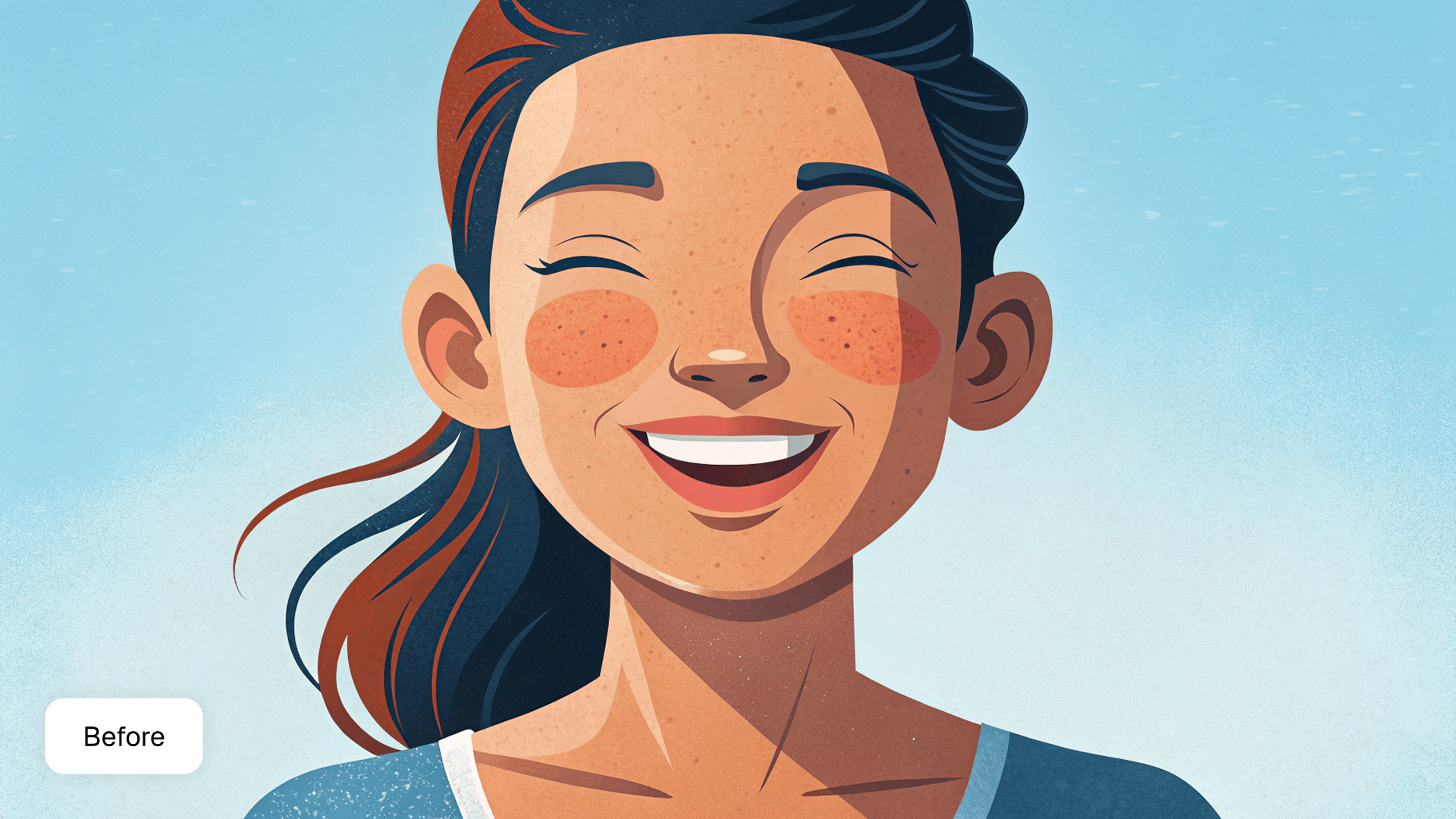
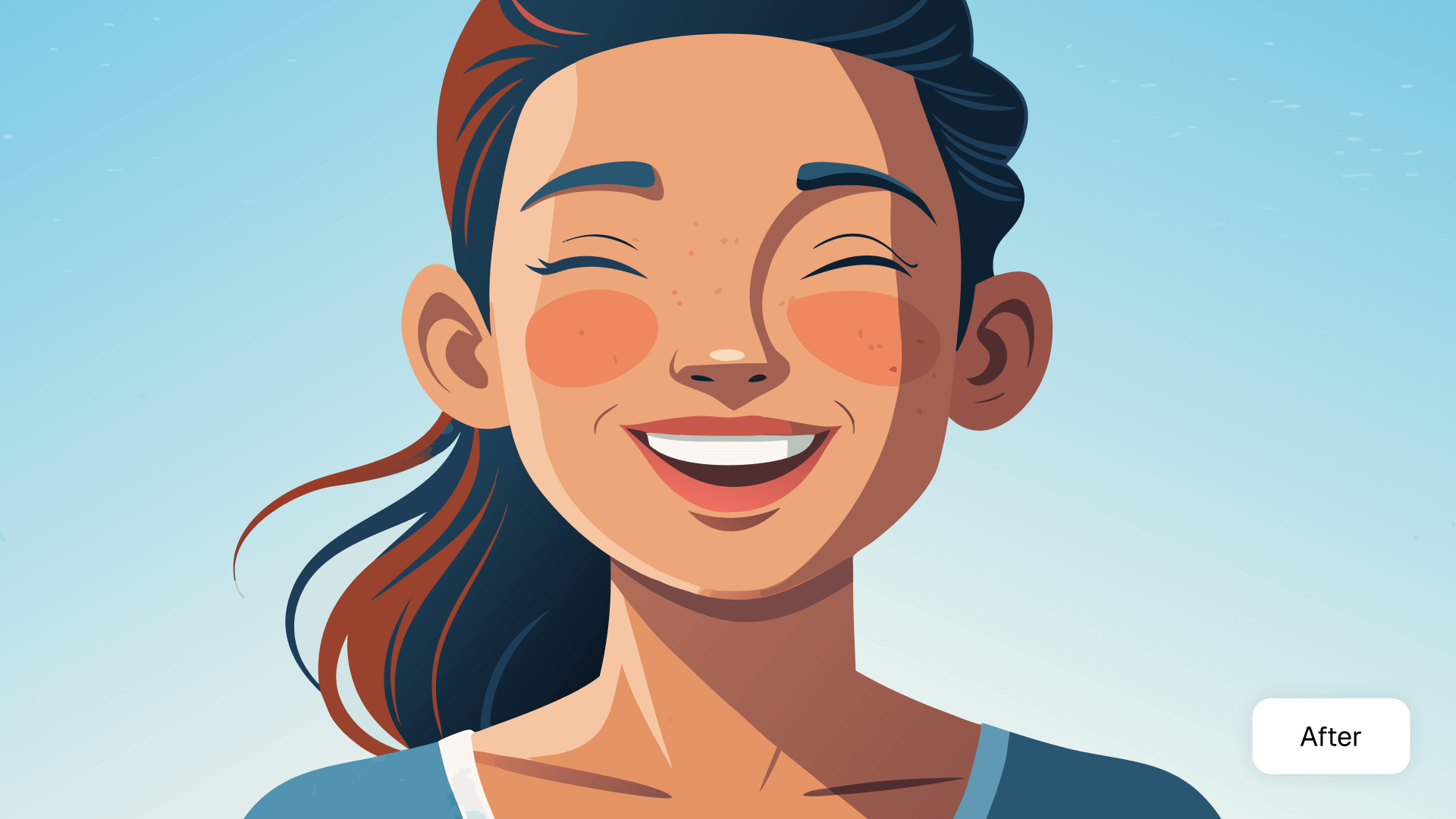
Recraft's super quick, one-click vectorizer turns PNG and JPG files to SVG. Convert pixel-prone images into full-color SVG files with sharp curves and clean lines.
Up to 30 free image generations per day
Trusted by designers at

Convert raster images to print-quality vectors in seconds

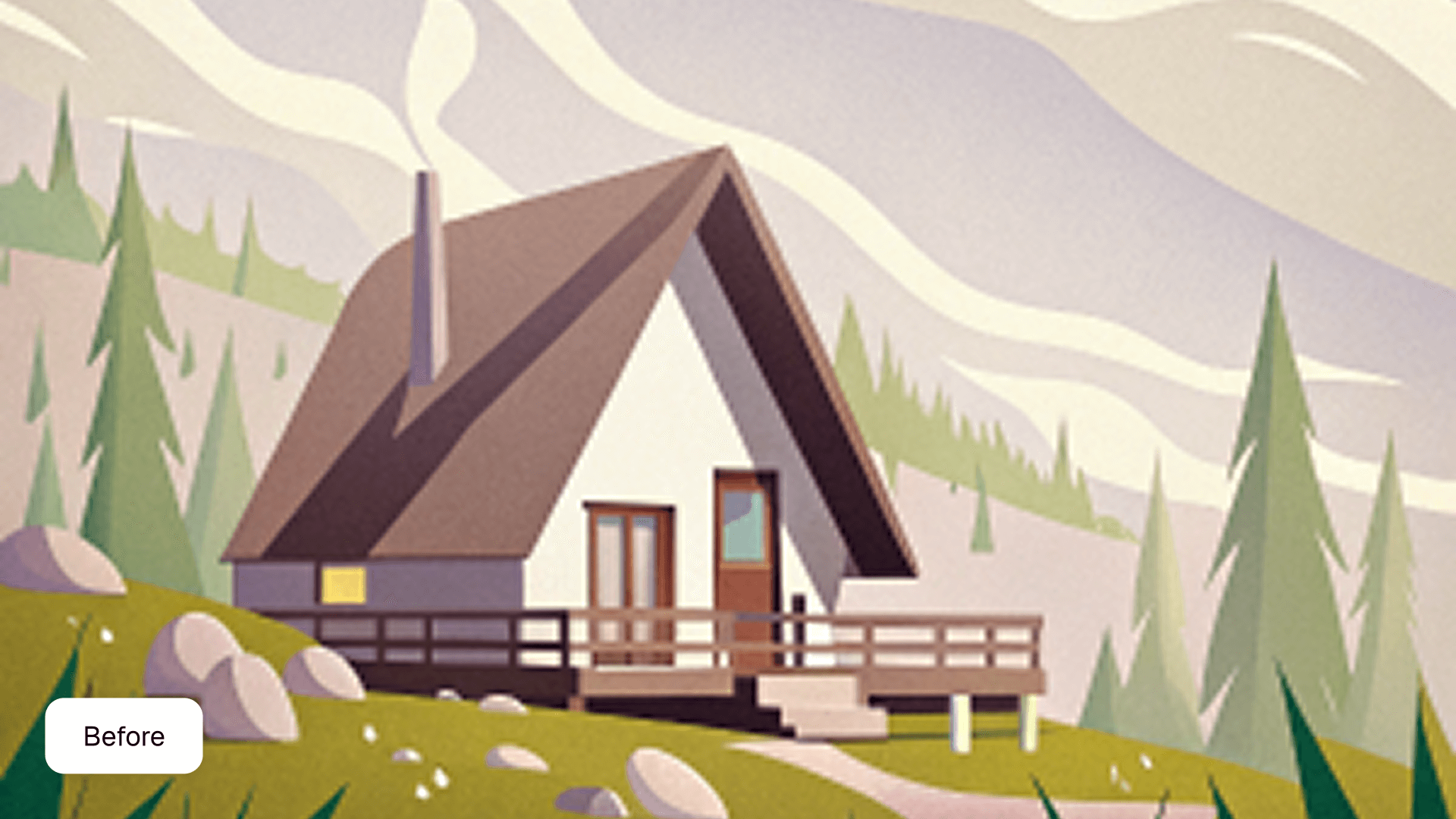
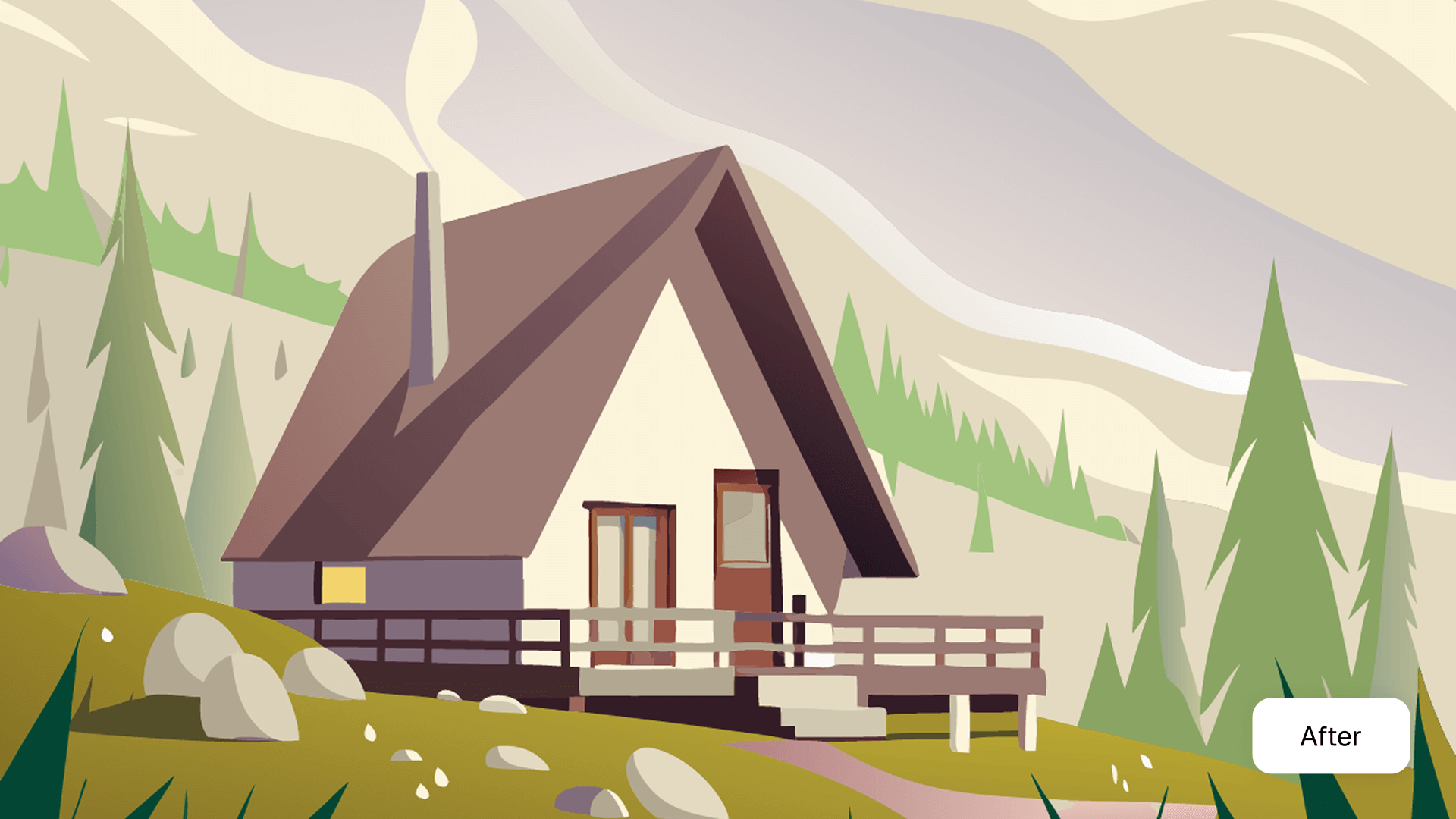
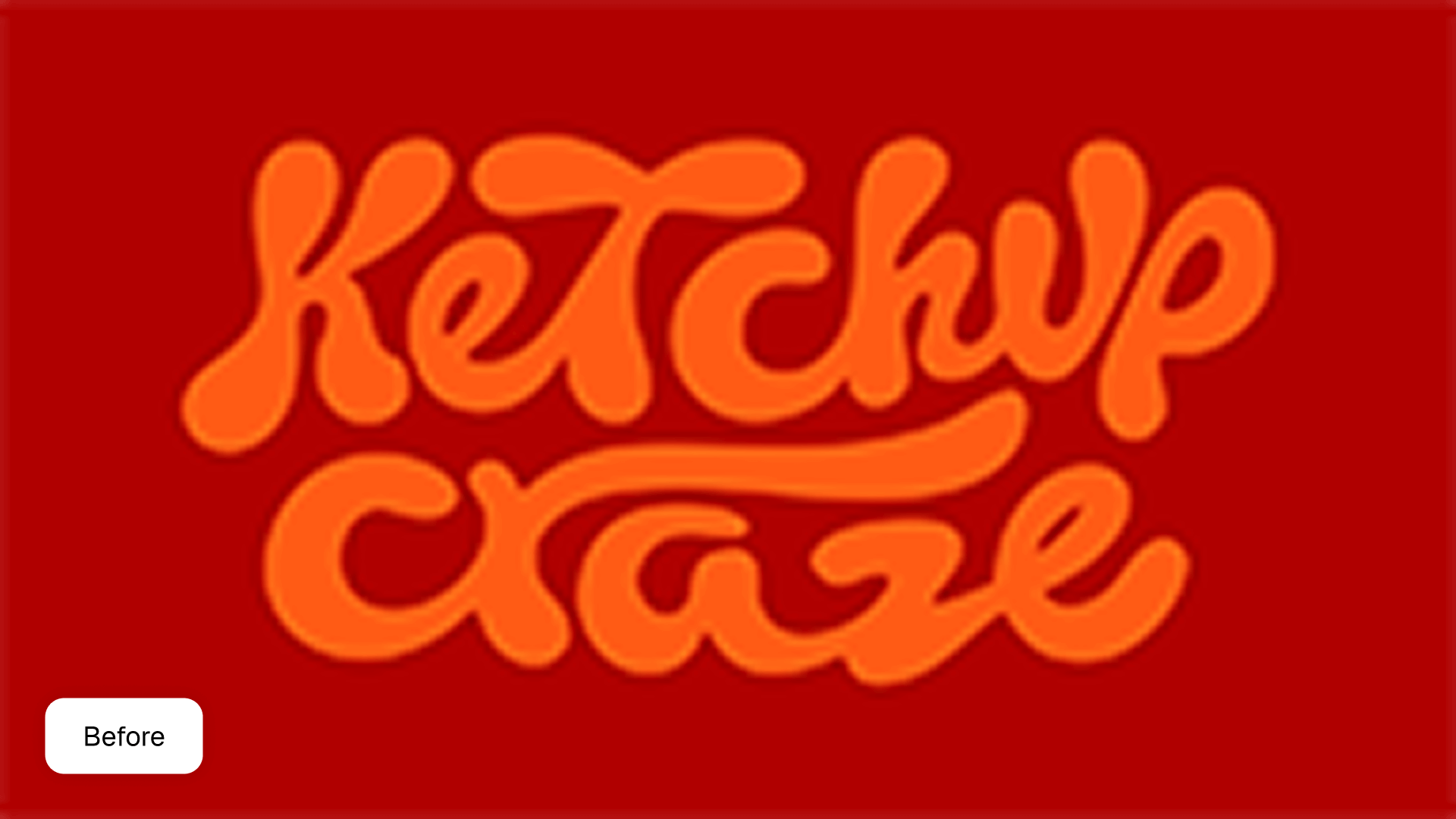
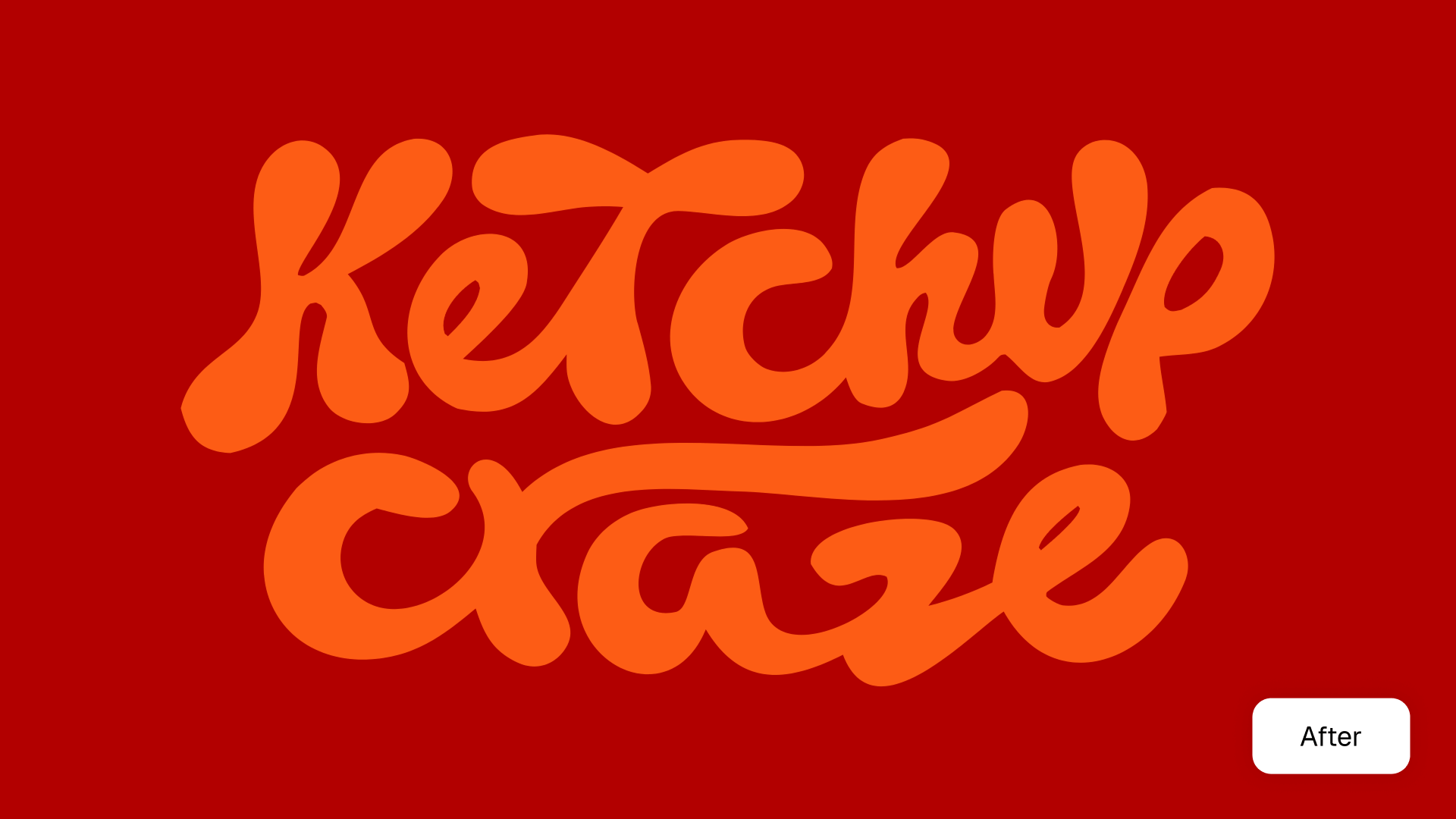
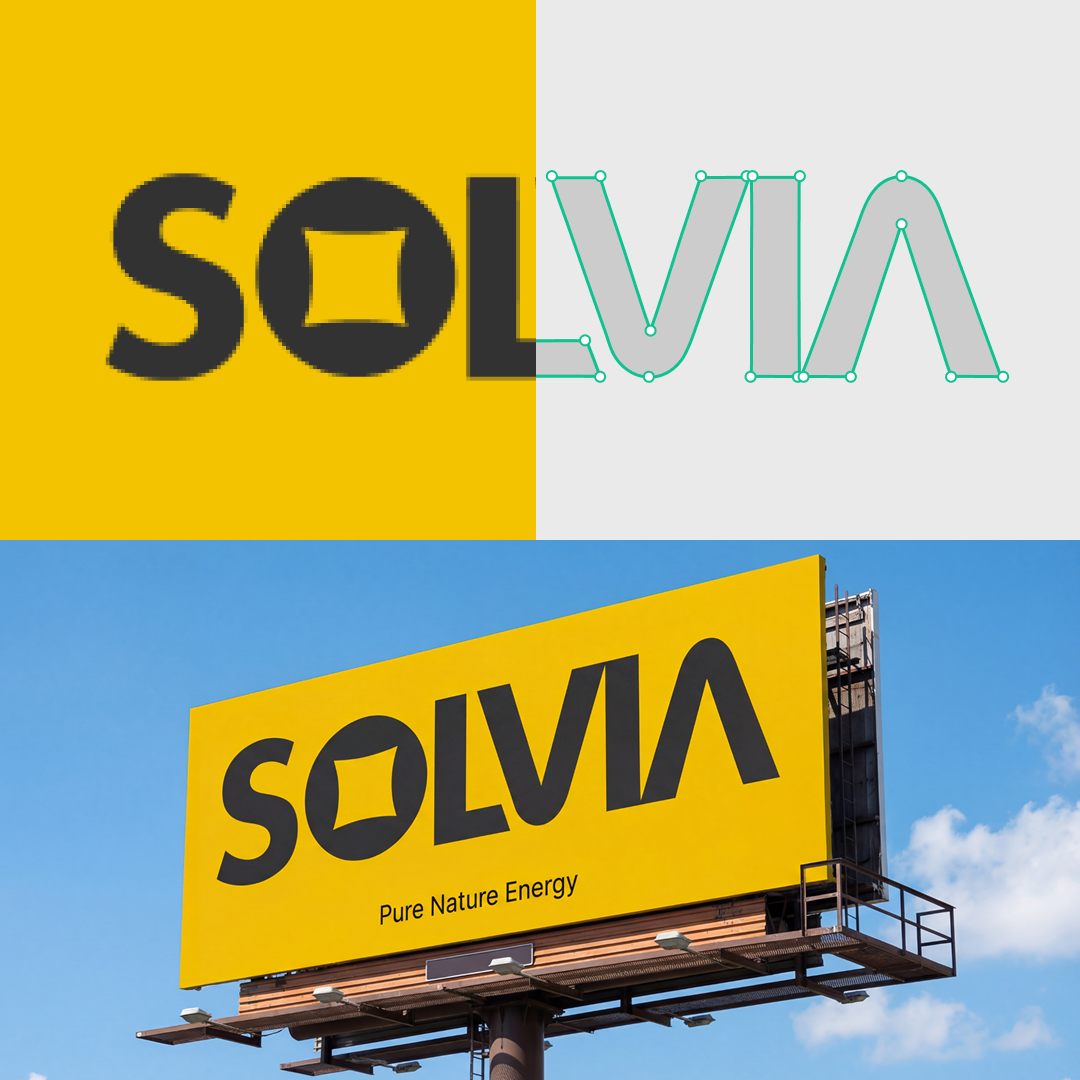
SVGs are flexible, web-friendly files that can be scaled up to billboard size (or bigger!) without losing image quality like PNGs. Recraft’s free SVG converter lets you easily vectorize raster images, illustrations and photos from PNG or JPG into sharp SVG files for easy editing and maximum scalability.

Easy-to-use PNG and JPG to vector converter

Recraft’s online SVG converter is free for everyone and simple to use. It turns pixel-prone PNG and JPG files into scalable vector graphics. Want to play around with your vector art? Change the size, rotate them and enhance the details. Try on Infinite Canvas.

Vectorize image

How to convert PNG/JPG to SVG files

Creating a vector graphic with Recraft's AI image vectorizer is easy. Say goodbye to grainy bitmap images and hello to beautiful web graphics for any purpose — from logos to branded icon sets. Go from PNG or JPG to SVG online in a few clicks. Plus, Recraft supports both raster and vector image generation.

1
Sign up for a Recraft account.
Signup takes up to 30 seconds. No credit required. Use Google or email to sign up and start vectorizing.
2
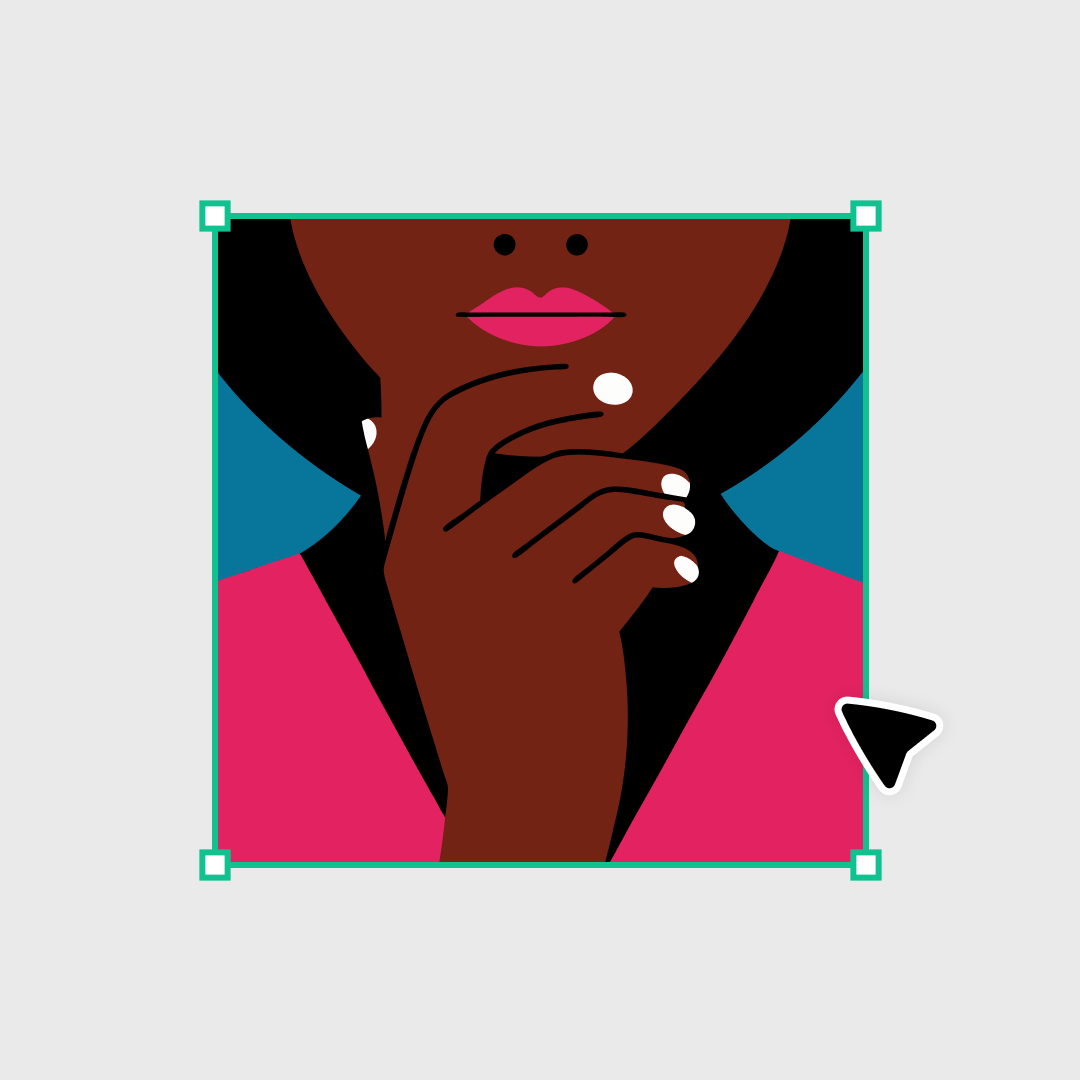
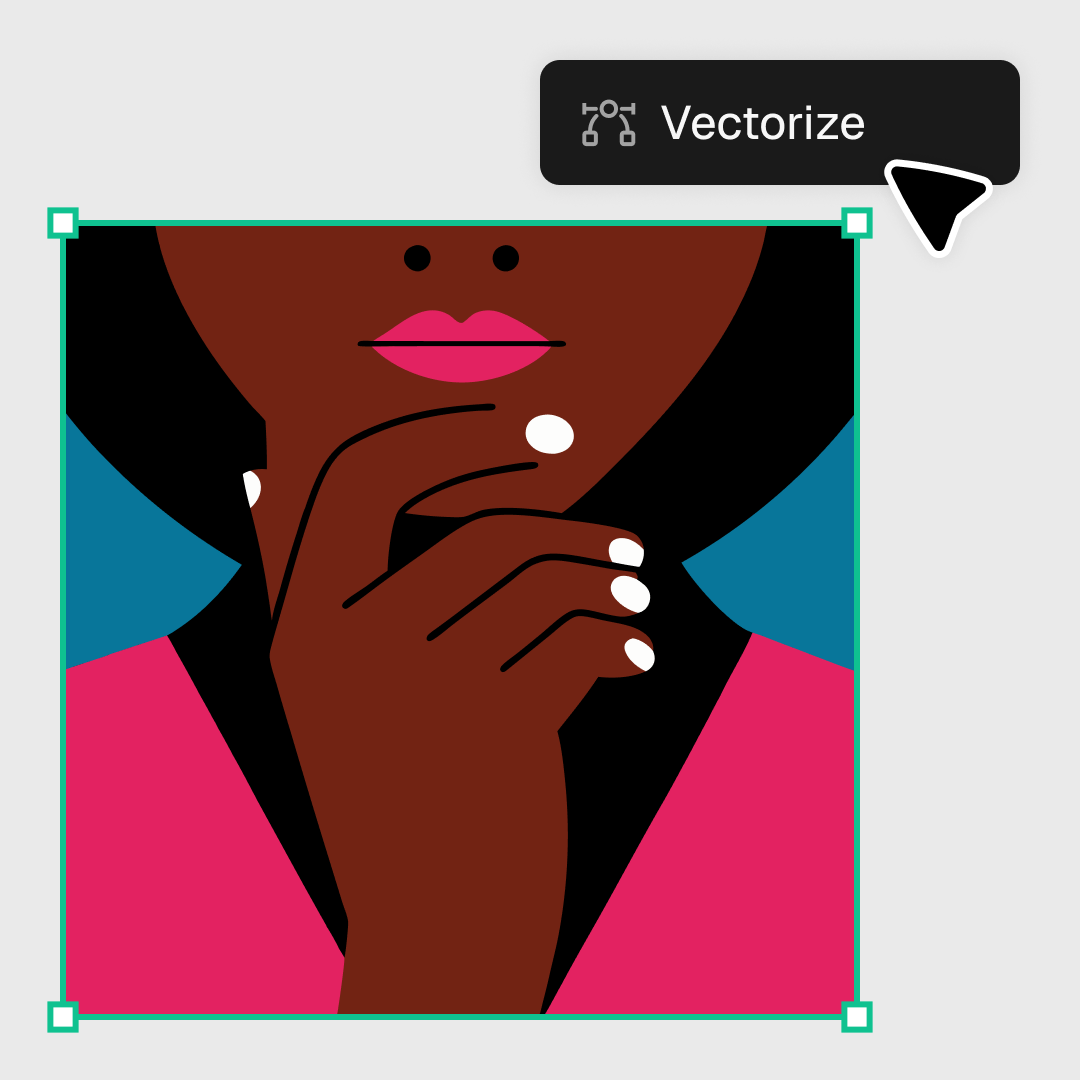
Upload a PNG or JPG file and vectorize it.
Click import in the toolbar, then click the vectorize icon and voila! You’re ready to export as a hi-res SVG file or Lottie.
3
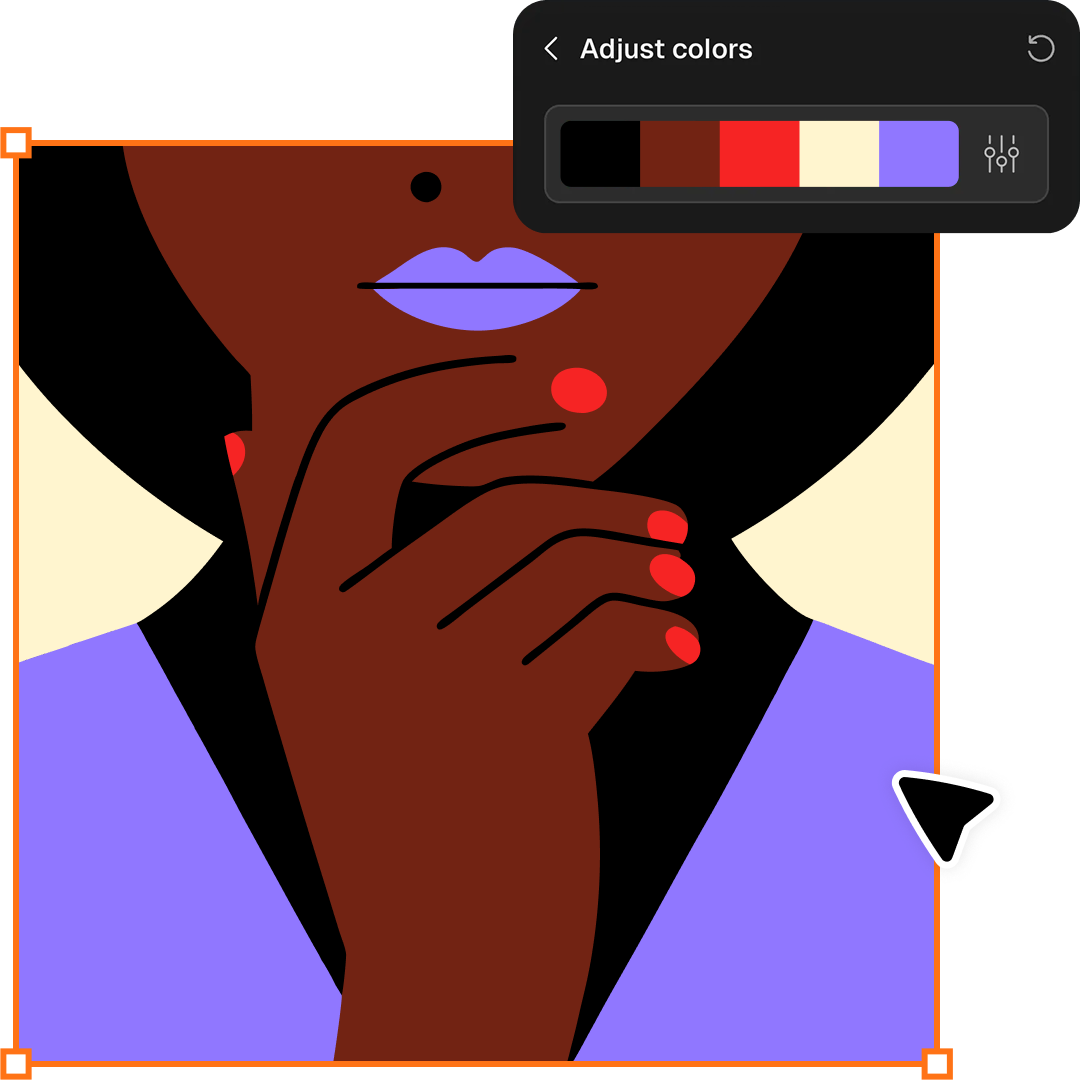
Play with color.  Get creative!
Details matter when you're perfecting your vector graphics. Hit the color slider in the toolbar. Modify the background. Restyle freely using AI prompts.
4
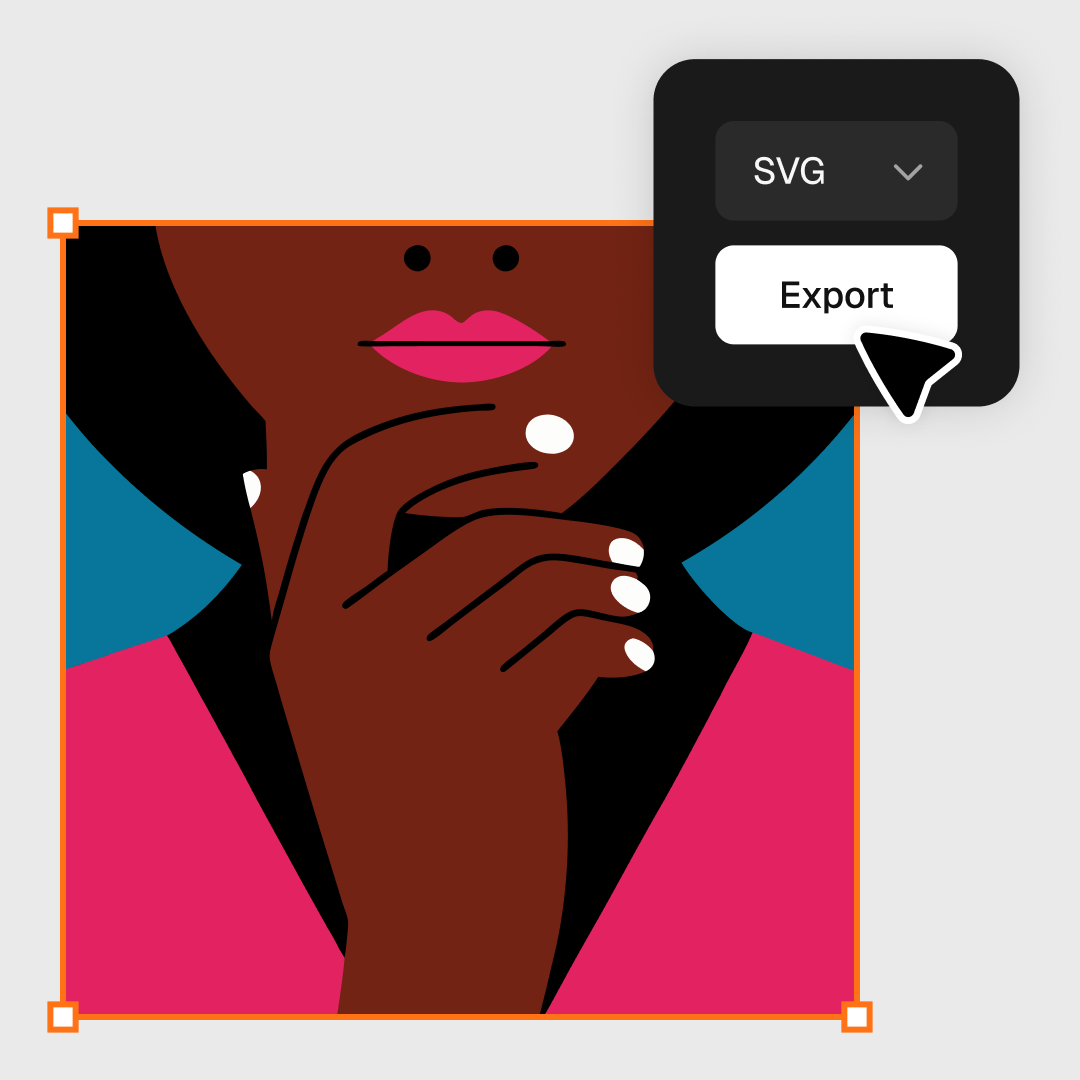
Export as SVG.
When your vector artwork is ready, set the file resolution and export as SVG. Convert unlimited PNG files to a vector file format for free.

Recolor your vector image to match your brand

Bring your vision to life with custom vector graphics that match your unique brand and style. Generate custom, branded color palettes or select from our curated collection. Get perfect vector images every time with Recraft's superior prompt understanding.

Slide to reduce the number of colors in your vector image

Make your vector images original with the Recraft color slider, located right in the toolbox. Convert your PNG or JPG to vector and then slide left to reduce the number of colors. Play around to recolor, modify shapes, cut down on noise and reflections or completely restyle your vector image.

Recolor image

AI image vectorizer FAQ

How do I use the Recraft image vectorizer?

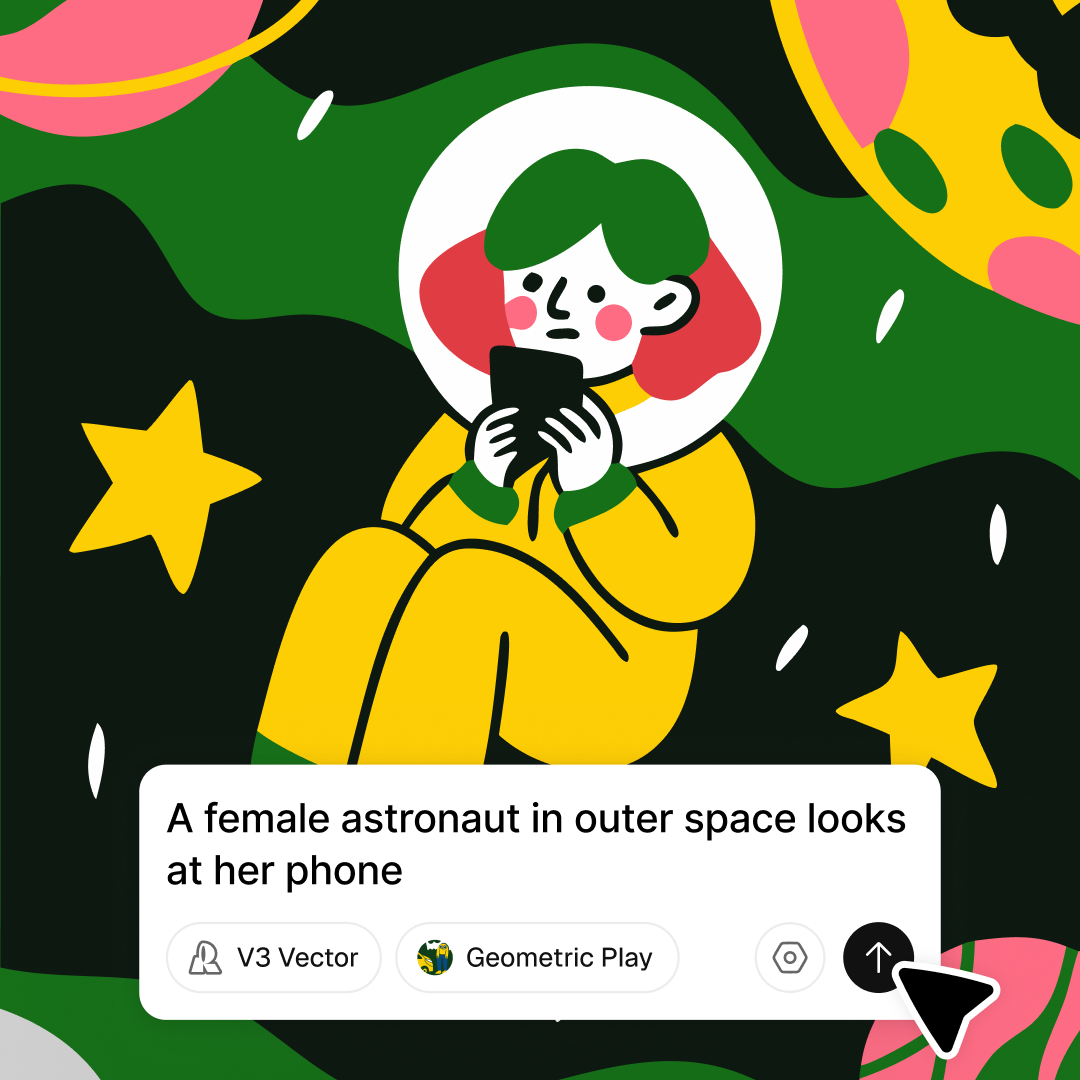
Image vectorization with Recraft is easy. Just log into your Recraft account and create a new project. From there, you can import a raster or bitmap image and vectorize it, or go from text to vector with Recraft's AI vector generator. Edit your rasterized vector art by changing the aspect ratio, modifying the color palette or enhancing the image quality with AI upscaling. Finally, download your vector art as an SVG file. Plus Recraft supports both raster and vector image generation, you can generate you artworks from scratch.

What is a vector image?

Vectors are computer graphics that are created directly from geometric shapes, like points, lines and curves. Other image types may become low quality when the image size changes, but vectors maintain their quality at any size. They're often used to create icons and logos for that very reason.

Can I turn a raster image into a vector image?

Yes, all you need is a vectorizer (or an SVG converter). The Recraft image vectorizer is free. Just upload your raster images in any file format, and the vectorizer will flip them into SVG files. The best part? You get an AI design toolkit to iterate your vectors endlessly.

What is an SVG file?

A scalable vector graphic (SVG) is an XML-based vector image format for 2D graphics. SVG can be rendered at any resolution, unlike PNG or JPG files, which pixelate and lose their sharpness when enlarged. SVG files, also called vector graphics, are increasingly popular for designers looking to maintain their quality, and they're easy to edit and scale.

How do I convert PNG to SVG?

Easy and user friendly. Use an SVG converter by Recraft. PNG or JPG to vector converter is a free and simple-to-use online tool. Sign-up takes just 30 seconds and is completely free. Generating images with Recraft is free, and you can create as many as you like with 50 free credits available daily.

What is Recraft?

Recraft is AI tool for professional designers, illustrators, and marketers. It lets cretors easily generate and endlessly iterate original images, vector art, illustrations, icons, and 3D graphics using the power of an AI. Users can start from scratch using a text prompt, upload an image and modify everything about it and even upload a brand style to generate on-brand images, AI photos, icon sets and other visuals. Recraft’s new model is the first to offer image generation with text of any size and length. And with unique graphic design generator is now possible to set the exact positions of text and different elements in the image instead of interpreting the explanation in the prompt to get the needed result.

Is Recraft's design platform free?

Yes. Recraft has a free version with most of the functionality that designers need as well as a paid plans. We recommend you start for free and see if you need the additional functionality of the paid subscription. Sign up for one of our monthly or annual subscription plans—Basic, Advanced, or Pro—and gain full ownership and commercial rights to all your creations.