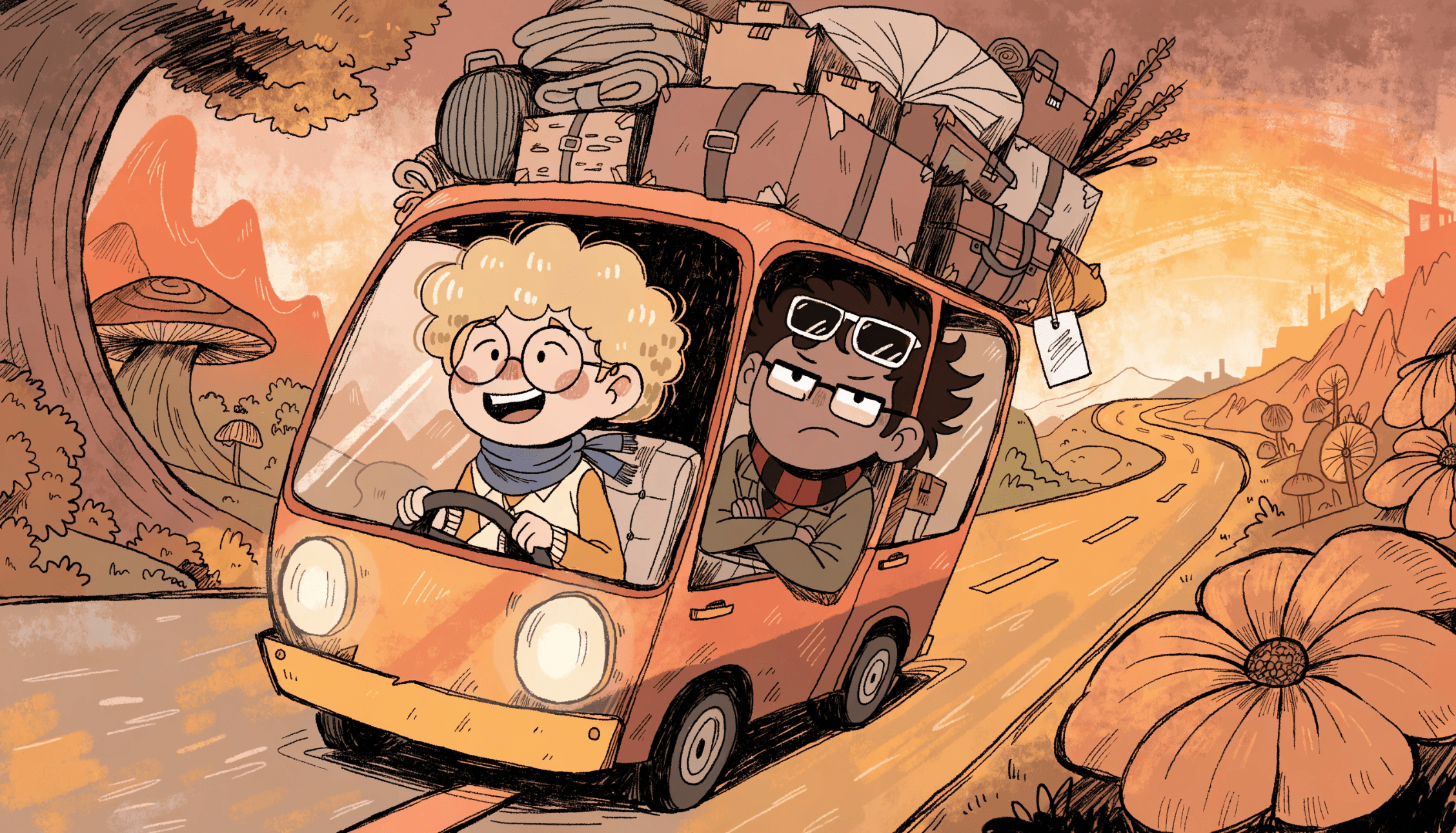
A playful narrative comic-style illustration with a warm, saturated color palette and a hand-drawn, slightly messy aesthetic, like the cover of an indie graphic novel or animated short film. Two completely different characters travel together in a tiny quirky vehicle overloaded with absurd amounts of luggage, boxes, blankets, bags, and emotional baggage. One character feels calm, optimistic, and charmingly naive, while the other looks anxious, skeptical, exhausted, and visibly overwhelmed. Both characters are highly stylized with rounded shapes, simplified facial features, exaggerated expressions, and strong emotional readability. The vehicle drives through a whimsical surreal landscape filled with oversized plants, giant flowers, curved trees, exaggerated hills, and simplified terrain forms. The winding road bends unnaturally and narrows dramatically into the distance, enhancing the sense of adventure and instability. The entire environment subtly leans forward and curves with the motion, creating dynamic movement and chaotic travel energy. Warm cinematic lighting, expressive linework, soft texture, playful imperfections, rich oranges, yellows, reds, muted greens, and cozy indie animation vibes, emotional storytelling, humorous but sincere atmosphere, detailed editorial composition, modern cartoon illustration style.
.svg)