API
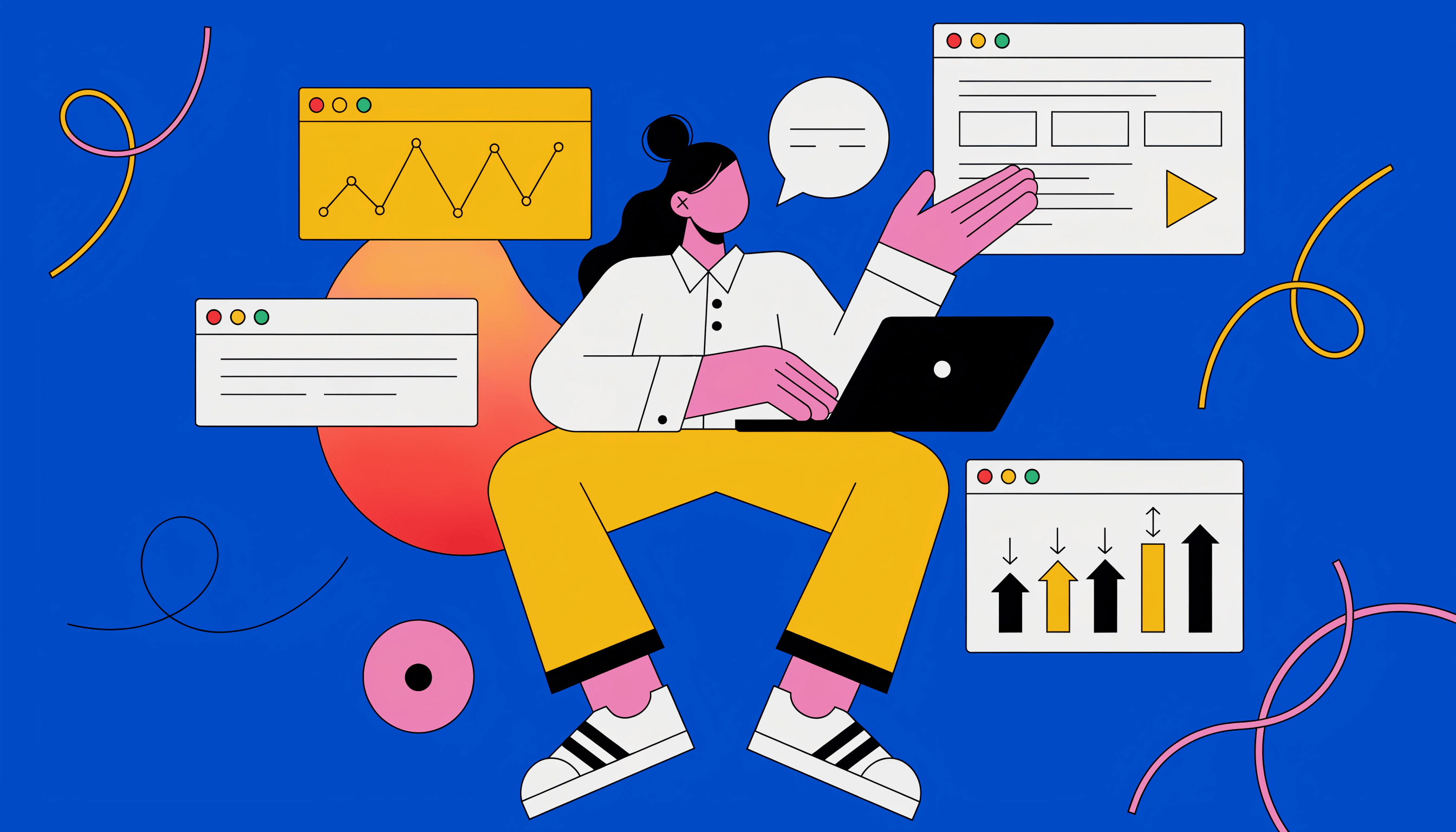
Build automated visual workflows with Recraft API
Integrations
Access Recraft across different platforms
Download app
Download app

The Vector Editor that ends the round trip

Generate a vector in Recraft Studio, then edit every anchor point, curve, and color right where you made it. No exporting, no re-importing, no losing the file in translation.

Up to 30 free image
generations per day

Trusted by designers at

See exactly how to edit every vector

A generation is a starting point, not a verdict. Get from first draft to final shape in three moves.

1

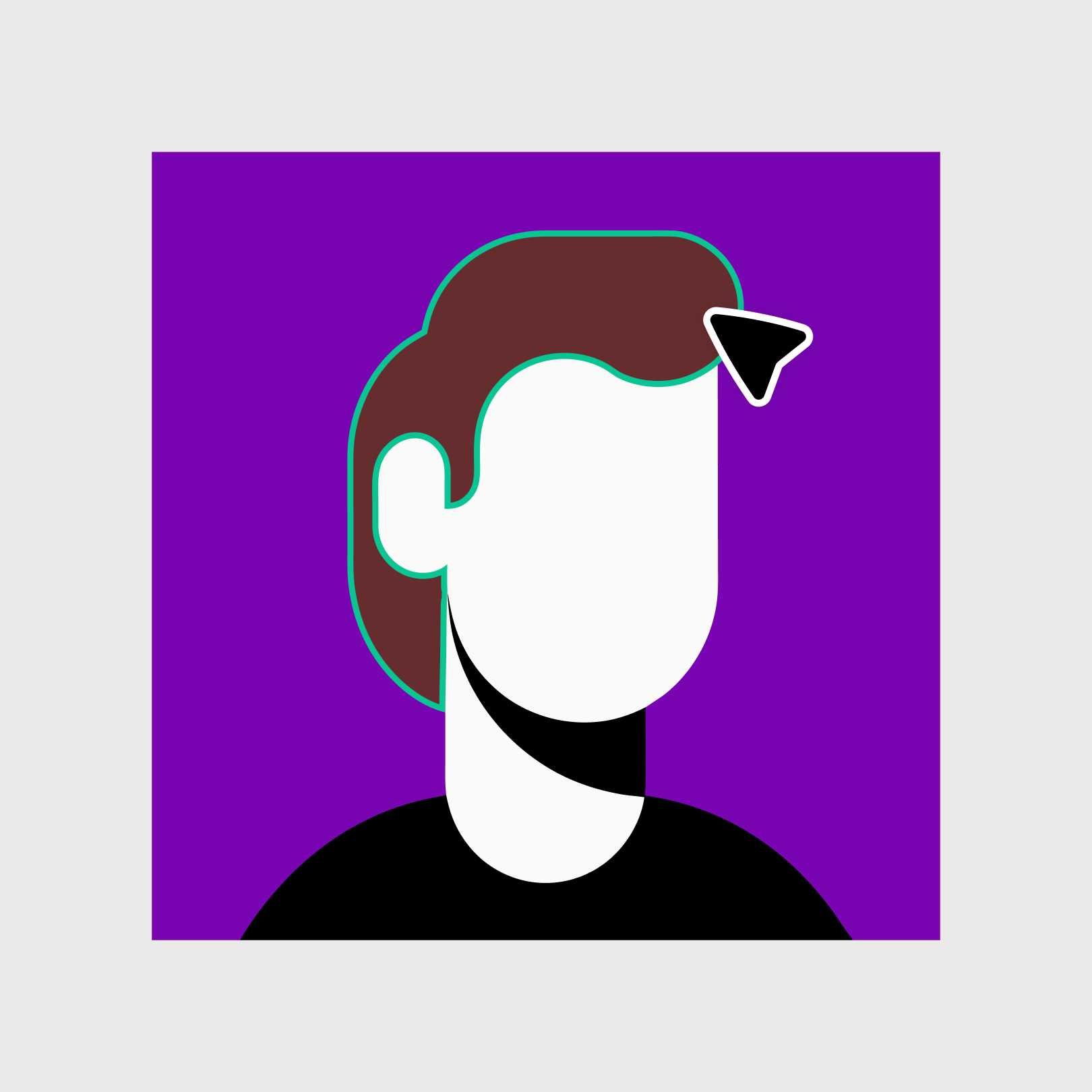
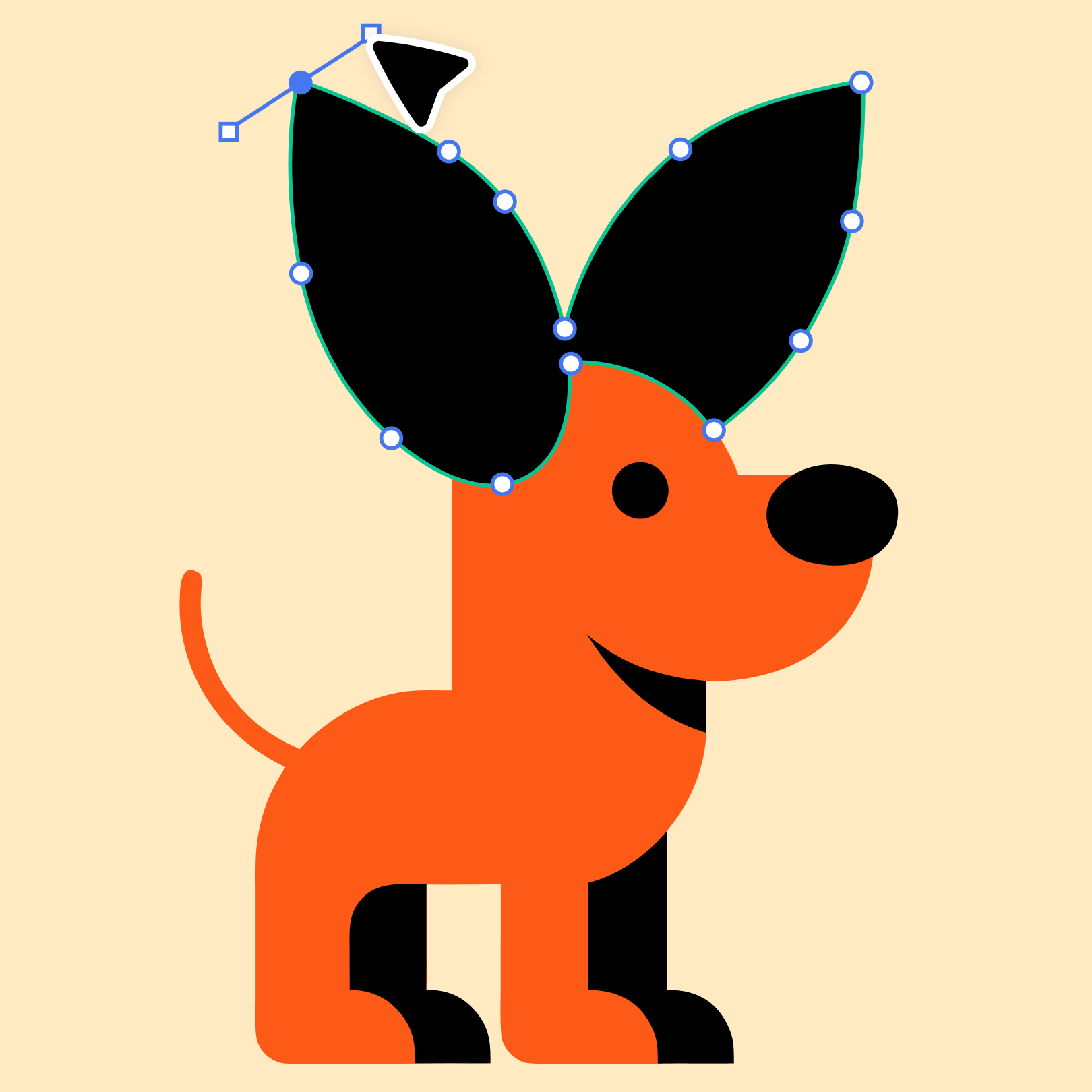
Double-click into any shape

Click your generation to select it, then double-click any shape to open it for editing.

2

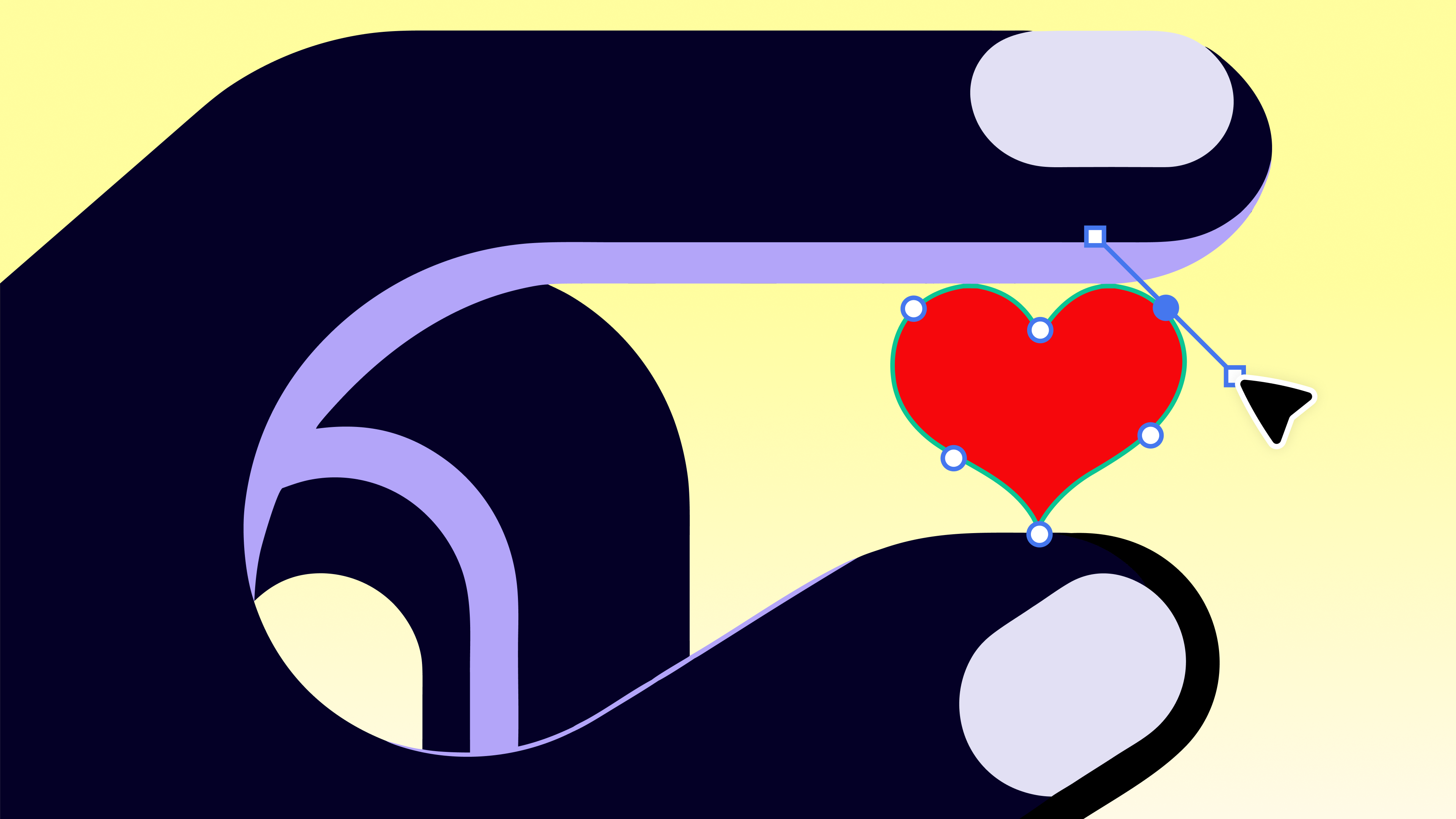
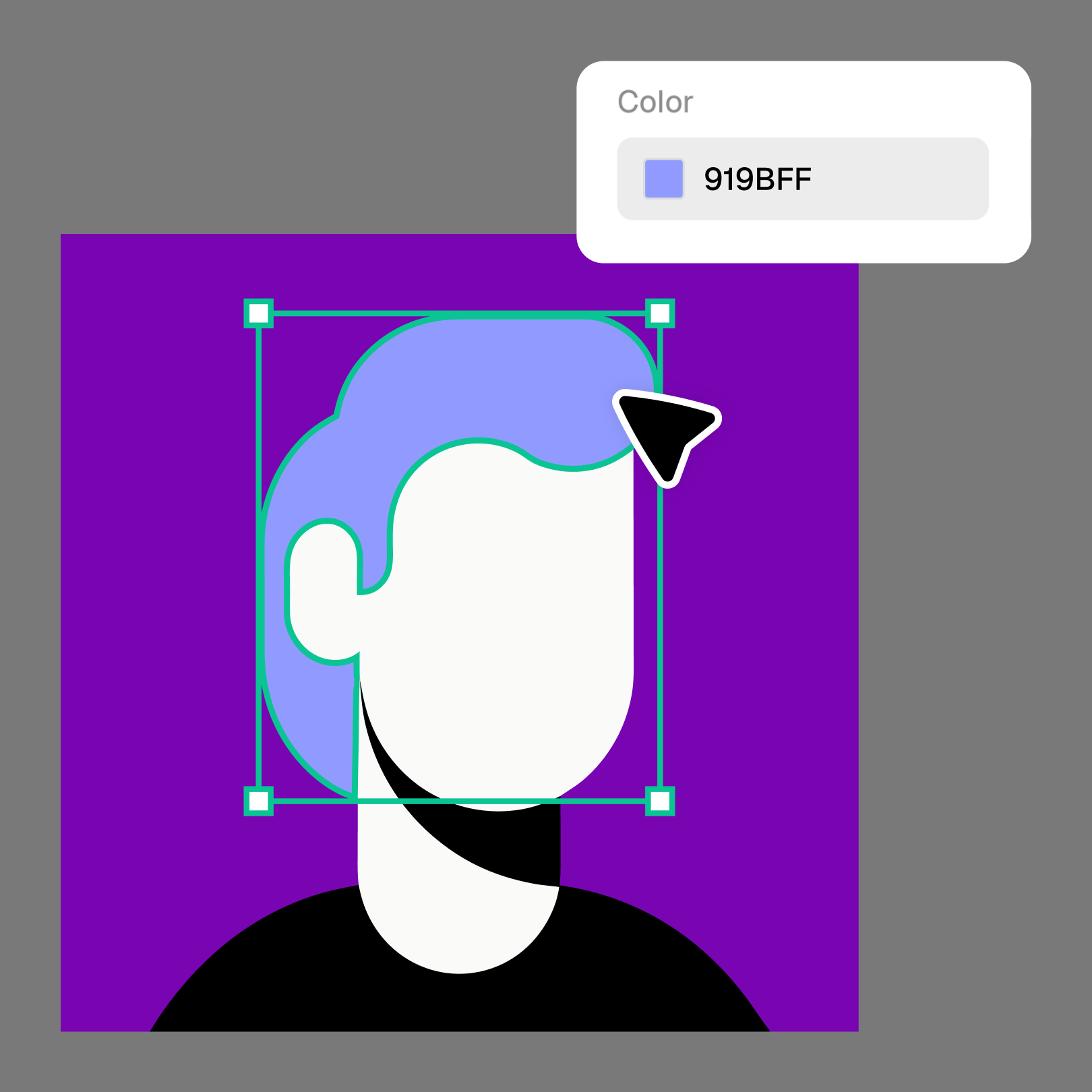
Drag points, recolor, duplicate

Move anchor points until curves sit where you want them. Recolor one shape without touching its neighbors. Duplicate an element when one letterform deserves a second life.

3

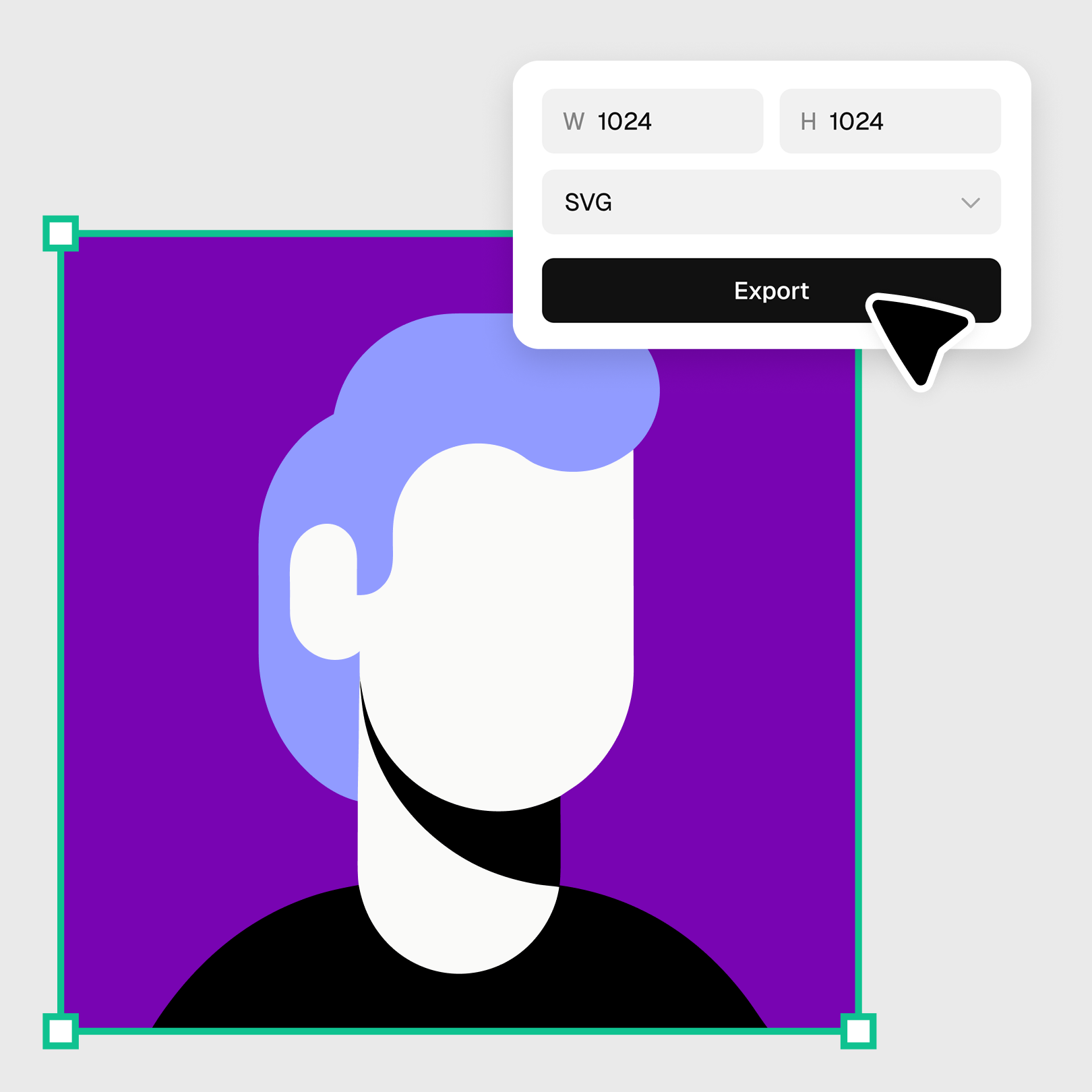
Export when it's actually done

Keep refining until the asset is yours, then export the finished SVG. No round trips required.

Real vectors, real editing

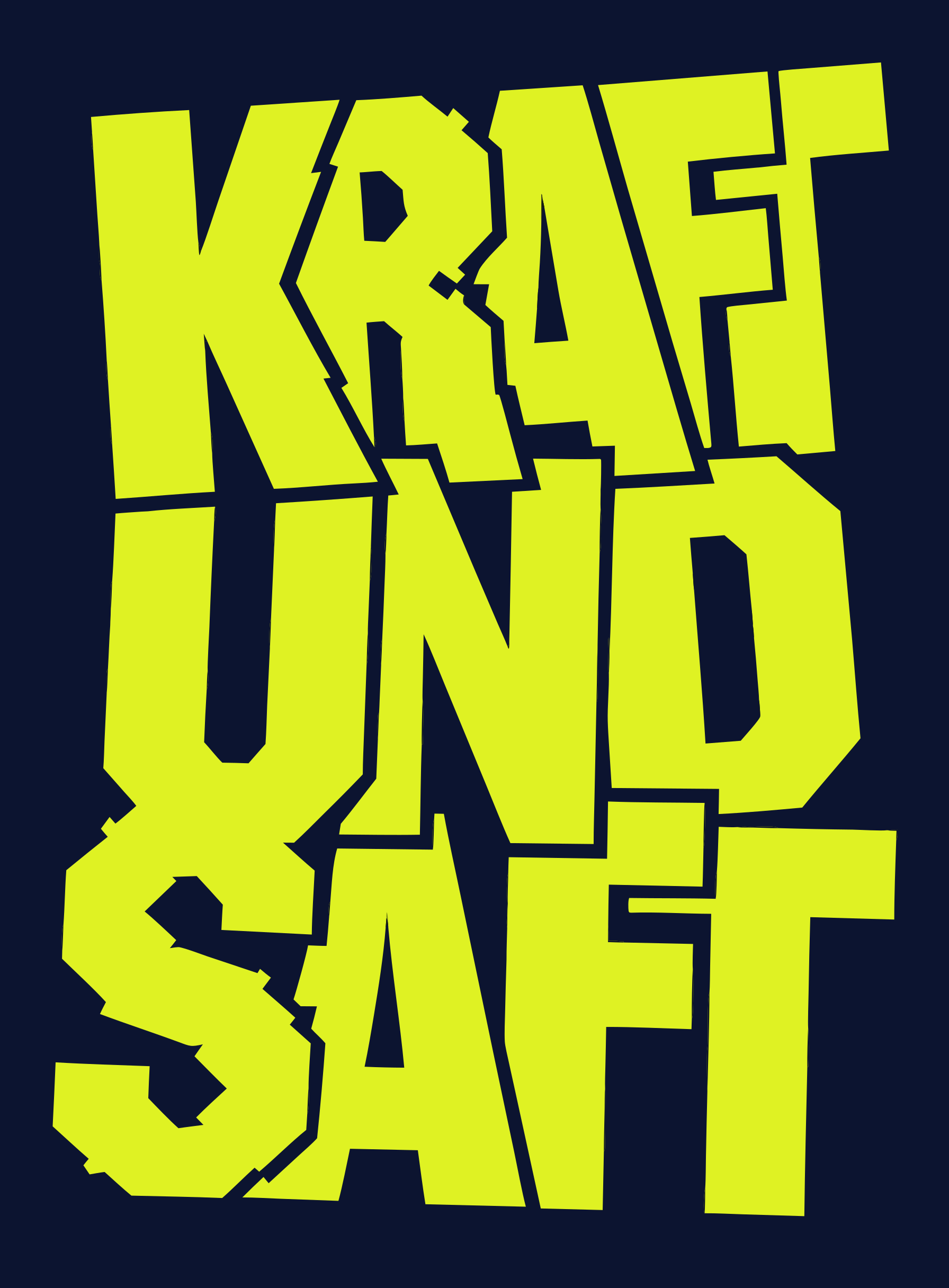
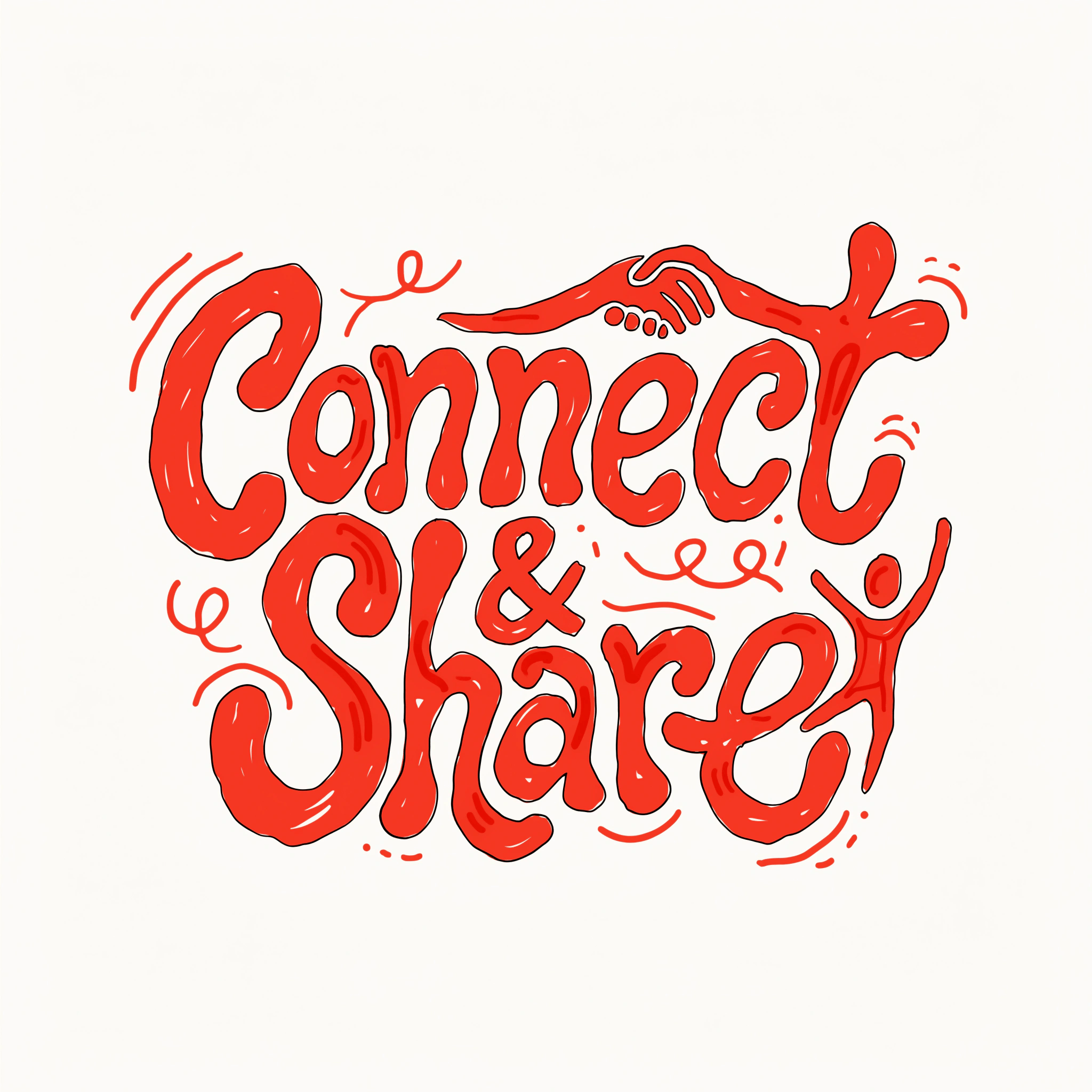
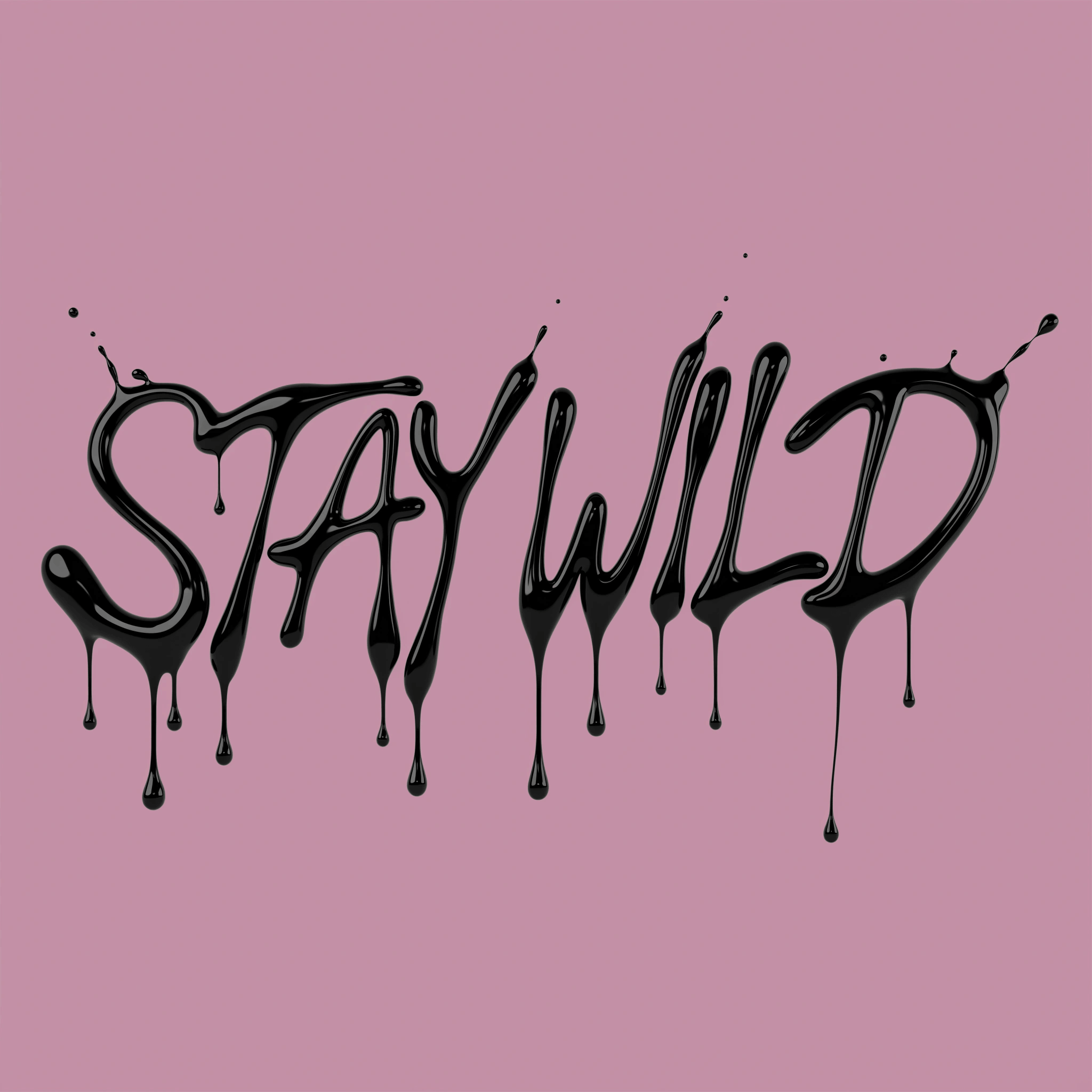
Most AI tools hand you pixels and call it a day. Recraft generates true vectors, and true vectors deserve true editing. Adjust the paths, move the points, and shape the output until it matches what you pictured.

The entire AI design toolkit

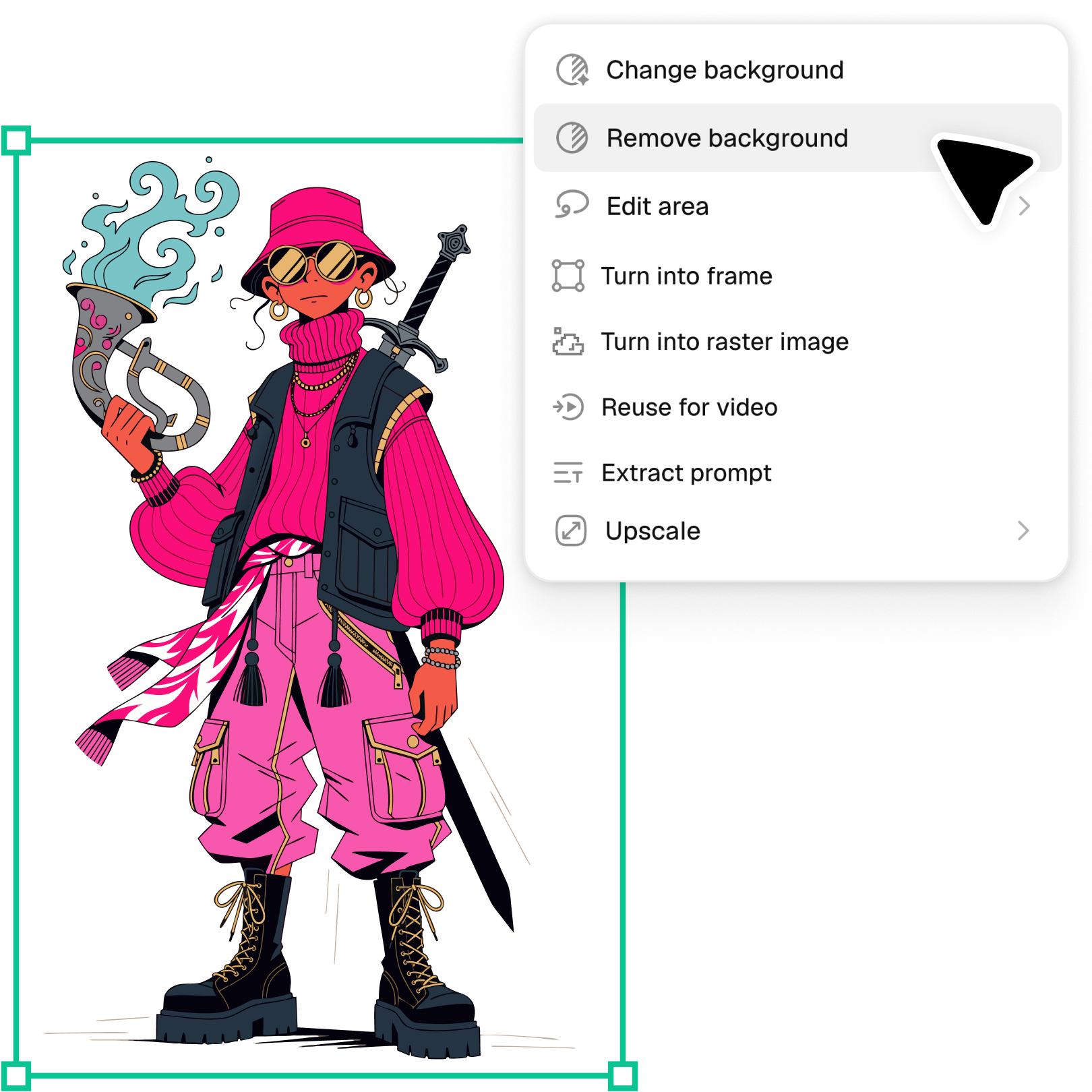
Pair the vector editor with Recraft Studio's full design toolkit, including an image vectorizer, background remover, image upscaler, and more.

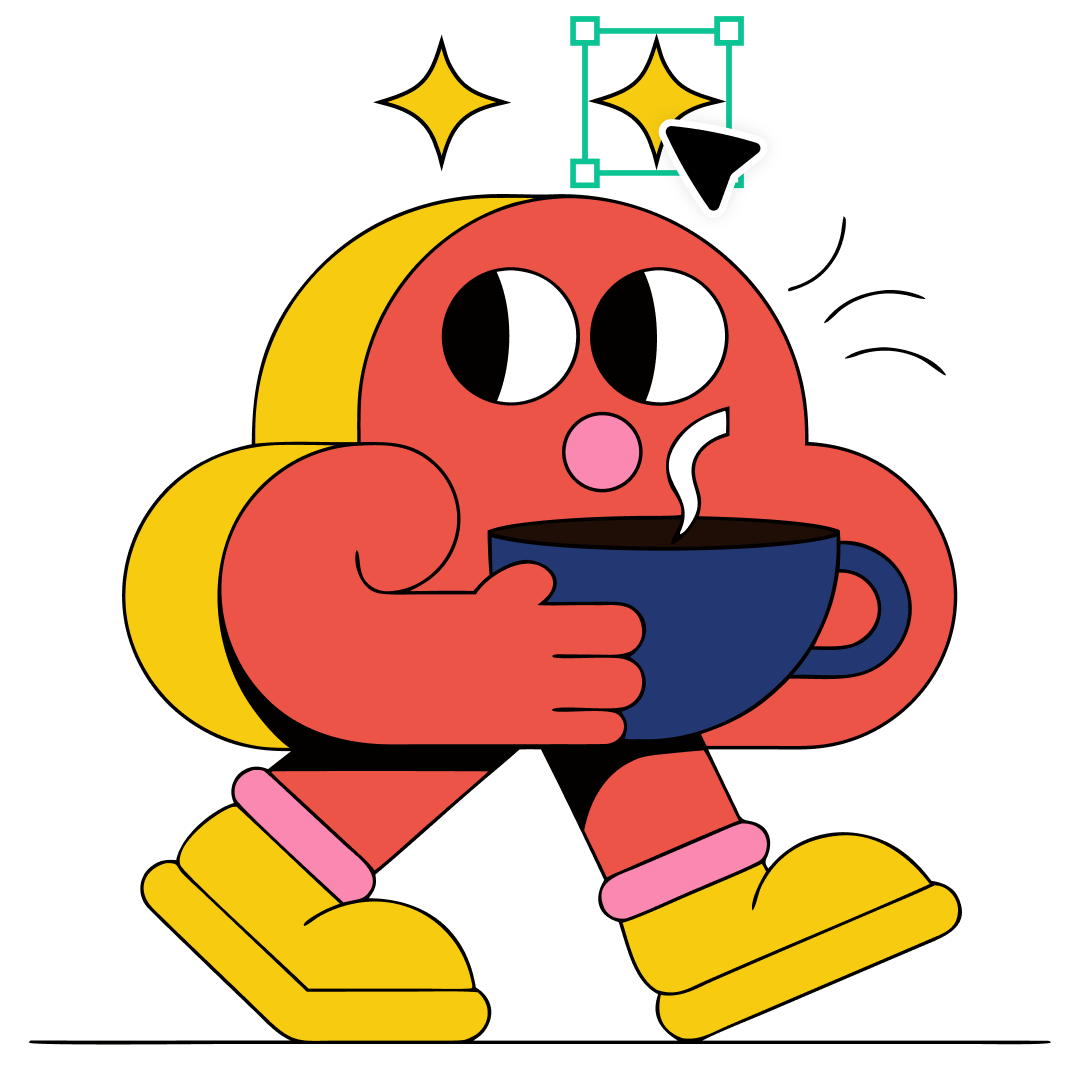
Duplicate elements across frames

Reuse a shape, icon, or letterform across your canvas without regenerating it. Duplicate what works, then adjust each instance on its own.

Explore more

Every AI tool for designers, gathered in one place.

AI image generator

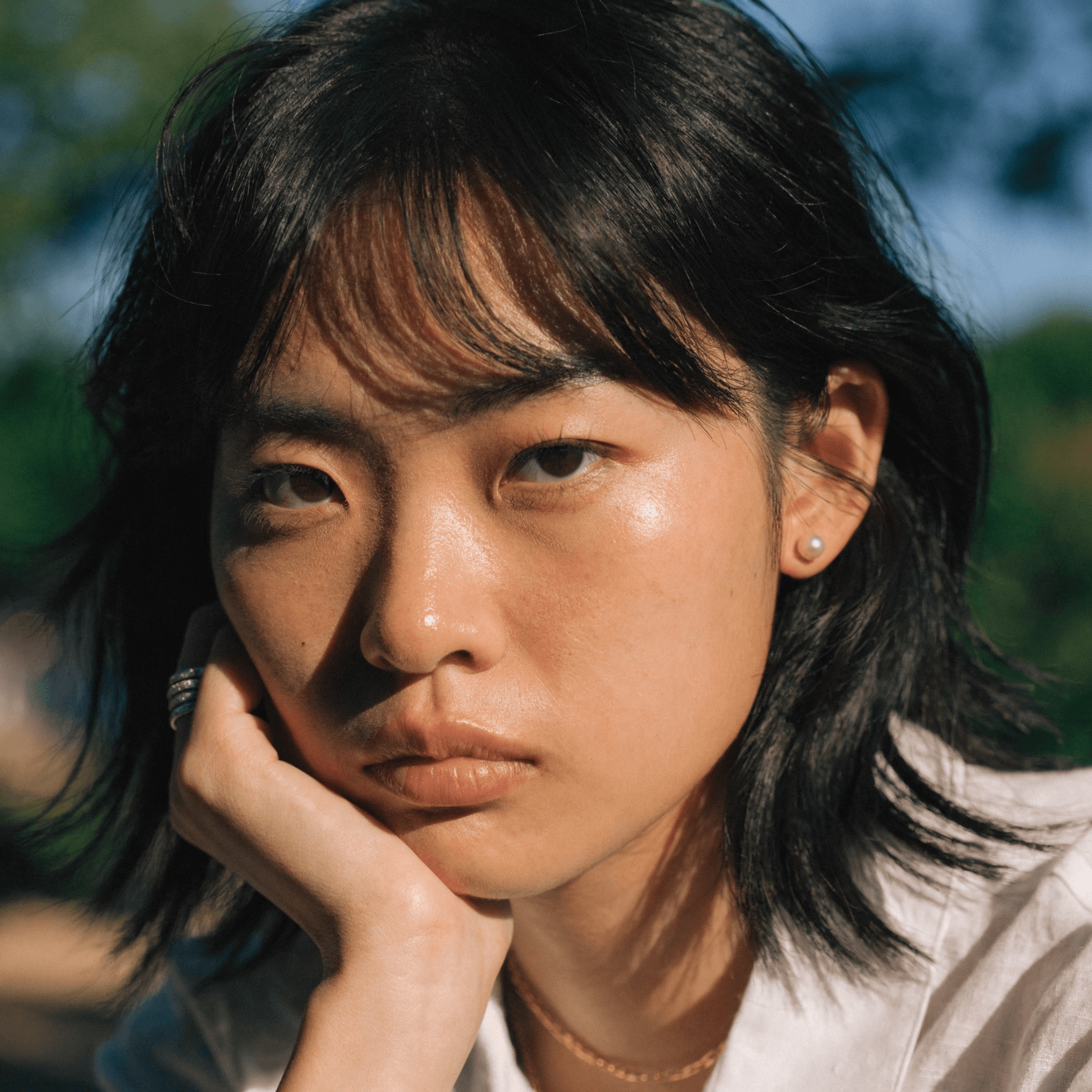
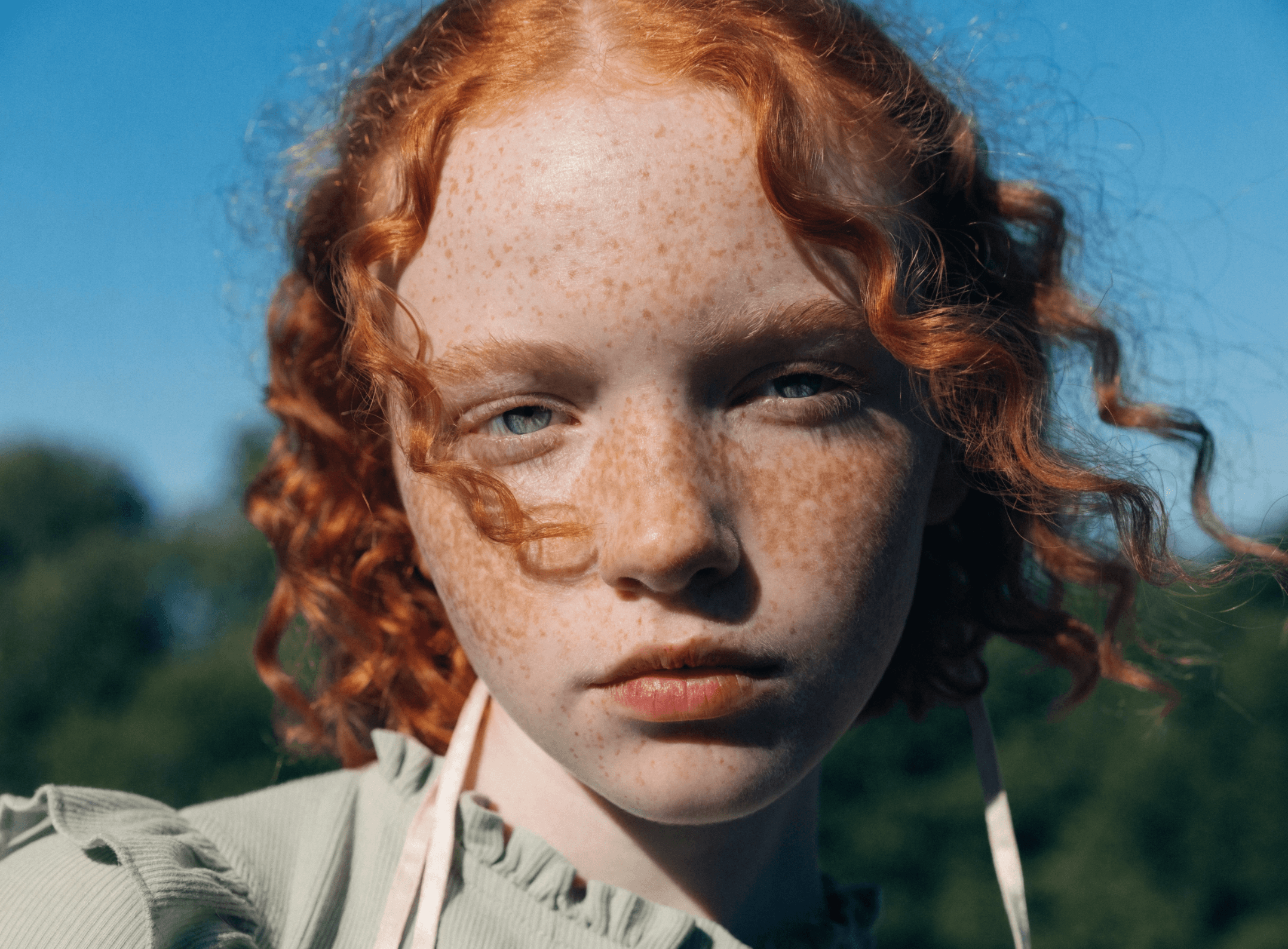
Great for photorealistic portraits, editorial stills, painterly illustrations. Generate beautiful images across every style with the newest models from Recraft.

AI background remover

Get clean edges, no artifacts, and nothing left behind that should not be there.

AI image editor

Refine, enhance, and transform any image with a simple prompt with the most fluid AI design generator.

Mockup generator

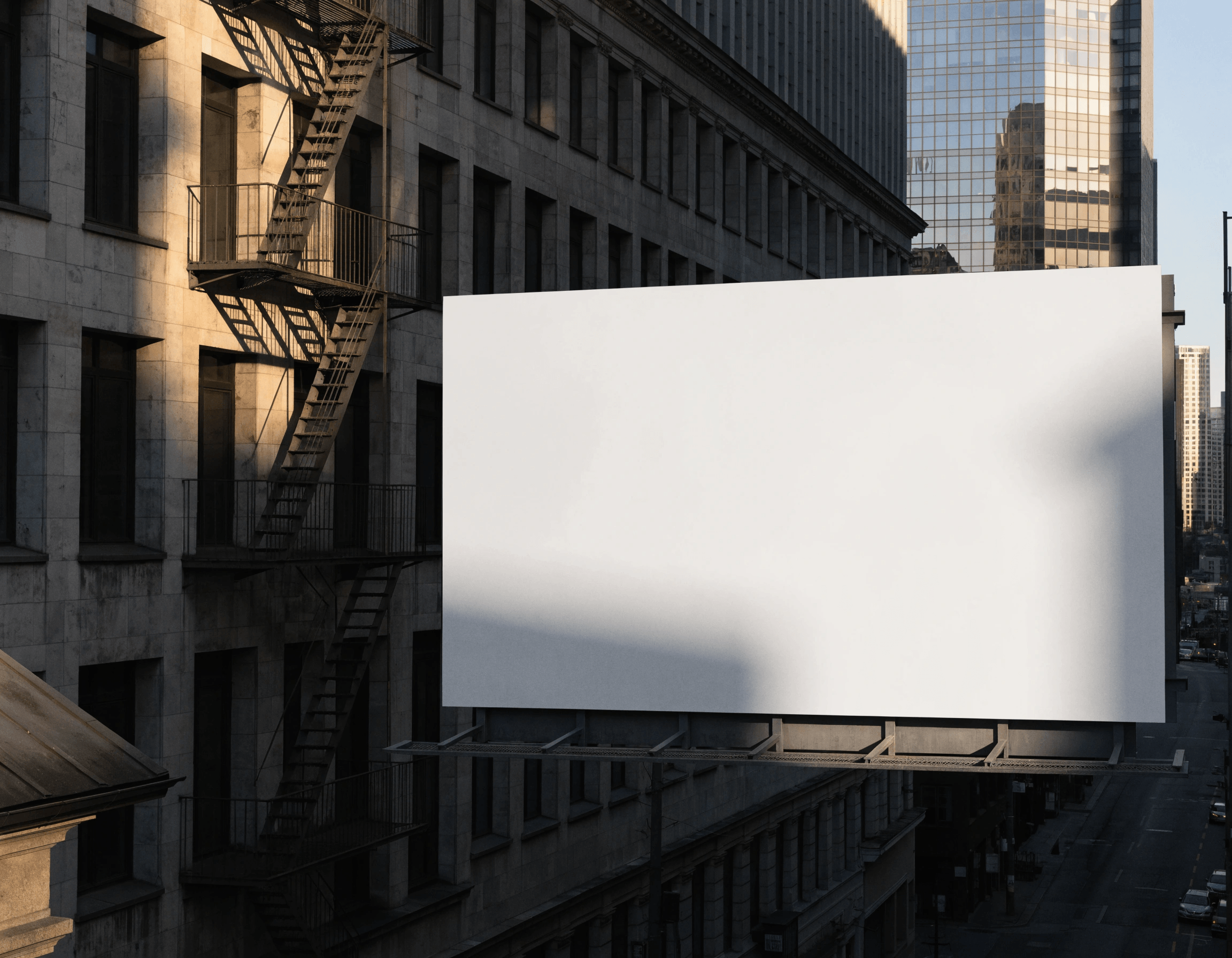
See your brand design in context before anything goes to print. Visualize products, packaging, website design, poster design, and campaign materials the way they will actually look.

Image vectorizer

Turn any image into sharp, scalable vector graphics in seconds. No manual tracing, no lost edges.

AI photo upscaler

Blow it up without losing a single detail. Recraft keeps the resolution enhanced with sharpness preserved.

AI art and vector generator

Truly the best AI graphic generator for creating exportable images with clean shapes and smooth paths, Recraft’s vector-specific models create editable SVGs perfect for any project.

Image format converter

How mockup generator helps sellers create and sell faster.

FAQ

Is the AI vector generator free to use?

Yes. A free Recraft account includes up to 30 generations per day, with full SVG export. For higher daily limits and commercial rights, see Recraft pricing.

What is the vector editor?

A tool inside Recraft Studio for editing vector generations directly. Move anchor points, adjust curves, recolor shapes, and duplicate elements without leaving the canvas.

Do I need design software to edit vectors in Recraft?

No. The vector editor works inside Recraft Studio. There's no exporting to another app and re-importing.

What can I actually change on a shape?

Anchor points, curves, and color, per shape, without affecting the rest of the generation.