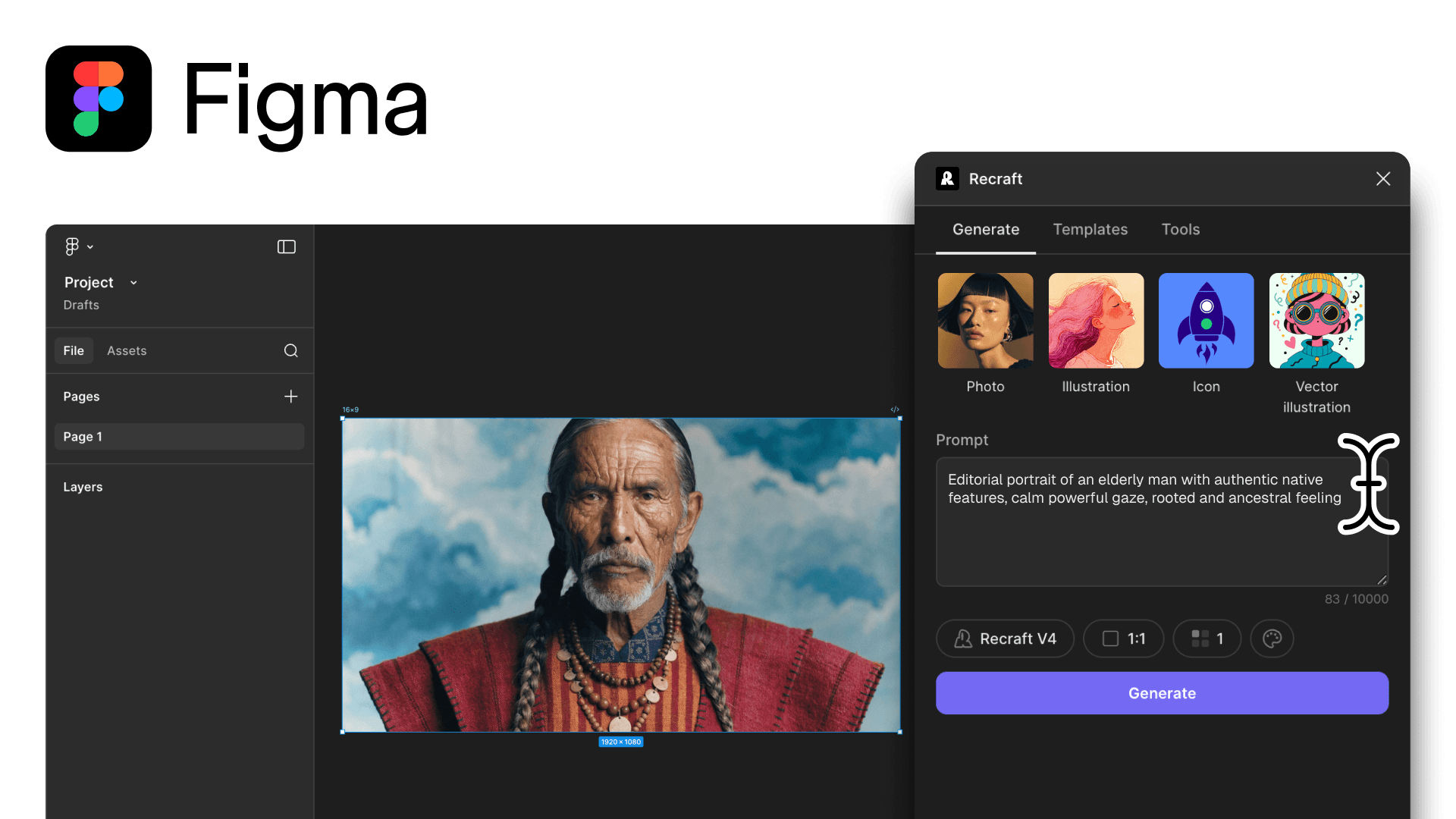
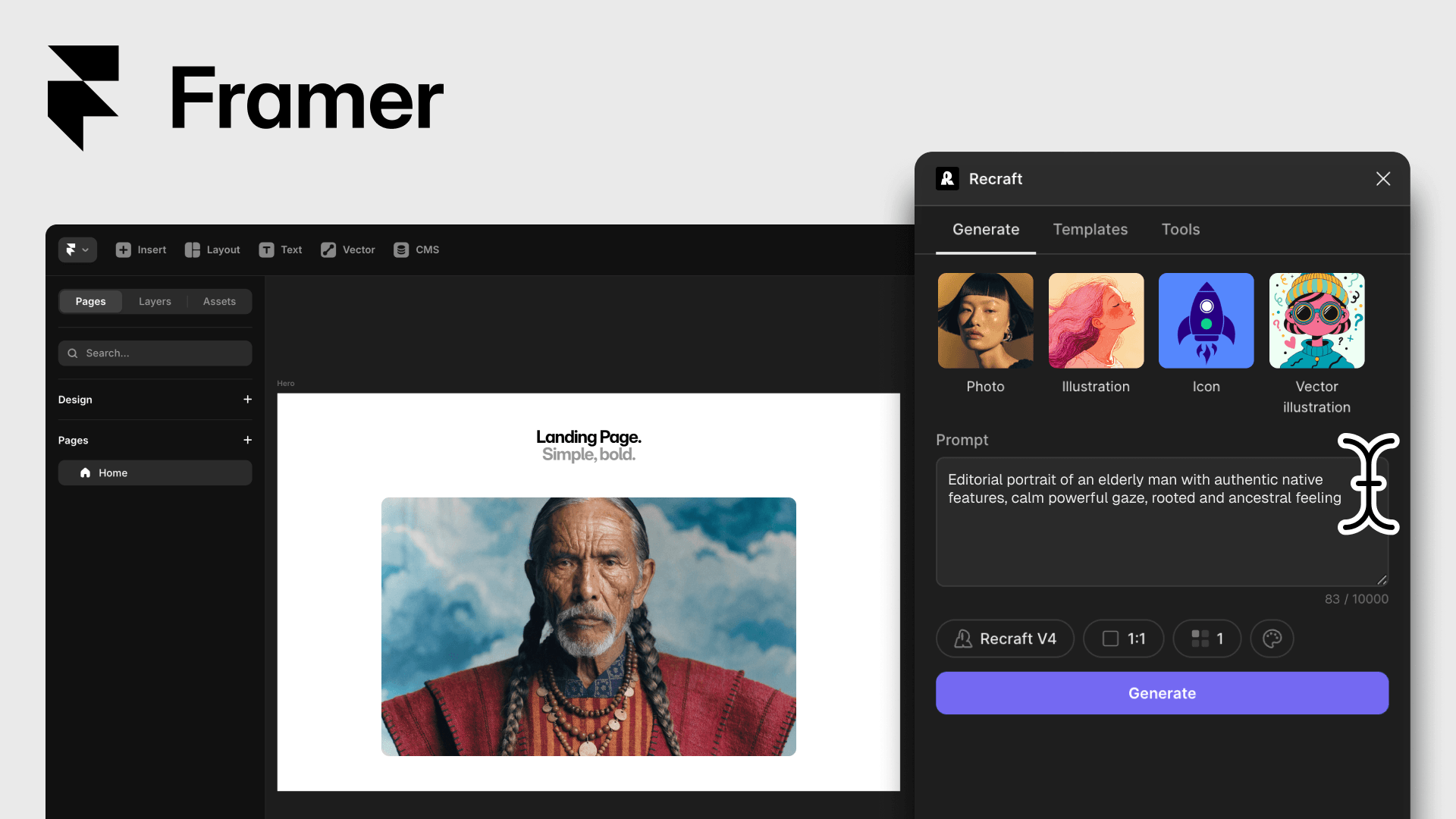
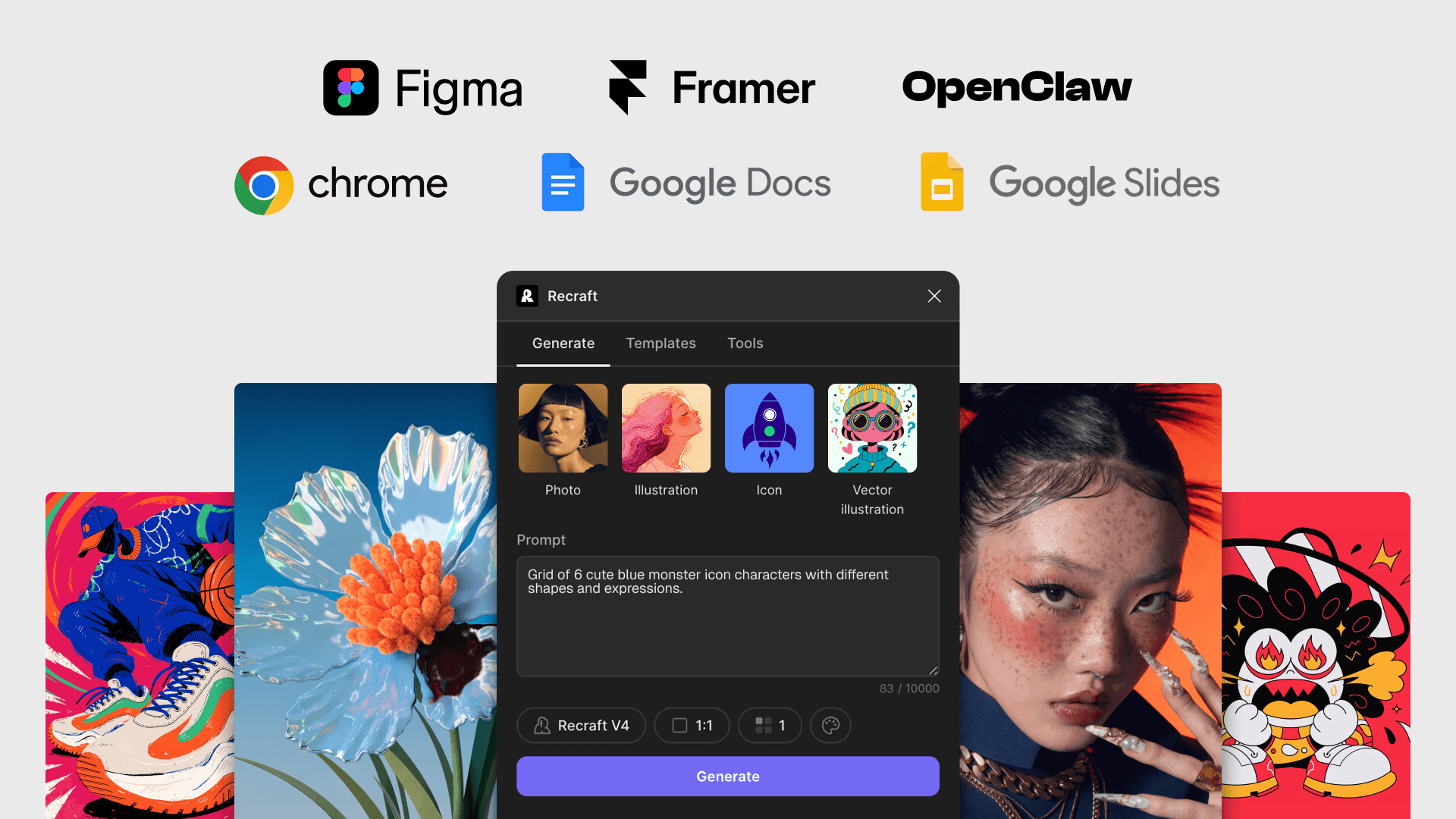
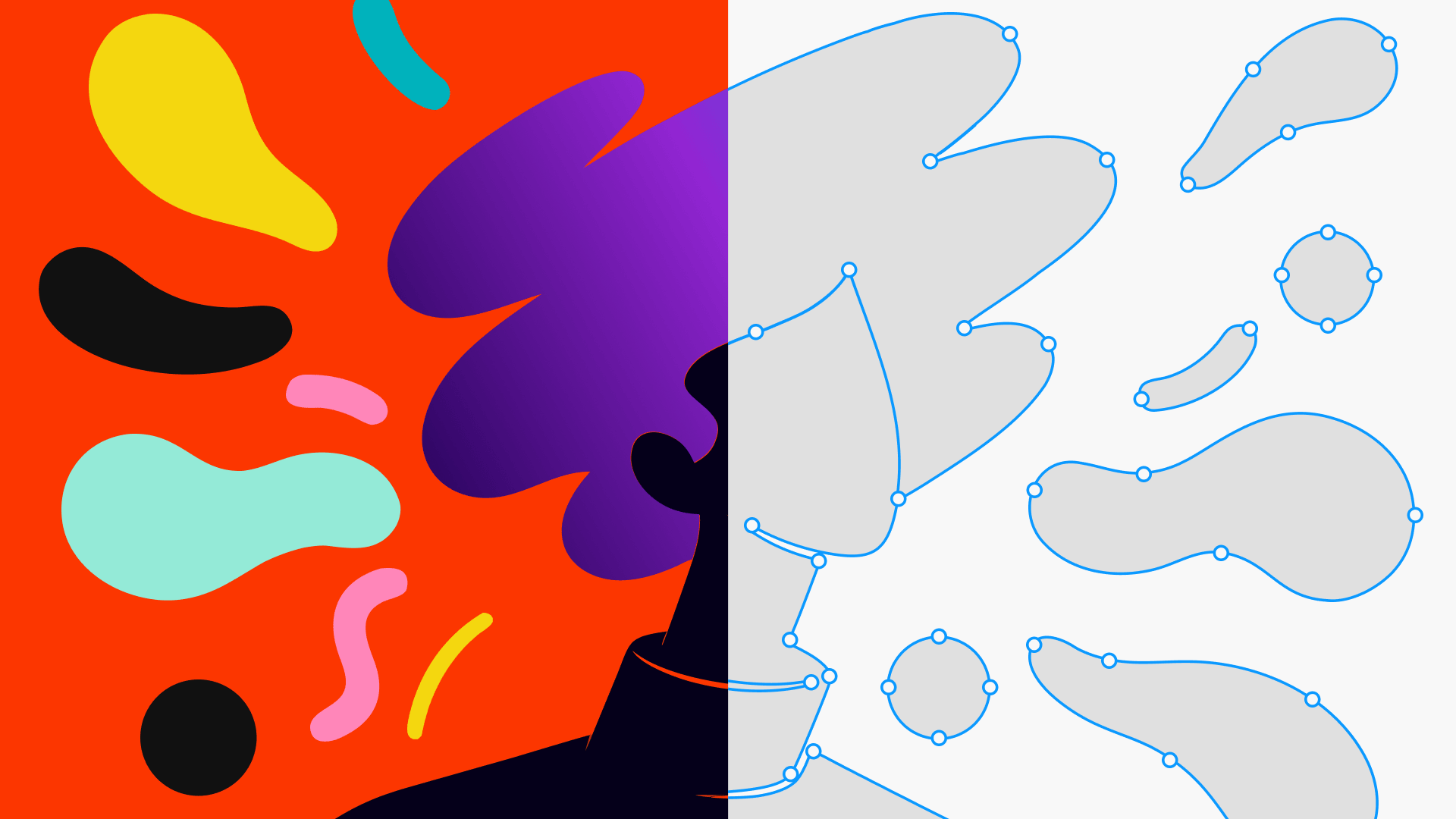
Generate raster images and editable SVG vectors inside Figma. Drop them onto your frame as PNGs or fully editable SVGs — paths, strokes, fills included.
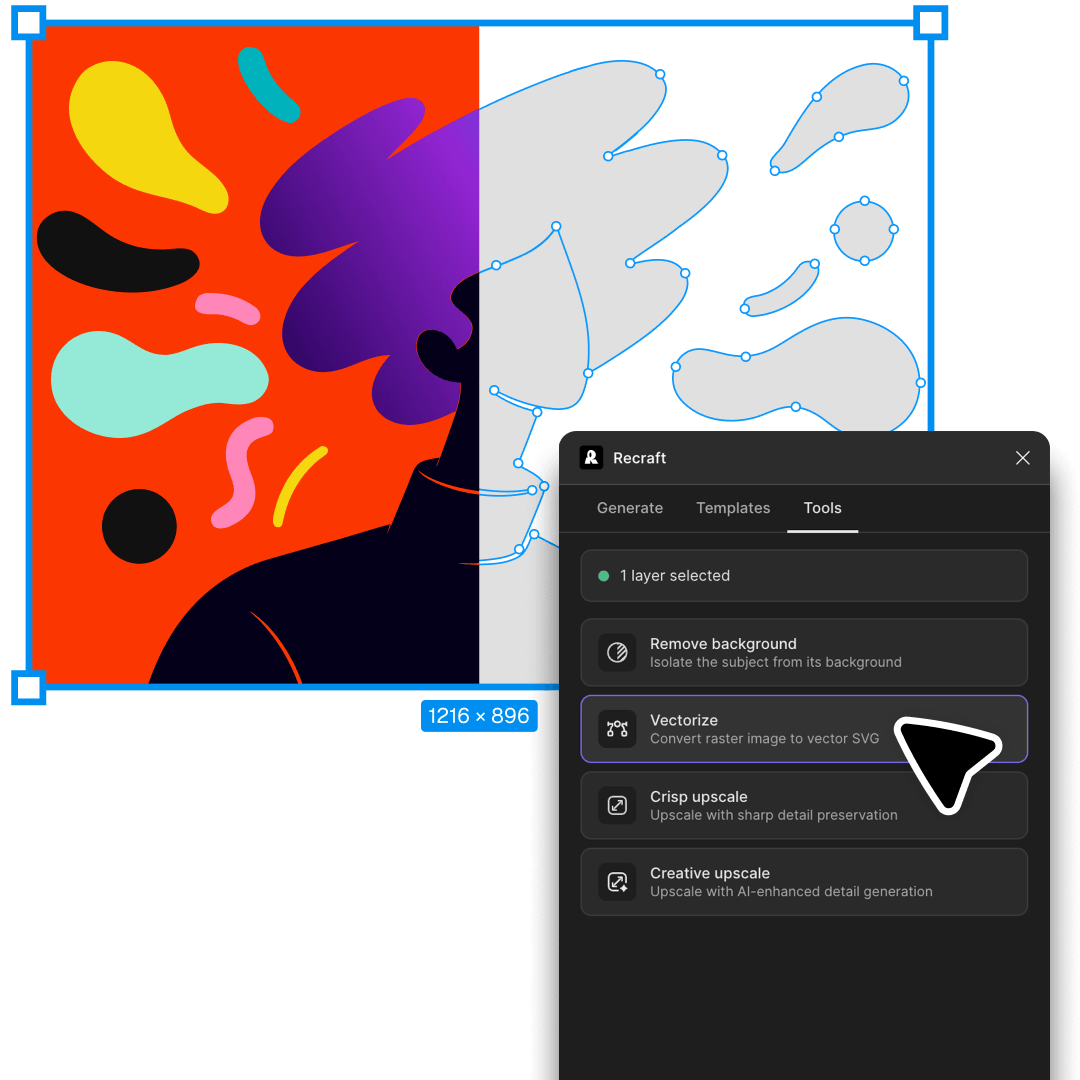
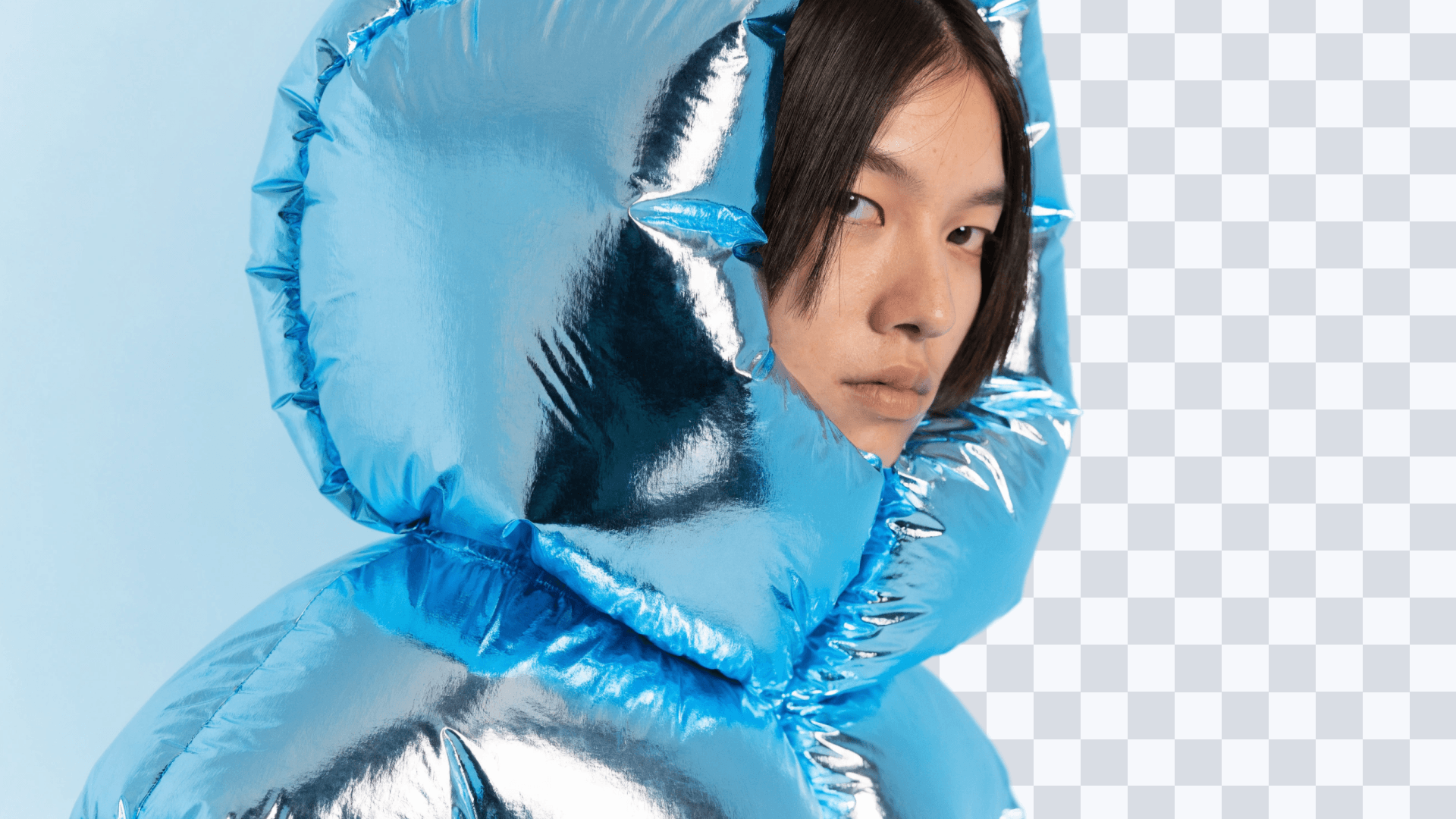
You also get Recraft's full toolkit: AI photo editing — vectorization, background removal and upscaling and AI image generation — all without leaving your Figma file.

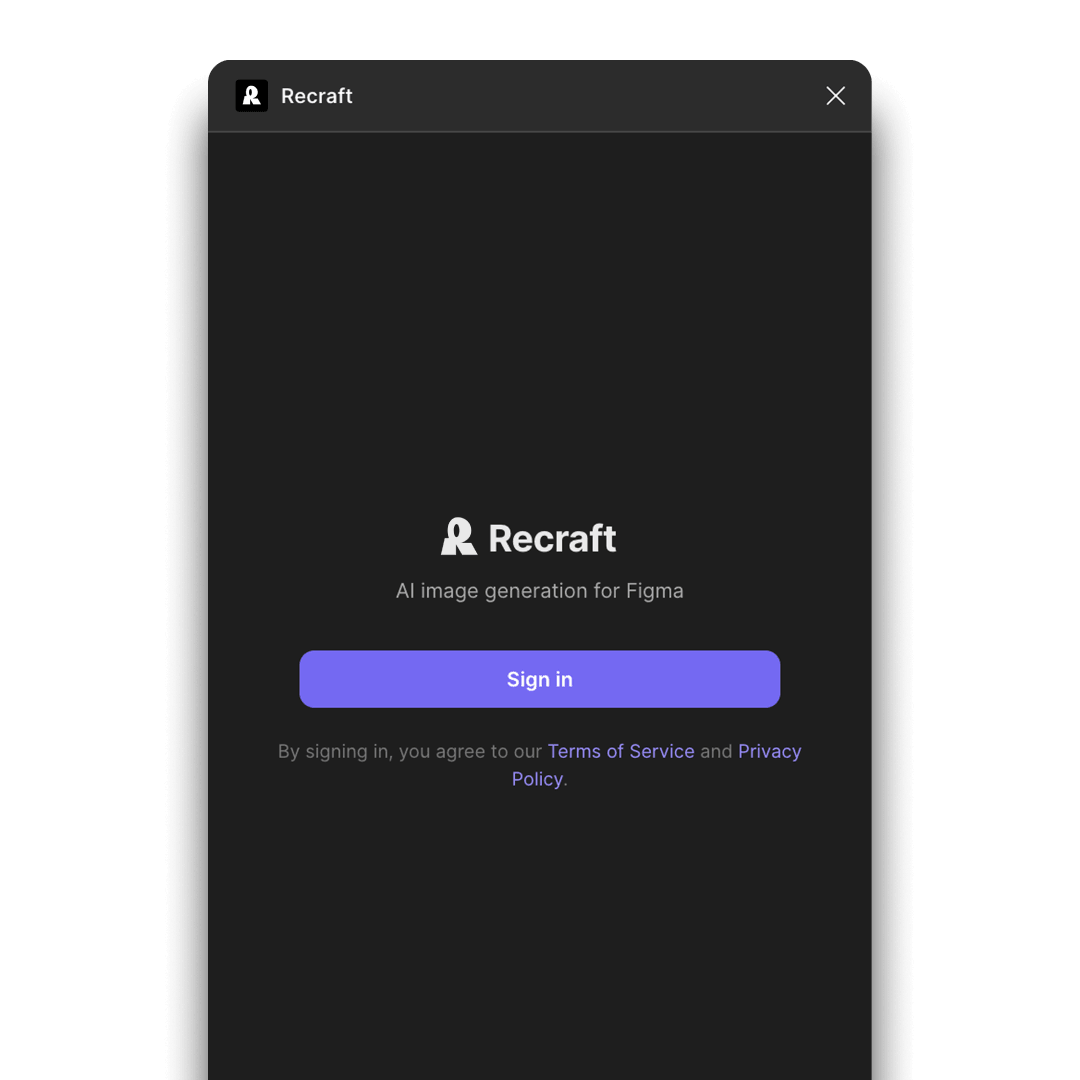
Connect the plugin to your Recraft account to activate generation credits, saved styles, and project history. A free Recraft account includes 30 daily credits renewed every 24 hours.
Open Plugins → Recraft, write your prompt, pick a Recraft model, and click Generate. Drag the result onto your canvas as a PNG or as an editable SVG — ready for your design system.
Open the Community tab in Figma, search for Recraft, and open the plugin. It loads into your current file — no separate install required. Sign in with your Recraft account to activate generation credits.
Yes. The Recraft V4 Vector and V4 Pro Vector models output fully editable SVGs — paths, strokes, and fills — that drop straight onto your Figma frame and work with Figma's native vector tools.
Yes. Sign in to the plugin with your Recraft account. A free account includes 30 daily credits renewed every 24 hours; paid plans remove daily limits and unlock commercial rights.
The plugin model picker includes Recraft V3, V4, V4 Pro, V4 Vector, and V4 Pro Vector — choose raster models for photography and illustrations, or vector models for editable SVG output.
The plugin is free to open and use. Image generation uses your Recraft account credits — a free account includes 30 daily credits renewed every 24 hours, and paid Recraft plans unlock higher daily limits and full commercial rights. See Recraft pricing for plan details.