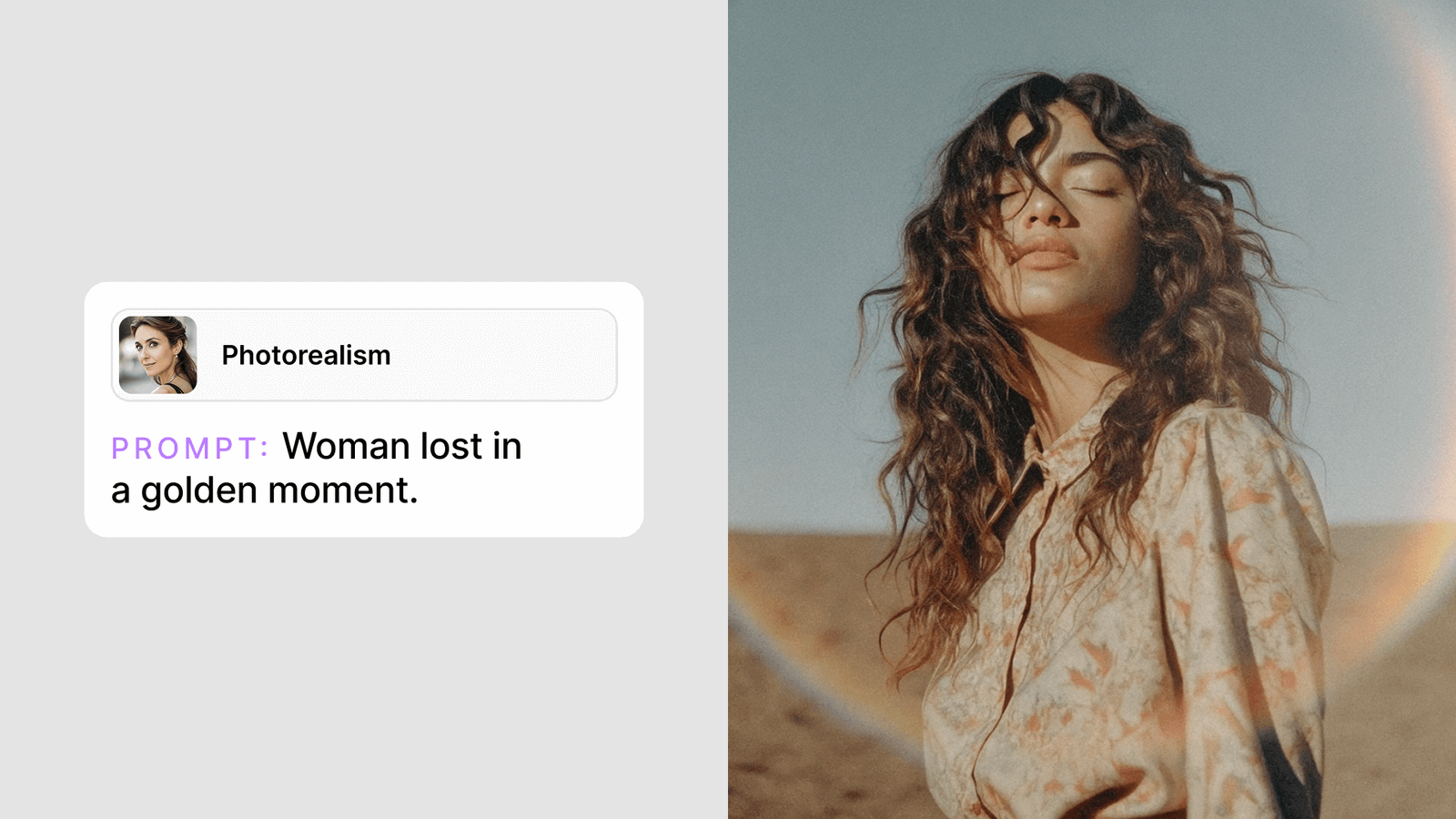
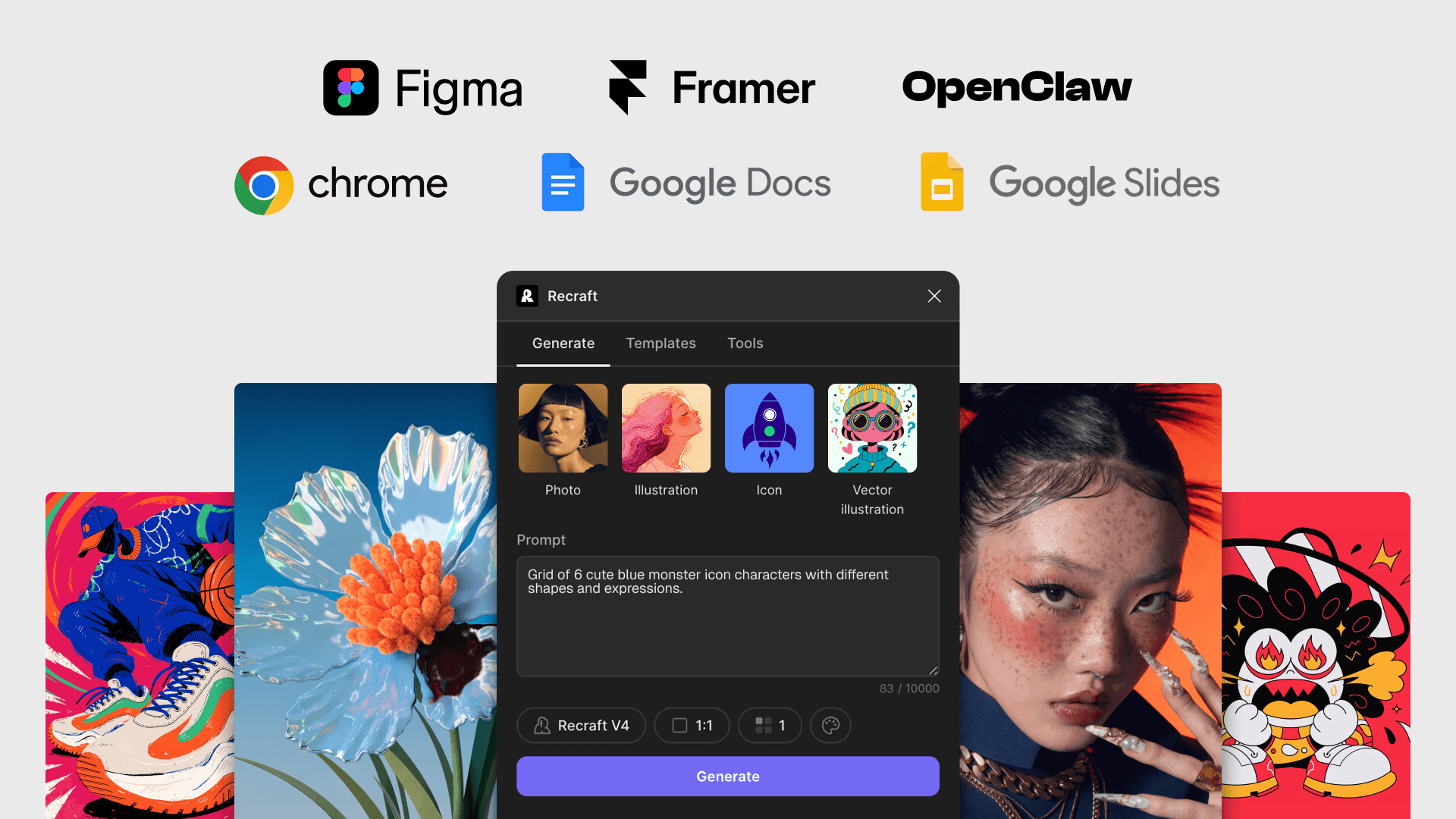
Bring Recraft into OpenClaw. The skill runs AI image generation and AI photo editing — raster and vector output, background removal, vectorization, upscaling — inside any OpenClaw conversation.

Start or open a conversation with your OpenClaw assistant. Skills install per conversation and stay active for follow-up requests.
In the conversation, run /recraft to install the Recraft skill. OpenClaw registers the image and editing tools exposed by Recraft and confirms installation.
Paste your API key in the conversation. Usage is billed per request — see API pricing for details.
In any OpenClaw conversation, run /recraft to install the Recraft skill. OpenClaw registers the image generation and editing tools and confirms installation. Paste your Recraft API key when prompted.
The skill exposes the full Recraft API — raster and vector generation, prompt-based editing, background removal, vectorization, upscaling, and batch jobs — so you can create and edit images from inside any OpenClaw conversation.
Yes. Generate an API key from your Recraft account and paste it into the OpenClaw conversation when the skill asks for it. The skill stores the key securely and uses it for subsequent requests.
Yes. The same generation and editing capabilities exposed by the Recraft skill are available over MCP (Model Context Protocol), so you can wire Recraft directly into internal tools, agents, and custom workflows.
Usage is billed per request and varies by operation — generation, editing, vectorization, and batch jobs each have their own rates. See the Recraft API pricing page for current per-request costs.
The Recraft skill is free to install in OpenClaw. Recraft API usage is billed per request, and rates vary by operation — generation, editing, vectorization, and batch jobs each have their own pricing. See the Recraft API pricing page for current per-request rates.