Download app
Download app

Imagen

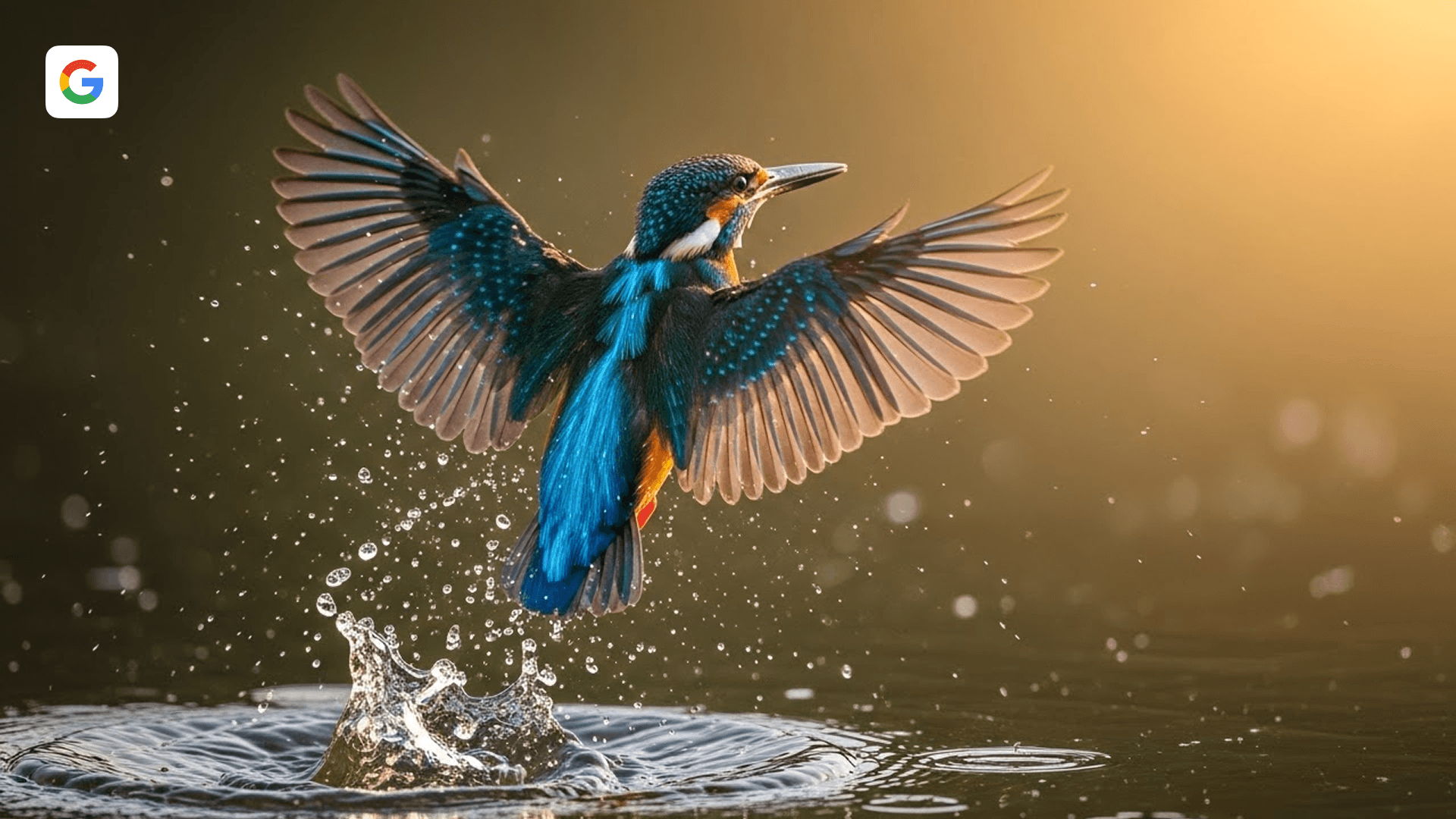
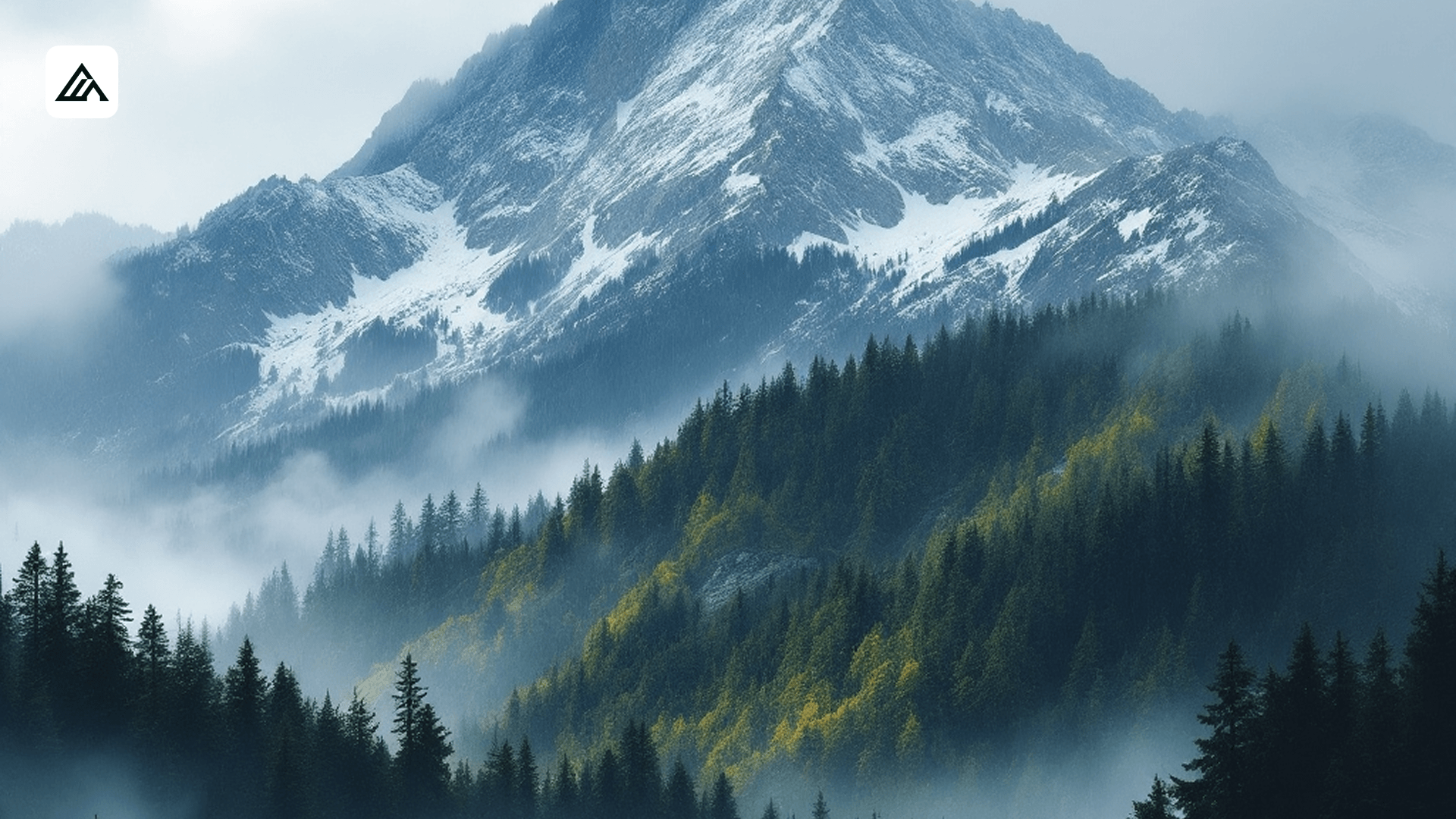
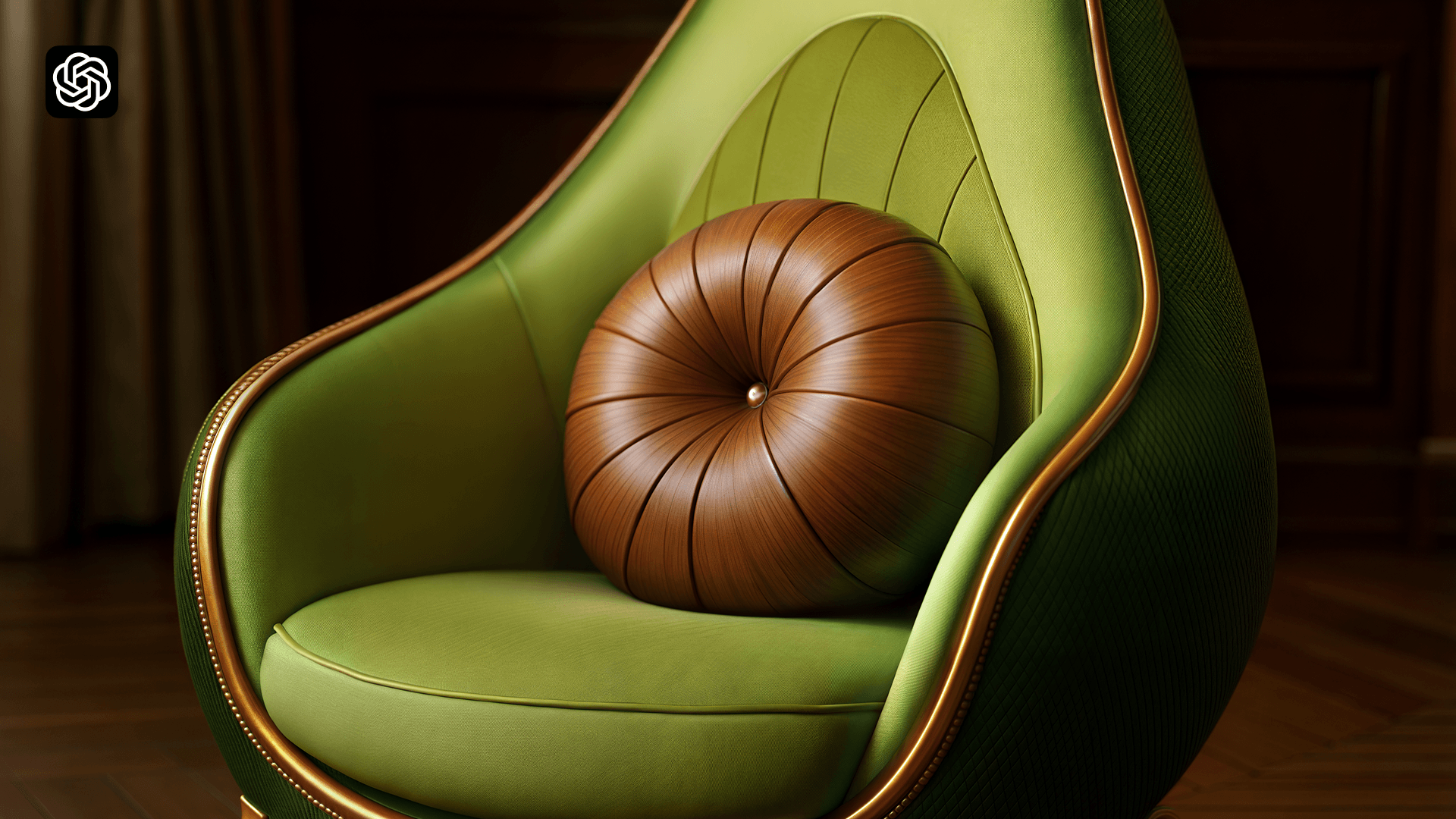
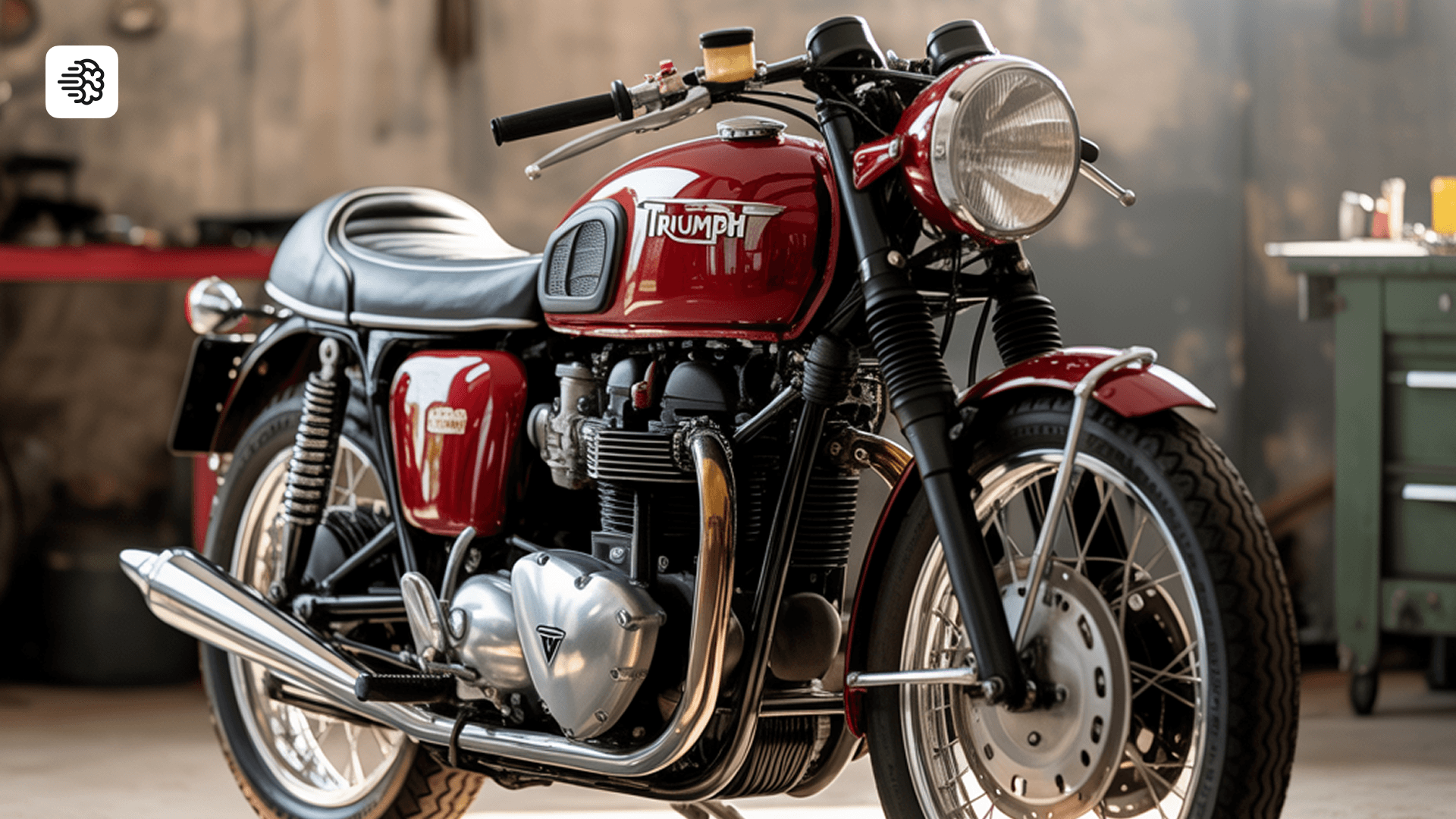
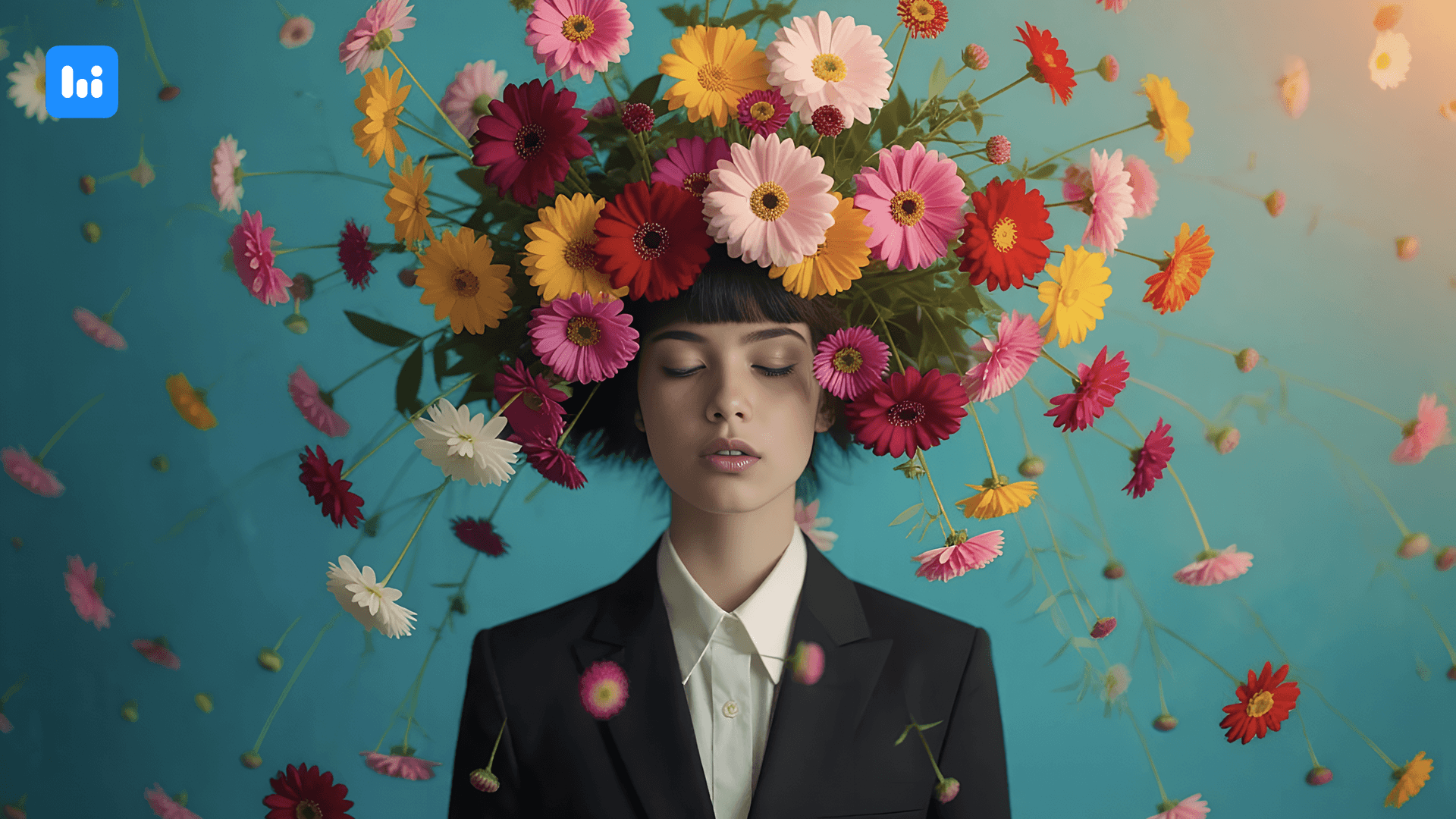
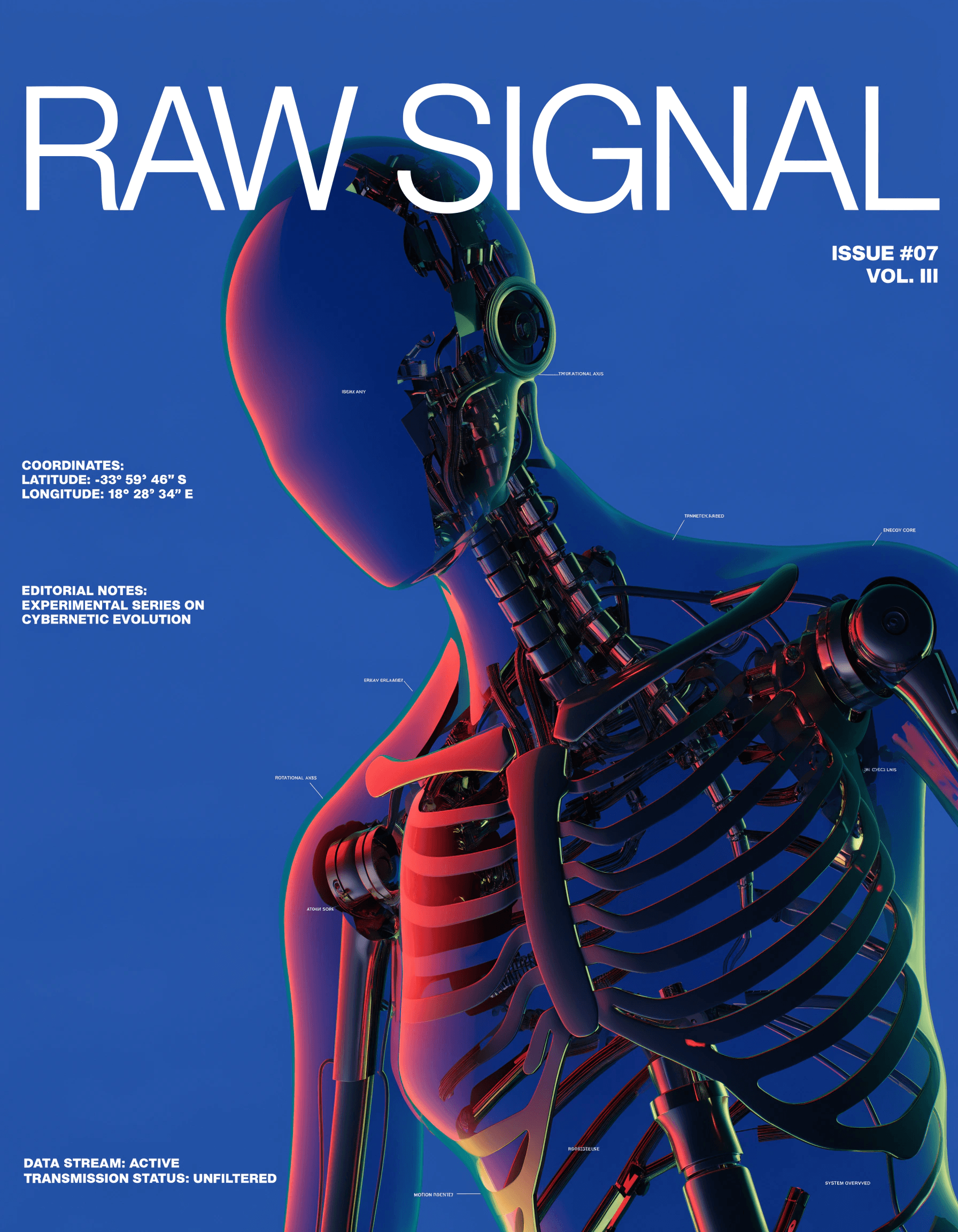
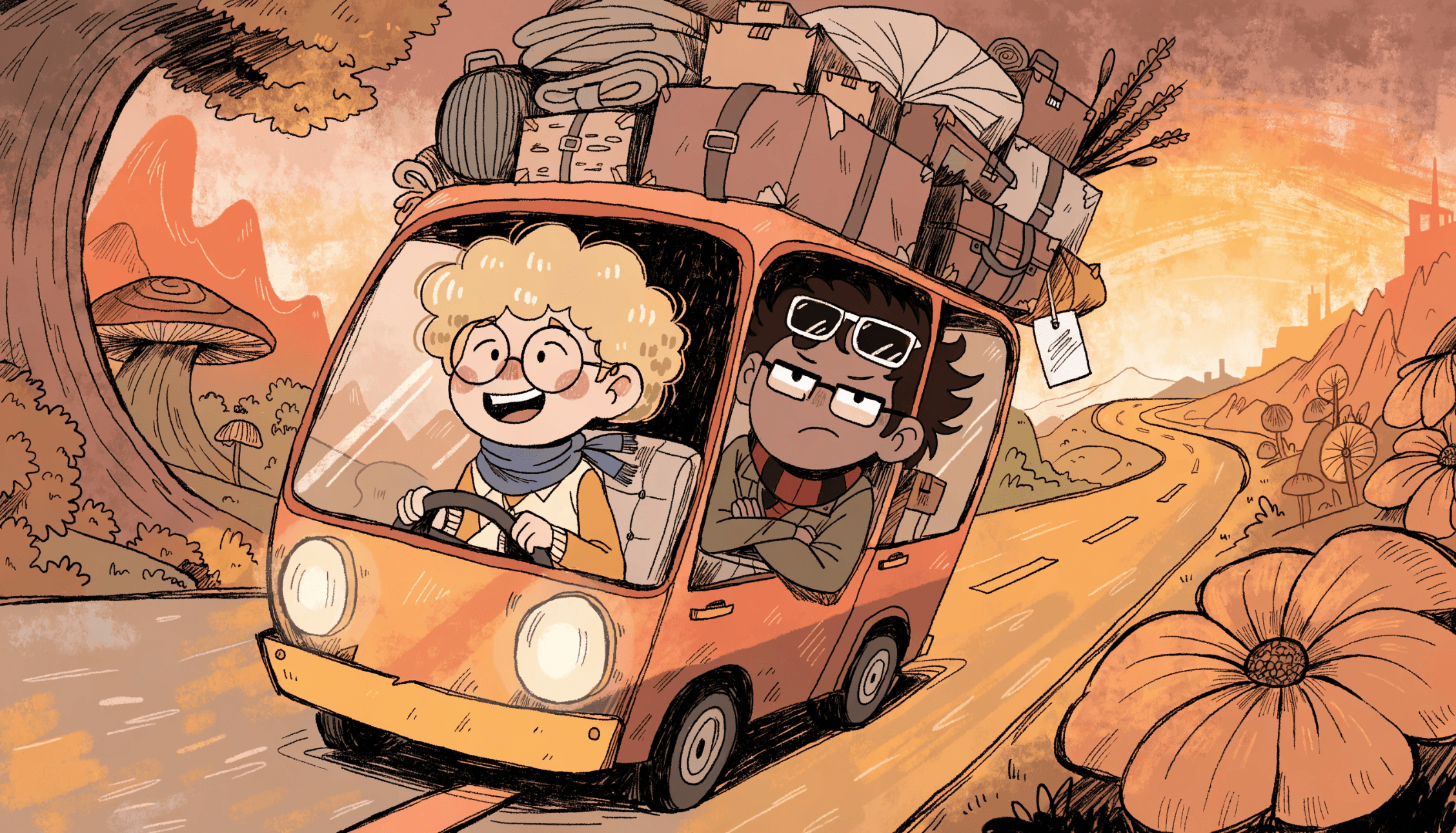
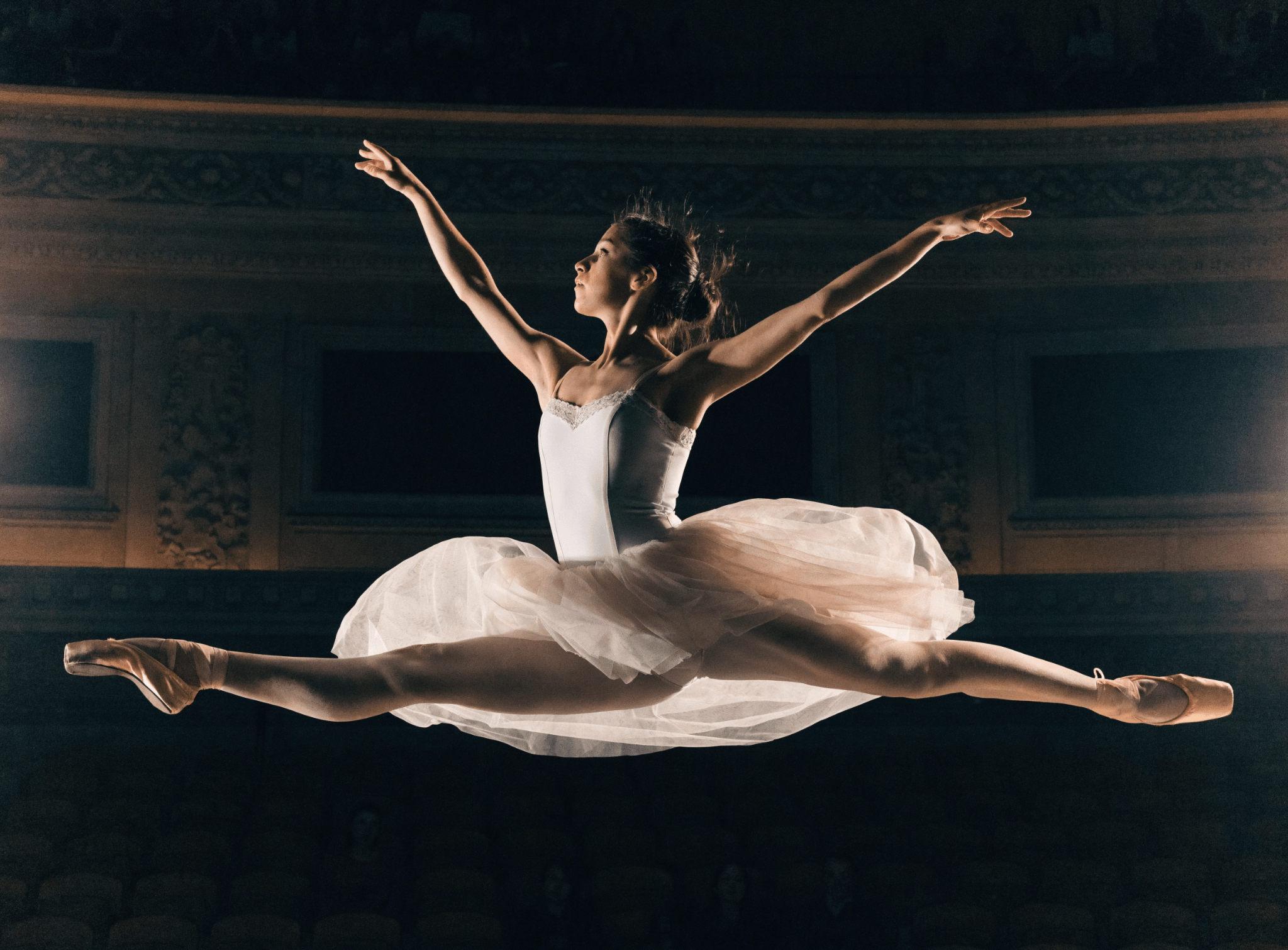
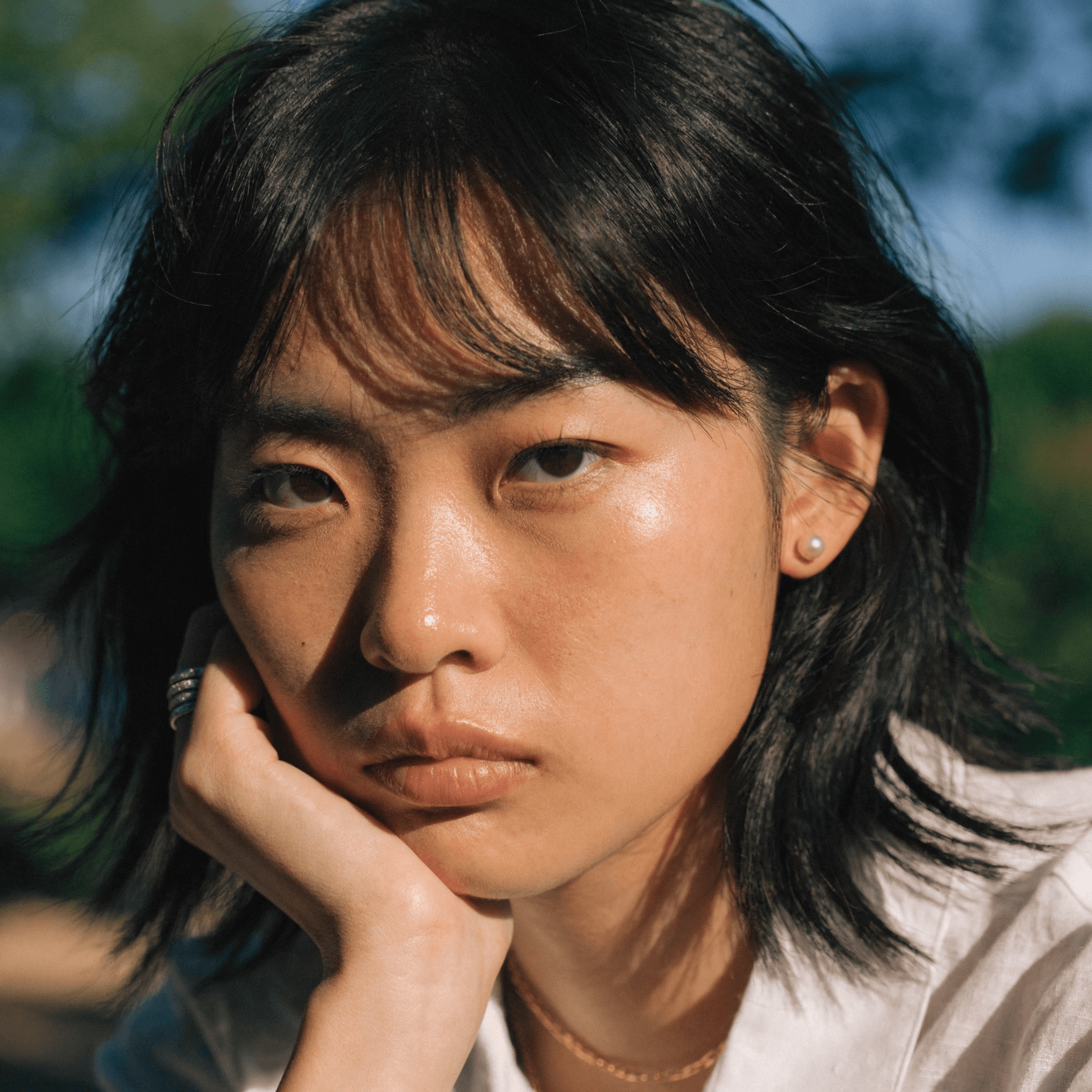
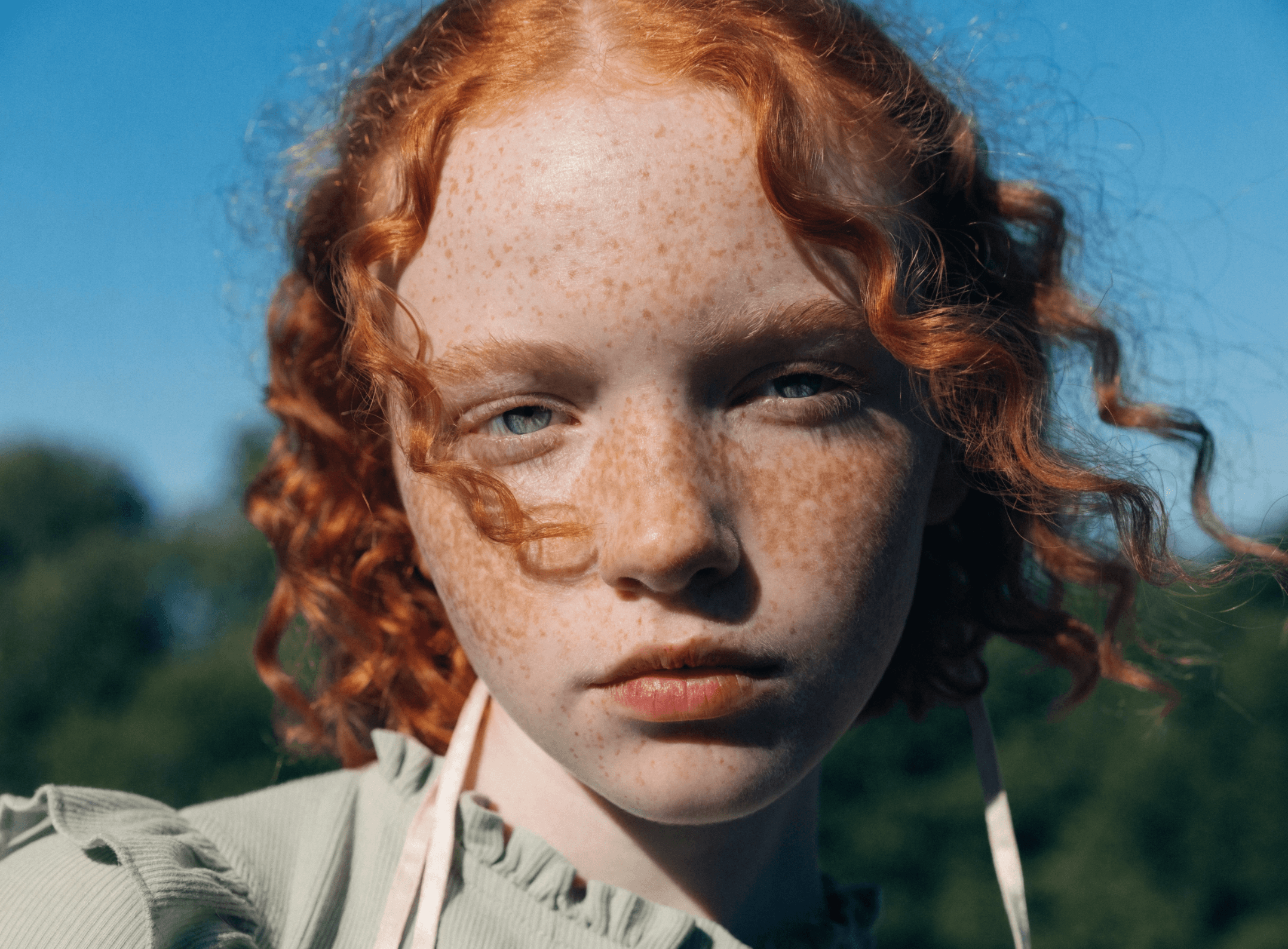
Google DeepMind's Imagen family is available in Recraft Studio with Imagen 4 and Imagen 4 Ultra. Imagen 4 Ultra — the most advanced model — is purpose-built for ultra-photorealistic rendering, while Imagen 4 delivers advanced realism at faster speeds.
Trusted by designers at

Naturalistic visuals with top-tier photorealism from Google DeepMind

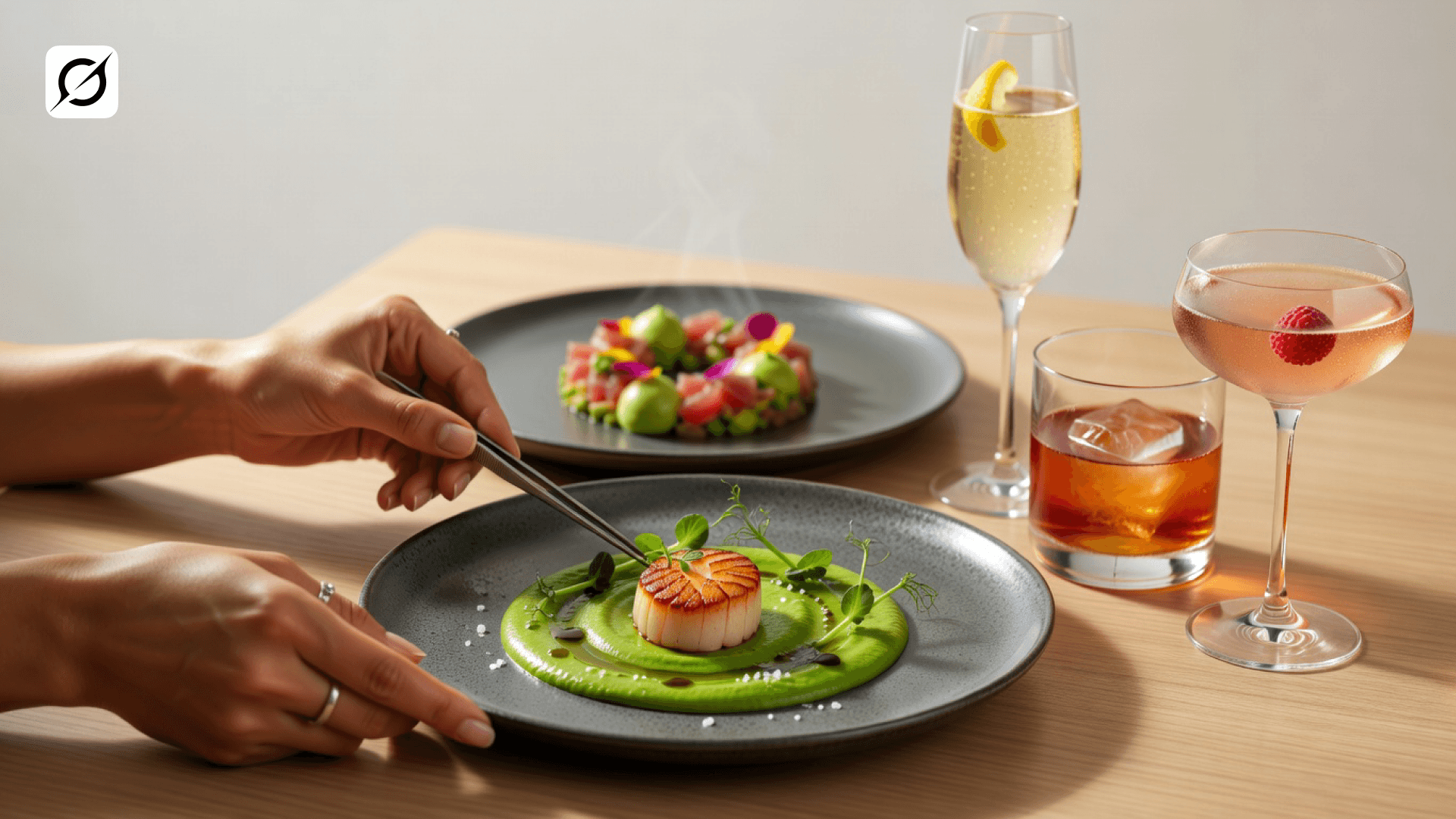
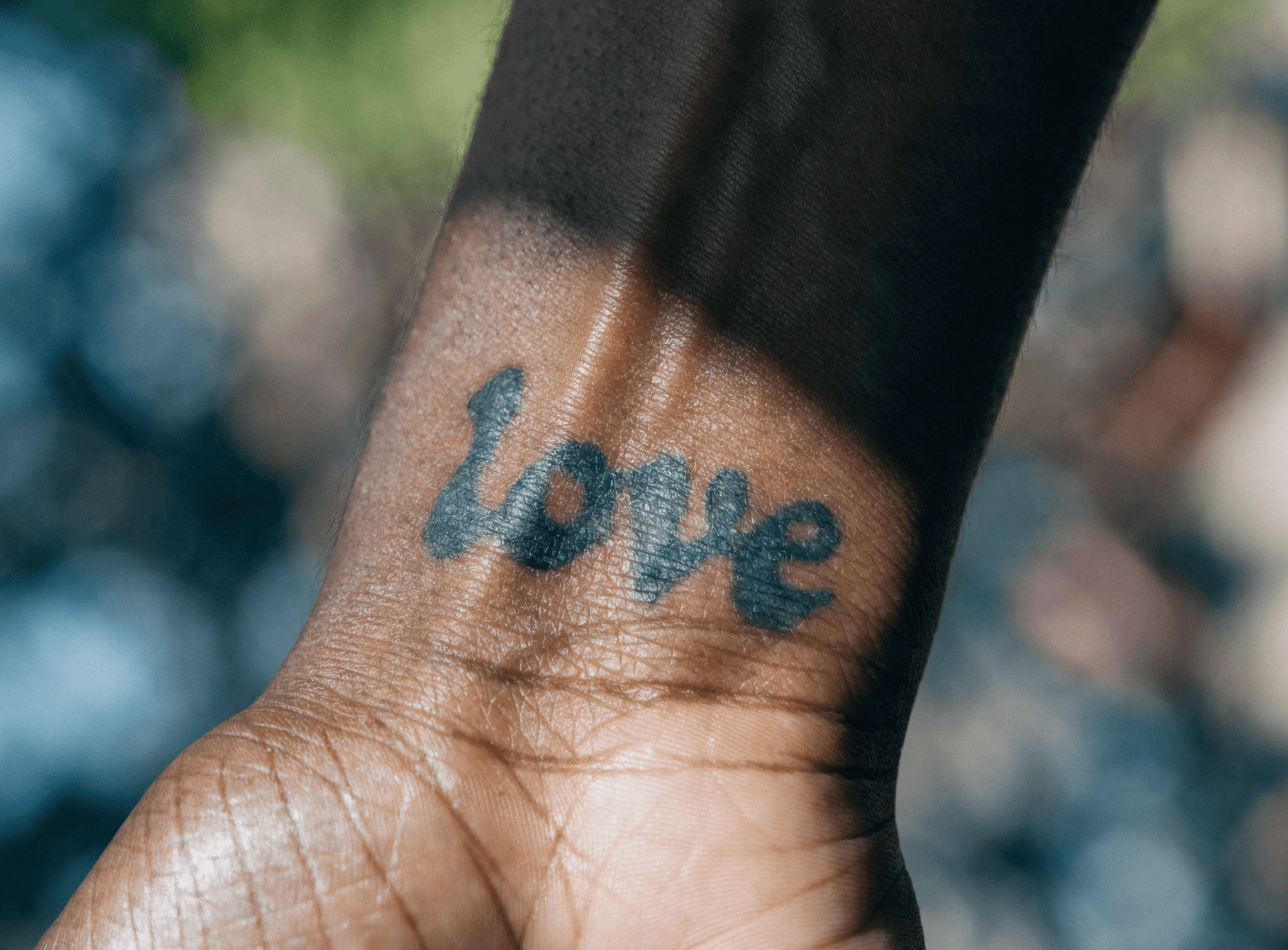
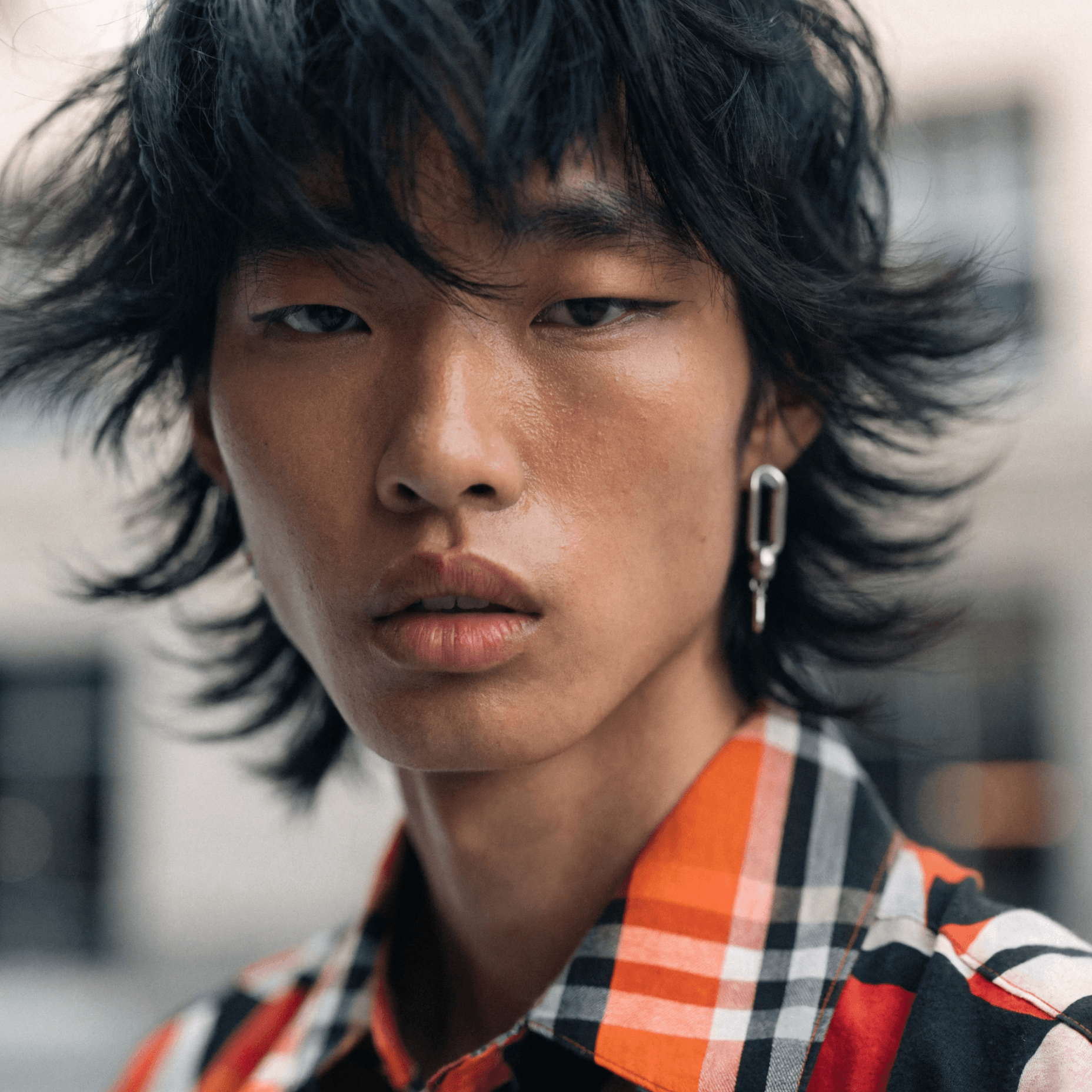
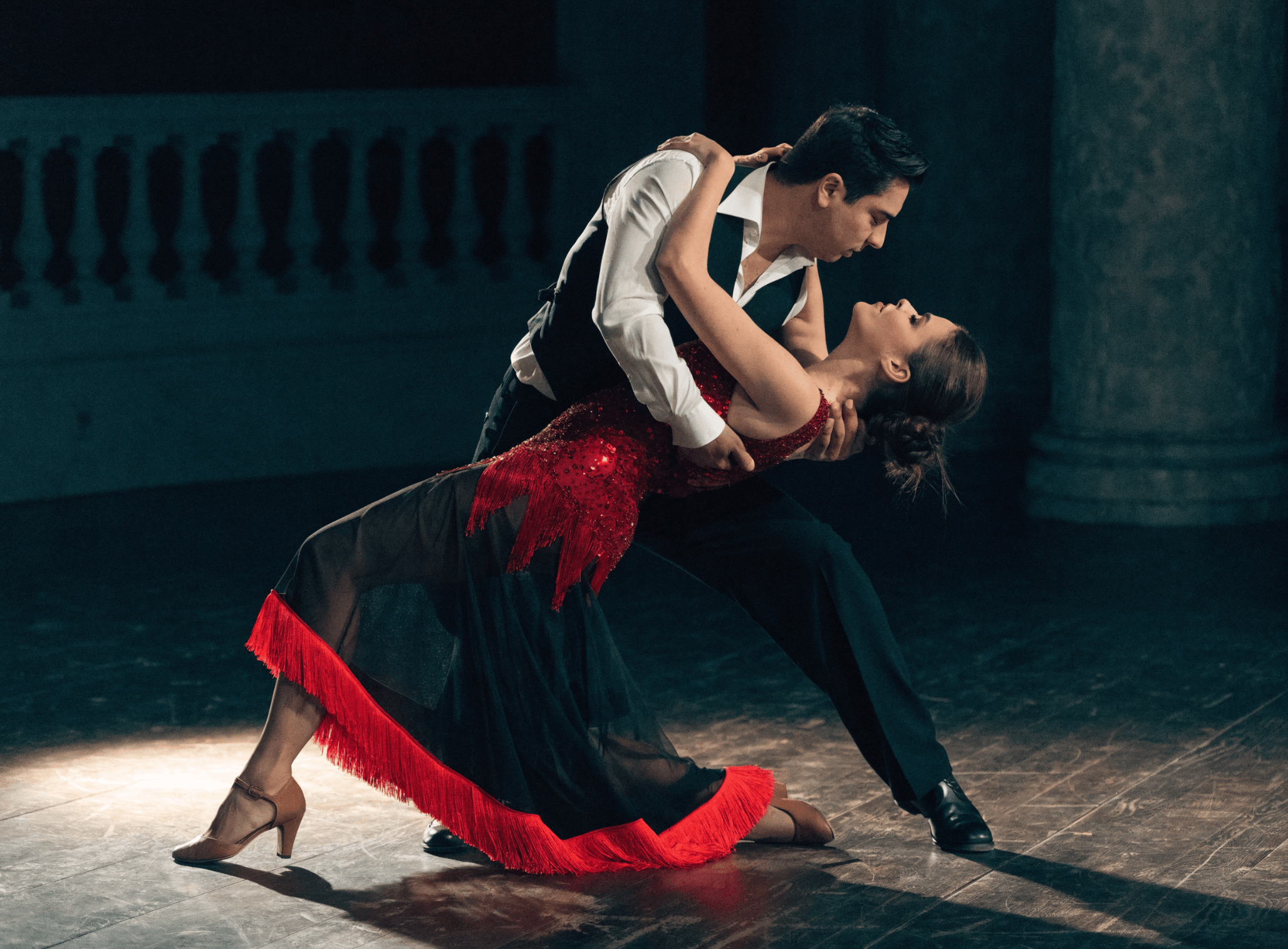
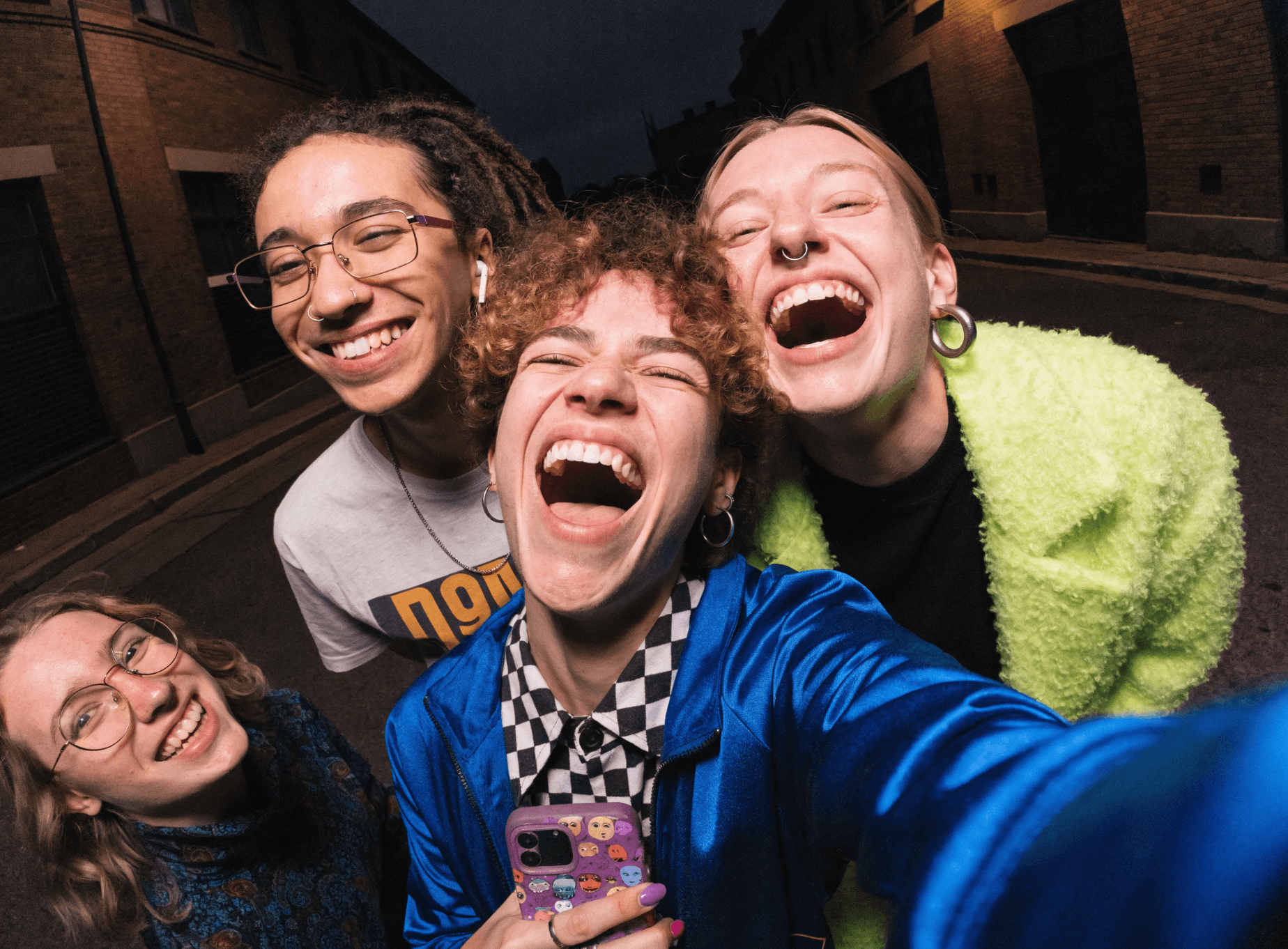
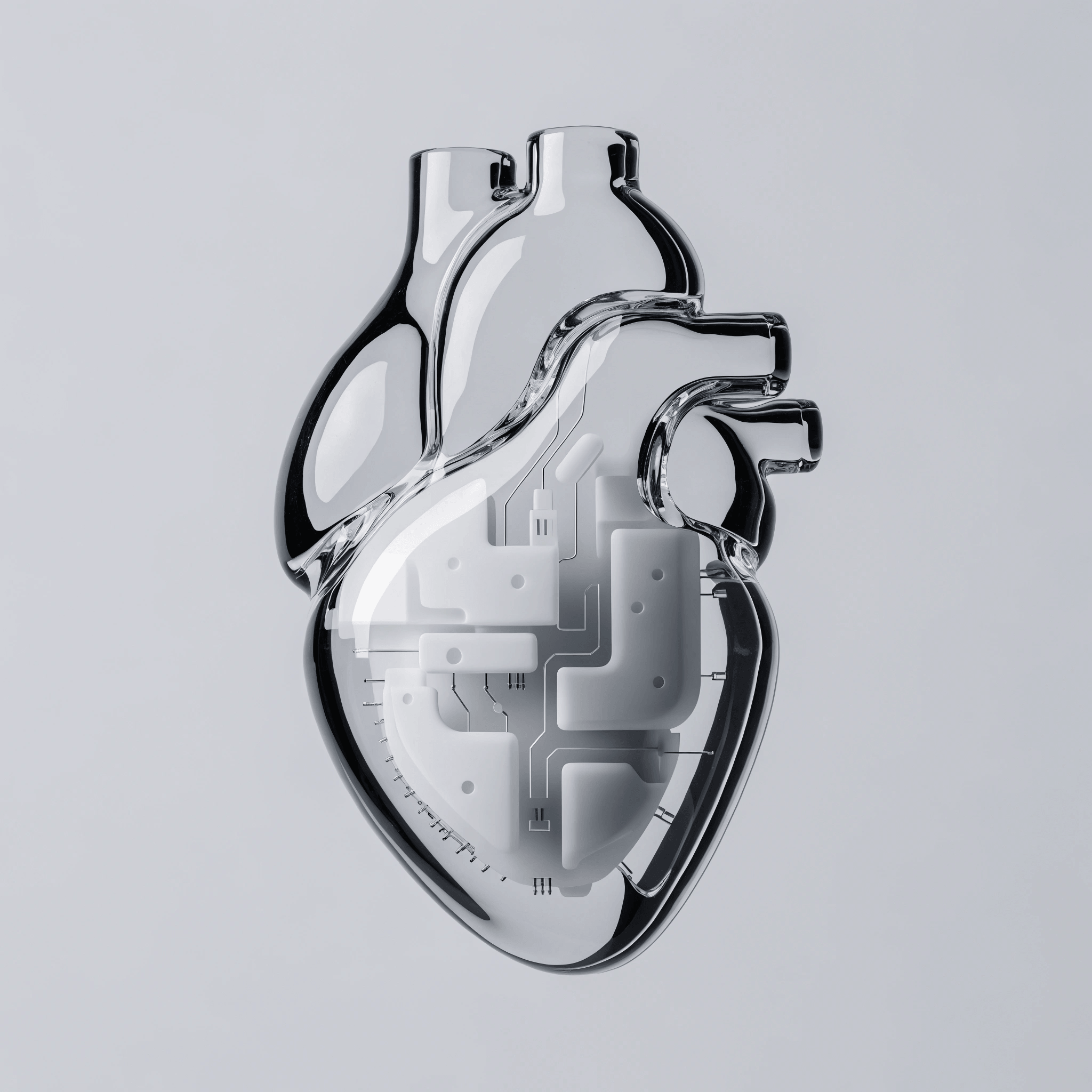
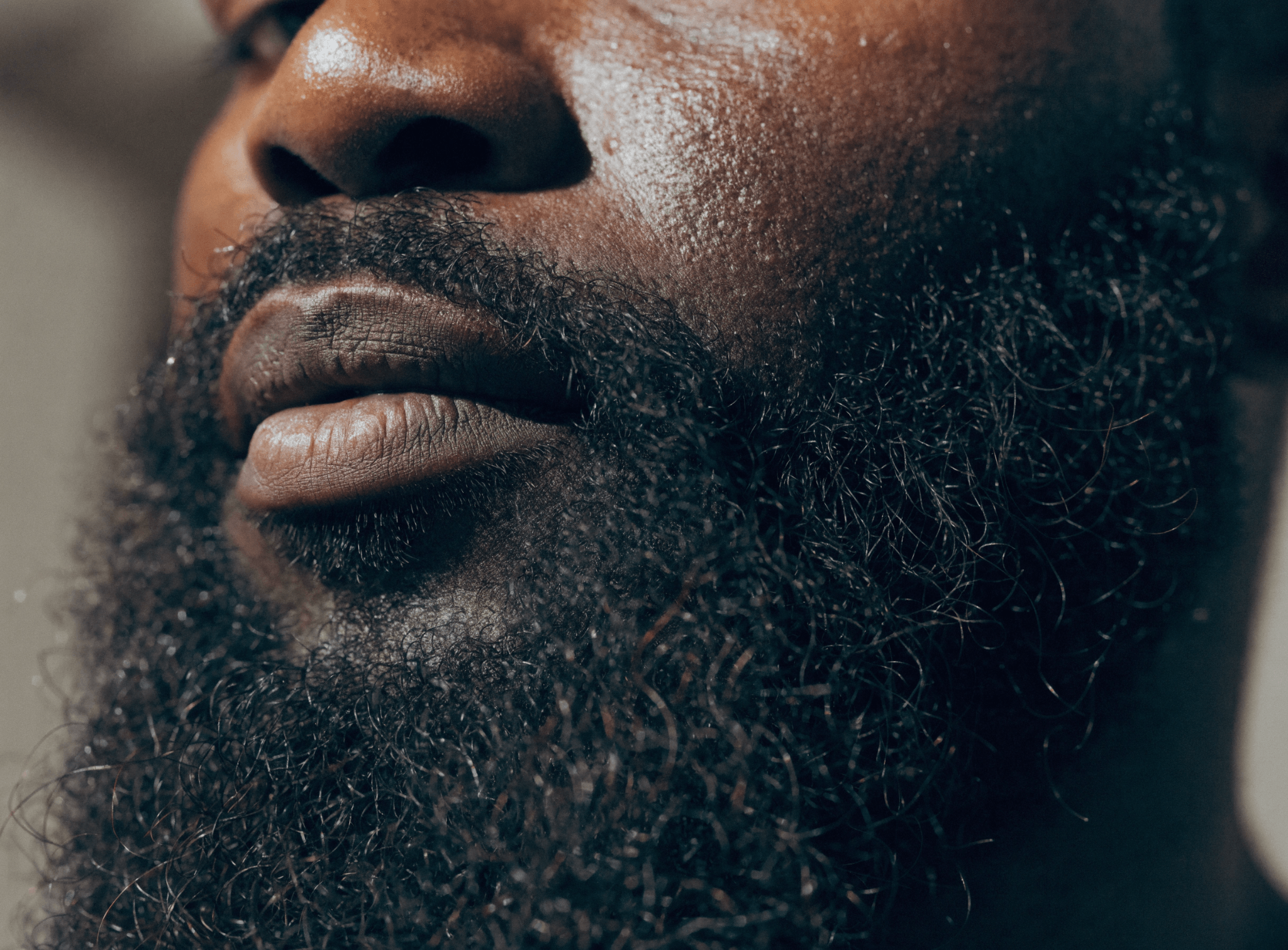
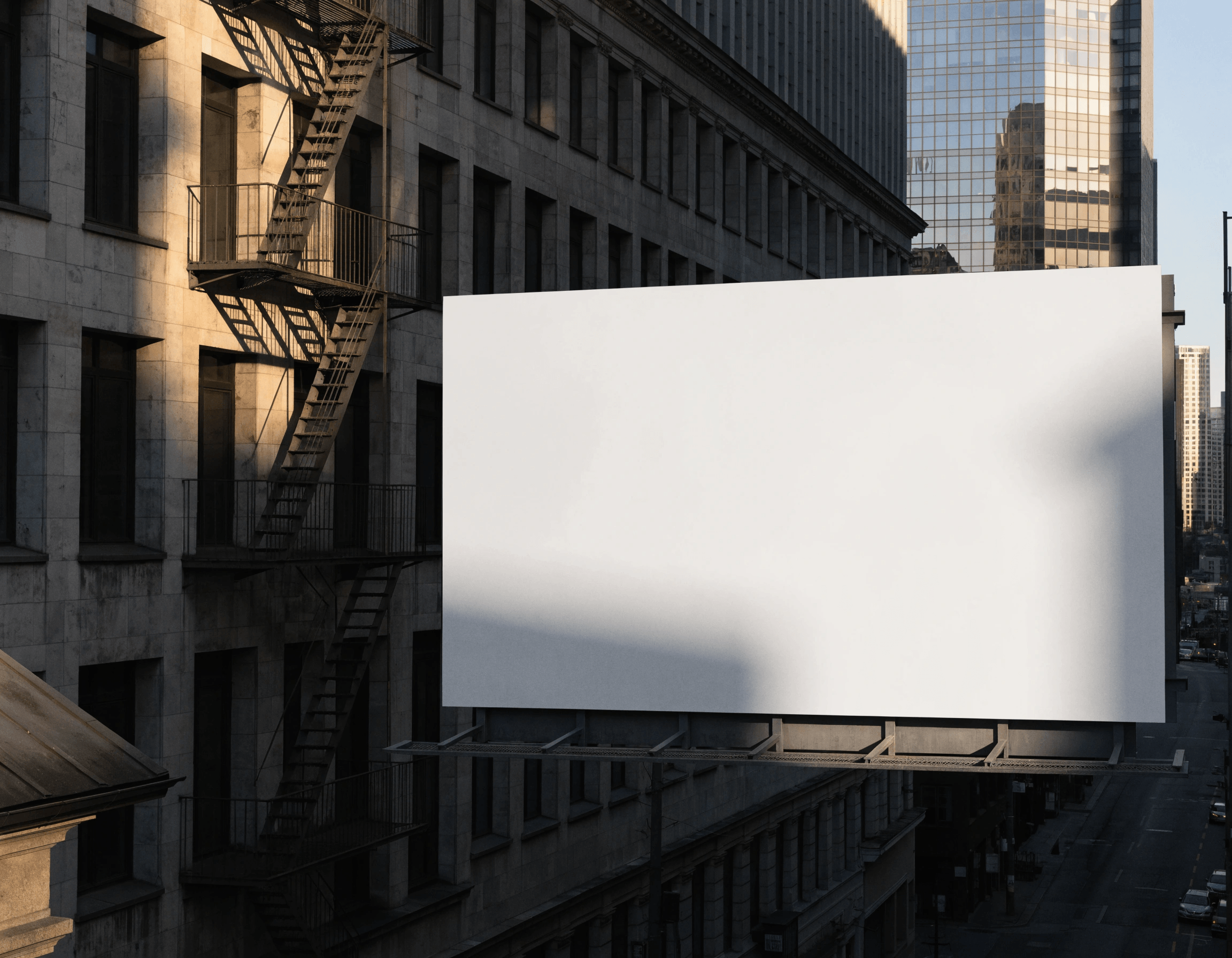
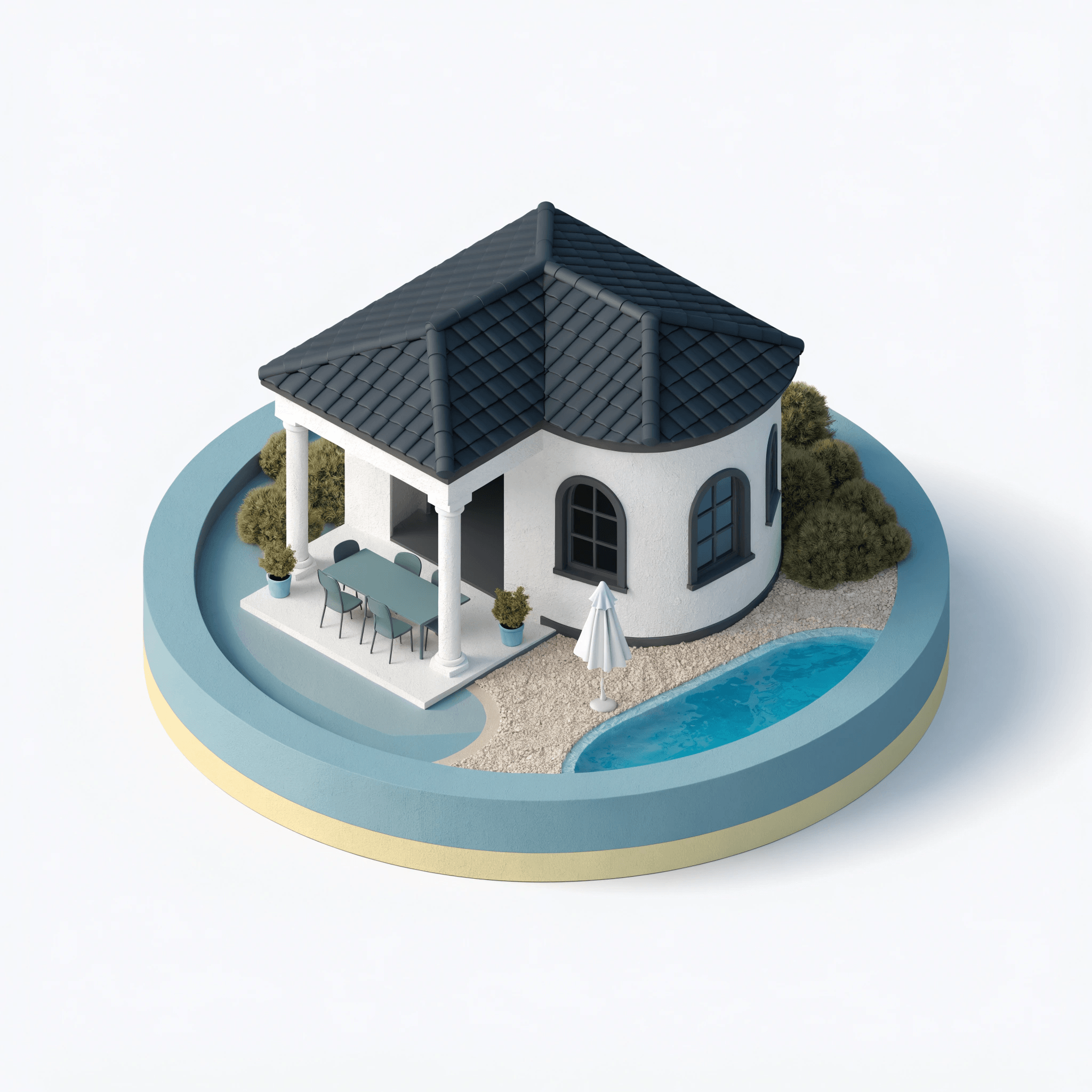
Imagen 4 and Imagen 4 Ultra from Google DeepMind are built for high-fidelity photorealistic image generation with strong prompt accuracy. Imagen 4 delivers advanced realism at speed — well suited for marketing visuals, product photography, and editorial imagery. Imagen 4 Ultra pushes further for ultra-fine detail and the highest output fidelity in the family.

Both models are available in Recraft Studio's Model selector. Generated images appear on the canvas where you can continue editing, upscaling, or exporting in your preferred format without leaving your workflow.

Try Imagen

How to use Imagen in Recraft Studio

1
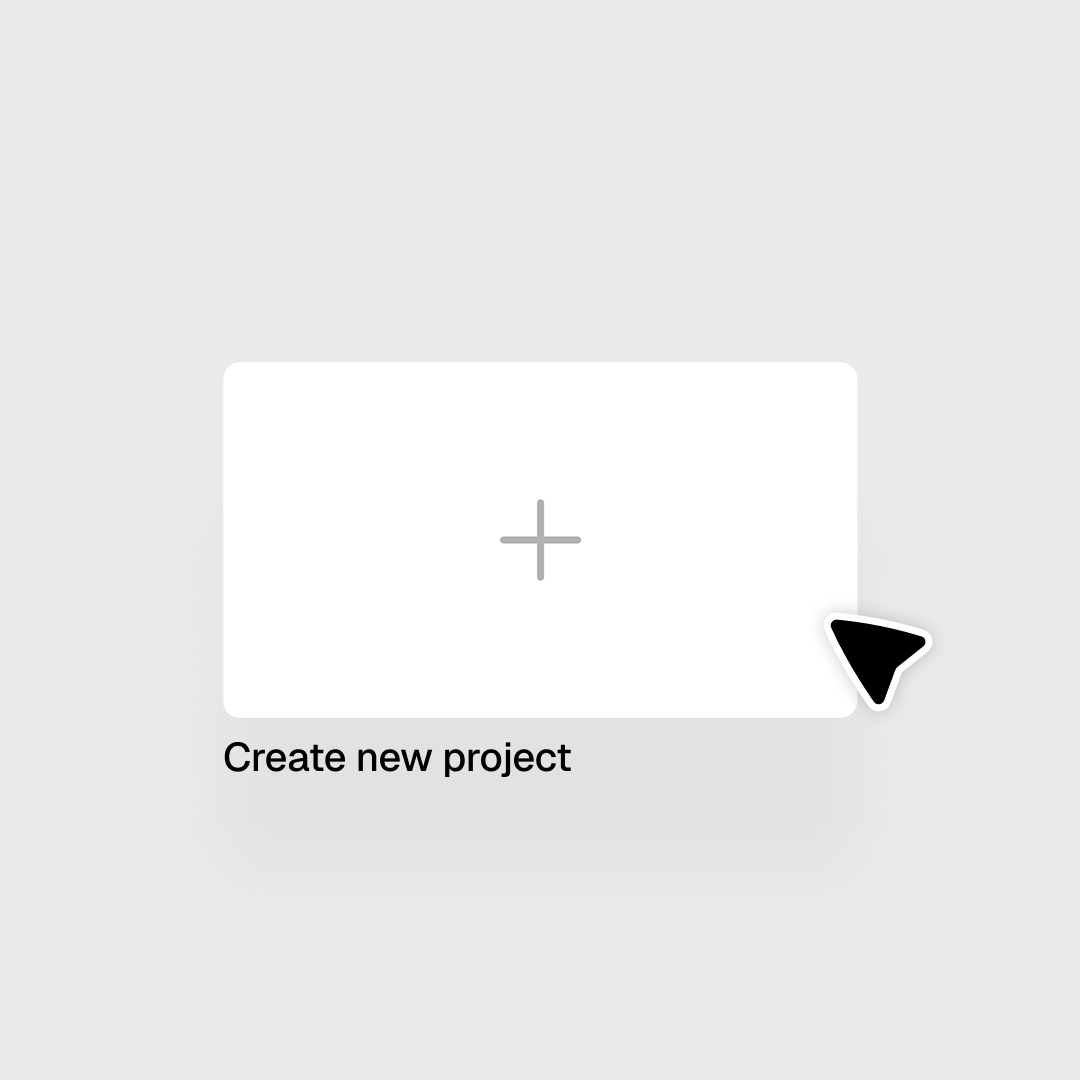
Open Recraft Studio
Open or create a project to get started.
2
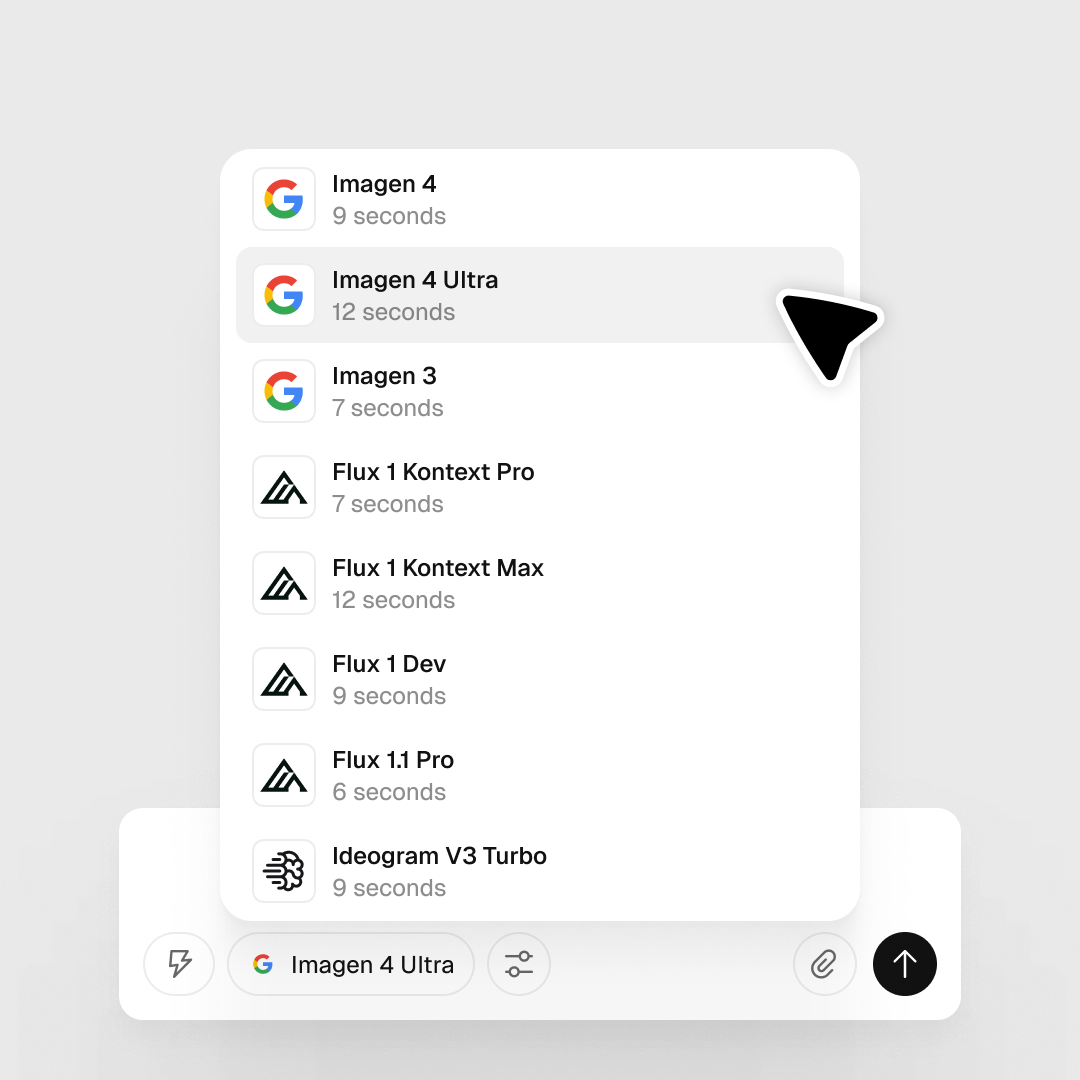
Select Imagen 4 or Imagen 4 Ultra
In the prompt panel, click the Model selector and choose your variant. Ultra offers higher detail and resolution; Imagen 4 covers most photorealistic use cases.
3
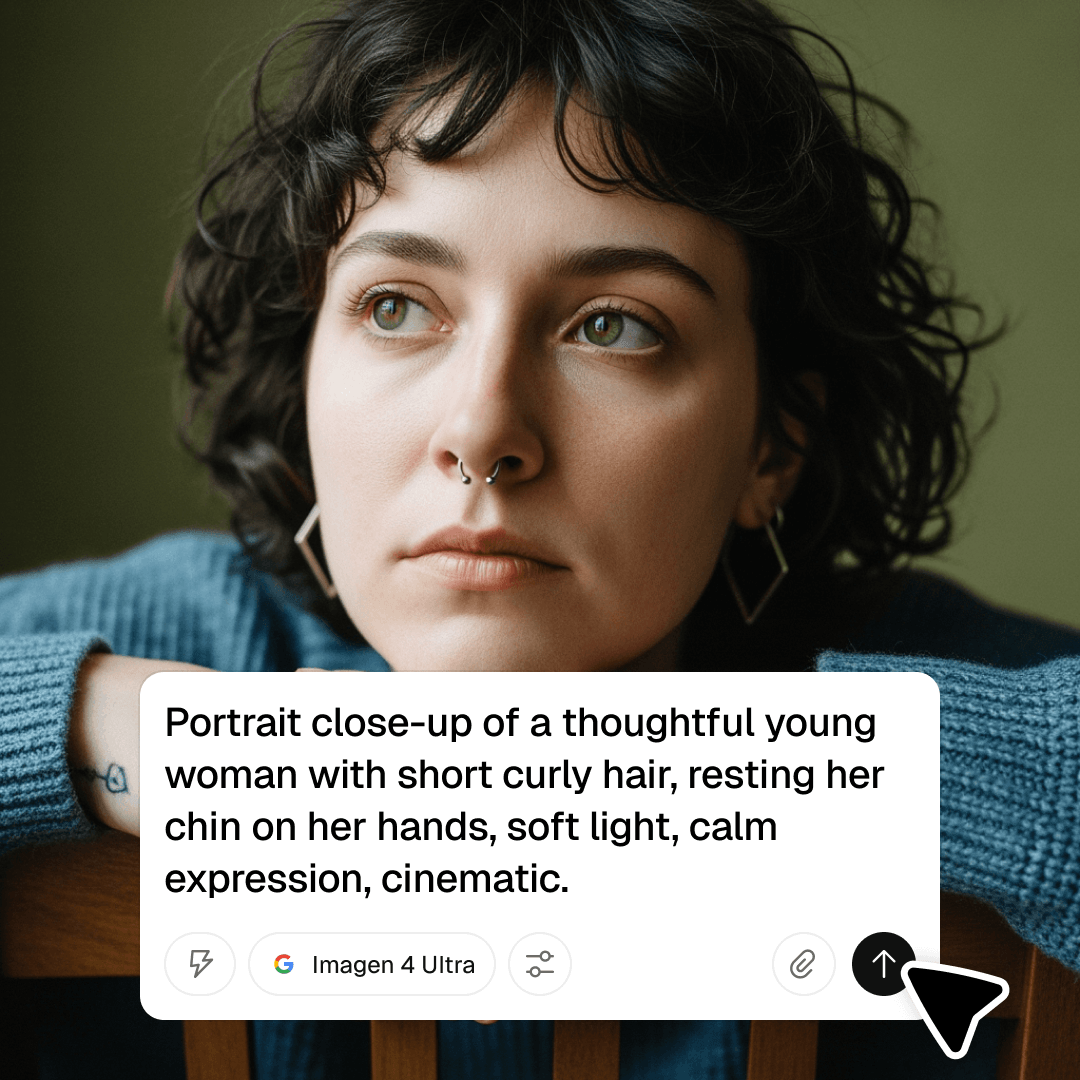
Set aspect ratio and generate
Imagen excels at lifelike textures and natural lighting. Set your aspect ratio, click Generate, then download or continue working on the canvas.

Explore more

All tools that you need for a perfect design, in one place

AI models in Recraft Studio

All top models for image and video generation and editing in one place.

AI image generator

Generate high-quality images with the best AI models from Recraft.

AI vector generator

Create editable SVGs directly from text descriptions.

Mockup generator

Visualize products, packaging, and marketing materials instantly.

AI background remover

Remove unwanted backgrounds instantly while keeping edges clean and natural.

AI image editor

Edit, enhance, and transform any image using simple text prompts or intuitive controls.

Image format converter

Convert between any raster and vector formats such as SVG, PNG, JPG, TIFF, PDF, and more.

AI image combiner

Merge multiple images into one coherent composition.

FAQ

What is Imagen best at?

Imagen excels at photorealistic image generation with accurate detail, strong composition, and faithful interpretation of complex text prompts — particularly suited for lifelike scenes and product imagery.

How does Imagen compare to other photorealistic models in Recraft Studio?

Imagen is among the strongest models for photorealism and prompt fidelity. For design-first composition, Recraft V4 is often preferred; for text accuracy within images, GPT Image or Ideogram perform better.

What output resolution does Imagen support?

Imagen generates high-resolution outputs with strong detail fidelity. Check Recraft Studio’s export settings for available output sizes.

How many credits does it take to generate with Imagen?

Credit costs vary by model and output settings. You can check the full breakdown in Recraft’s documentation.