Download app
Download app

Hailuo

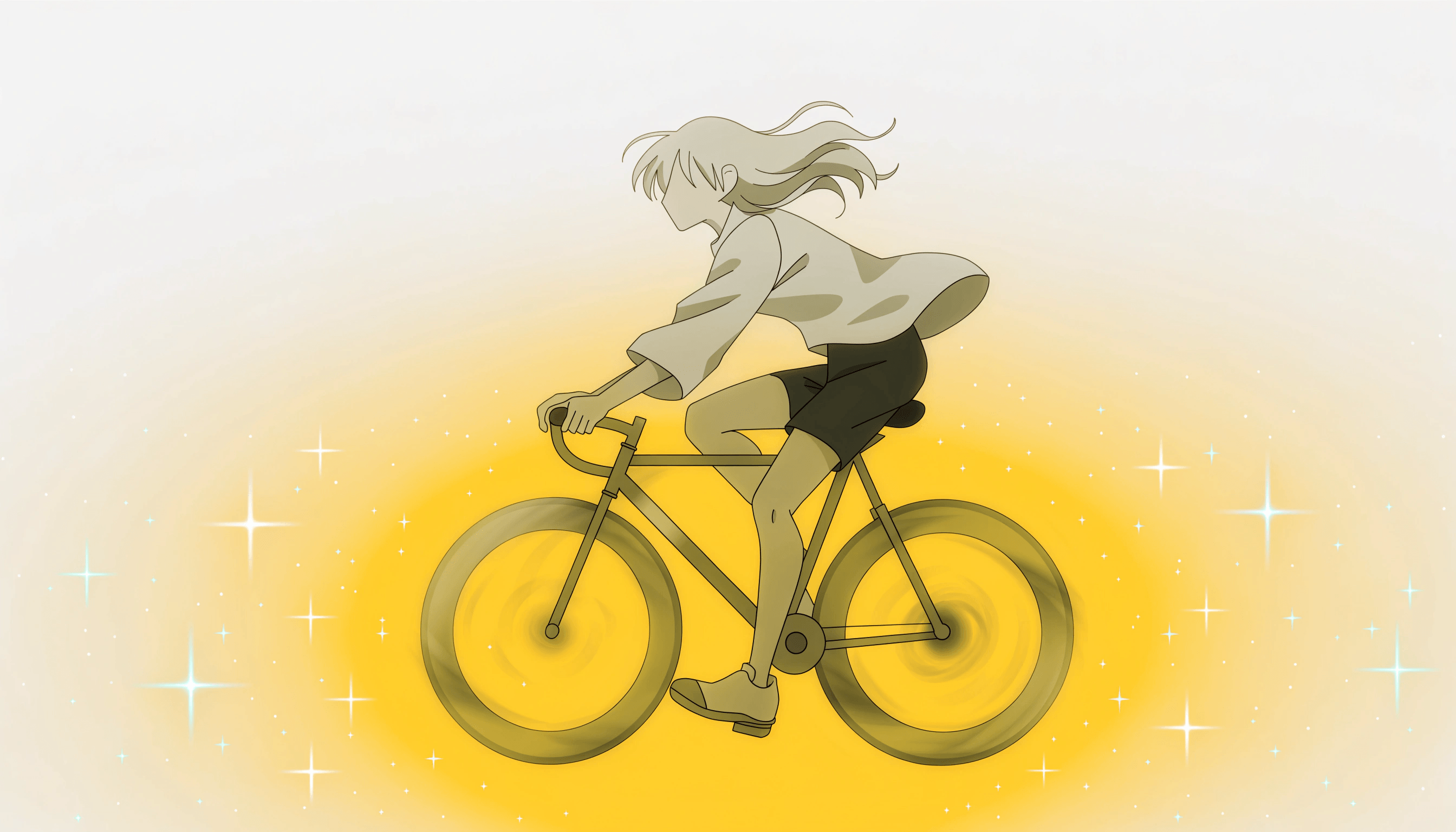
Hailuo by MiniMax is a high-performance AI video generation family in Recraft Studio. Hailuo 2.3 — the latest version — and Hailuo 02 are available in Pro and Standard variants, delivering smooth, realistic video with strong temporal consistency and high visual fidelity.
Trusted by designers at

Smooth, high-fidelity video from MiniMax

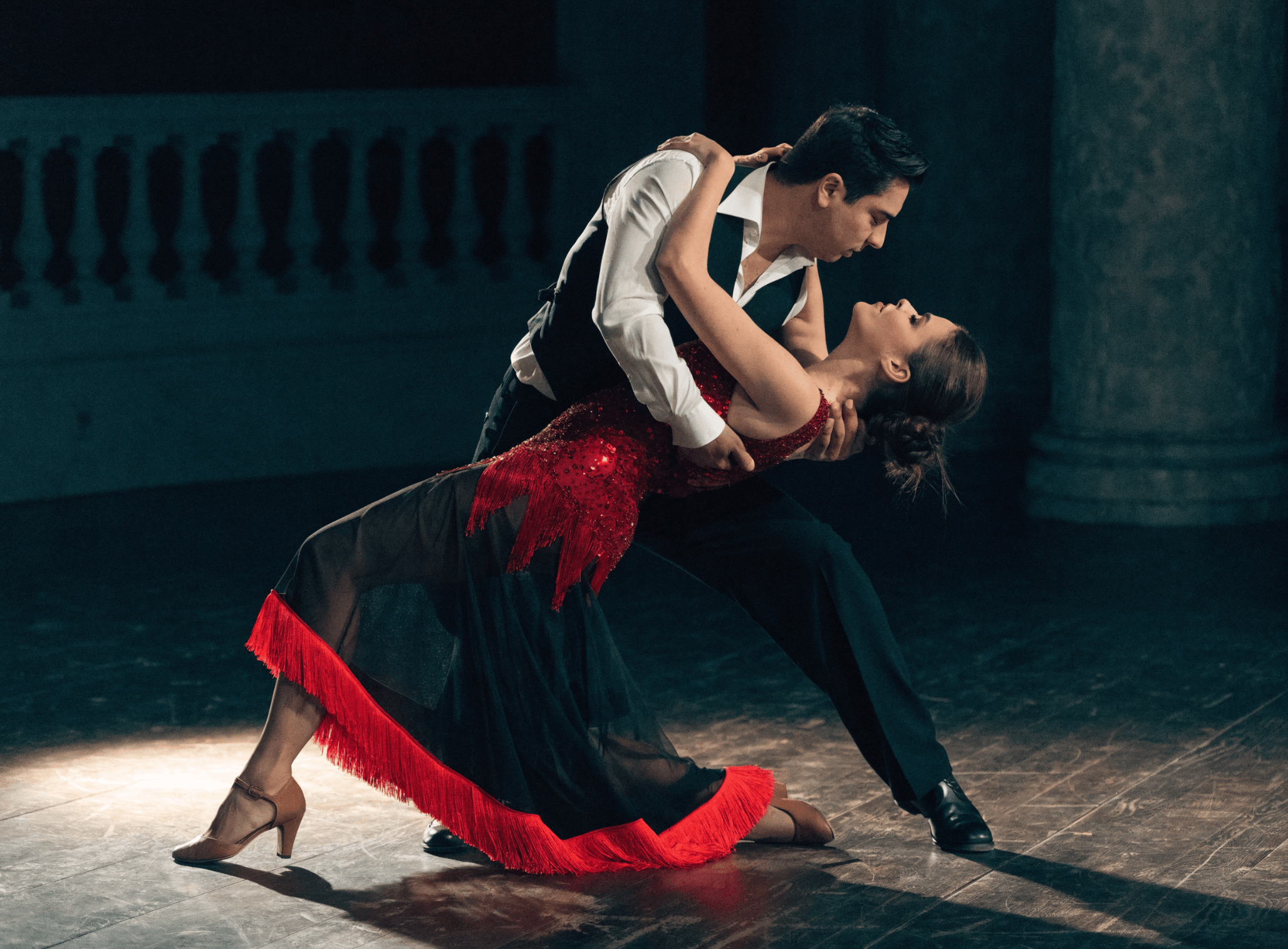
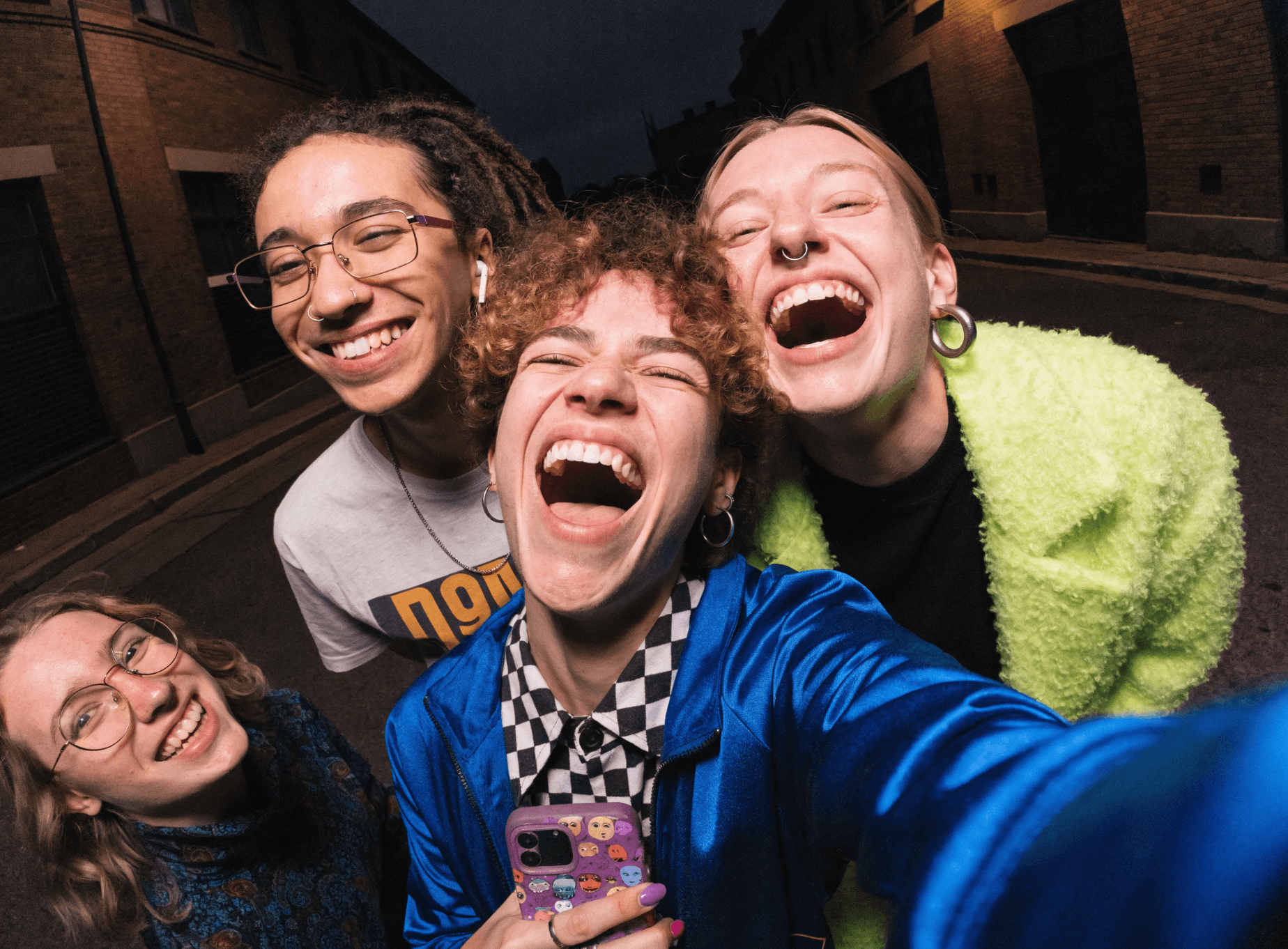
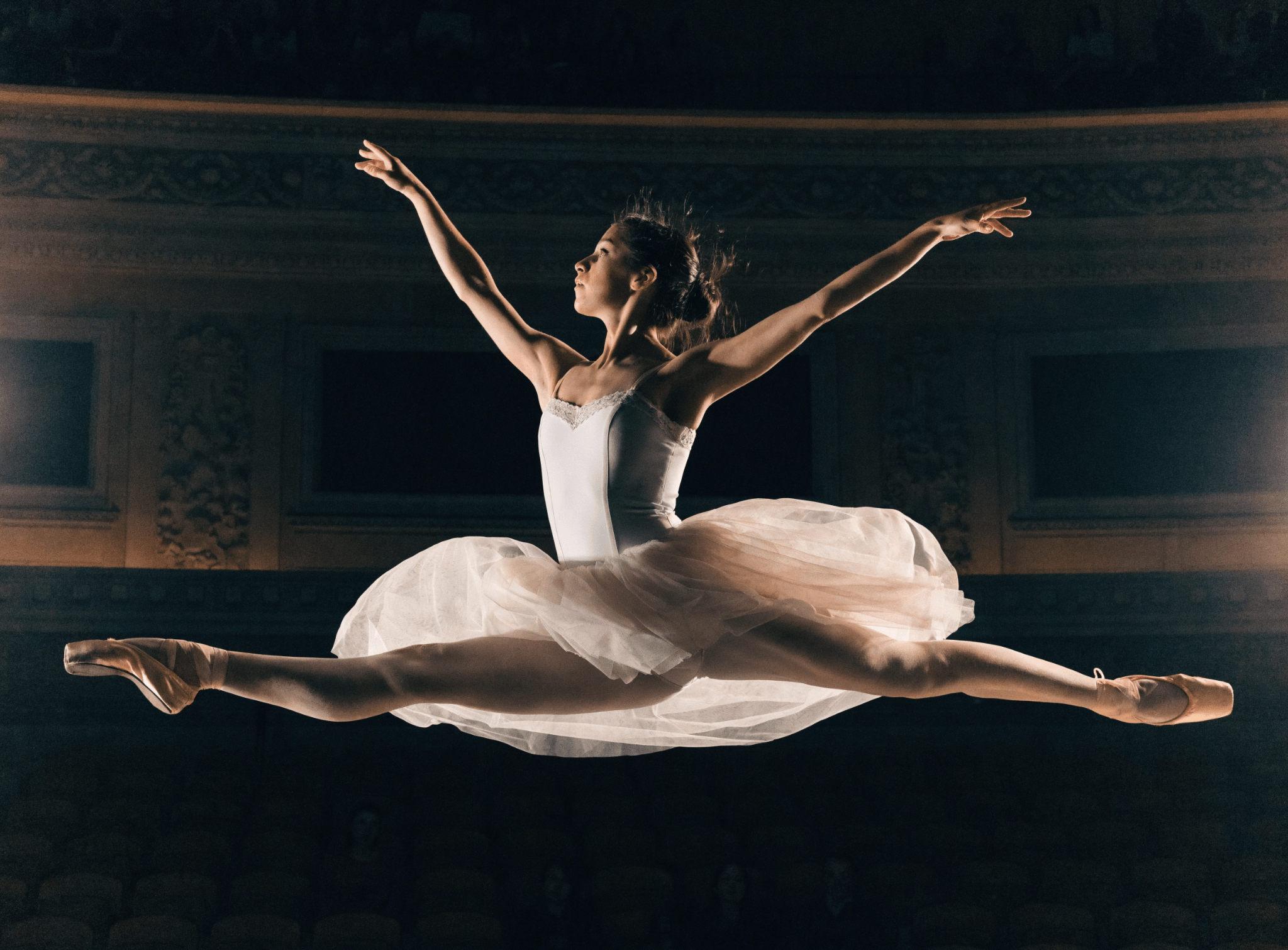
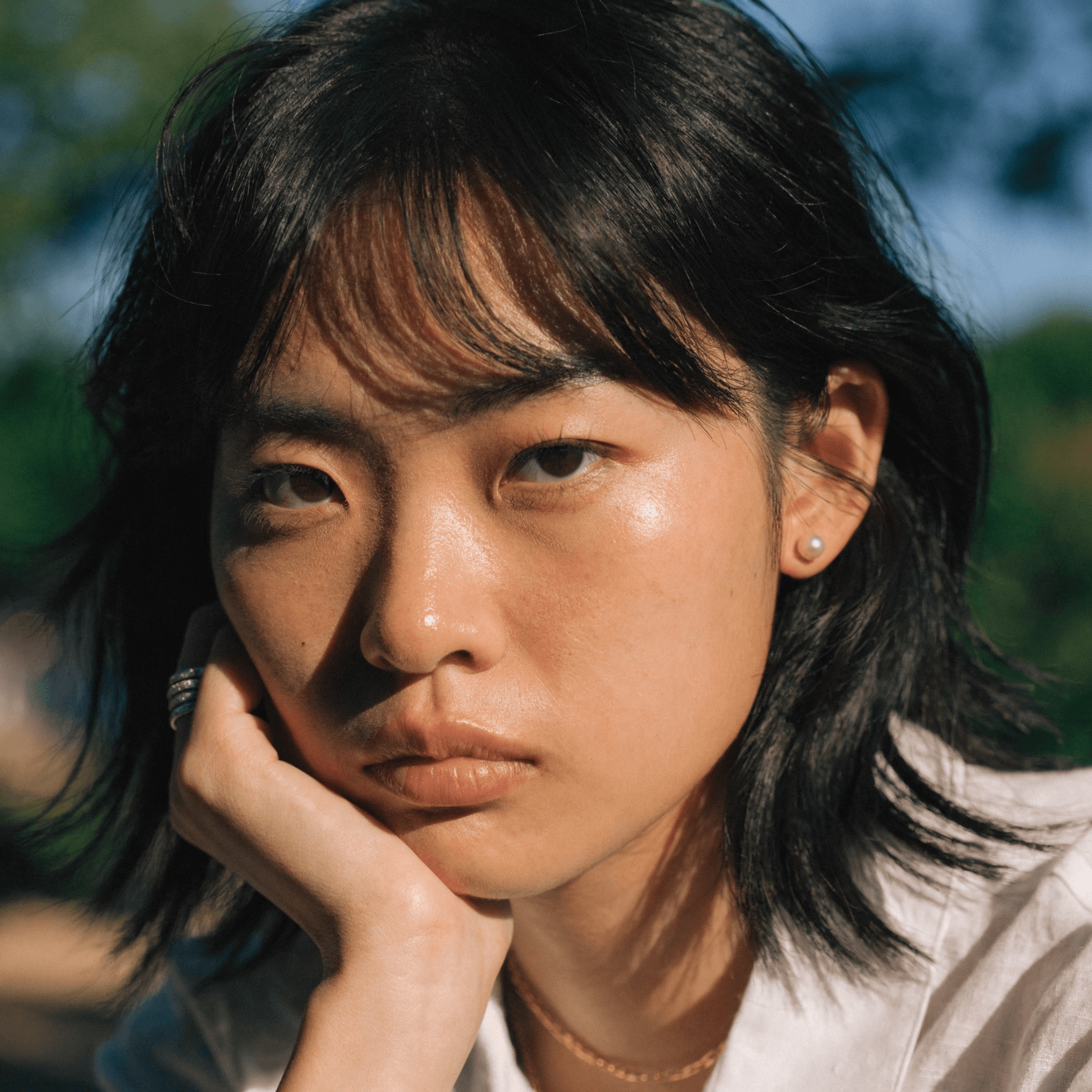
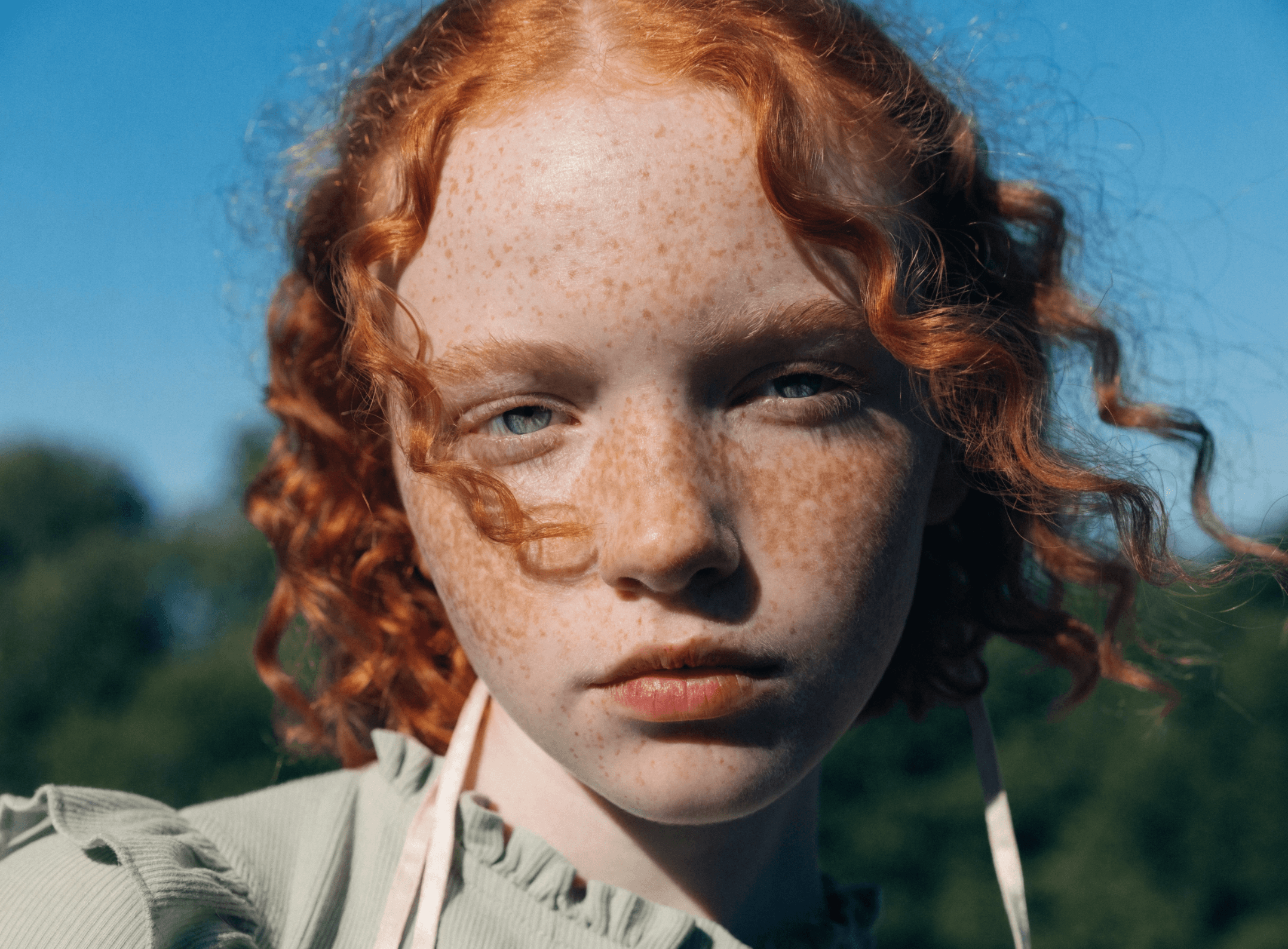
Hailuo from MiniMax delivers video with impressive temporal smoothness and visual detail. It excels at producing lifelike motion for people and environments — a strong choice for portrait-driven content, product videos, and narrative storytelling where motion quality and consistency are essential.

Four variants are available in Recraft Studio: Hailuo 2.3 Pro and Standard (the latest generation) and Hailuo 02 Pro and Standard. Both text-to-video and image-to-video workflows are supported — select an image from the canvas to animate, or generate from a text description.

Try Hailuo

How to use Hailuo in Recraft Studio

1
Open Recraft Studio
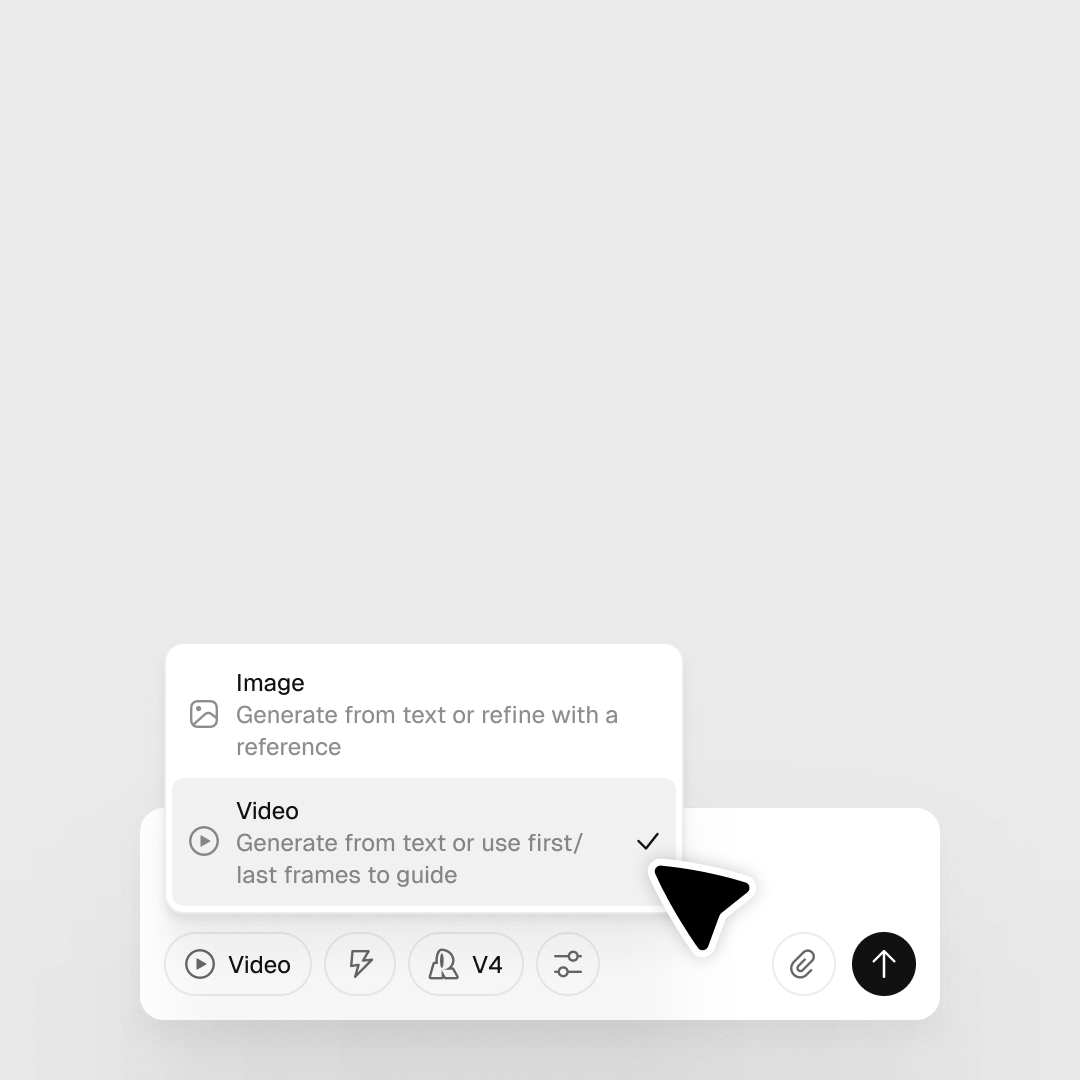
In the prompt panel, click the 'Image' control and switch to 'Video' to enable the video model selector.
2
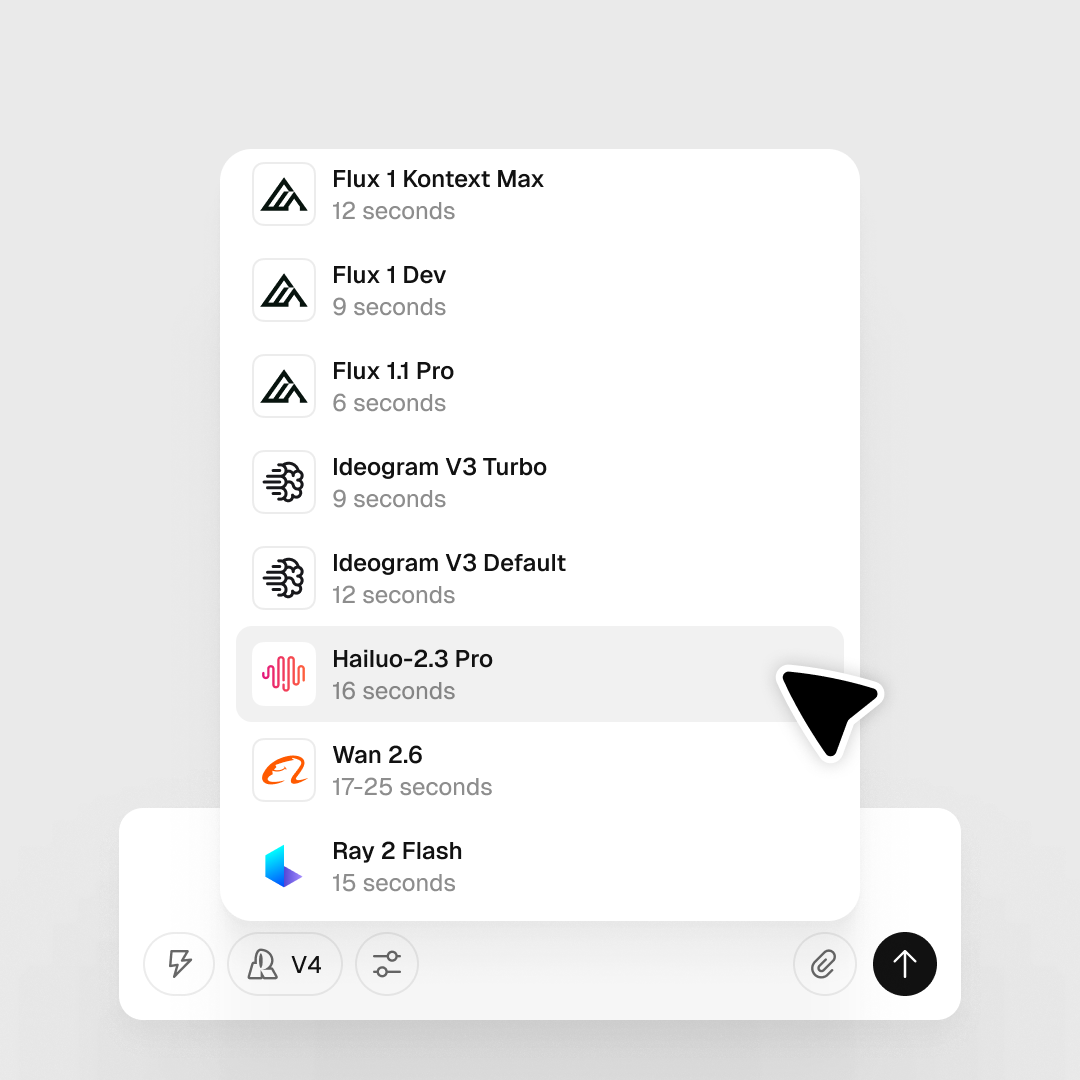
Select your Hailuo model
In the Model selector, choose Hailuo 2.3 Pro or Standard (latest) or Hailuo 02 Pro or Standard. Pro tiers offer the highest quality; Standard is faster.
3
Enter a prompt and generate
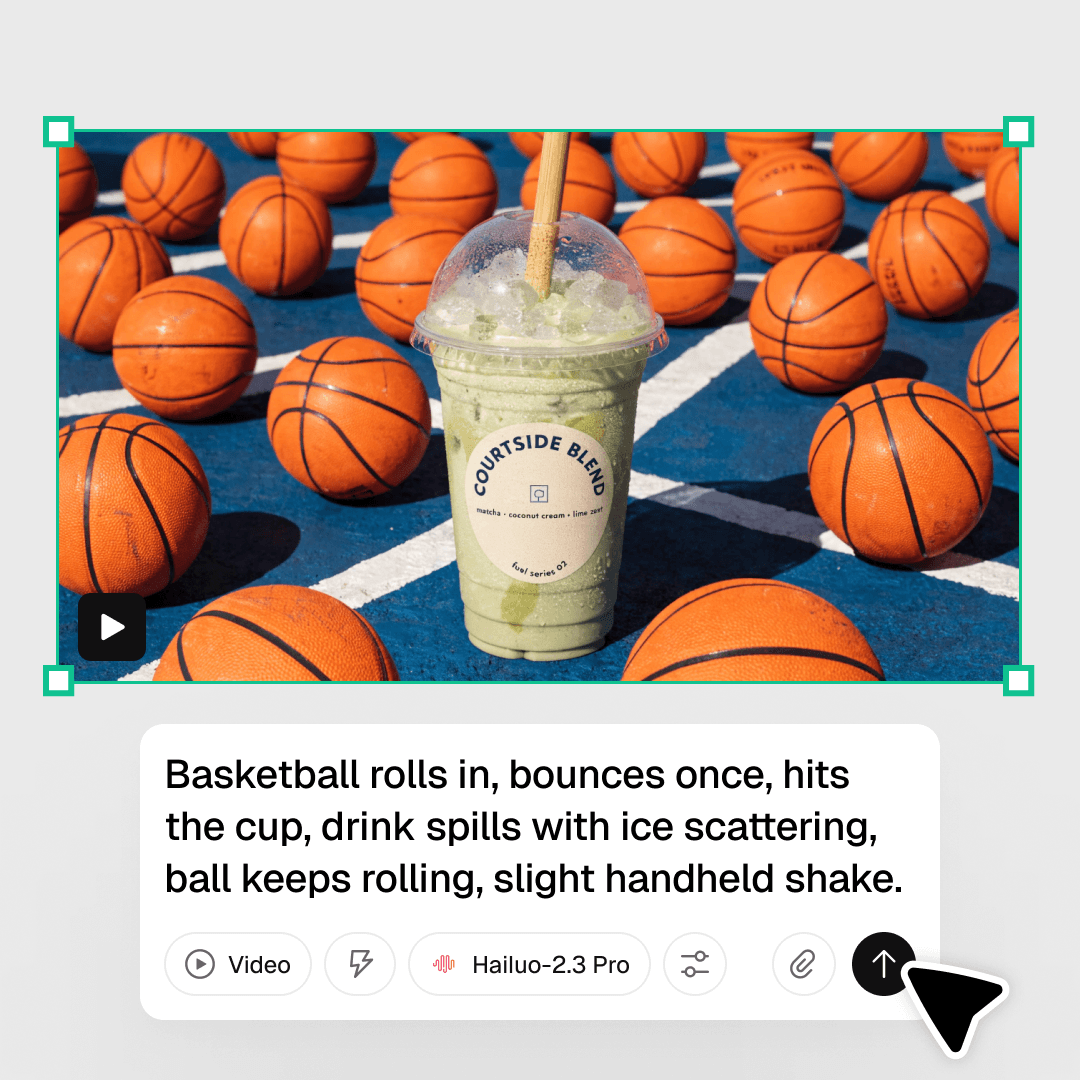
Type a text prompt for text-to-video, or select an image on the canvas for image-to-video. Click Generate, then right-click the video layer to download.

Explore more

All tools that you need for a perfect design, in one place

AI models in Recraft Studio

All top models for image and video generation and editing in one place.

AI image generator

Generate high-quality images with the best AI models from Recraft.

AI vector generator

Create editable SVGs directly from text descriptions.

Mockup generator

Visualize products, packaging, and marketing materials instantly.

AI background remover

Remove unwanted backgrounds instantly while keeping edges clean and natural.

AI image editor

Edit, enhance, and transform any image using simple text prompts or intuitive controls.

Image format converter

Convert between any raster and vector formats such as SVG, PNG, JPG, TIFF, PDF, and more.

AI image combiner

Merge multiple images into one coherent composition.

FAQ

What is Hailuo well suited for?

Hailuo performs well for realistic motion, smooth transitions, and prompt-accurate video generation — particularly suited for product videos, lifestyle scenes, and short cinematic clips where visual consistency is important.

Can I use an image as a starting point with Hailuo?

Yes. Generate your opening frame in Recraft V4 or another image model in Recraft Studio, then use it as input for Hailuo to animate — a reliable way to control the scene composition before video generation begins.

How many credits does it take to generate with Hailuo?

Credit costs vary by output length and settings. You can check the full breakdown in Recraft’s documentation.