Download app
Download app

Seedream

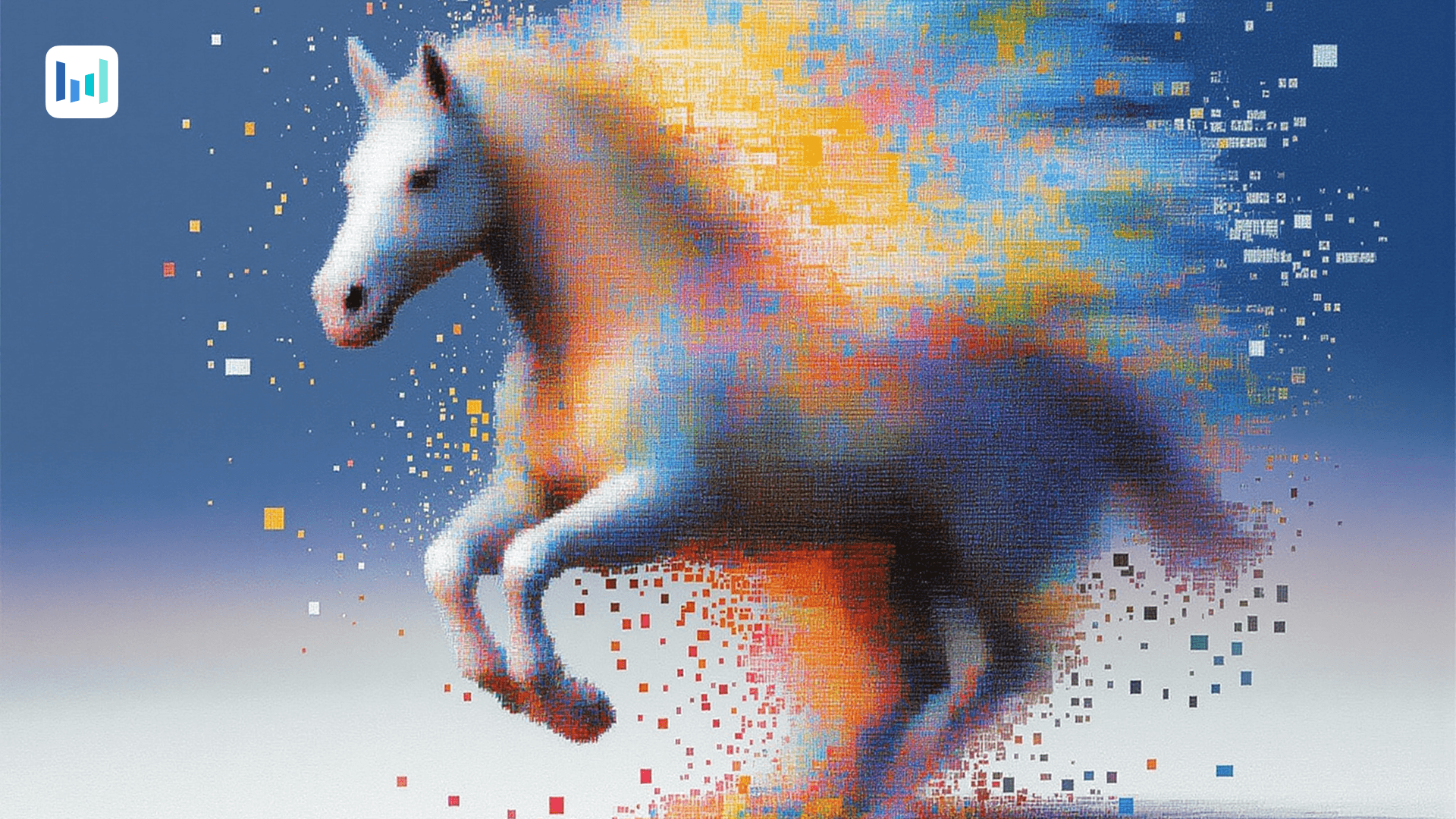
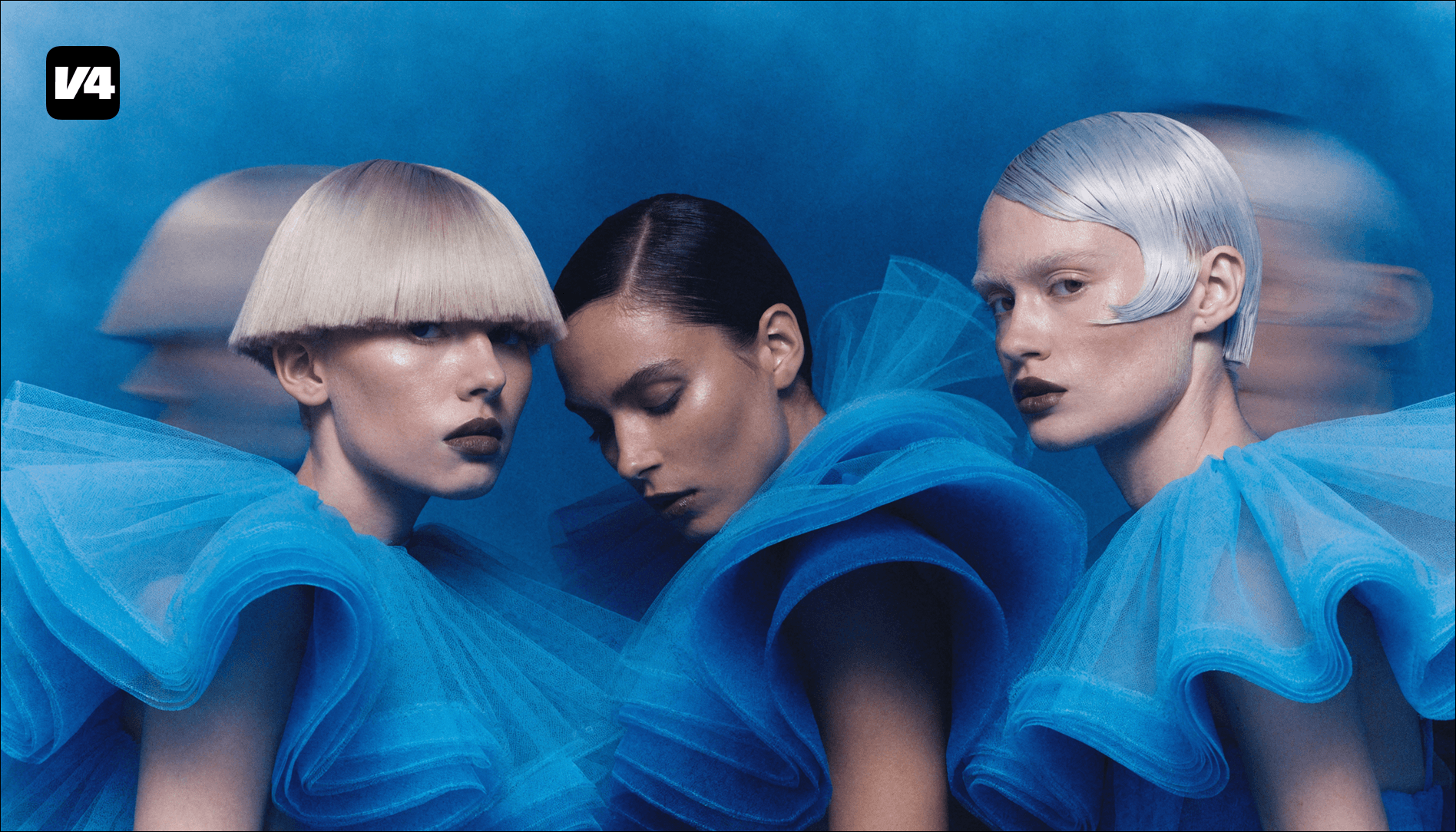
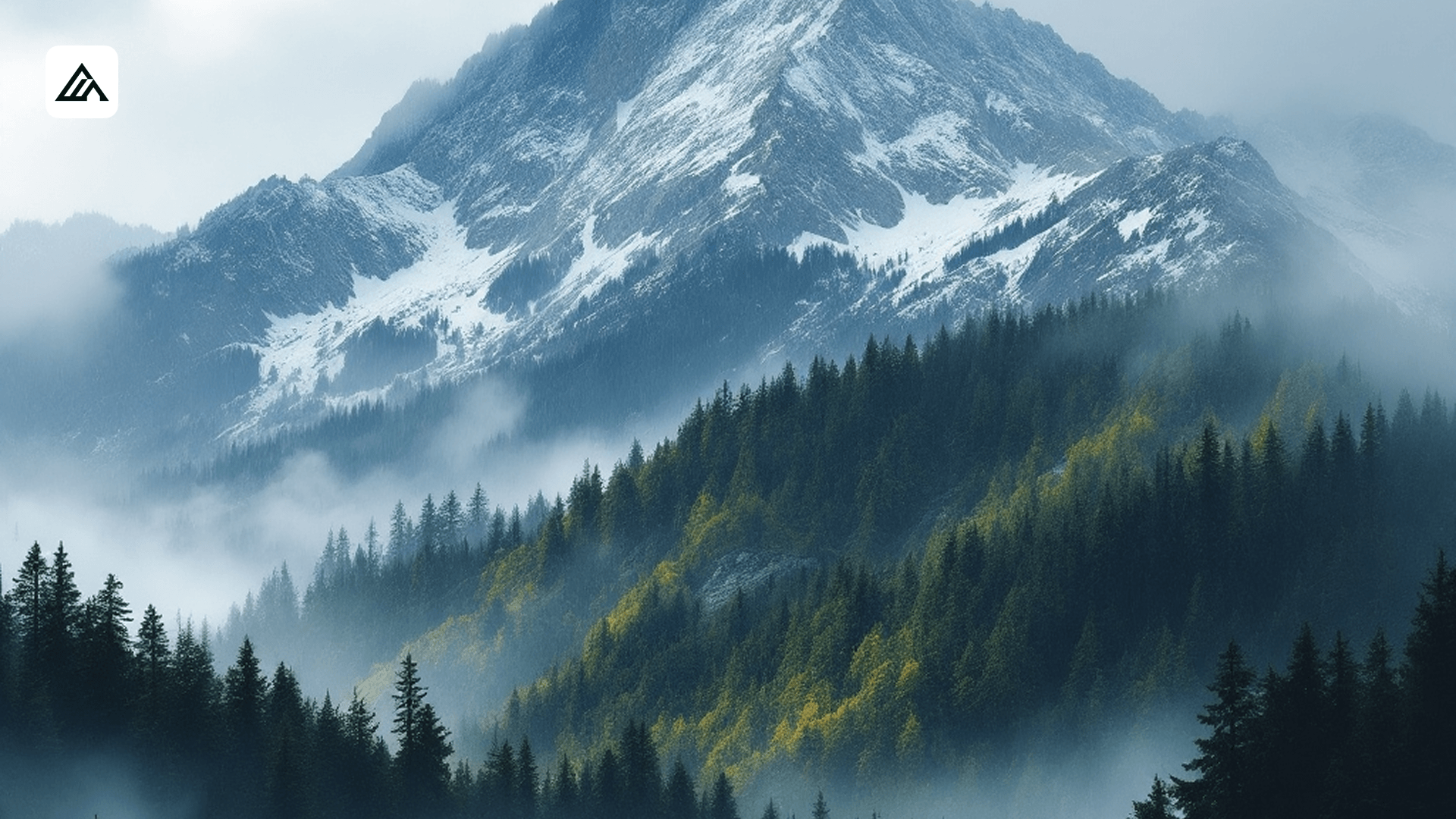
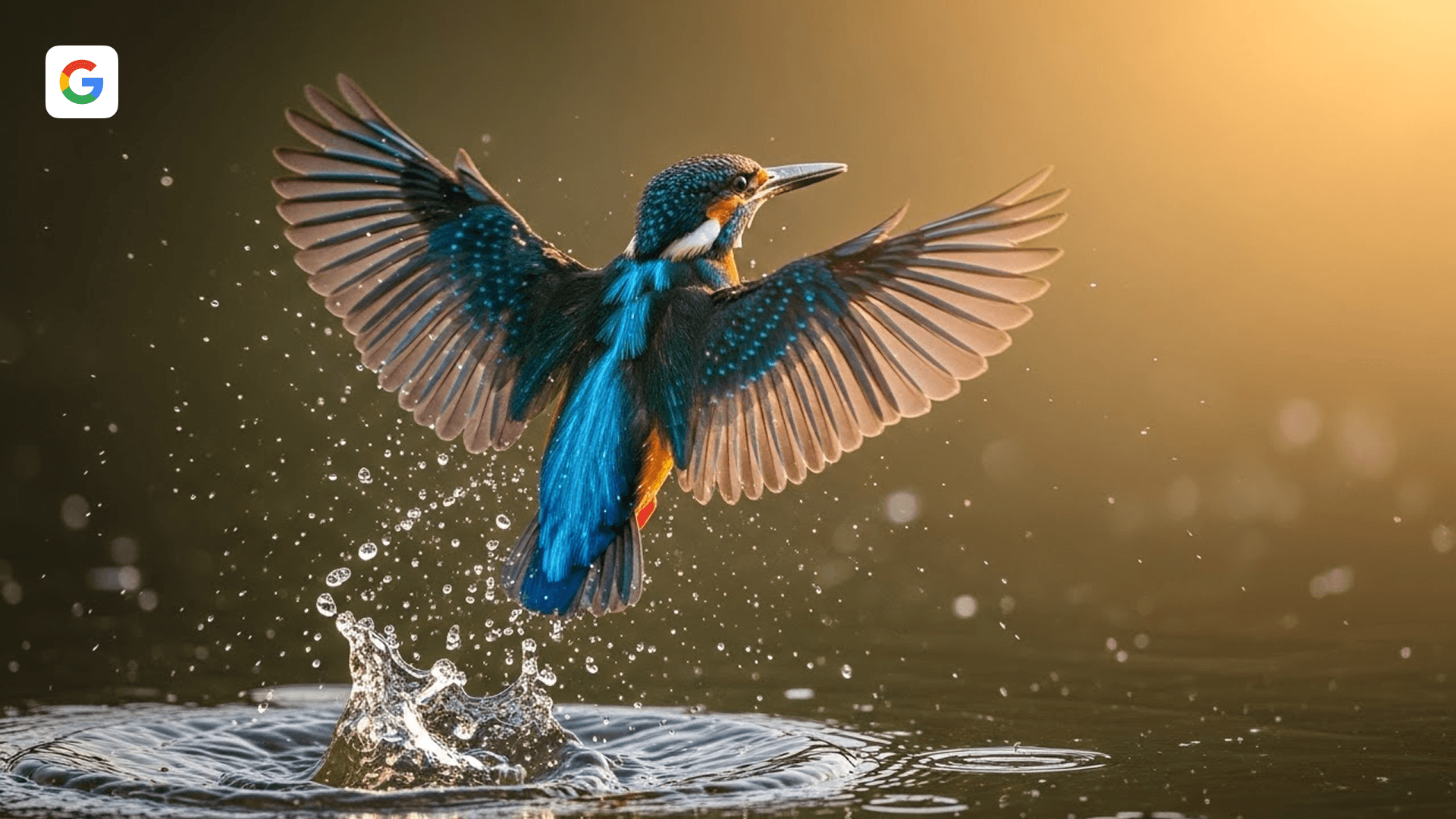
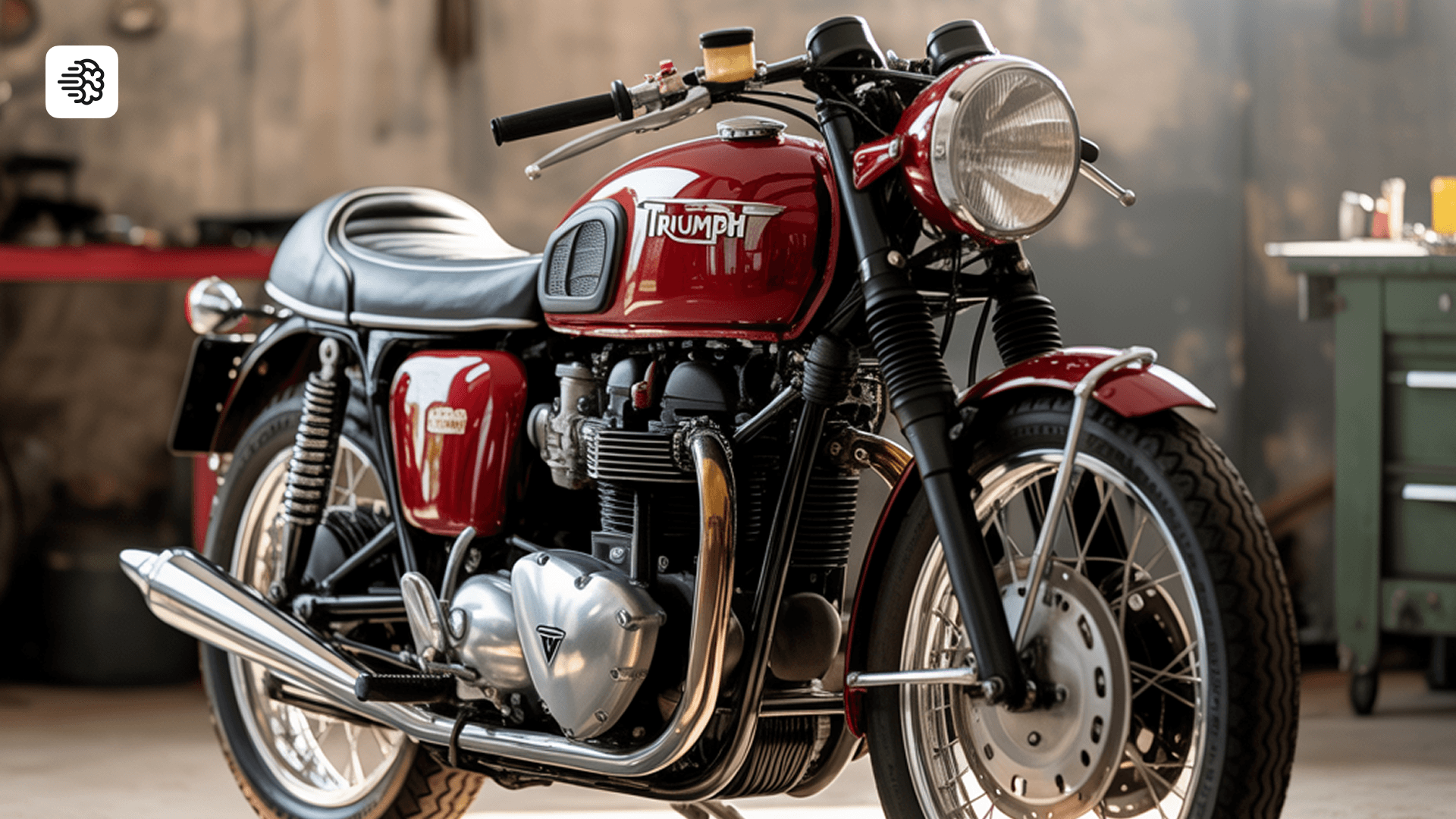
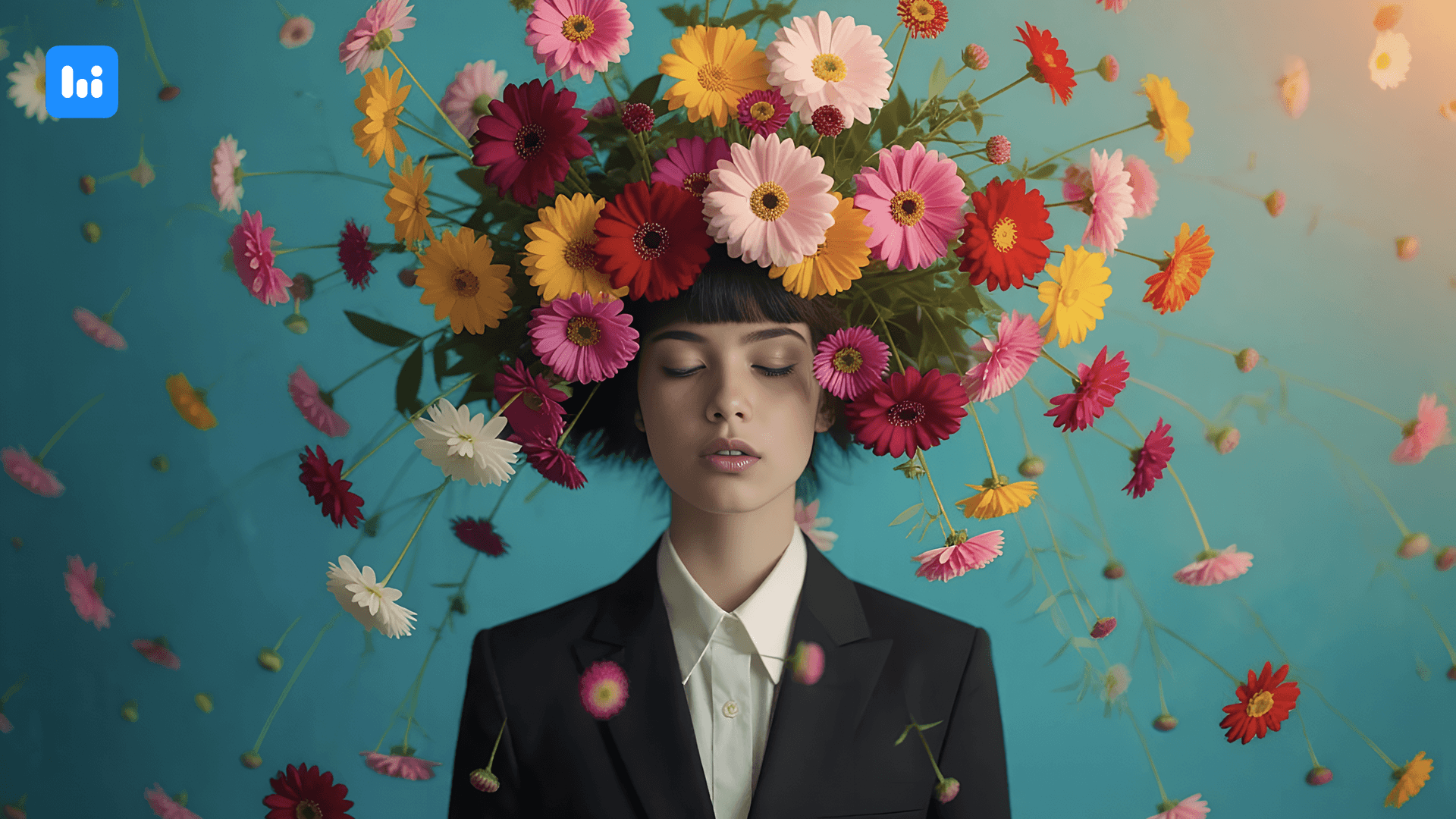
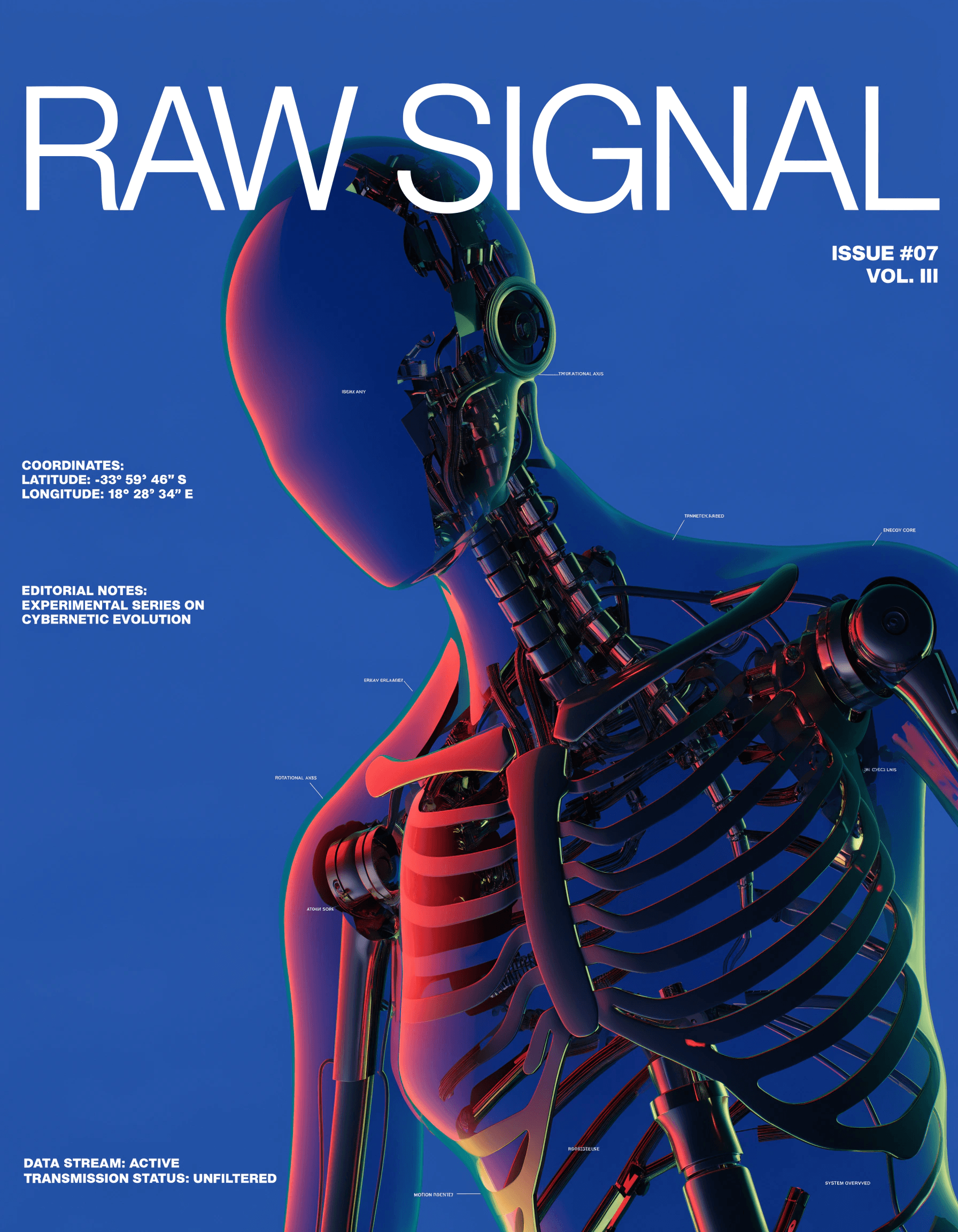
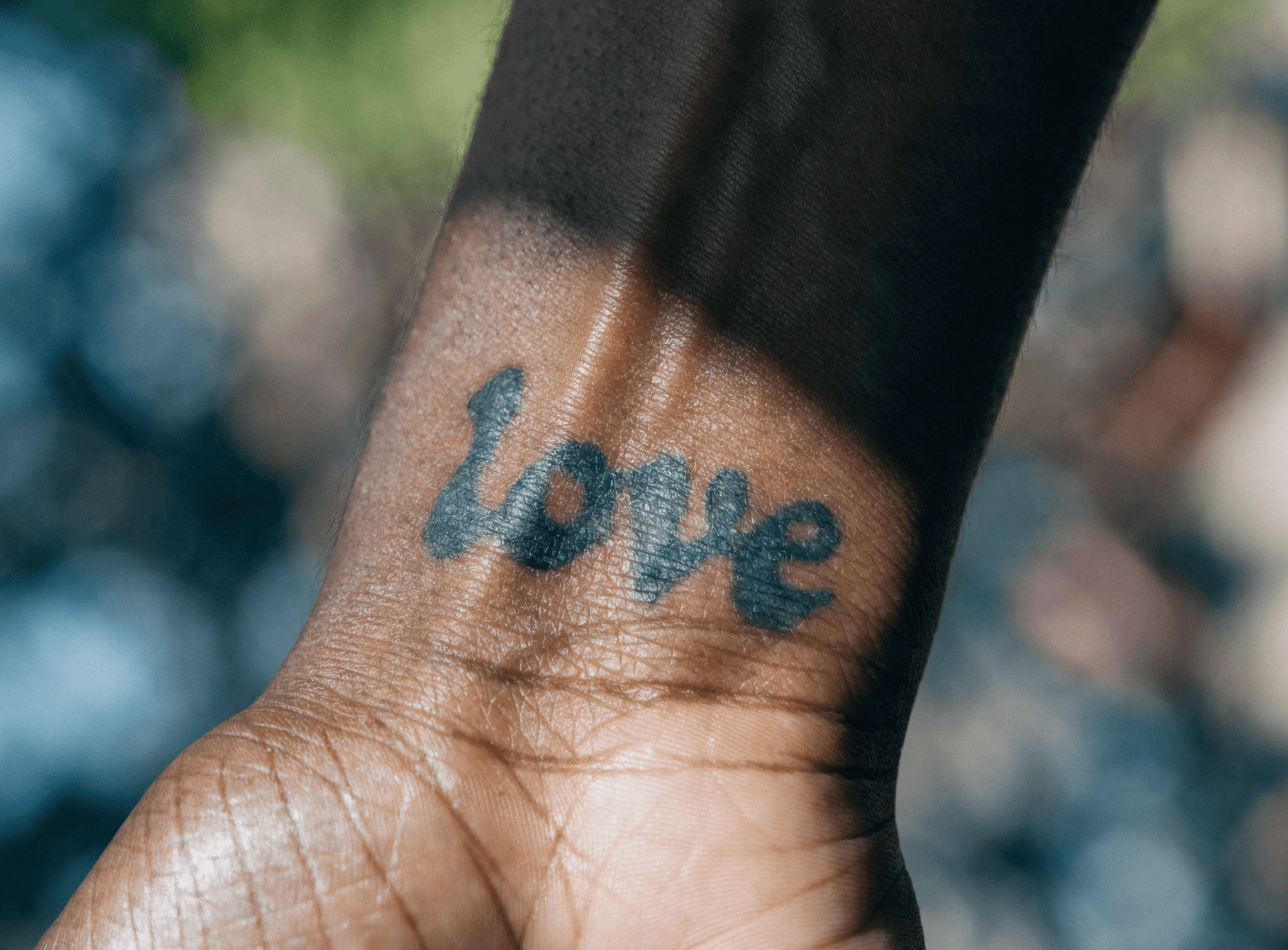
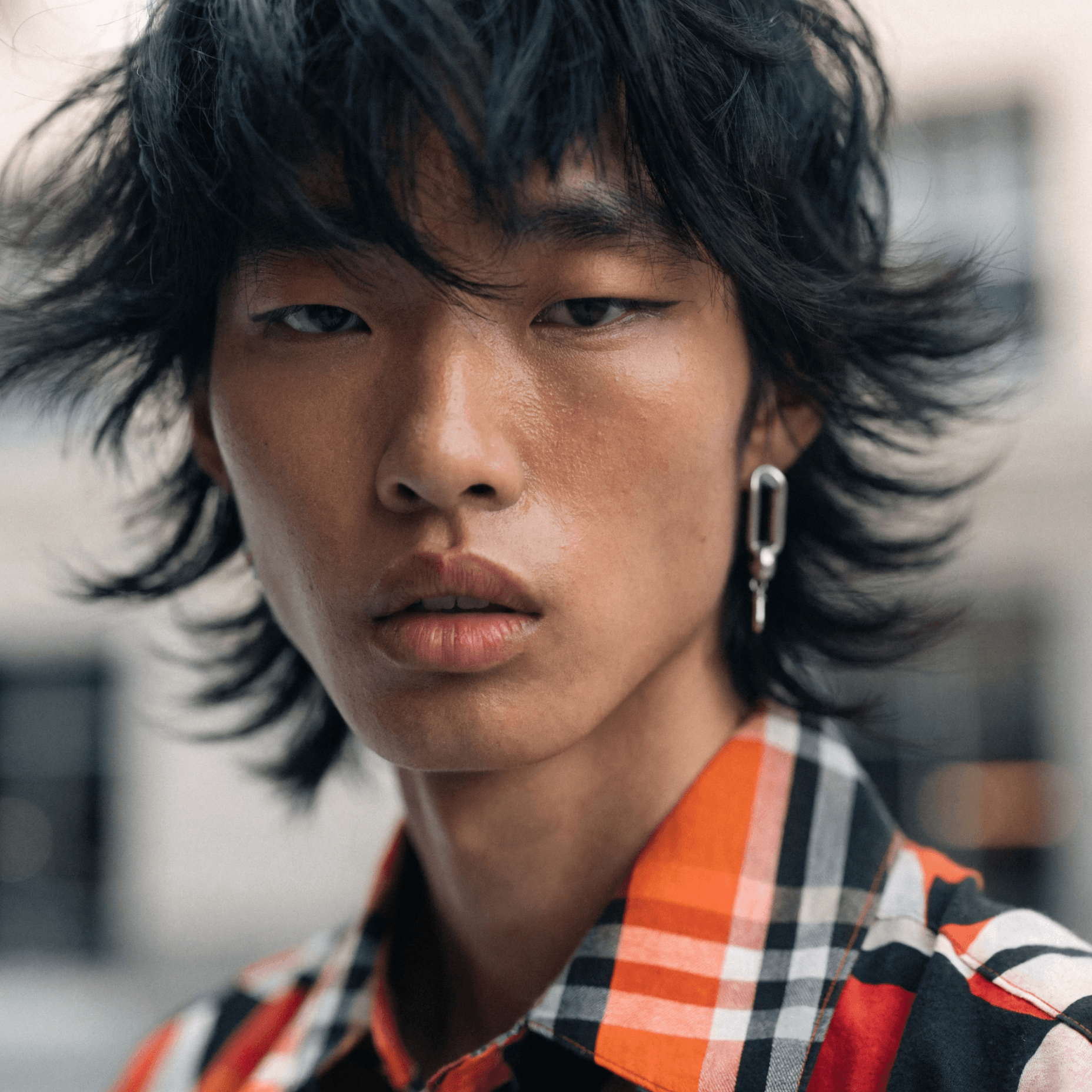
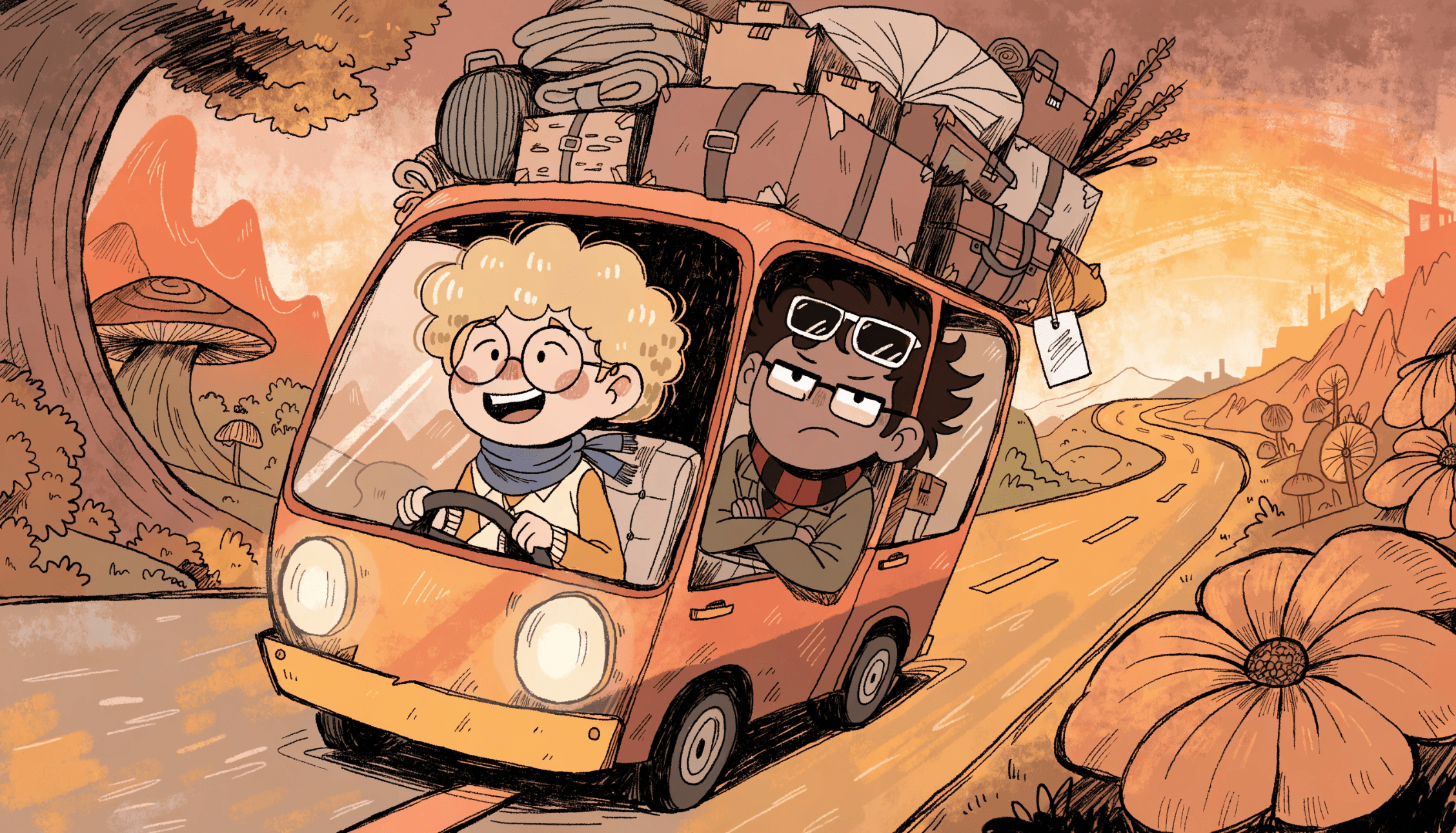
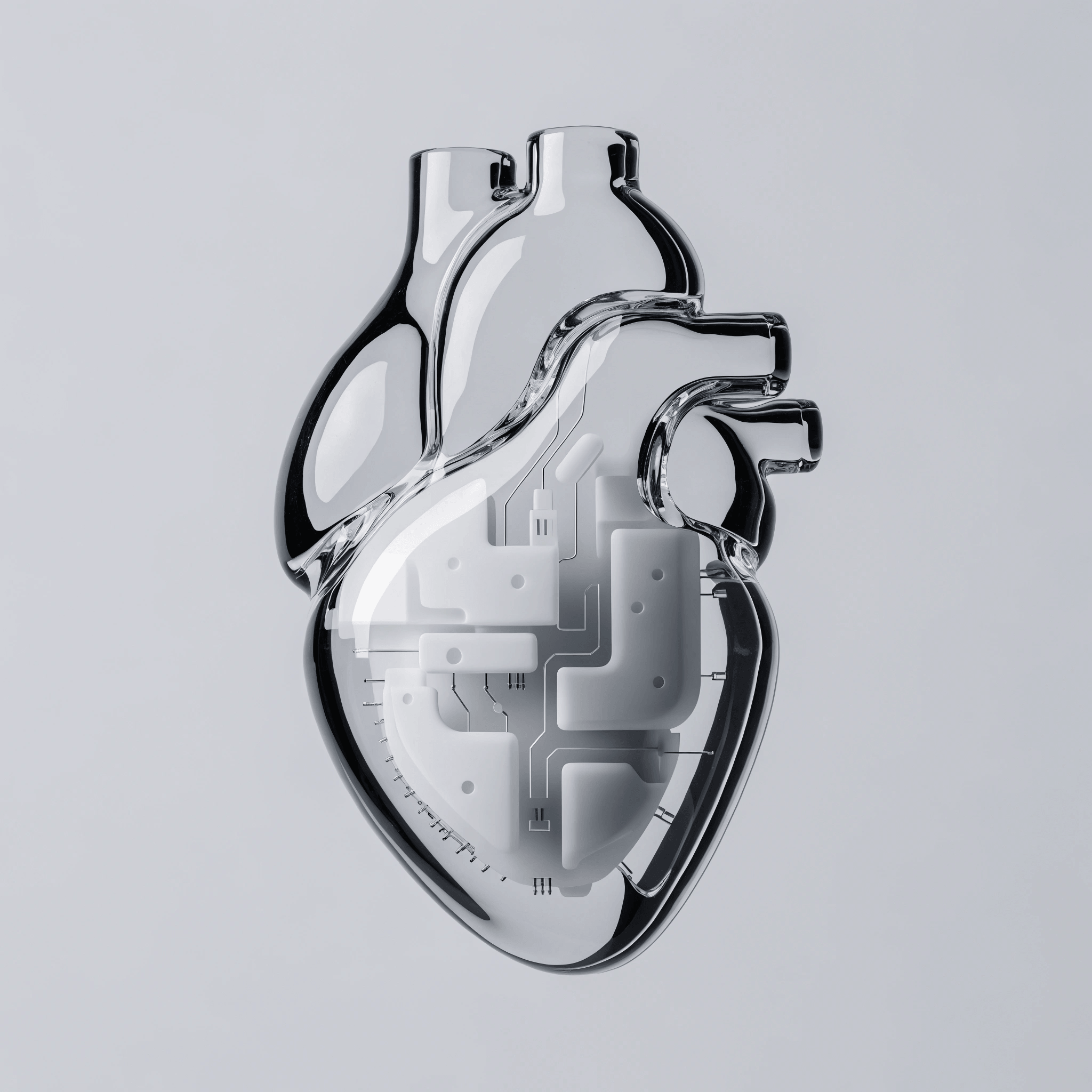
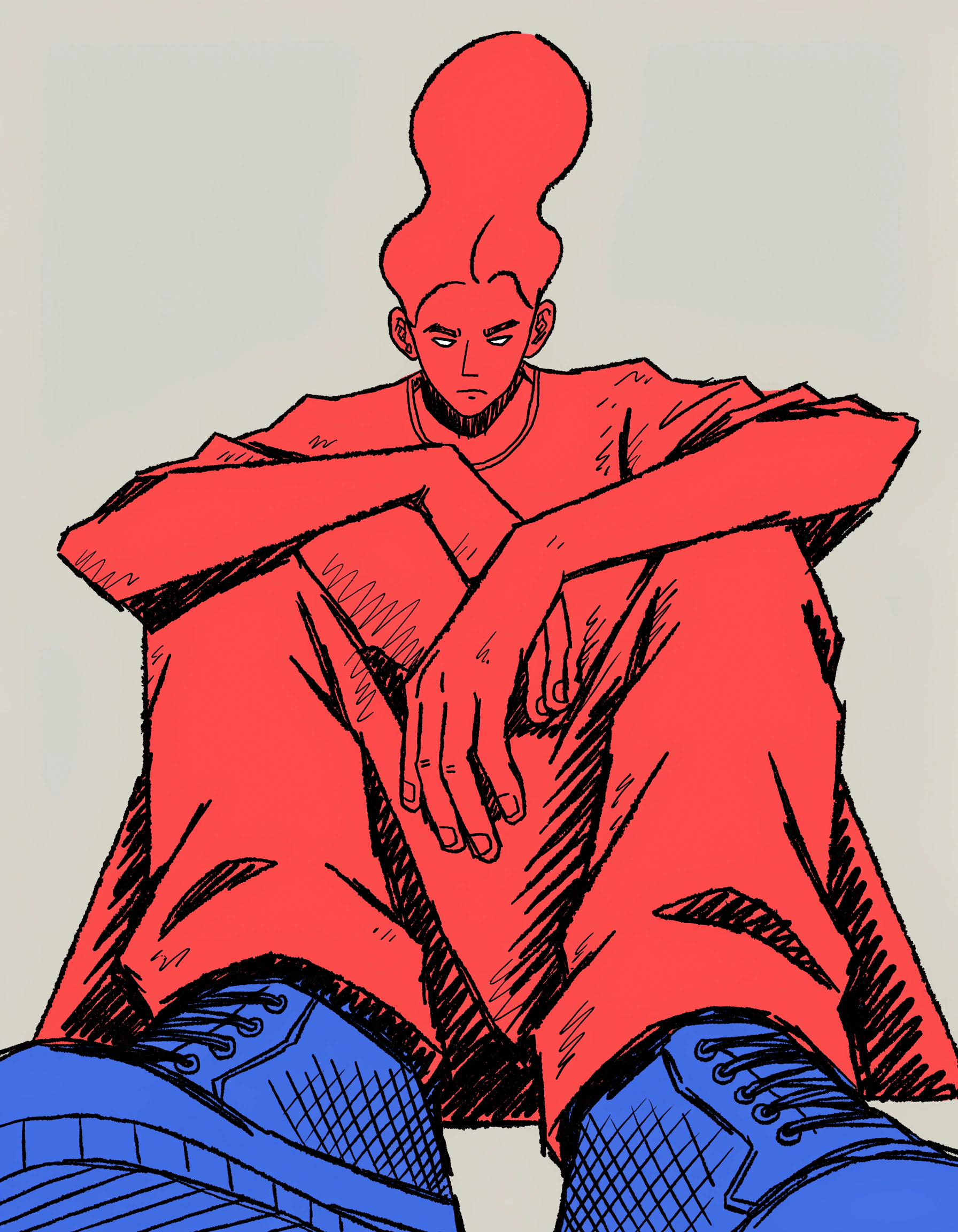
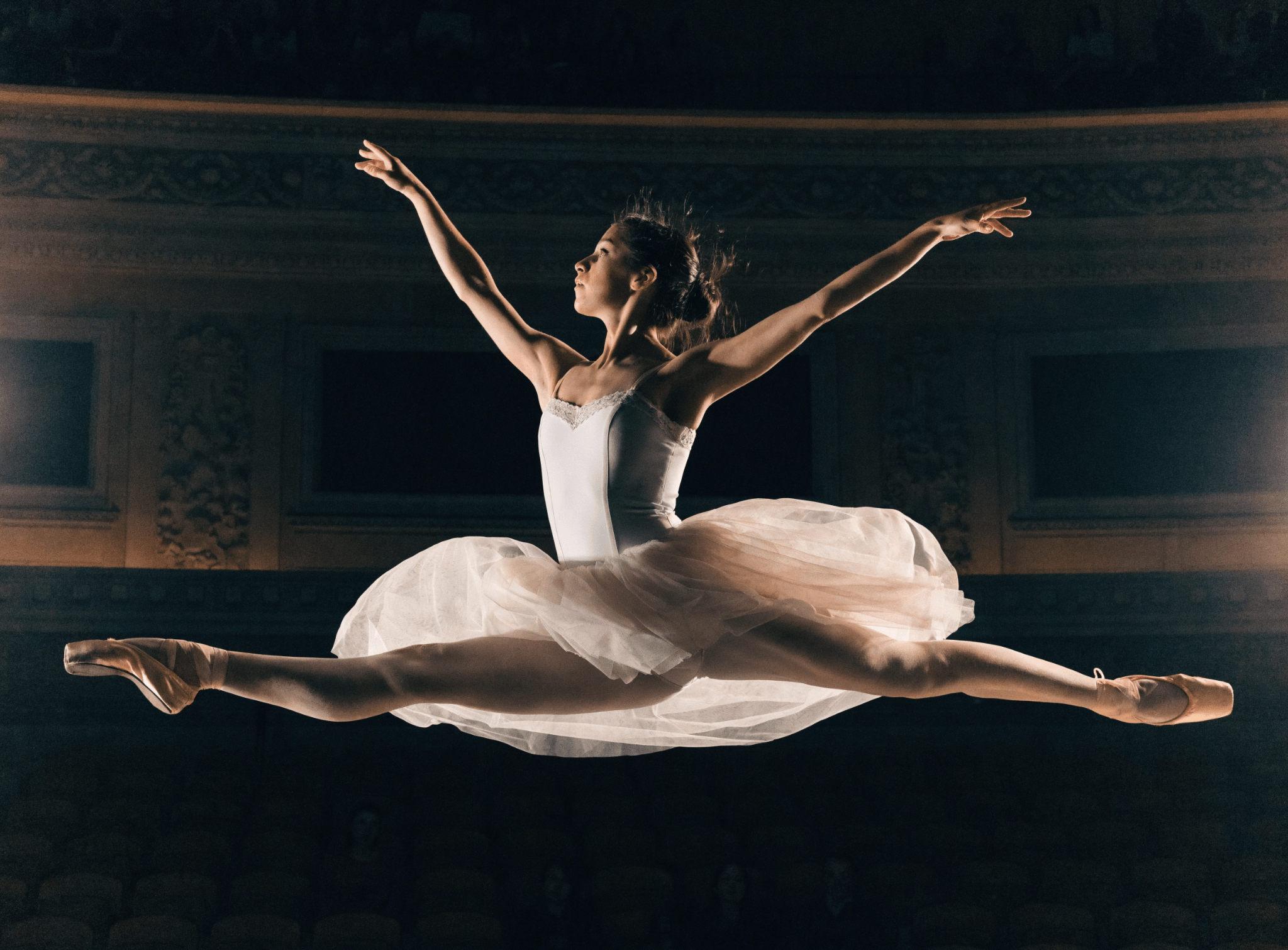
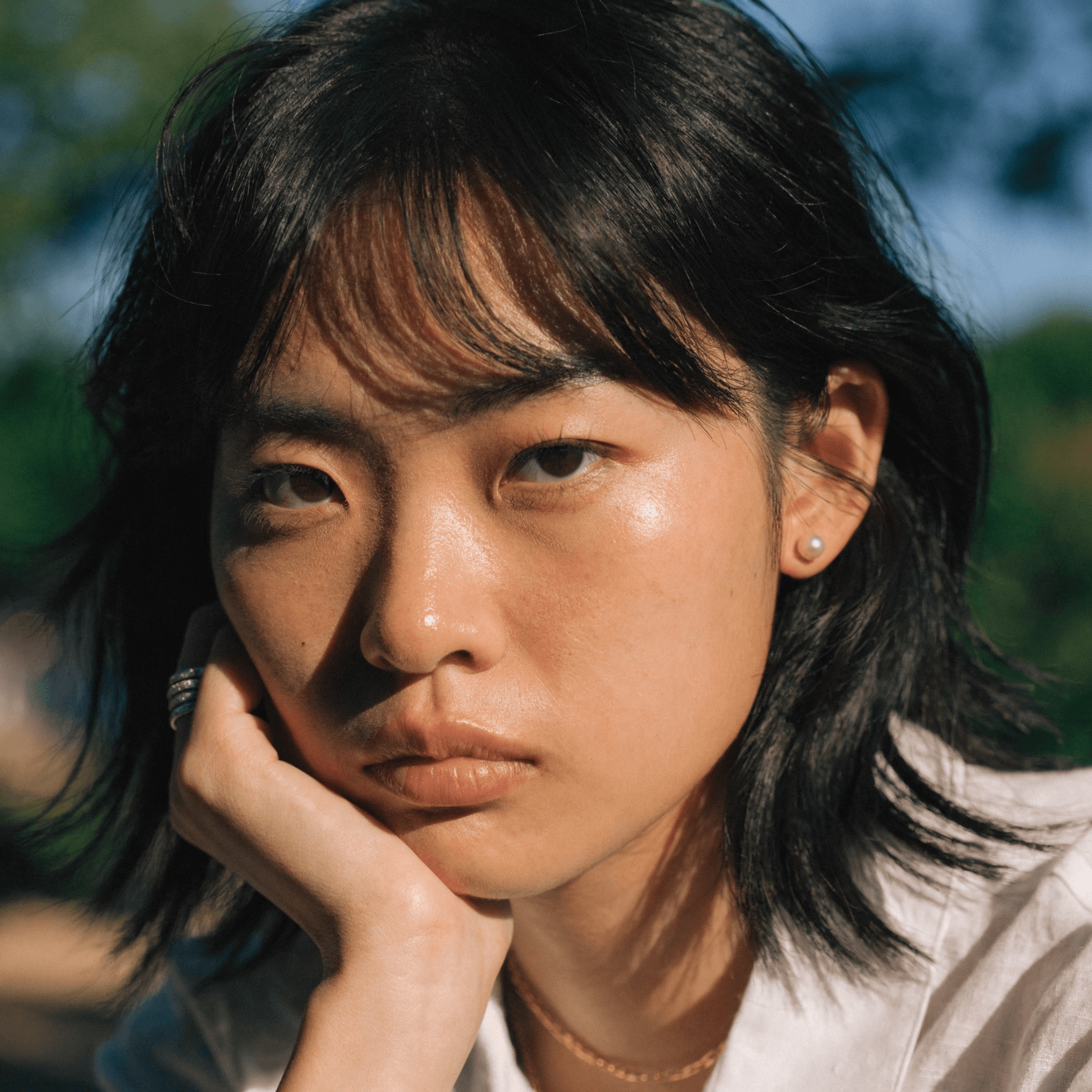
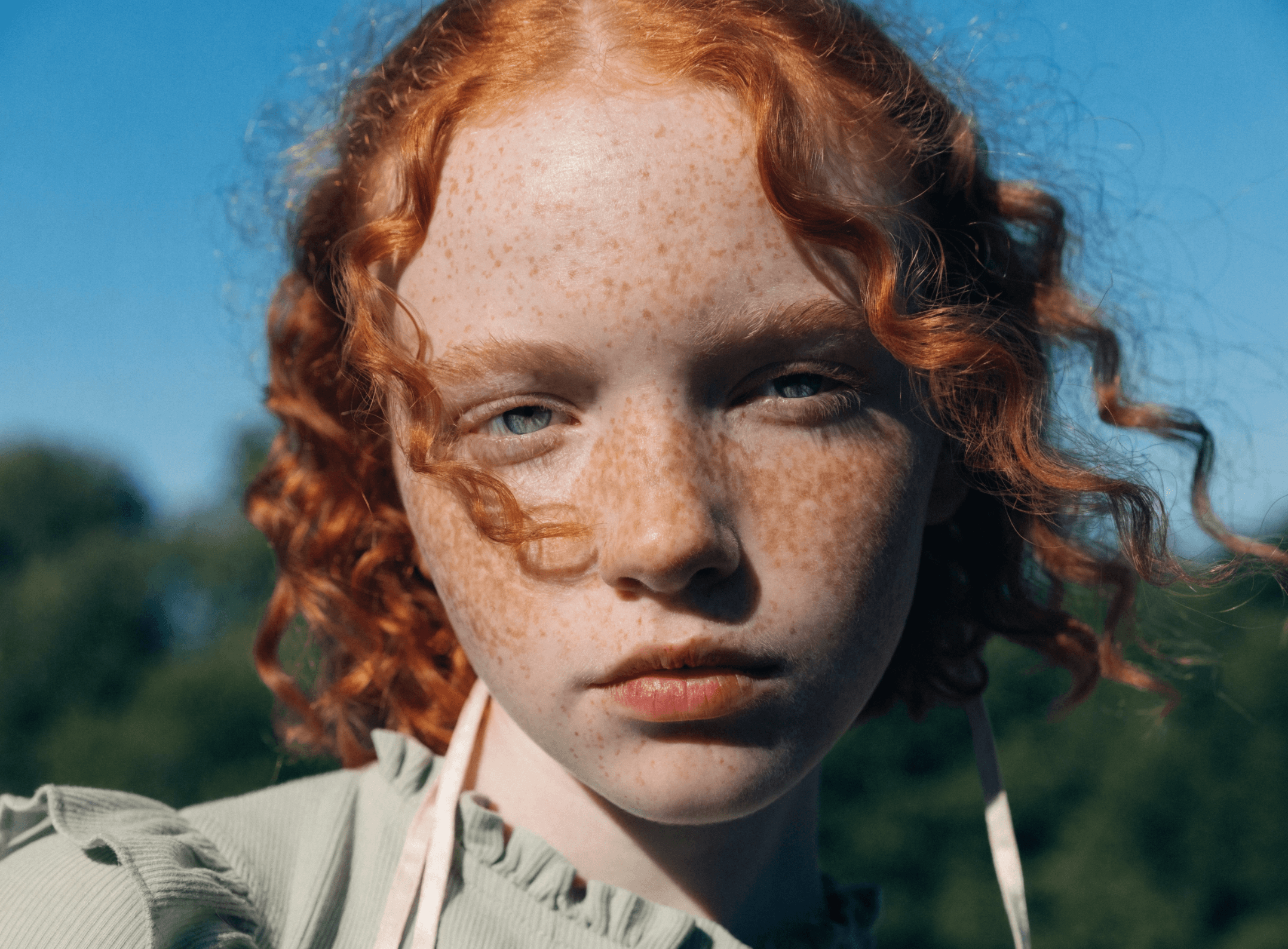
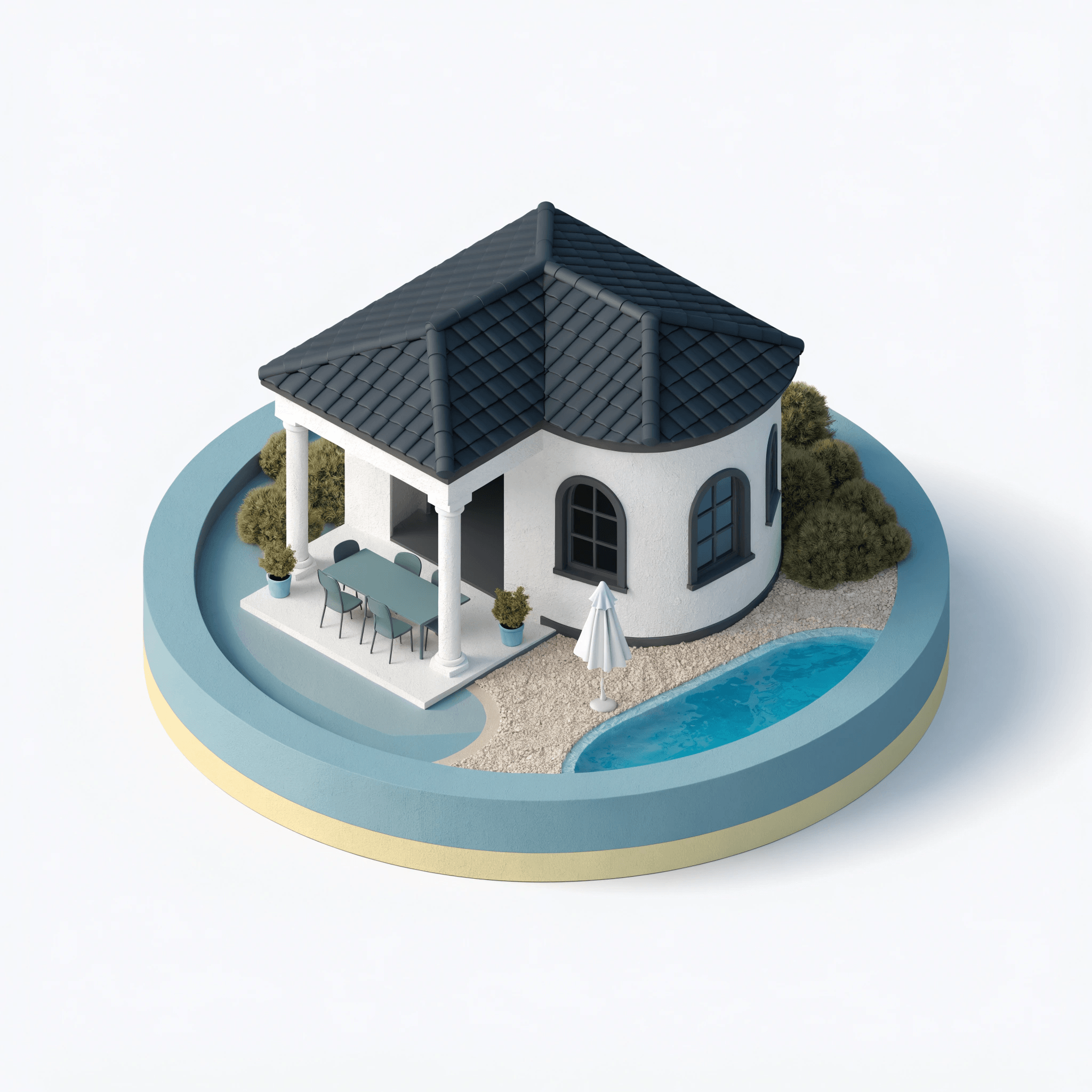
Seedream is ByteDance's family of AI image models available in Recraft Studio, covering both image generation and natural language editing. Seedream V4.5 — the latest version — delivers structured, reference-driven, high-fidelity outputs, while Seedream V4 excels at vivid color, fine detail, and artistic realism.
Trusted by designers at

High-fidelity image generation and editing

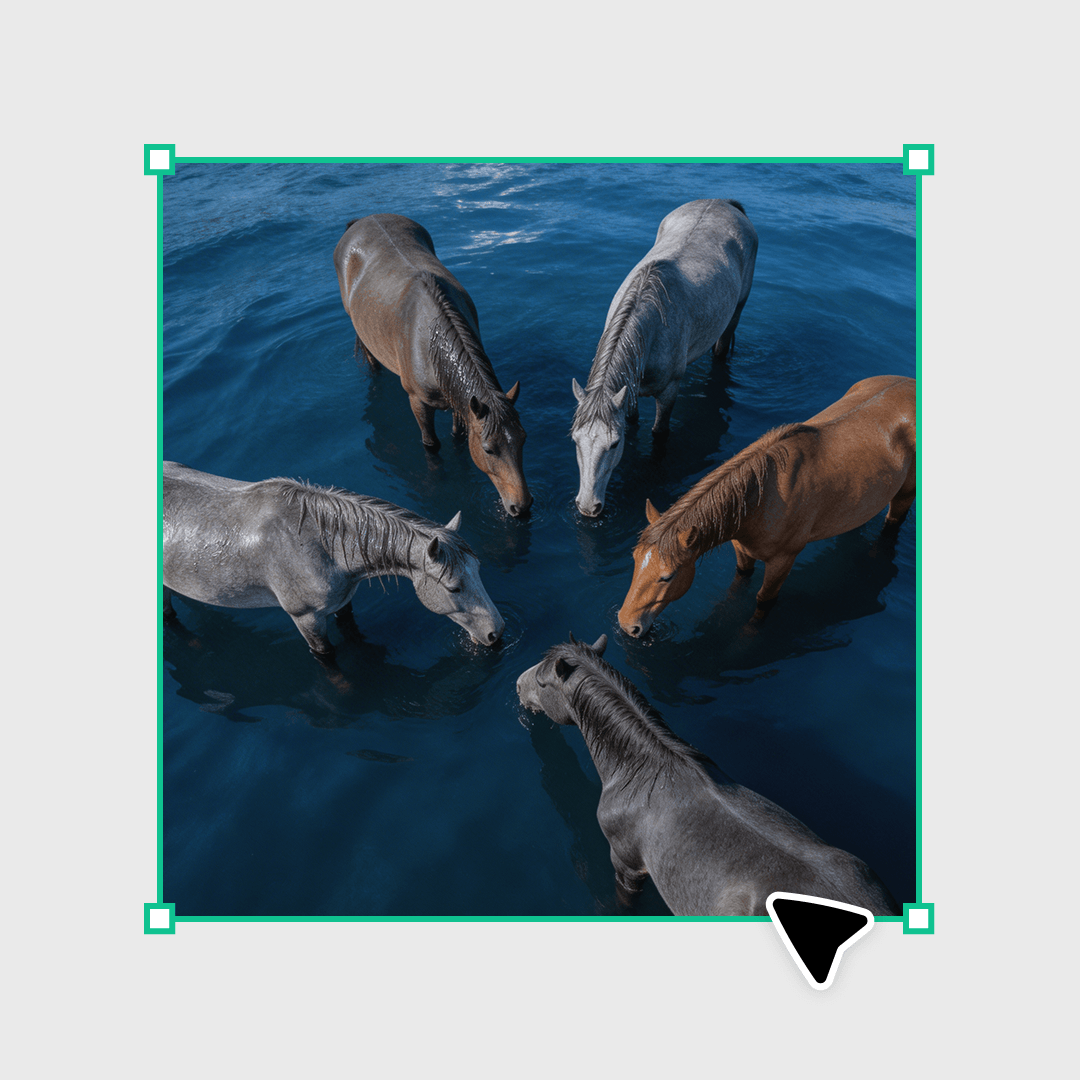
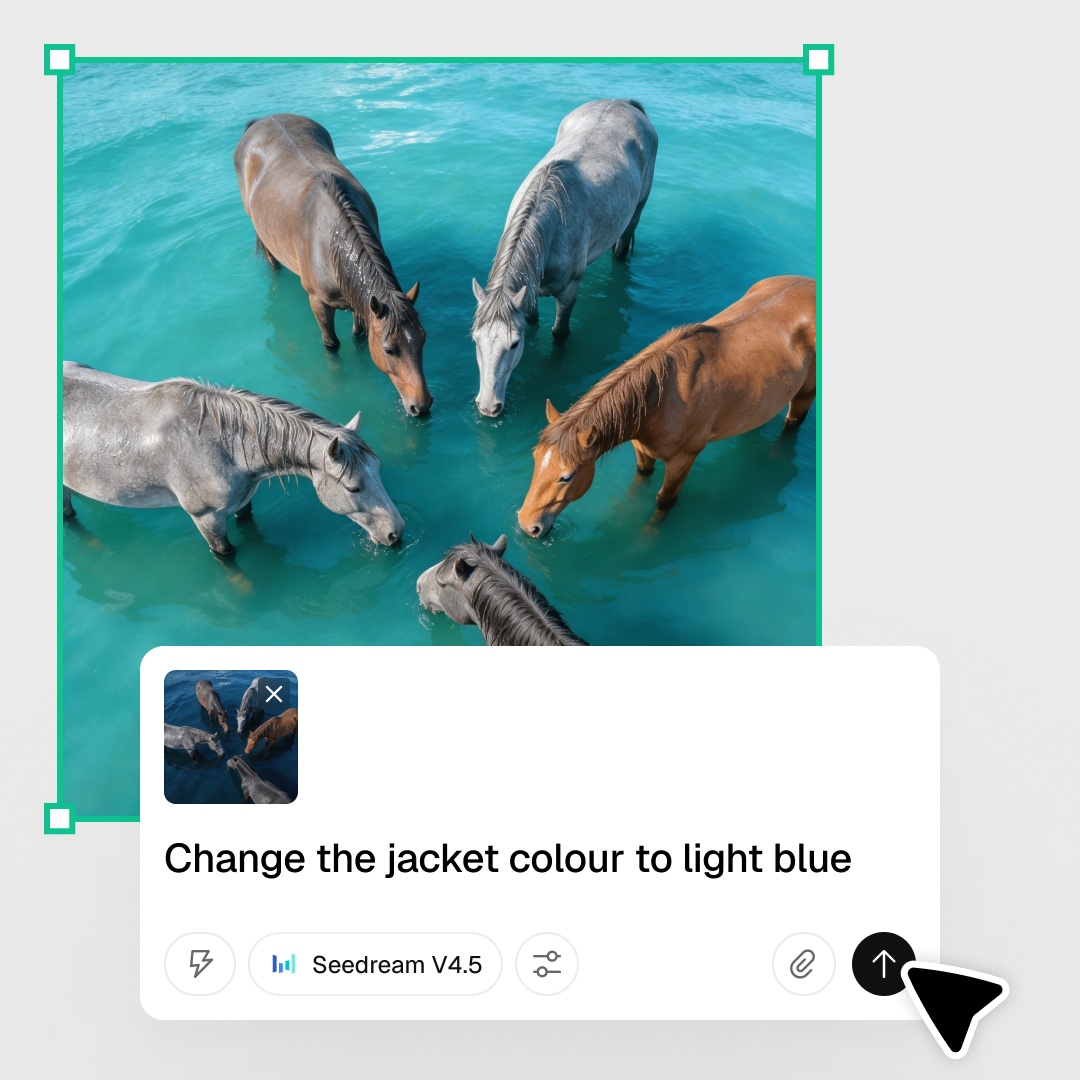
Seedream models in Recraft Studio support two core workflows: text-to-image generation and natural language image editing. Both Seedream V4 and V4.5 deliver vivid color, fine detail, and strong prompt fidelity. For editing, you can modify specific elements (clothing, background, lighting, objects) while preserving overall structure and style.

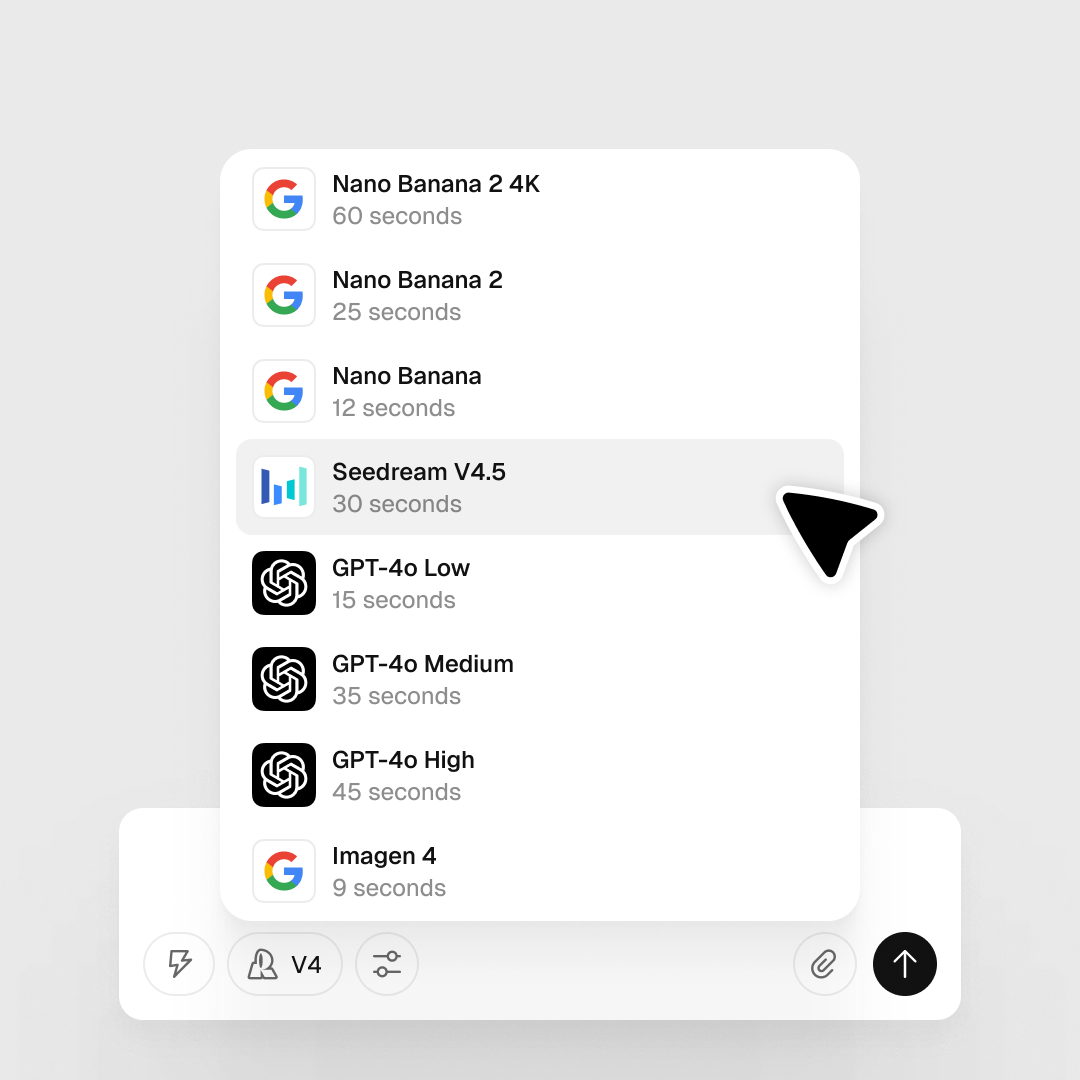
Seedream V4.5 adds structured, reference-driven generation for even higher fidelity. Both models are accessible in Recraft Studio's prompt panel under the Model selector.

Try Seedream

How to use Seedream in Recraft Studio

1
Open Recraft Studio
Generate a new image or upload an existing one to the canvas, then select it.
2
Select Seedream and add your prompt
In the prompt panel, choose Seedream V4 or V4.5. Optionally attach up to 9 reference images using the paperclip icon.
3
Generate and export
Each edit builds on the previous result without full regeneration. Supports text and image instructions together — useful for style transfers and complex scene edits.

Explore more

All tools that you need for a perfect design, in one place

AI models in Recraft Studio

All top models for image and video generation and editing in one place.

AI image generator

Generate high-quality images with the best AI models from Recraft.

AI vector generator

Create editable SVGs directly from text descriptions.

Mockup generator

Visualize products, packaging, and marketing materials instantly.

AI background remover

Remove unwanted backgrounds instantly while keeping edges clean and natural.

AI image editor

Edit, enhance, and transform any image using simple text prompts or intuitive controls.

Image format converter

Convert between any raster and vector formats such as SVG, PNG, JPG, TIFF, PDF, and more.

AI image combiner

Merge multiple images into one coherent composition.

FAQ

What’s the difference between Seedream V4 and V4.5?

Seedream V4 excels at vivid color, fine detail, and artistic realism. Seedream V4.5 adds structured, reference-driven generation for even higher output fidelity and consistency.

What kinds of edits can Seedream perform?

Seedream can modify specific elements — clothing, background, lighting, objects — while preserving the overall structure and style of the scene.

How does Seedream handle character or identity consistency?

Seedream V4.5 supports reference-driven generation — attach reference images to guide character identity, style, or composition and maintain visual consistency across multiple outputs.

How many credits does it take to generate with Seedream?

Credit costs vary by model and output settings. You can check the full breakdown in Recraft’s documentation.