API
Build automated visual workflows with Recraft API
Integrations
Access Recraft across different platforms
Download app
Download app

Generate and edit AI images on any webpage

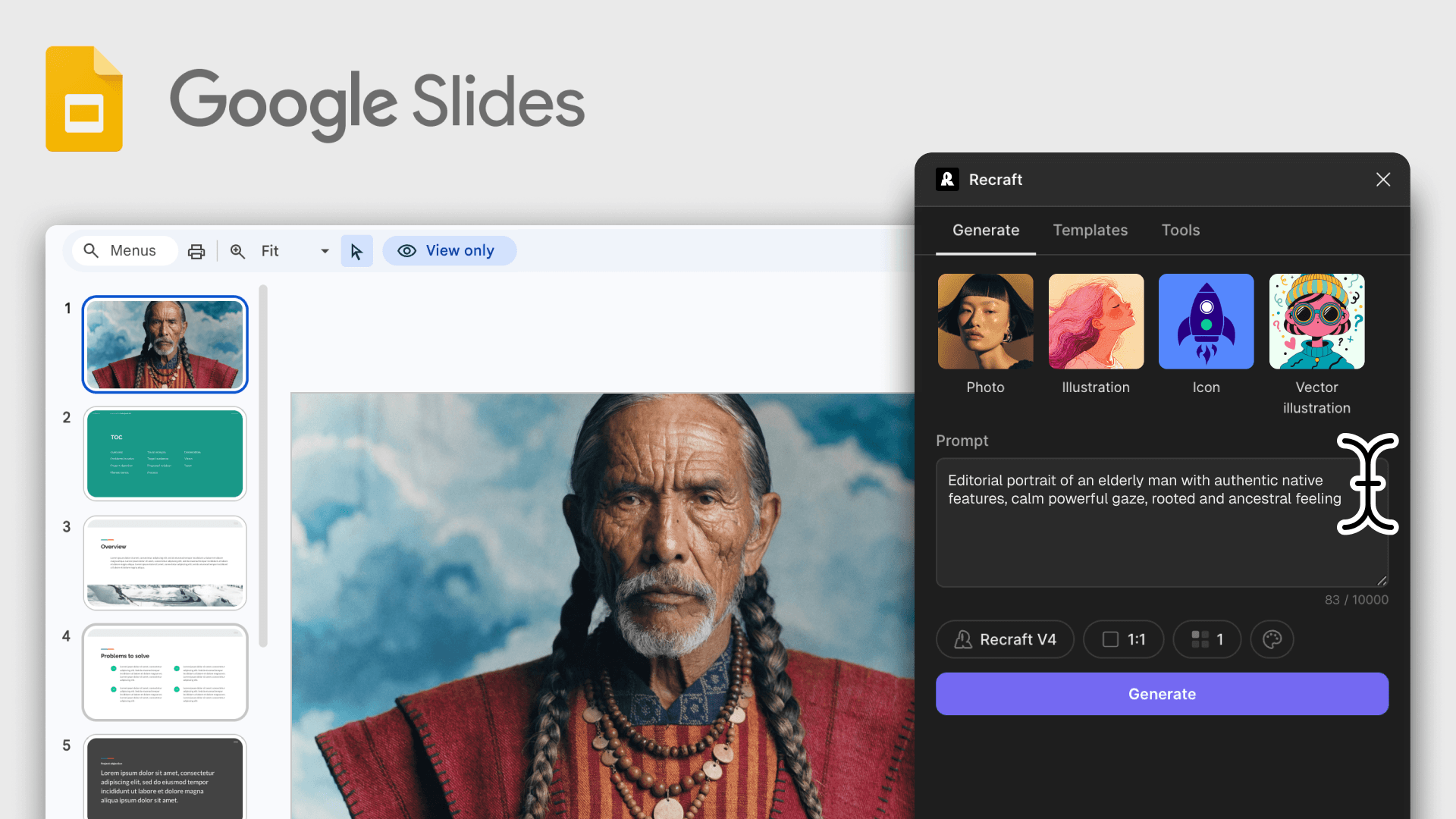
The Recraft Chrome extension adds image generation, vectorization, and editing to any page in your browser. Pick an on-page image, write a prompt, and push the result straight into Google Docs, Slides, or Gmail.

AI image generation and editing on any tab

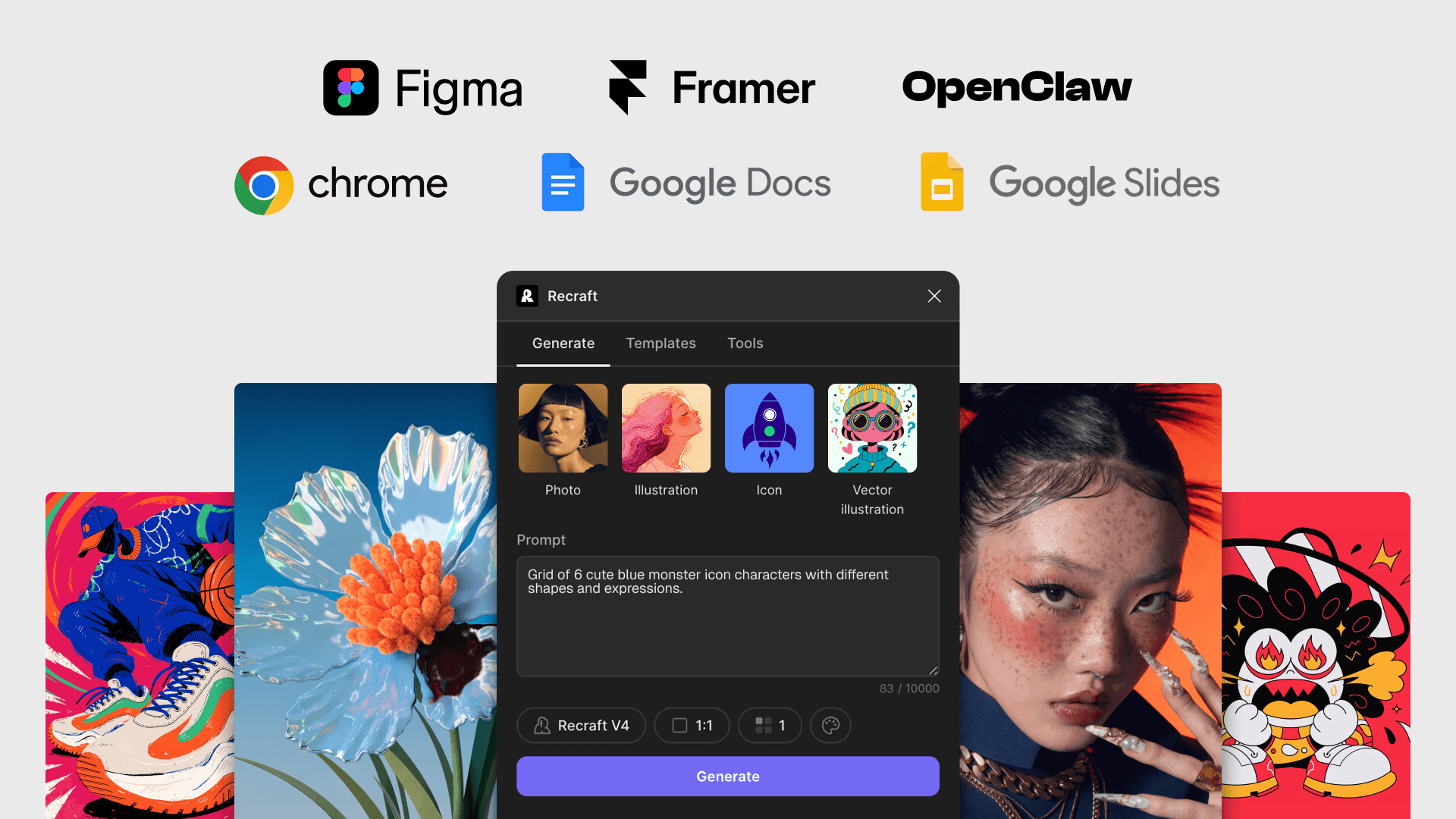
The Recraft side panel works on every tab. Run AI image generation or AI photo editing on any page, then push the result into Google Docs, Slides, or Gmail.

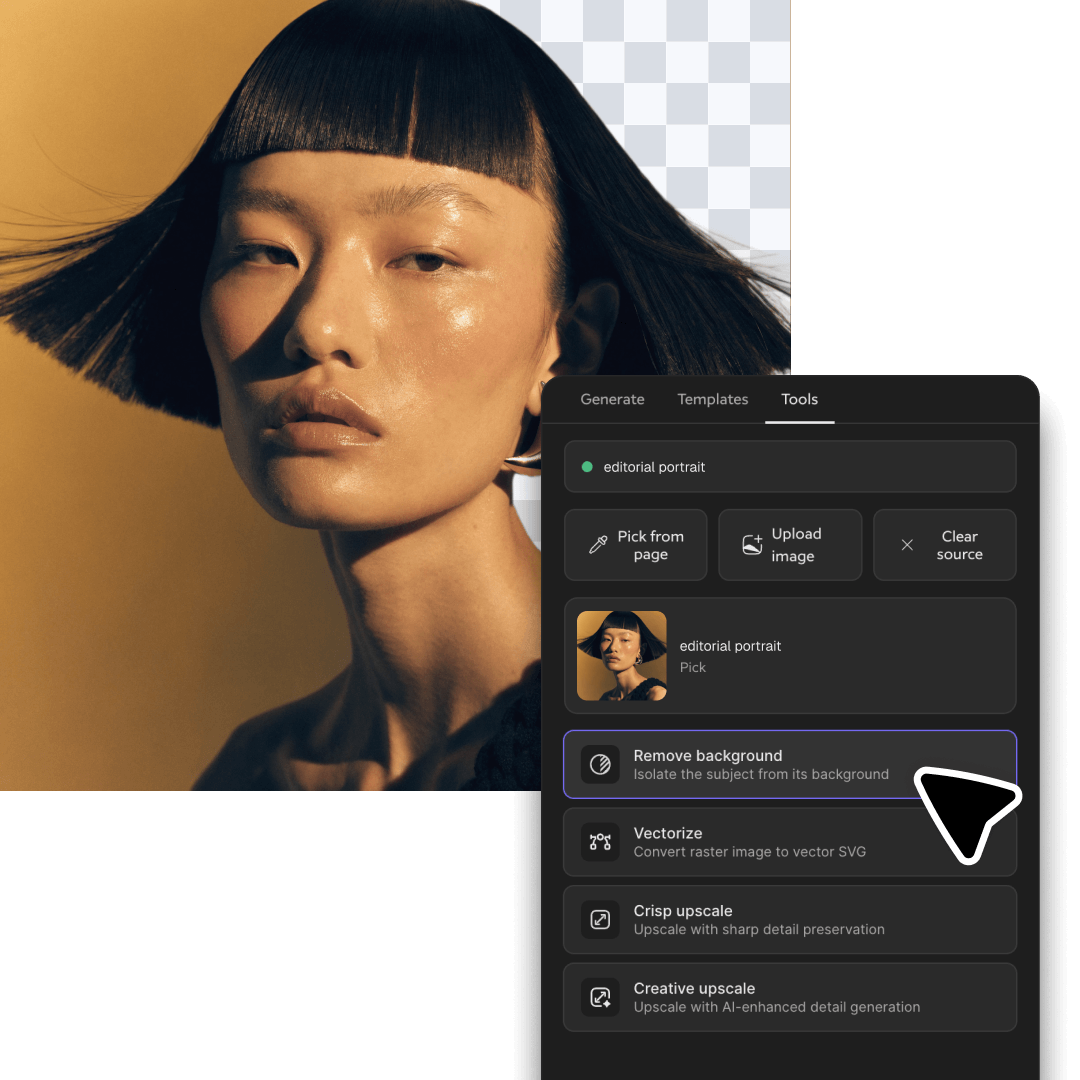
Right-click any on-page image to vectorize, upscale, or remove its background — no downloads, no file shuffling.

How to install the Recraft Chrome extension

Open the Chrome Web Store

In Chrome, click the Google Apps icon and select the Chrome Web Store. Search for Recraft and open the extension listing.

Install the Recraft extension

On the Recraft listing, click Add to Chrome. Chrome shows a permissions dialog — review and click Add extension. Chrome confirms the install and adds the Recraft icon to your extensions menu.

Pin the Recraft icon and sign in

Click the puzzle piece icon in Chrome's toolbar to see all installed extensions, find Recraft, and click the pin icon next to it so the icon stays visible in your toolbar. Click the pinned Recraft icon to open the side panel and sign in with your Recraft account — a free account includes 30 daily credits.

Chrome extension FAQ

How do I install the Recraft Chrome extension?

Open the Chrome Web Store at chromewebstore.google.com, search for Recraft, and on the extension listing click Add to Chrome. Approve the permissions dialog to finish the install.

Which websites does the Recraft Chrome extension work on?

The Recraft side panel opens on any webpage in Chrome. You can generate new images with a prompt, right-click on-page images to vectorize, upscale, or remove their background, or upload your own files to edit.

Can I insert Recraft images directly into Google Docs, Slides, or Gmail?

Yes. When you're on Google Docs, Google Slides, or Gmail, the Insert button in the Recraft side panel drops generated or edited images straight into your document, slide, or email — no downloads needed.

Can the Recraft Chrome extension edit existing images on a page?

Yes. Right-click any on-page image and choose a Recraft action — vectorize, upscale, or remove the background — or open the side panel and upload your own file to edit. Results stay inside the browser.

How much does the Recraft Chrome extension cost?

The extension is free to install from the Chrome Web Store. Generation and editing use your Recraft account credits — a free account includes 30 daily credits, and paid Recraft plans unlock higher daily limits and full commercial rights. See Recraft pricing for plan details.