API
Build automated visual workflows with Recraft API
Integrations
Access Recraft across different platforms
Download app
Download app

Recraft, where you already work

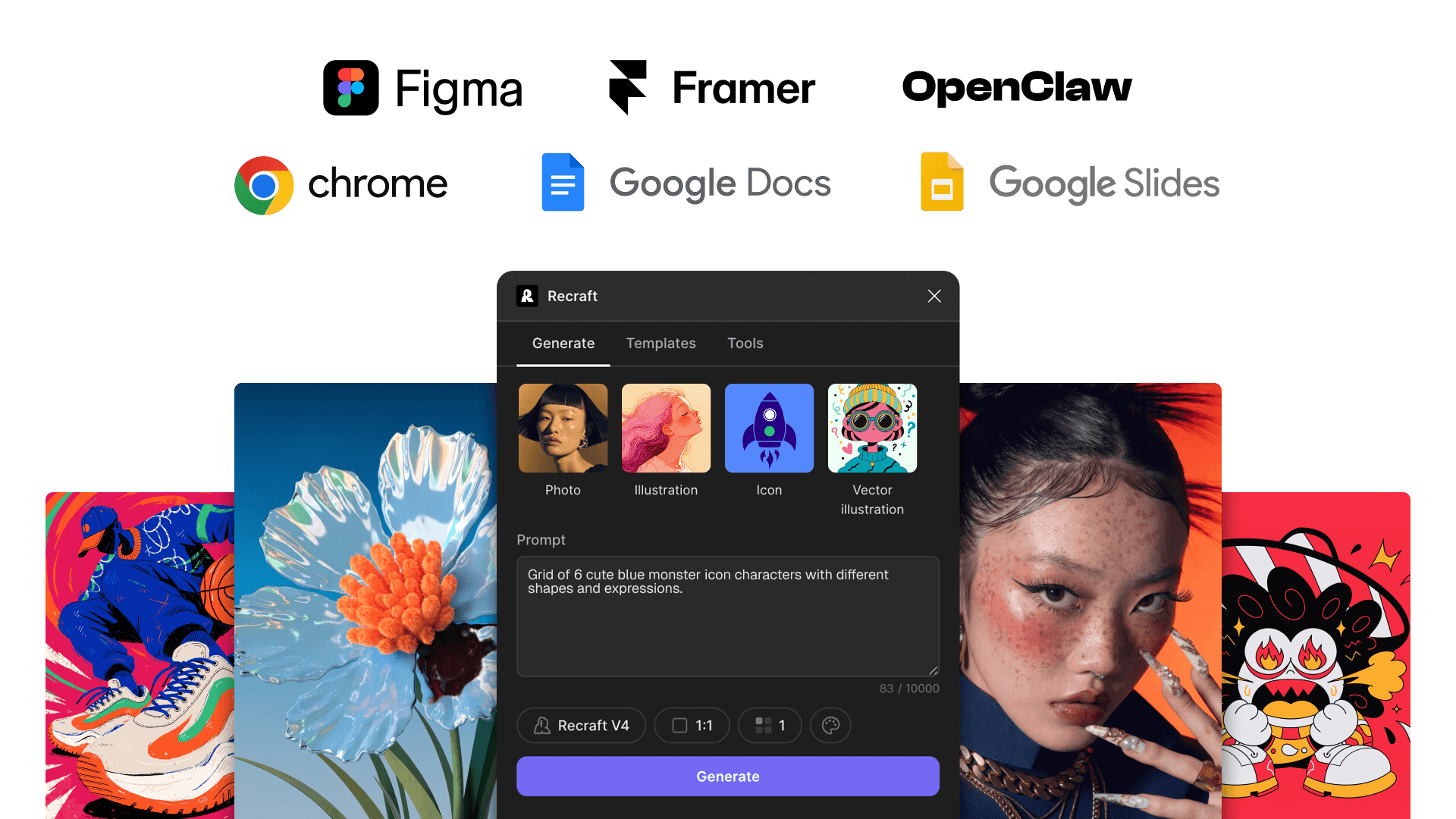
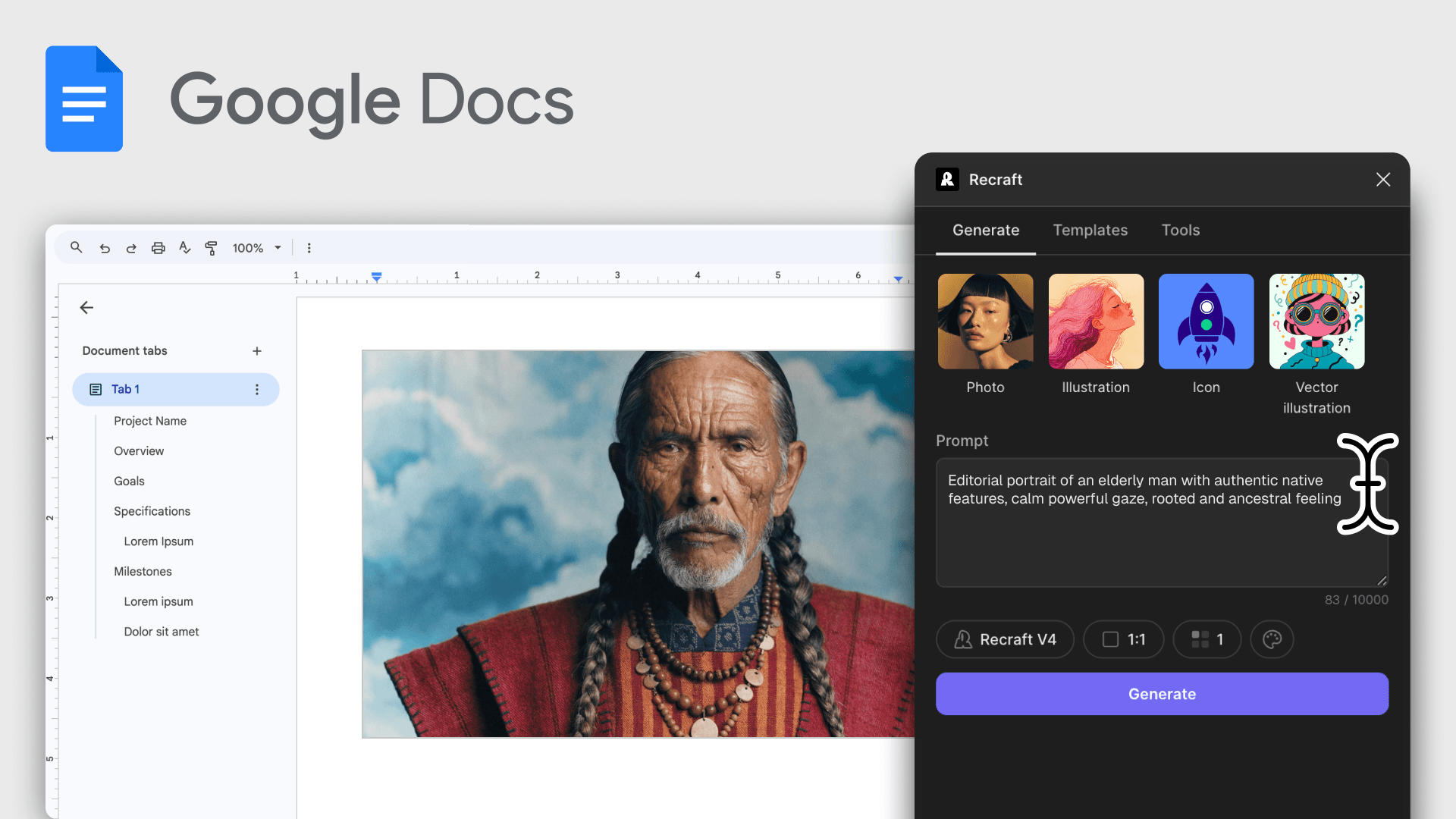
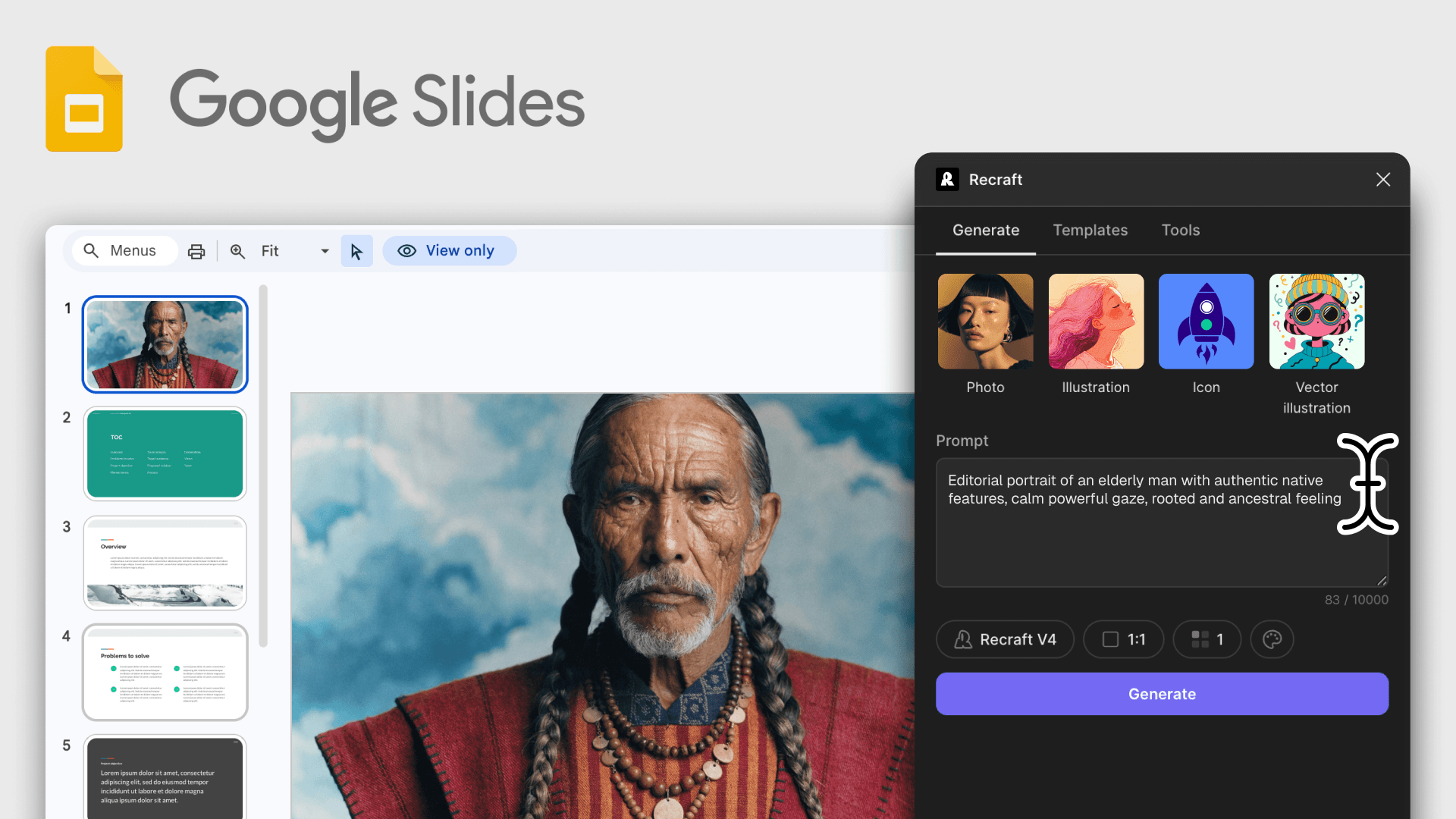
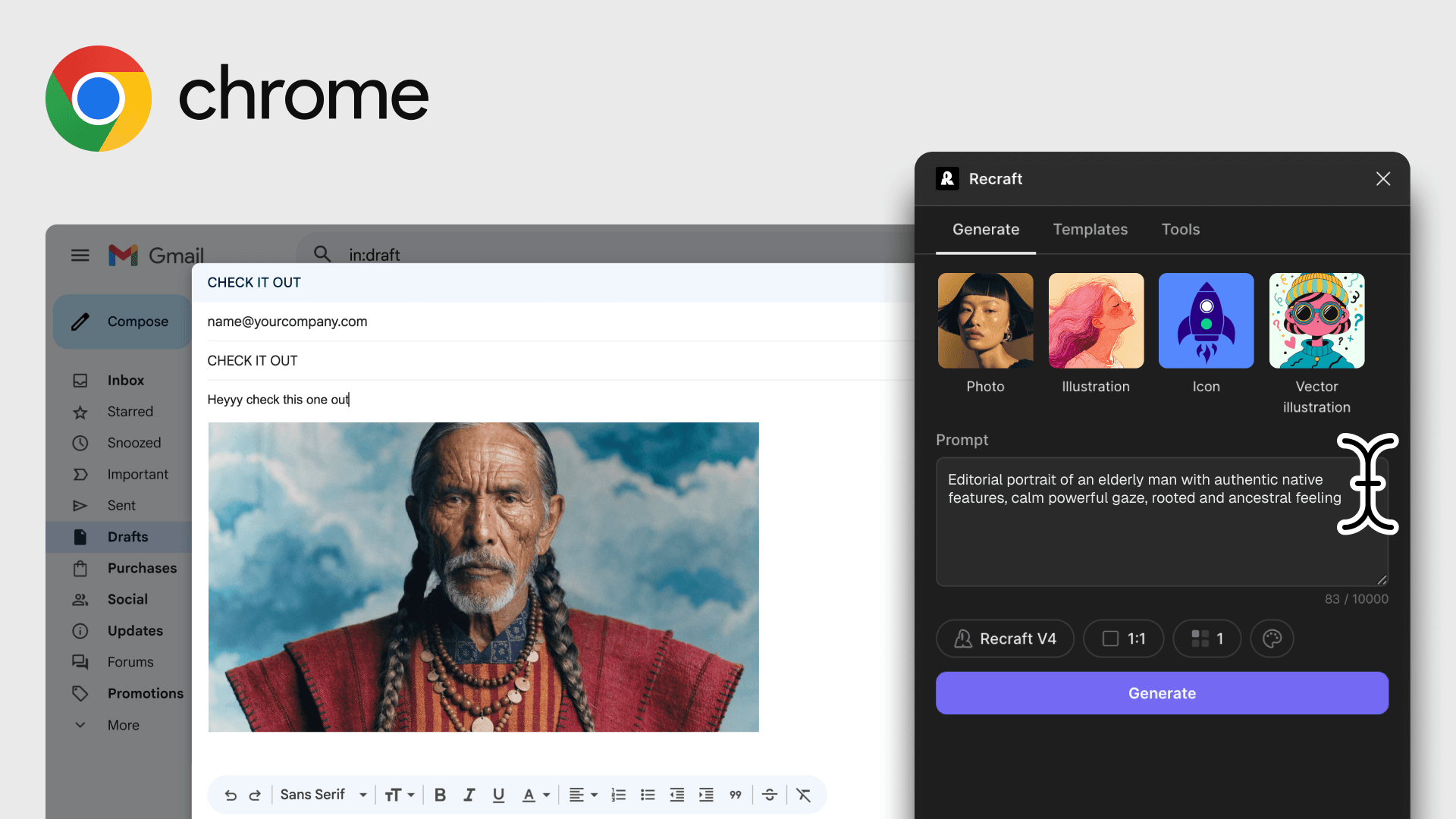
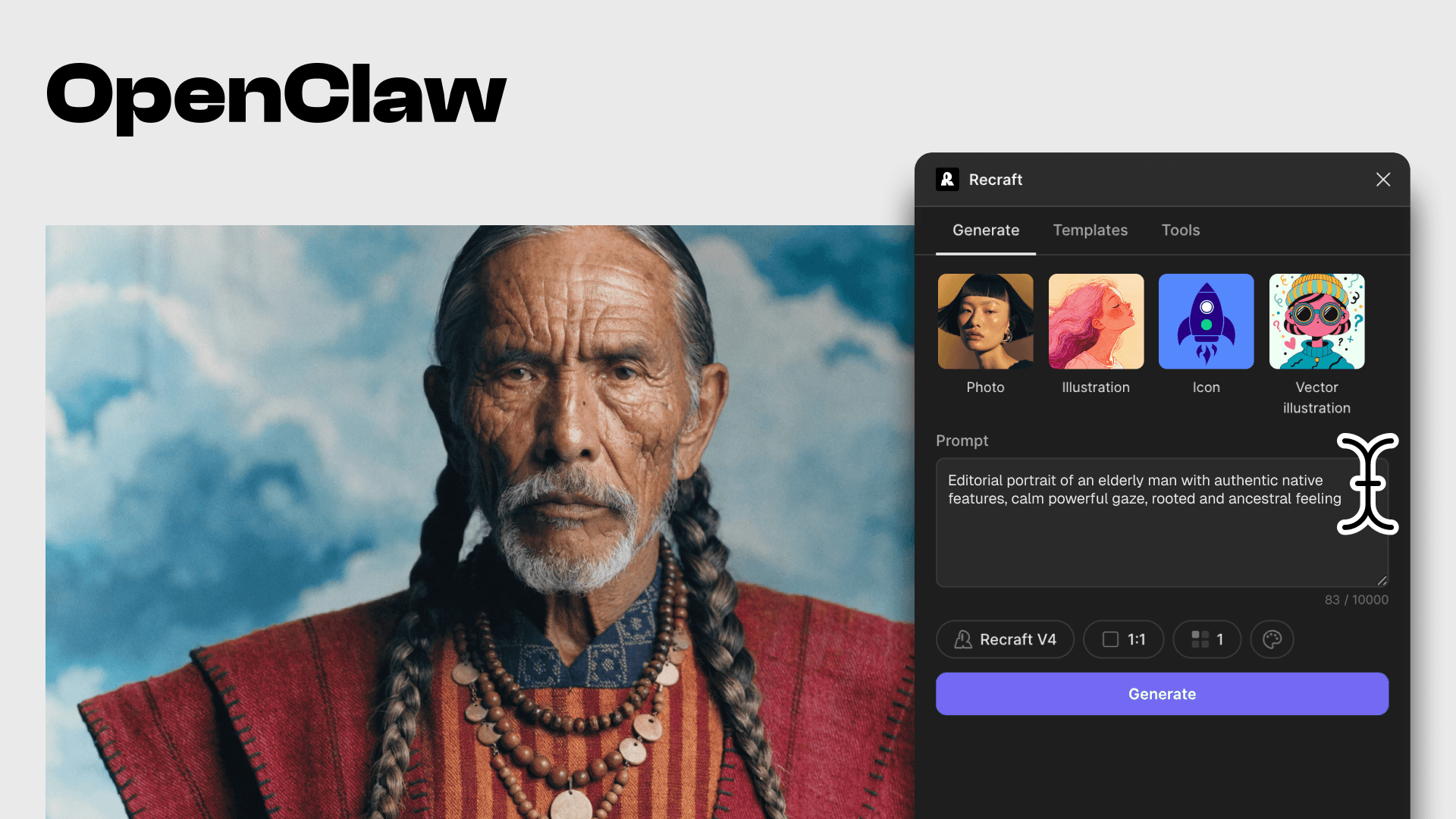
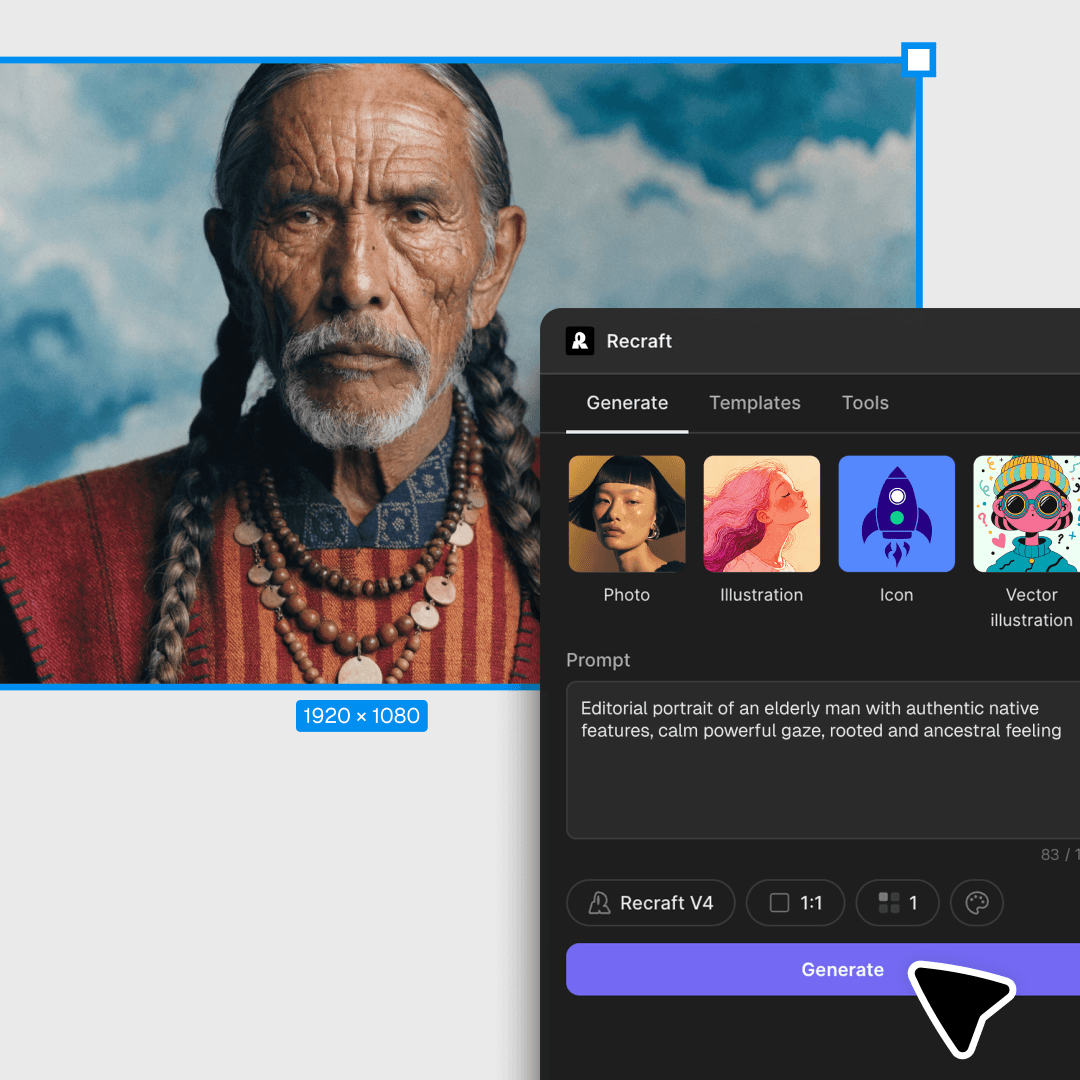
Generate and edit AI images directly inside Figma, Framer, Google Docs, Google Slides, Chrome, and AI assistants. Same Recraft V4 quality, same account, same credits — no tab-switching.

Trusted by designers at

AI image generation and editing, inside the tools you use

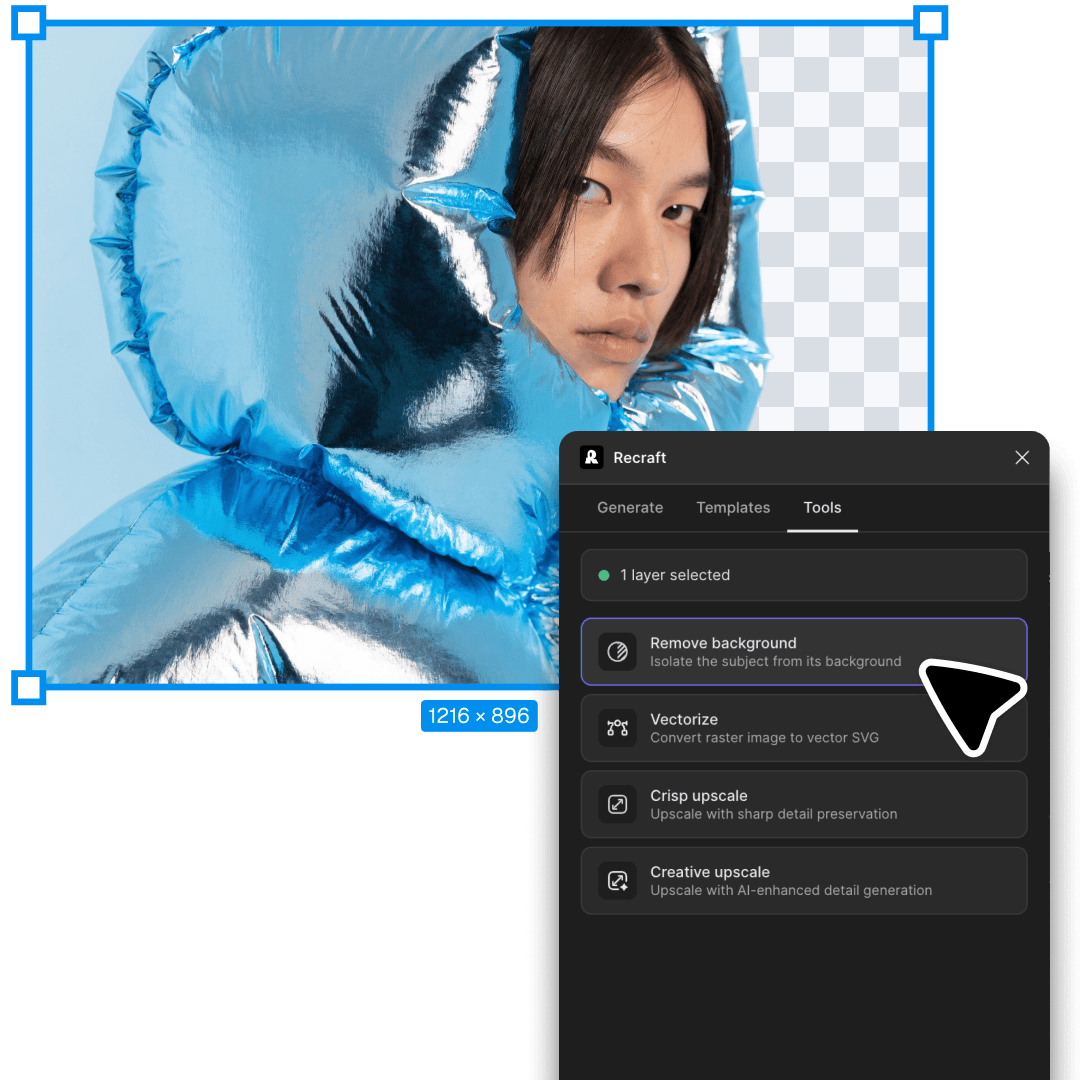
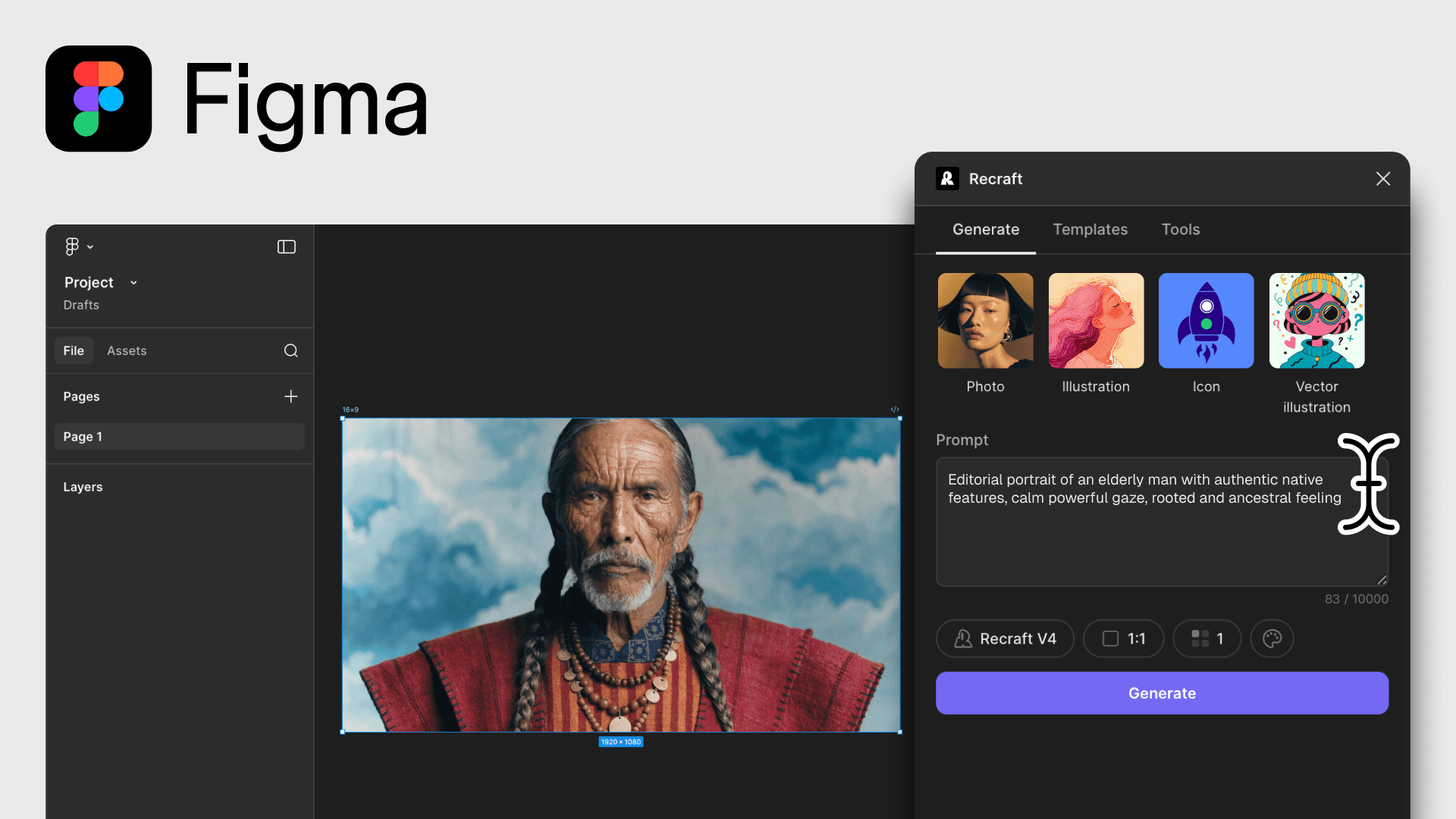
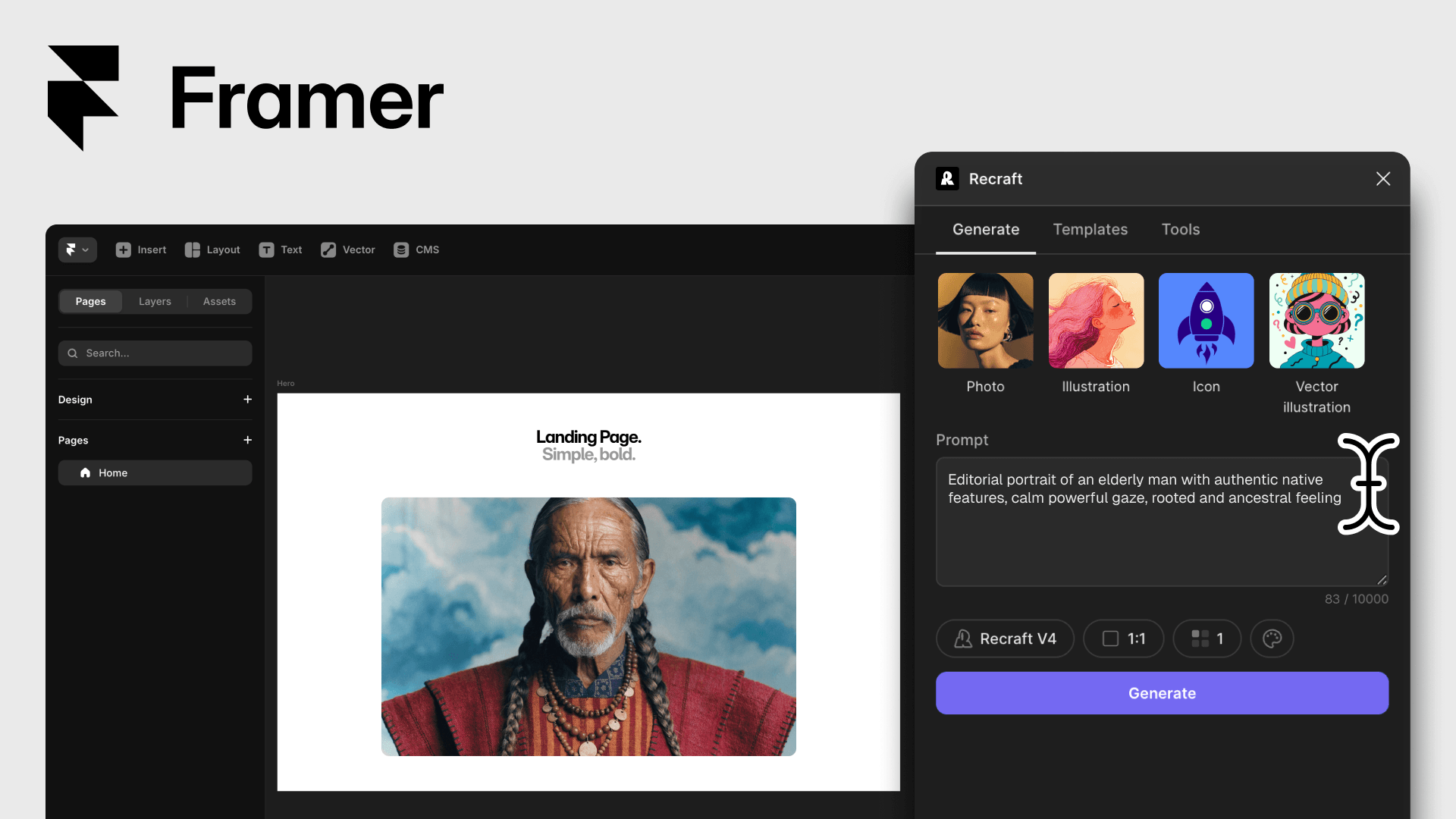
The main tools at the heart of Recraft — AI image generation and AI photo editing — run inside the products you already design, write, and ship in. Generate raster images and editable SVG vectors. Refine with background removal, vectorization, and upscaling. Same Recraft V4 model quality, same Recraft account, same credits — wherever your design lives.

Why design with Recraft inside the tools you already use

Stay in your flow

Generate, edit, and place images without leaving Figma, Docs, Slides, or the page you're already on. No exports, no copy-paste, no second app to manage.

One Recraft account, every tool

Sign in once. Your credits, saved styles, and projects follow you across every plugin and add-on. A free Recraft account includes 30 daily generations.

Production-ready, in place

Drop output directly onto your canvas, slide, or document — as raster or editable SVG. Ready for your design system, not waiting in a downloads folder.

FAQ

Which tools does Recraft integrate with?

Recraft runs as a plugin in Figma and Framer, an add-on in Google Docs and Google Slides, a Chrome extension on any webpage, and a skill inside OpenClaw. Same Recraft V4 quality, same account, same credits — wherever your design lives.

Do I need a separate account for each Recraft integration?

No. Sign in once with your Recraft account. Your credits, saved styles, and projects follow you across every plugin, add-on, and extension. A free Recraft account includes up to 30 generations per day.

Can I generate editable SVG vectors inside Figma or Framer?

Yes. Recraft V4 Vector and V4 Pro Vector output fully editable SVGs — paths, strokes, and fills — that drop straight onto your Figma frame or Framer canvas, ready for native vector editing.

Does the Recraft Chrome extension work in Google Docs, Slides, and Gmail?

Yes. The Insert button in the side panel drops generated or edited images directly into your document, slide, or email — no downloads, no copy-paste. Right-click any on-page image to vectorize, upscale, or remove its background.