API
Build automated visual workflows with Recraft API
Integrations
Access Recraft across different platforms
Download app
Download app

Generate AI images and SVG vectors directly in Framer

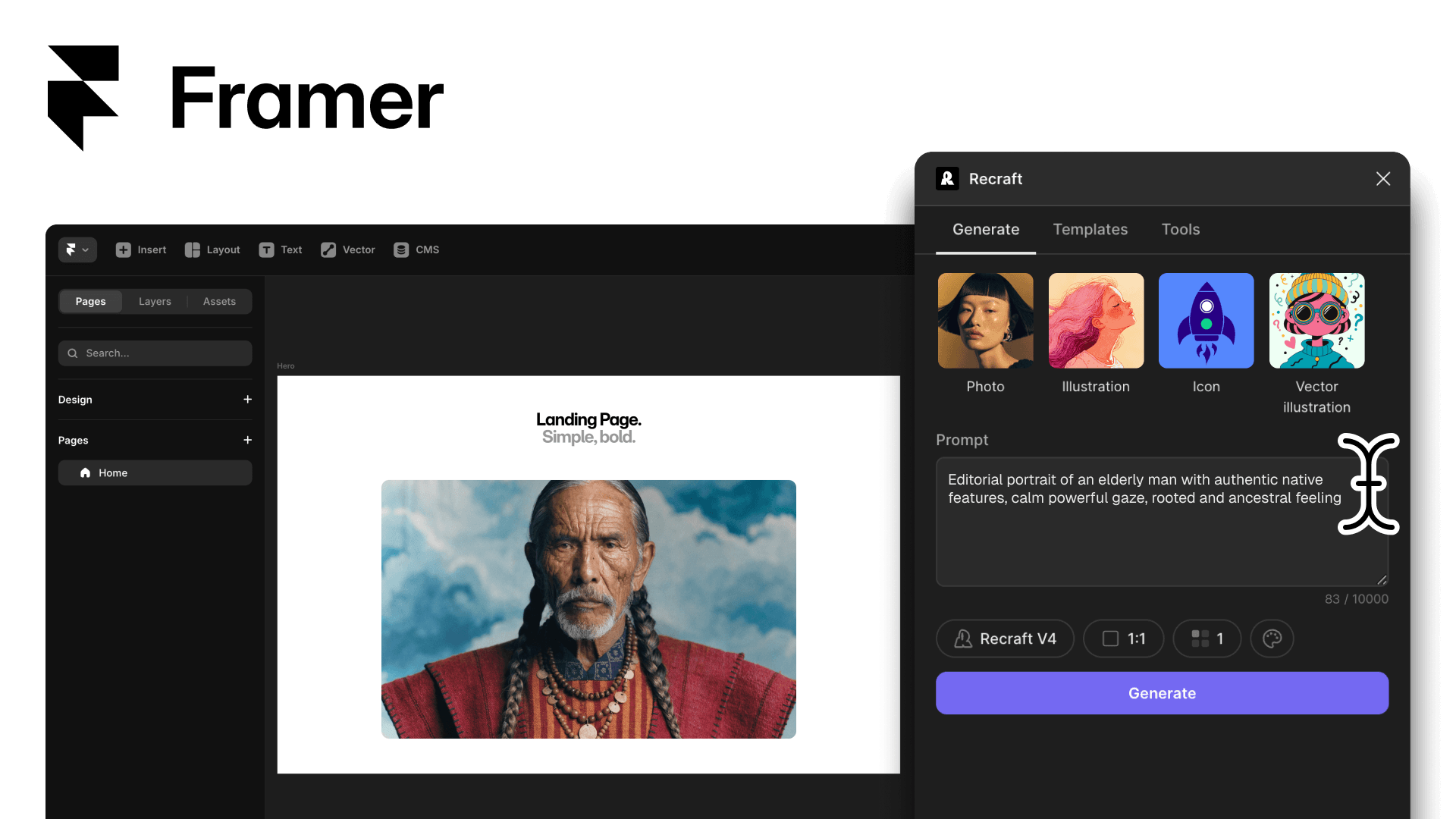
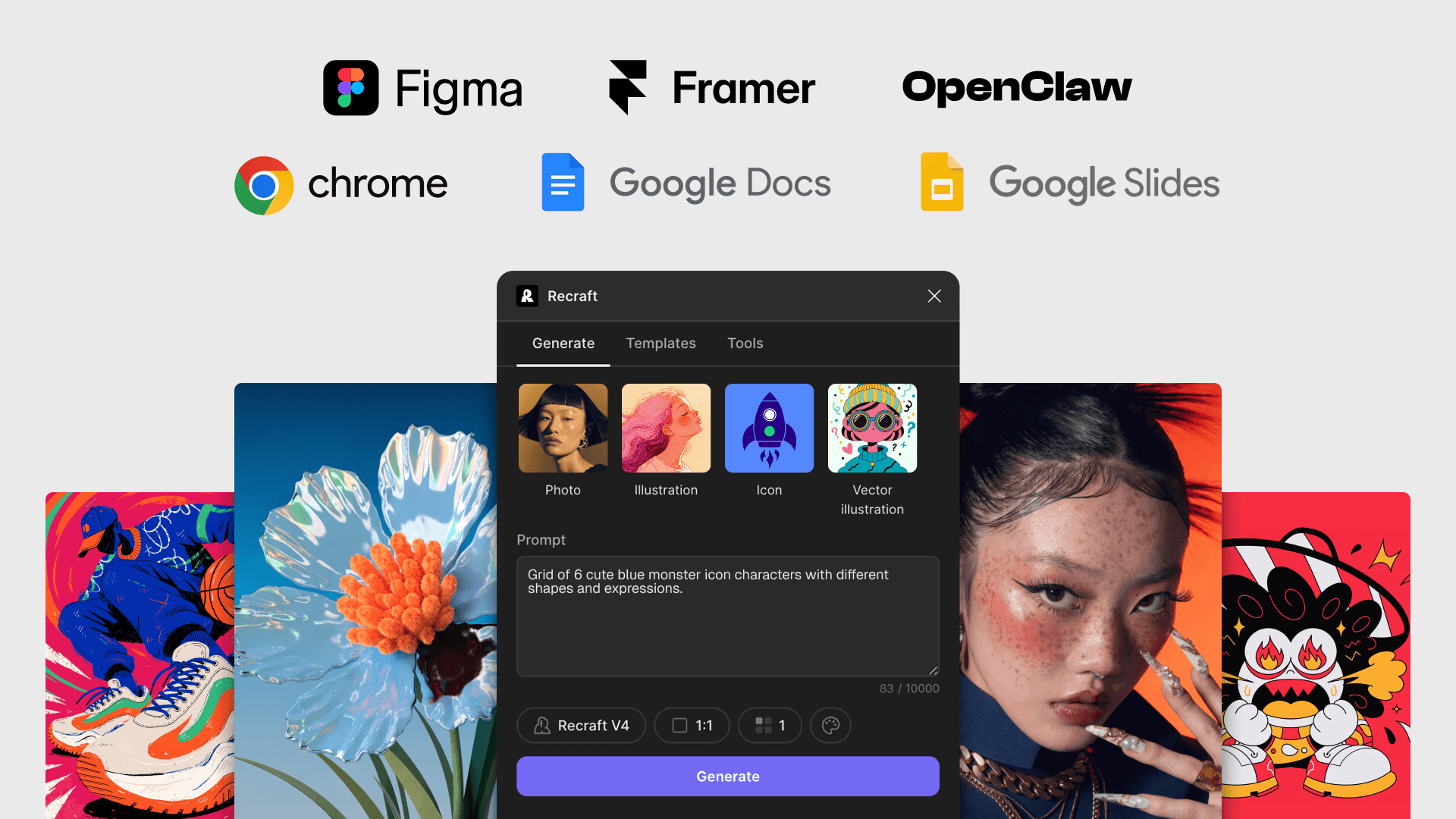
Use Recraft inside Framer to produce raster images, editable SVG vectors, and design-ready assets. No separate app — open the plugin from the Plugins panel and place the output on your canvas.

Design, generate, and place — without leaving Framer

Generate raster images and editable SVG vectors inside Framer. Drop them onto your canvas as PNGs or editable SVGs that work with Framer's vector tools.

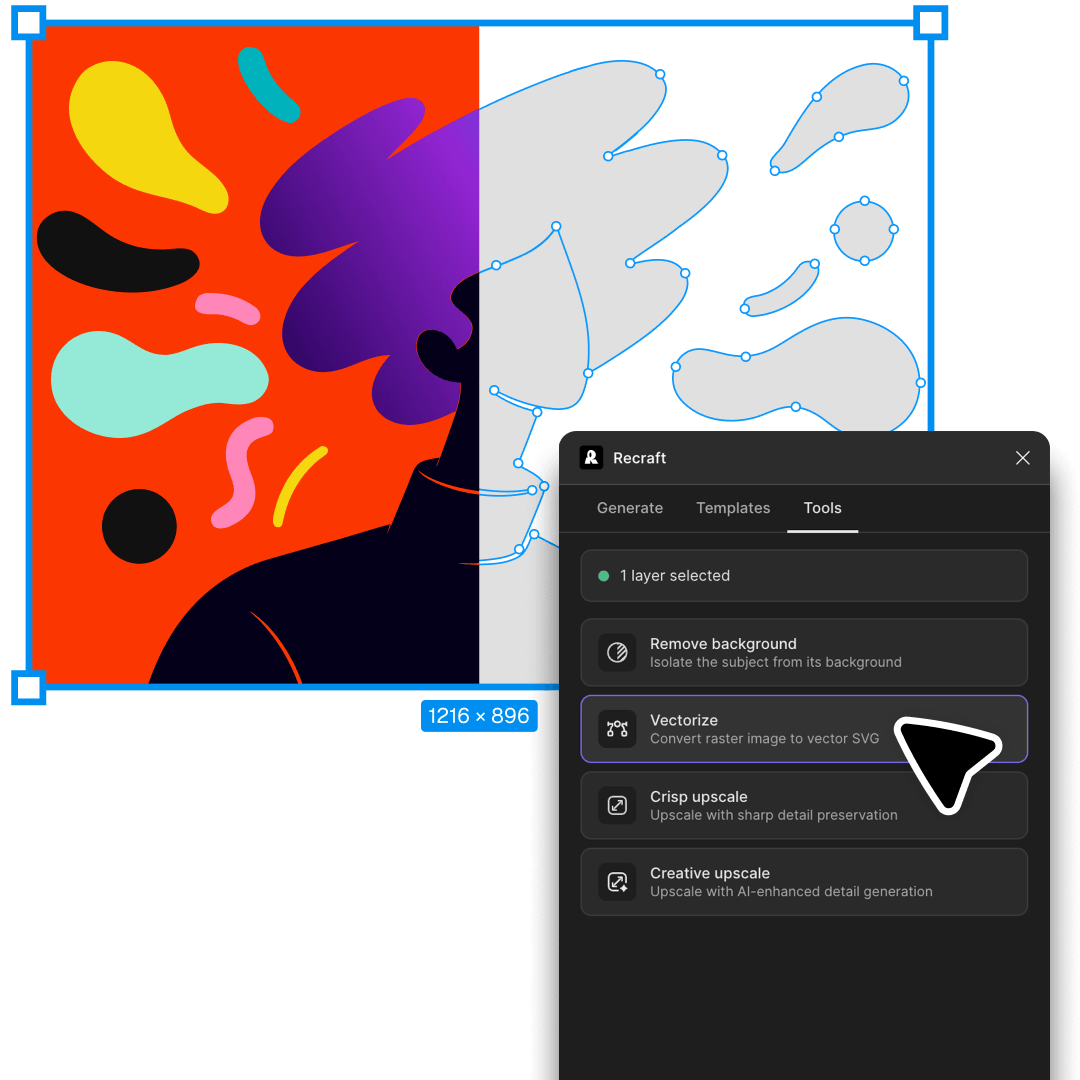
You get Recraft's full toolkit: AI image generation and AI photo editingvectorization, background removal and upscaling — without switching apps.

How to install the Recraft plugin for Framer

Open the Plugins panel in your Framer project

In your Framer project, click the Settings → Plugins → Browse all and search Recraft.

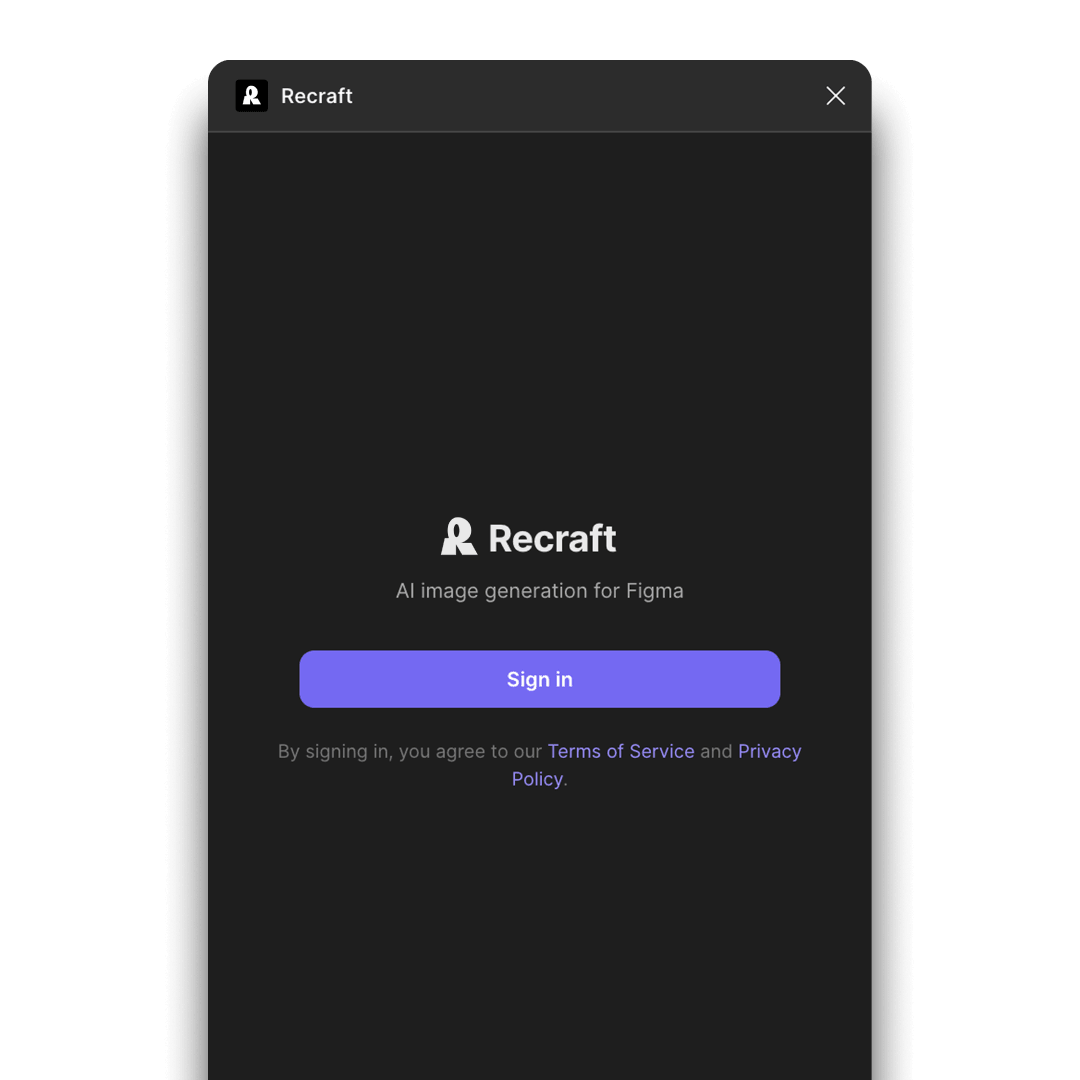
Sign in with your Recraft account

Connect the plugin to your Recraft account to activate generation credits, saved styles, and project history. A free Recraft account includes 30 daily credits.

Generate and drop onto the canvas

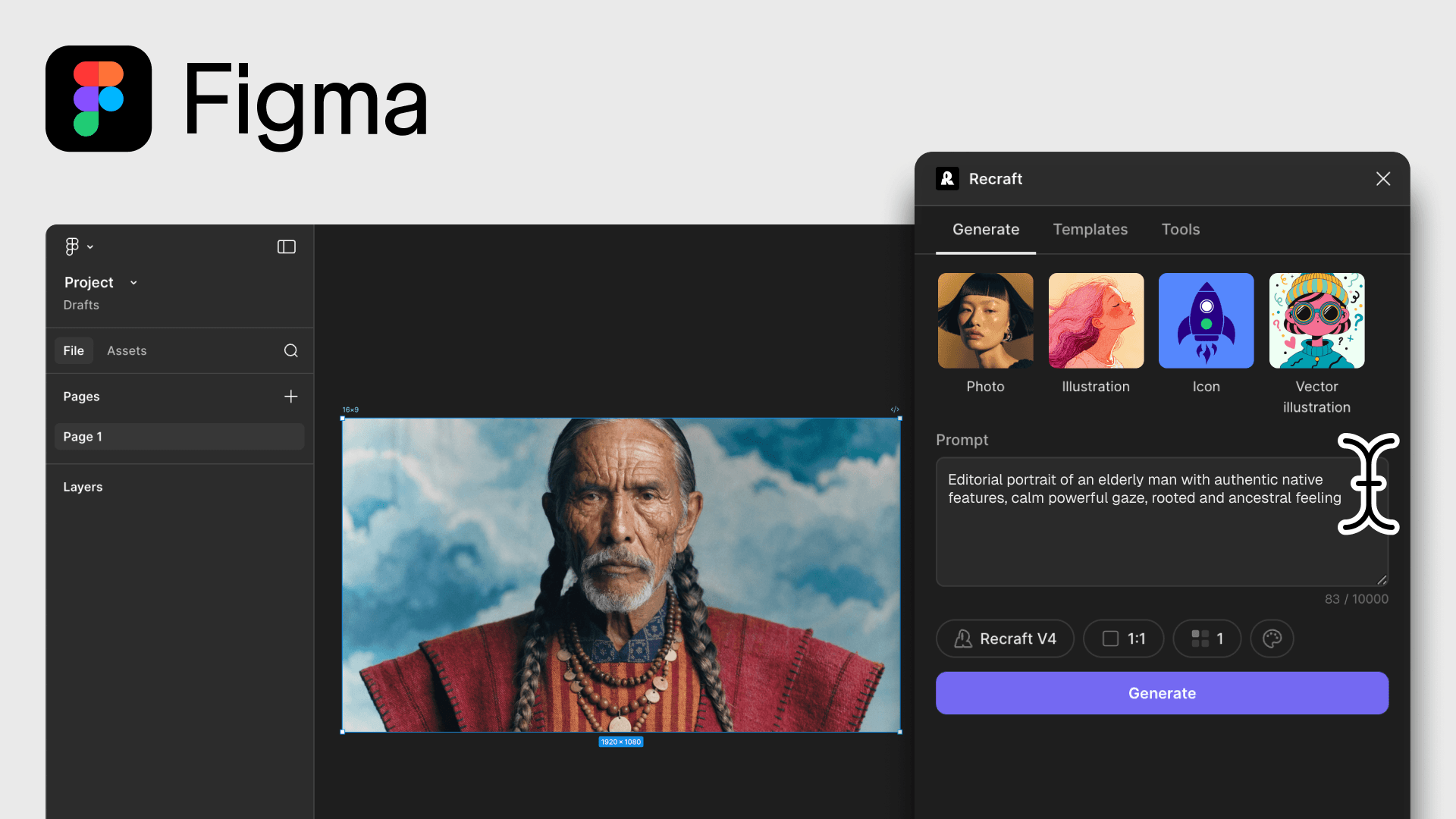
Write your prompt, pick a Recraft model, and generate. Drag the result onto your Framer canvas as a PNG or as an editable SVG — ready to use in your layout.

Framer plugin FAQ

How do I install the Recraft plugin for Framer?

In your Framer project, click the Plugins icon in the top toolbar, search for Recraft, and click Open Plugin. No install required. Sign in with your Recraft account to activate credits.

Can I generate SVG vectors in Framer with Recraft?

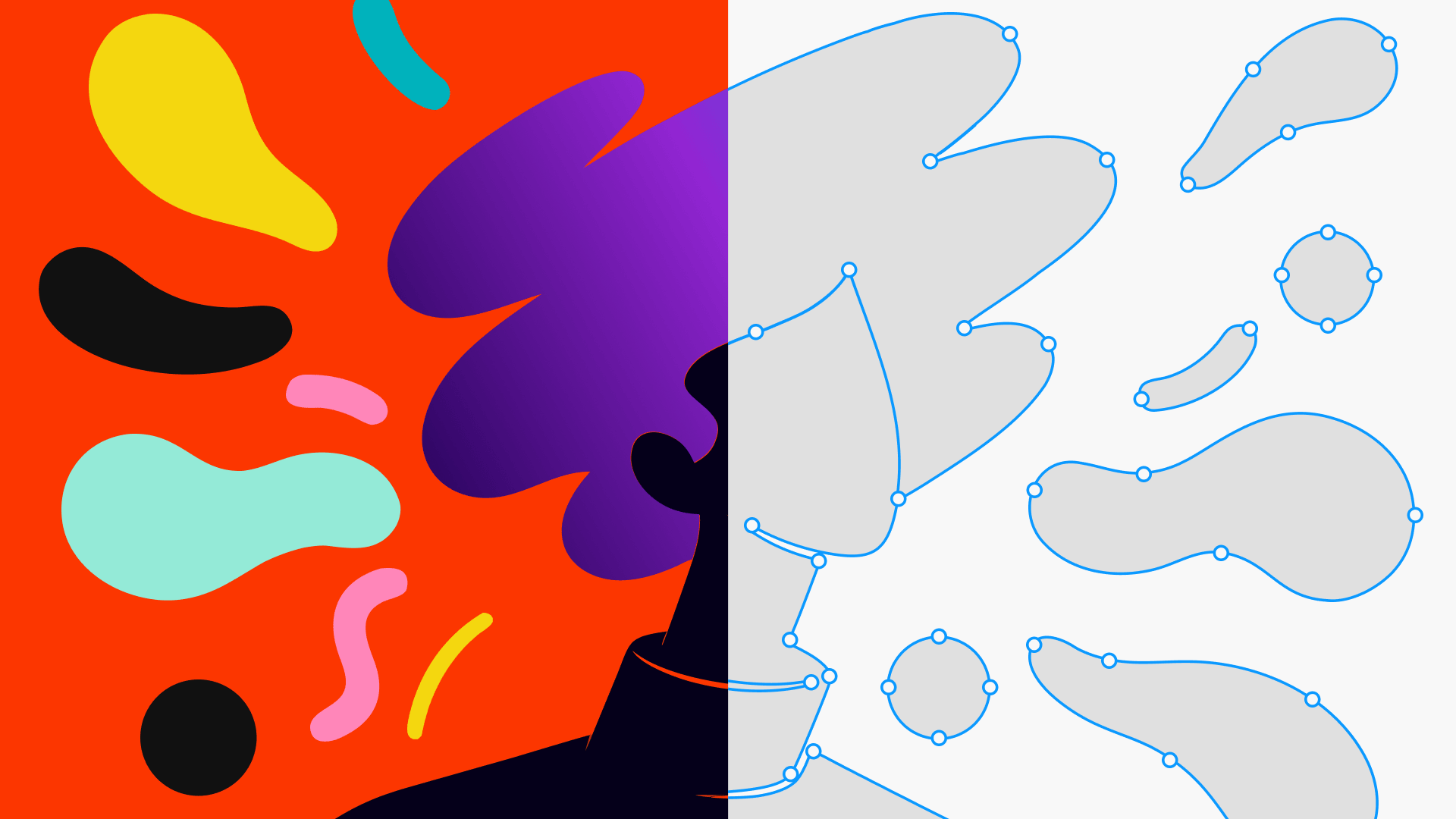
Yes. The Recraft plugin outputs editable SVGs that work with Framer's built-in vector tools. Drag the SVG result onto your canvas and edit paths, strokes, and fills directly in Framer.

Do I need a Recraft account to use the Framer plugin?

Yes. Sign in to the plugin with your Recraft account. A free account includes 30 daily credits; paid plans remove daily limits and unlock commercial rights for generated images.

Which Recraft models can I use inside Framer?

The plugin gives you Recraft V3, V4, V4 Pro, V4 Vector, and V4 Pro Vector — pick raster models for photography and illustration, or vector models for SVG output that stays editable in Framer.

How much does the Recraft Framer plugin cost?

The plugin is free to open and use. Image generation uses your Recraft account credits — a free account includes 30 daily credits, and paid Recraft plans unlock higher daily limits and full commercial rights. See Recraft pricing for plan details.