Download app
Download app

Recraft

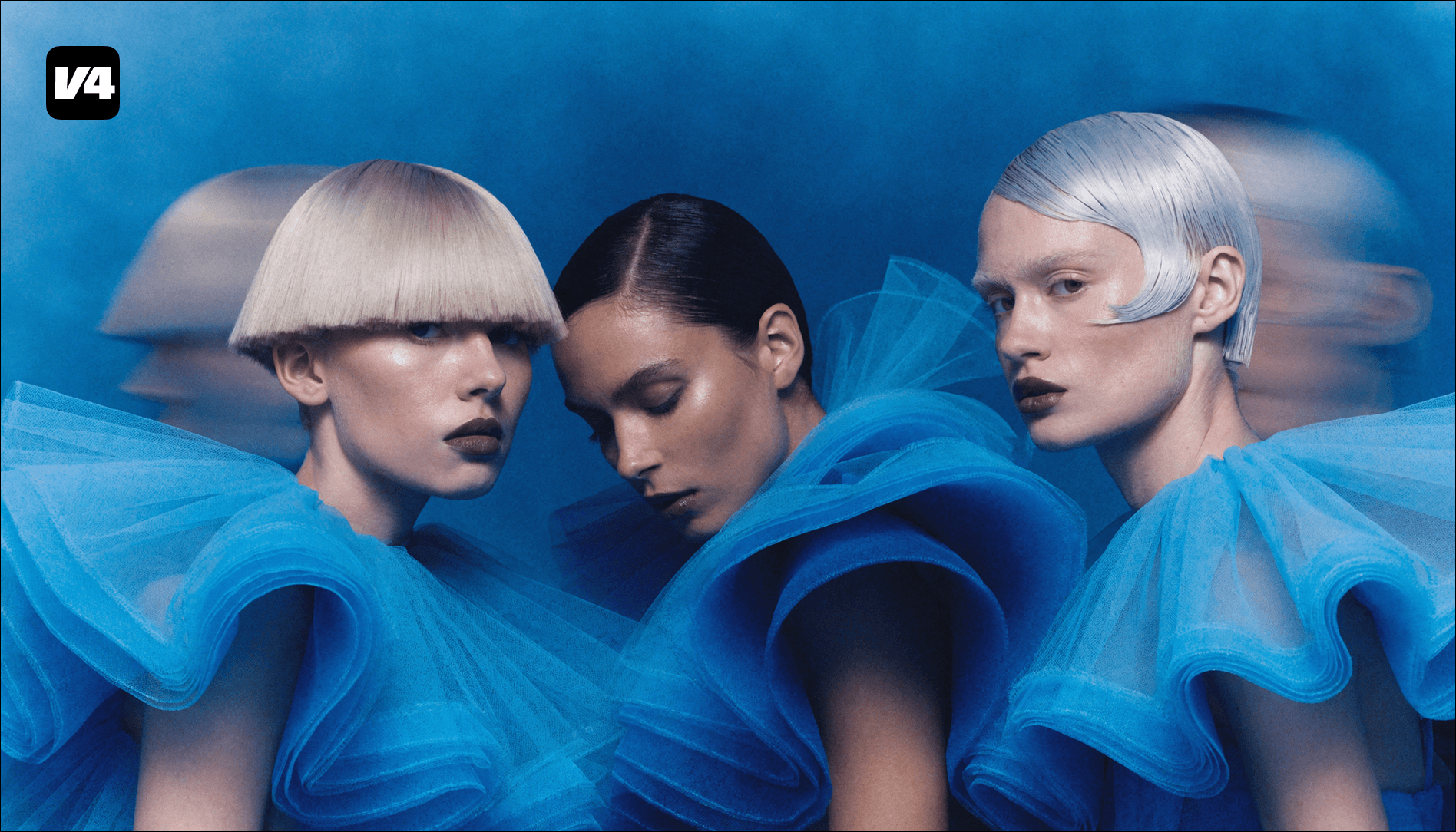
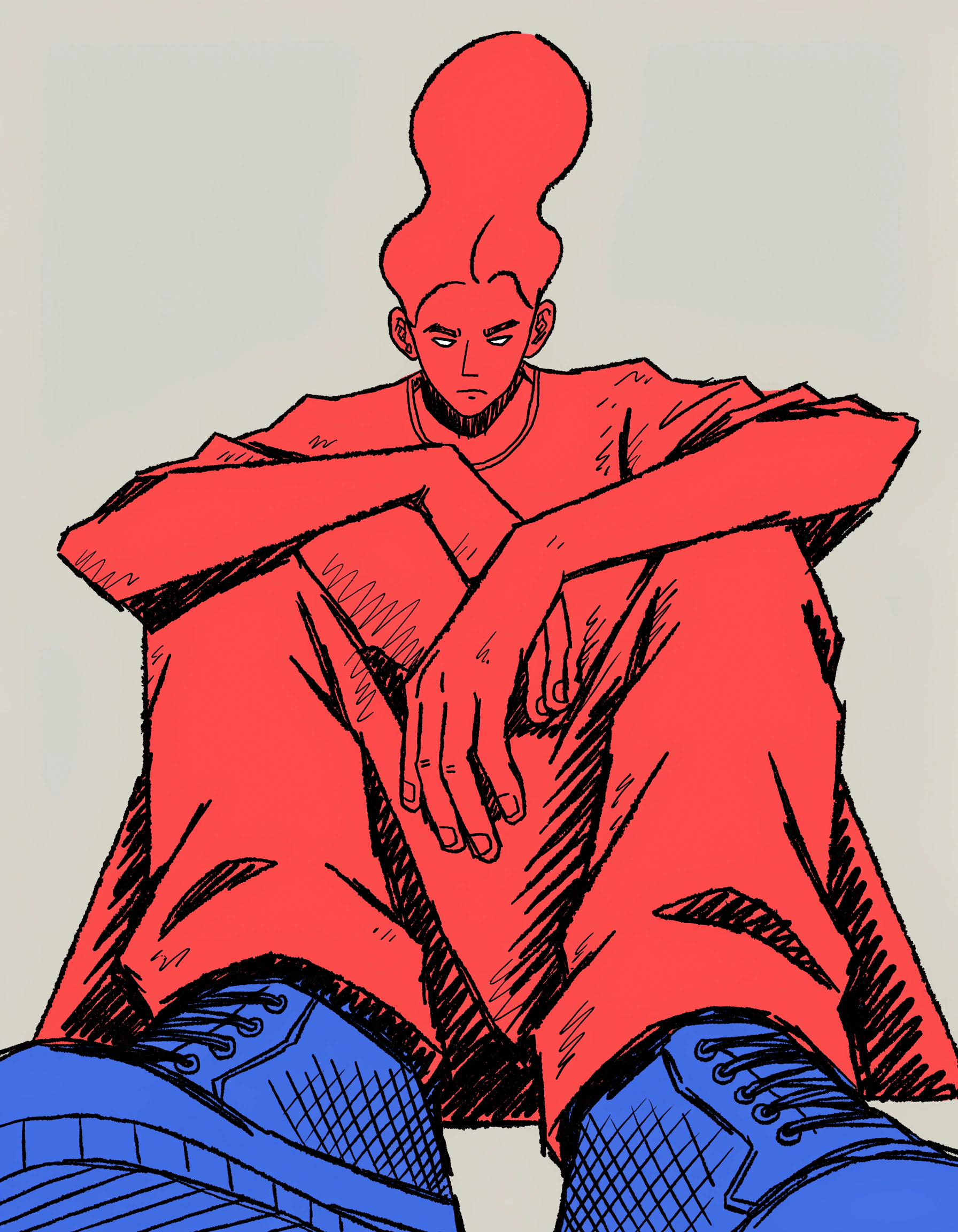
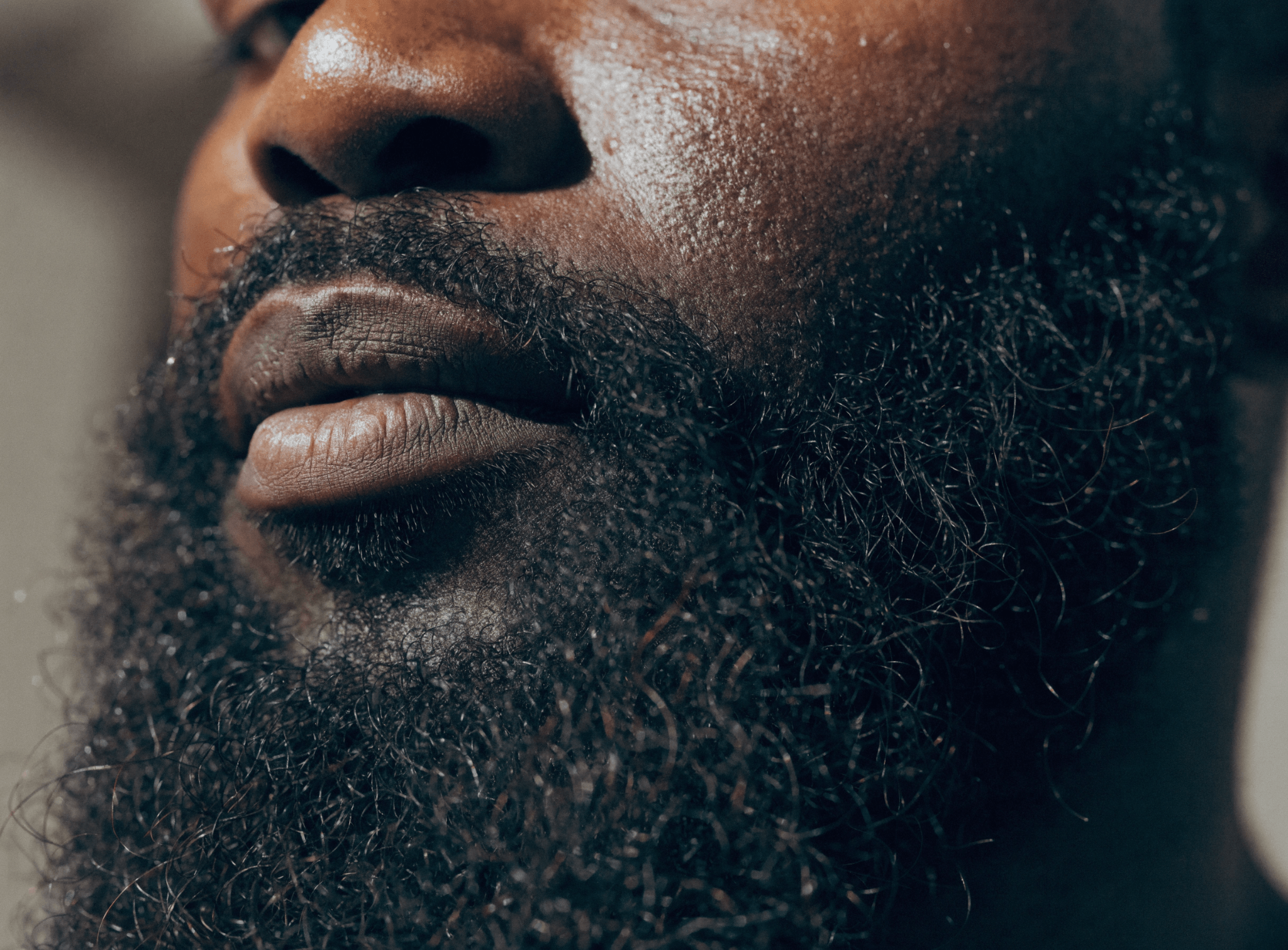
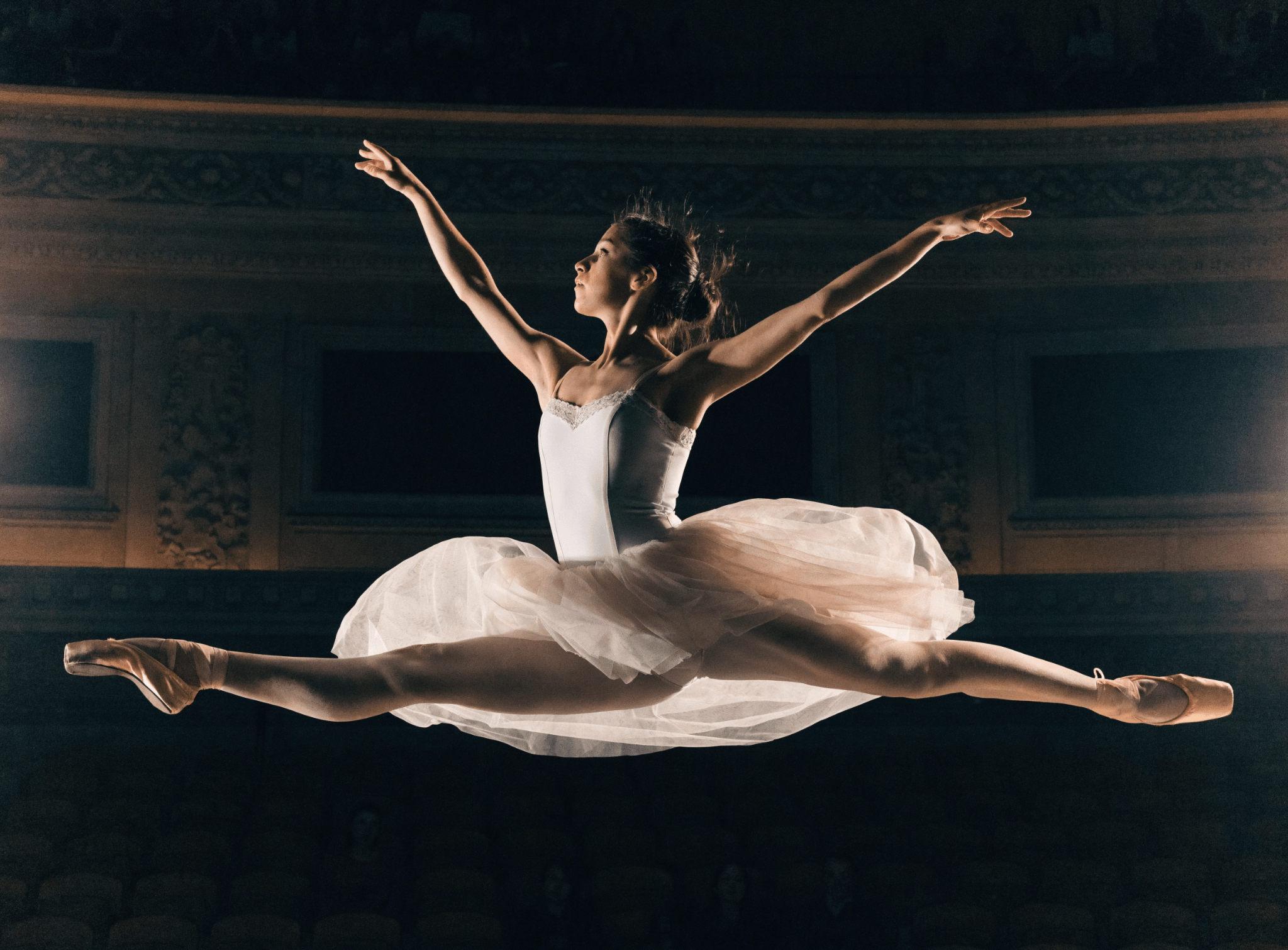
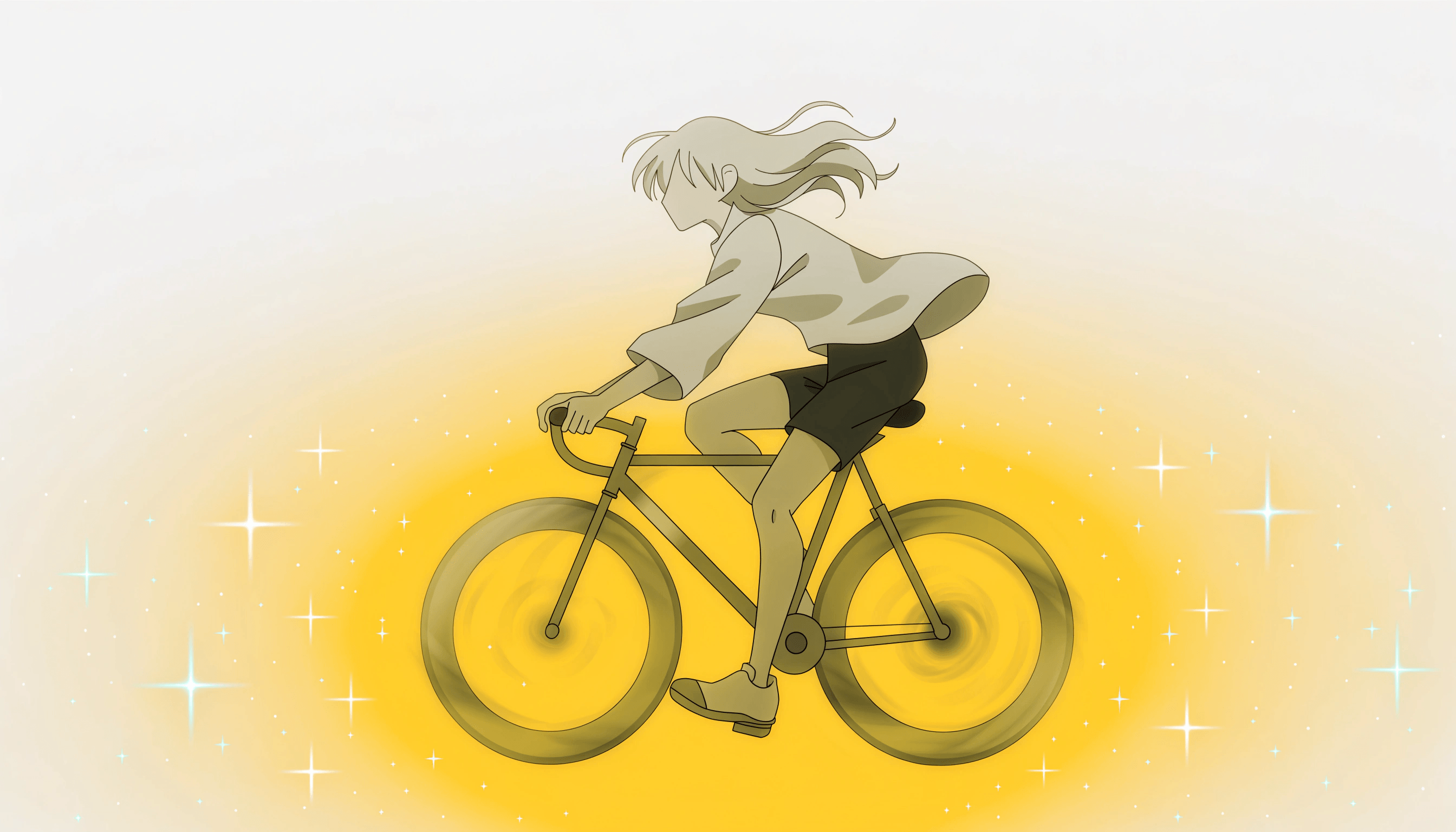
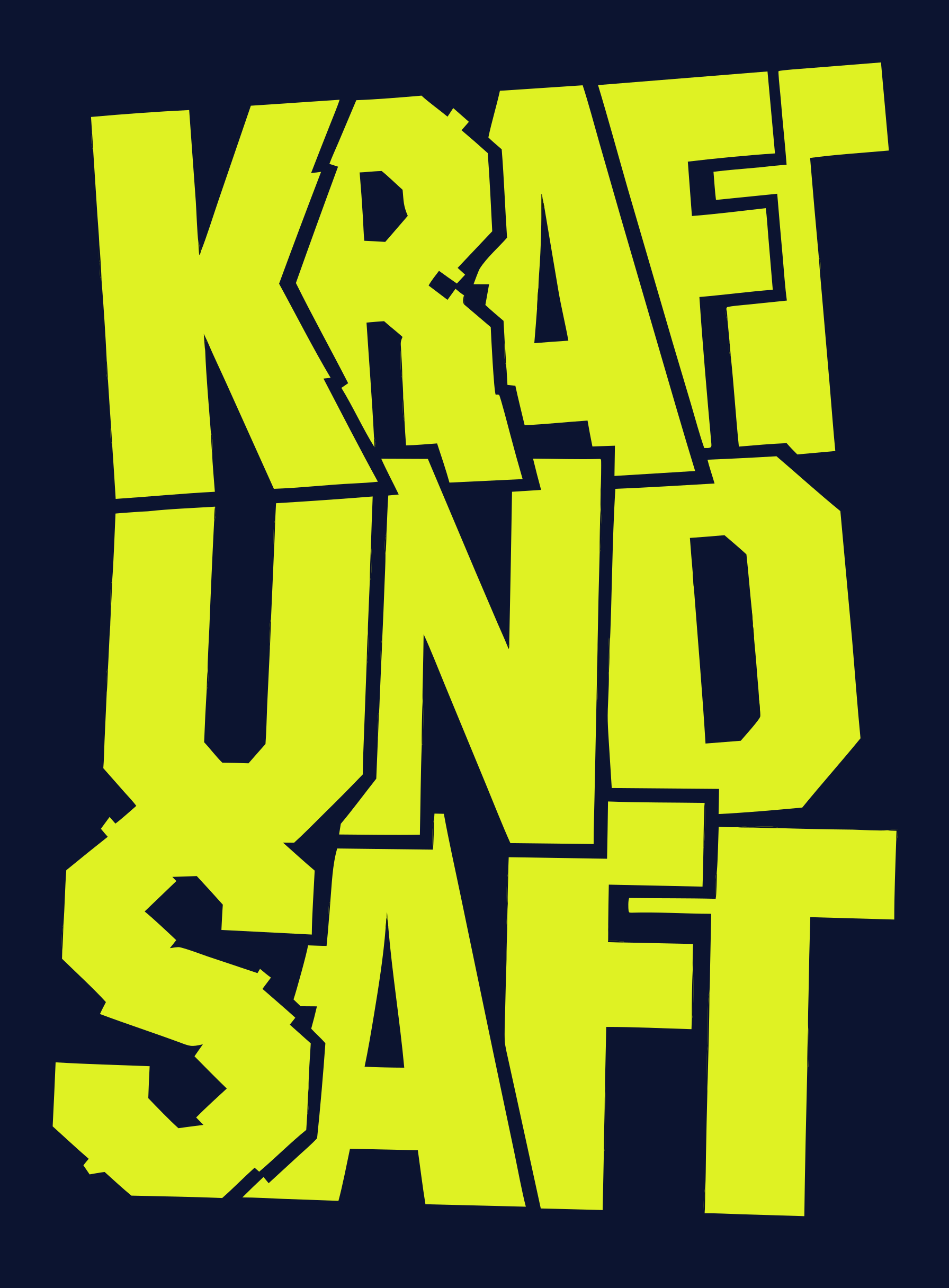
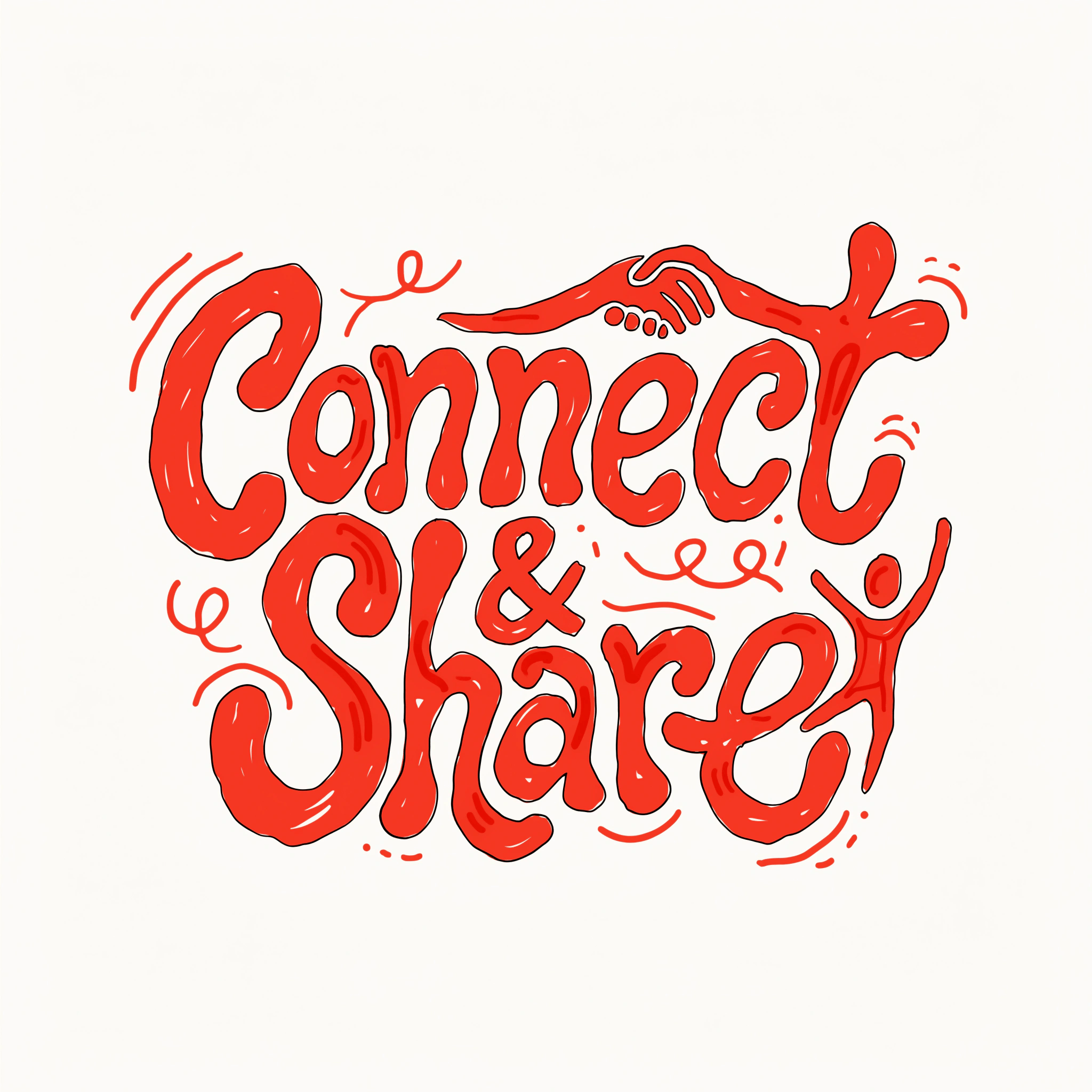
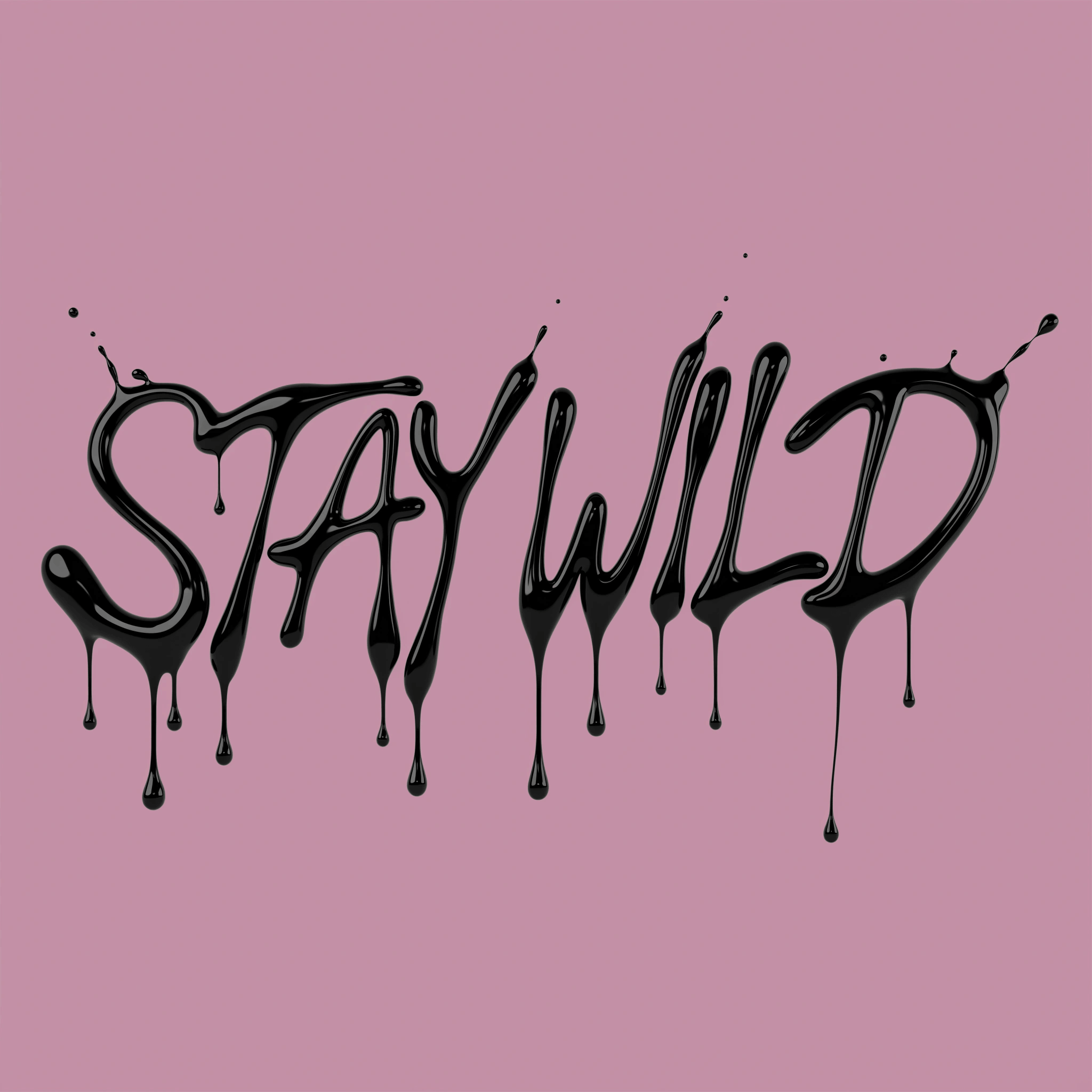
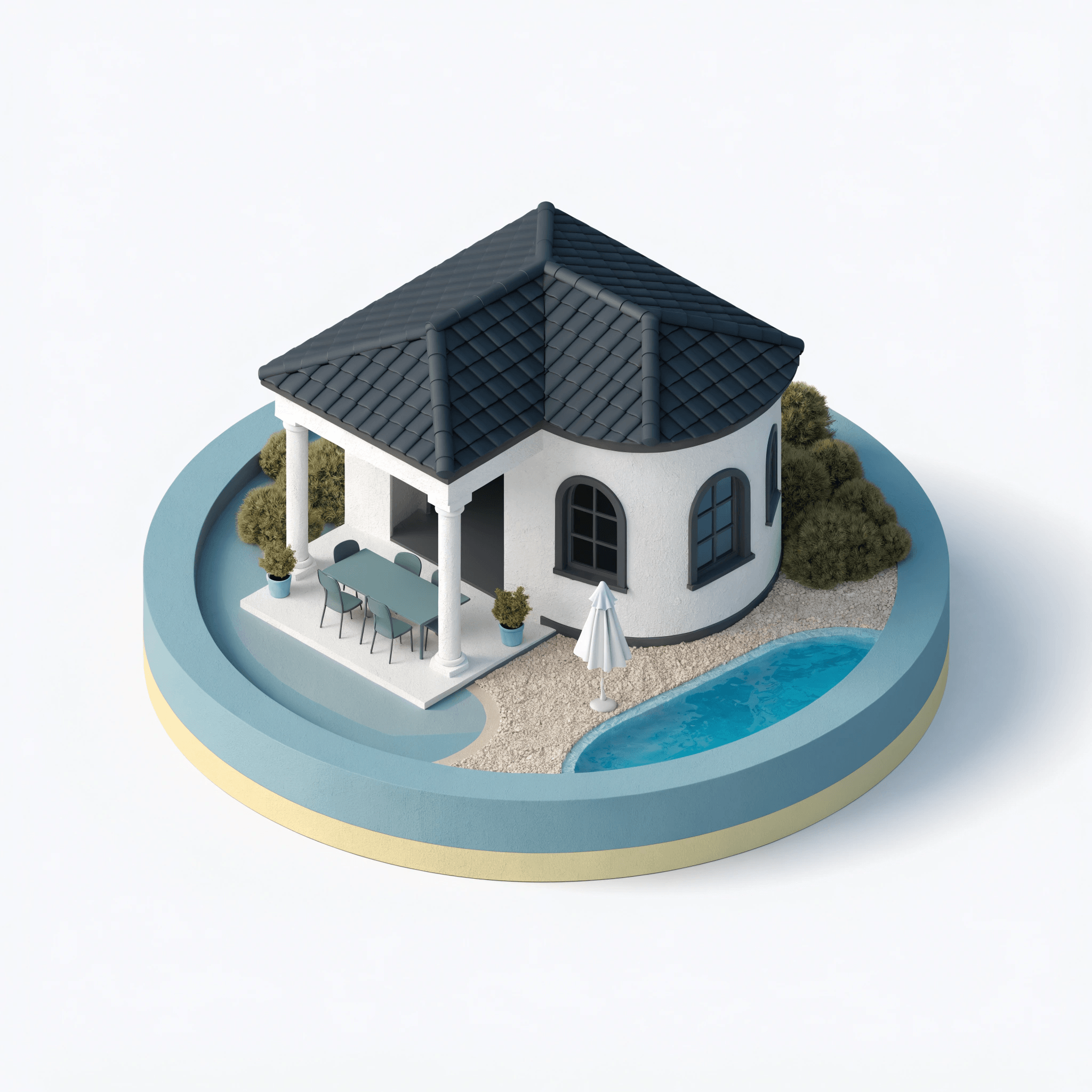
Recraft's own model family powers image generation inside Recraft Studio, with V4 as the latest and most capable generation. Available in raster, vector, and high-resolution Pro variants, Recraft models deliver balanced composition, cohesive color, and refined detail across creative and professional workflows.
Trusted by designers at

Design-forward generation across raster, vector, and high resolution

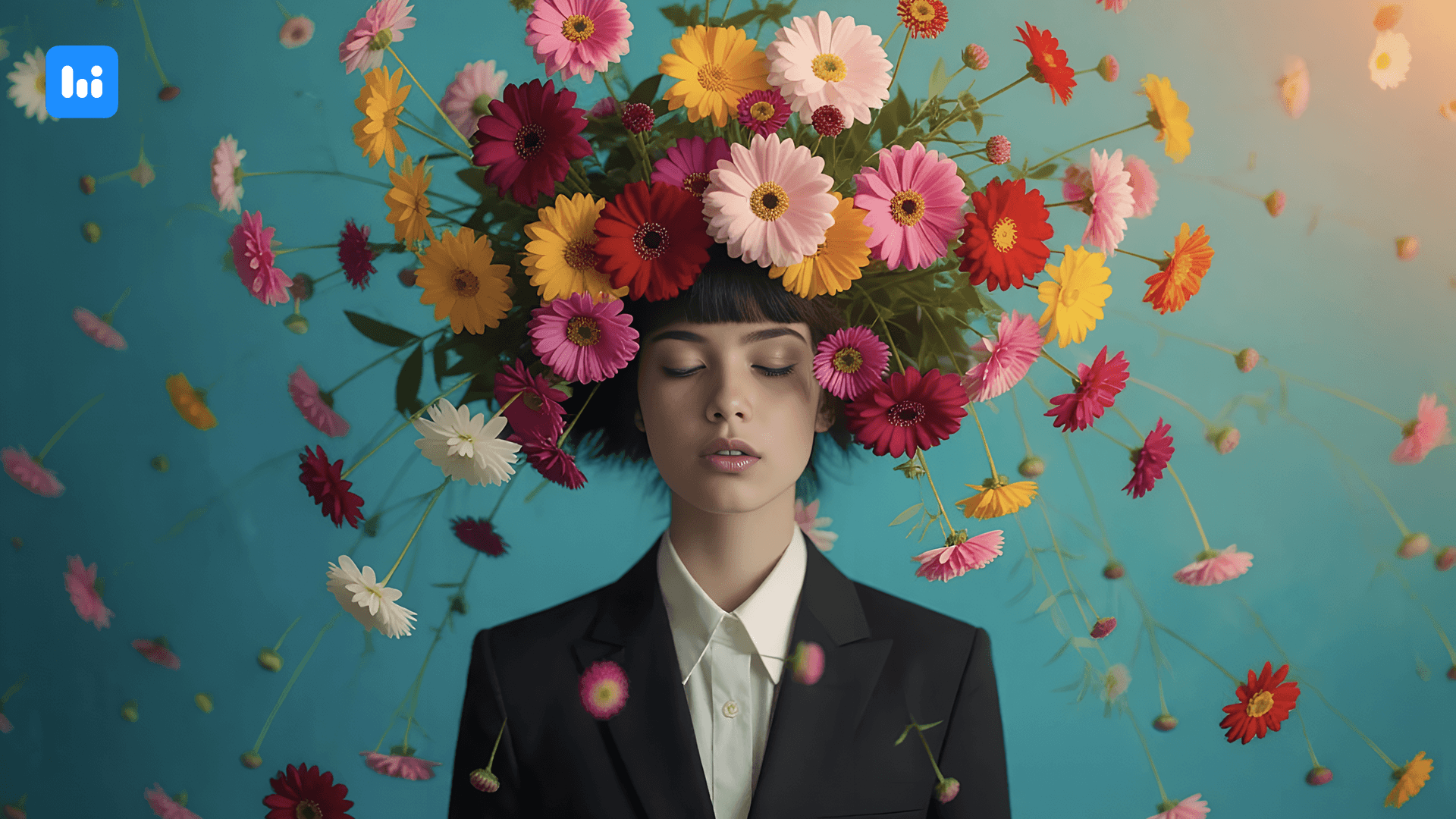
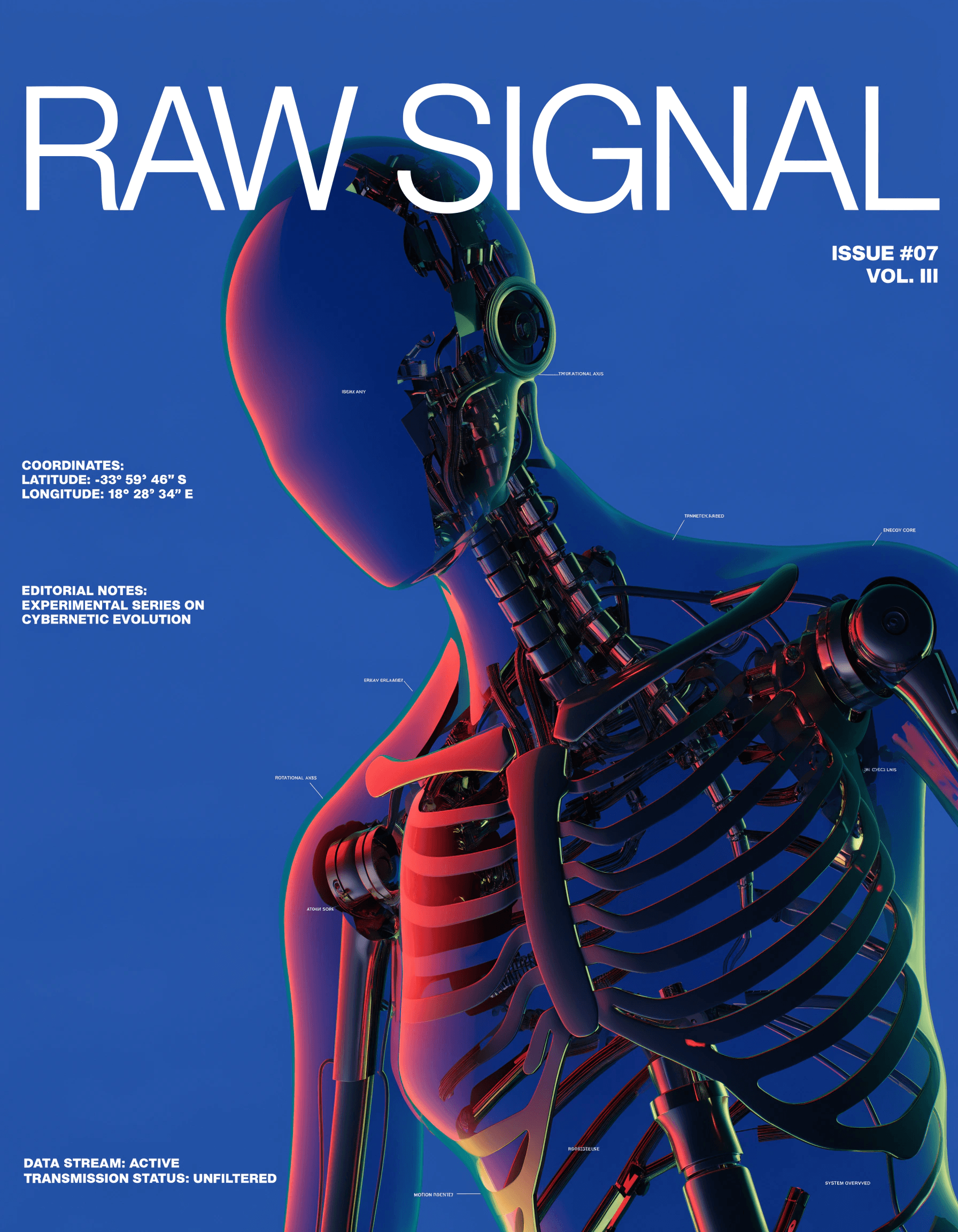
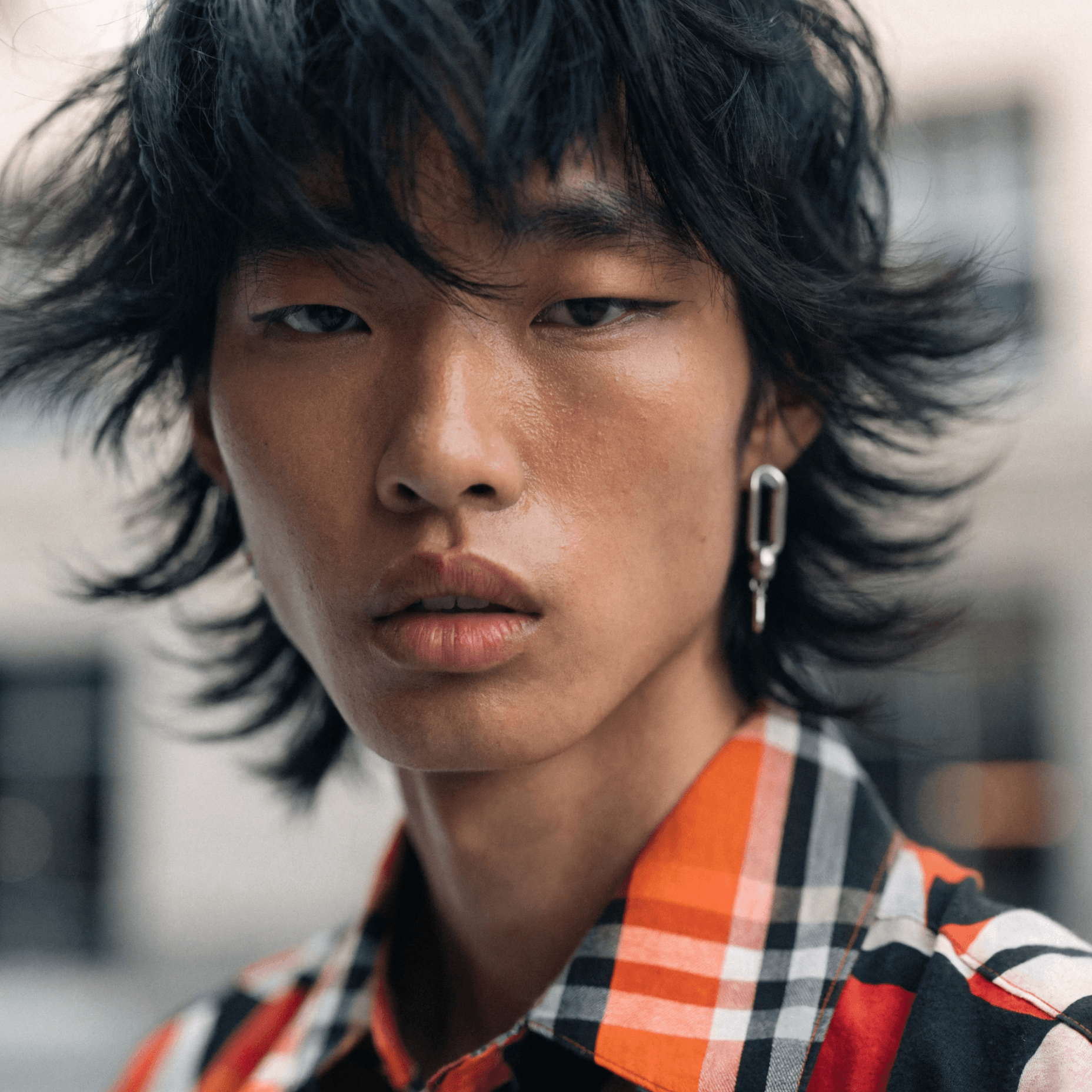
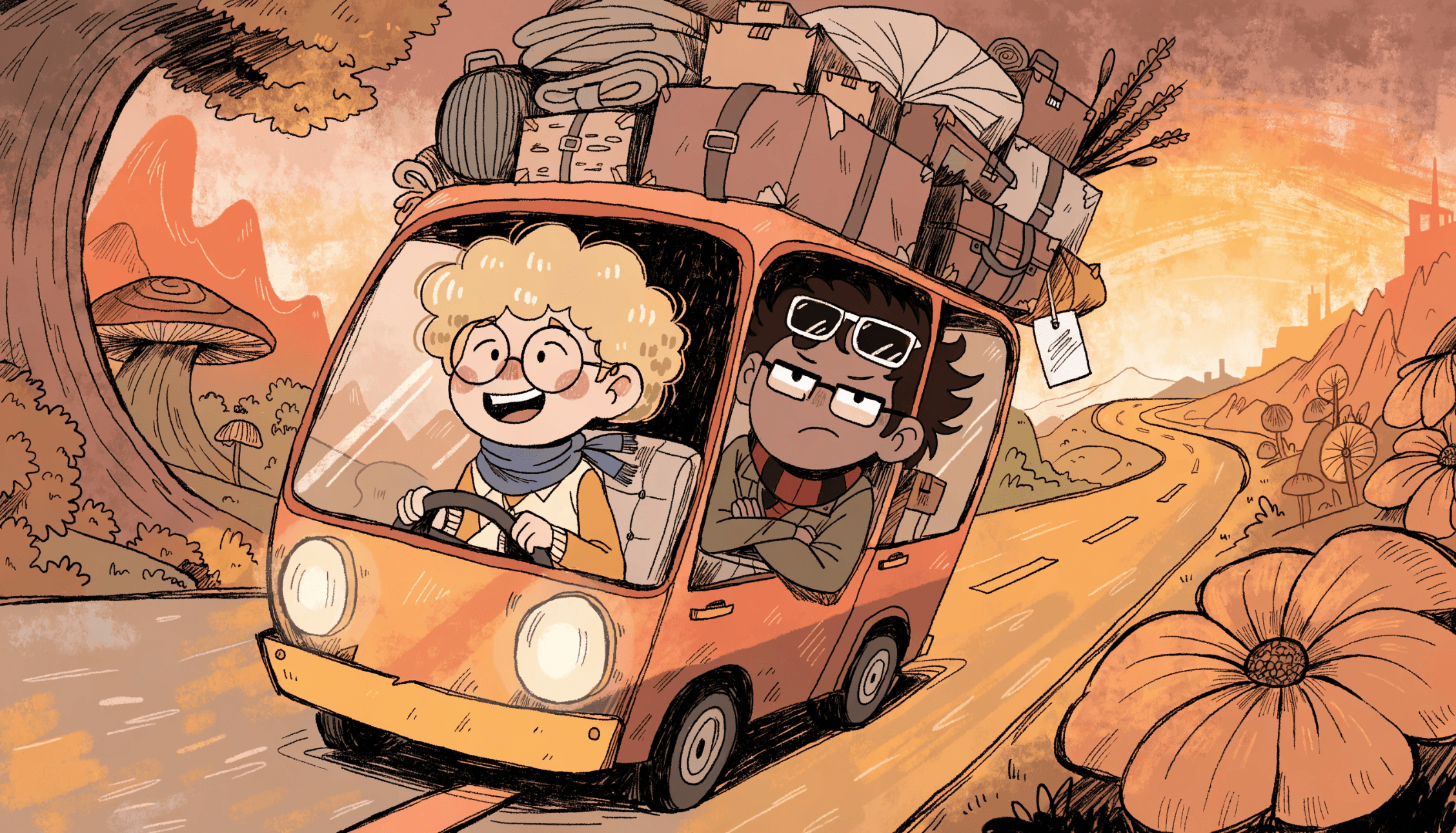
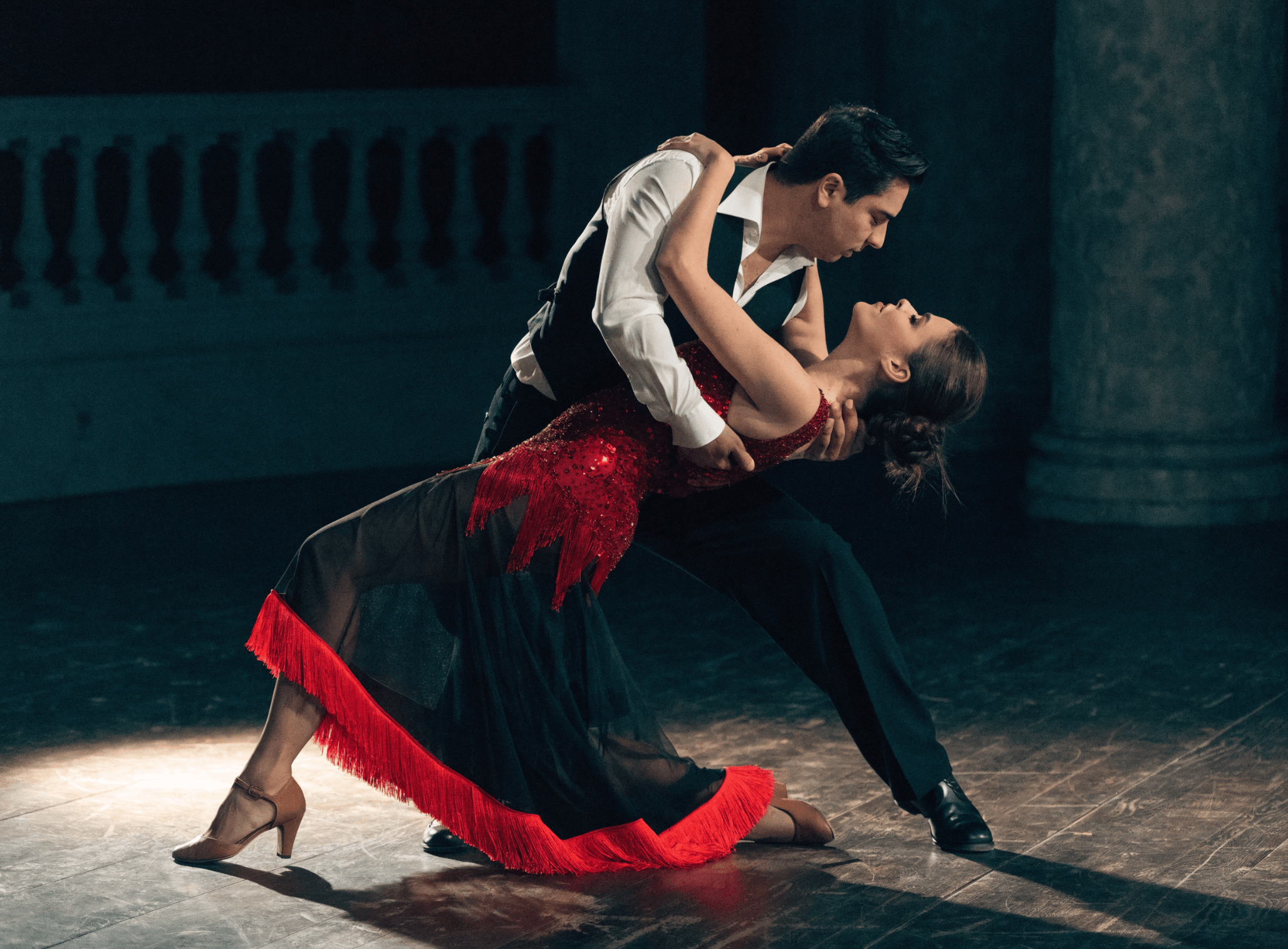
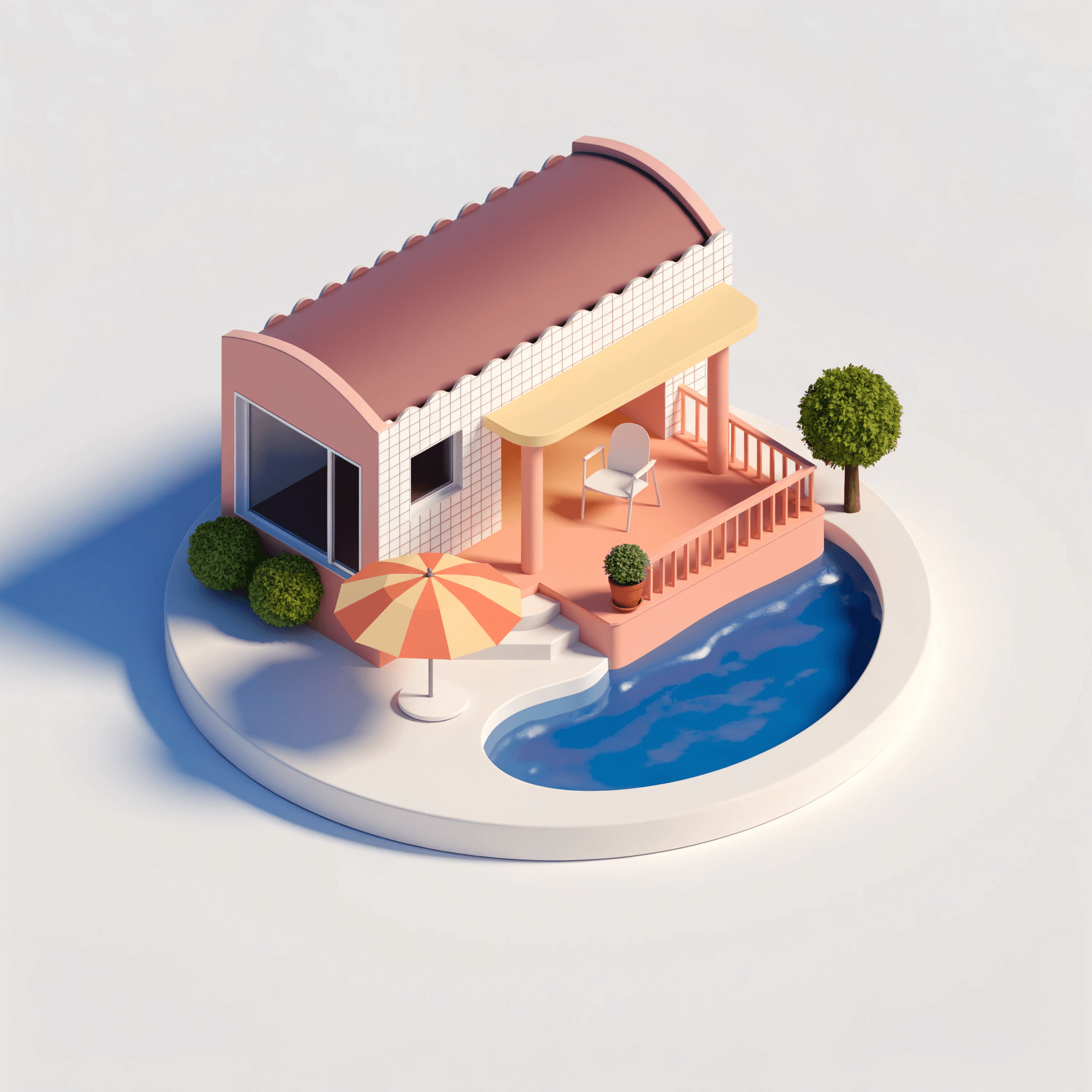
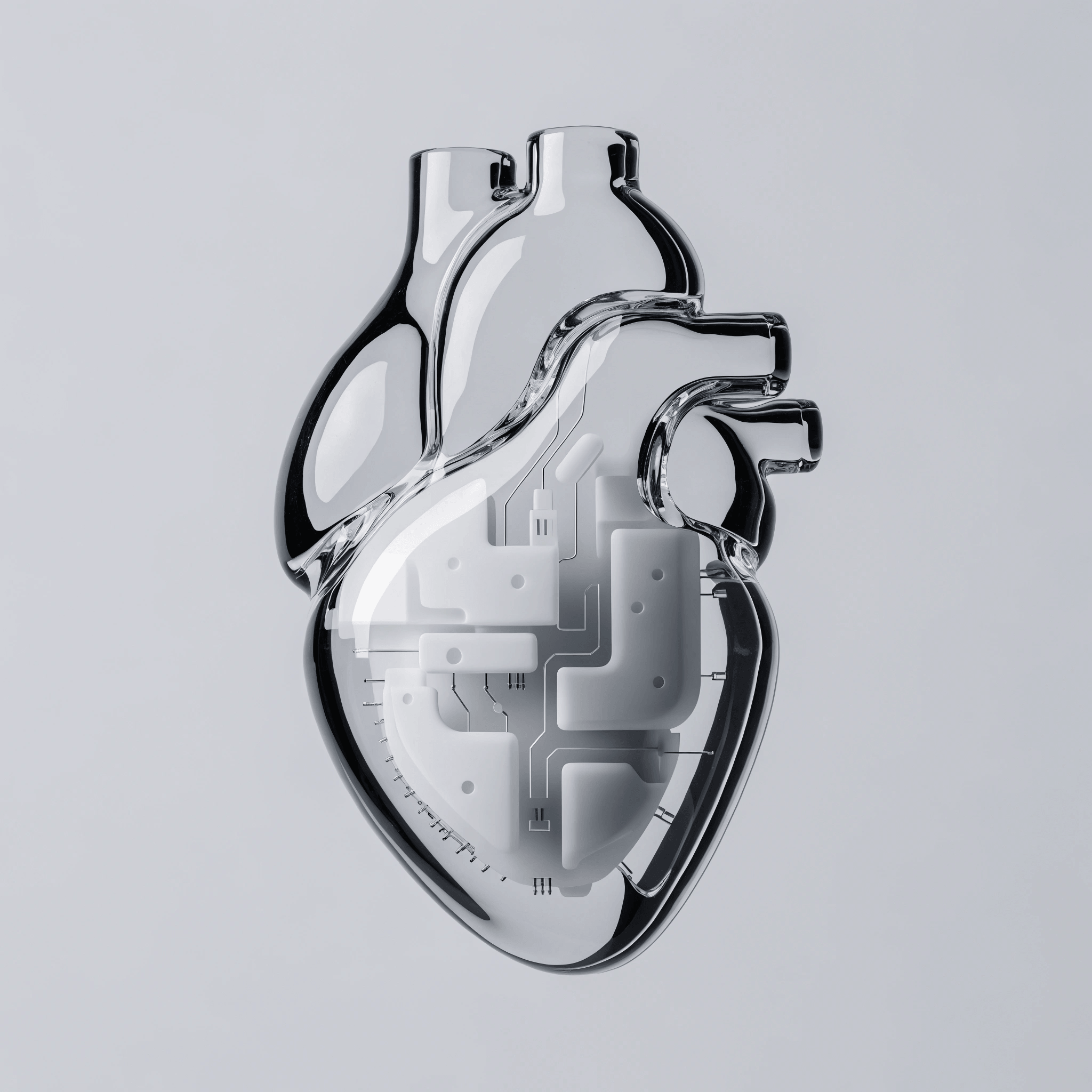
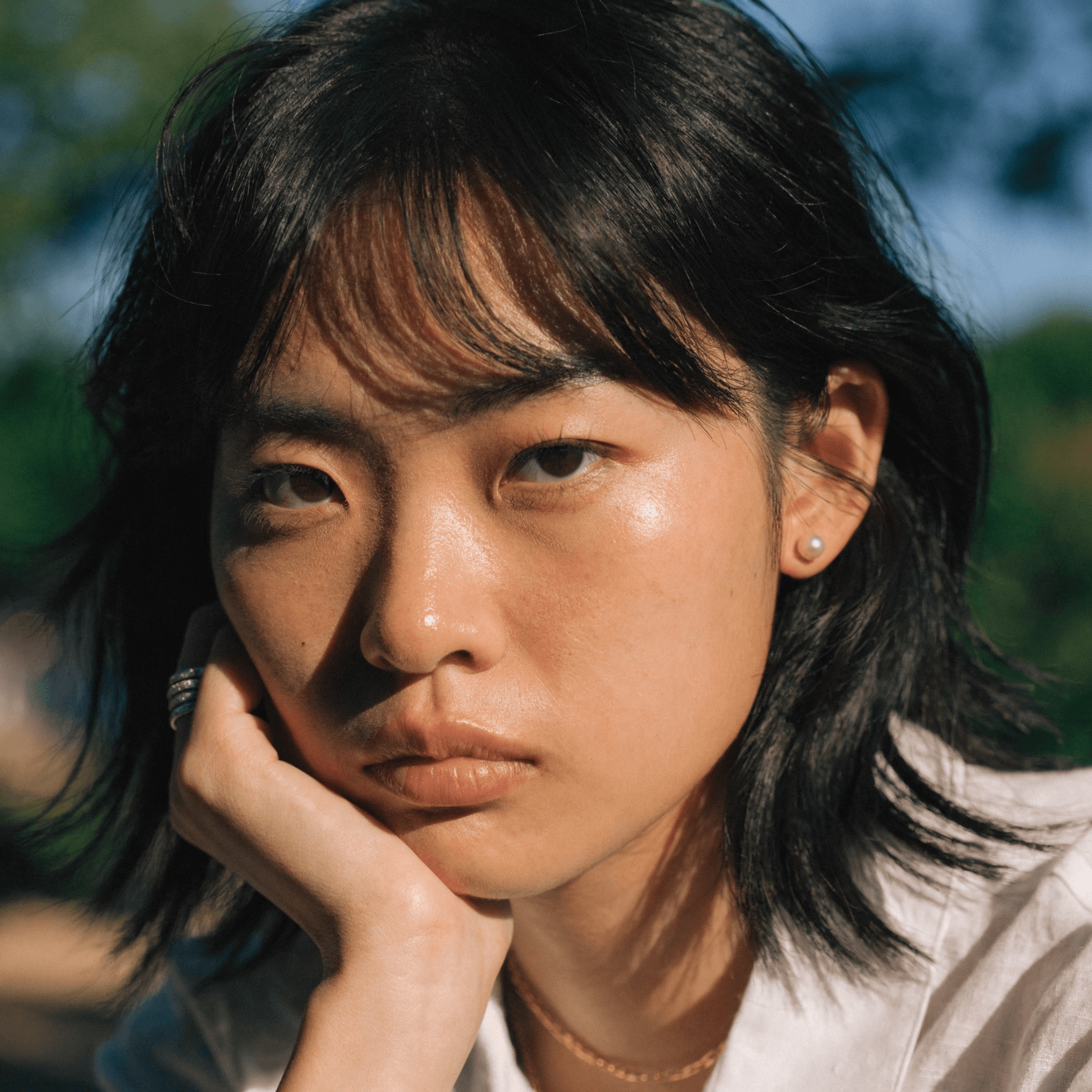
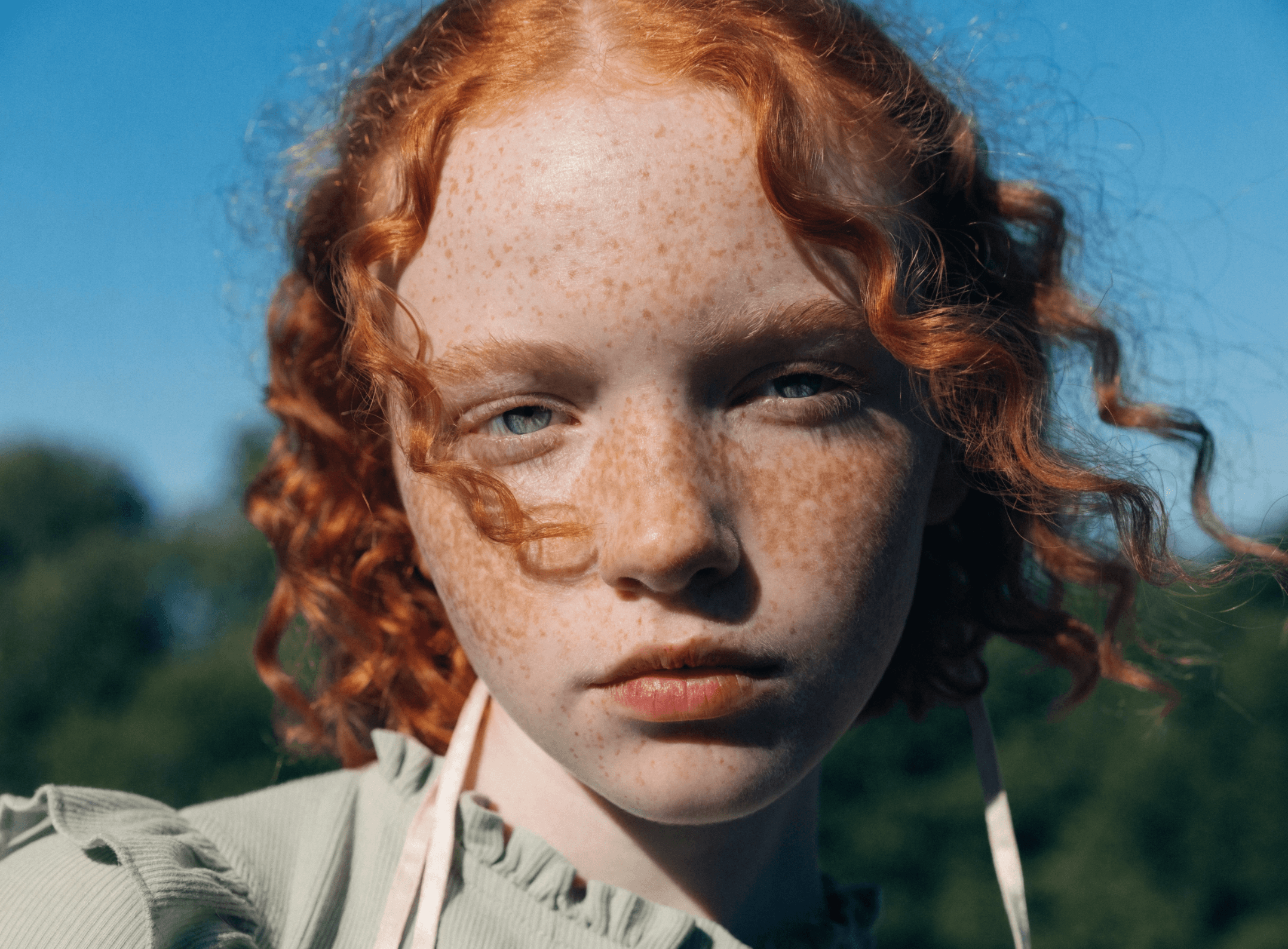
Recraft V4 is the latest generation, optimized for visual and design taste. It produces images with balanced composition, cohesive color, and controlled detail. Use Exploration Mode to generate multiple visual directions from a single prompt and compare before refining.

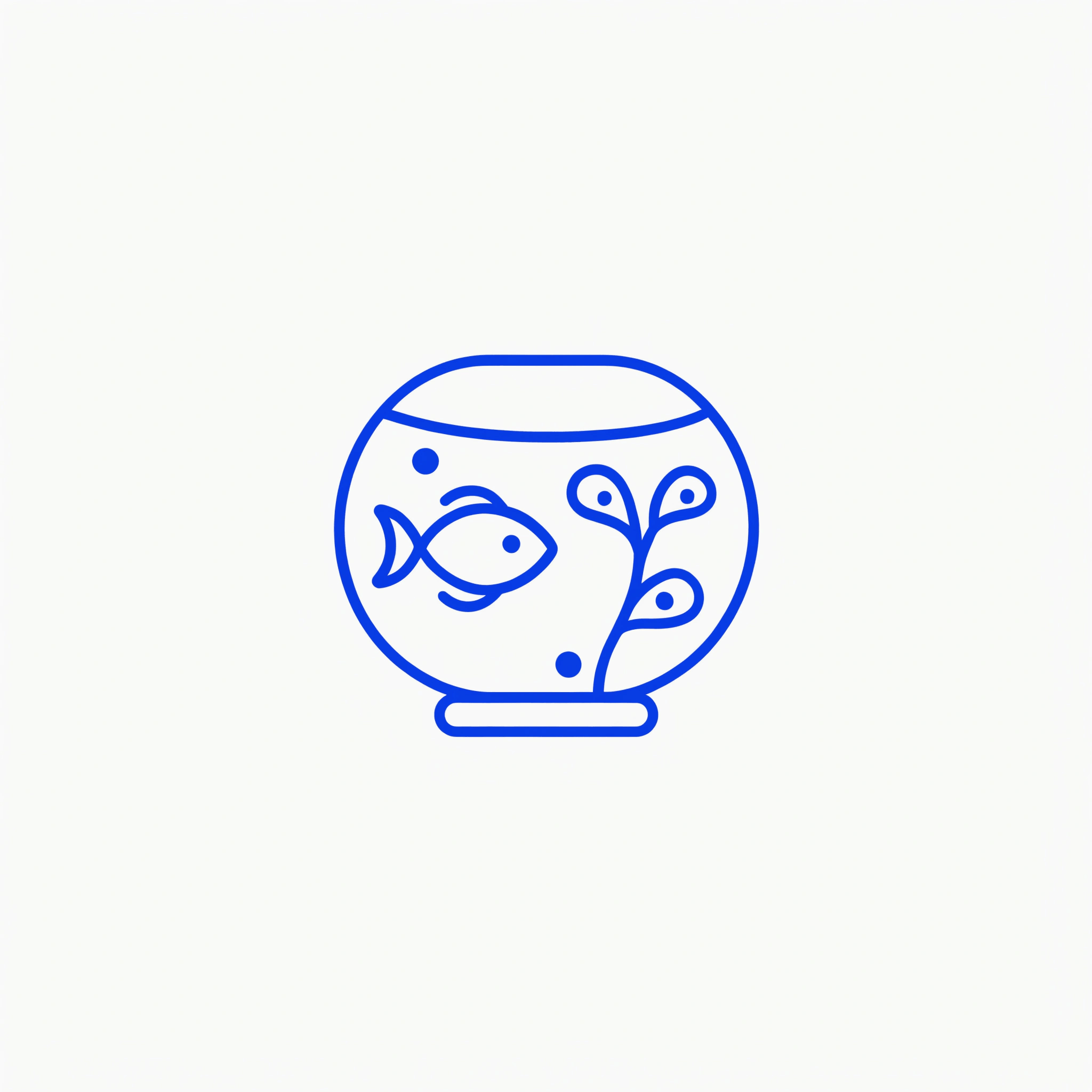
Several Recraft models are available in Recraft Studio: V4 for everyday raster generation and fast iteration; V4 Pro for print-ready 2048×2048px output with maximum pixel density; V4 Vector for editable, scalable SVG files; V4 Pro Vector for the same SVG output at higher quality. All models are available on every plan, including Free.

Try Recraft V4

How to use Recraft models in Recraft Studio

1
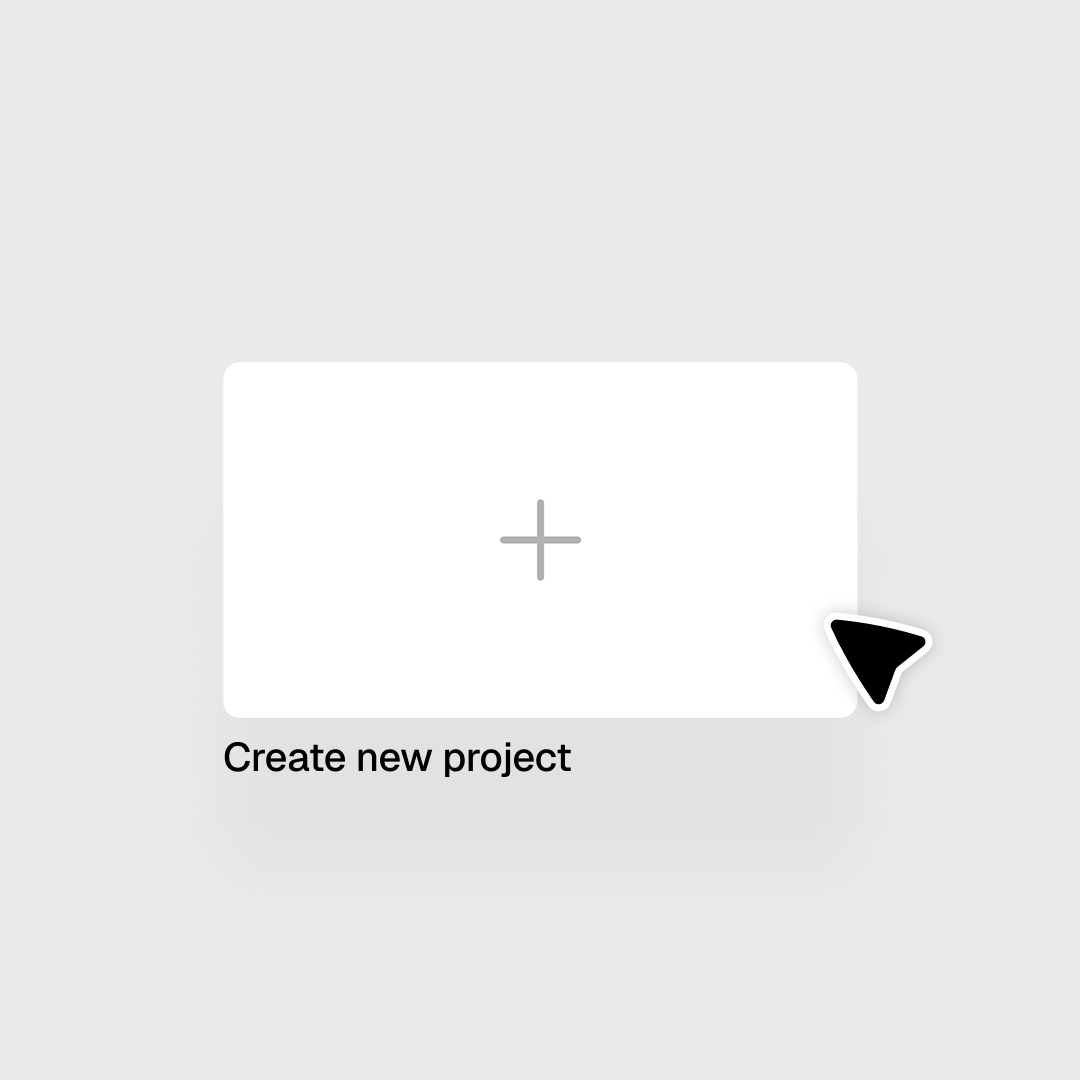
Open Recraft Studio
Open or create a project to get started.
2
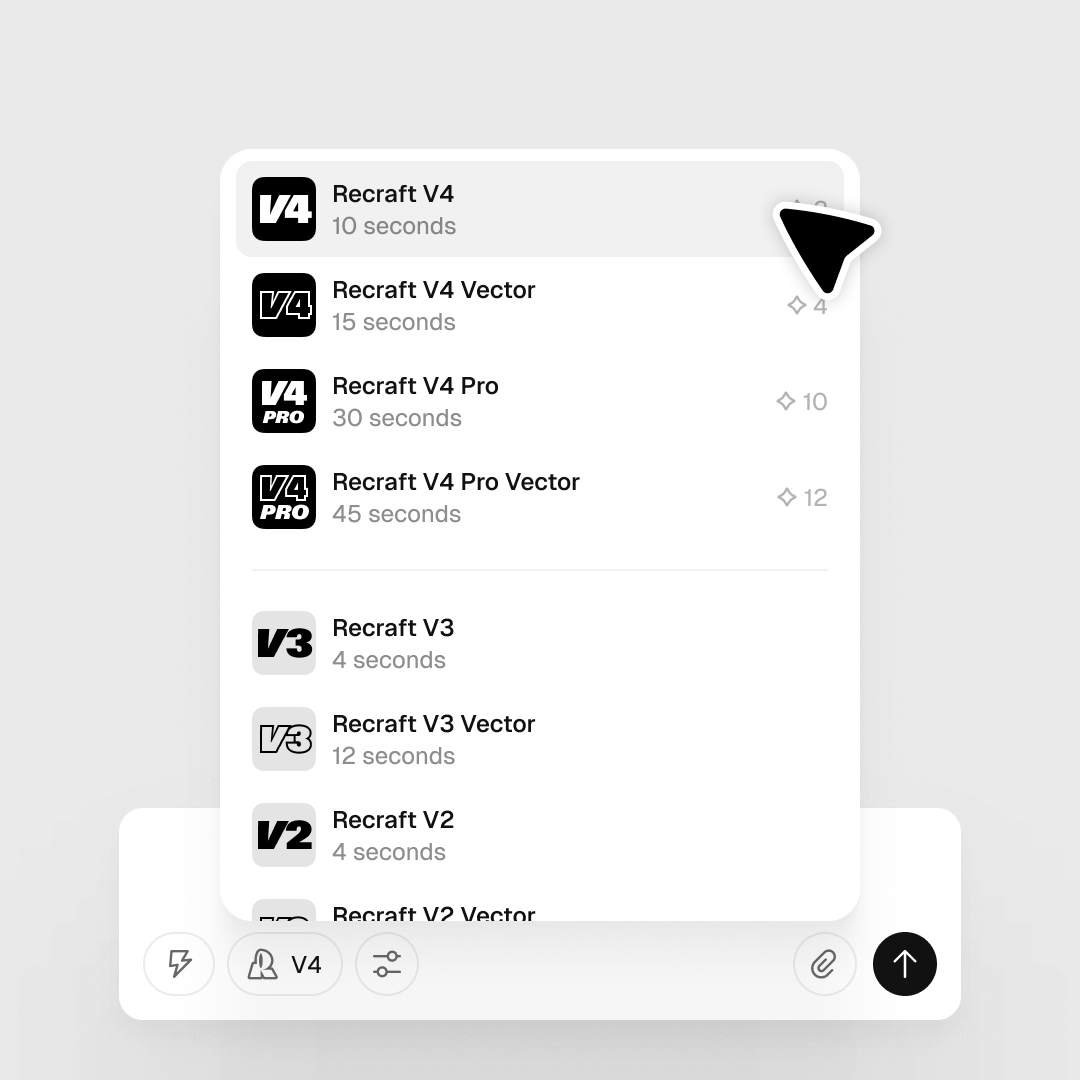
Select your Recraft model
In the prompt panel, click the Model selector. Choose V4 for everyday generation, V4 Pro for 2048px output, or V4 Vector / V4 Pro Vector for editable SVG files.
3
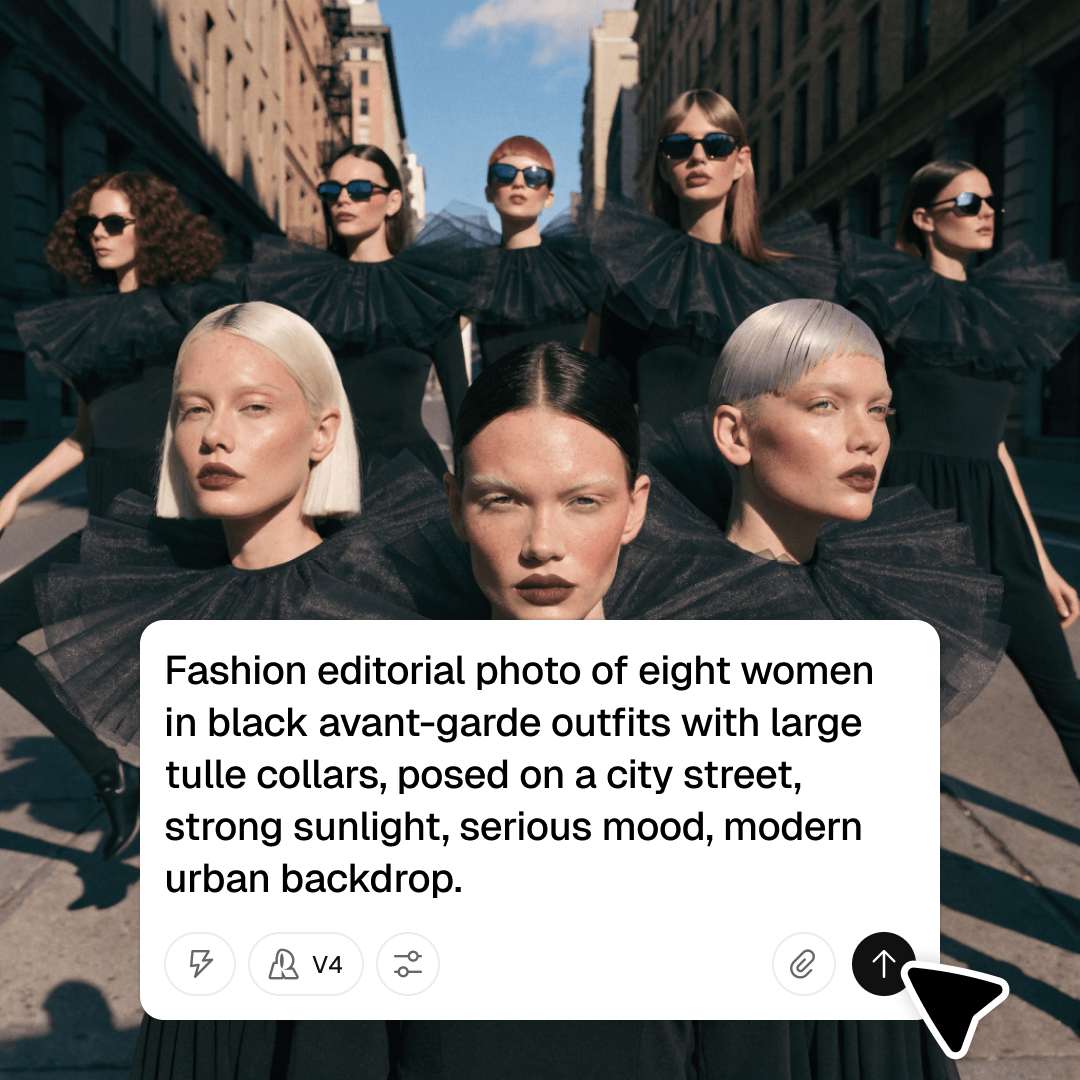
Set options and generate
Set your style, aspect ratio, and other options, then click Generate. Export as SVG, PNG, PDF, TIFF, or Lottie.

Explore more

All tools that you need for a perfect design, in one place

AI models in Recraft Studio

All top models for image and video generation and editing in one place.

AI image generator

Generate high-quality images with the best AI models from Recraft.

AI vector generator

Create editable SVGs directly from text descriptions.

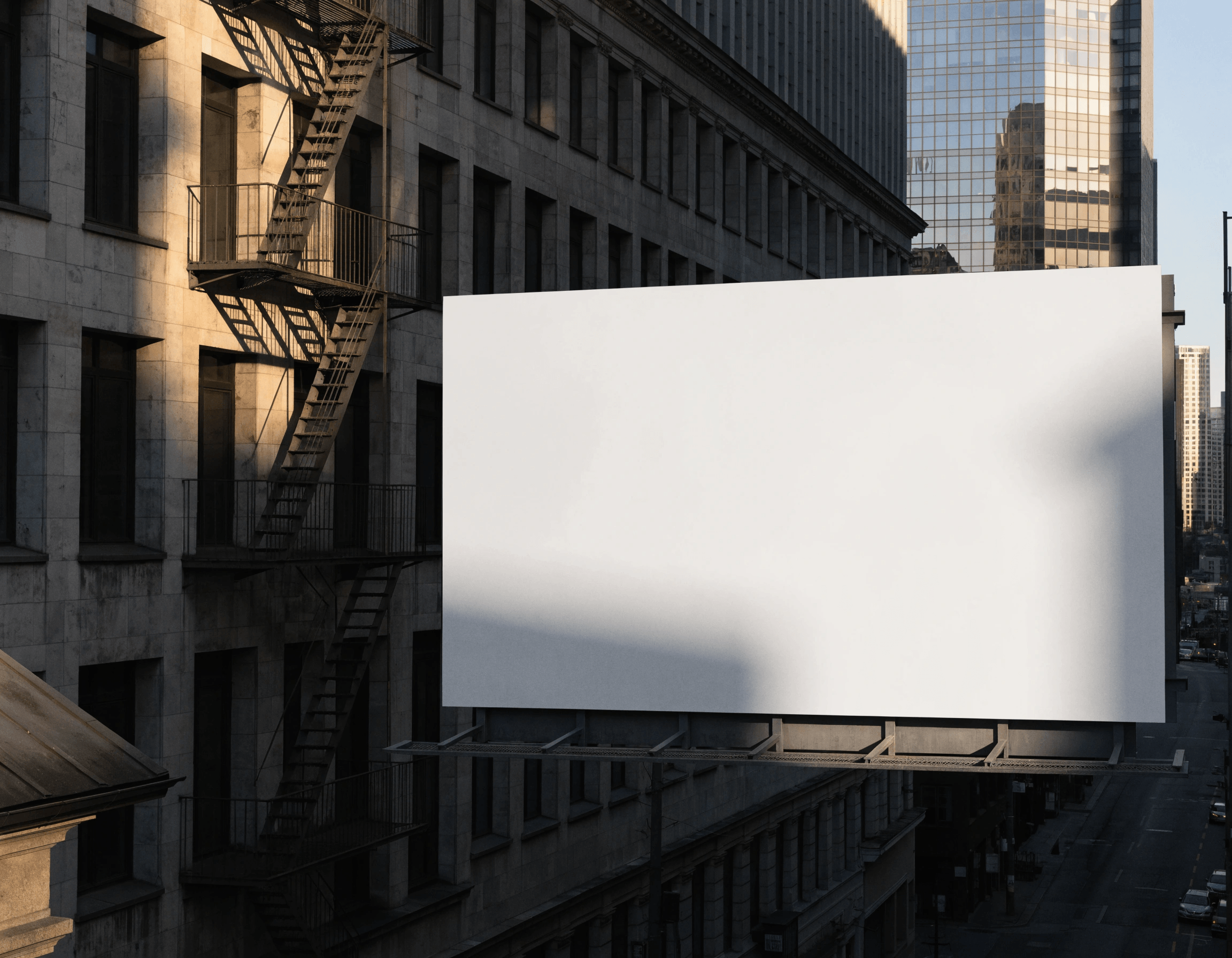
Mockup generator

Visualize products, packaging, and marketing materials instantly.

AI background remover

Remove unwanted backgrounds instantly while keeping edges clean and natural.

AI image editor

Edit, enhance, and transform any image using simple text prompts or intuitive controls.

Image format converter

Convert between any raster and vector formats such as SVG, PNG, JPG, TIFF, PDF, and more.

AI image combiner

Merge multiple images into one coherent composition.

FAQ

What is Recraft V4 and what makes it different from other models?

Recraft V4 is Recraft’s latest proprietary model, optimized for design taste rather than pure photorealism. It produces images with balanced composition, cohesive color, and controlled detail — suited for professional creative workflows.

Can Recraft models generate vector graphics?

Yes. Recraft V4 Vector and V4 Pro Vector generate editable, scalable SVG files directly from text prompts — the only AI models in Recraft Studio with native vector output.

What is Exploration Mode?

Exploration Mode generates multiple visual directions from a single prompt at once, letting you compare interpretations before committing to one for further refinement.

Are Recraft models available on the Free plan?

Yes. All Recraft models — V4, V4 Pro, V4 Vector, V4 Pro Vector, and others — are available on every plan, including Free.

How many credits does it take to generate with Recraft models?

Credit costs vary by model and output settings. You can check the full breakdown in Recraft’s documentation.