Download app
Download app

HiDream

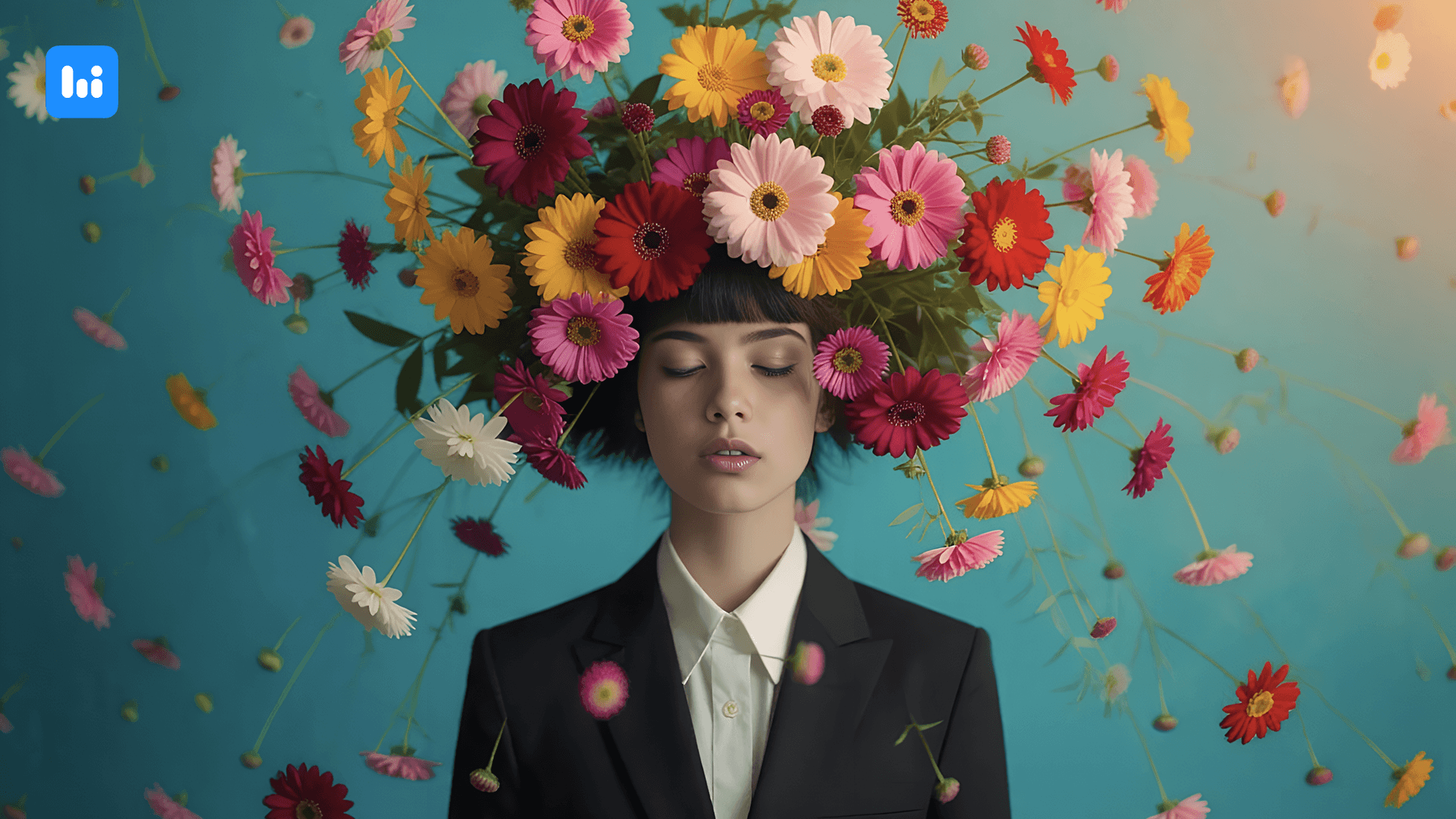
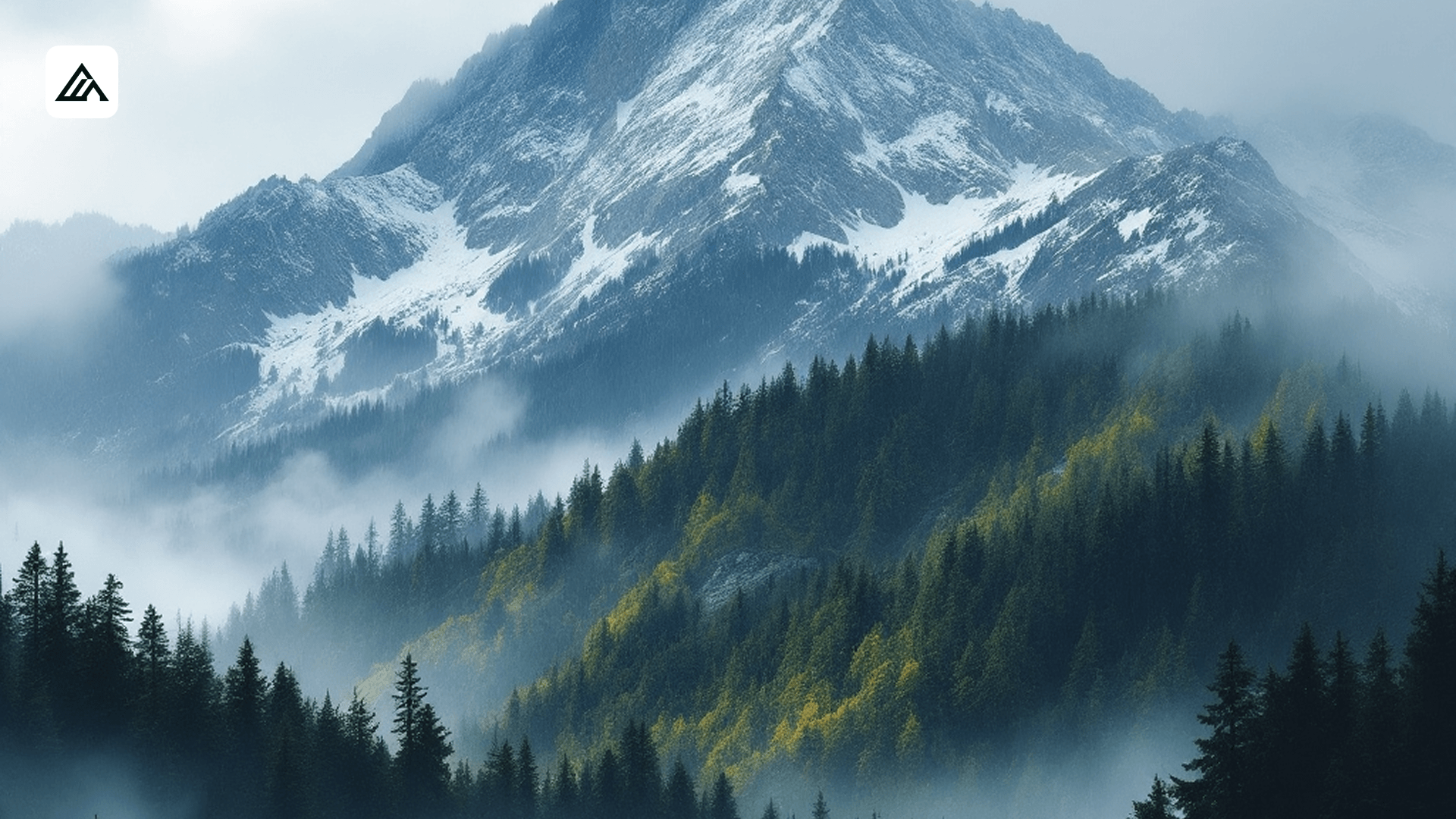
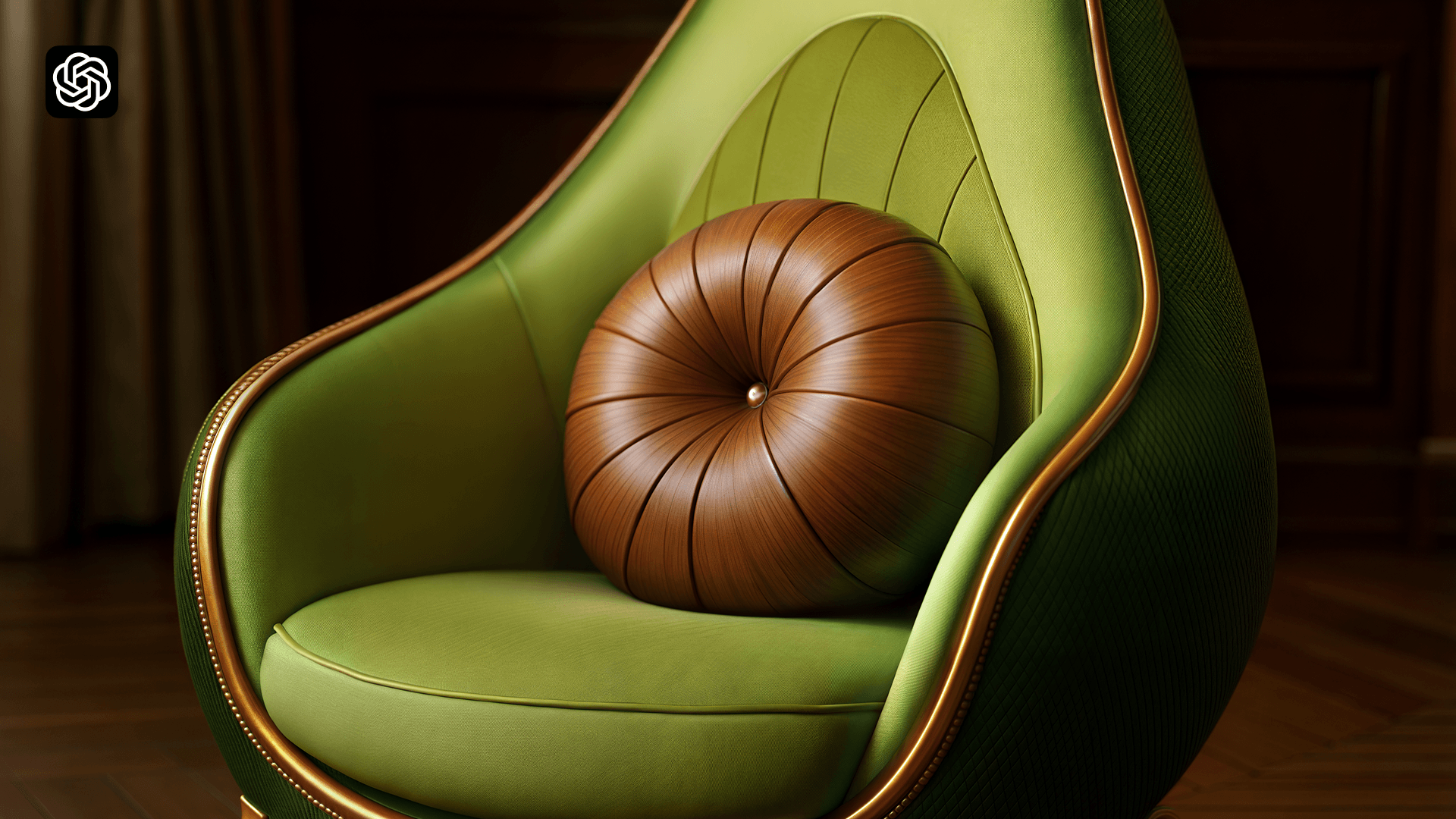
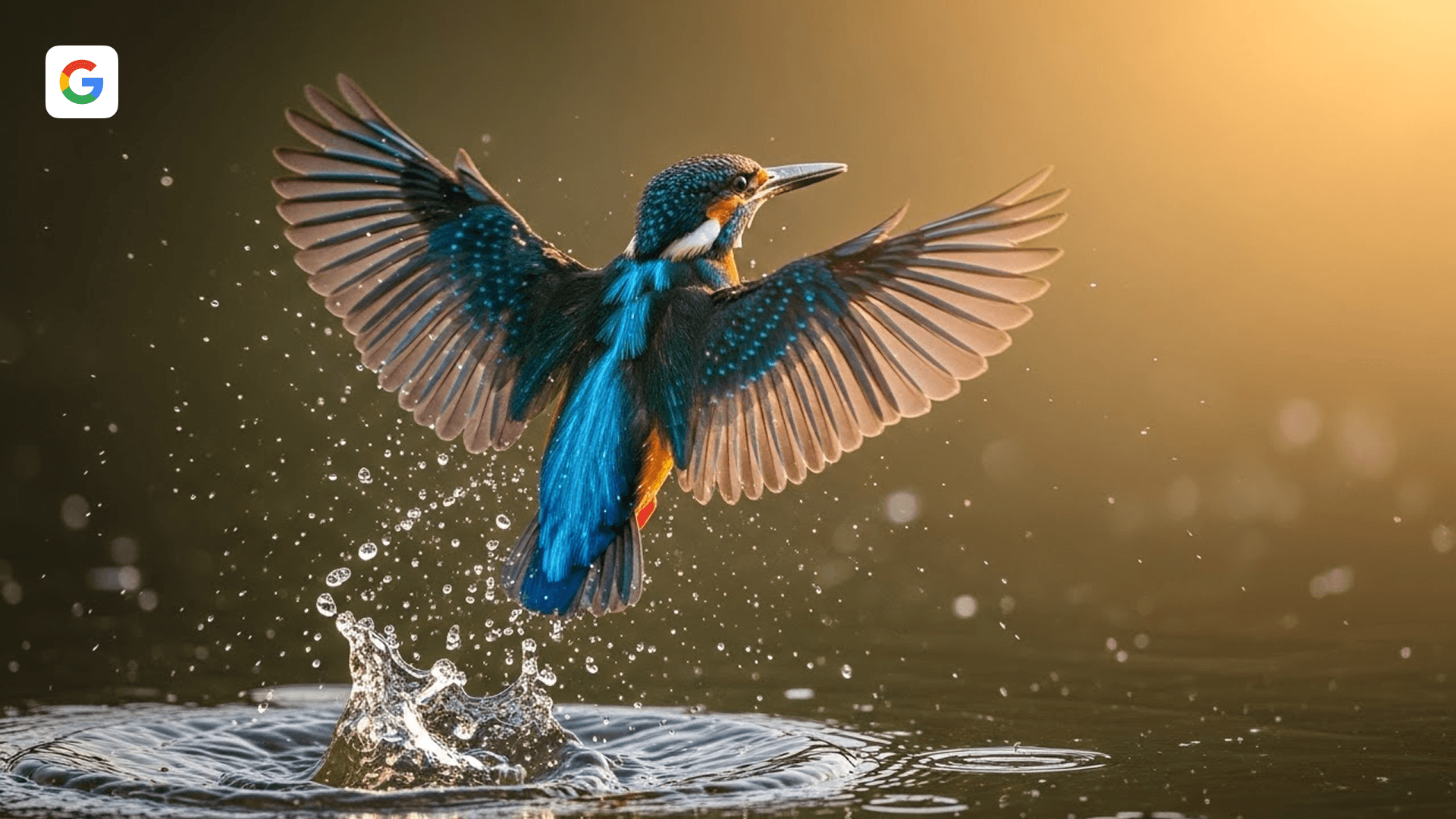
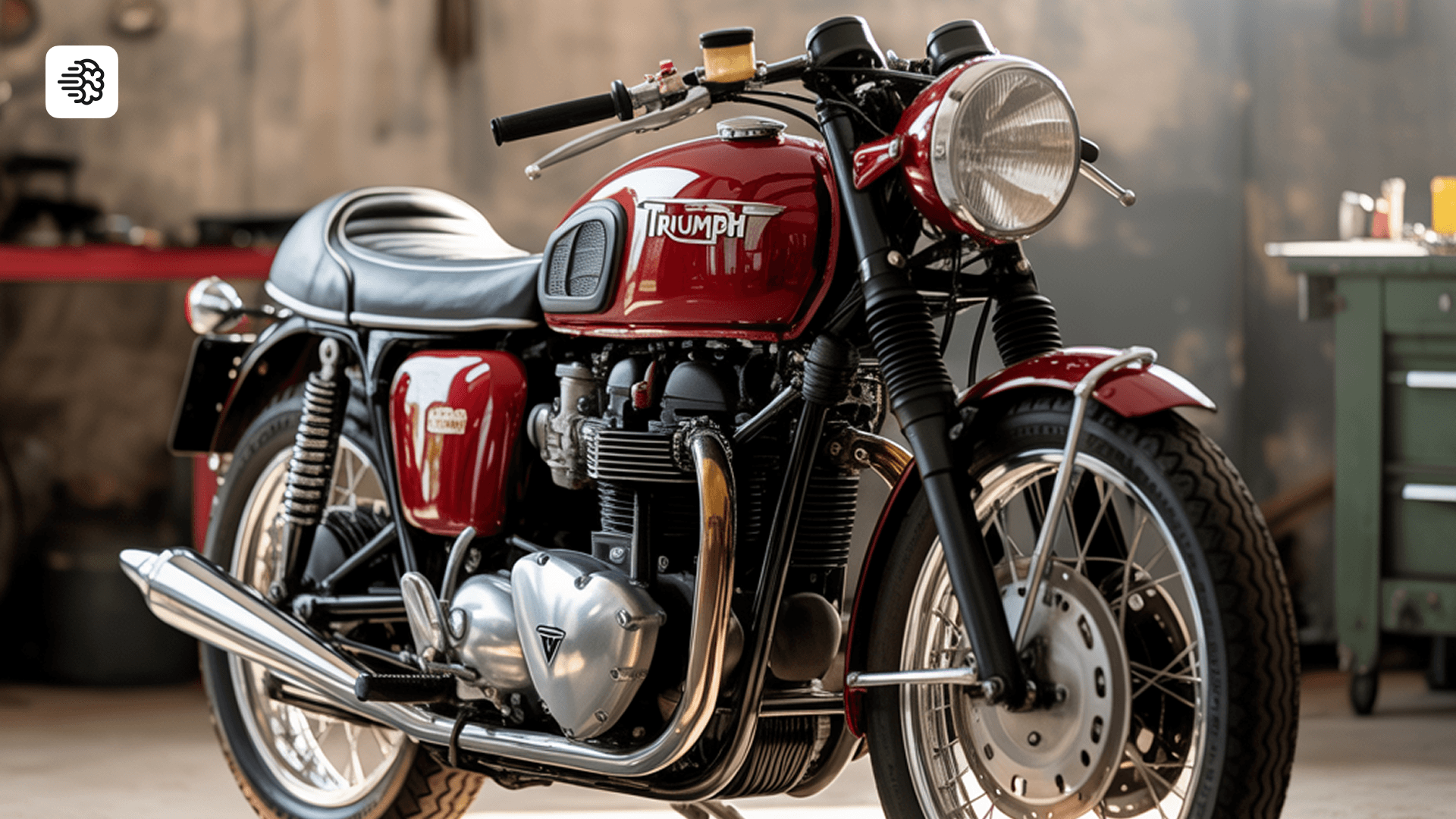
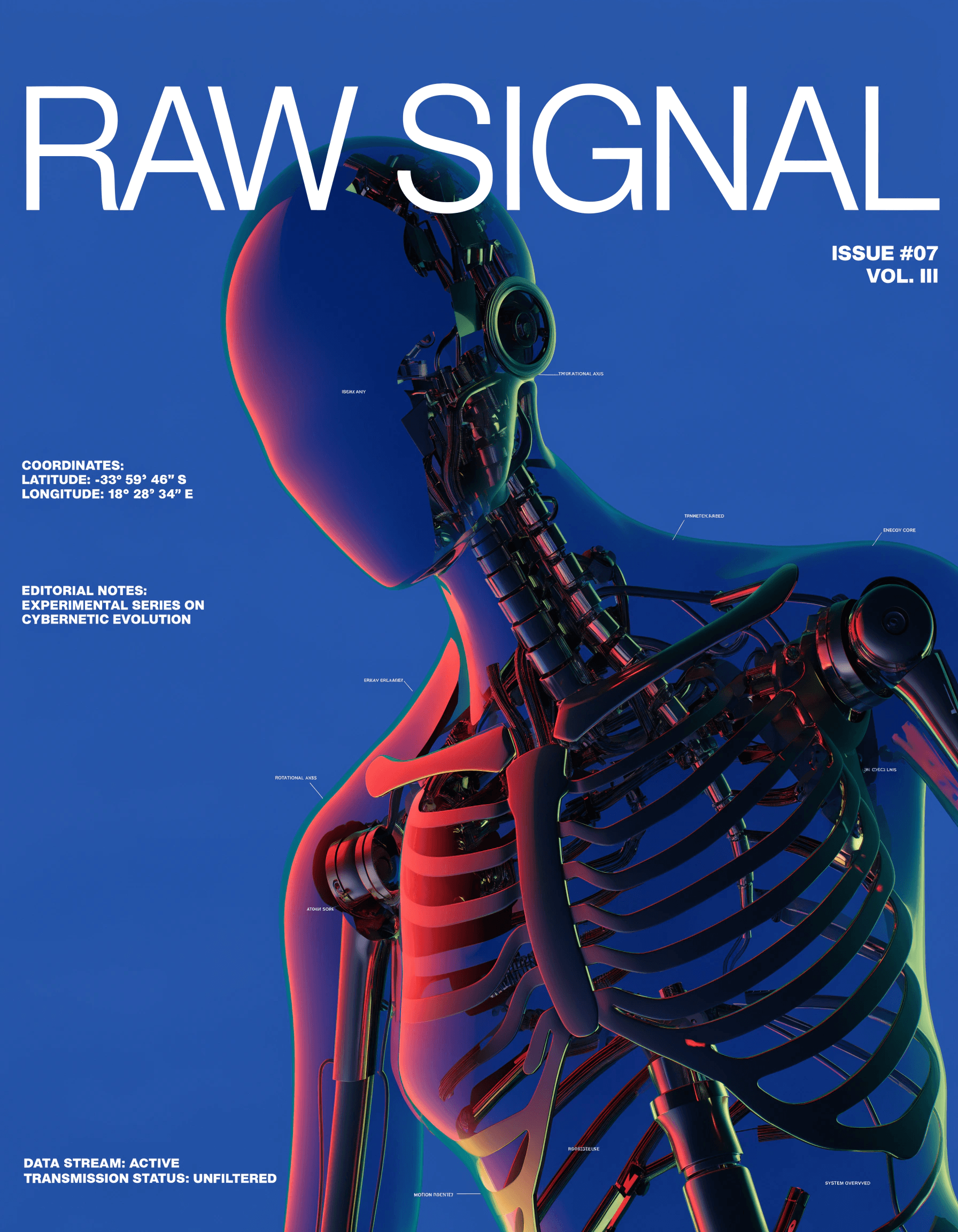
HiDream I1 Dev is an image generation model available in Recraft Studio, optimized for artistic compositions and stylized outputs. It delivers fast, expressive results across concept art, poster design, and visually distinctive creative work.
Trusted by designers at

Artistic composition with fast, expressive synthesis

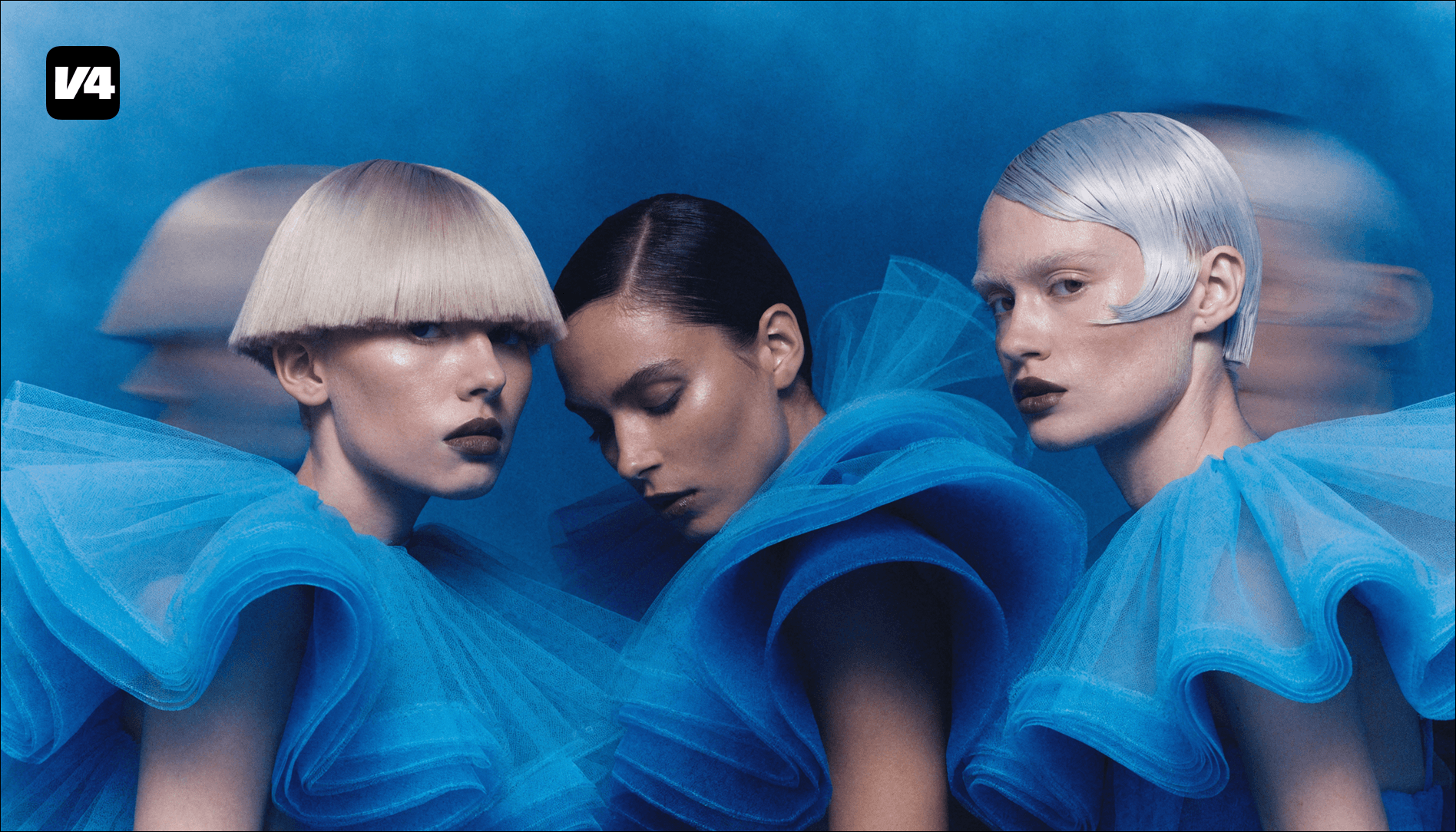
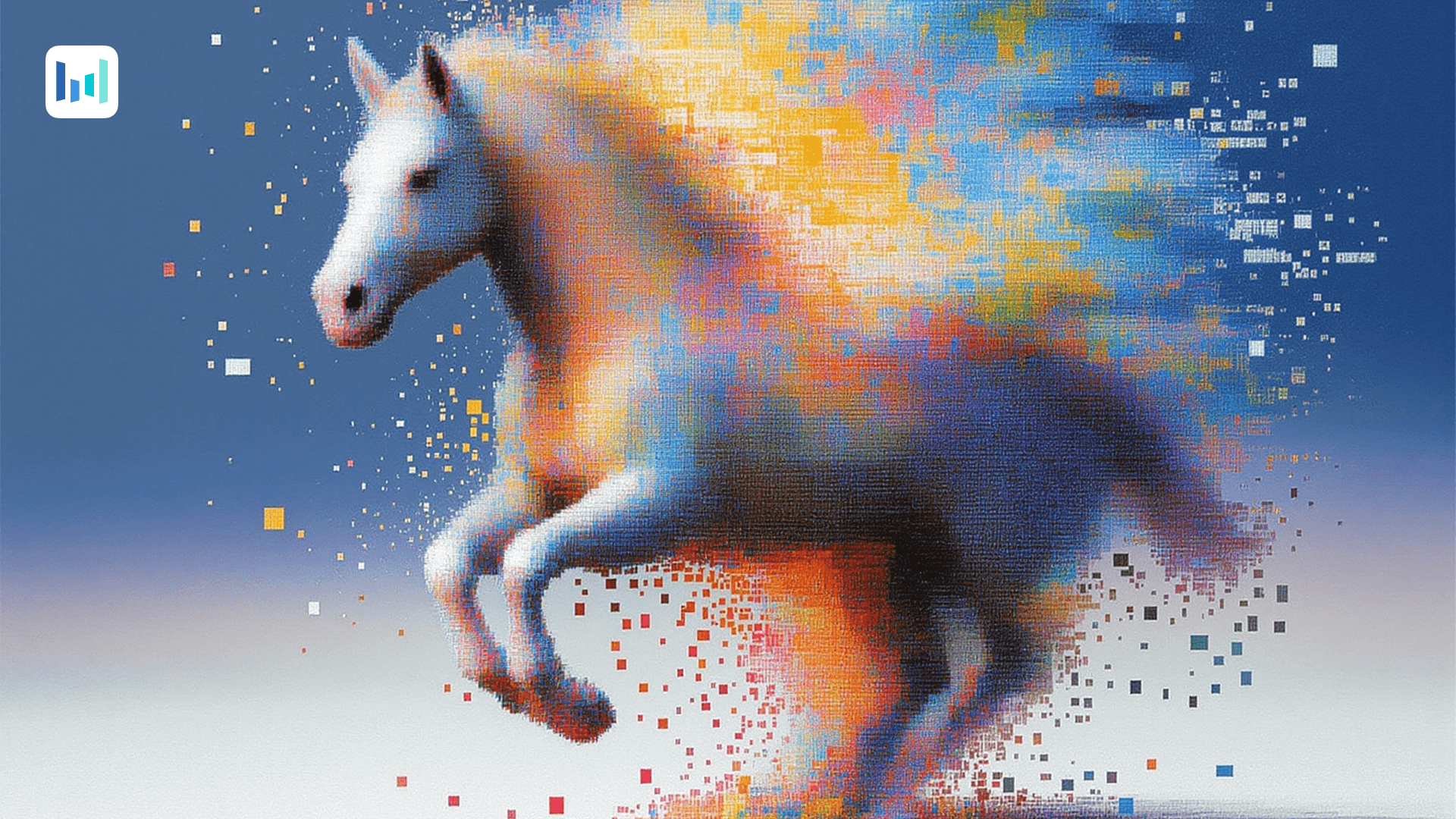
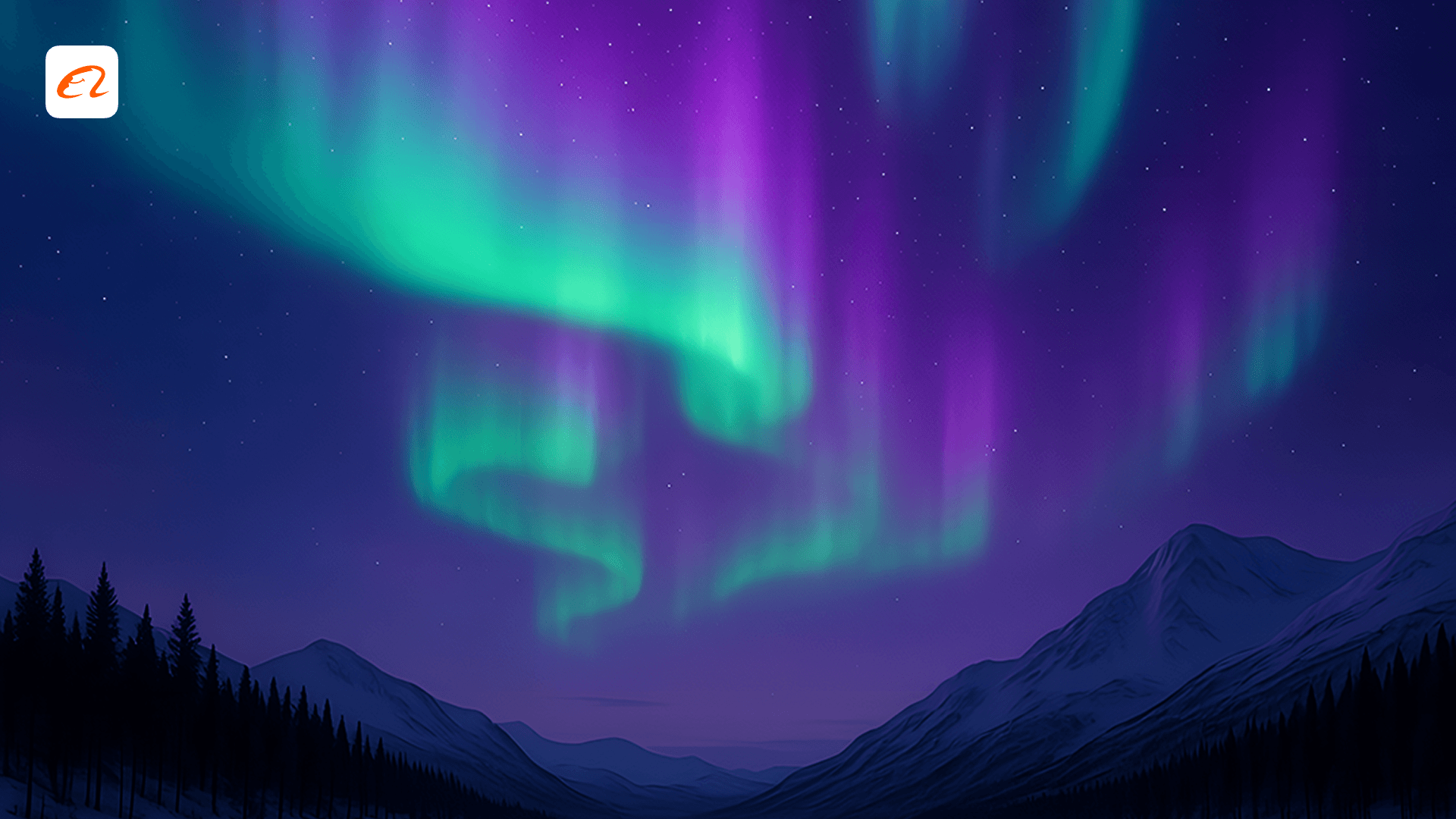
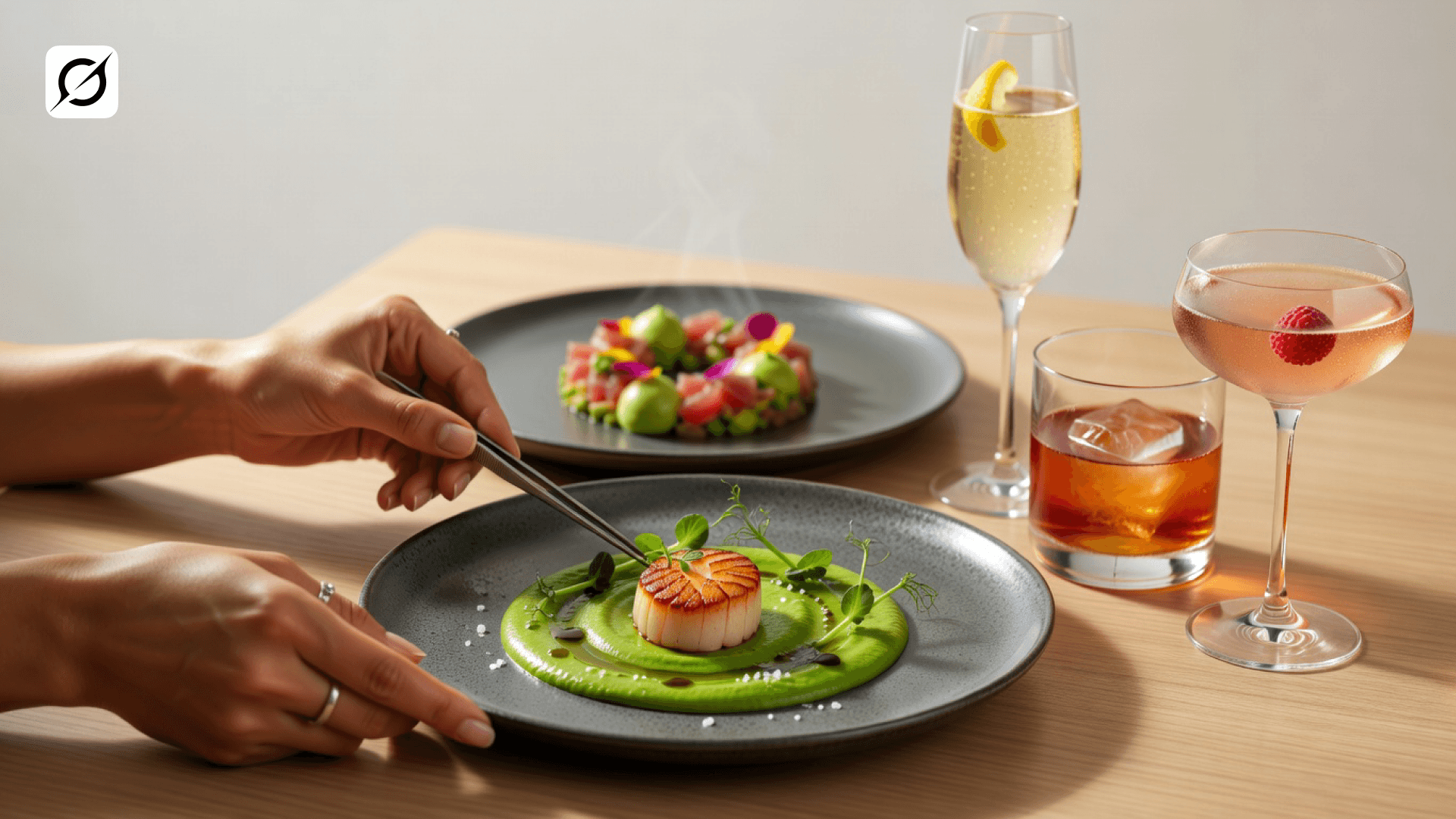
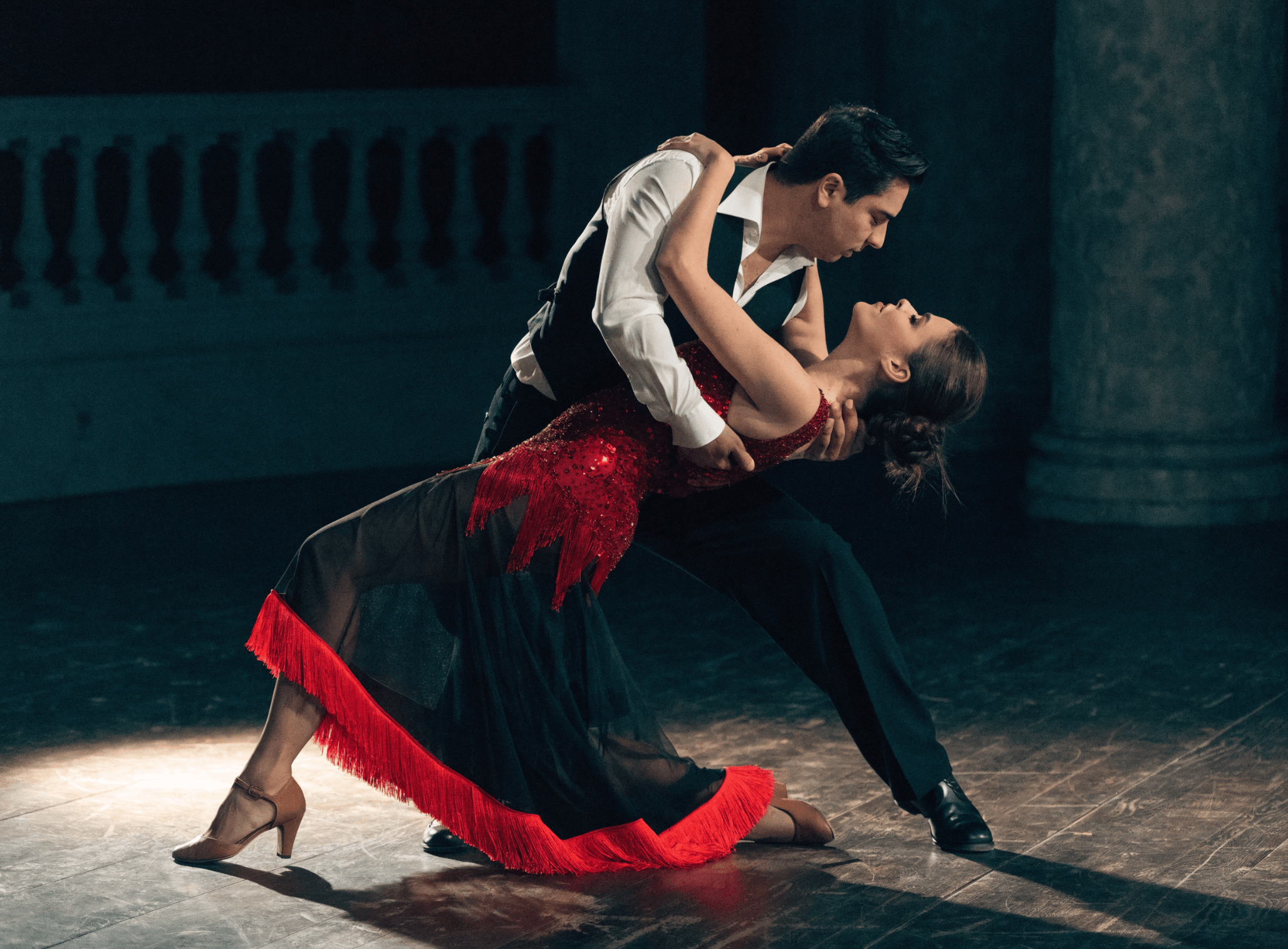
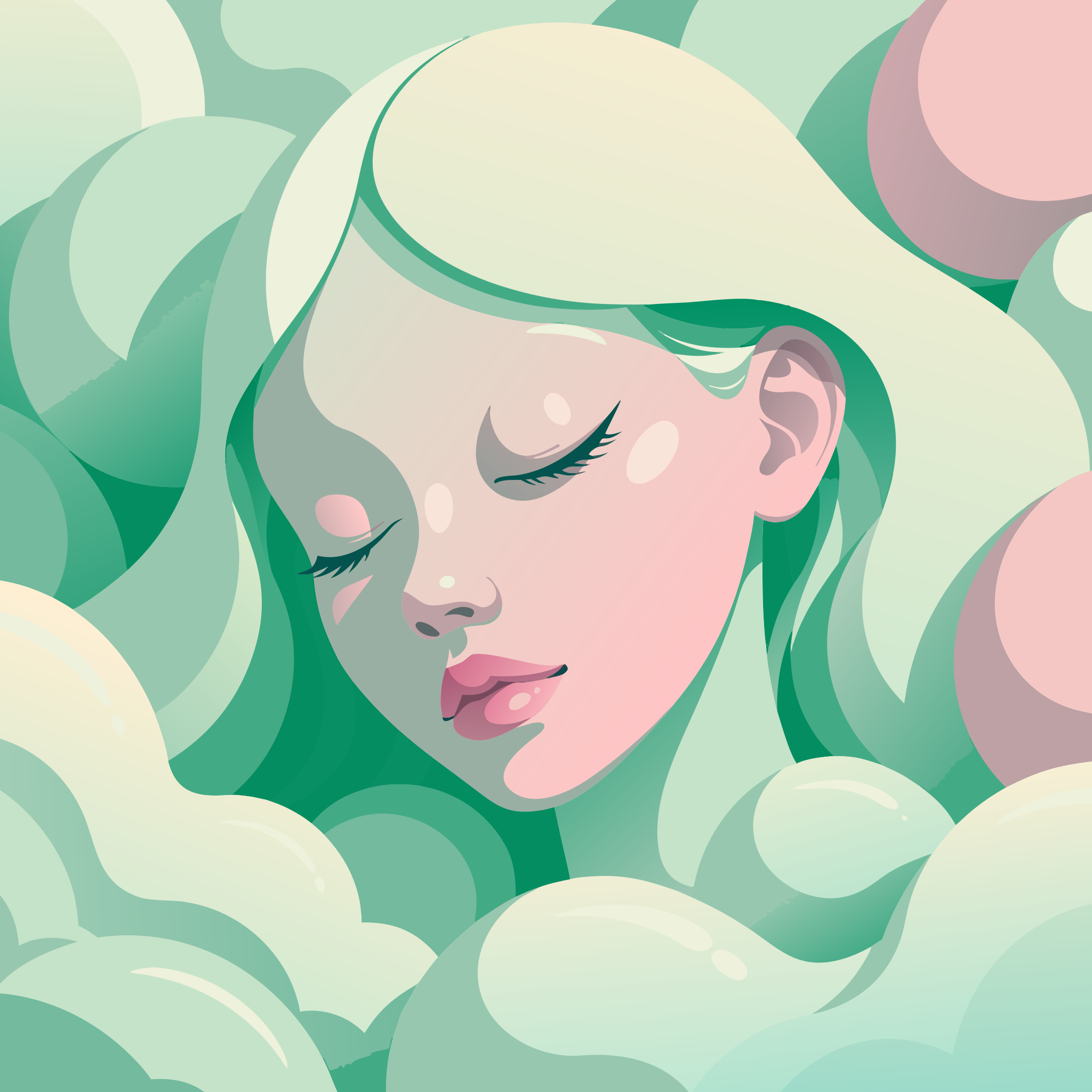
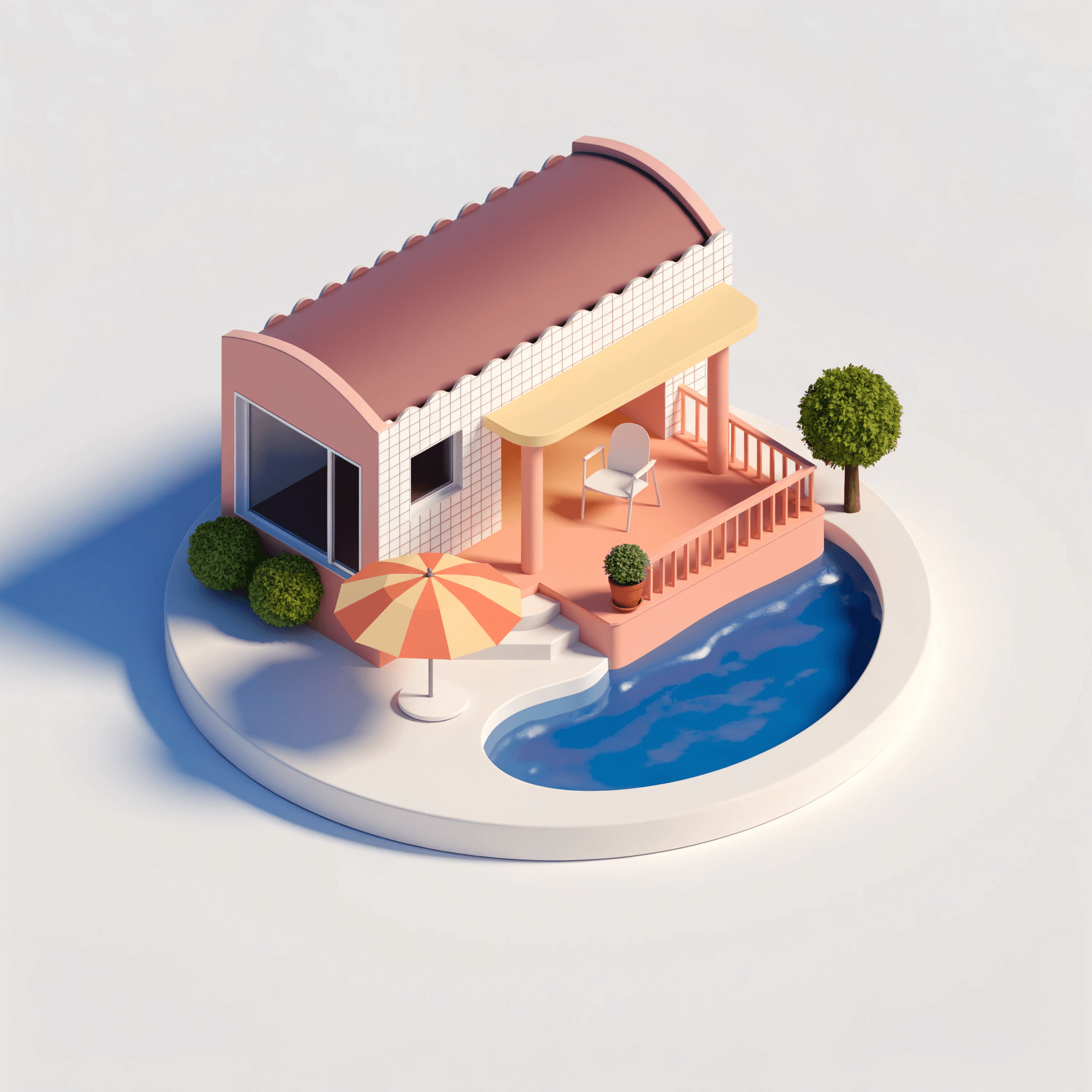
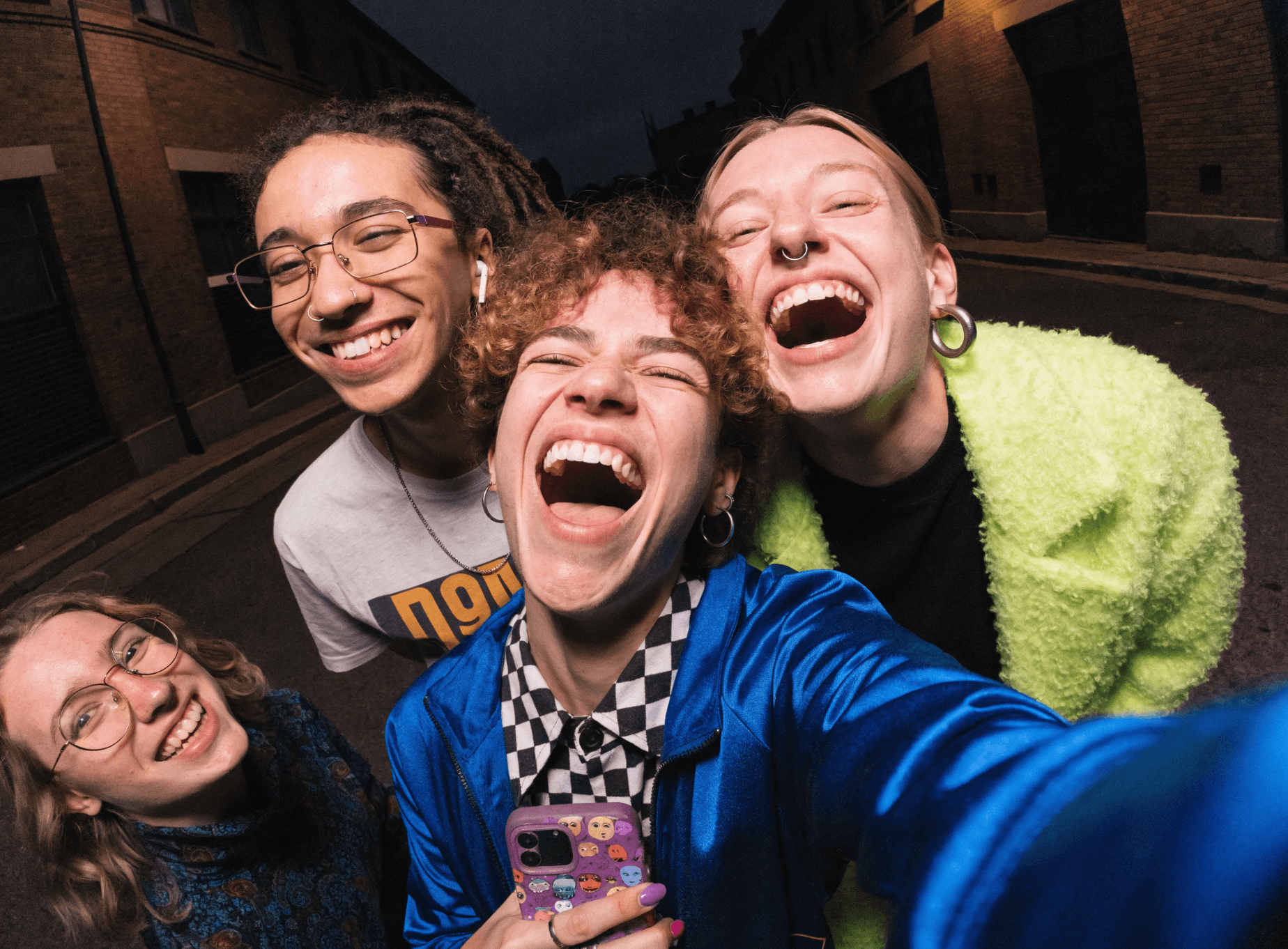
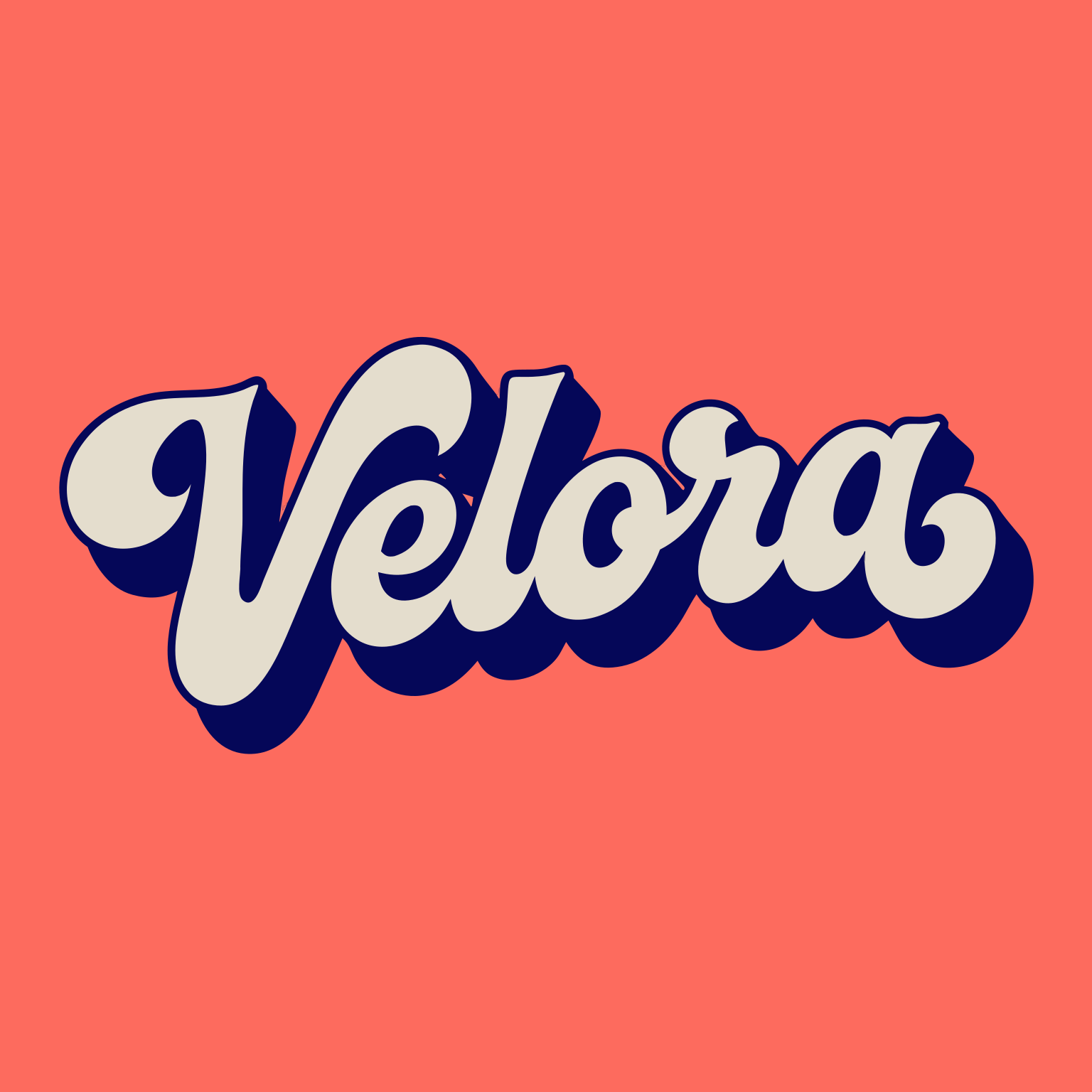
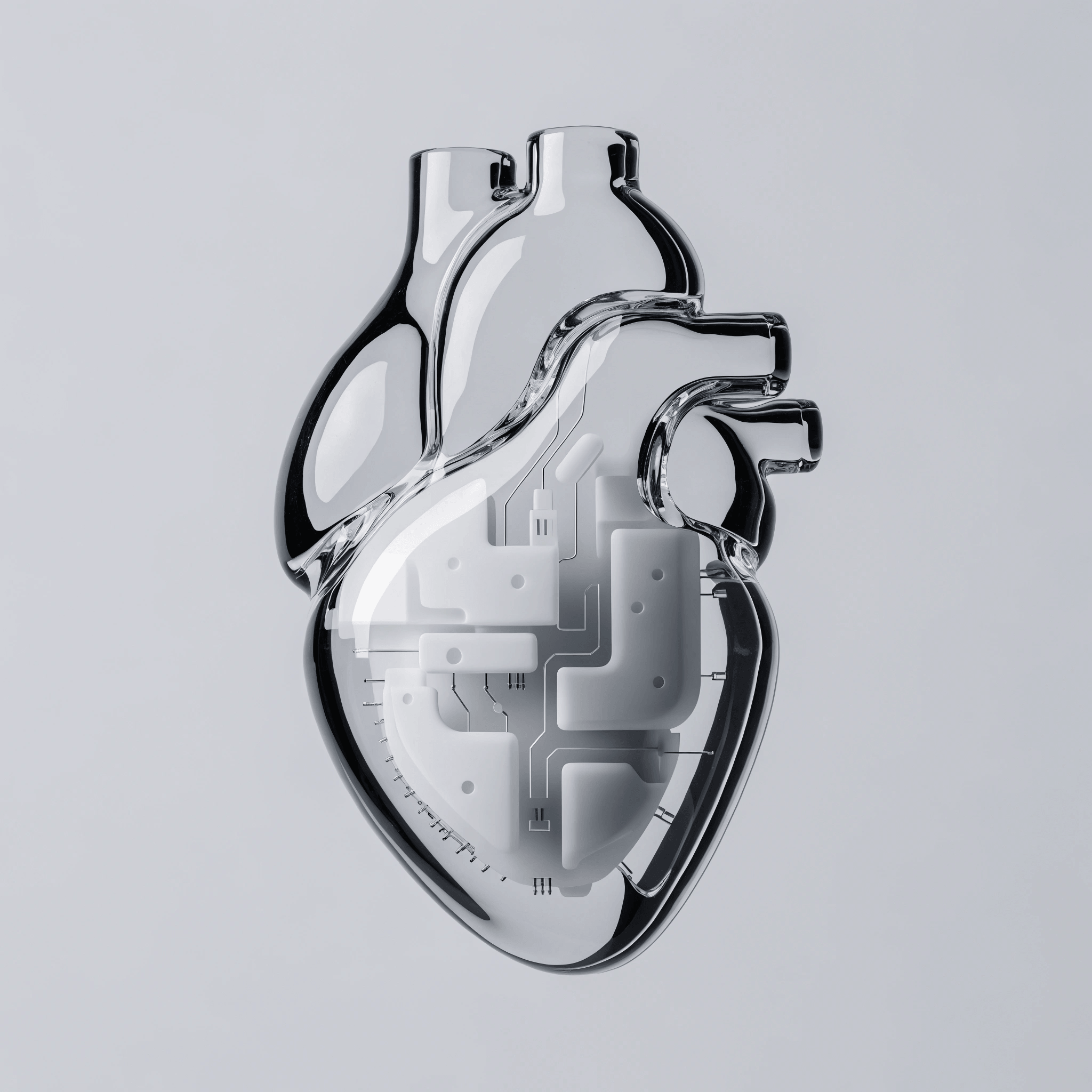
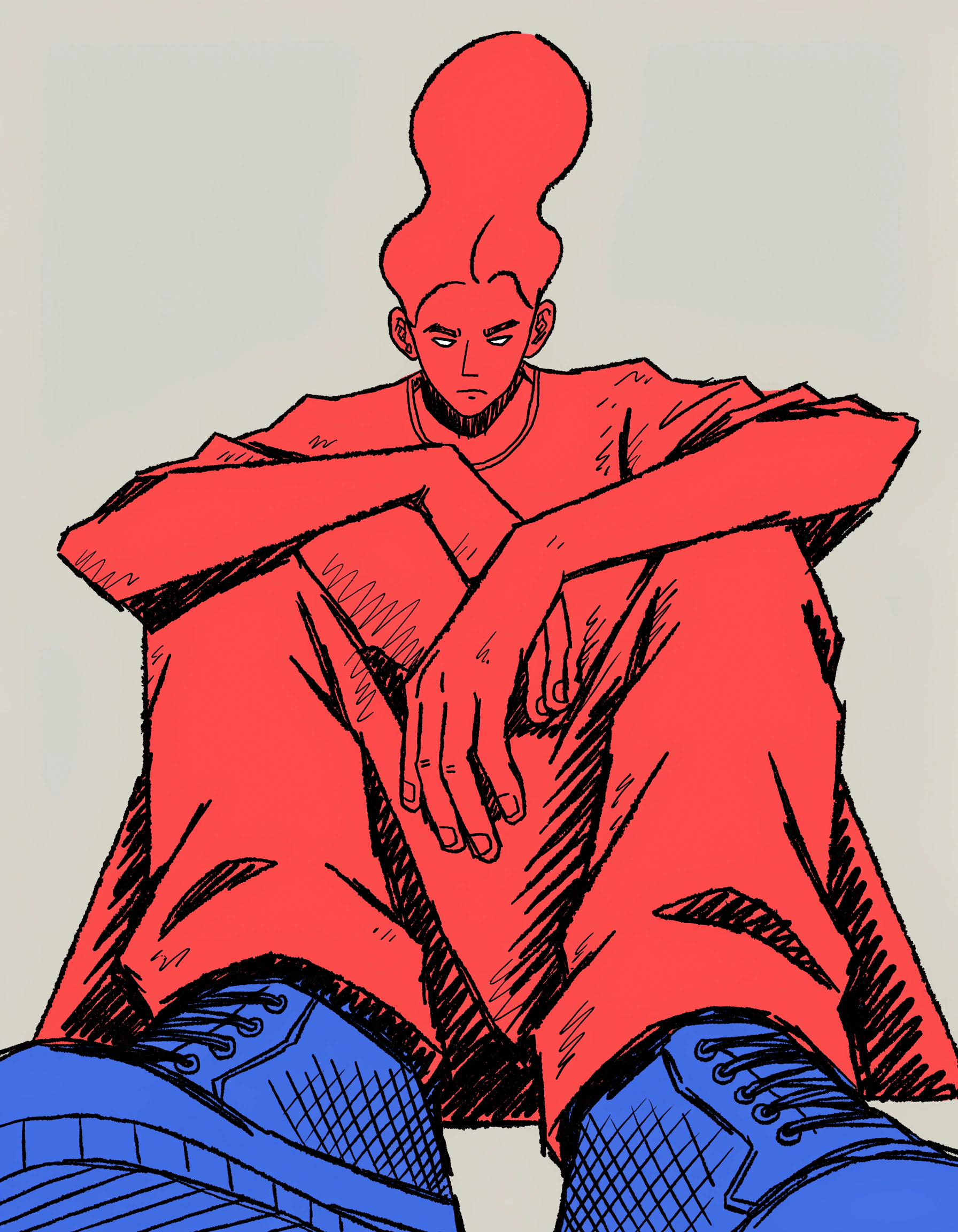
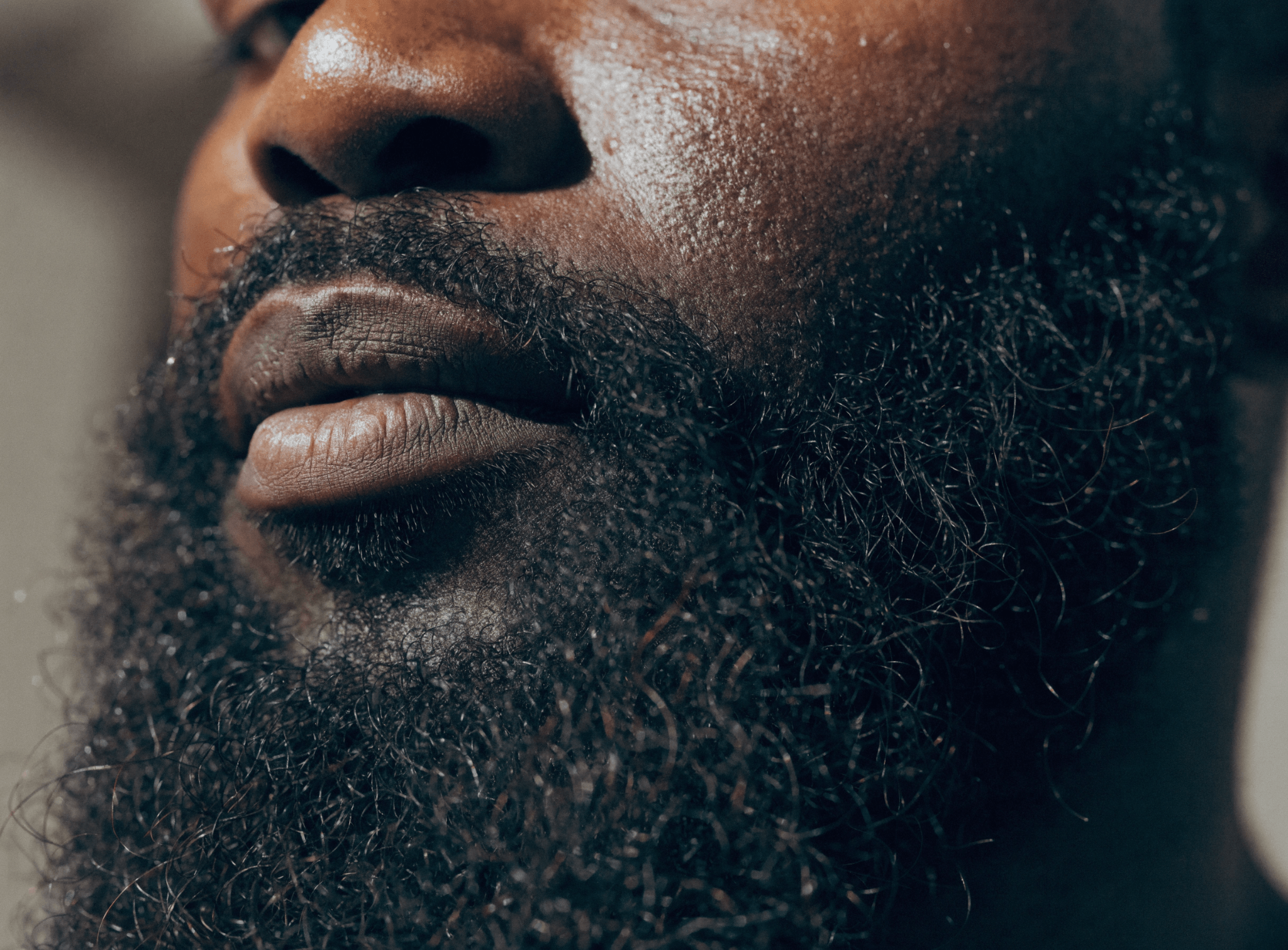
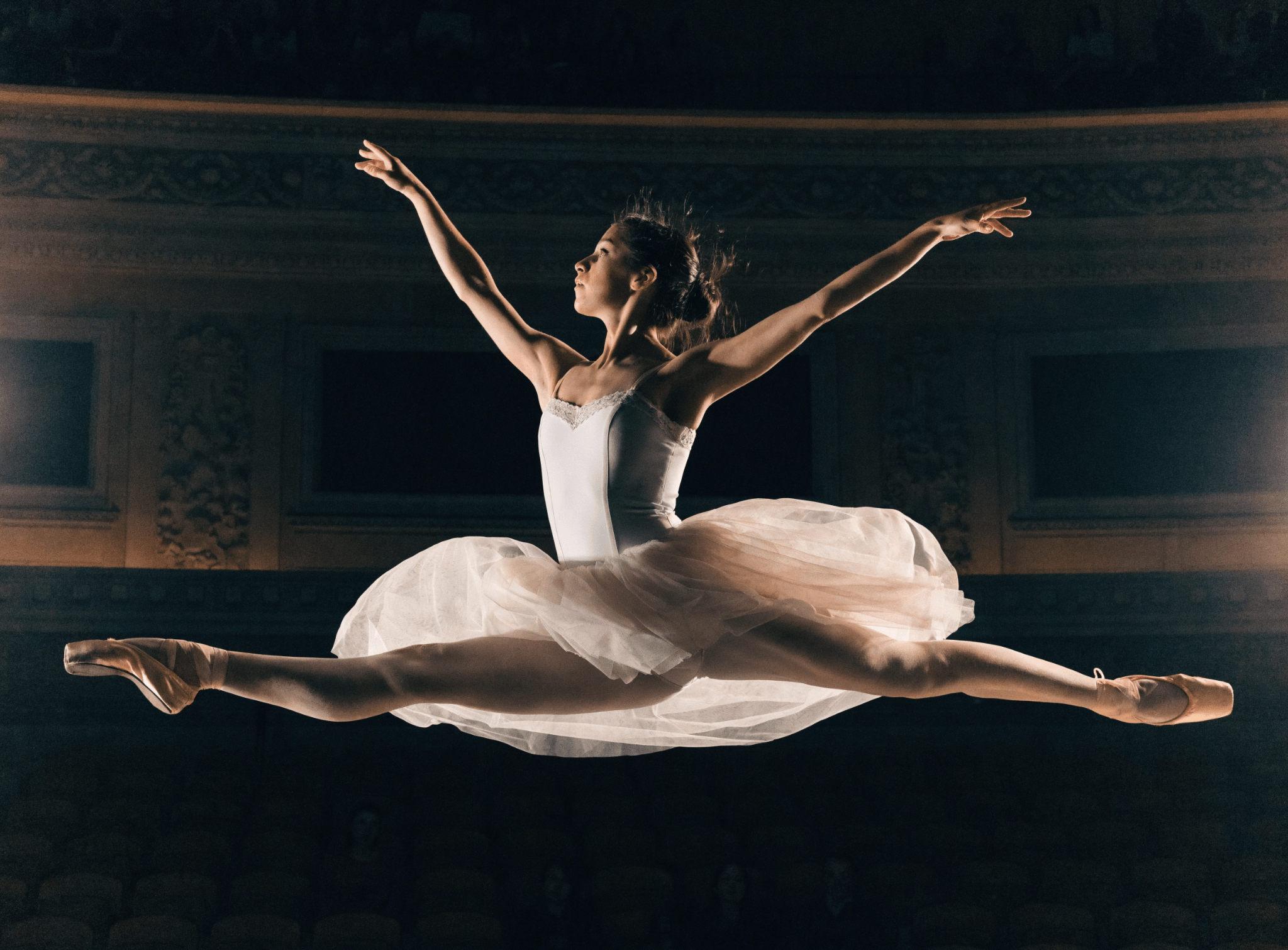
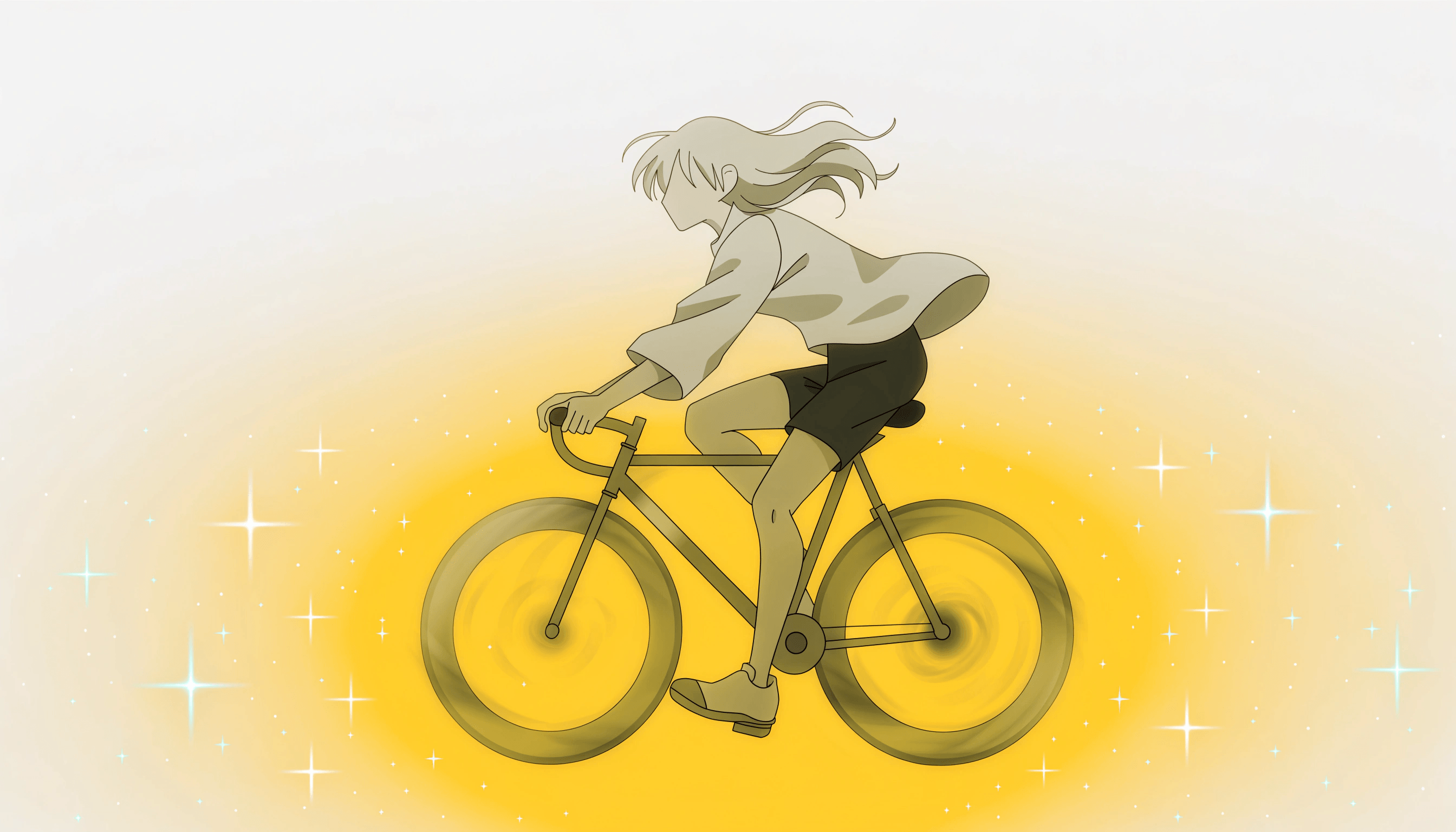
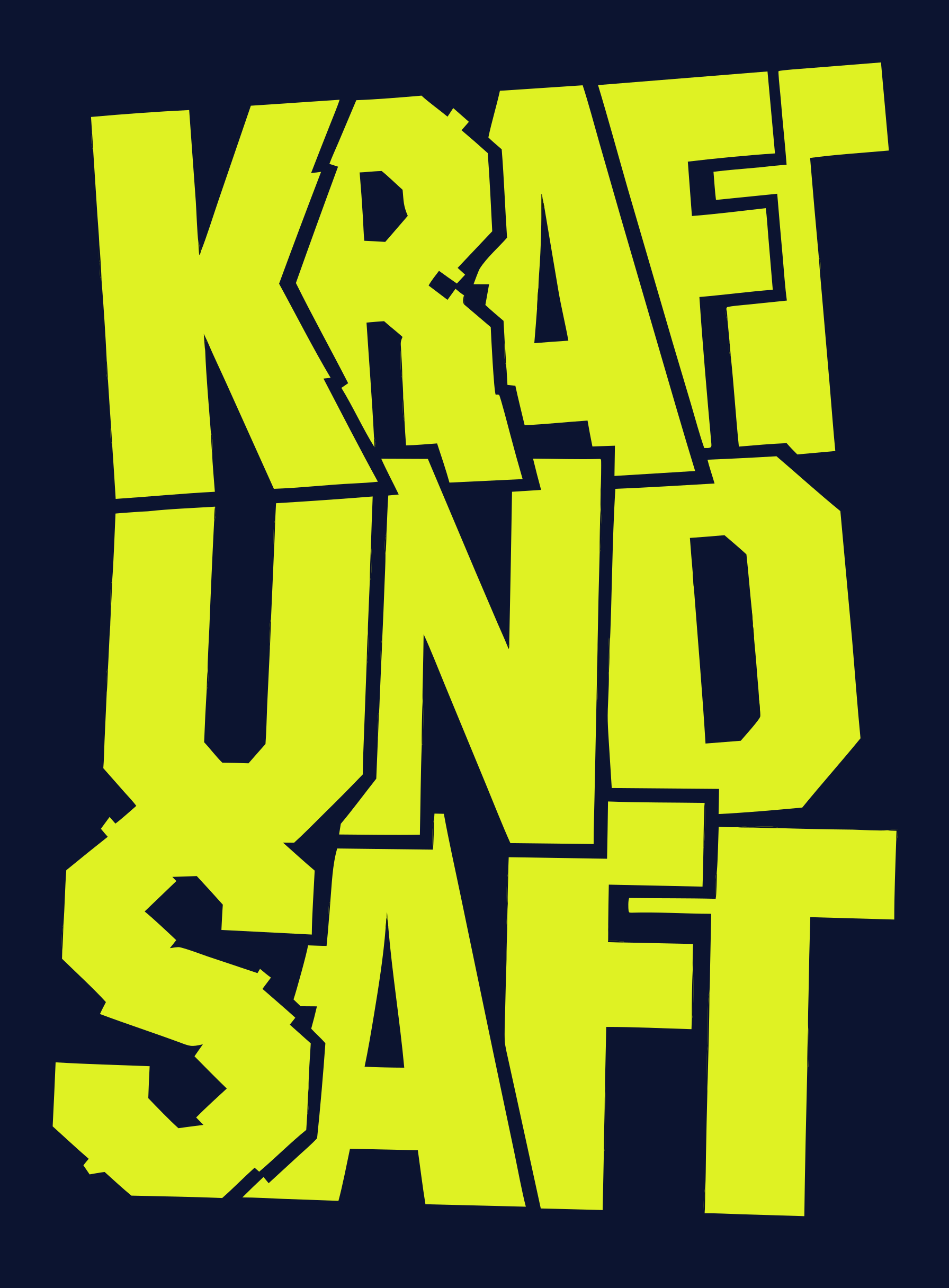
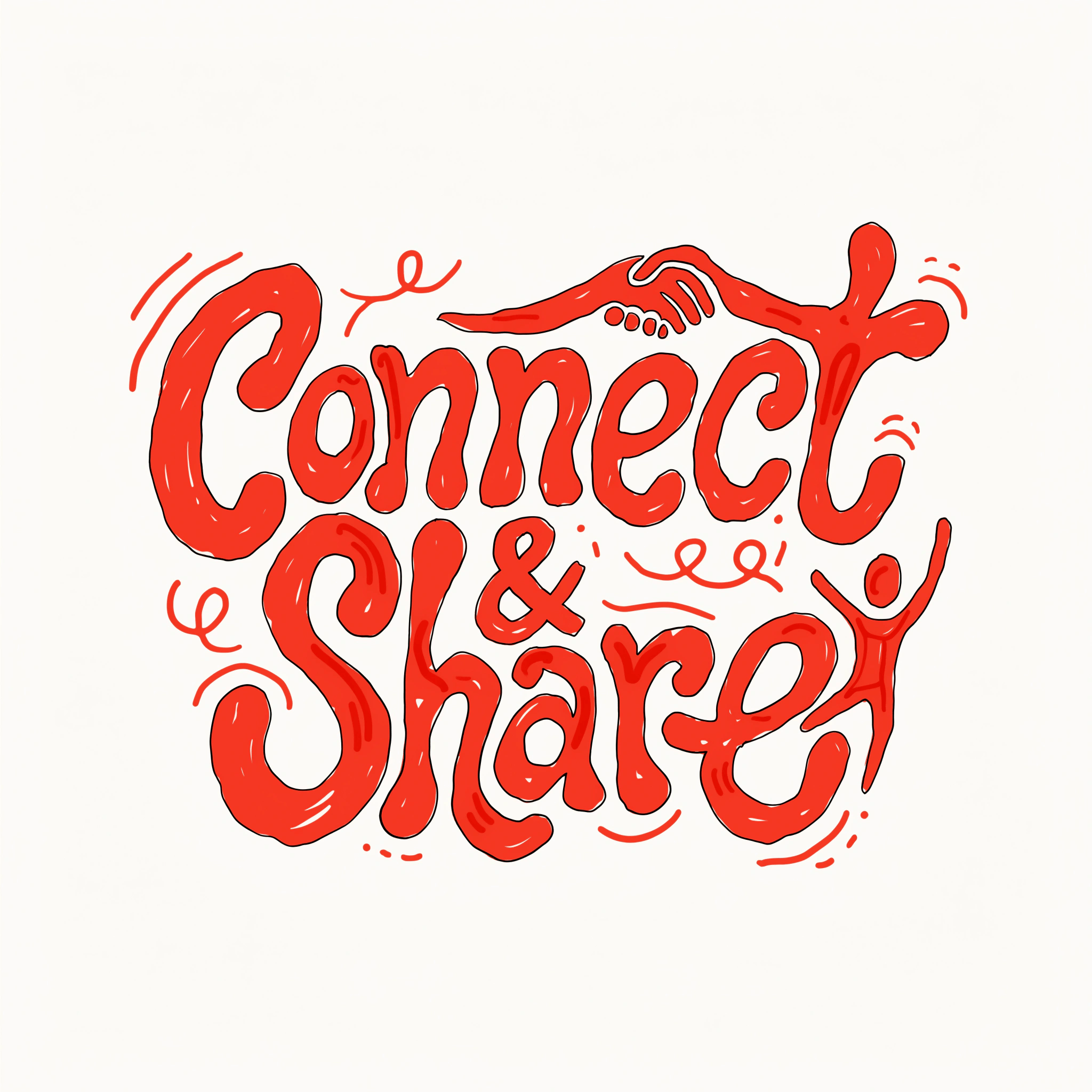
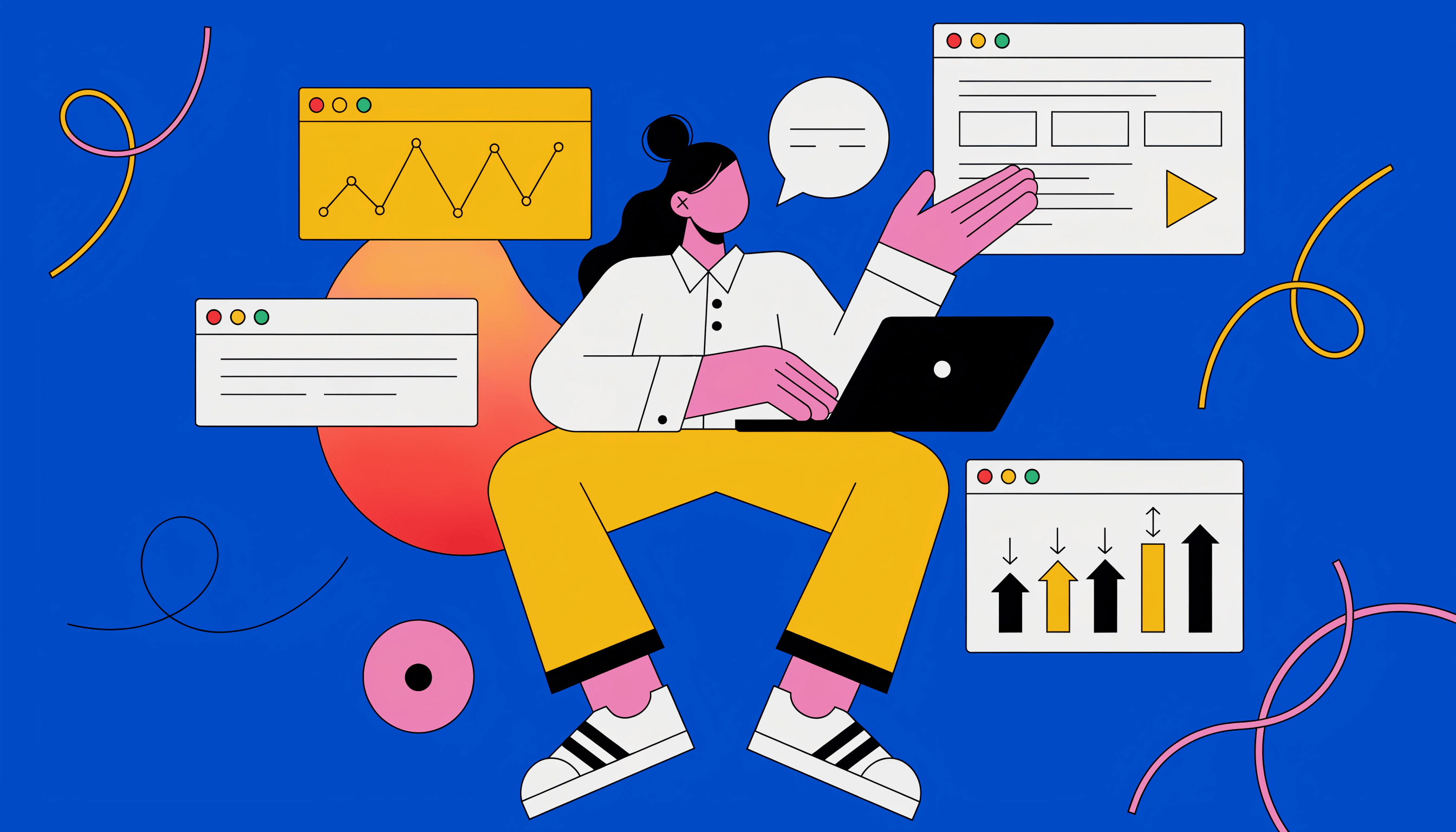
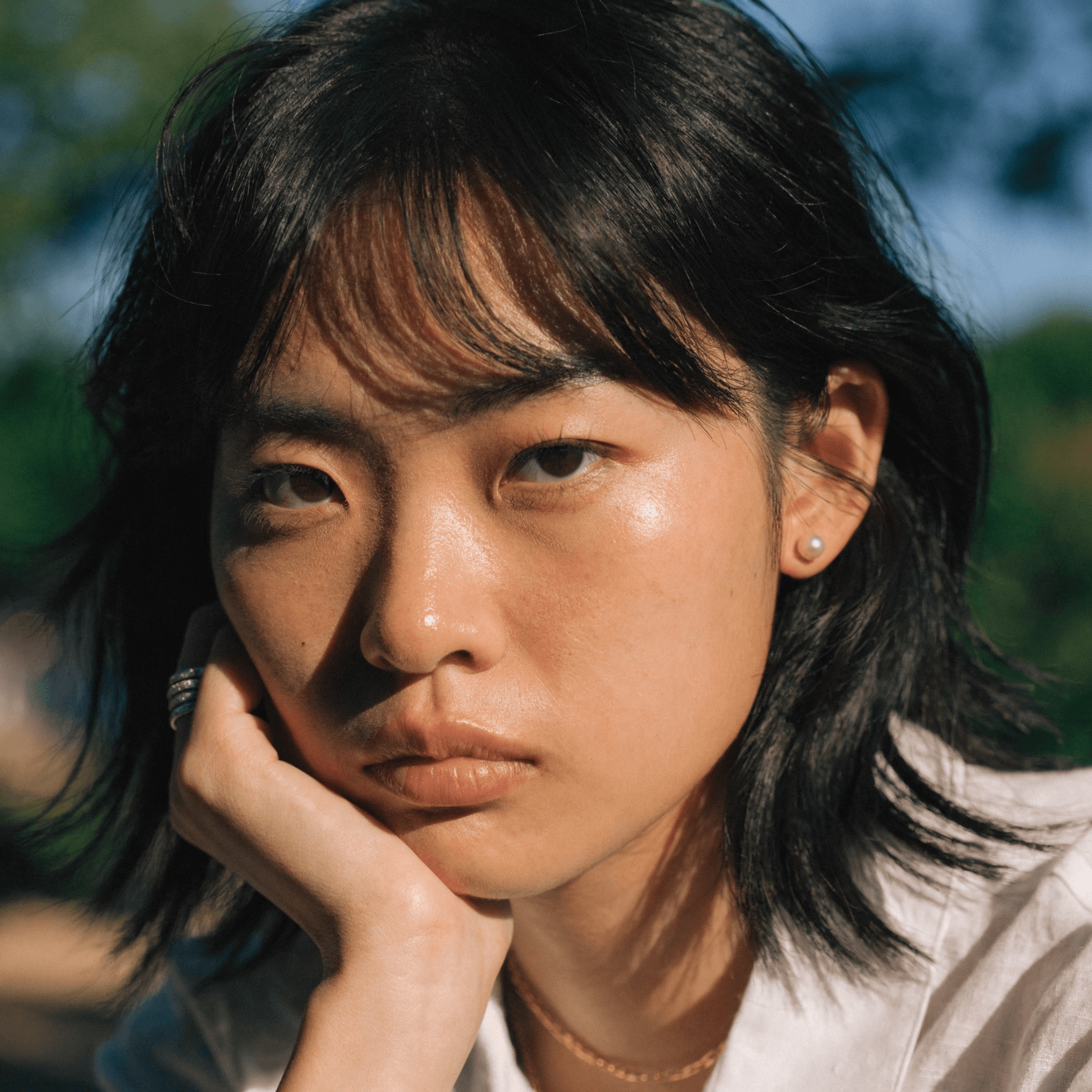
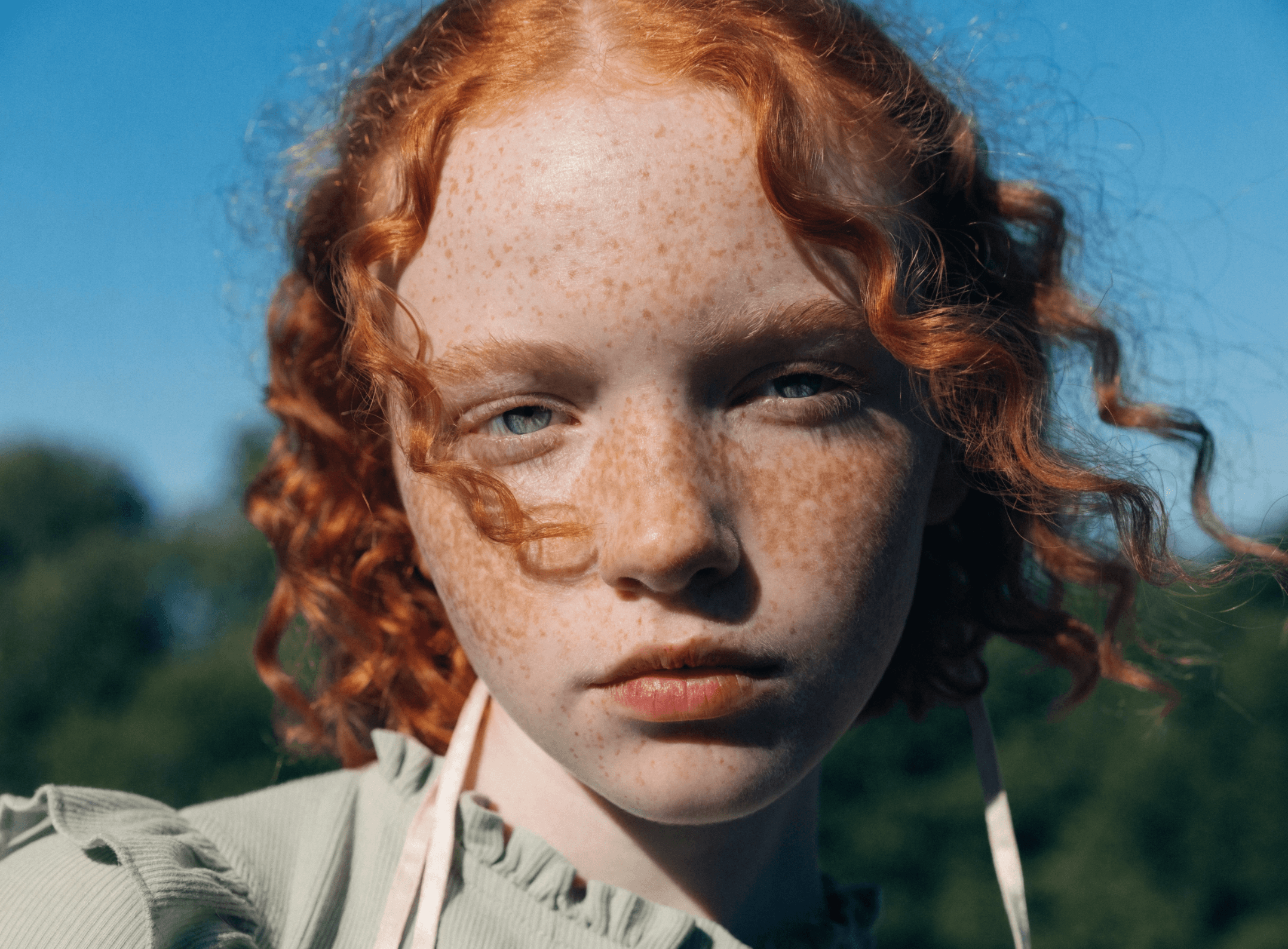
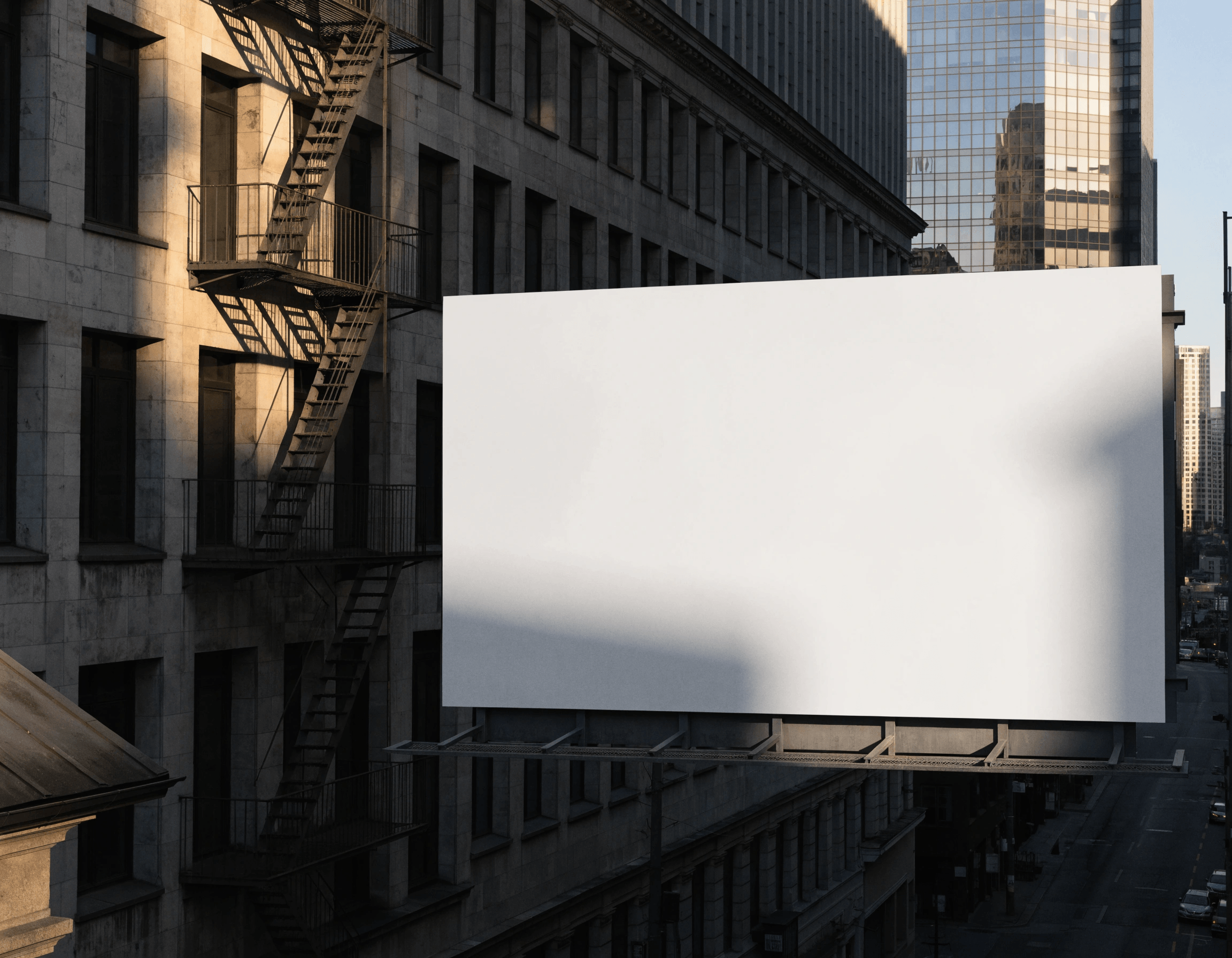
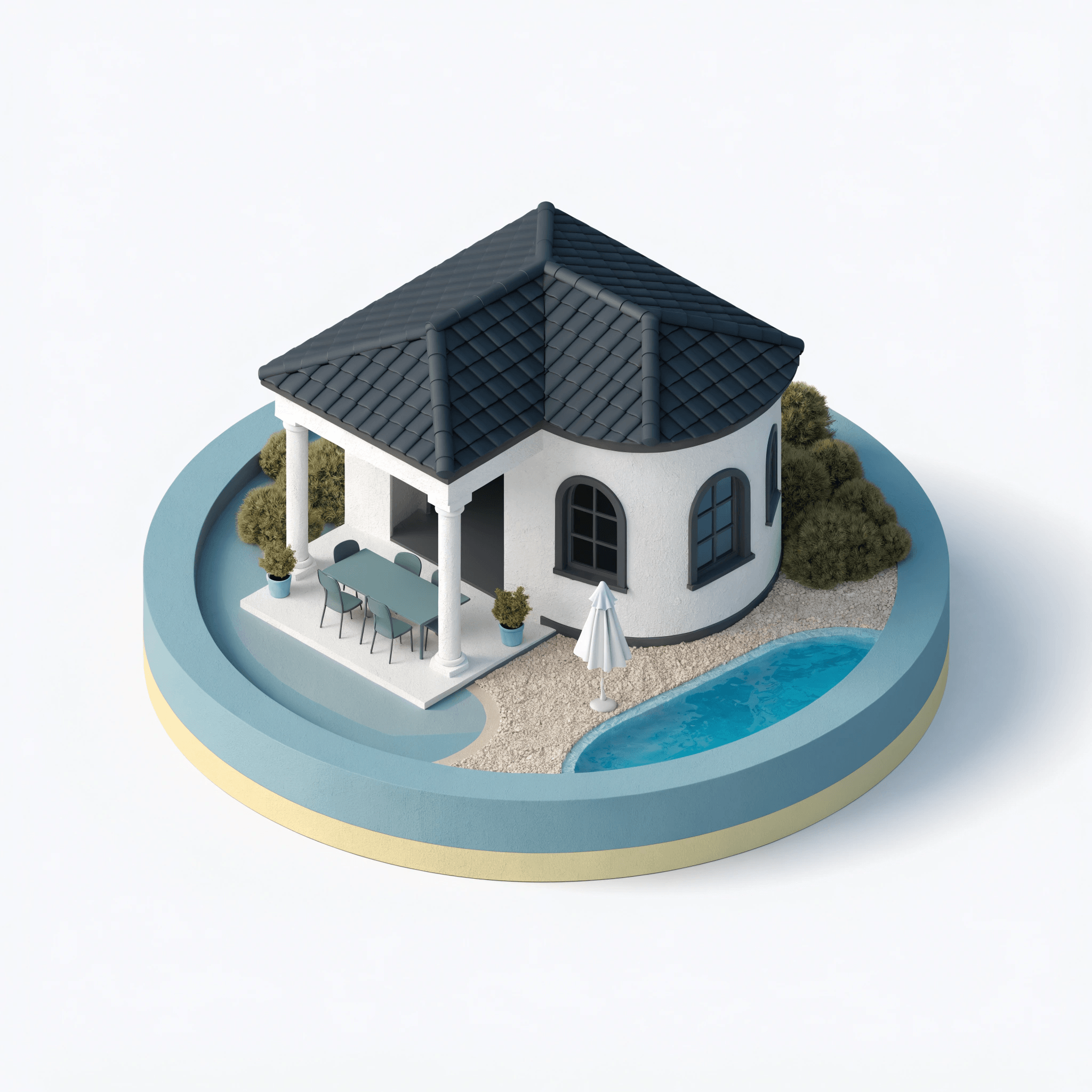
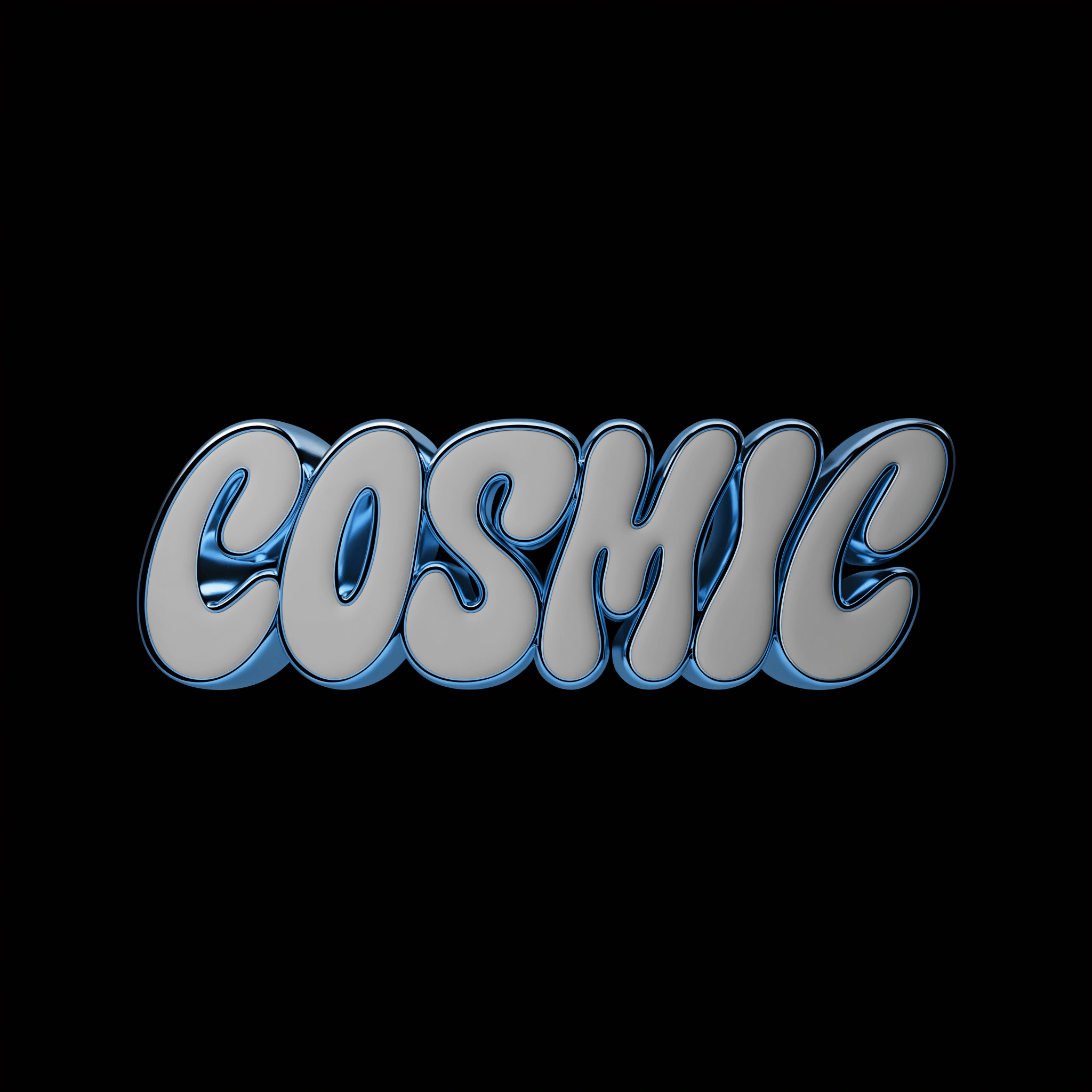
HiDream I1 Dev is purpose-built for artistic image generation. It produces outputs with confident composition, strong color relationships, and a distinctive aesthetic — well suited for concept art, poster design, editorial imagery, and stylized creative direction.

As the HiDream model available in Recraft Studio, I1 Dev excels at rapid creative exploration: generate a wide range of visual directions quickly, then refine the result using Recraft Studio’s editing, upscaling, and export tools on the same canvas.

Try HiDream

How to use HiDream in Recraft Studio

1
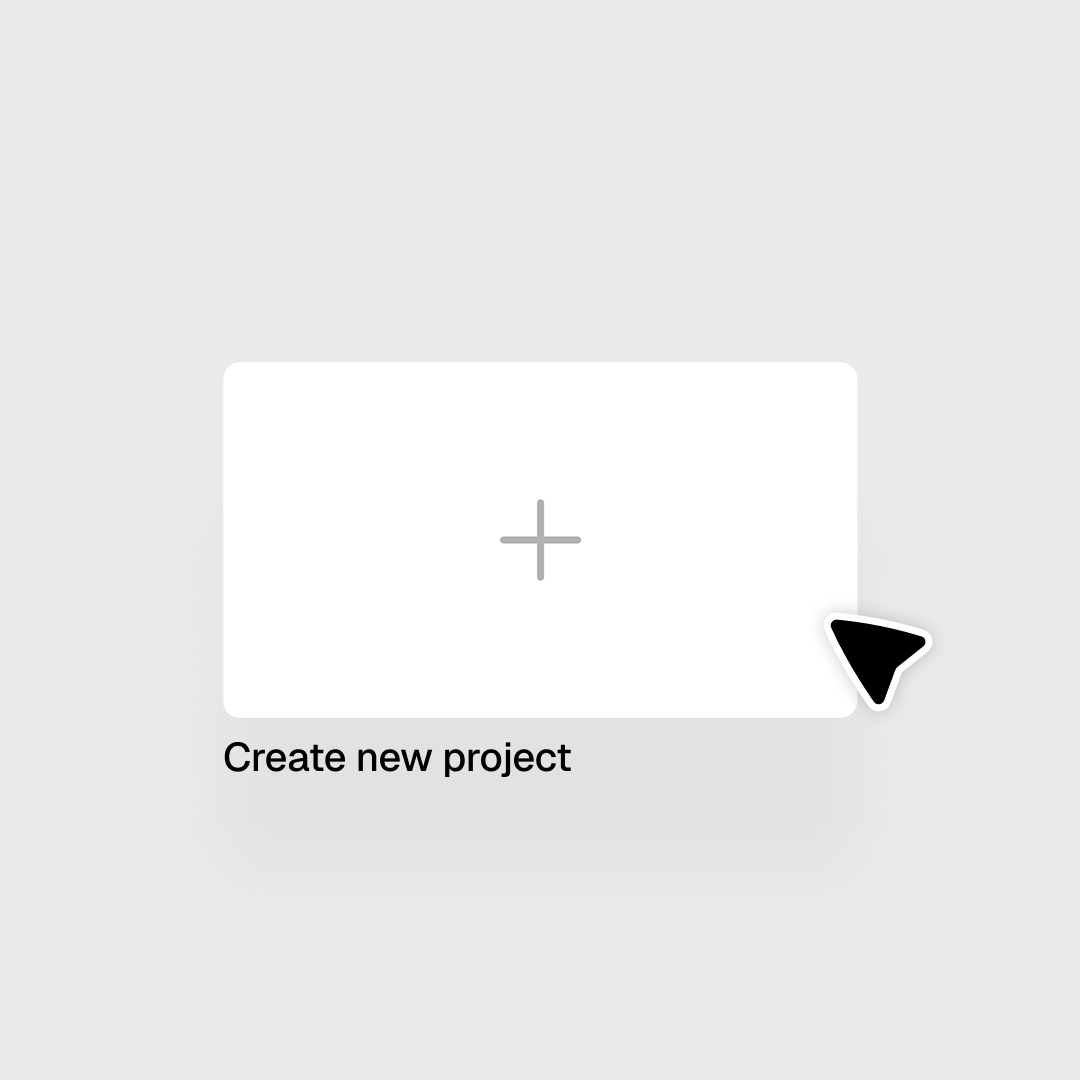
Open Recraft Studio
Open or create a project to get started.
2
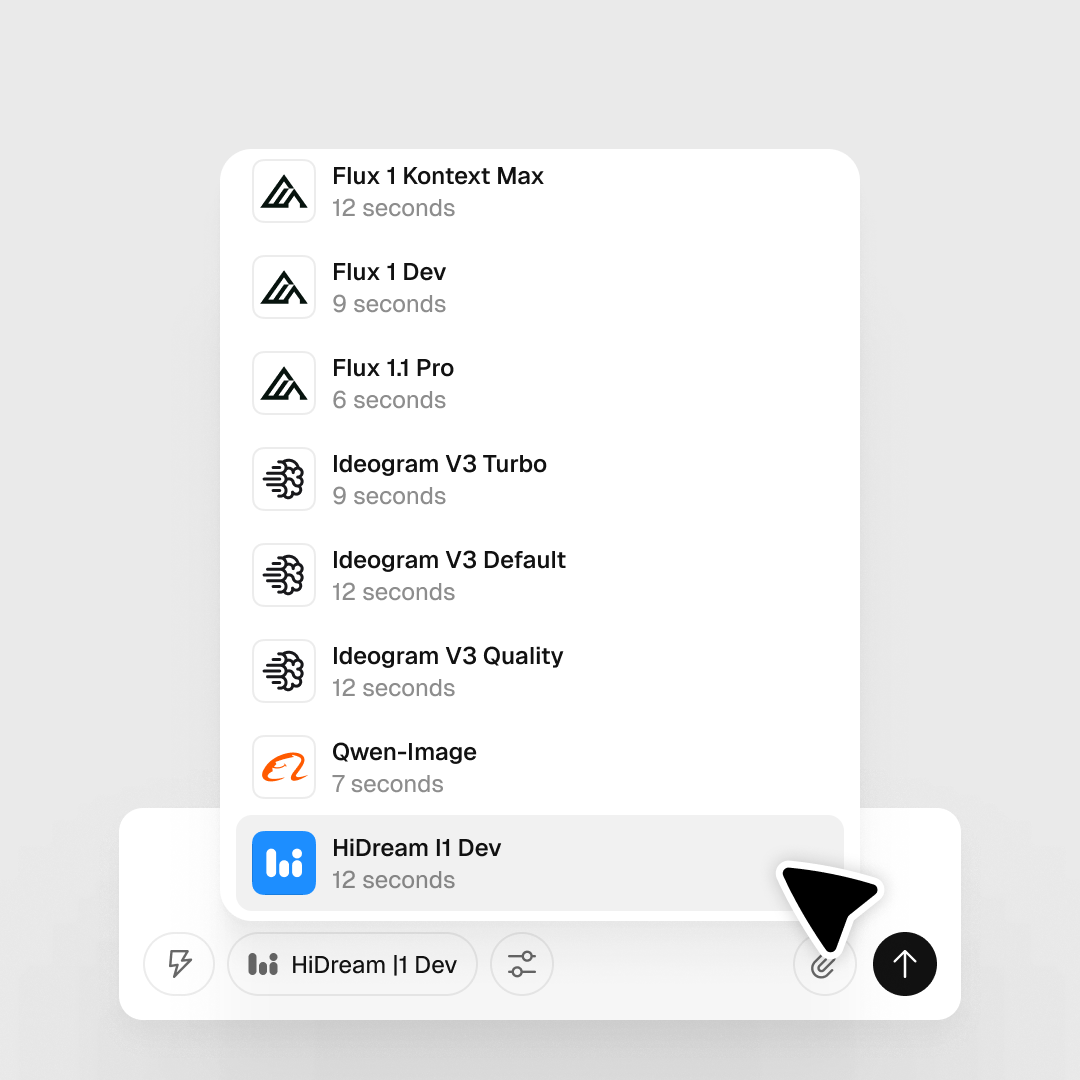
Select HiDream I1 Dev
In the prompt panel, click the Model selector and choose HiDream I1 Dev. It's optimized for artistic, stylized compositions.
3
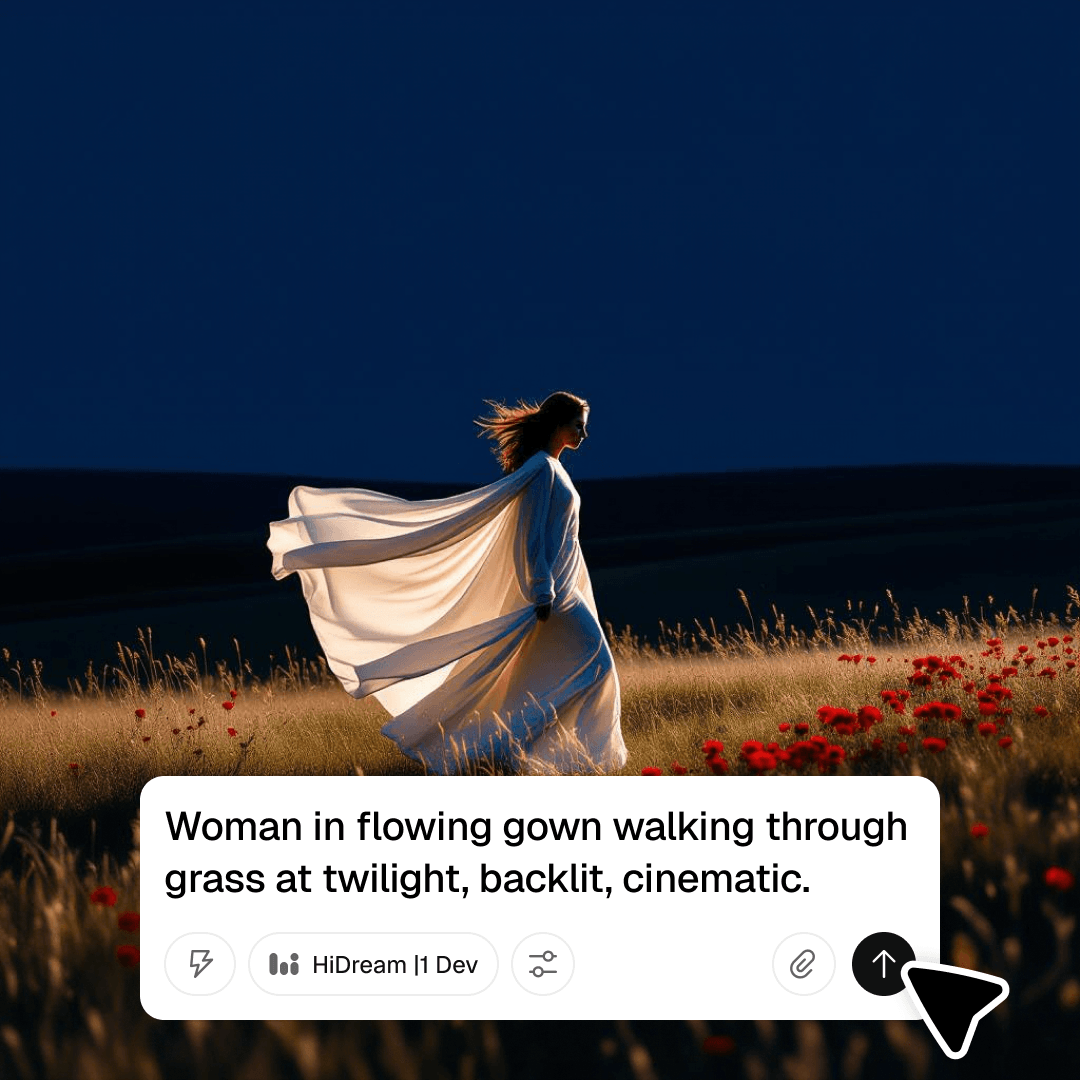
Type your prompt and generate
HiDream excels at artistic compositions — experiment with styles, concepts, and abstract directions. Download or continue refining on the canvas.

Explore more

All tools that you need for a perfect design, in one place

AI models in Recraft Studio

All top models for image and video generation and editing in one place.

AI image generator

Generate high-quality images with the best AI models from Recraft.

AI vector generator

Create editable SVGs directly from text descriptions.

Mockup generator

Visualize products, packaging, and marketing materials instantly.

AI background remover

Remove unwanted backgrounds instantly while keeping edges clean and natural.

AI image editor

Edit, enhance, and transform any image using simple text prompts or intuitive controls.

Image format converter

Convert between any raster and vector formats such as SVG, PNG, JPG, TIFF, PDF, and more.

AI image combiner

Merge multiple images into one coherent composition.

FAQ

What types of images is HiDream best suited for?

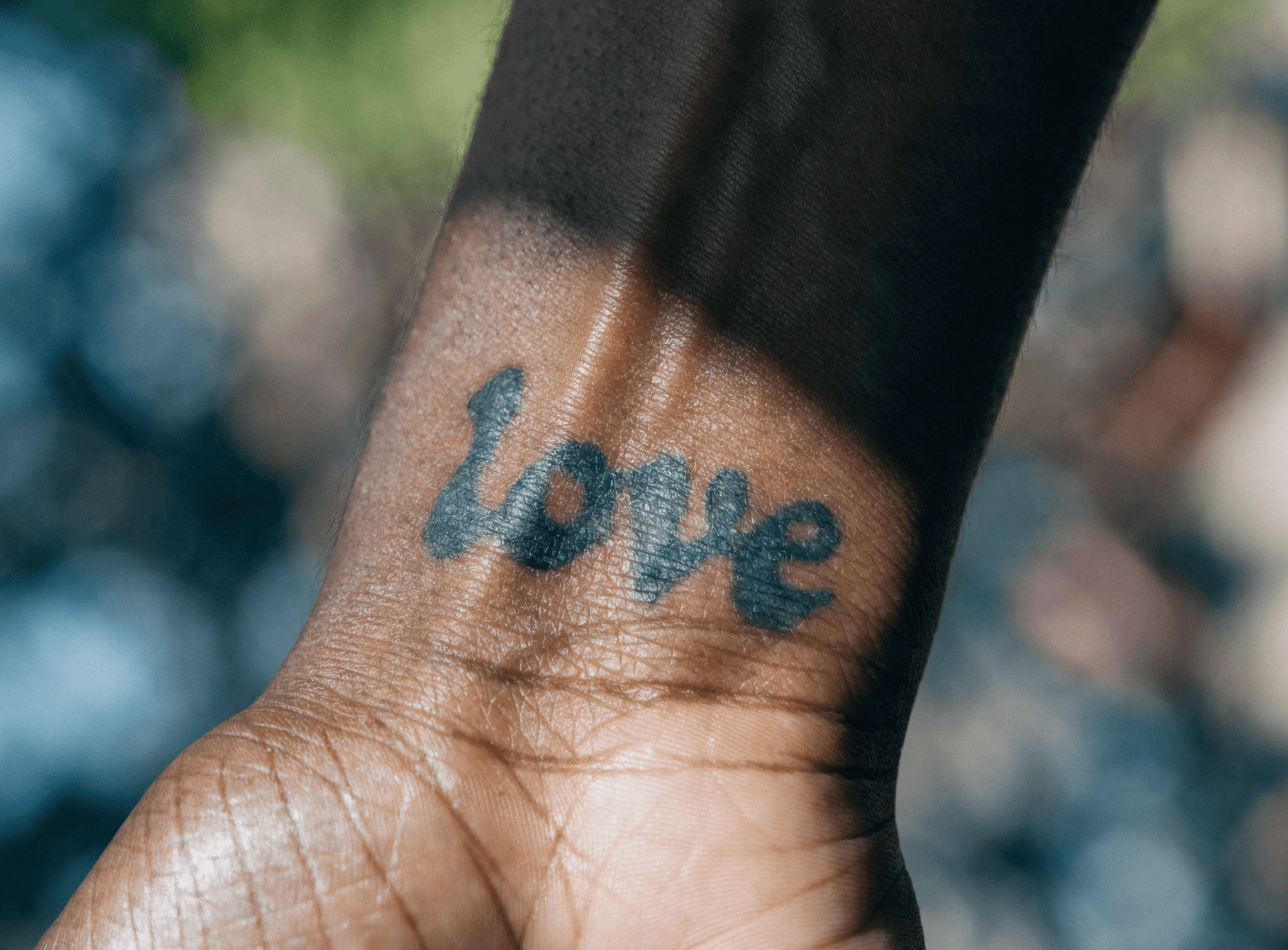
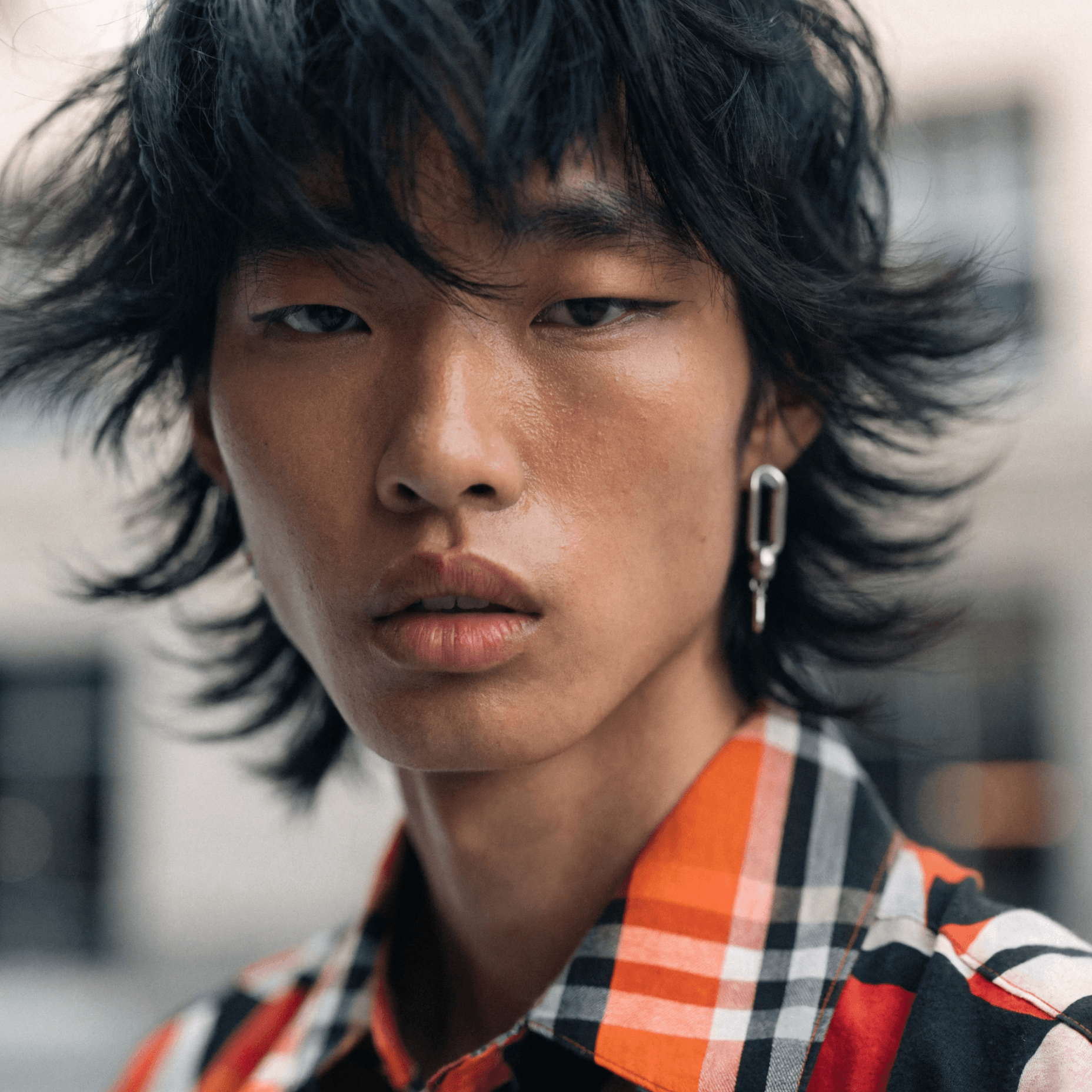
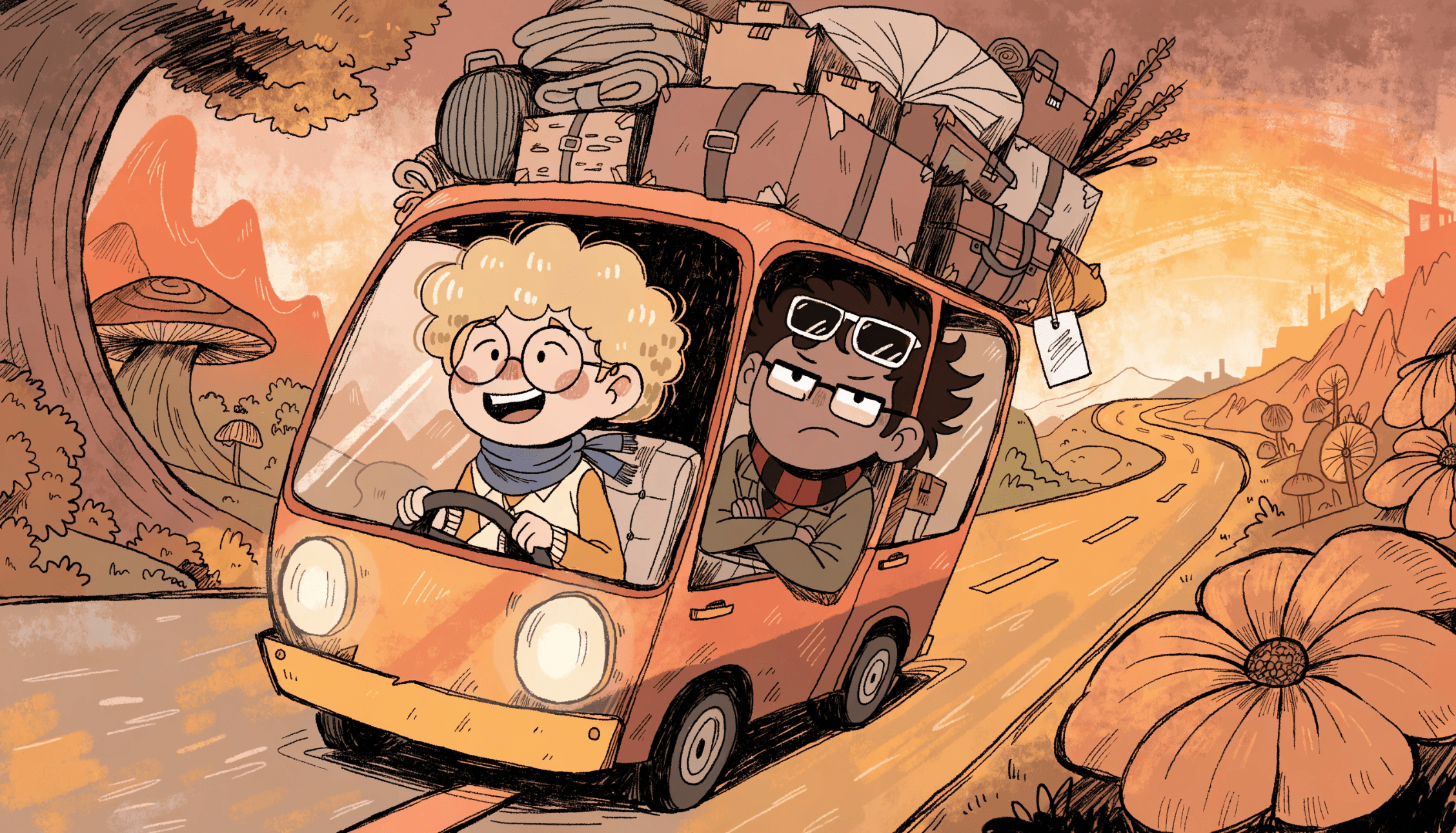
HiDream I1 Dev excels at concept art, poster design, editorial imagery, and stylized creative direction — work where a distinctive visual identity and strong color relationships matter most.

How does HiDream compare to Recraft V4 for artistic work?

HiDream leans more expressive, with a distinctive aesthetic and bold compositions suited for artistic exploration. Recraft V4 is tuned for design taste and delivers more controlled, professionally refined outputs. Both are strong — the right choice depends on whether you want raw artistic energy or polished design quality.

Is HiDream good for rapid creative exploration?

Yes. HiDream is designed for fast iteration — generate a wide range of visual directions quickly, then refine the results using Recraft Studio’s editing, upscaling, and export tools on the same canvas.

How many credits does it take to generate with HiDream?

Credit costs vary by model and output settings. You can check the full breakdown in Recraft’s documentation.