API
Build automated visual workflows with Recraft API
Integrations
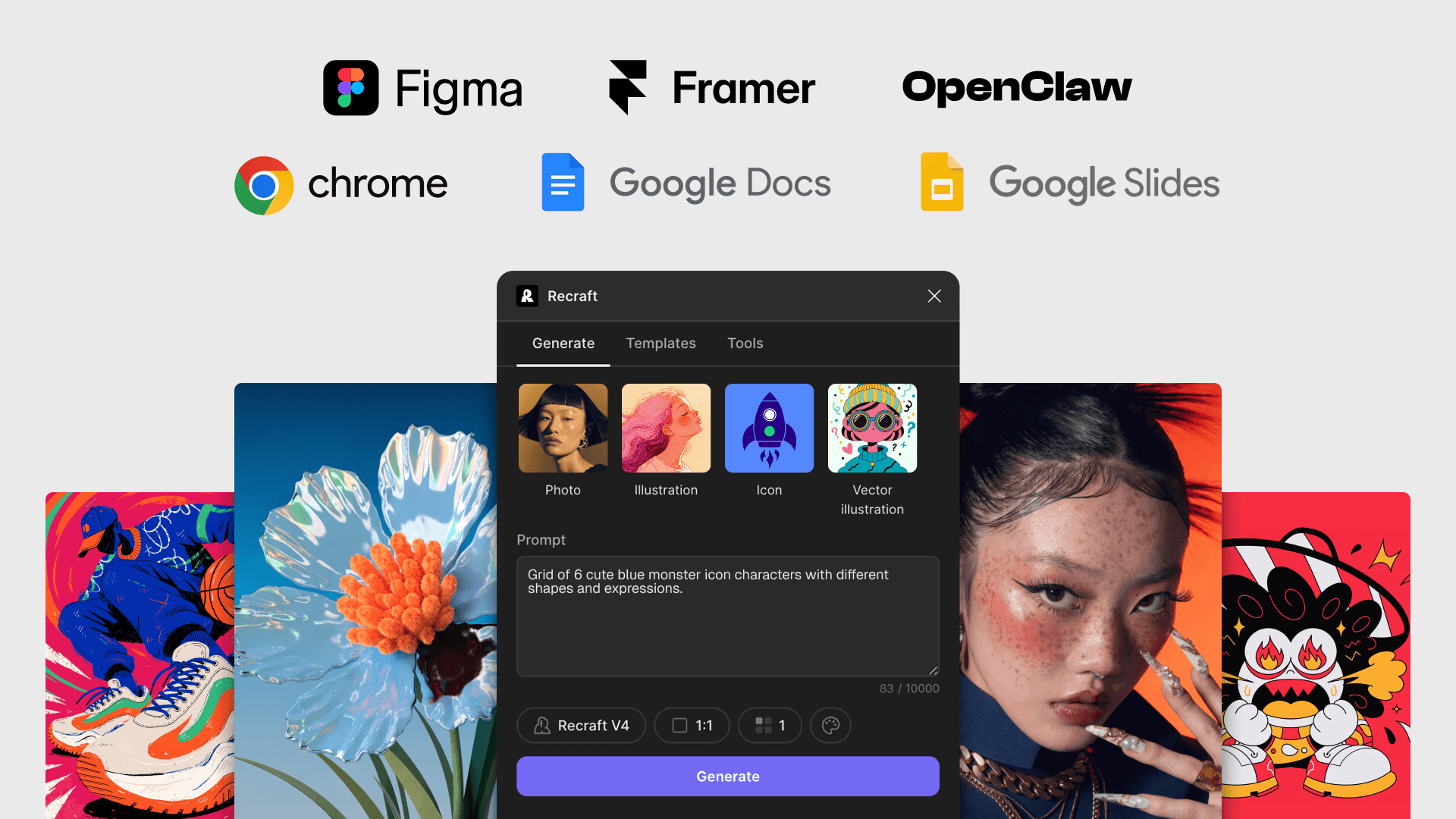
Access Recraft across different platforms
Download app
Download app

Generate AI images directly in Google Docs

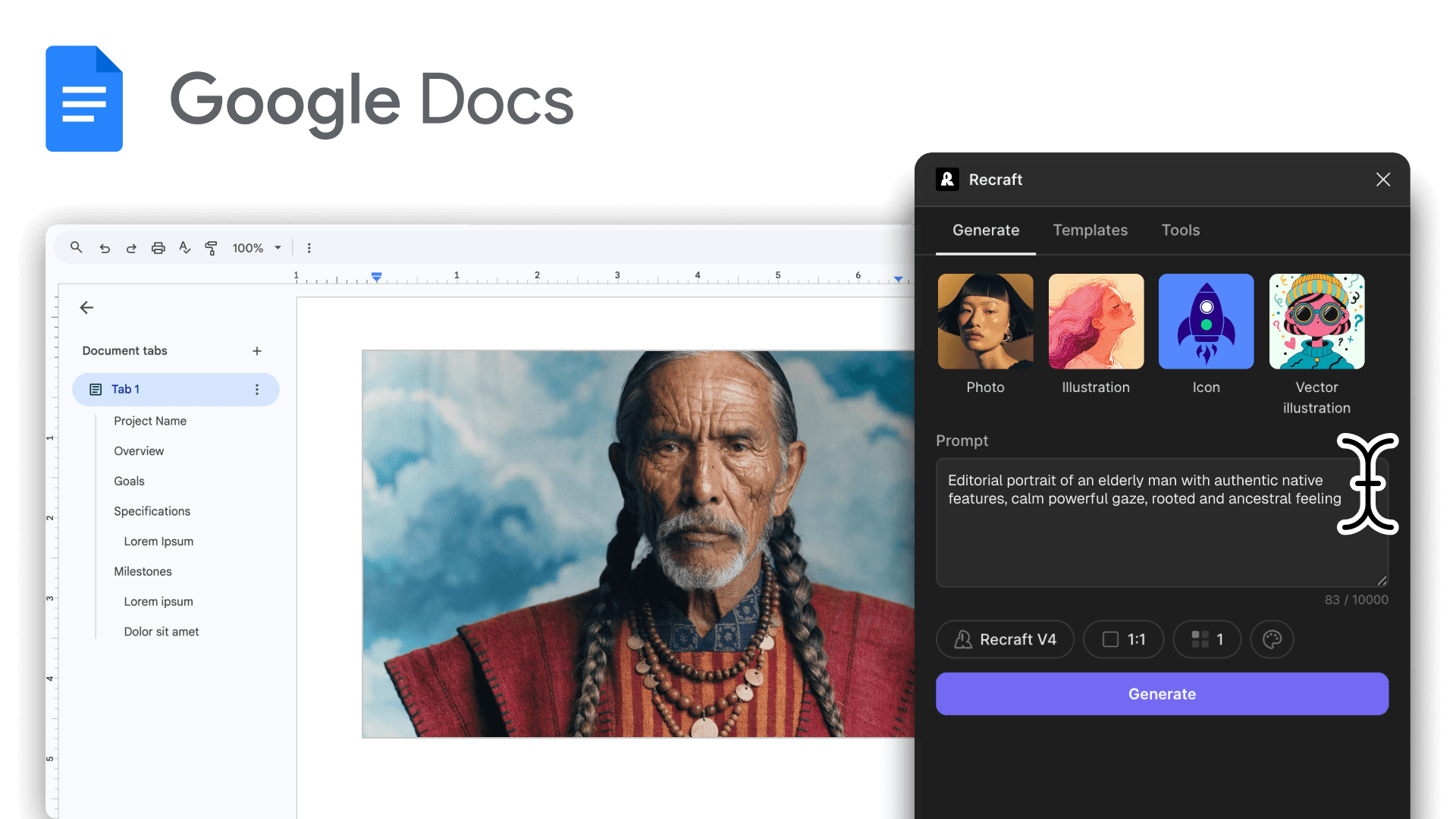
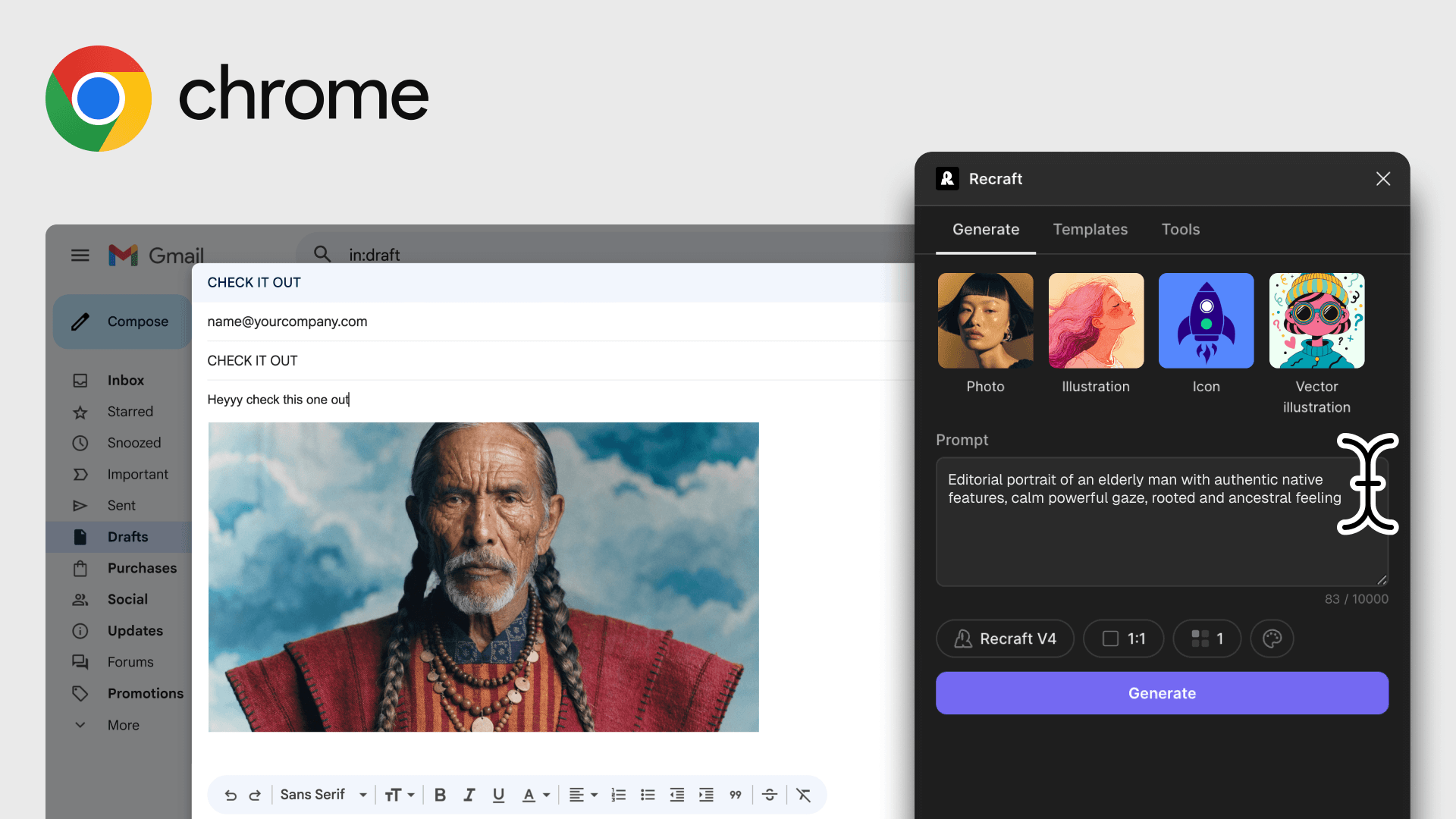
Install the Recraft add-on to generate raster images and insert them at your cursor without leaving Google Docs. Edit existing in-doc images with background removal, vectorization, and upscaling — all from the Extensions menu.

AI image generation and editing inside Google Docs

Generate images inside Google Docs from the Extensions menu. Write a prompt and insert the result at your cursor — no tab-switching.

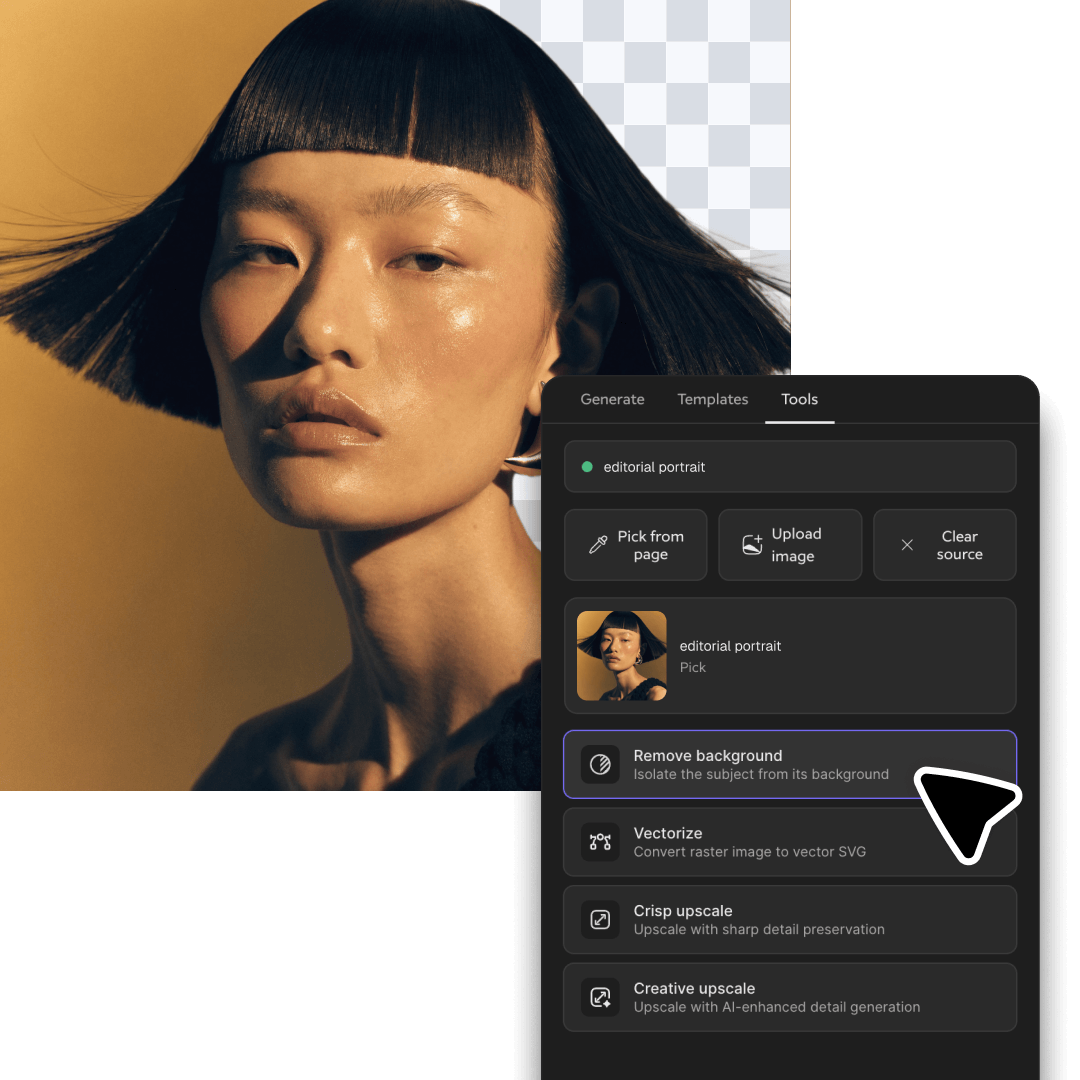
You can also work on images already in your doc: AI photo editing tools to refine them — background removal, vectorization, upscaling.

Install the Recraft add-on for Google Docs

Open Extensions in Google Doc

In any Google Doc, open Extensions → Add-ons → Get add-ons. Search for Recraft in the Google Workspace Marketplace.

Install the add-on and grant permissions

Click Install, grant the permissions Recraft needs to read and modify your doc, and sign in with your Recraft account. A free account includes 30 daily credits.

Prompt and insert at your cursor

Open Extensions → Recraft, write your prompt, and click Generate. The image inserts directly at your cursor position.

Google Docs add-on FAQ

How do I install the Recraft add-on for Google Docs?

In any Google Doc, open Extensions → Add-ons → Get add-ons, search for Recraft in the Google Workspace Marketplace, and click Install. Grant the requested permissions to finish setup.

Can I generate AI images directly inside Google Docs?

Yes. Open Extensions → Recraft, write a prompt, pick a Recraft model, and click Generate. The image inserts at your cursor without leaving the doc or switching tabs.

Can the Google Docs add-on edit images already in my doc?

Yes. The add-on can remove backgrounds, vectorize rasters, and upscale images already placed in your document — edits happen in place without copy-pasting between tools.

Is the Recraft add-on for Google Docs free to use?

The add-on is free to install from the Google Workspace Marketplace. Image generation uses your Recraft account credits — a free Recraft account includes 30 daily credits renewed every 24 hours.

How much does the Recraft Google Docs add-on cost?

The add-on is free to install from the Google Workspace Marketplace. Image generation uses your Recraft account credits — a free account includes 30 daily credits, and paid Recraft plans unlock higher daily limits and full commercial rights. See Recraft pricing for plan details.