
Free SVG converter
Convert images from PNG, JPG or WebP to SVG in seconds with the Recraft AI vectorizer.
or drop a JPG, PNG or WebP up to 5 MB onto the example
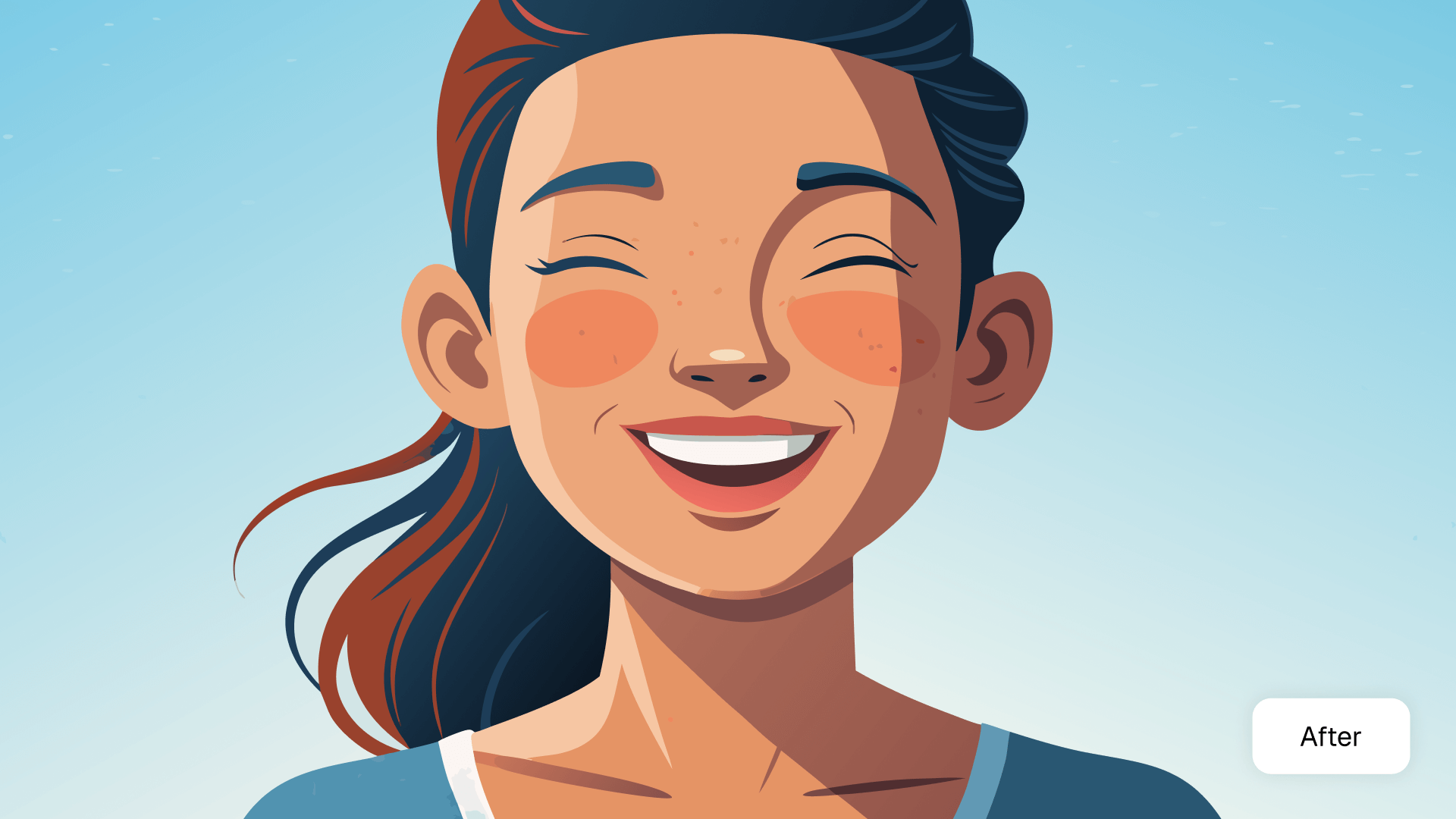
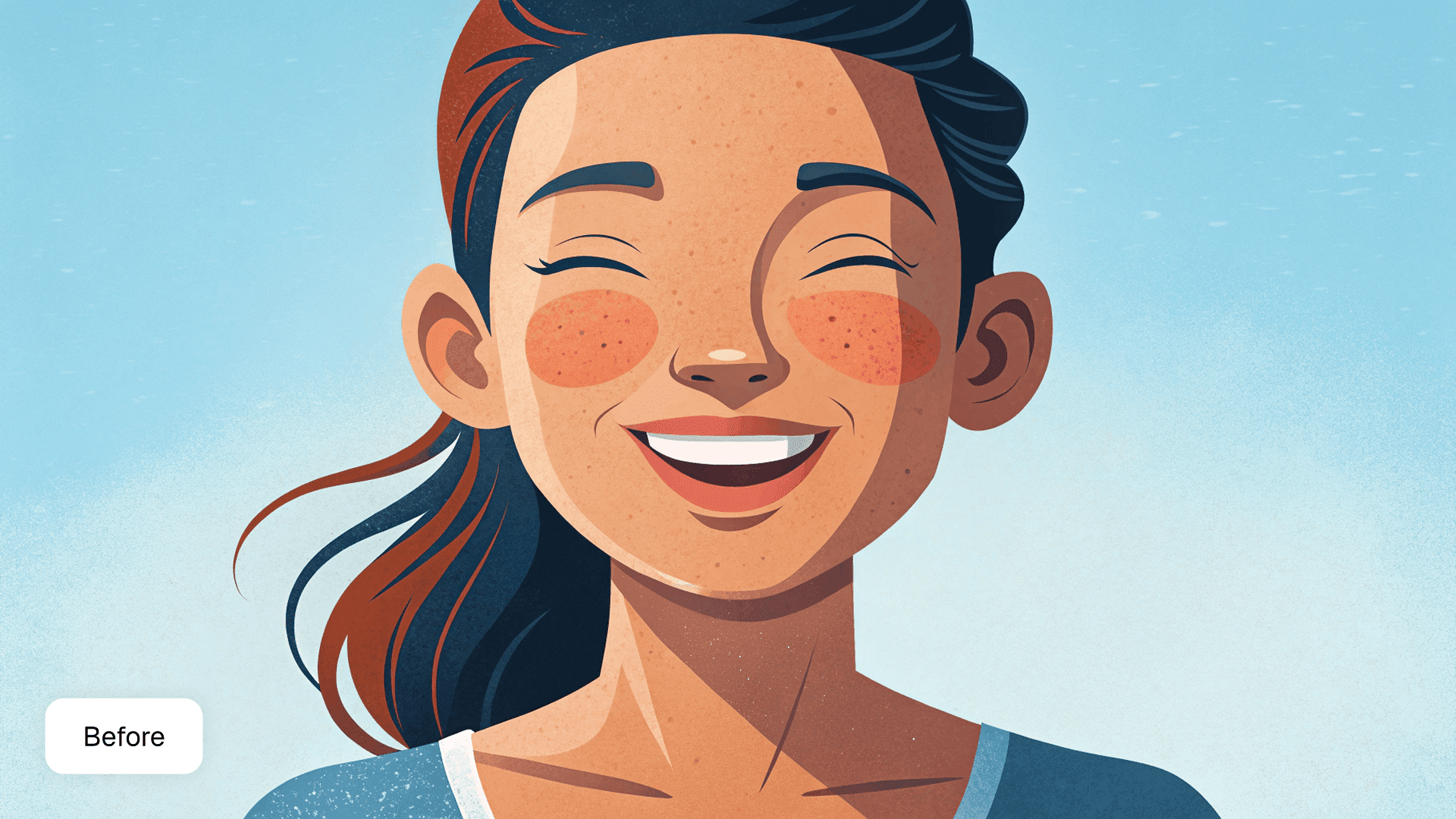
How to convert an image to SVG
- 1
Upload your image
Drag and drop a PNG, JPG or WebP file into the converter above.
- 2
Convert to SVG
Recraft’s AI vectorizer traces your image into clean, smooth vector paths.
- 3
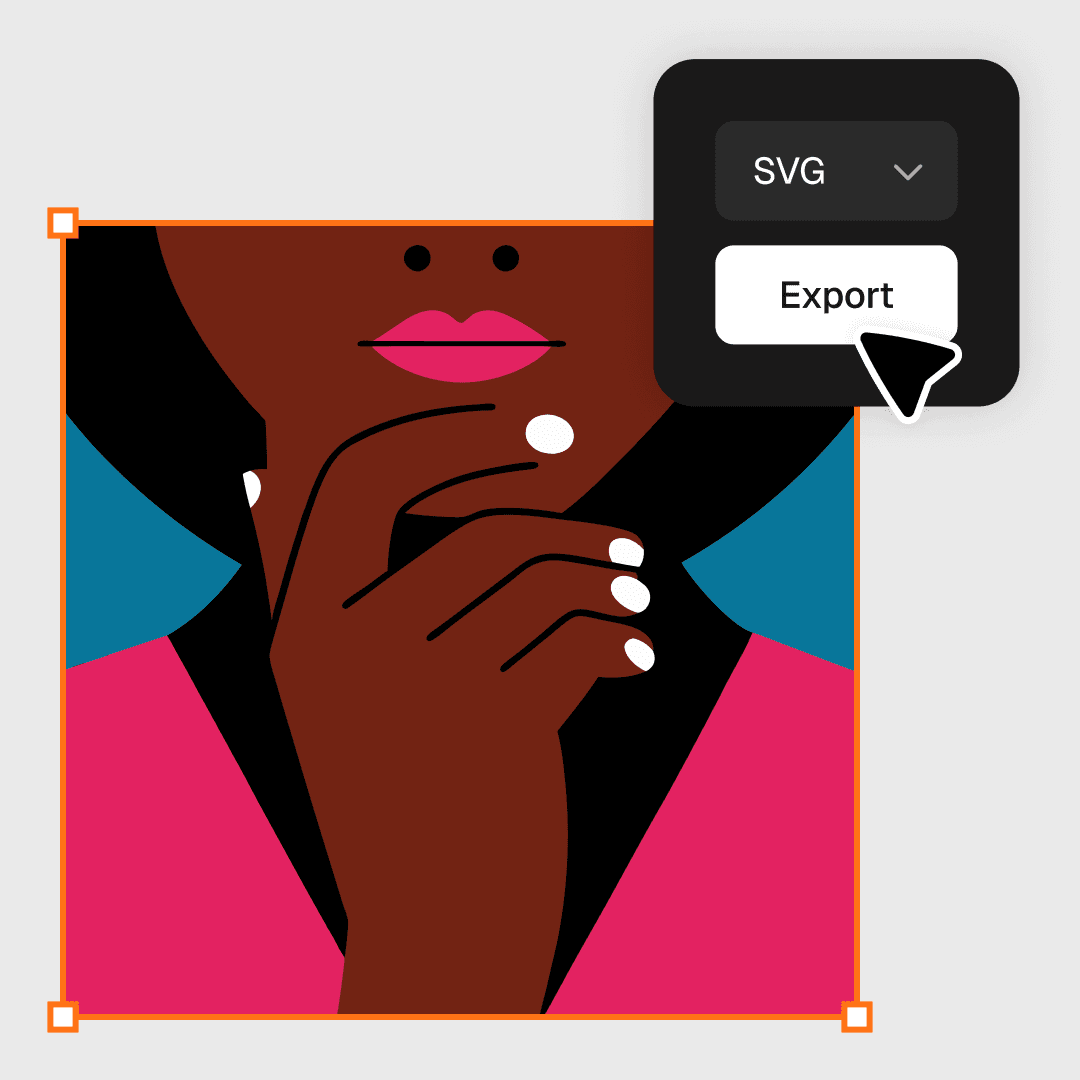
Download your SVG
Sign in to Recraft and download the result as an SVG file, or keep editing it in Recraft Studio.
Scale images without quality loss
Scalable Vector Graphics (SVG) is a flexible, web-friendly file that can be infinitely scaled. Resize your SVG without worrying about resolution loss.
Vector files are great if you need to optimize the size of your graphics or adapt designs like logos or infographics for large-scale printing requirements.
Recolor or simplify your SVG image
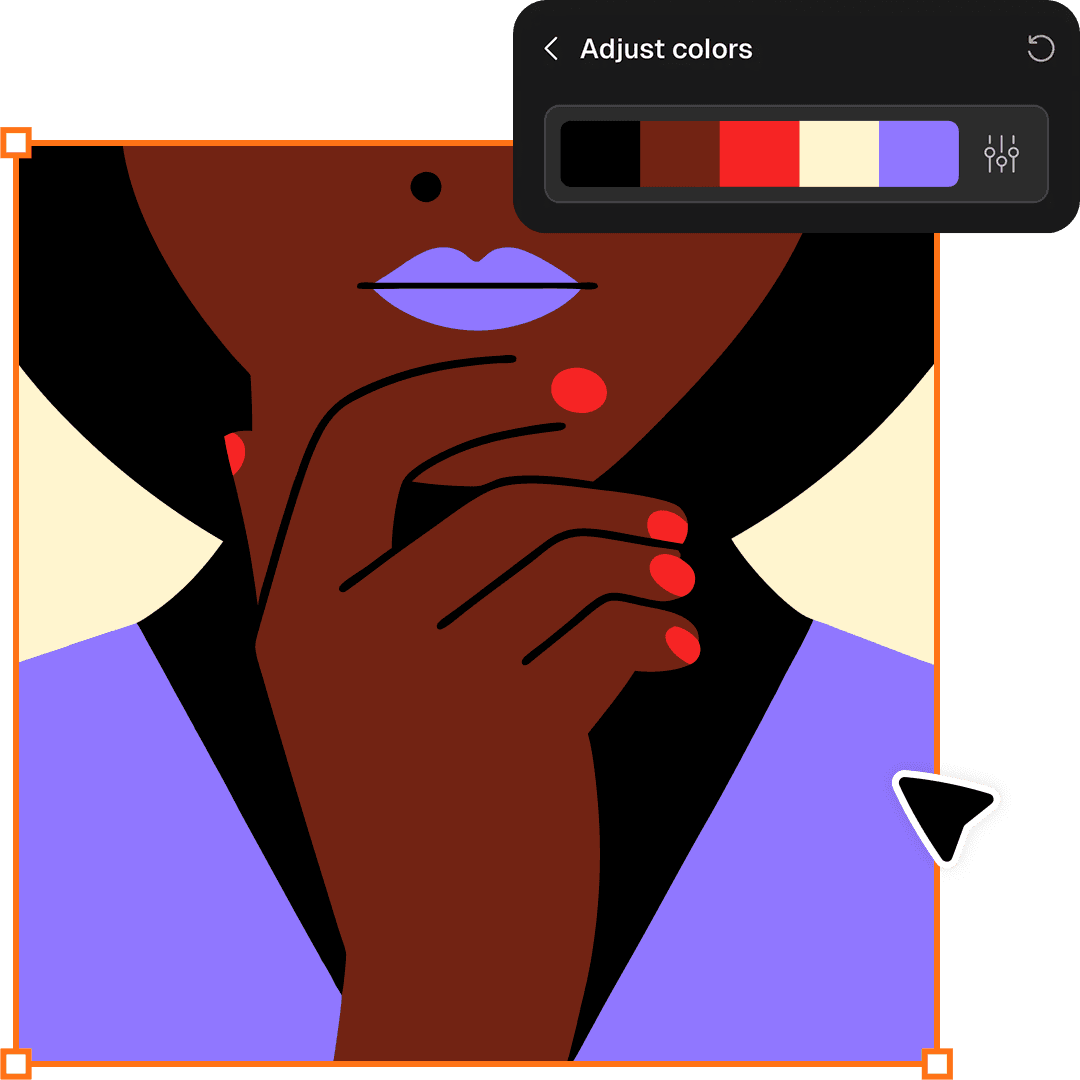
Vector images offer more detailed color control. With the Adjust colors feature in Recraft Studio, you can reduce the color count to simplify the image or recolor the SVG by applying color palettes.
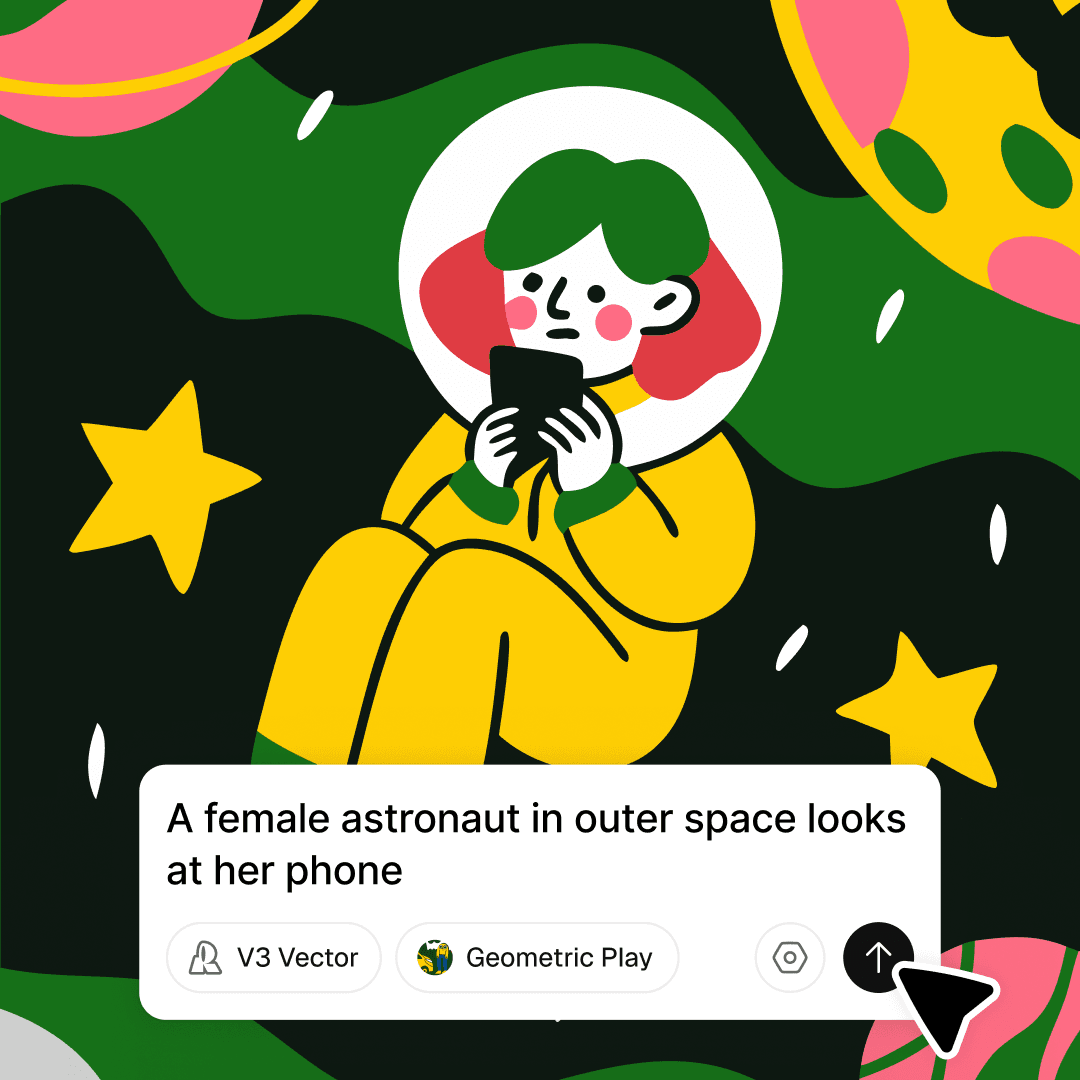
Create SVG images from scratch
Beyond vectorizing raster images, you can use the AI vector generator to create vector graphics from a text prompt: logos, icons, illustrations, brand elements and UI assets in a clean, scalable format.
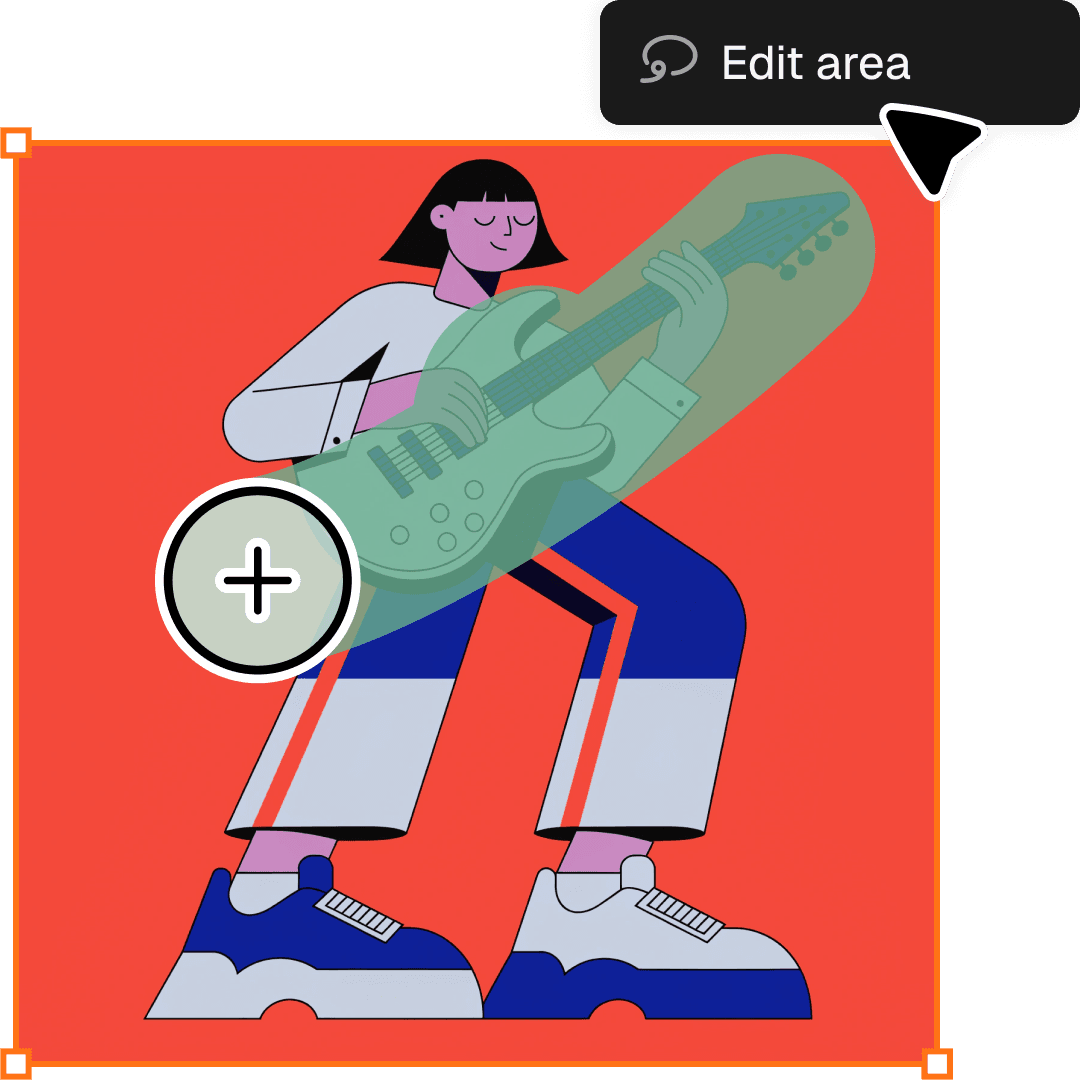
Edit your images
Clean up your raster before vectorizing, or refine the result once it’s an SVG. Recraft’s AI editing tools handle background removal, area-specific edits and prompt-based changes on the same canvas.
What designers say about Recraft
“The best AI image generator on the market right now.”
Tomas Laurinavicius, Founder, Marketer, Designer & Writer “Very handy in my work. Enjoy creating illustrations with Recraft. Really love speed and the results. Highly recommend!”
Alexander Karavaev, Designer “Recraft is absolutely amazing when it comes to vector image generation. The UI is really polished and pretty intuitive and tutorials are also provided on the platform.”
Daniele Manca, Front End Engineer “I was impressed by all the styles available in Recraft, especially the creation of seamless patterns feature.”
Daniela Muntyan, Product Designer at Craft
More tools in Recraft Studio
AI vector generator
Skip the raster step. Generate clean, scalable SVGs directly from a text prompt.
Image format converter
Switch between JPG, PNG, PDF, TIFF and Lottie in the same workspace.
AI background remover
Remove backgrounds in seconds while keeping edges clean and natural.
AI image upscaler
Increase resolution and enhance photo quality before you vectorize.
Frequently asked questions about SVG conversion
It depends on your needs. Recraft’s SVG converter turns raster images into SVG files in seconds with smooth paths and clean edges, and in Recraft Studio you also get a full suite of AI tools to edit the result, generate new images and keep everything in one place.
A scalable vector graphic (SVG) is an XML-based vector image format for 2D graphics. SVG can be rendered at any resolution, unlike PNG or JPG files, which pixelate and lose sharpness when enlarged.
Designers use SVGs for logos, icons, illustrations, UI elements and branding assets because they resize without losing quality. SVGs are also ideal for web and app design: they load fast, look crisp on every screen and are easy to edit, style or animate.
Upload a PNG, JPG or WebP image to the converter on this page. Recraft vectorizes it, and after you sign in you can download the result as an SVG file or open it in Recraft Studio.
Raster images such as JPG and PNG are made of pixels that blur when resized. Vector images use mathematical paths, so lines and shapes stay sharp at any size. Raster still suits detailed photos with rich gradients; vector suits logos, icons and illustrations.
You can convert PNG, JPG and WebP images up to 5 MB into SVG files.
Yes. Recraft has a free plan with most of the functionality designers need, and paid plans for higher limits and commercial rights.
Keep going in Recraft Studio
Edit, recolor and export your result next to every other AI design tool. Free to start, no credit card required.
Try Recraft Studio