API
Build automated visual workflows with Recraft API
Integrations
Access Recraft across different platforms
Download app
Download app

Free AI vector generator online

A free AI vector generator that turns a text prompt into a production-ready SVG. Logos, icons, illustrations — clean paths, editable layers, scalable to any size. Powered by Recraft V4.1.

See examples
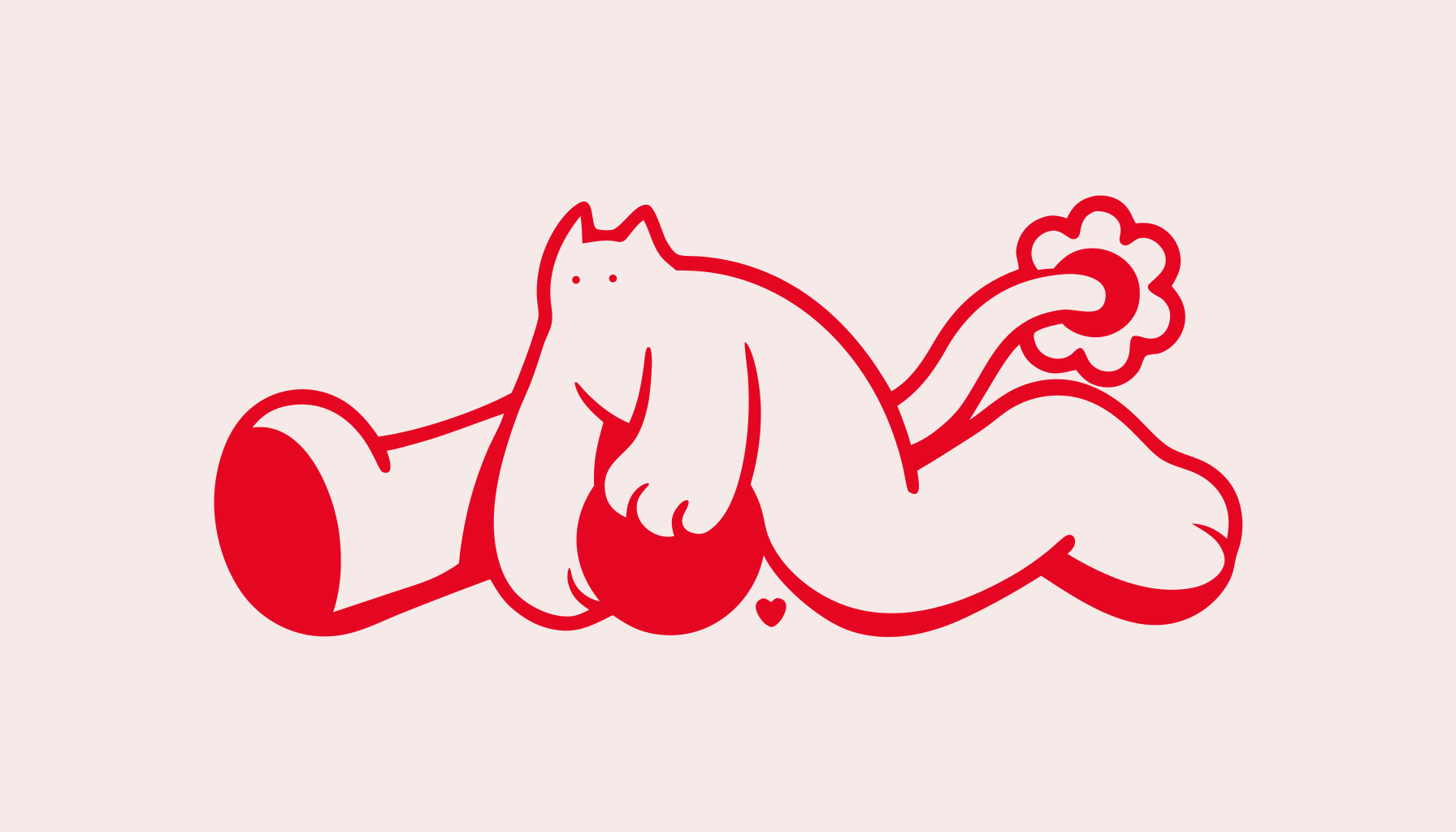
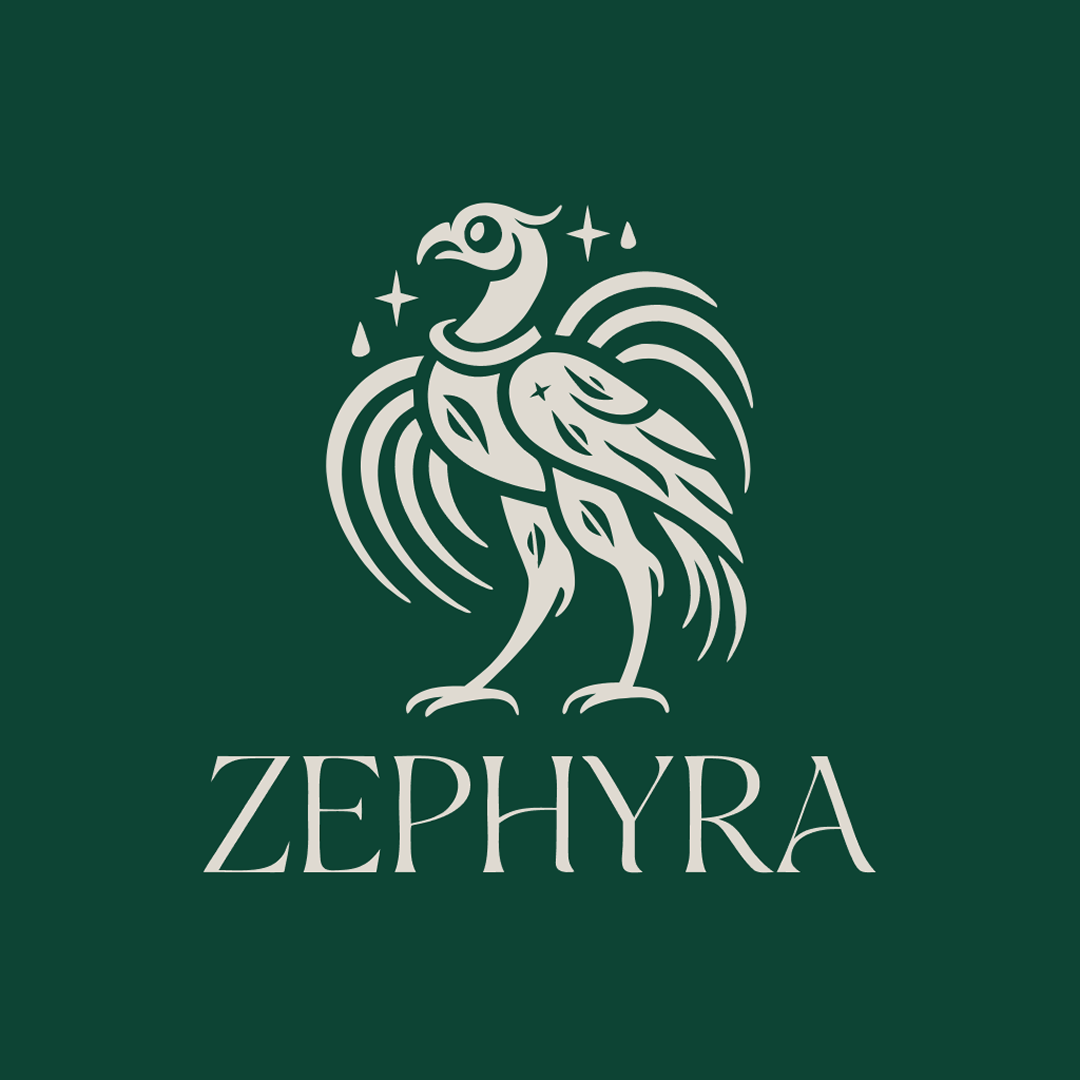
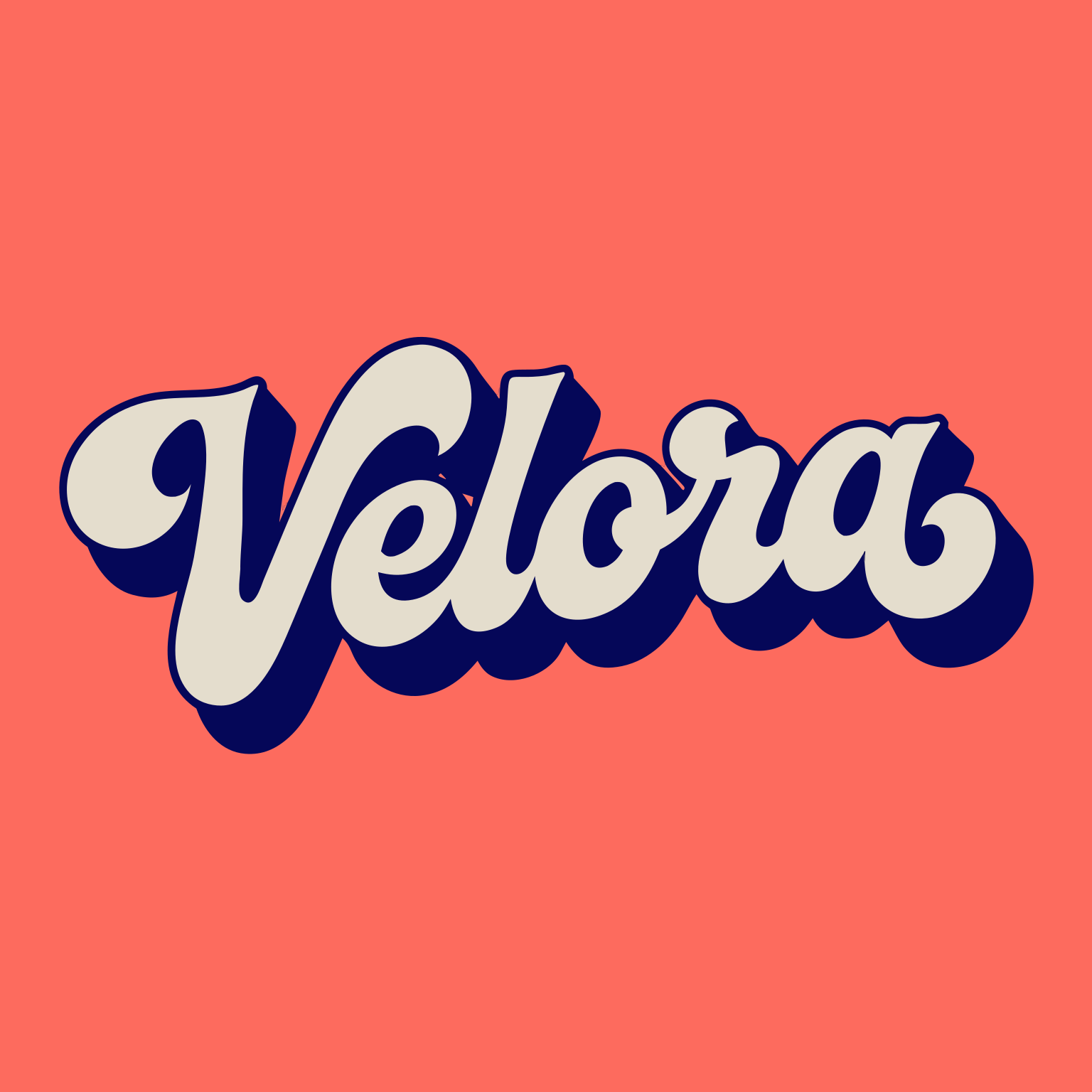
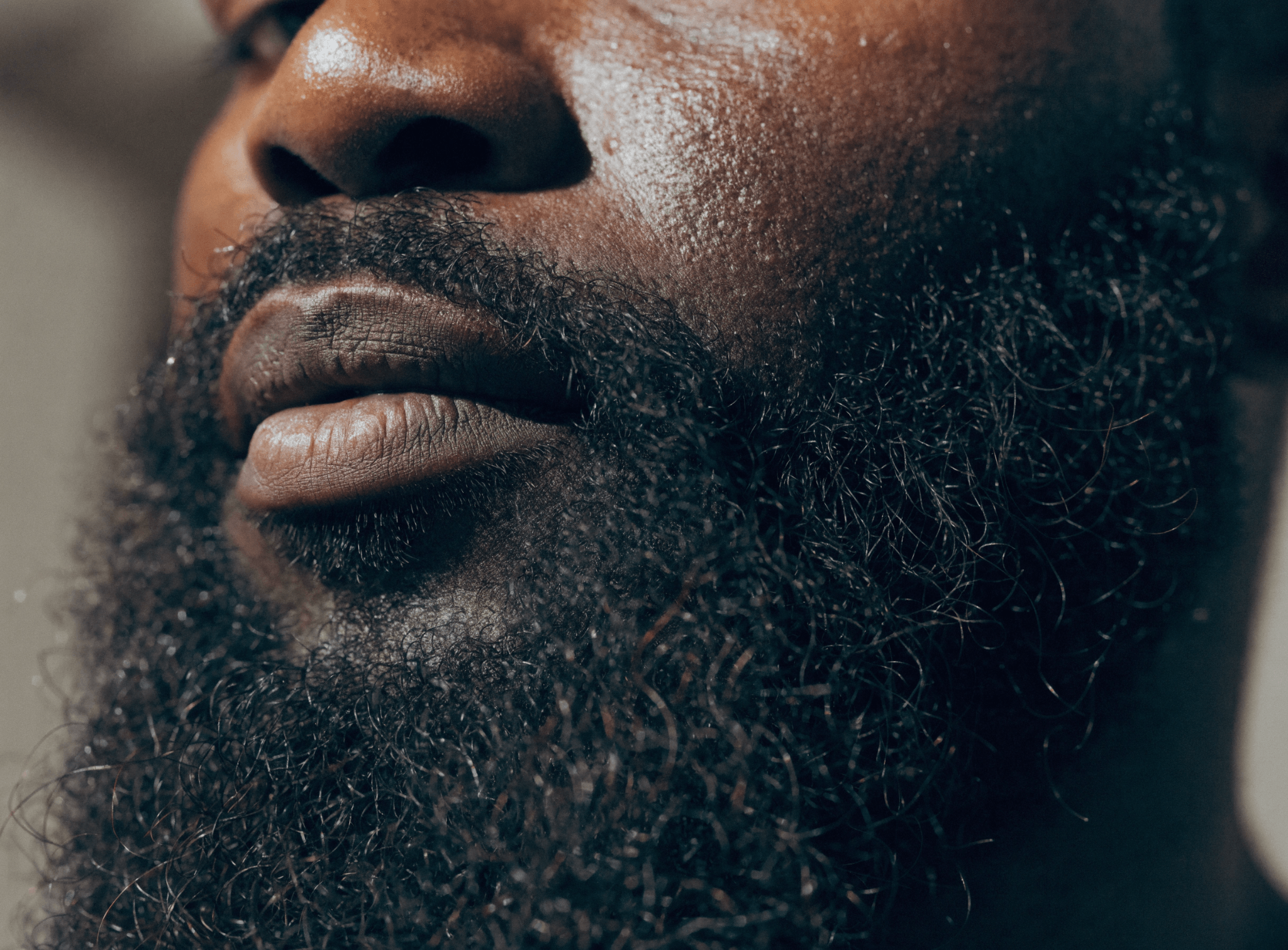
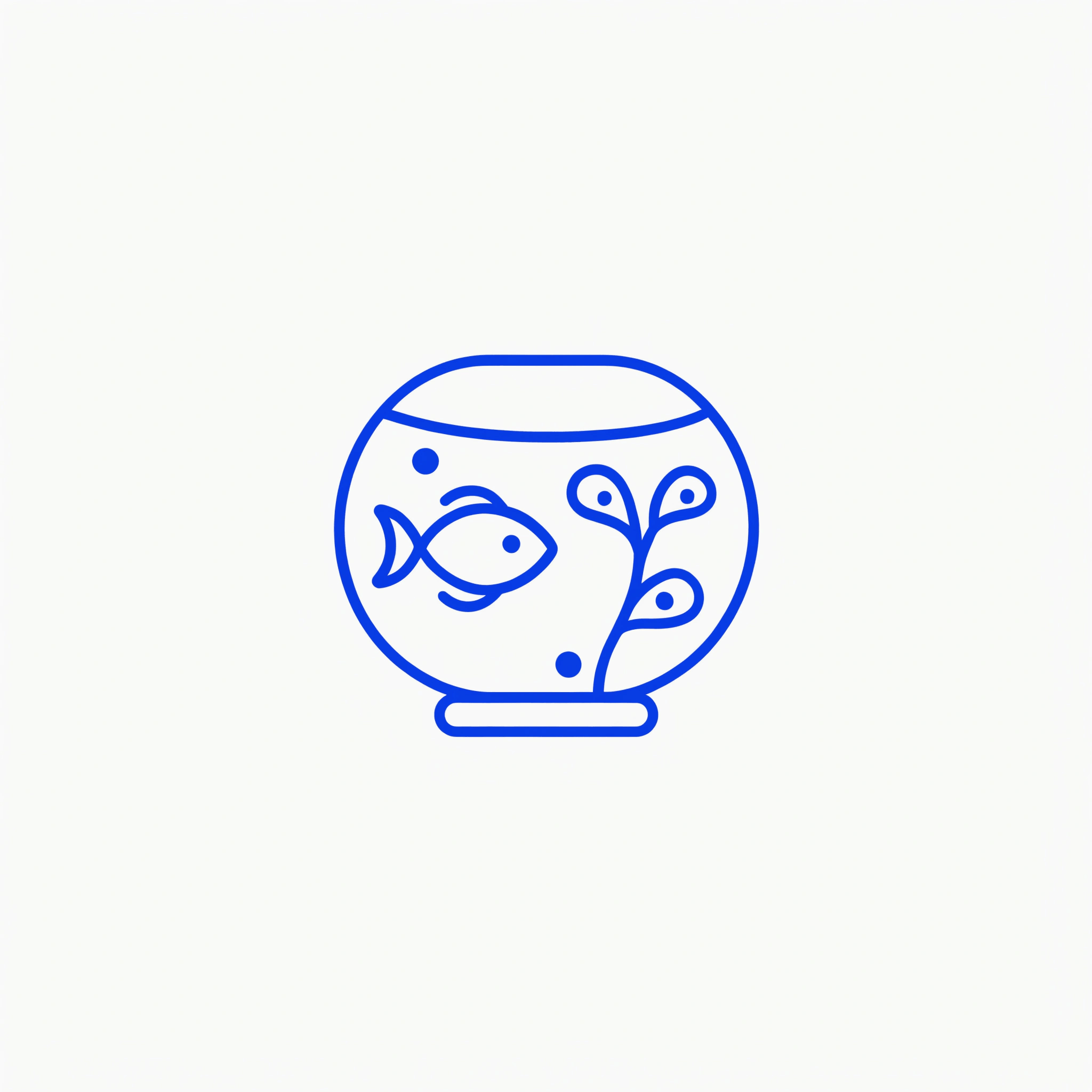
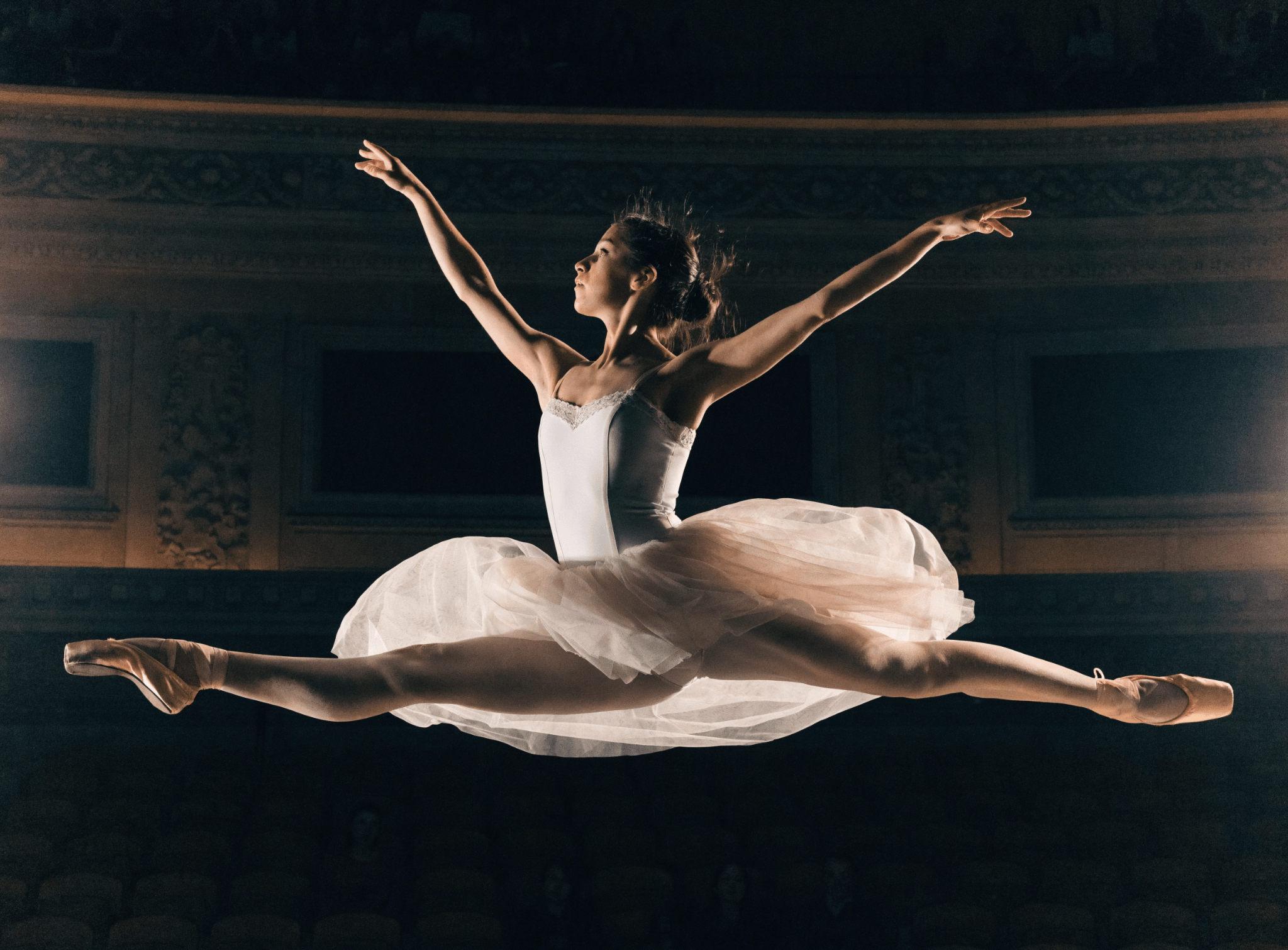
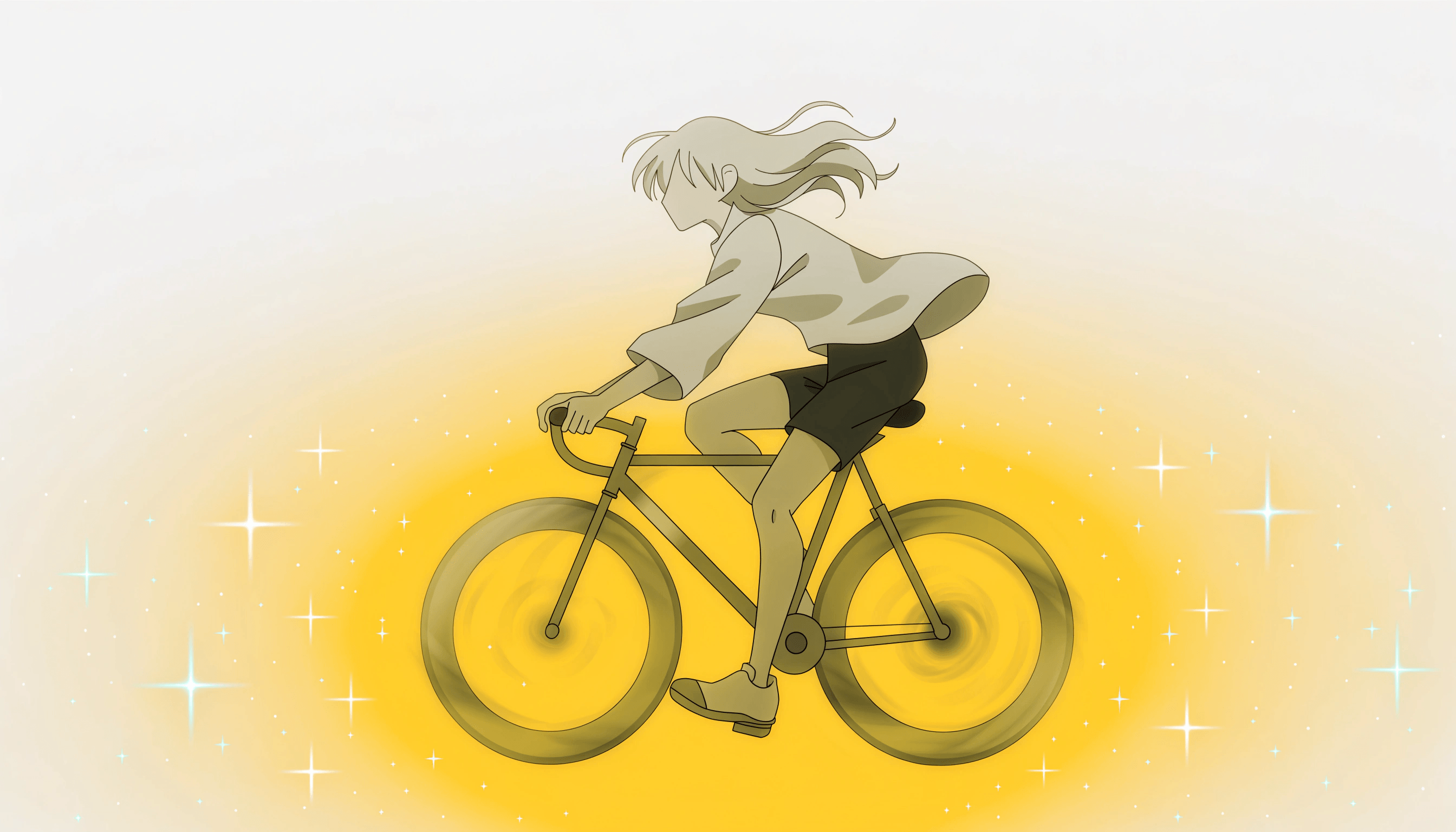
Vector logo
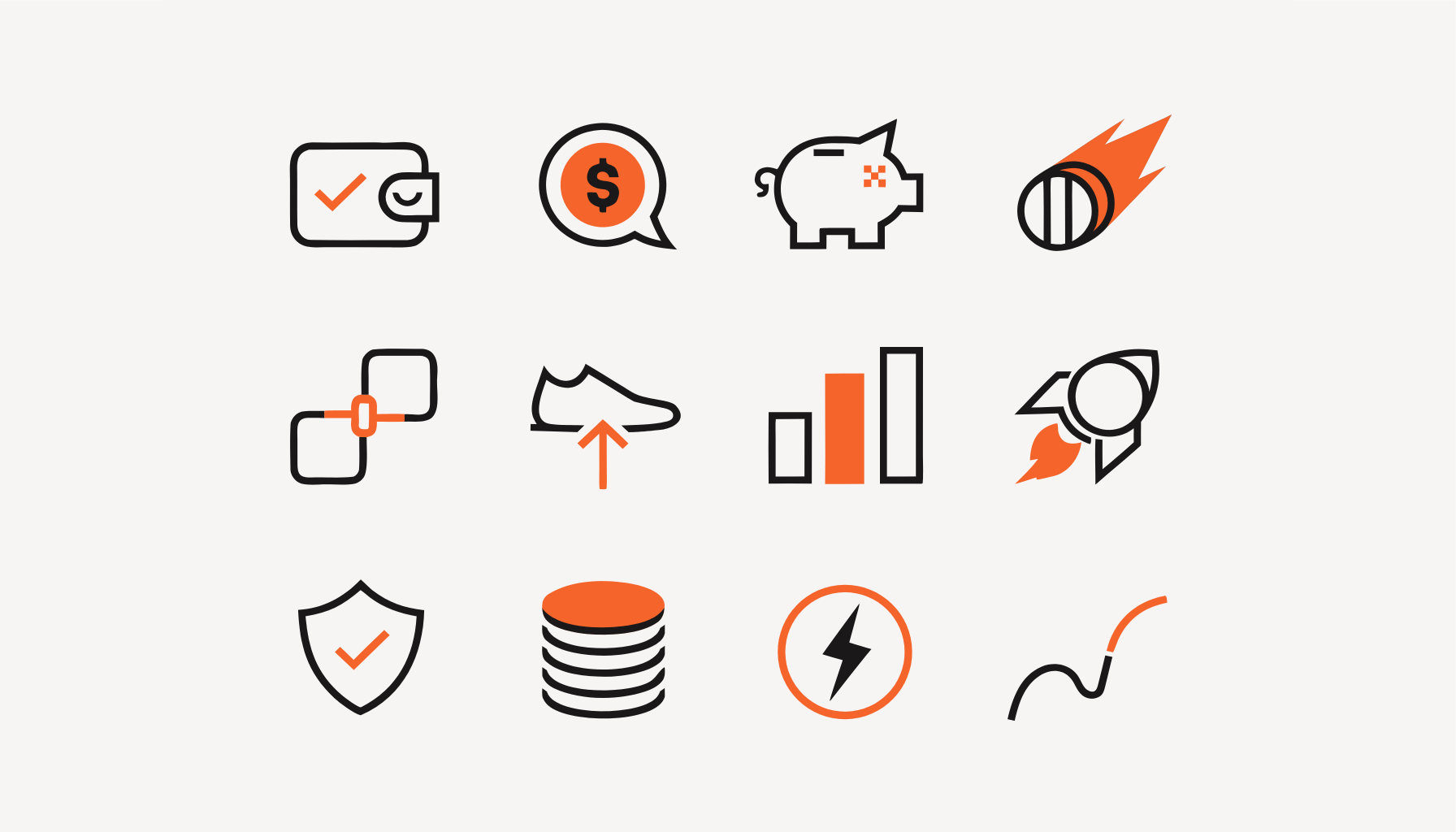
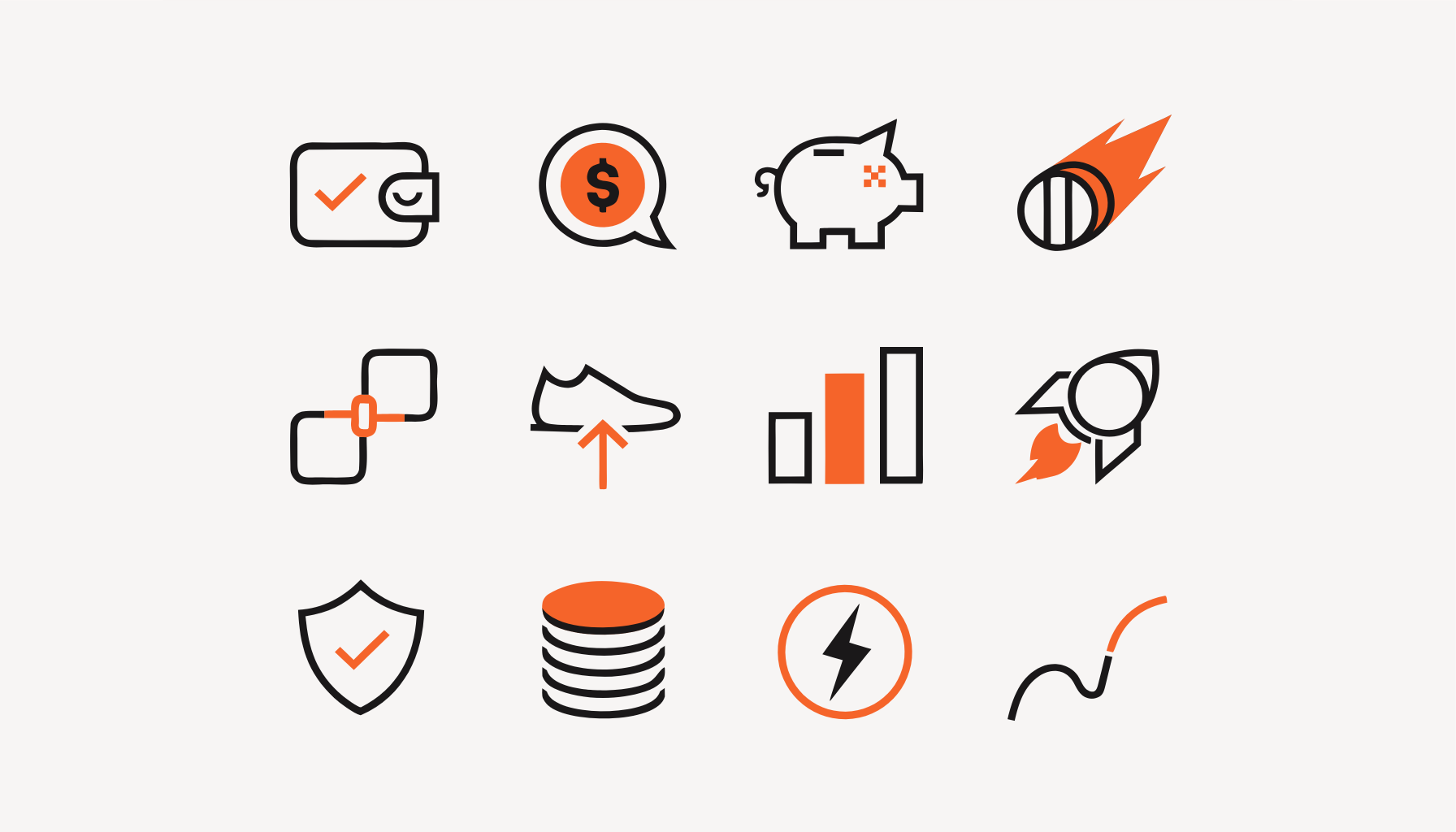
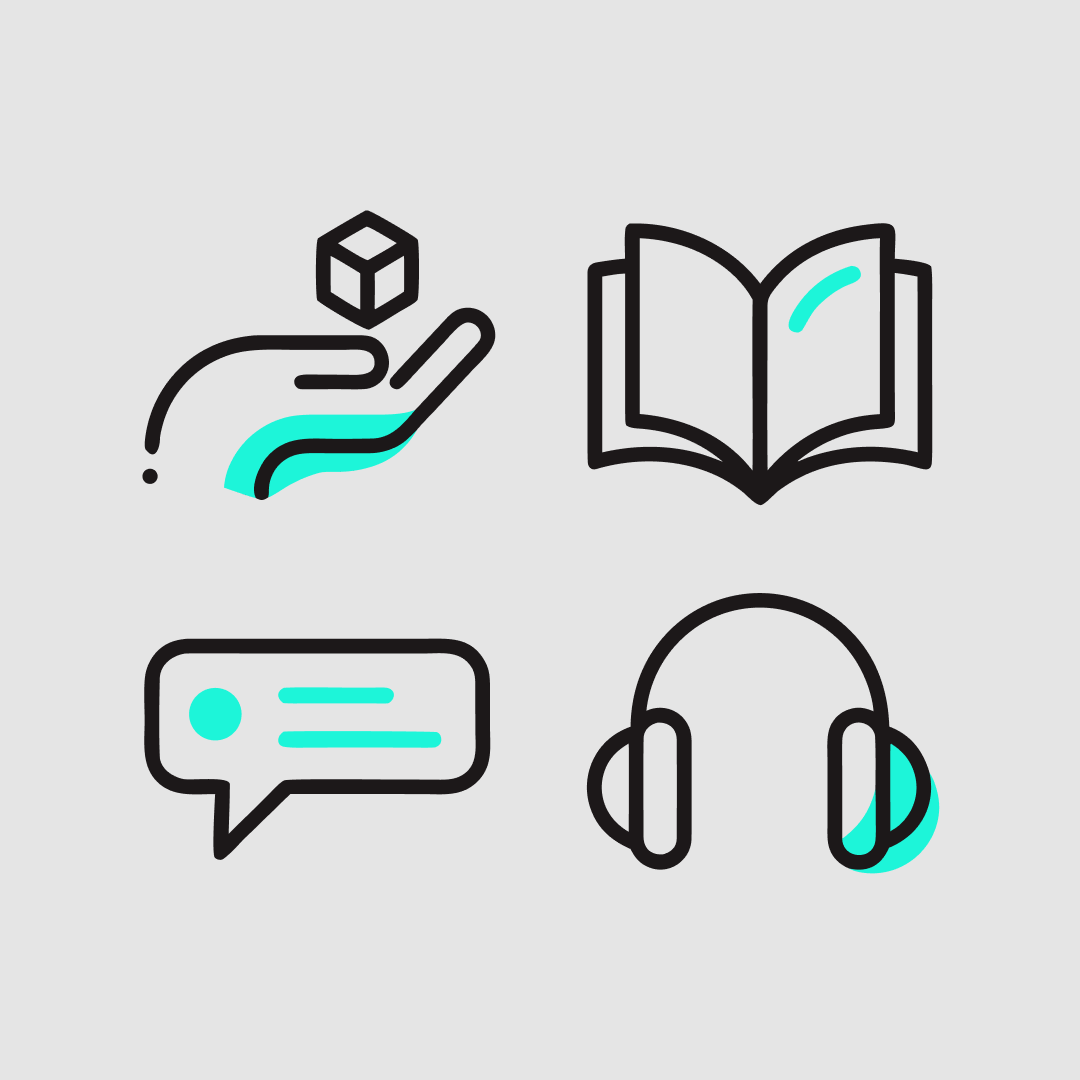
Icon set
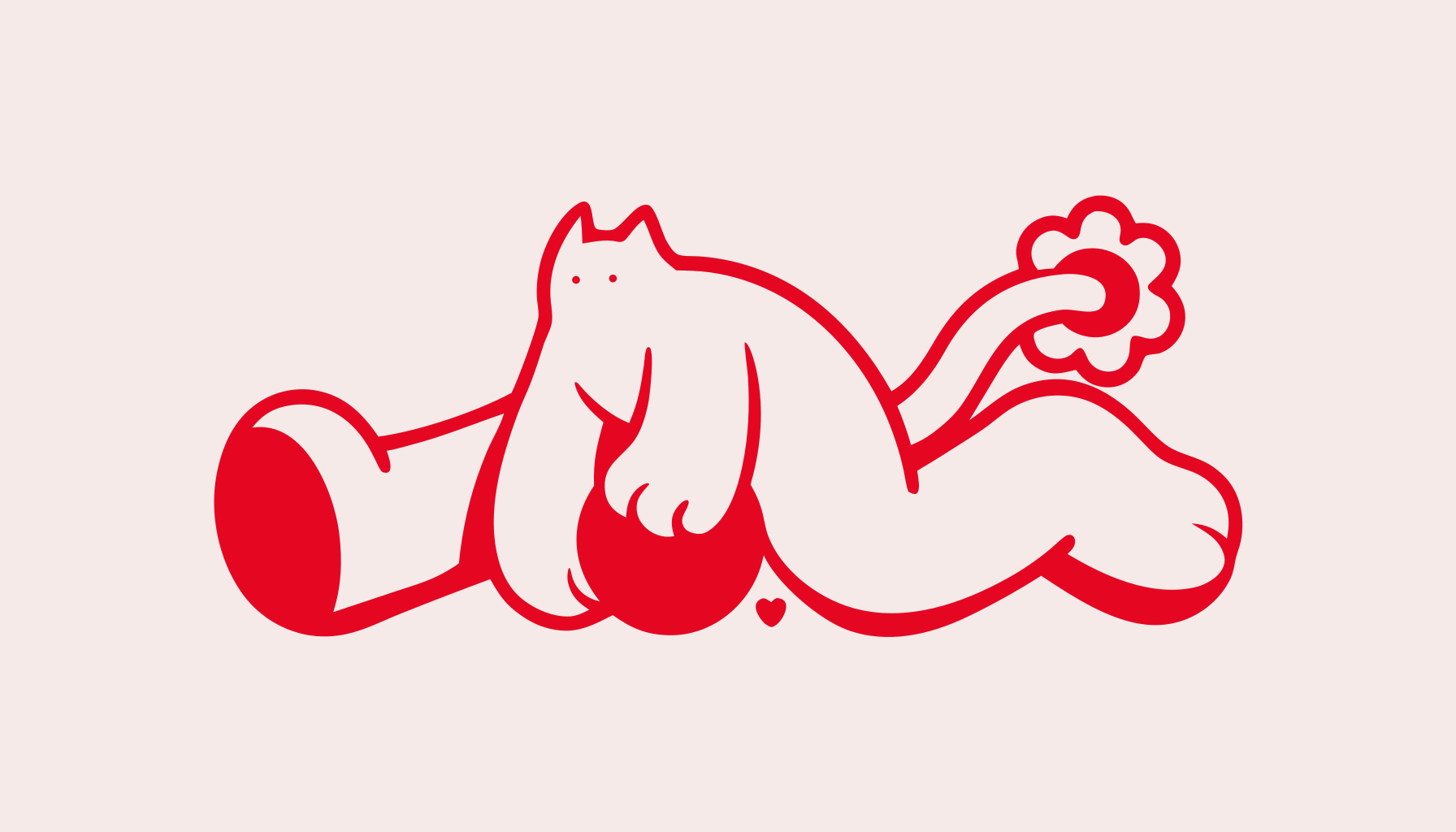
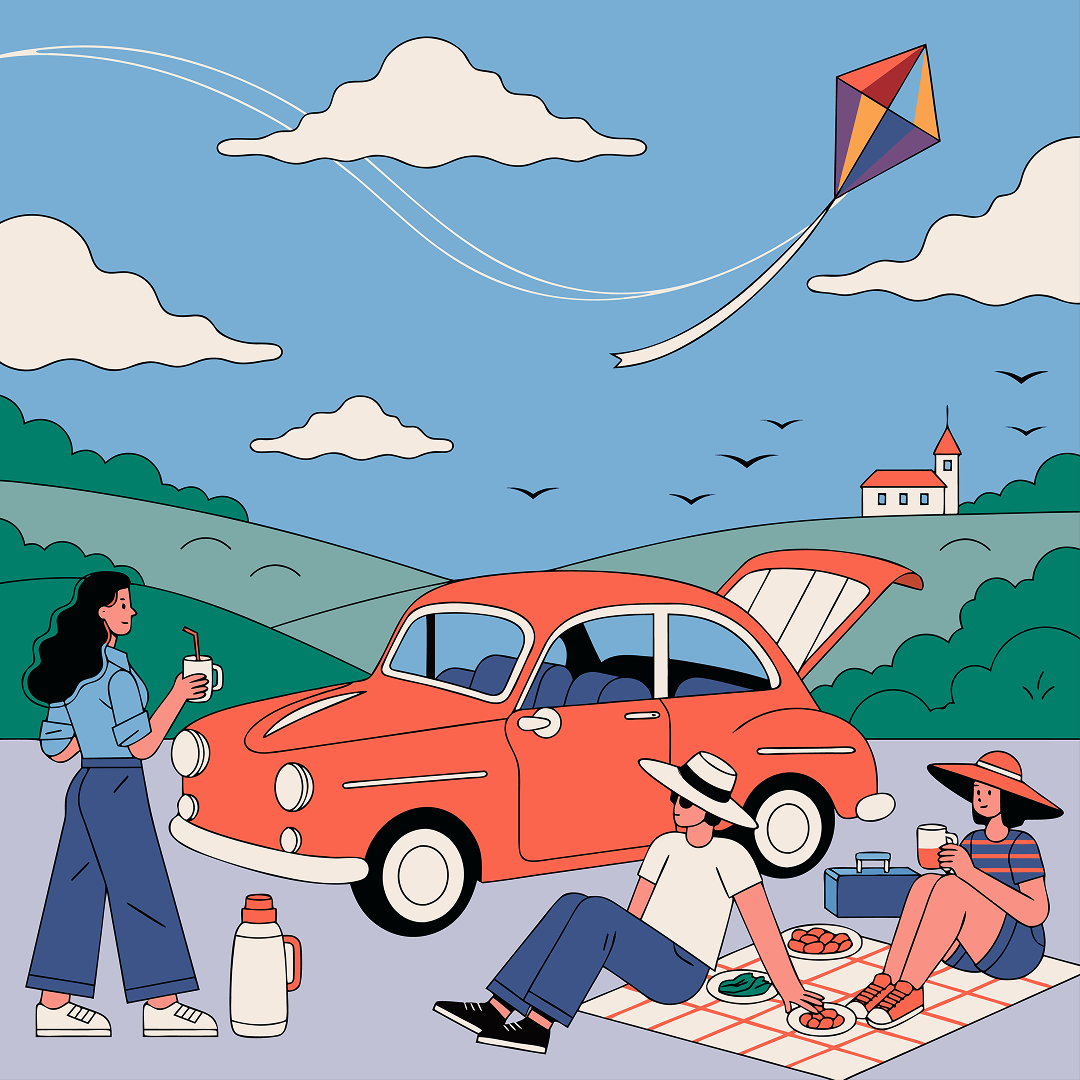
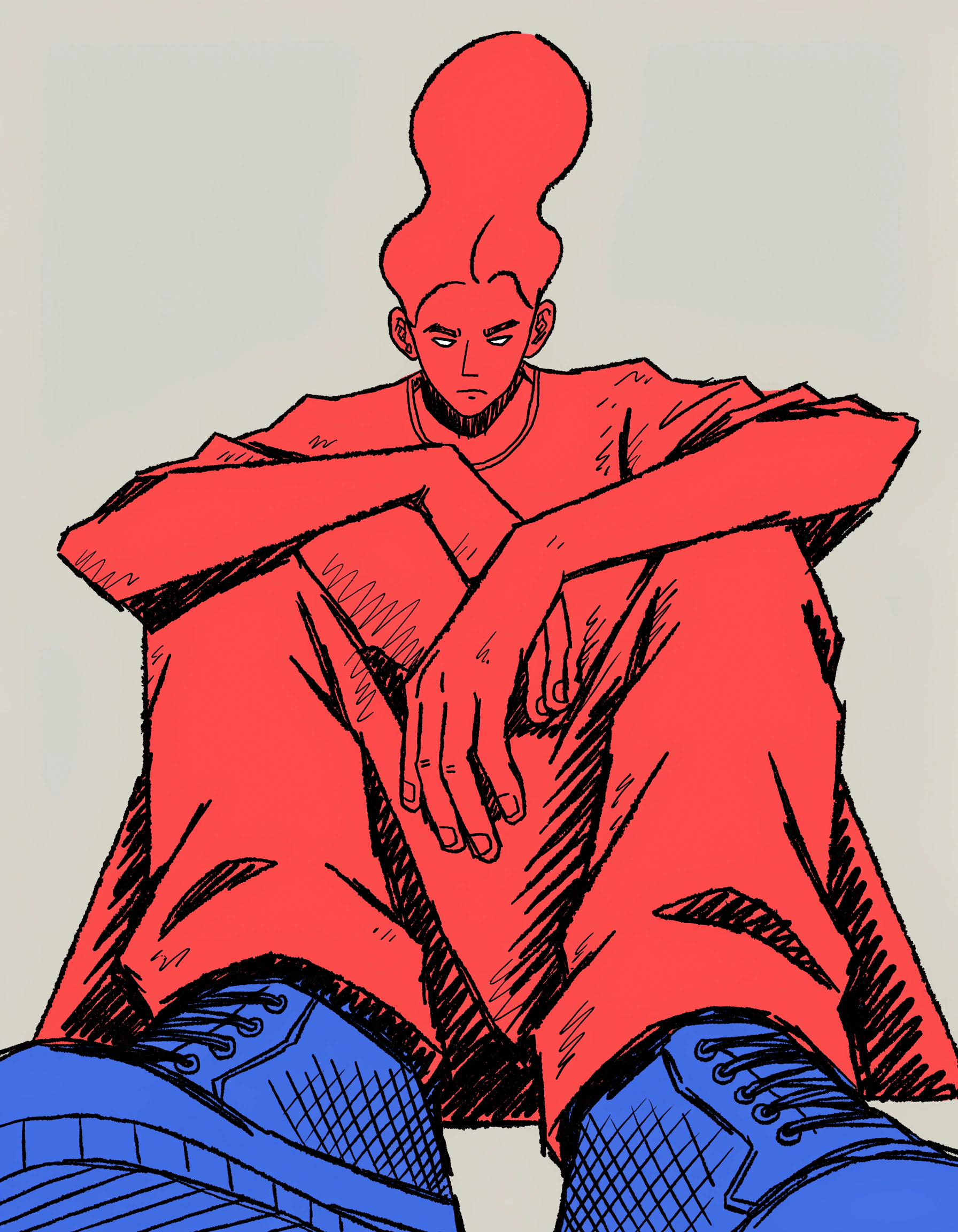
Vector illustration
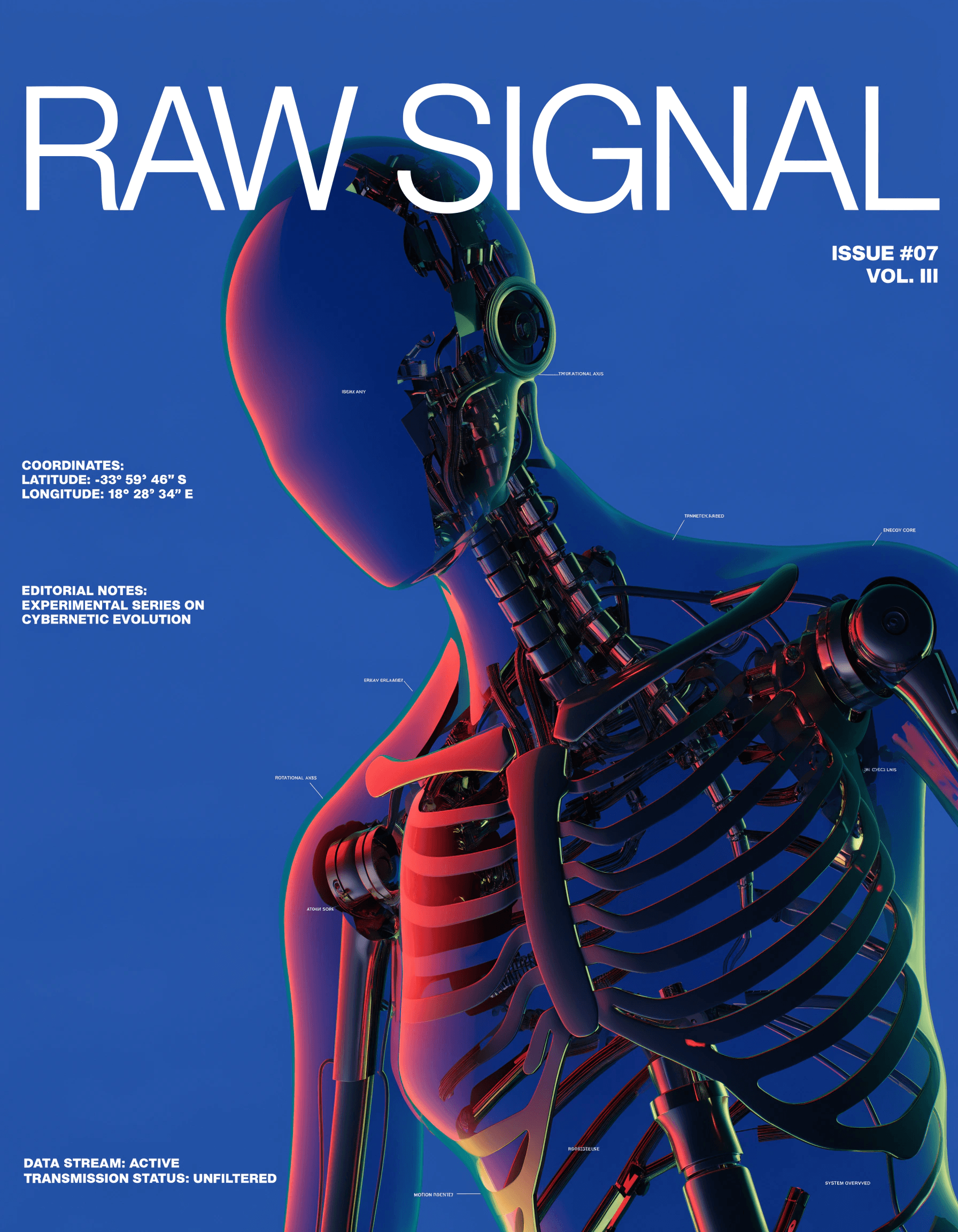
Vector art
Try vector generation in Recraft Studio

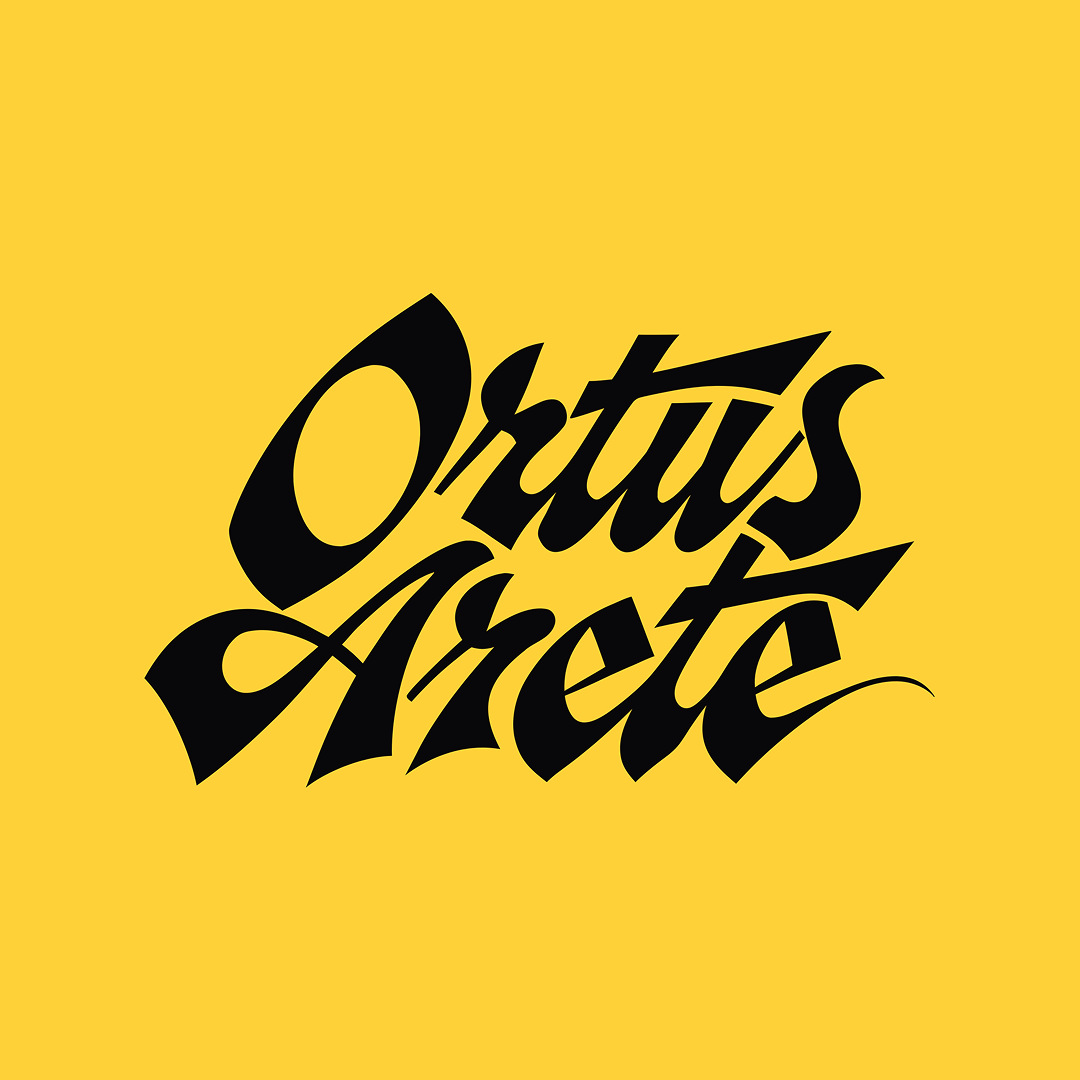
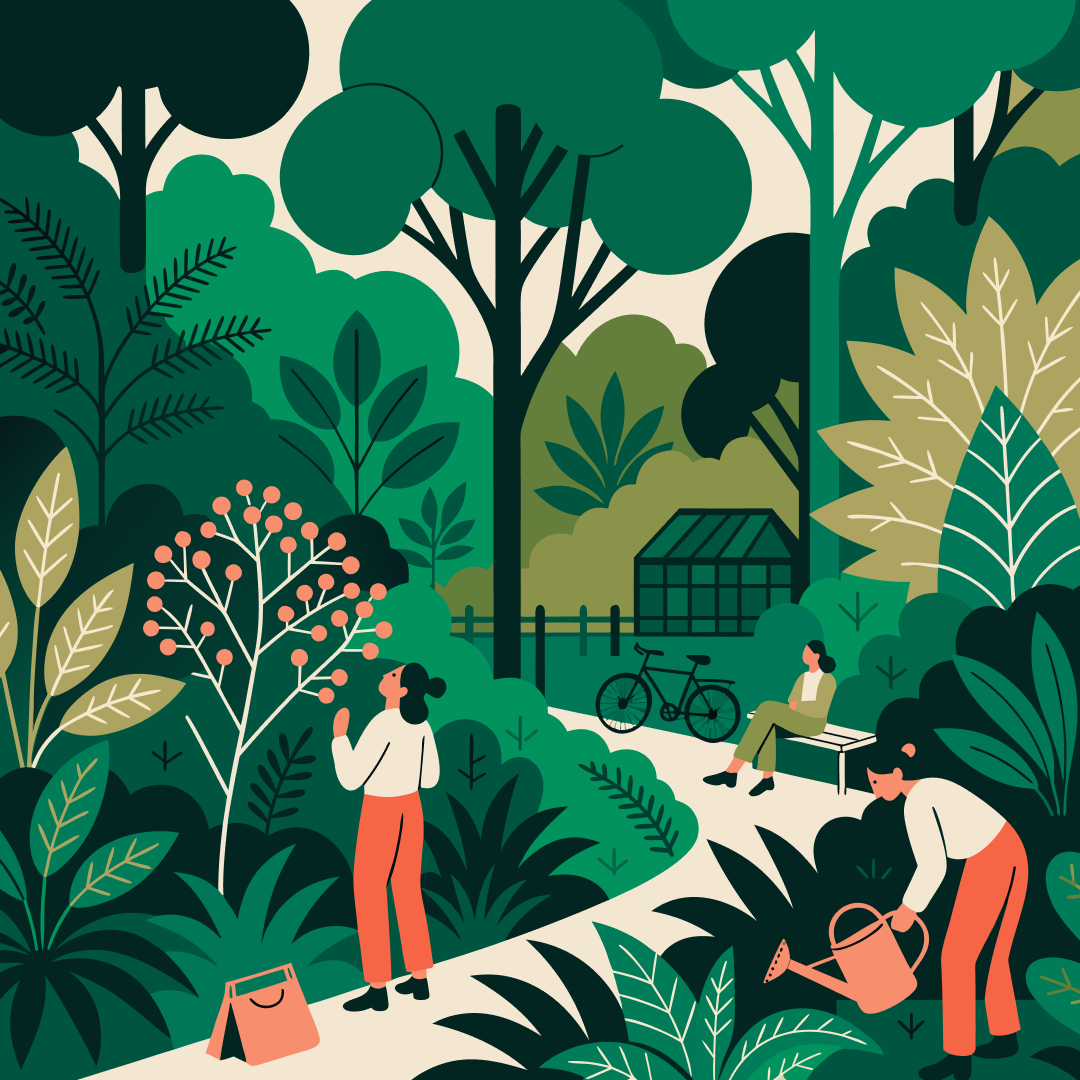
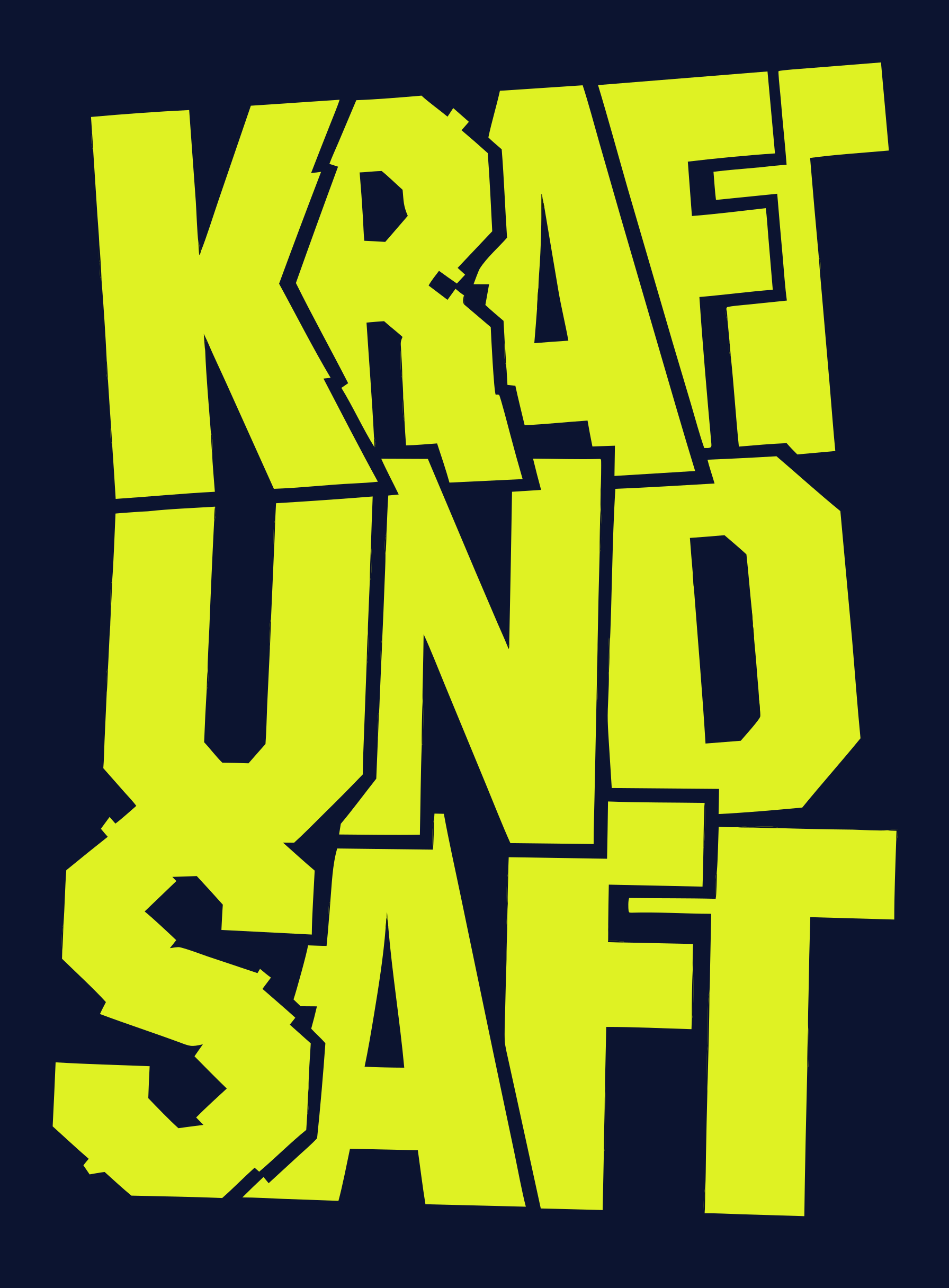
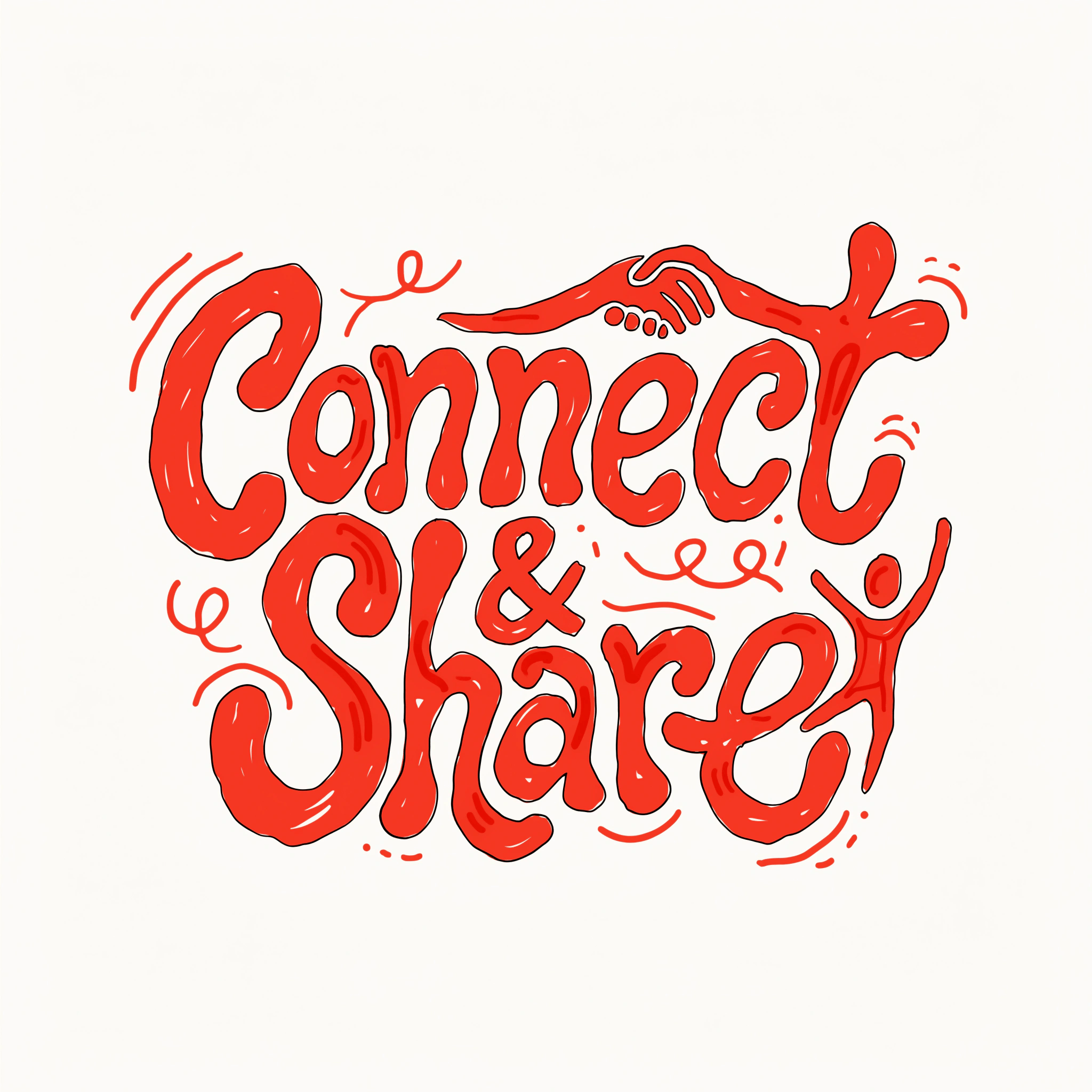
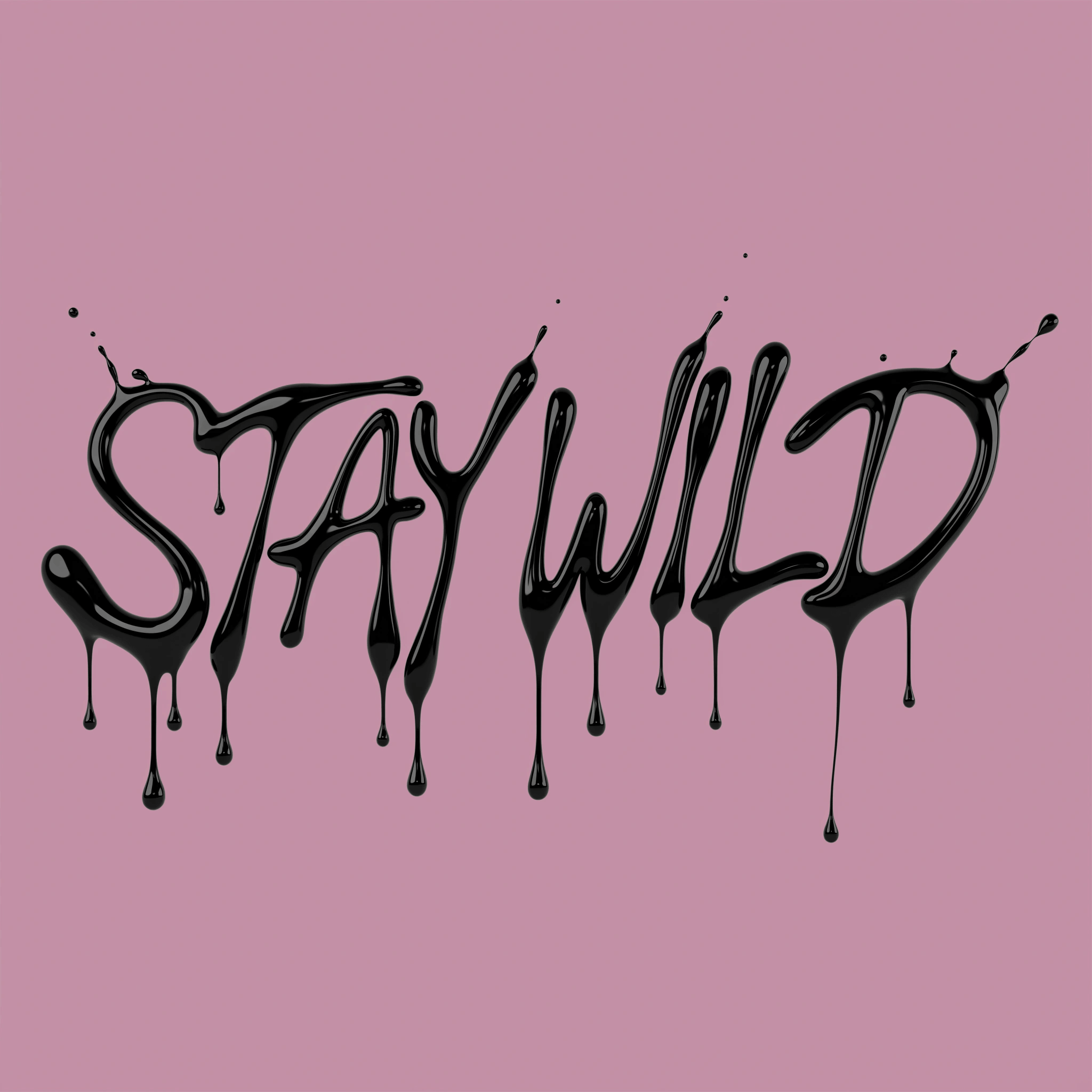
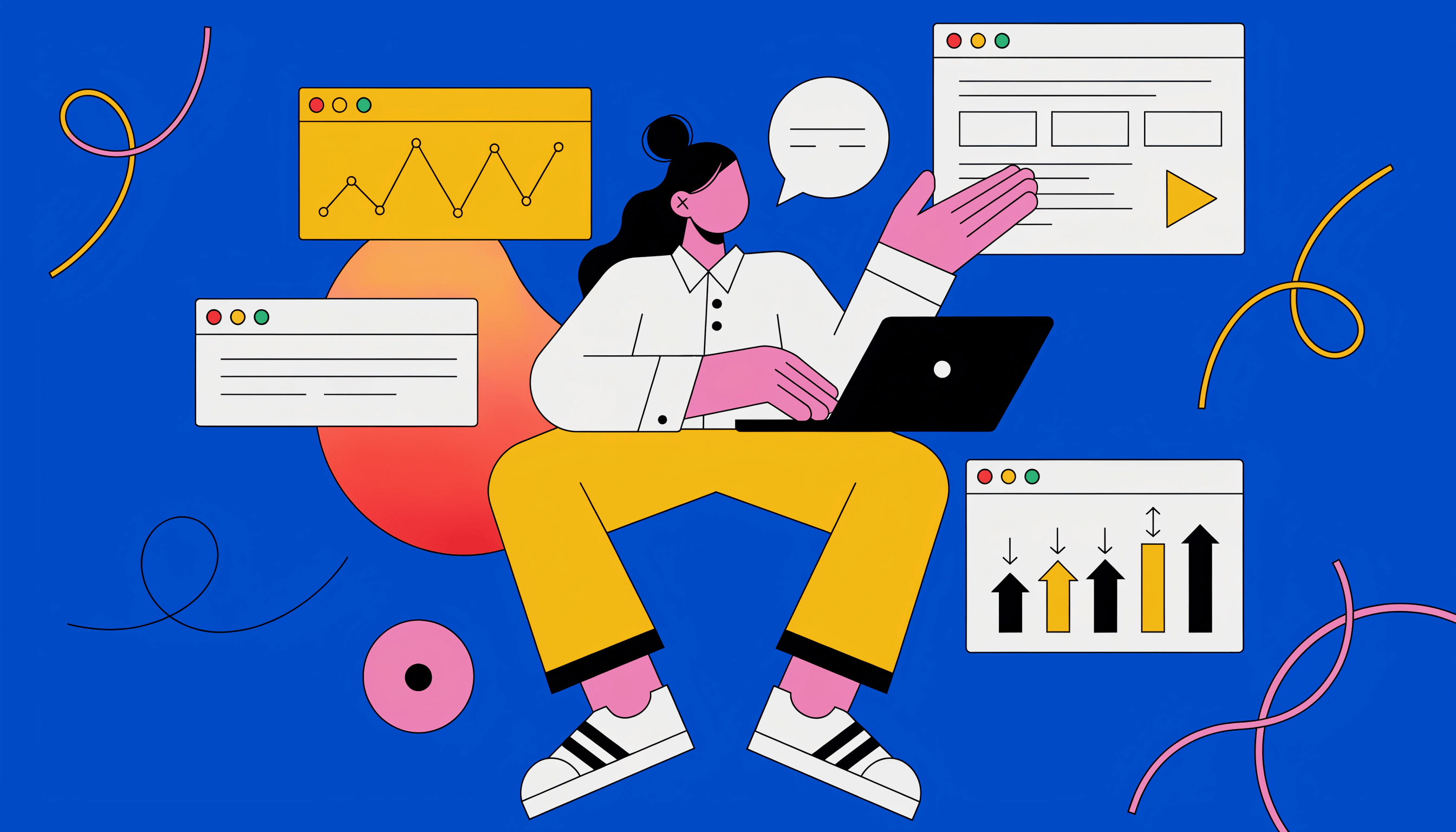
AI vector generator examples

Examples generated with Recraft V4.1 Vector. Use them as inspiration — type your own prompt to generate a unique version.

AI SVG generator: crystal-clear vectors from a single prompt

Skip the pixel grid. Type a prompt and Recraft V4.1 generates a clean SVG — production-ready for logos, posters, icon sets, ads, and mockups. Scale up to a billboard or down to a favicon without losing edge sharpness.

Edit, recolor, resize — without losing quality

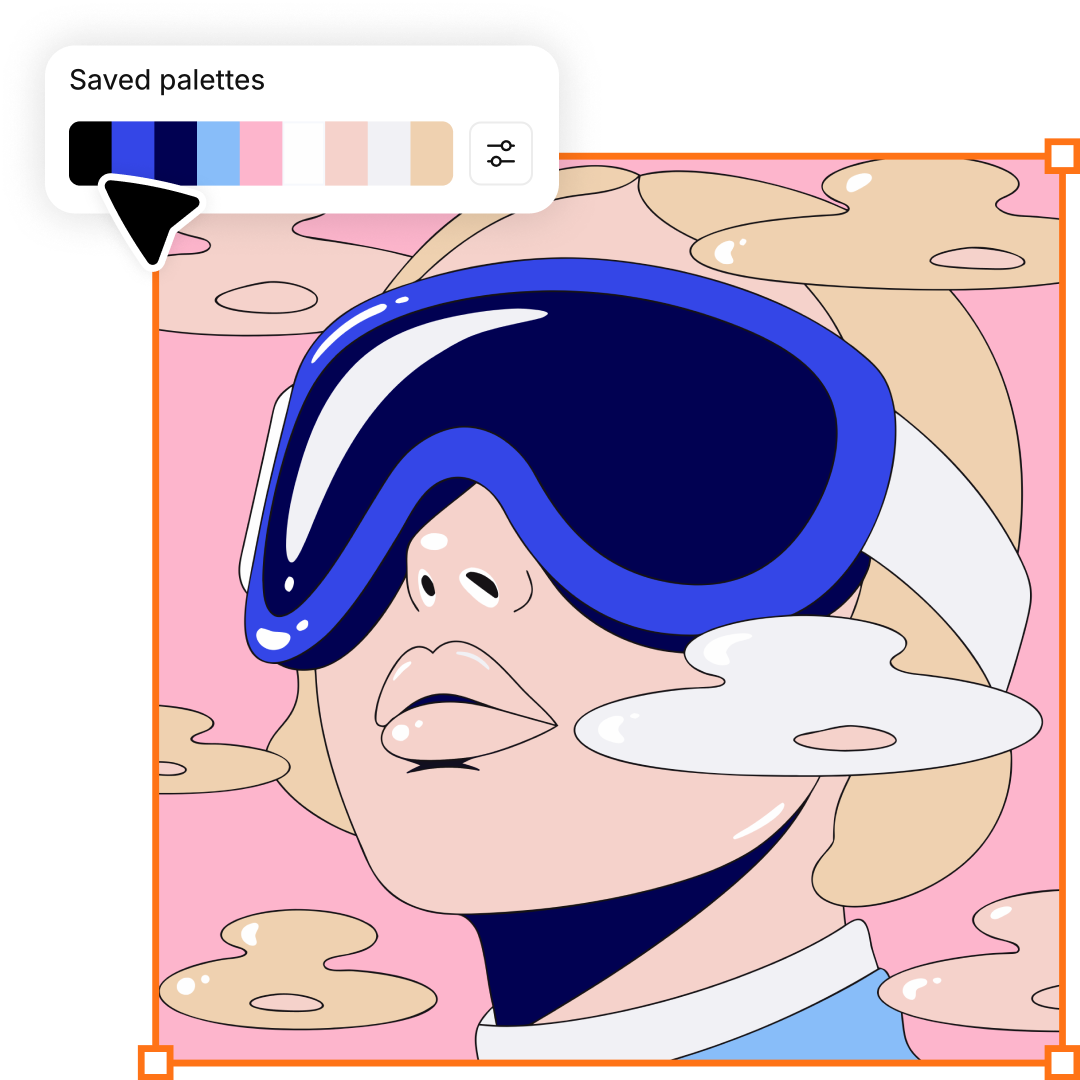
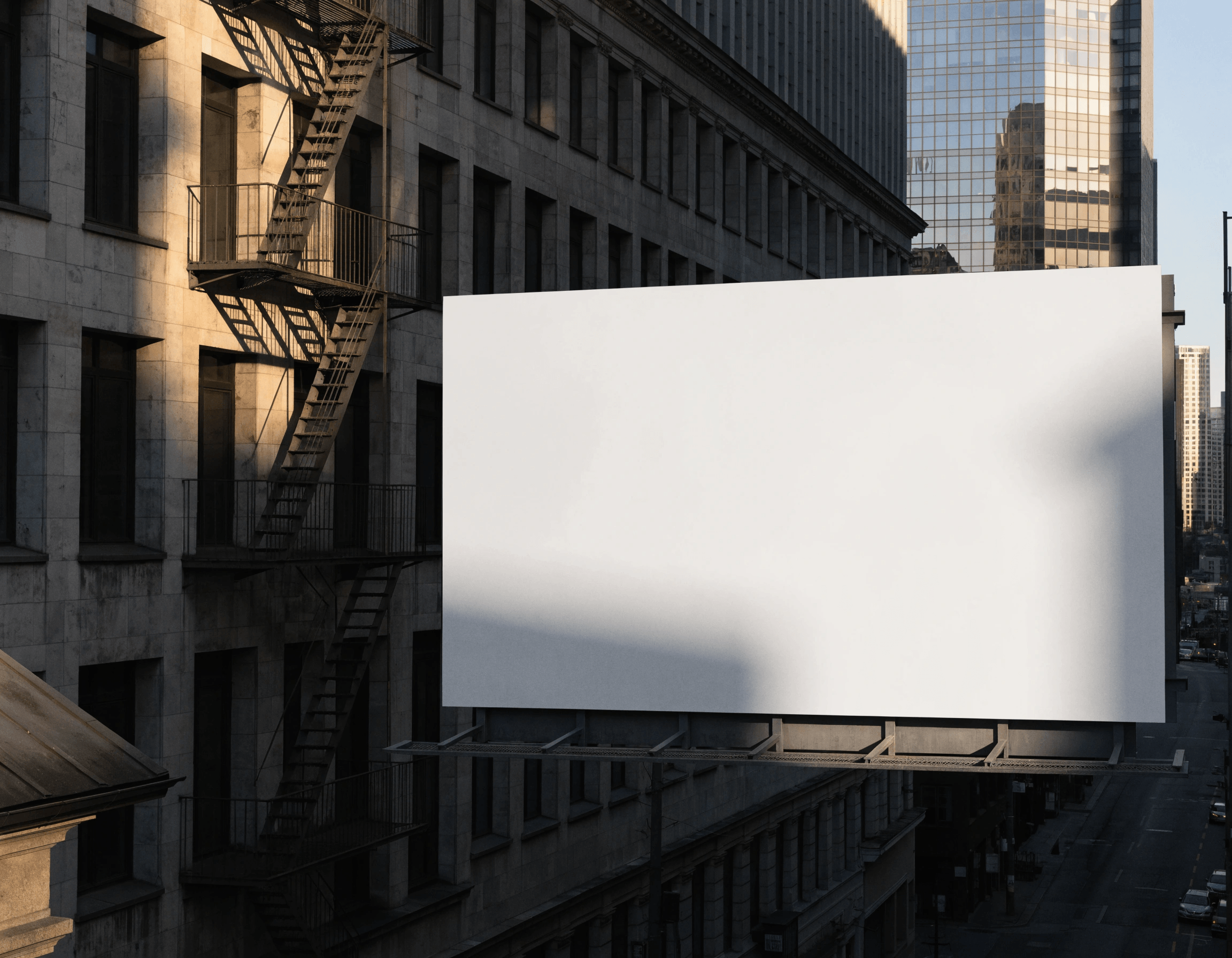
Vectors give you what pixels can't. Every SVG from Recraft V4.1 stays crisp at any size — favicon to billboard. Recolor the whole palette in one click. Edit your image. Reduce the color count to simplify the image. One asset, ready for print, web, and mobile.

Turn raster images into clean vectors

Already have a raster file? Upload it and convert to SVG. Or generate a raster image with the Recraft AI image generator and run it through the SVG converter.

Vectorize an image

How the AI text to vector generator works

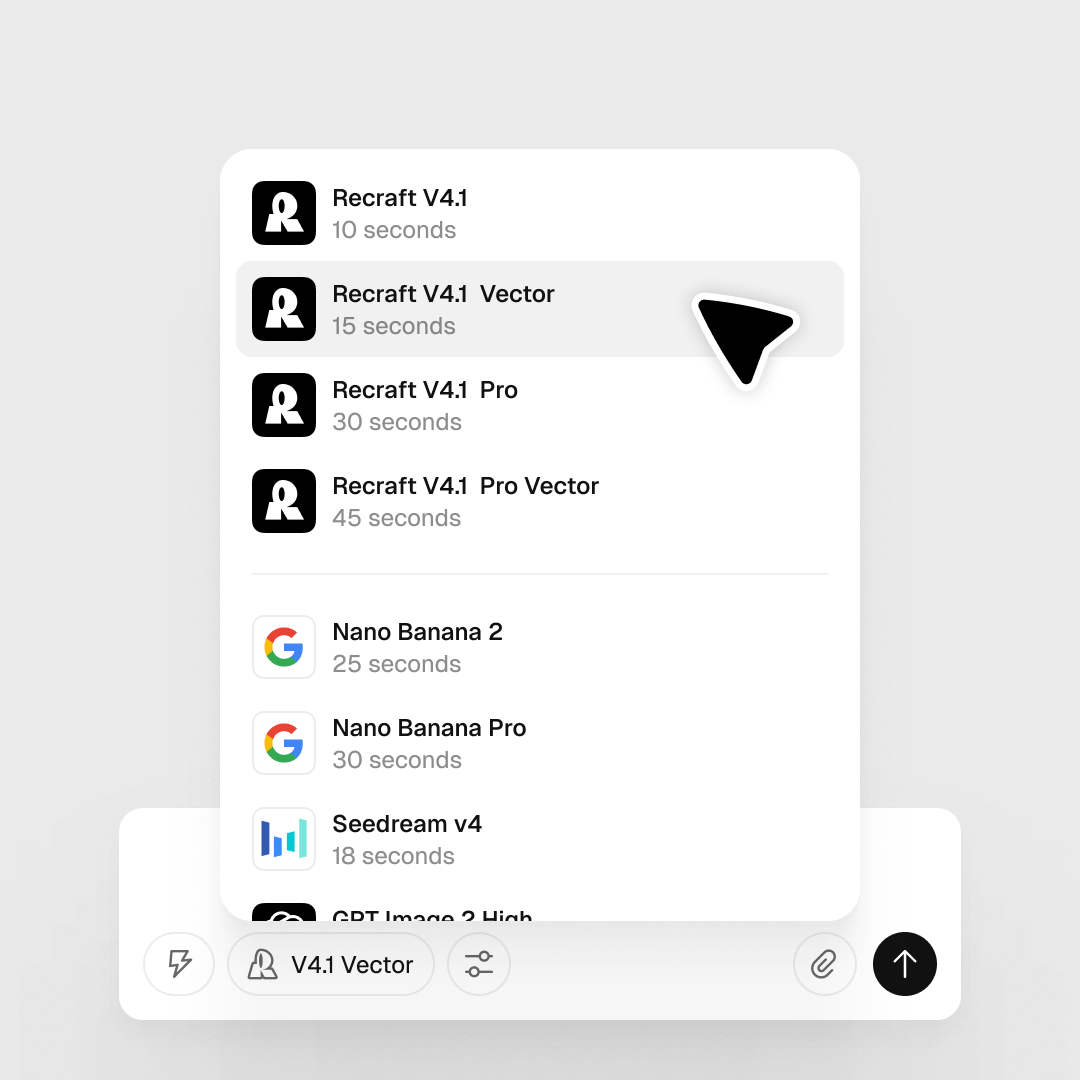
Generate a vector graphic in three steps. From a text prompt to a clean SVG — sharp logos, icon sets, illustrations, and web graphics.

1

Type a prompt. Get a vector.

Describe what you need. Recraft V4.1 turns the prompt into a vector image — no design software, no learning curve.

2

Generate and iterate

Pick from multiple generations. Adjust the palette, drop background elements, change level of detail — without leaving the canvas.

3

Export at any size

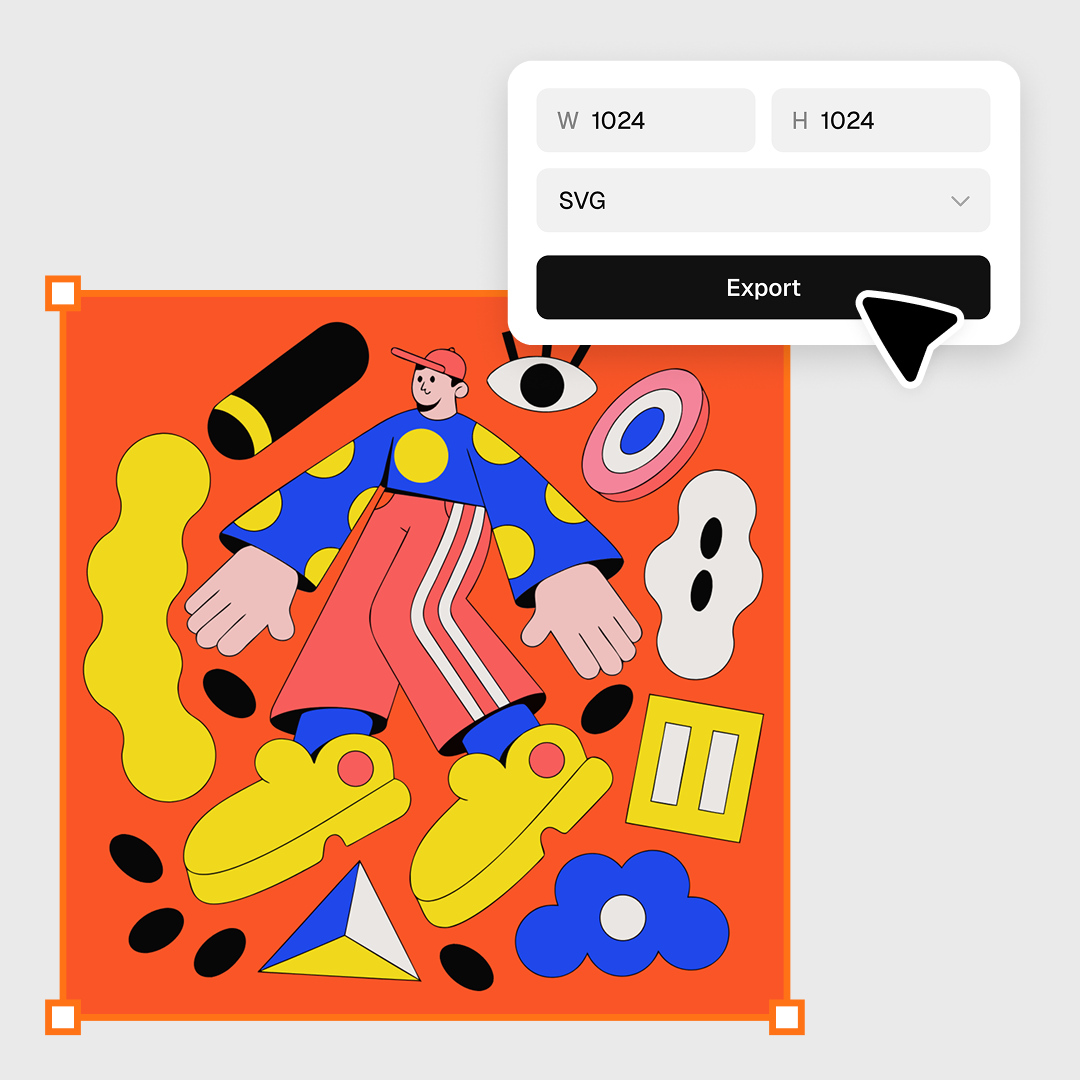
Export your SVG at any size — set the dimensions and download without quality loss. Free to use.

What you can generate with an AI vector generator

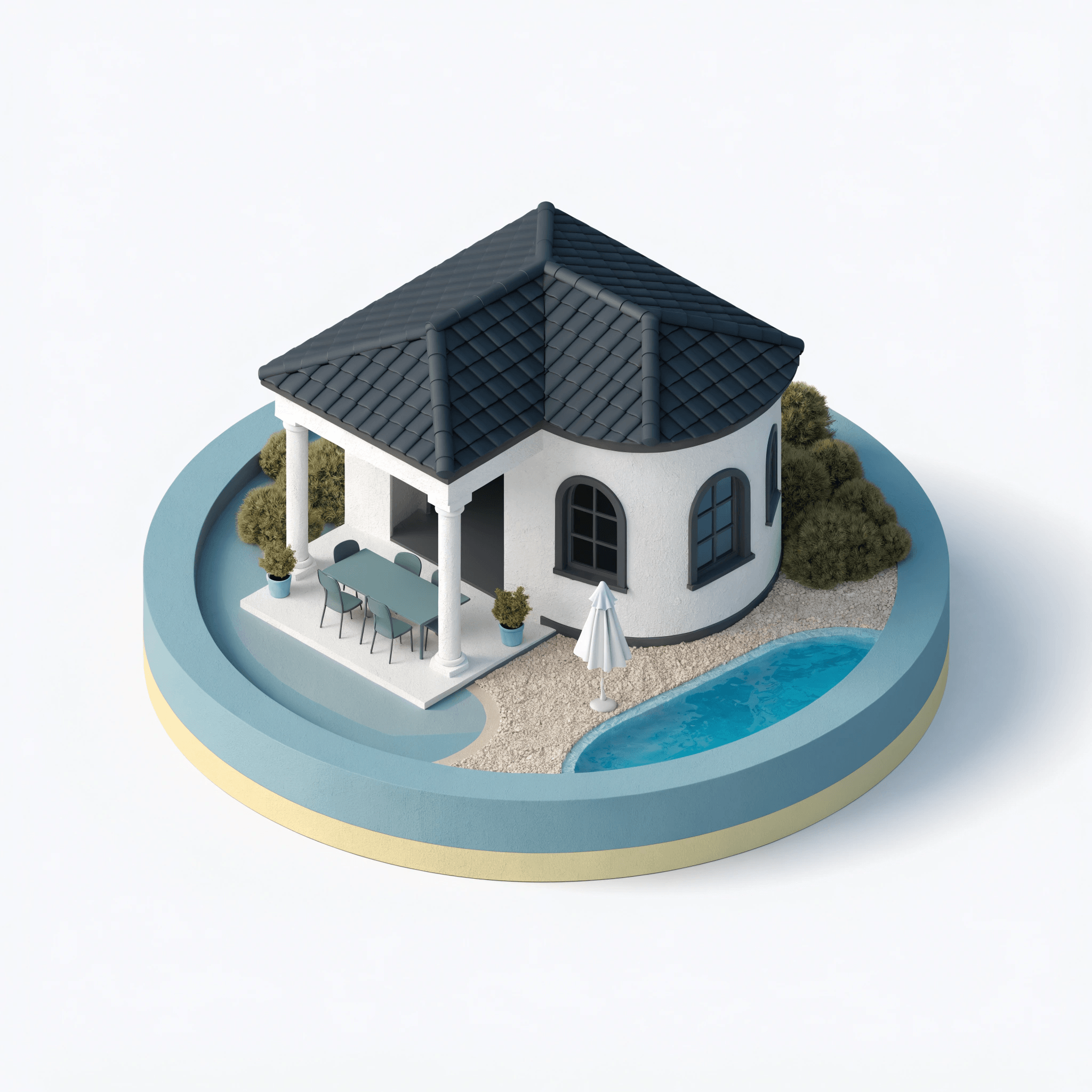
AI vector logos, icons, illustrations, vector art, posters, and mockups — every output is editable SVG, ready for Figma, Illustrator, or production.

AI vector generator FAQ

What is an AI vector generator?

An AI vector generator turns a text prompt into a scalable SVG file — paths, strokes, and fills instead of pixels. With Recraft V4.1, the output is production-ready: clean geometry, editable layers, and consistent design quality across logos, icons, and illustrations.

What's the difference between a raster image and a vector image (SVG)?

Raster images (PNG, JPG) are made of pixels — enlarge them and the edges go blurry. Vector images use mathematical paths and shapes, so they stay crisp at any size, from a favicon to a billboard. SVG is the standard vector format for the web, print, and modern displays. If you need to scale, edit individual elements, or export for production, you want a vector.
What can I generate with Recraft's AI vector generator?

Logos, icons, illustrations, posters, stickers, and mockups — anywhere you need clean, scalable artwork. Recraft V4.1 also handles long-form text inside the image and exact element placement, so vector designs that include type or precise composition work out of the box.

Can I edit the SVG after Recraft generates it?

Yes. Recraft V4.1 outputs fully editable SVGs — paths, strokes, and fills stay clean and accessible. Adjust the palette, drop background elements, change the level of detail, or export to your own editor (Figma, Framer, Illustrator) and keep working from there.

Is the AI vector generator free to use?

Yes. A free Recraft account includes up to 30 generations per day, with full SVG export. For higher daily limits and commercial rights, see Recraft pricing.

Do I need design experience to generate vectors with Recraft?

No. Type a prompt, pick a result, refine. The canvas walks you through the workflow with built-in instructions and how-to videos — no design software, no learning curve.