Explore first, refine later: a new way to generate images
When people first start working with generative image models, they often assume that the key to good results is writing the perfect prompt. It’s easy to fall into the habit of carefully constructing long descriptions, adding more keywords, and tweaking the text again and again in search of the right output.
In practice, creative work rarely begins with precision. Most design processes start with exploration — trying different directions and gradually refining the ideas that feel promising. The process is visual, iterative, and often unpredictable.
Exploration Mode in Recraft V4 is designed around that reality. Instead of requiring a perfectly engineered prompt before anything can happen, it allows you to start with a simple idea and explore visual directions first.
Starting With a Simple Prompt
In Exploration Mode, the process begins with something intentionally minimal. Rather than describing every detail of an image, you can start with a short prompt that simply defines a direction. For example:
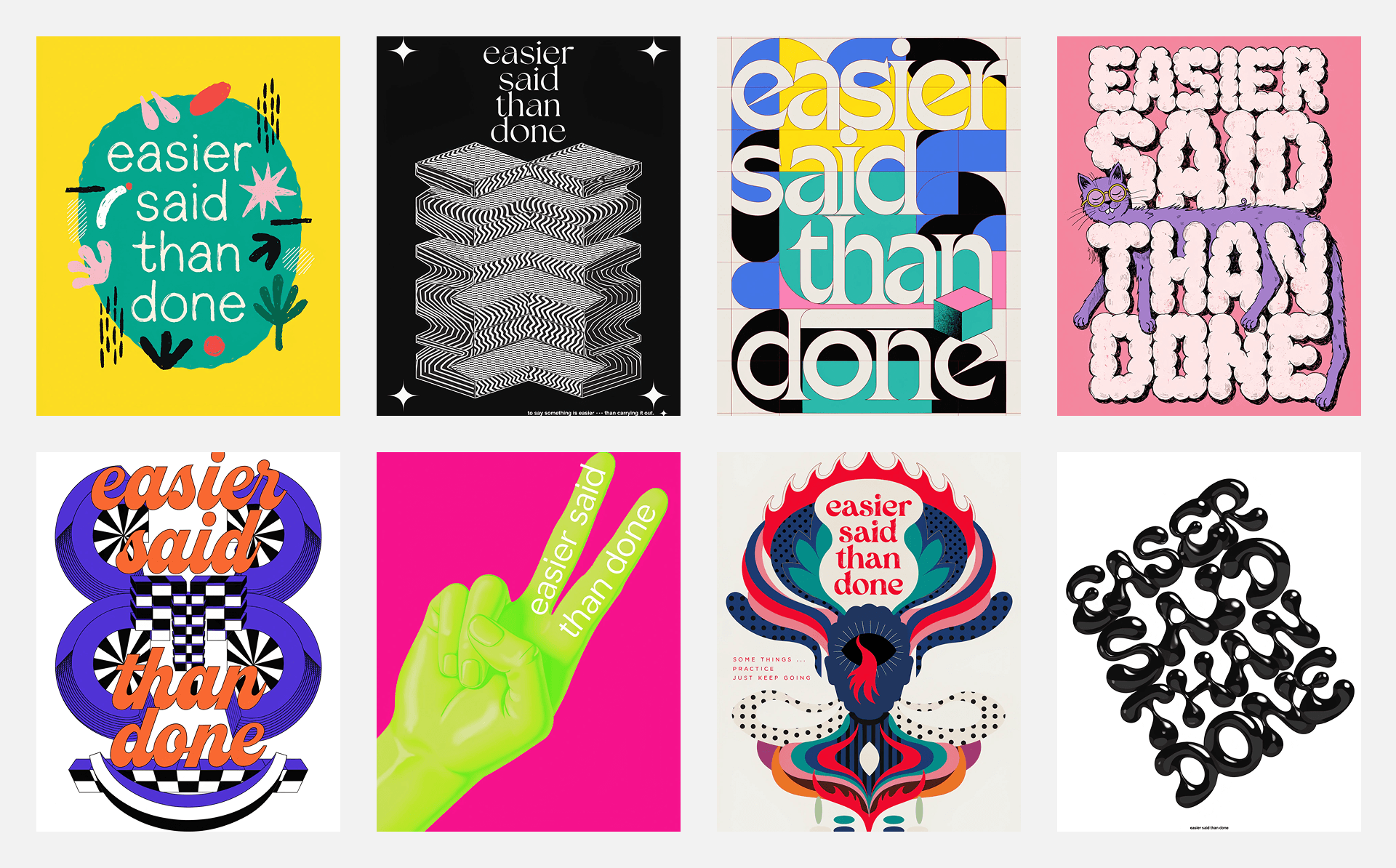
Typography poster
Playful 3D mascot
Minimal serif logo
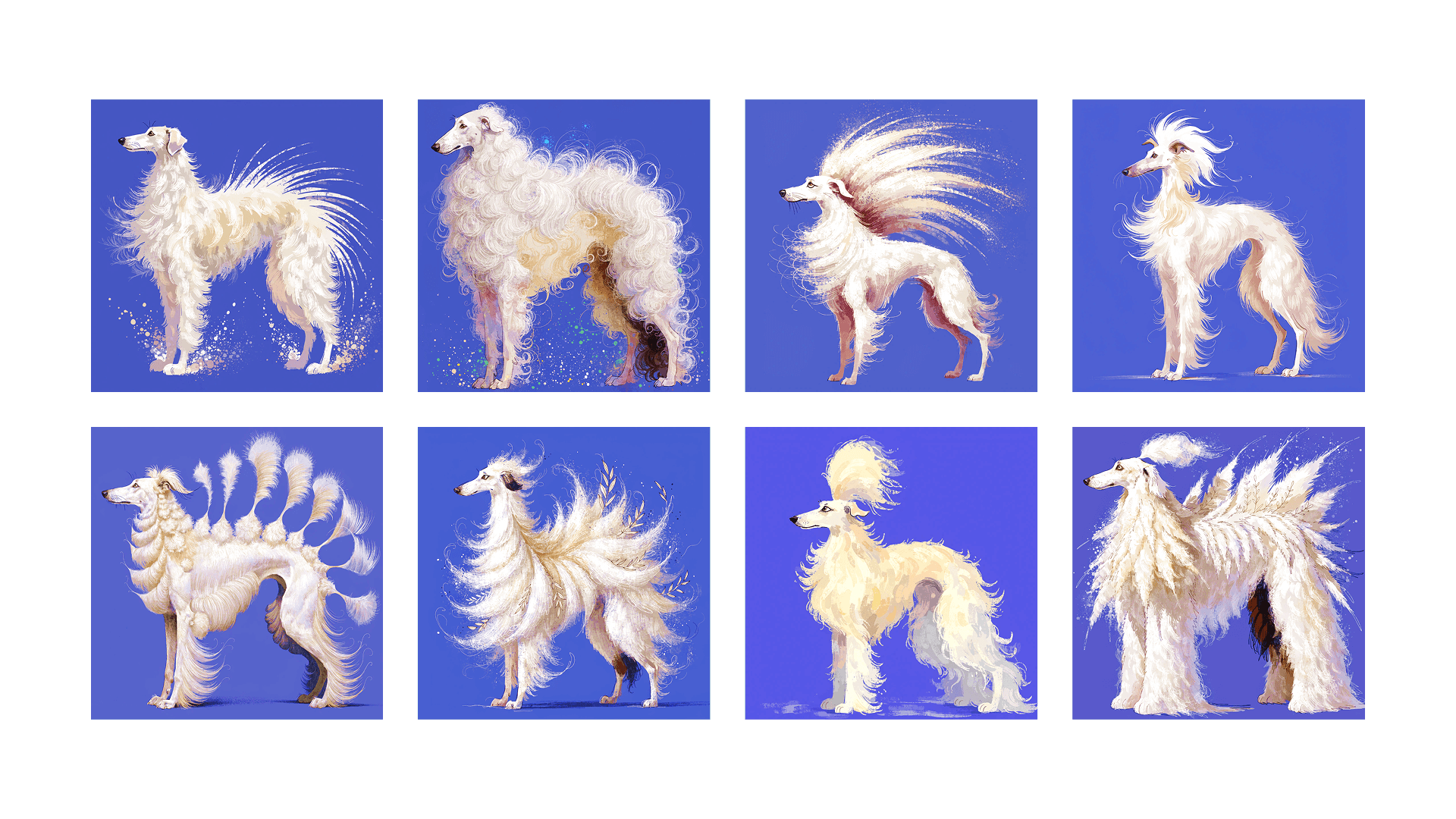
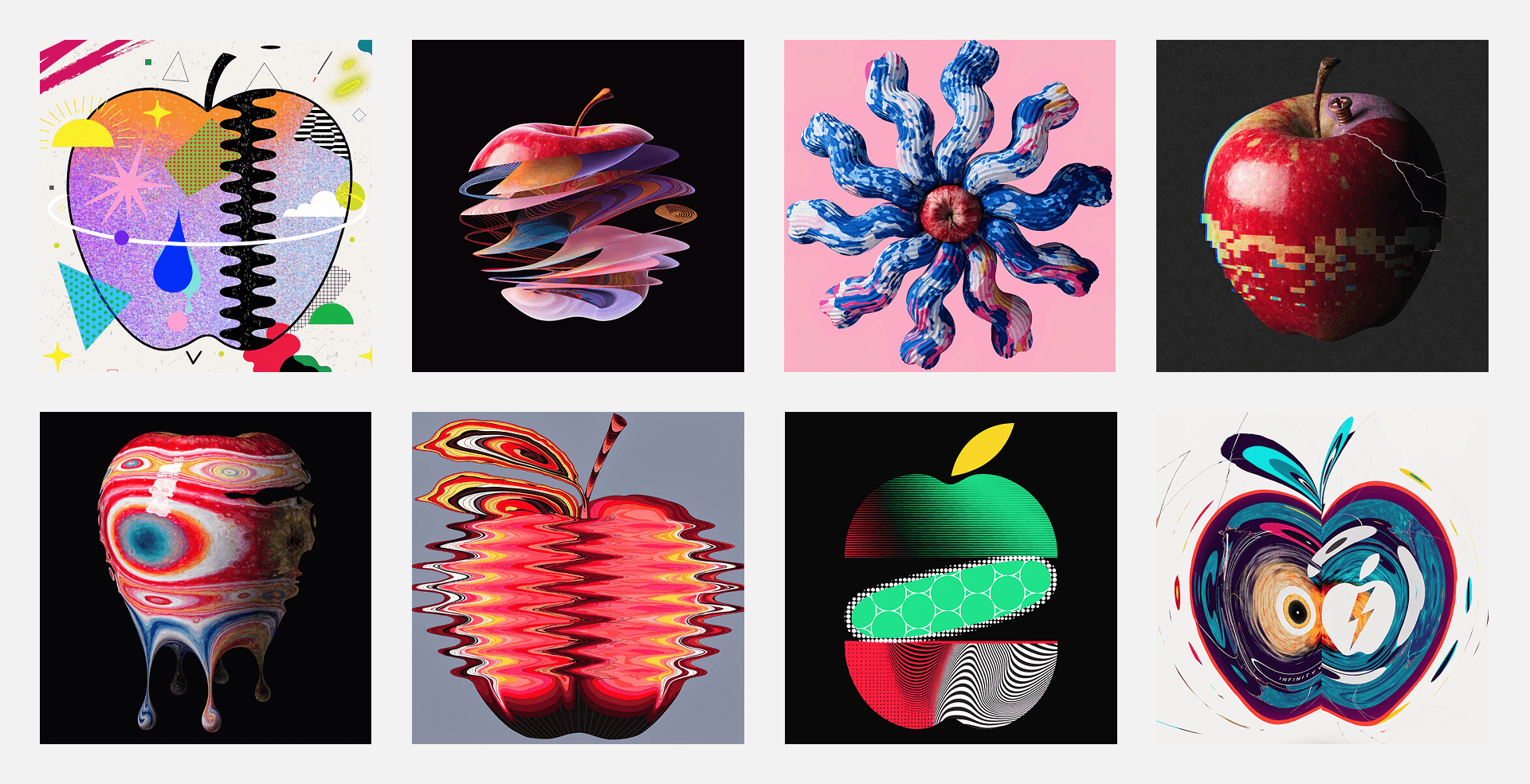
Once you click Generate, the system produces eight different visual interpretations of the prompt. Each result explores a different combination of composition, structure, lighting, and visual style. At this stage, the goal is not to produce a finished design. Instead, the system provides a quick overview of possible visual directions so that you can see which ideas feel worth developing further.
Seeing Multiple Directions at Once
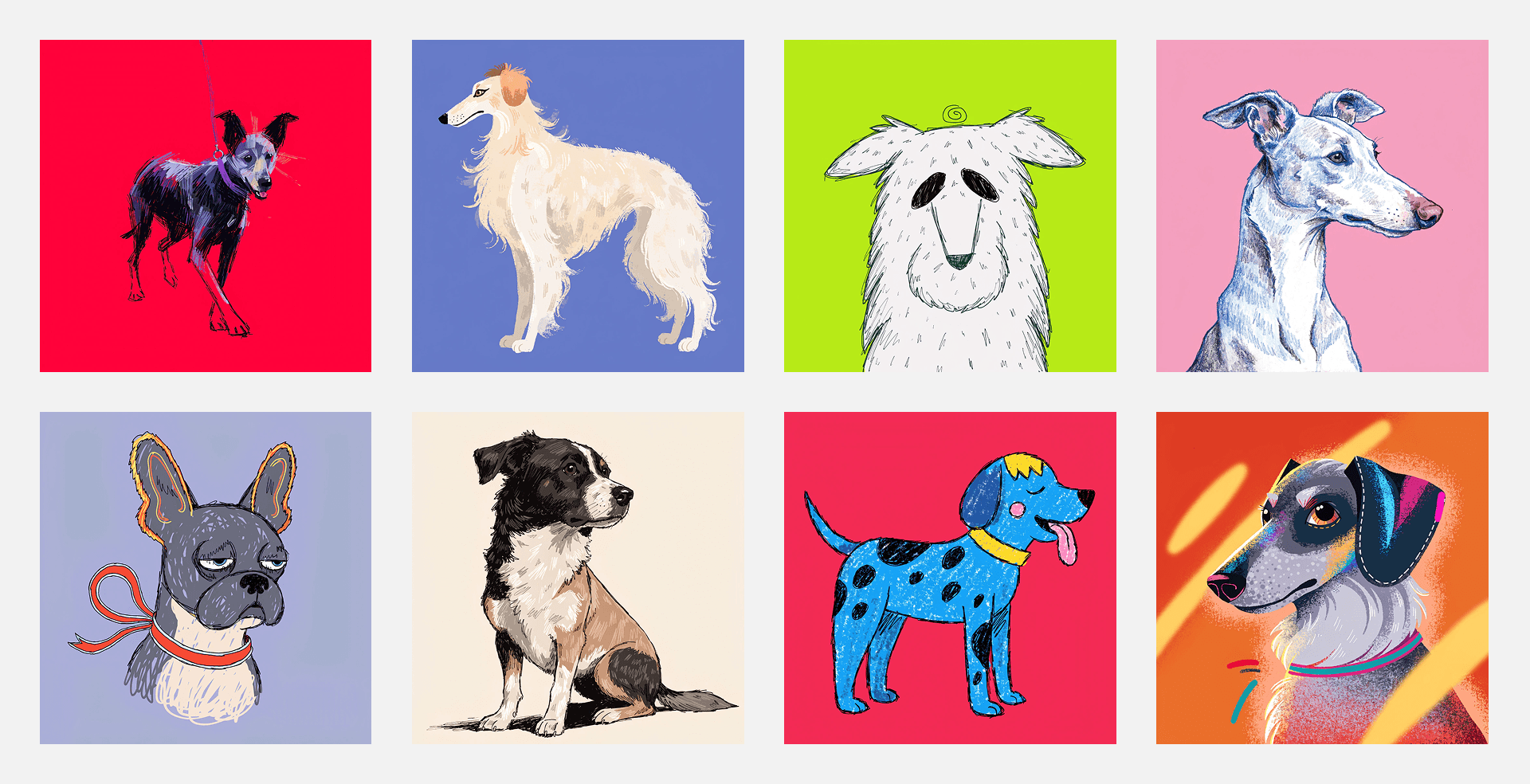
Consider a simple prompt such as “Stylized illustration of a dog on a clean single-color background” Rather than generating a single result, Exploration Mode produces eight distinct variations that explore different ways the concept might be expressed. Exploration mode gives V4 more freedom in interpretation. This allows the model to be more creative and give unique and diverse results that may otherwise be impossible to create with regular prompting. This sometimes comes at the cost of slightly less consistent anatomy or prompt adherence at first steps.
From Exploration to Refinement
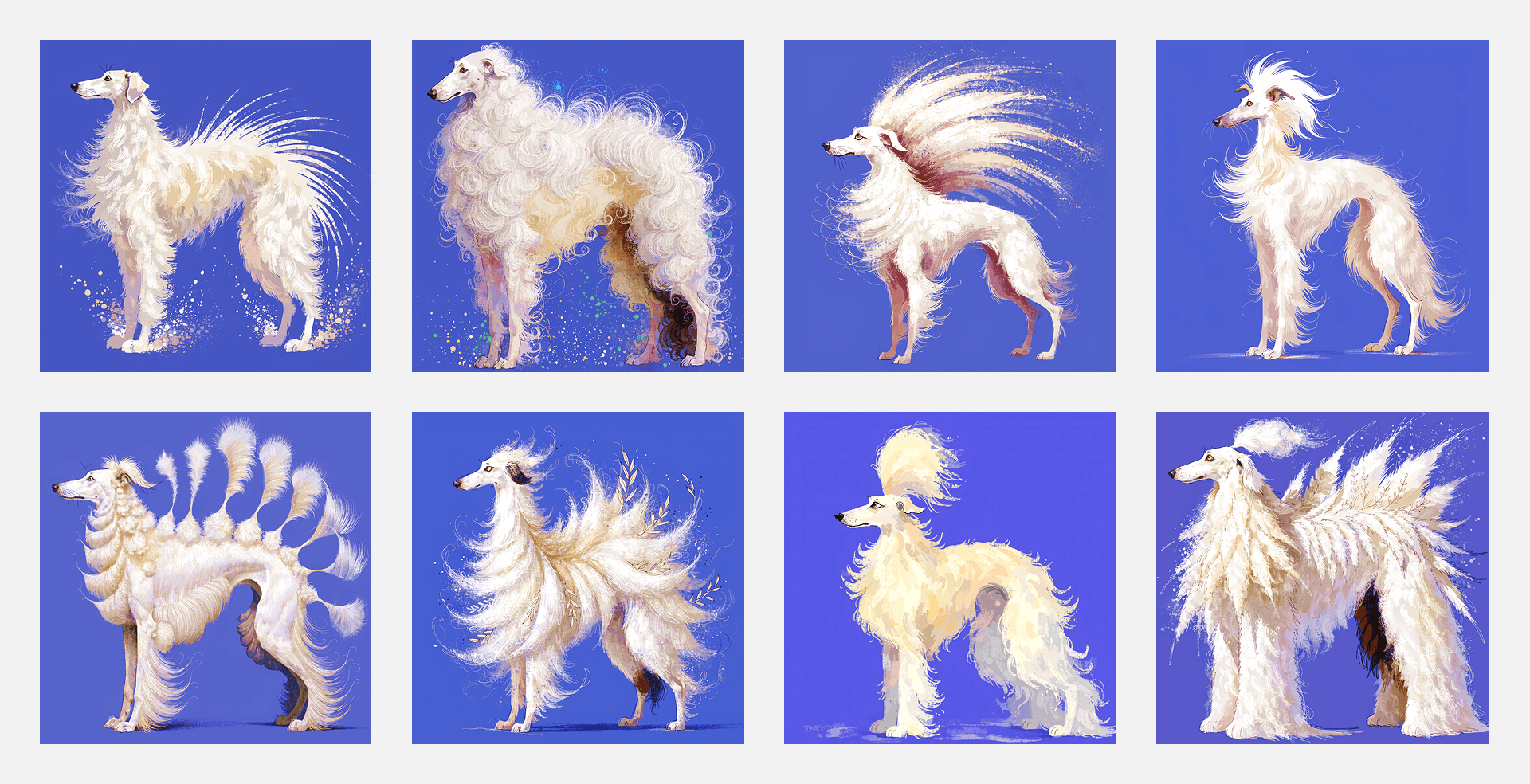
Once the initial set of images appears, the next step is to select the result that feels closest to your intention.At this point the workflow naturally shifts from exploration to refinement. Instead of rewriting prompts or starting again, you can continue building on the image that already captures the core of the idea. From here, the system allows you to generate new variations based on that selected image.
Refining With Similarity Levels
To make this process more controllable, Exploration Mode introduces five similarity levels. These levels determine how closely new results should follow the image you selected. Each level provides a different balance between creative exploration and precision, allowing you to refine ideas gradually without losing the visual direction you discovered.
A little bit similar — this level maintains only a loose connection to the original image. It is useful when you want to push the concept in a new direction while still keeping a hint of the initial idea.
Moderately similar — at this level the overall subject or composition remains recognizable, but stylistic changes become more noticeable.
Quite similar — this level maintains strong visual continuity. The composition, subject, and overall mood remain consistent, while smaller refinements appear in lighting, styling, or structure.
Very similar — here the results stay very close to the original image. Only minor changes occur in texture, detail, or micro-composition.
Extremely similar — this level produces near-duplicate variations and is best used for final refinements such as adjusting subtle shape details, reflections, or alignment.
Instead of rewriting the prompt repeatedly to force a specific outcome, you simply select the direction that feels most promising and continue developing it. This shift— from describing ideas in text to reacting to visual results — makes the creative process feel both faster and more intuitive.
Where Exploration Mode Works Best
Exploration Mode is particularly useful in situations where the goal is not to produce a final image immediately, but to explore visual possibilities quickly.
Concept development — quickly testing multiple visual directions before committing to one.
Brand exploration — generating variations of mascots, visual styles, or graphic motifs.
Poster and layout ideas — experimenting with composition and typography before refining the design.
Campaign visuals — exploring stylistic directions for marketing assets.
Creative discovery — finding unexpected visual approaches that might not emerge from a carefully written prompt.
In these contexts, the ability to generate multiple interpretations of a simple idea significantly accelerates the early creative phase.
Designing Through Exploration
With exploration mode there is no need to perfectly describe the final image from the beginning, it supports a workflow that feels closer to real creative practice: exploring directions, reacting to visual ideas, and gradually refining what works. Prompts remain simple, images evolve visually, and design decisions emerge through iteration. Most ideas do not start fully formed. They develop through exploration. Exploration Mode is built to support exactly that process.
.svg)