Find out why green is a powerful color in branding, influencing consumer perception, promoting sustainability, and enhancing visual appeal
The meaning behind the color green
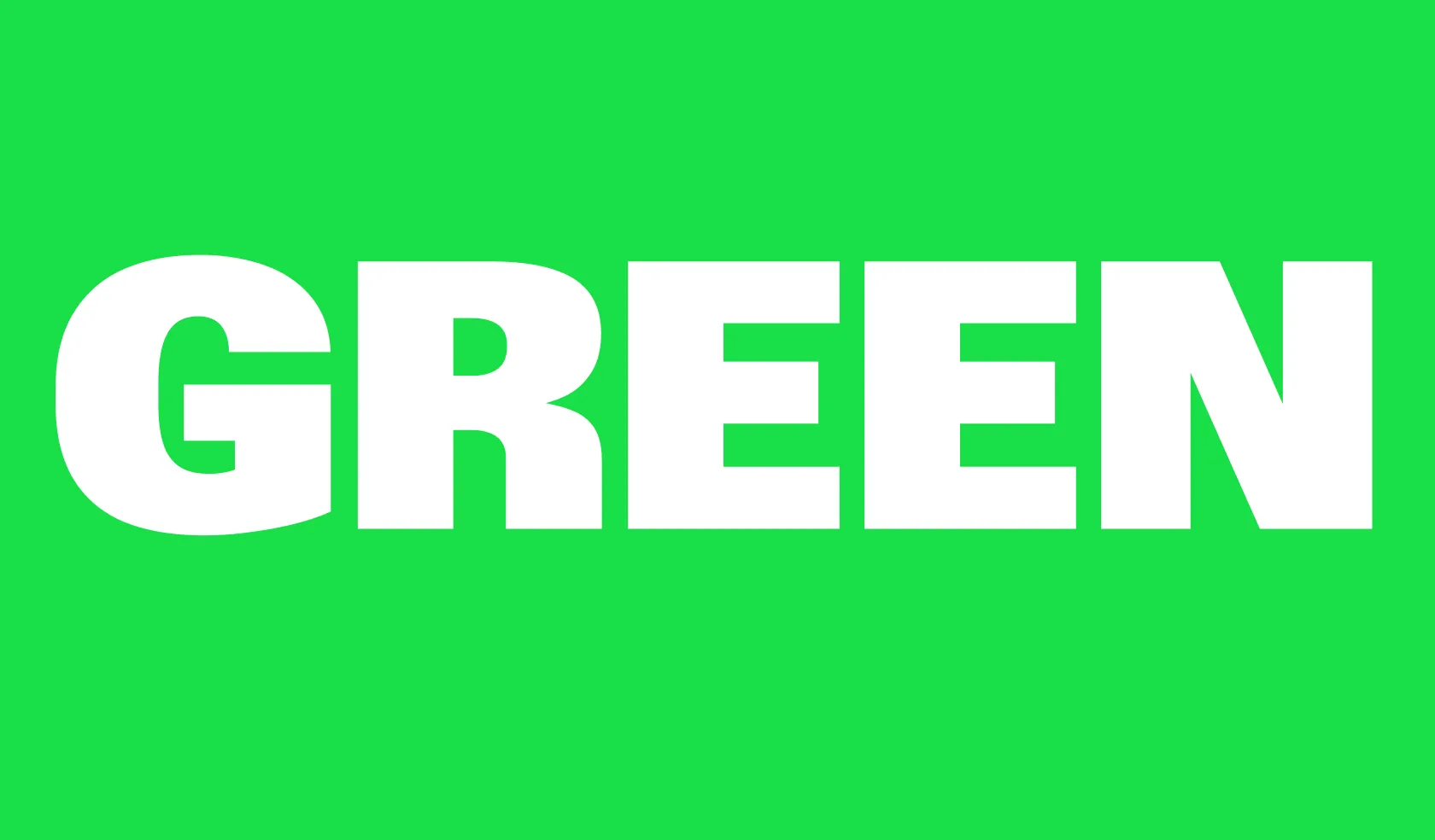
Green is associated with life, nature, renewal – and money. It is one of the most versatile colors in design. In color psychology, green is associated with relaxation and prosperity. Many eco-friendly and wellness brands incorporate it into their branding because it is naturally linked with sustainability and health.
Different shades of green evoke various emotions and associations:
Bright green: Energizing and fresh, often used in technology and health-focused brands.
Deep forest green: Stability and wealth, commonly seen in finance and luxury brands.
Mint green: Soft and inviting, ideal for modern and minimalistic designs.
Olive green: Earthy and organic, used in natural product branding and environmental campaigns.
When designing with green, it’s essential to consider the right shades and combinations to align with the brand’s message. Green can be paired effectively with:
Complementary colors: Green and red create a vibrant, high-contrast look.
Analogous colors: Green blends beautifully with blue and yellow for a natural and harmonious feel.
Triadic schemes: Green, purple, and orange form a bold and balanced color scheme.
Green hex codes
Choosing the perfect green shade requires the right hexadecimal codes. Here are some commonly used green hex codes:
#00FF00 (RGB: 0,255,0) – Pure green
#008000 (RGB: 0,128,0) – Dark green
#32CD32 (RGB: 50,205,50) – Lime green
#ADFF2F (RGB: 173,255,47) – Green-yellow
Here are some ways to use green in design projects:
Use green to signify sustainability – Eco-conscious brands can use green to reinforce their commitment to environmental responsibility.
Balance green with neutrals – Pairing greens with white, gray, or beige can create a clean and modern look.
Consider cultural meanings – In some cultures, green represents luck and prosperity, while in others it can symbolize envy.
Use green for calming effects – Soft green shades work well in designs intended to relax the viewer.
Exploring green on the color wheel
Green sits between blue and yellow on the color wheel, making it a versatile hue for various color schemes. Here are some key considerations when working with green:
Split-complementary scheme: Green paired with reddish-purple and orange-yellow creates a balanced contrast.
Green in CMYK vs. RGB: CMYK green requires careful mixing in print, while RGB green appears vibrant on digital screens.
Tertiary color blending: Green mixed with black, white, or another primary color creates unique shades.
Recolor images to green with Recraft
Recraft AI design platform is transforming the way designers and everyday users create and edit images. Its advanced technology and intuitive features allow anyone to adjust colors, modify key elements and create cohesive visuals.
One of the platform’s standout features is AI-powered recoloring. Recoloring images in hues of green can transform the design’s mood and impact. With Recraft’s AI-powered tool, designers can effortlessly adjust hues, experiment with green tones, and find the perfect shade for visuals.
Some of the benefits of using AI to recolor images include:
Instantly generate multiple green variations to test different aesthetics.
Ensure color consistency across brand assets and marketing materials.
Effortlessly convert existing designs into a green-themed palette without manual adjustments.
Whether looking to recolor or edit the background of an image or bring a specific shade of green into focus, Recraft allows for detailed adjustments to create your perfect color palette. Here are some ways Recraft excels at color editing:
Precise AI generation: Recraft allows users to control crucial design elements such as style, level of detail and color palette. Use specific hex codes for more control over color schemes.
Brand cohesion: Select exact shades from the color wheel to match a brand’s color scheme, or create branded styles from scratch.
Efficiency with AI: Recraft 's AI allows for quick adjustments with editing tools like its AI eraser, image upscaler and AI lasso tool, so users can polish image colors and create color palettes in seconds.
Over you to play with the color green. Jump into Recraft today and see how fun and easy it is to create stunning visuals: recraft.ai
FAQs
1. What emotions does the color green evoke in design? Green is often associated with growth, harmony, and balance. It can create a calming effect or symbolize wealth and prosperity, depending on the shade used.
2. How can I use green effectively in my brand colors? Choose a green shade that aligns with your brand’s personality and values. Pair it with complementary or analogous colors for a balanced look.
3. What is the best way to recolor images with green? AI-powered tools like Recraft let you recolor images instantly, ensuring accuracy, color harmony and creative flexibility.
4. Which colors work best with green? Red is the complementary opposite of green, providing a strong contrast. Blue and yellow work well in analogous schemes, while purple and orange create dynamic triadic combinations.
5. Why should I use AI to recolor images? AI simplifies the recoloring process by providing instant, high-quality transformations, helping designers test different green shades without manual editing.
.svg)



.webp)