Most print-on-demand platforms want a vector file, an SVG, not a flat image. A raster image gets blurry the second it's blown up to poster size or wrapped around a mug. A vector doesn't. That's the part that trips people up before they even get to the printer.
How to make the design
In Recraft Studio, go to Create, then Vector. Describe what you want, a pattern, an icon, a full illustration, and Recraft generates it as an SVG. Not happy with it? Describe the change in the Edit tab and try again.
Export the file when it looks right. That's the design you're taking to your print-on-demand platform of choice, Printful, Redbubble, Etsy, wherever you sell.
On a paid plan, starting at $10 a month, the design is yours commercially. No separate license to buy before you print it and sell it.
Seeing it on the product first
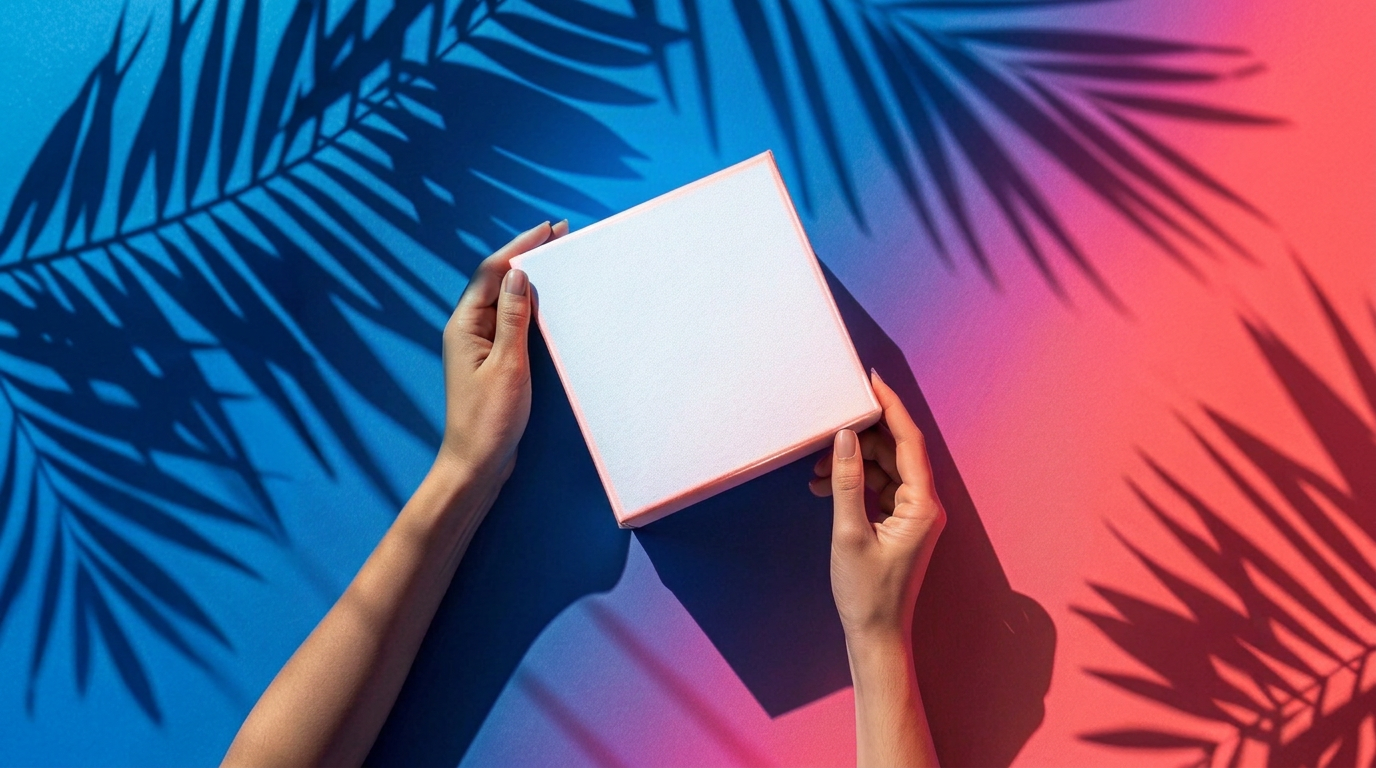
Before you upload anything, it helps to know what the design actually looks like on the thing it's going on. That's what Mockup is for. Open Create, select Mockup, and tell it the product, a T-shirt, a mug, or whatever you're printing on. Recraft generates a realistic image of the plain product. Then, you can place your SVG image on top to see what it would look like in real life.
That same image doubles as a listing photo. If you're selling on Etsy, you need a photo of the product anyway, and a mockup built from your own design saves you from staging a real T-shirt and taking the photo yourself.
Why vector over a regular image
Print-on-demand sites resize a design for everything from a phone case to a poster. A raster file has one usable size before it starts looking rough at the edges. An SVG scales to whatever size the product needs without losing the crisp lines.
What this is good for
Building a print-on-demand shop without a design background. Testing a pattern on a few different products before picking which ones to list. Getting a listing photo without buying or staging the actual product. Iterating on a design in minutes instead of redrawing it by hand.
.svg)