Adobe Firefly is a good place to start an image. The trouble is where you have to go to finish it.
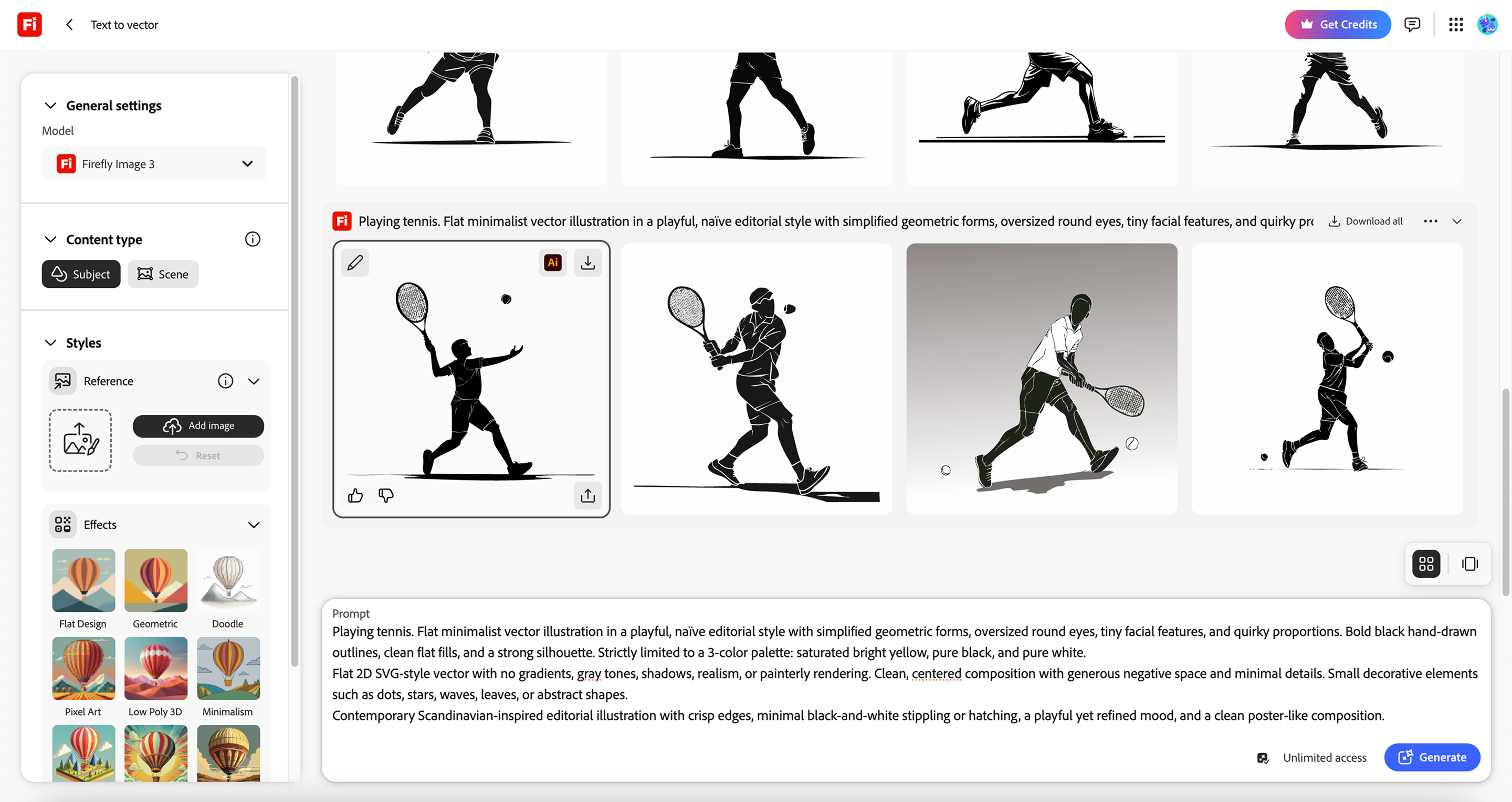
Ask around, and the honest Firefly workflow sounds like this: generate in the Firefly web app, export a PNG, open Photoshop for retouching, jump to Illustrator if vectors are involved. Firefly works beautifully as the front door to the Adobe suite. It was never meant to be the whole house.
Recraft Studio takes the opposite approach. You prompt, style, edit, and export in one place. The image that leaves the tool is the finished one, not the starting material for two other subscriptions.
We walked the same jobs through both tools to see where that difference actually costs you time, and where it doesn't.
Where Firefly wins
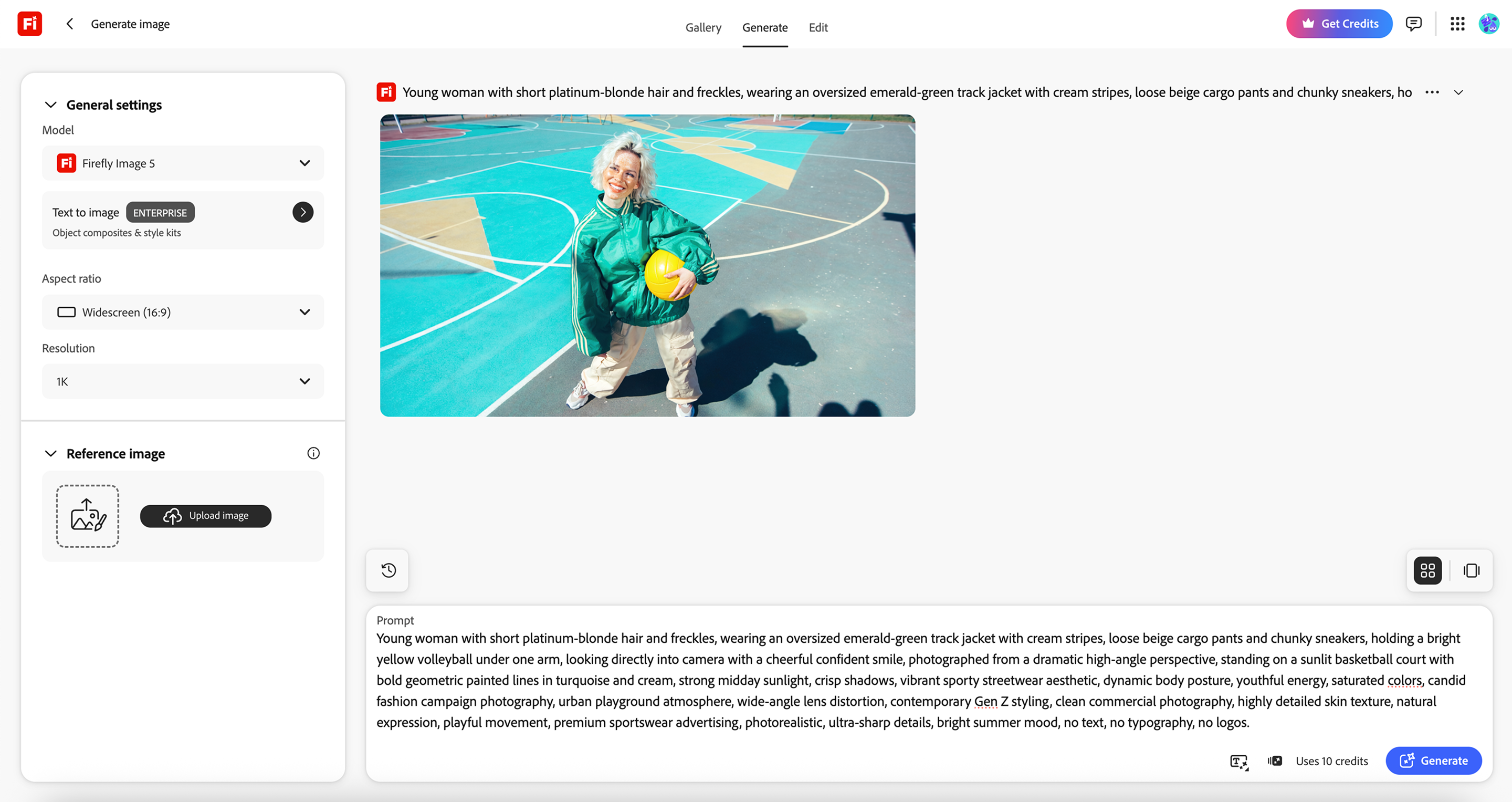
Credit where it's due. The Firefly web app is clean and quick to learn, with generation controls sitting next to the canvas instead of buried in menus. Generative Fill in Photoshop remains the best AI retouching tool on the market, full stop. And if commercial safety is your legal team's first question, Adobe's licensed training data and IP indemnification are real answers.
If you already live inside Creative Cloud, Firefly is a strong addition to a workflow you have already paid for.
Where Recraft picks up
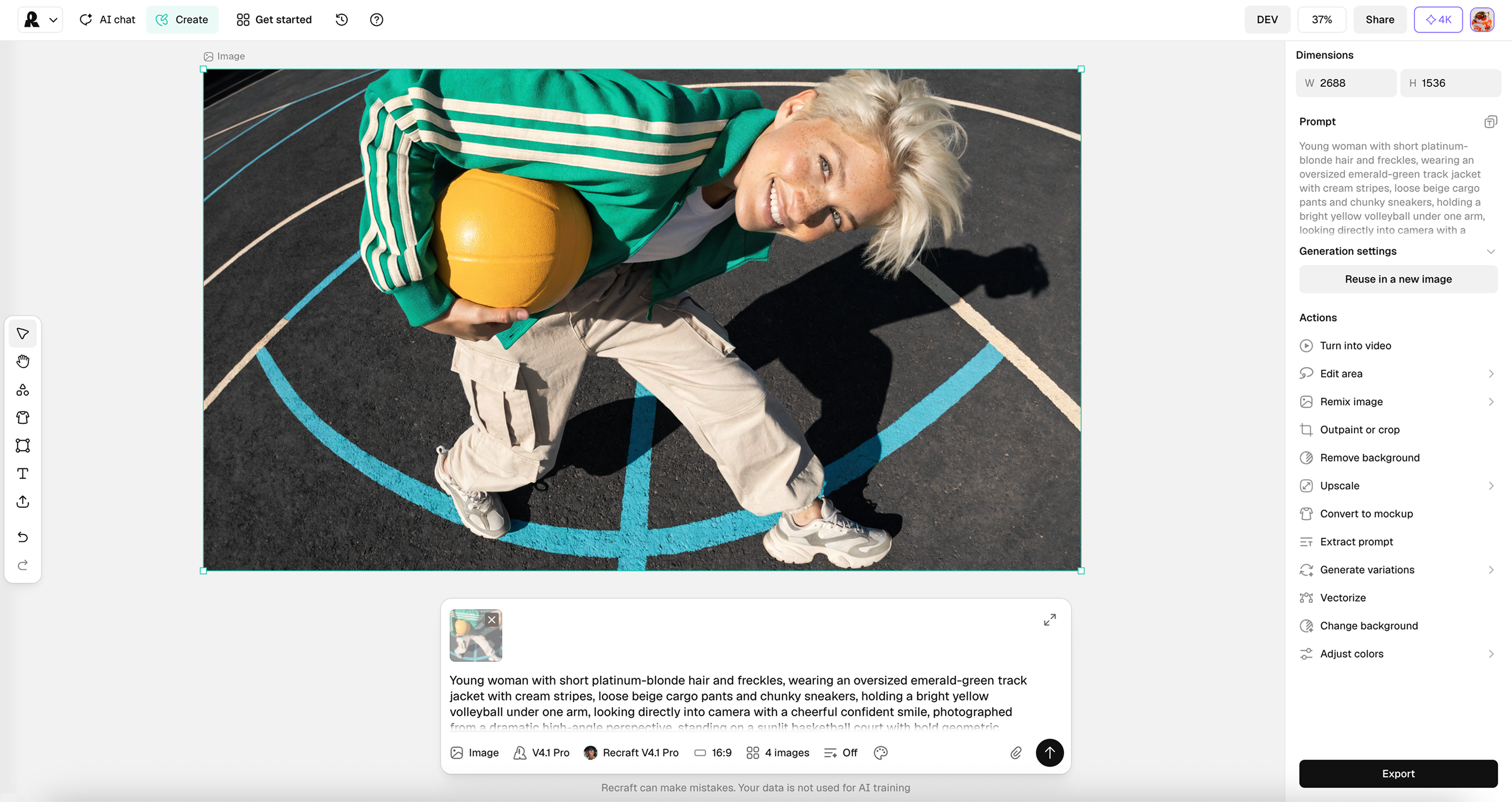
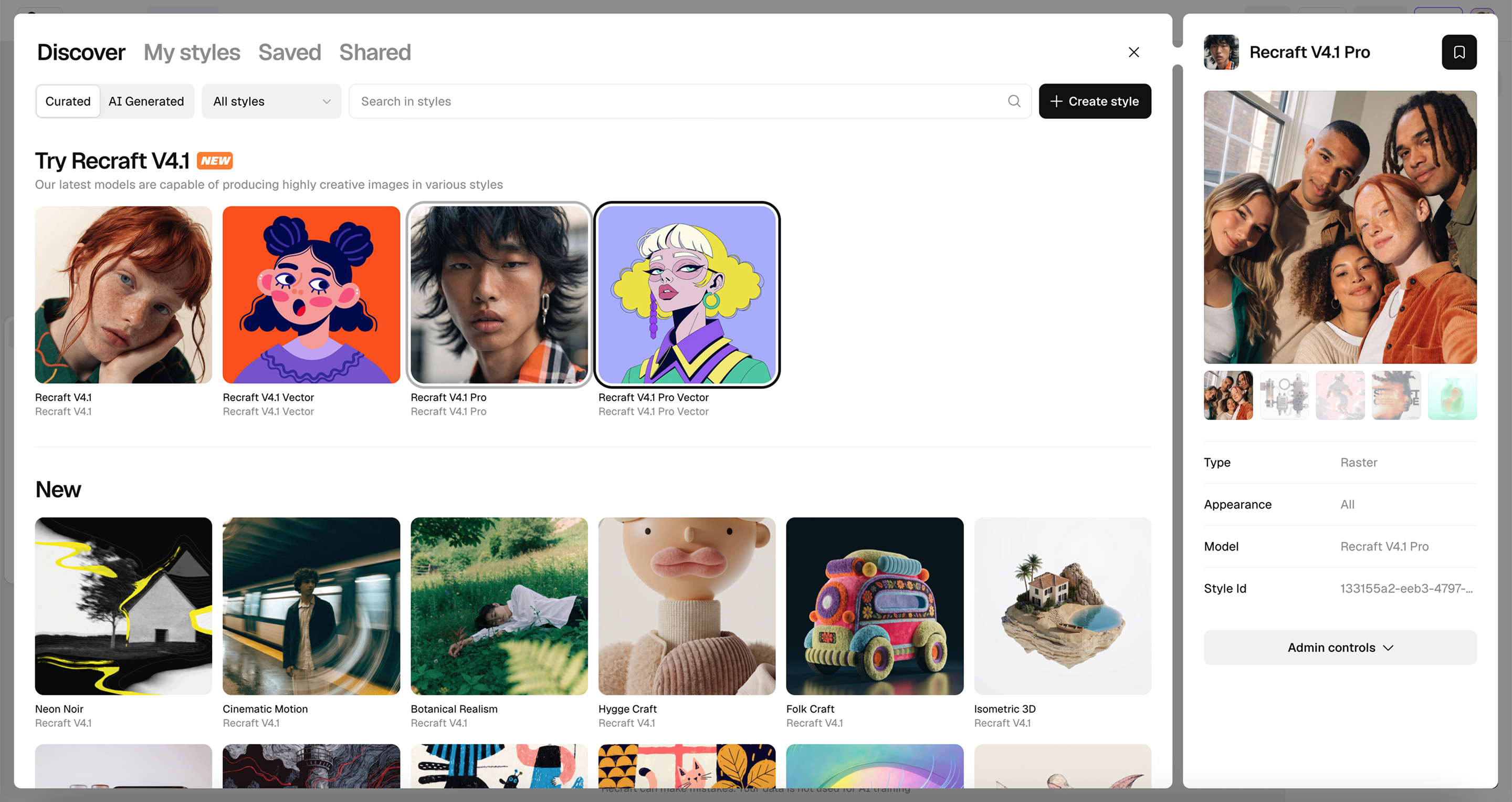
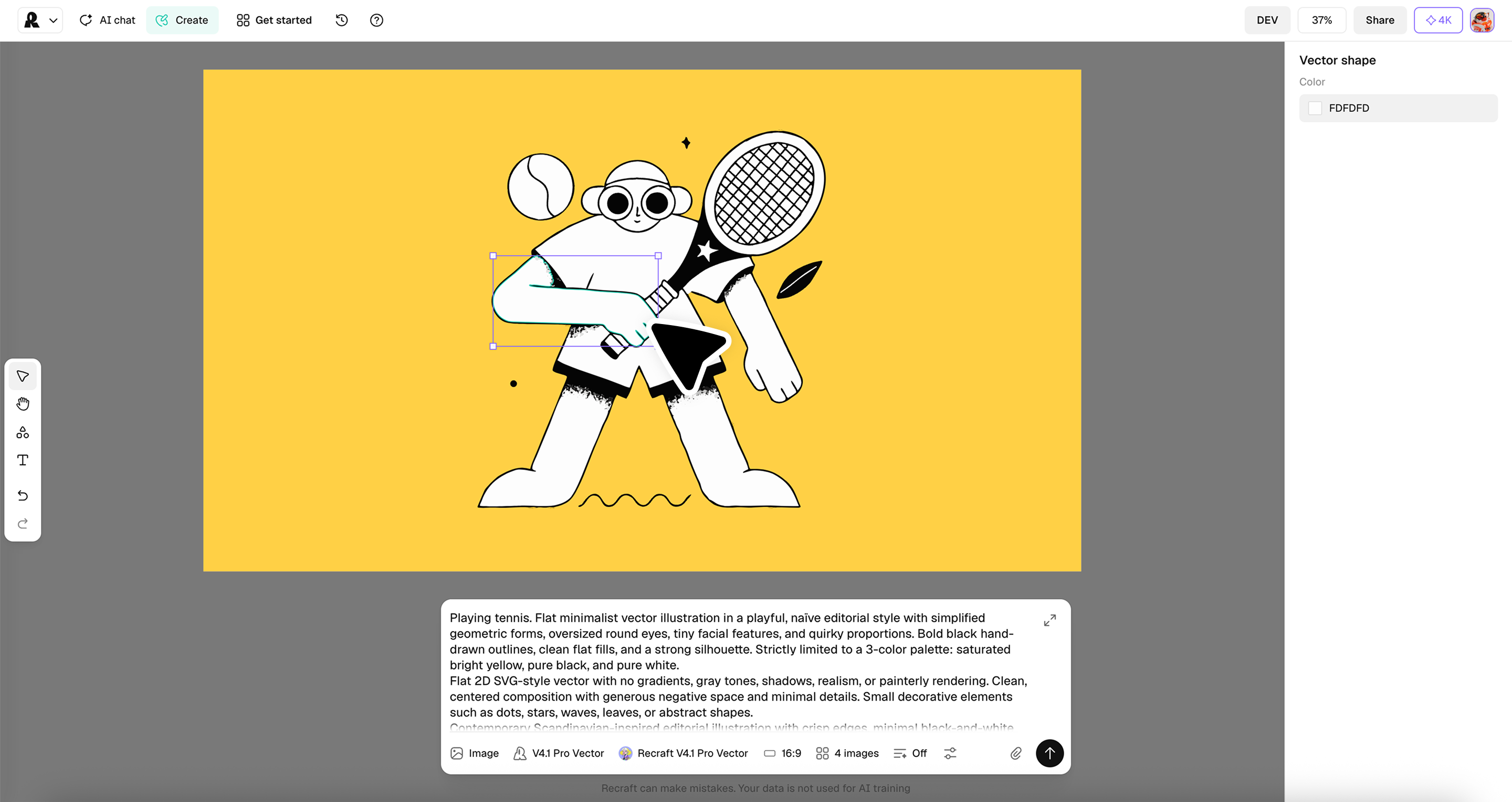
The gap shows up the moment generation ends. In Firefly, that is when you leave for another app. In Recraft, that is when the second half of the tool begins: custom styles made from your own references, brand colors defined by hex code, and a vector editor that lets you adjust every anchor point and every color without exporting anywhere.
Firefly hands you an image. Recraft hands you the file you actually needed.
The showdown
1. From brief to first result
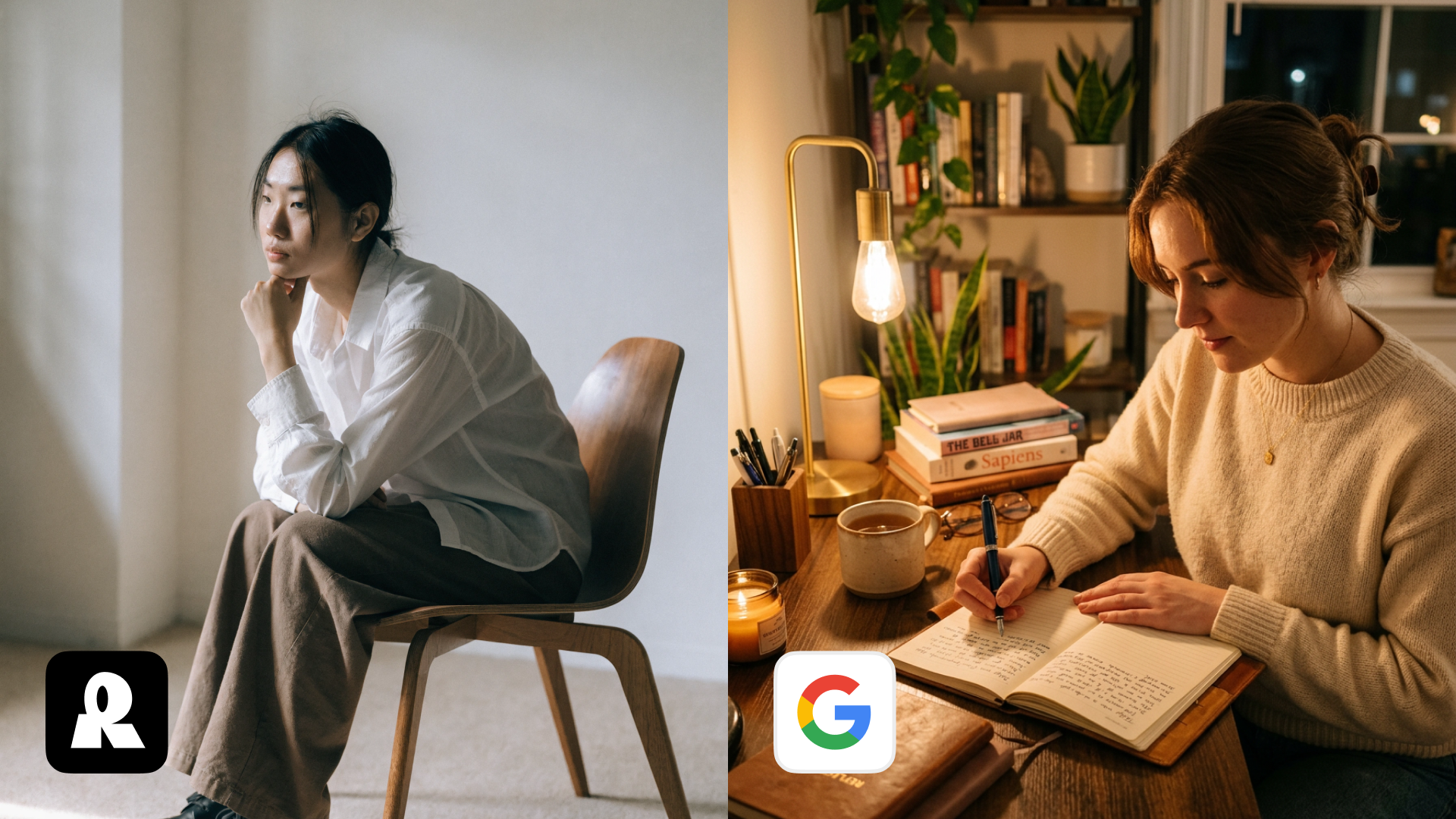
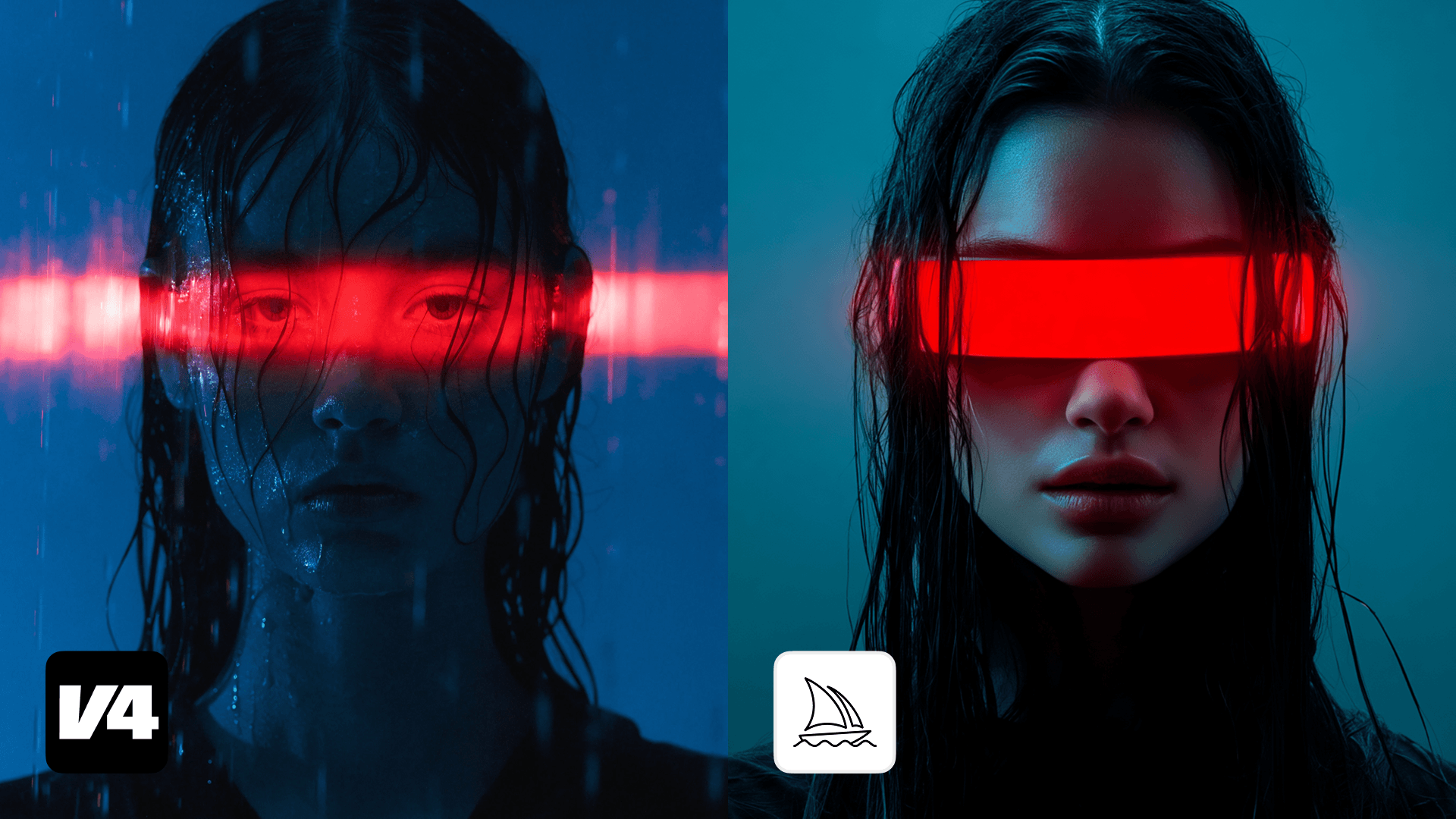
Both tools get you to a first image fast, and both put their controls where you can see them. The difference is what those controls are made of. Firefly was actively trained on Adobe Stock images, which is what sometimes the images come out looking like stock.
Recraft's images come out looking more art-directed, because it was crafted from the start to produce visuals that prompt someone to ask, "Who shot this photo?"
Winner: Recraft. Both interfaces create amazing images. Only one starts produces images that prompt a second look.
2. Style control and brand consistency
Firefly offers Style Reference and Structure Reference, and they work: upload an image, and the next generation borrows its look or its layout. The limitation is that a reference is a one-time nudge. Every new session starts the negotiation over.
Recraft treats style as an asset, not a setting. A custom style is created once, saved, named, and shared with your team. Brand colors are pinned by hex code, so "our blue" means one specific blue in every generation. The hundredth image matches the first one because they came from the same place.
Winner: Recraft. A reference influences one generation. A style governs all of them.
3. The vector workflow
This is the clearest split, so we will walk it step by step.
In Firefly, Text to Vector gives you a decent editable SVG. To actually edit it, you open Illustrator, which means owning Illustrator, knowing Illustrator, and accepting that your generation tool and your editing tool are two different products with two different learning curves.
In Recraft, the vector editor is inside the tool. Generate a logo, an icon, or an illustration, then open it and adjust every point and every color right there. There is no export to Figma, no round trip through Illustrator, and no moment where the file leaves the canvas it was born on. You reshape a curve, swap a fill, and export the finished SVG. Also, with Exploration Mode, you can generate multiple images at once.
For anyone producing logos, icon sets, or illustrations at volume, this is not a small convenience. It is the difference between one tool and three.
Adobe's Generative Fill and Generative Expand inside Photoshop are the industry benchmark for pixel-level retouching: removing objects, extending backgrounds, and blending new elements into existing photography.
If you're not constantly in Photoshop, then moving to Photoshop for full editing tools can be frustrating. Recraft offers full photo editing inside the program.
Winner: Tie. Firefly inside Photoshop is a great tool if you're retouching photography and already consistently using Photoshop, and we're not going to pretend otherwise.
The takeaway
The comparison comes down to a simple question: where does your work end?
If it ends in Photoshop anyway, because your job is retouching, compositing, and photography, Firefly is a strong companion to a suite you already own. If your work ends with a finished visual, a styled campaign image, an on-brand illustration, or an SVG with every point exactly where you put it, Recraft Studio gets you there without a layover in a second app.
One tool that completes the job beats three tools that share it.
FAQ
When should I still reach for Adobe Firefly?
When your workflow already runs through Creative Cloud, when pixel-level retouching is the core of the job, or when your legal team requires Adobe's IP indemnification. Those are real strengths, and Firefly serves them well.
Can I really edit vectors inside Recraft Studio?
Yes. The vector editor lets you adjust every anchor point and every color of a generated vector directly on the canvas. You do not need to export to Figma or Illustrator to refine the file.
Do I need a Creative Cloud subscription to use either tool?
Firefly is available standalone, but its editing story depends on Photoshop and Illustrator, which live in Creative Cloud. Recraft Studio is fully standalone, and every model is available on every plan, including Free.
Can I use my own brand styles in Recraft?
Yes. You can create custom styles on your own reference images and define brand colors by hex code, so every generation stays consistent with your visual identity.
.svg)