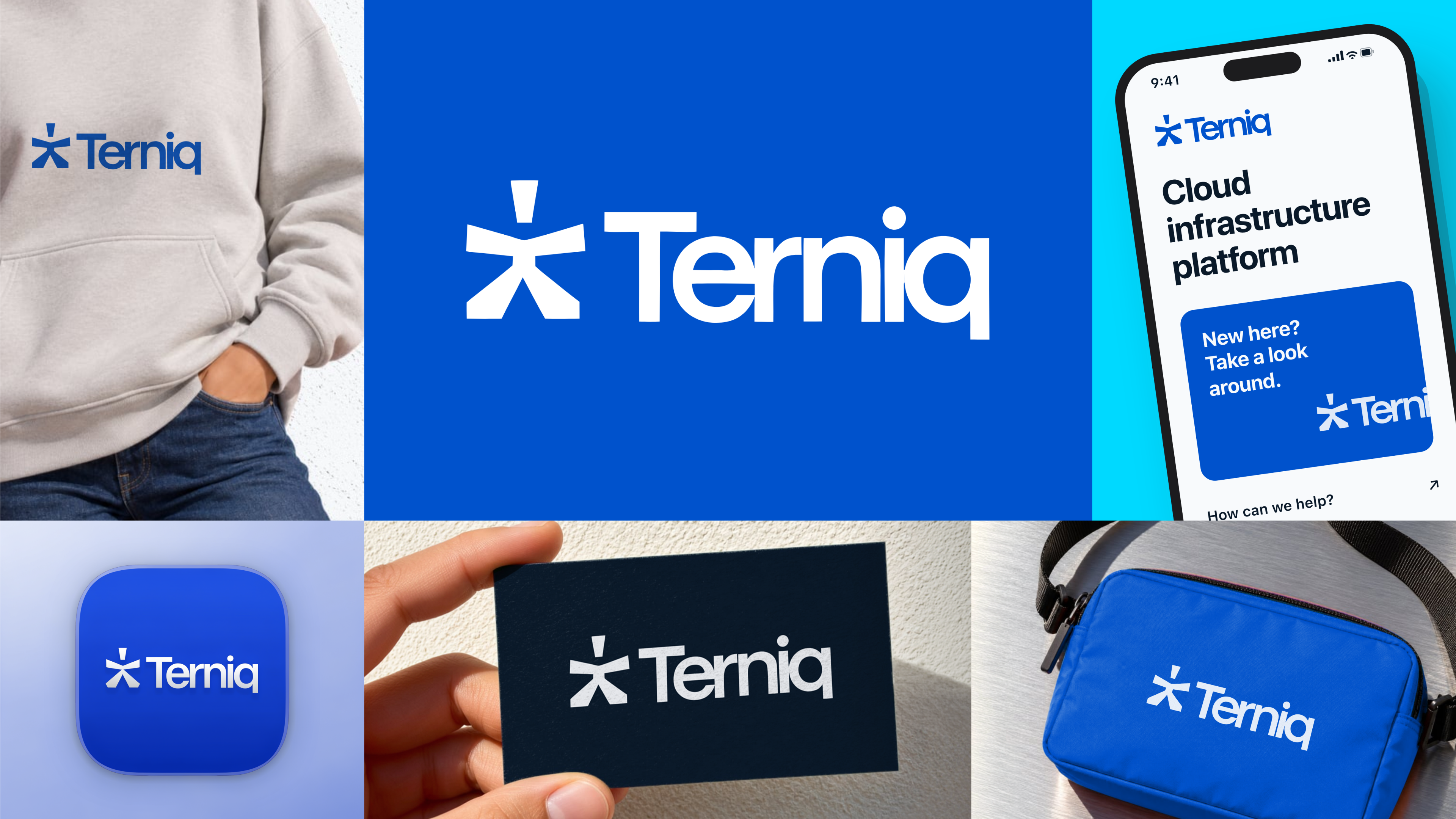
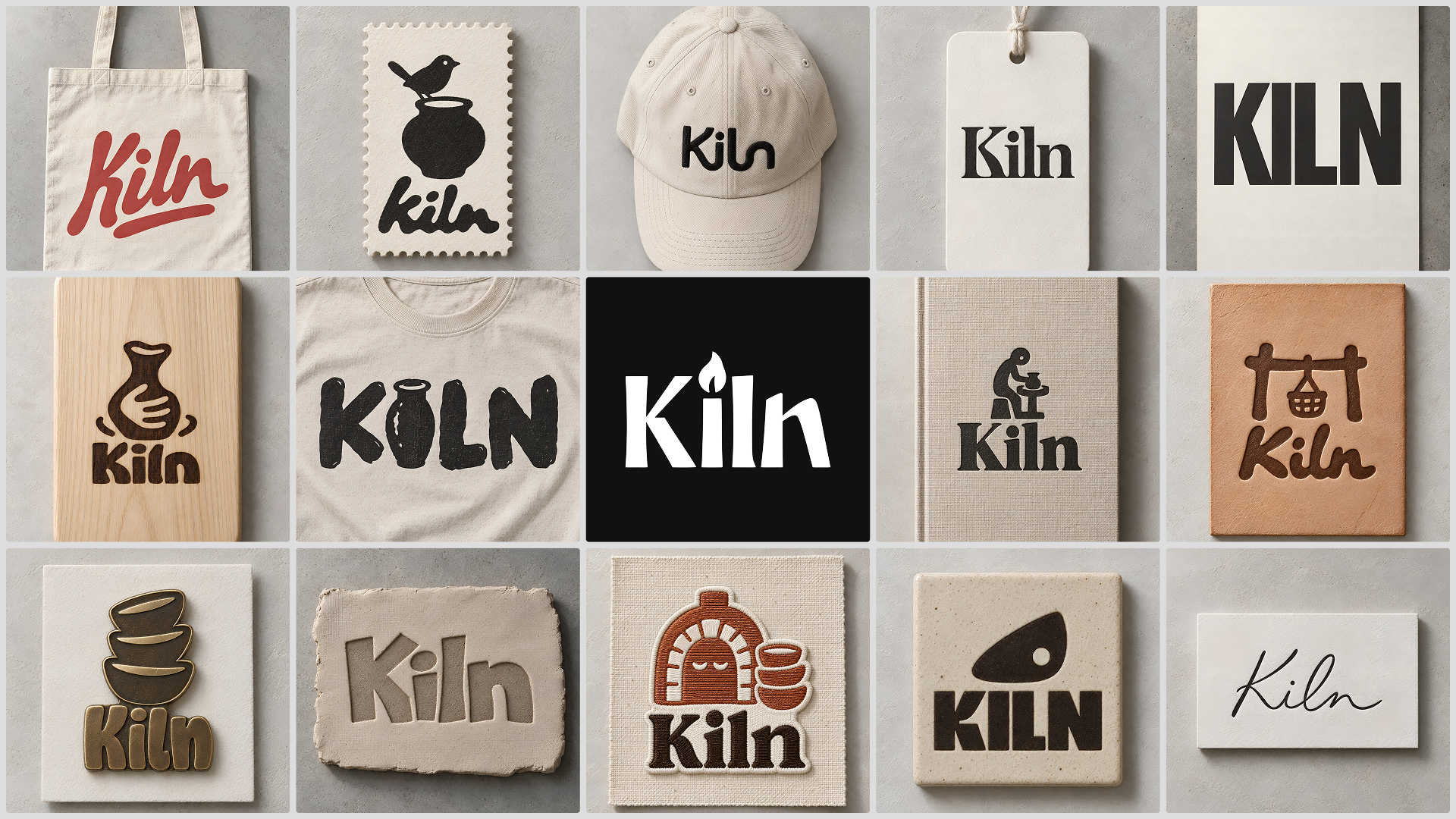
An AI logo maker turns a few details about your business into logo concepts you can compare, refine, and export.
This guide covers how an AI logo generator works, what to check before you commit to a design, how the main tools compare, and how Recraft Logo Maker takes you from a business idea to a logo you'll actually use.
Instead of writing a prompt, you answer a few questions about your business, set the look with styles curated by designers, and see your logo on real products before you decide.
An AI logo maker gets you from a business name to several concepts without hiring a designer, at a fraction of agency cost.
The first concepts are a starting point. Color, typography, and layout choices are what make a logo yours.
A logo is finished when it works in use, from a favicon to a shop sign. Check it on real applications before you export.
What is an AI logo maker?
AI logo makers are online tools that generate logo designs from information about your brand. You enter a name, a short description, and some style preferences, and the tool returns a set of concepts to choose from. You don't need design experience, and with a tool that asks the right questions, you don't need prompt-writing skills either. Recraft's AI logo generator is one example.
Benefits of AI logo makers
Faster first drafts
A traditional design process starts with a brief, then rounds of sketches and feedback. An AI logo maker compresses the first round: you see several distinct directions in one session and pick the one worth pursuing.
Lower cost
Agency and freelance logo design is a real expense for a new business. AI logo makers cost a fraction of that, which leaves budget for the rest of the launch.
A guided process
The better tools walk you through decisions in order: business details, style, layout, and color. You don't need design vocabulary to get a usable result.
Room to customize
Generated concepts are editable. You can adjust colors, typography, and layout until the logo matches the brand, as covered in how to make logos with AI.
How Recraft Logo Maker works
Recraft Logo Maker is a guided flow for business owners and entrepreneurs who need a logo for a new business or product. It runs outside the Recraft Studio canvas, so you only see the steps and tools that matter for a logo. It's in public beta on desktop and mobile web.
Answer questions about your business. Give your brand name, a short description, the type of logo you want, and the traits it should carry. No prompt needed.
Pick a style. Choose from styles curated by Recraft designers, or upload your own image references.
Review four directions. Recraft generates four deliberately different concepts, choosing the most suitable model for each one.
Refine one. Edit a direction, change its colors, ask for variations, regenerate all four, or switch style.
See it at work. Preview your logo on dozens mockup scenes. Mockups apply instantly and cost no generation credits.
Explore several logo directions, then finish one as a vector
The quickest way to find a logo is to compare a few different directions side by side before you commit to one. Recraft Logo Maker generates four deliberately different concepts from one brief, so you choose between real options instead of polishing the first idea that came up.
Once a direction works, refine only that one: edit it, change its colors, ask for variations or switch the style, then check it on mockups. The finished logo exports as a vector file, so the mark you picked is ready for print, signage and the web without being redrawn.
Top AI logo makers compared
Most AI logo makers share the basics: a form for business details, generated concepts, and some editing. The differences are in pricing, how much control you get, and what happens after the first result. For a longer list, see our roundup of the best AI logo design tools.
Recraft
Recraft is an AI design platform used by designers, illustrators, and marketers. Recraft Logo Maker is its dedicated flow for business owners: it starts from questions rather than a prompt, offers designer-curated styles, generates four directions, and shows the logo on mockups before export. Designers who want full control can also generate logos on the Recraft Studio canvas with prompts and styles, and create clean vector icons with the AI vector generator.
LogoAI
LogoAI sells logos as a one-time purchase rather than a subscription. Designing is free until you download, which makes it easy to try.
Design.com generates logos from a business name and description. Adding keywords narrows the options toward your brand.
Looka
Looka builds designs from your industry, style, color, and symbol preferences, so the first set already reflects your choices.
Tailor Brands
Tailor Brands generates logos from your input and industry, with customization for colors, fonts, icons, and layouts.
Customize and refine your logo
Color and typography
Color and type carry most of a logo's personality. A saturated palette reads as energetic, a muted one as established. A geometric sans-serif suggests a modern product, and a serif suggests heritage. Try a few combinations against your brand before settling. In Recraft Logo Maker, changing colors, switching styles, and requesting variations are the quickest ways to compare them.
Layout and icons
The arrangement of symbol and name affects readability as much as either element on its own. Test a horizontal and a stacked version, plus an icon-only mark for small spaces like app icons and social avatars.
Why your logo should be a vector
A logo has to work at every size, from a 16-pixel favicon to a shop sign. A vector logo is built from paths rather than pixels, so it stays sharp at any scale. A raster file like PNG has a fixed resolution and blurs or pixelates when you enlarge it.
That's why print shops, sign makers, and embroidery services usually ask for a vector file, and why an SVG logo is the standard choice for websites. PNG still has its place for social media and documents, especially with a transparent background. Keep the vector file as your master and export PNGs from it as needed.
Recraft Logo Maker exports a vector file, so you start with the format you'll need later. If you already have a logo as a PNG, Recraft's image vectorizer converts it to SVG.
Evaluate AI-generated logo quality
Before you export, check three things.
Brand fit. Does the logo reflect what the business does and who it's for?
Design quality. Is the composition balanced, the type legible, and the idea free of category clichés?
Scalability. Does it hold up as a favicon and embroidered on a shirt? Mockups are the fastest way to find out.
Challenges and considerations
Uniqueness
AI logo makers are good at producing variations, but a distinctive identity still depends on your input. The more specific your business description and style choices, the less generic the result.
Copyright and ownership
Read the terms of any AI logo maker before you use a logo commercially. On Recraft paid plans, you own your creations and have full commercial rights, as explained in commercial rights and ownership. Separately, check that your logo doesn't resemble an existing trademark, and consider registering it once it's final.
FAQs
Can I use an AI logo maker with no design experience?
Yes. Recraft Logo Maker is built for business owners and entrepreneurs. It asks questions about your business instead of asking you to write a prompt.
Is Recraft Logo Maker free?
You can try Recraft Logo Maker on the Free plan. Logos made on the Free plan are public and for personal use only. To use your logo commercially, you need a paid plan. See commercial rights and ownership for details.
Is Recraft Logo Maker the same as the Recraft logo generator?
Yes. Recraft's AI logo generator page takes you to Logo Maker, a guided path from business idea to finished logo. If you want full control with prompts and styles, you can also generate logos on the Recraft Studio canvas.
Are AI-generated logos unique?
AI builds on existing design patterns, so uniqueness comes from your inputs. A specific brief, a deliberate style choice, and a few rounds of refinement produce a logo that reflects your brand rather than a template.
What file formats do AI logo makers provide?
Most offer high-resolution PNG or JPG files for web use and vector formats like SVG for print and merchandise. Recraft Logo Maker gives you a vector file.
.svg)