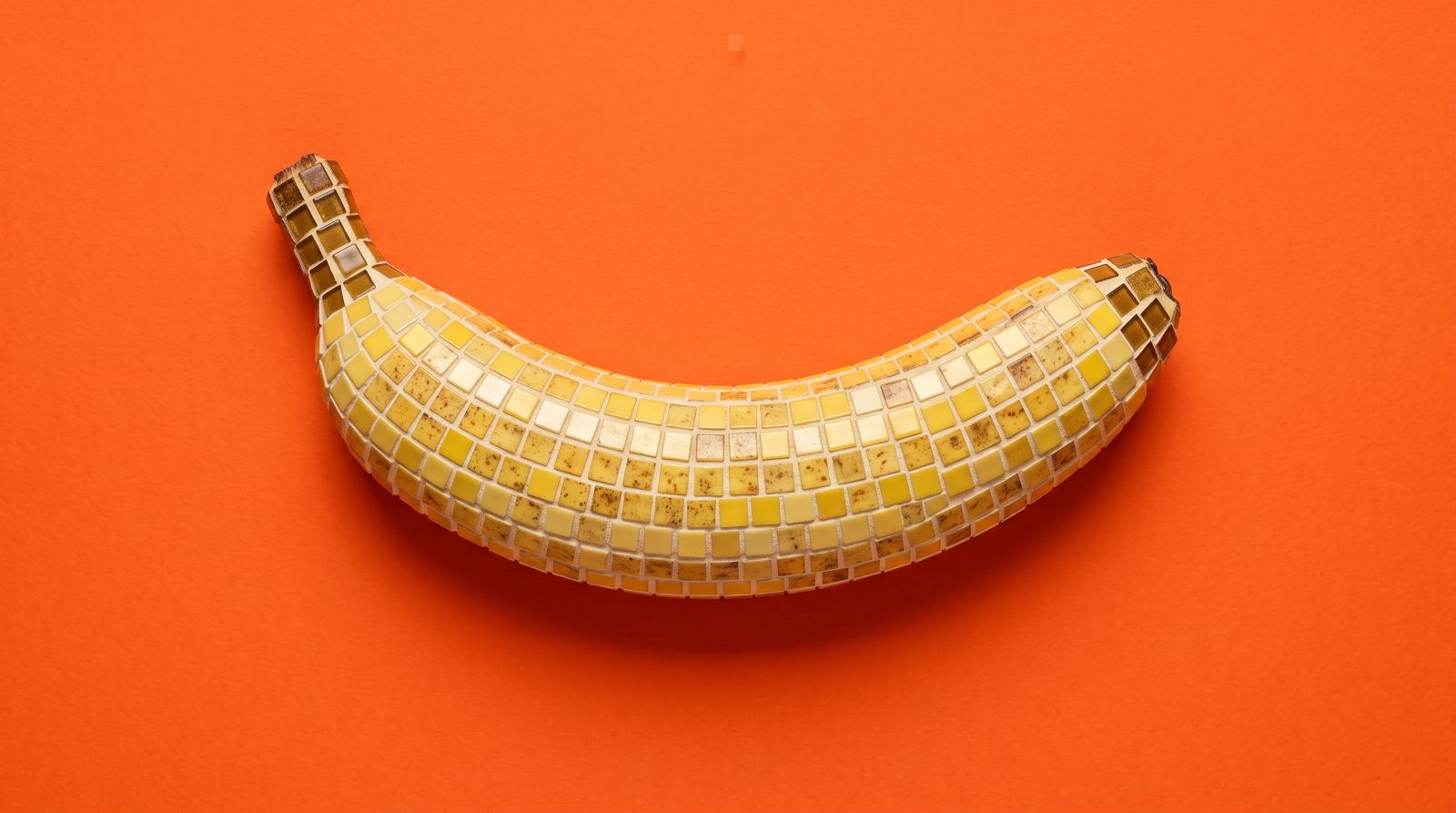
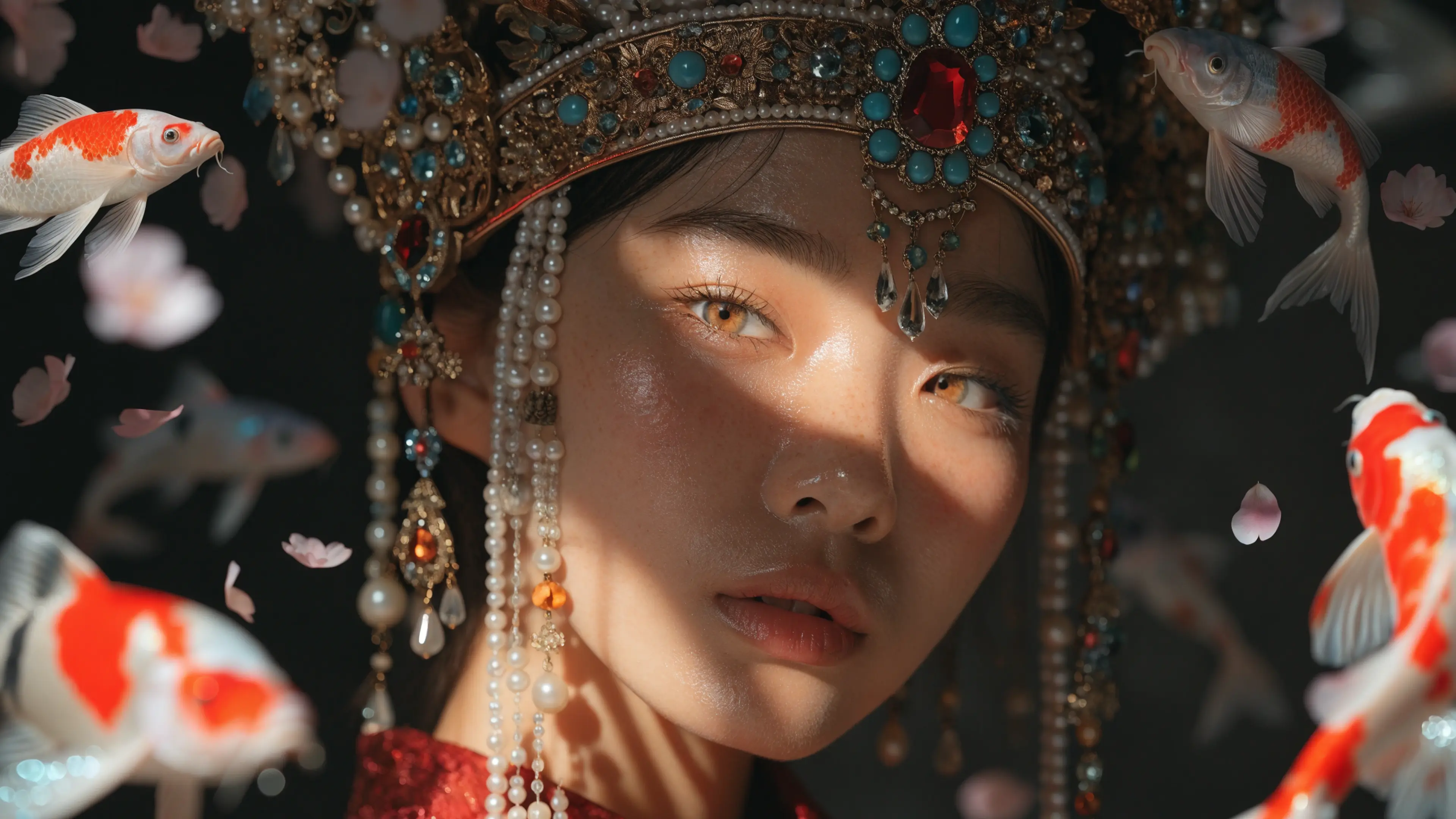
Nano Banana 2.1 is live in Recraft Studio. Google's update to Nano Banana 2 improves visual quality, text rendering, and consistency, and you can pick it from the same model selector as the rest of the Gemini image lineup.
What changed in Nano Banana 2.1
Google published the model on October 6, 2026, as gemini-nano-banana-2.1. It updates Nano Banana 2 (Gemini 3.1 Flash Image) and keeps Flash-level speed and cost. Google positions it as the more efficient counterpart to Nano Banana Pro (Gemini 3 Pro Image).
The documented updates, from the Gemini API model page:
- Better visual quality and realism at 1K, 2K, and 4K. The default output is 1K.
- Tiling artifacts fixed on wide and panoramic ratios (1:4, 4:1, 1:8, 8:1) at 2K and 4K.
- Better text rendering and infographic layout.
- Multi-image fusion of up to 14 reference images: character consistency for up to 4 characters, object fidelity for up to 10 objects.
- Grounding with Google Web and Image Search.
- Thinking levels: minimal, medium (the default), and high.
Those are Google's API capabilities. Recraft Studio does not expose every API control. Reference limits, grounding, and thinking levels follow what the prompt panel shows for this model, not the full Gemini API list.
Where it sits next to Nano Banana 2 and Pro
Use Nano Banana 2.1 when you want the efficient Gemini image model and the quality fixes above. It is the update to Nano Banana 2, not a replacement for Nano Banana Pro.
Nano Banana Pro still wins when the brief needs the heavier model: tighter instruction following on structured layouts, or the Pro quality tier you already use for demanding edits. If a wide ratio used to tile, or small type used to break, start with 2.1. If Pro already nails the layout, stay there.
Credit cost is not fixed in this post. Google models in Studio run from 5 to 40 credits depending on the version, and the exact number shows in the selector. The current table lives in the external models docs.
How to use it in Recraft Studio
Open a project, open the model selector, and choose Nano Banana 2.1. Generation and natural-language edits stay on the same canvas. You do not export, switch tools, and reimport.
Attach references the same way you do for the other Nano Banana versions. The paper clip is the control. Studio's Google models currently support up to 10 reference images, which is below the 14-image API ceiling, so plan the set for the cap the panel allows.
External models, including Nano Banana 2.1, are Studio-only. They are not on the Recraft API. If the job has to run through the API, use a Recraft model (V2, V3, V4, or V4.1) instead.
What to try first
Three briefs show the update without a side quest:
- A text-heavy layout: a poster line, a label, or a simple infographic. Check whether the type holds.
- A wide or panoramic ratio at 2K or 4K. This is the tiling fix. Look at the edges, not the center.
- A character or product held across a few frames, using several references. Consistency is the point, not a new style.
If the result drifts, the fix is usually the reference set or the prompt, not a different thinking level you cannot set. Compare it on the same canvas with Recraft V4.1 when you want art direction rather than a literal edit.
Pick Nano Banana 2.1 in the selector and run one of those three. Pricing for the Google lineup is in the external models docs.
.svg)