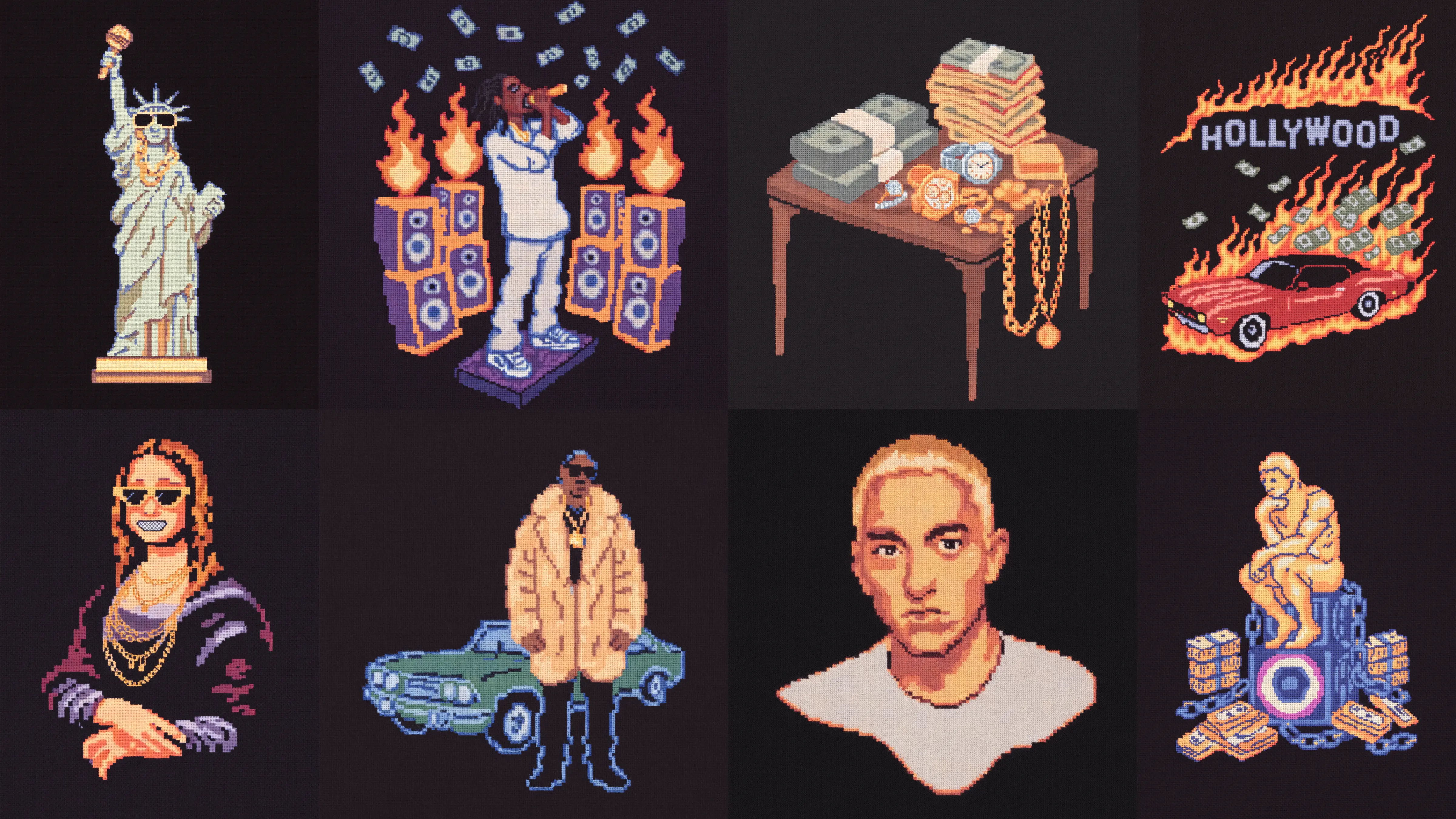
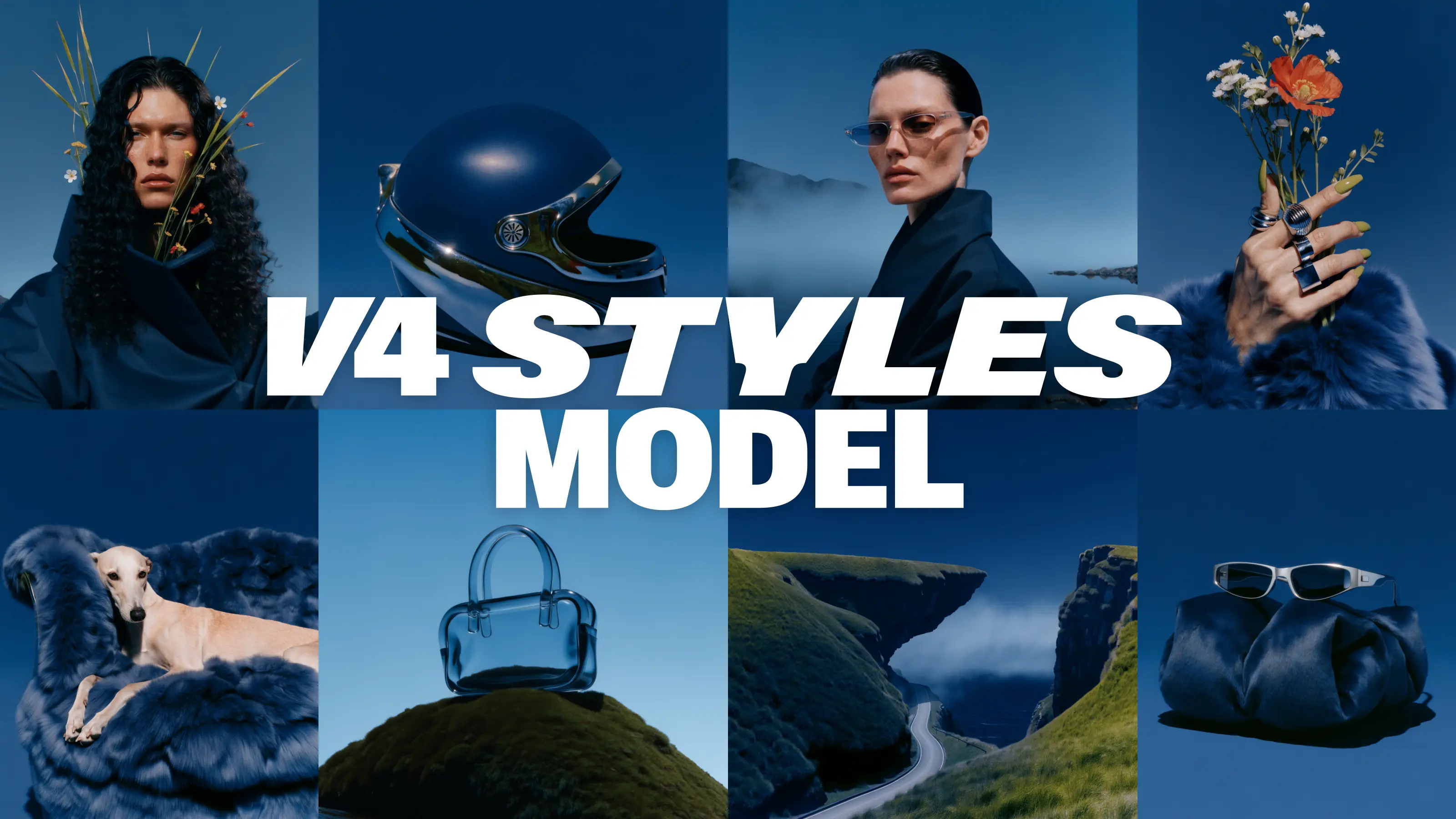
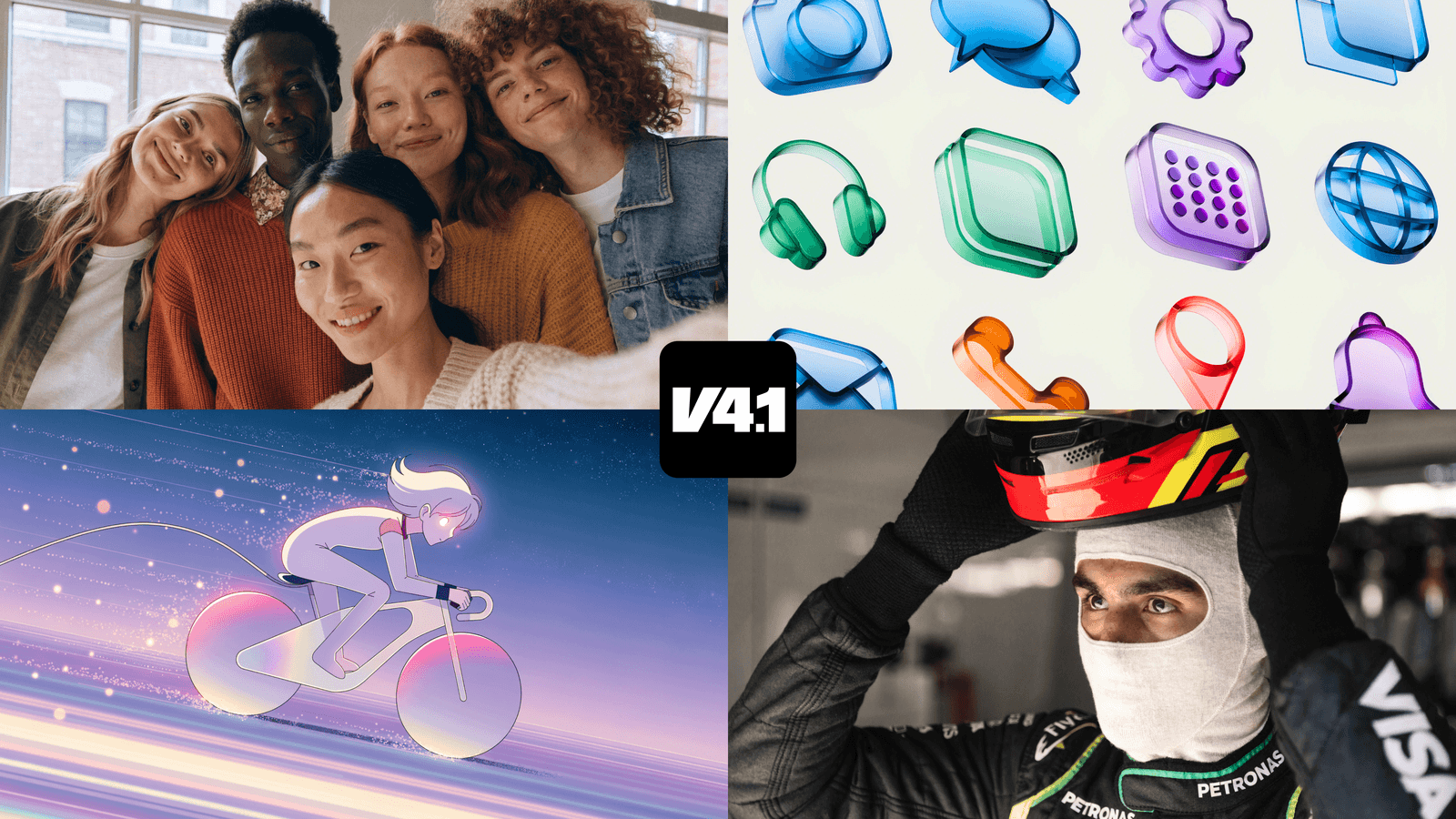
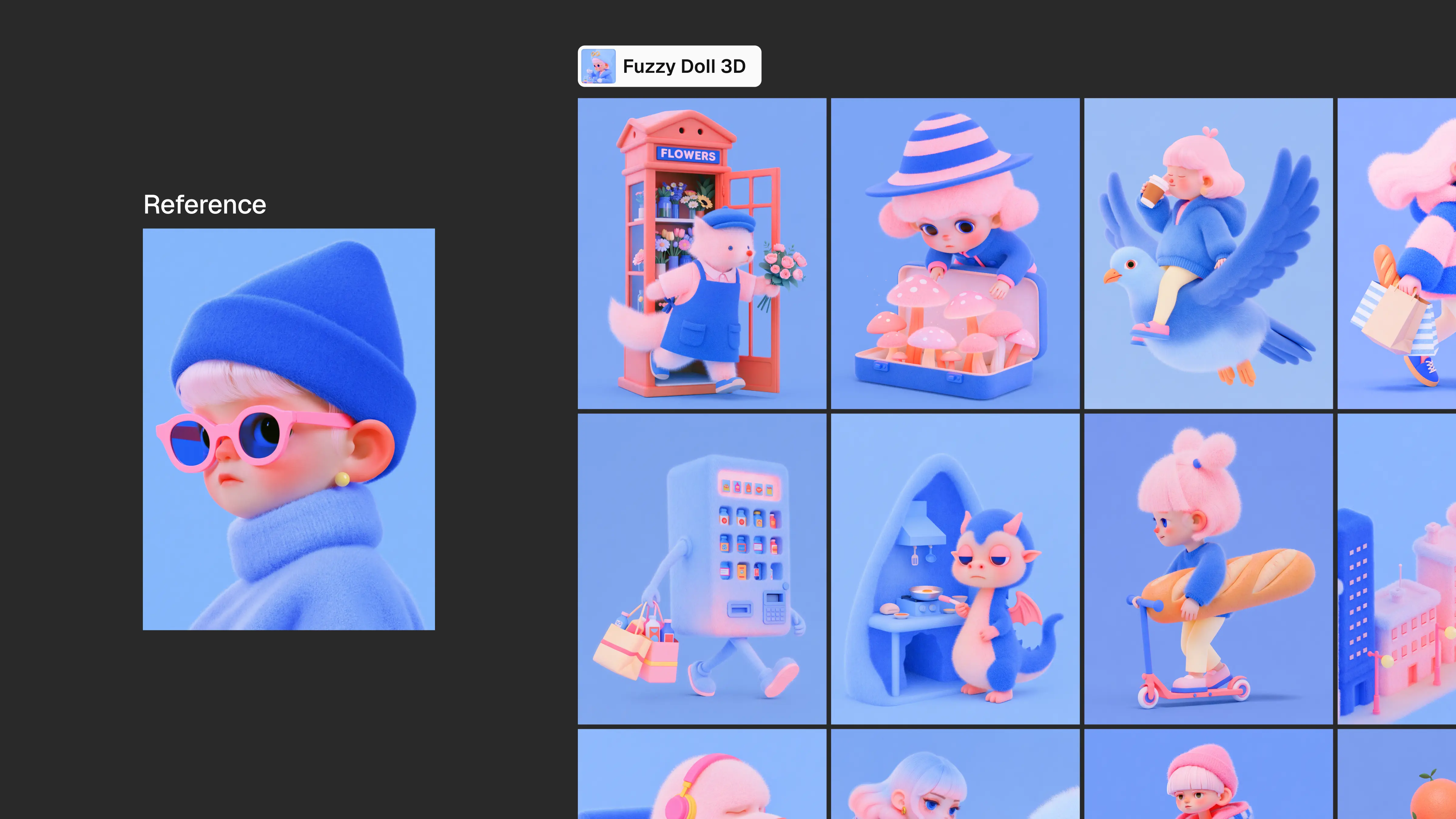
Feed this model 1 to 10 references and it learns the style.
Style it once, and every image after matches. That's the whole pitch.
One reference is the safe move
One strong image gives the model a clean signal: one visual world, one set of rules to apply. No competing directions pulling the output in different directions, no risk of two aesthetics fighting for the same canvas.
If you are not sure whether a single reference is the right call, it is the right call.
Multiple references, one strict rule
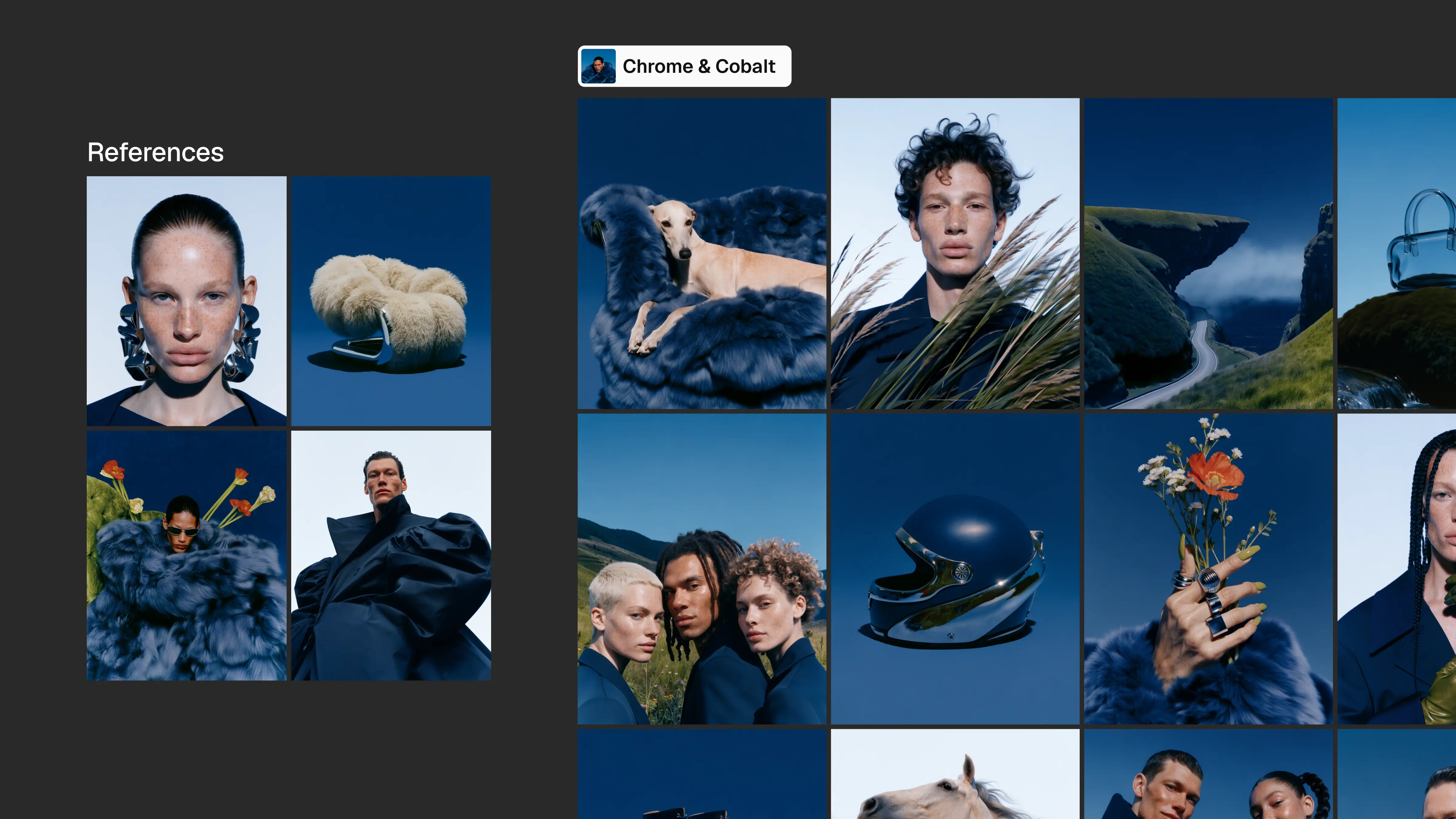
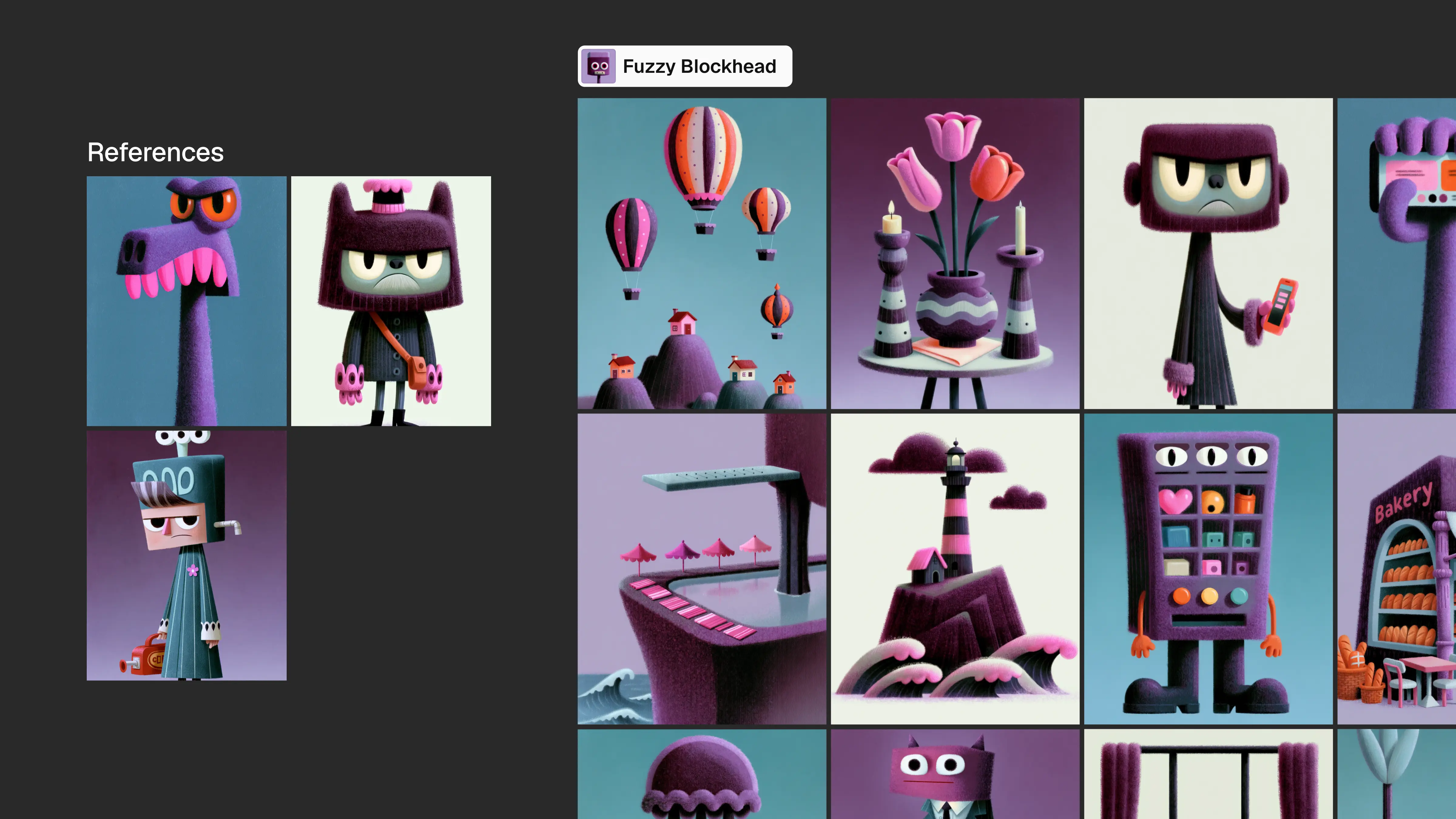
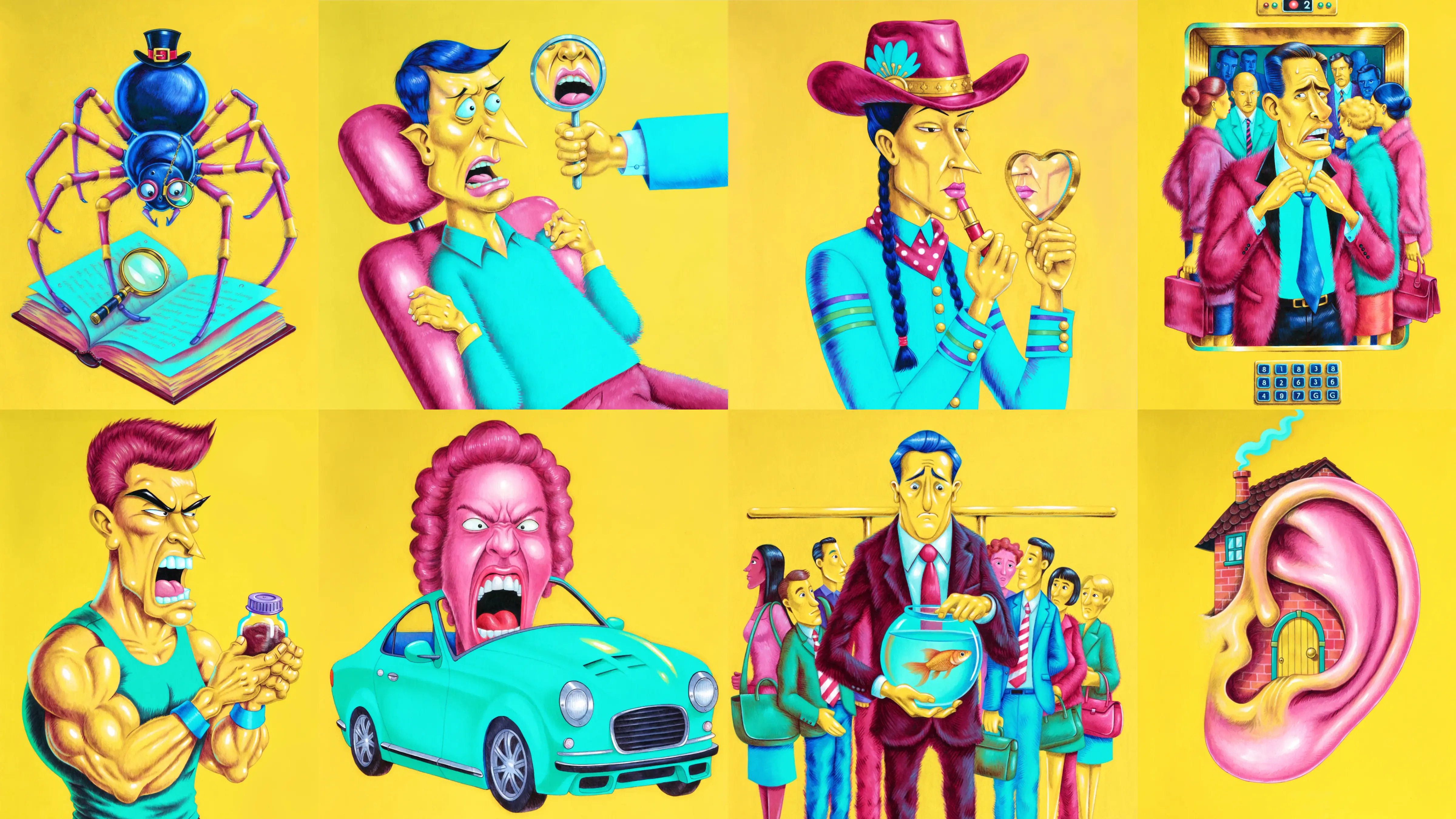
More references help in exactly one situation: they already agree with each other.
The right kind of multiple references looks like pages from a single, consistent brand book. The wrong kind looks like a moodboard assembled from three different decades, four different industries, and a screenshot you saved at 1AM because it felt right at the time.
When the references share a visual logic, something useful happens. The model stops fixating on a specific pose or object it saw in one image and starts reading the underlying style instead. It understands the rules, not just the examples. That is the upside of providing multiple references correctly.
The rule does not bend, though. Every reference has to live in the same visual world. Mismatched references do not average out into something reasonable. They compete with each other, and the output inherits that fight.
Mixed references don't blend, they collide
When you feed the model references from unrelated visual worlds, it does not resolve the conflict by picking the stronger one. It lifts details, objects, and motifs from each and stitches them together. The result is usually nowhere near what the prompt described.
Not sure your references agree with each other? Use one. That is not a hedge. It is the fastest path to an output you will actually want to use.
The reference sets the style, the prompt does everything else
Here is the division of labor: the reference owns line weight, color logic, texture, and rendering style.
The prompt owns subject, scene, composition, pose, and object.
The prompt also controls the level of detail in the scene. If you want variety across a set, write different prompts.
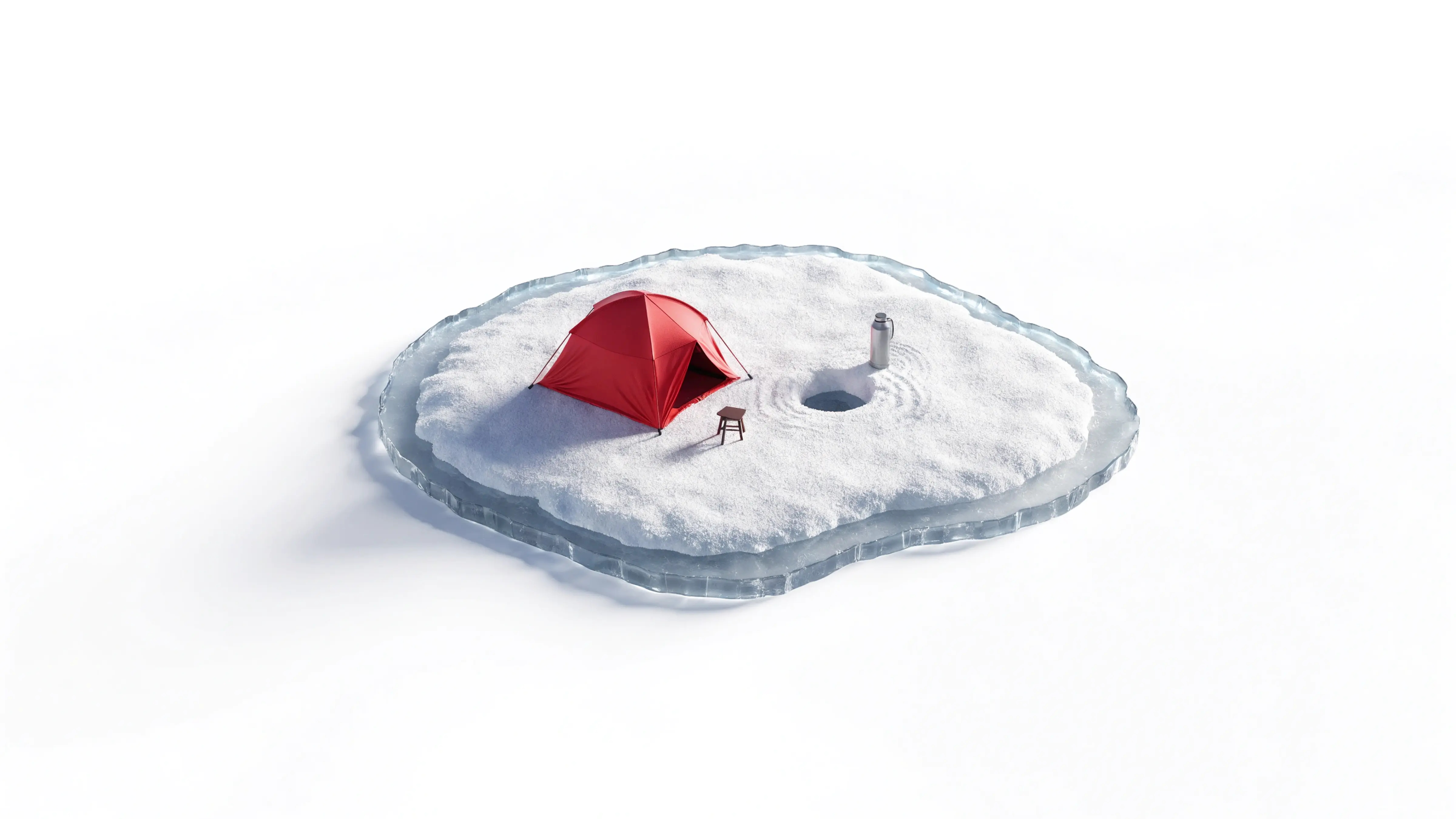
PROMPT (click to expand)
Miniature frozen lake with a single red ice-fishing tent, tiny stool, fishing hole and thermos, surrounded by untouched snow, lots of open space.
PROMPT (click to expand)
Highly detailed Italian hilltop hotel, multi-level cream building following the slope, terracotta roofs, dozens of windows, terraces, stairs, pool, restaurant courtyard and dense Mediterranean vegetation.
Adding a fourth reference to shake things up is how you end up with a blend nobody ordered and a round of regenerations nobody wanted.
Vague prompts, vague results
"A person" gives you the same pose and the same framing every time. The model is not being conservative. It is doing exactly what the prompt told it to: generating a person, without enough information to do anything specific with that person.
"A person walking forward with their hair flowing in the wind, carrying a small bag" is a different prompt, and it produces a different result.
Specificity is not a nice-to-have in prompting. It is the variable that separates a generic output from one that actually fits the brief.
Recraft V4 Styles
PROMPT (click to expand)
A person.
Recraft V4 Styles
PROMPT (click to expand)
A person walking forward with their hair flowing in the wind, carrying a small bag.
Recraft V4 Styles
PROMPT (click to expand)
A person walking forward with their hair flowing in the wind, carrying a small bag, while crossing a city street on a sunny afternoon, surrounded by colorful buildings, passing cars, trees and other pedestrians, with warm light and a lively urban atmosphere.
The reference is only as good as the file
A low-resolution reference limits the output before the prompt has any say. The model reads what you give it. If the file is compressed, blurry, or small, the style signal is degraded before generation starts.
Upload clean, high-resolution assets. This is non-negotiable.
Color matching is a maybe, not a promise
Color consistency between a reference and the output is not guaranteed. The model reads the stylistic logic of a reference, including its palette, but exact color reproduction is not the same as stylistic reproduction.
If precise color match is a requirement of the brief, check the output against the reference before approving. Do not assume it will match.
Weight your references like a mix, not a checklist
When you are working with multiple references, you can adjust how much influence each one carries. Drag the slider toward the reference that does the most work, the image that best captures the style you are trying to reproduce.
This is useful when a brand book has one hero image that defines the visual direction and several supporting images that are less definitive. Let the strong one lead.
Try it out today
Give V4 Styles one to ten references and see what holds. The test is simple: check whether the tenth image still looks like the first.
How many reference images can I use with V4 Styles?
V4 Styles accepts one to ten reference images. One reference gives the cleanest, most predictable result. Multiple references only help when they share a consistent visual style, such as pages from the same brand book.
Can I mix references from different styles?
No. Mismatched references do not blend into something new. The model lifts details from each one and stitches them together, which usually produces a result far from what you intended. Use references from a single visual world, or use one reference alone.
Does V4 Styles require training or fine-tuning?
No. Upload a reference and generate immediately. There is no training step, no fine-tuning job, and no waiting period before you can start producing images.
What controls the subject of the image if the reference controls the style?
The prompt does. The reference sets line weight, color logic, texture, and rendering style. The prompt sets subject, scene, composition, pose, and object. To vary the subject across a set, write a new prompt rather than adding another reference.
.svg)


.webp)
.webp)




.webp)