Download app
Download app

Generate and edit images in OpenClaw with Recraft

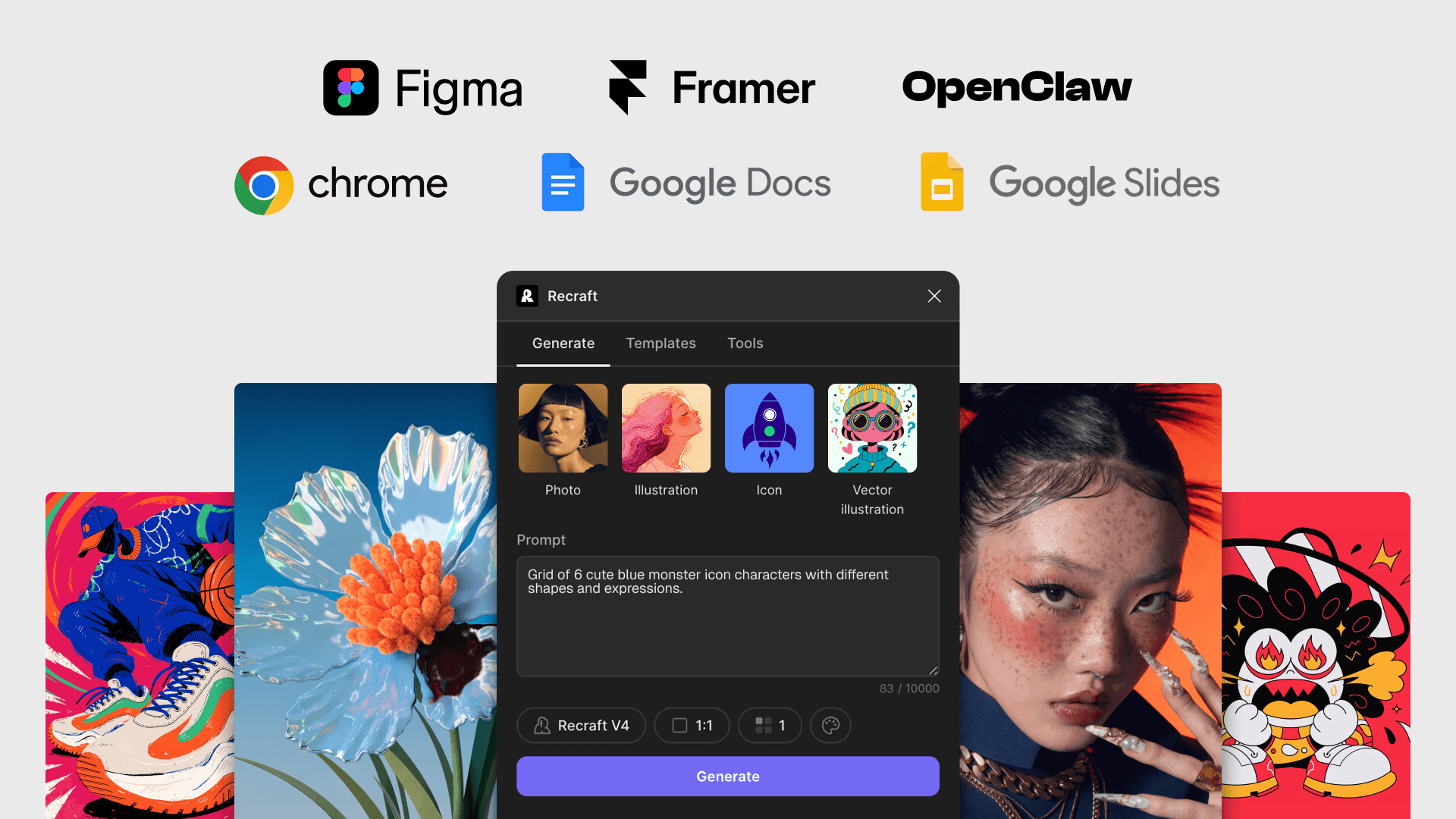
Recraft is an AI-powered image generation and editing model available as a connected skill in OpenClaw AI assistant. Enable it to create raster and vector visuals and edit images directly in your workflow.
Enable Recraft image generation and editing in OpenClaw or other platforms using your personal API key.

What you can do with Recraft in OpenClaw

Use all the main image generation and editing features of Recraft in your AI assistant:

  • Generate raster and vector images
  • Edit image with text description
  • Remove or replace background
  • Vectorize
  • Upscale images
  • Variate the image size

How to enable Recraft in OpenClaw bot

1. Open сhat with your OpenClaw AI assistant

Open a chat with your AI assistant in the messenger where you use it (WhatsApp, Telegram, Slack, etc).

2. Ask them to enable the Recraft AI skill

Type in the chat: "let's install /recraft skill".

3. Get your Recraft API key and share it with OpenClaw

To connect the Recraft AI Skill in OpenClaw, you’ll need your Recraft API key.

Get your API key

Explore more

Recraft models documentation

Recraft builds advanced AI image generation models designed for professional visual creation. These models power high-quality raster and vector imagery, accurate text rendering, and strong prompt adherence across a wide range of creative and production use cases.

Learn more about Recraft API

Use Recraft’s API to generate, edit, and scale production-ready images and vectors with frontier-level models.

API pricing

Use Recraft's powerful raster and vector models in your product, apps, or integrations like design platforms and AI assistants, with simple per-image pricing.

MCP documentation

Recraft supports the Model Context Protocol (MCP), enabling AI agents such as Claude, Cursor, and other MCP-compatible clients to interact with Recraft’s image generation and editing tools through a standardized interface.
By connecting this MCP server to your client, you can generate and edit high-quality raster and vector images directly from your agent environment without switching tools.

FAQ

Which capabilities are available through the API?

The API supports image and vector generation, prompt-based editing, background removal, inpainting and outpainting, batch jobs, and asynchronous processing. Full details are available in the API documentation.

How does pricing work for API usage?

API usage is billed based on credits consumed per request. Pricing varies by operation and output type, with full details available on the API pricing page.

Can I generate vectors and production-ready assets?

Yes. The API supports vector outputs as well as high-resolution raster images suitable for production workflows, including icons and illustrations.