API
Build automated visual workflows with Recraft API
Integrations
Access Recraft across different platforms
Download app
Download app

Free AI Fantasy Map Generator

Design custom fantasy maps with Recraft's AI fantasy map generator. Create detailed worlds, kingdoms and regions—in any style, in just a few clicks.

Up to 30 free image generations per day

Trusted by designers at

AI fantasy map inspiration

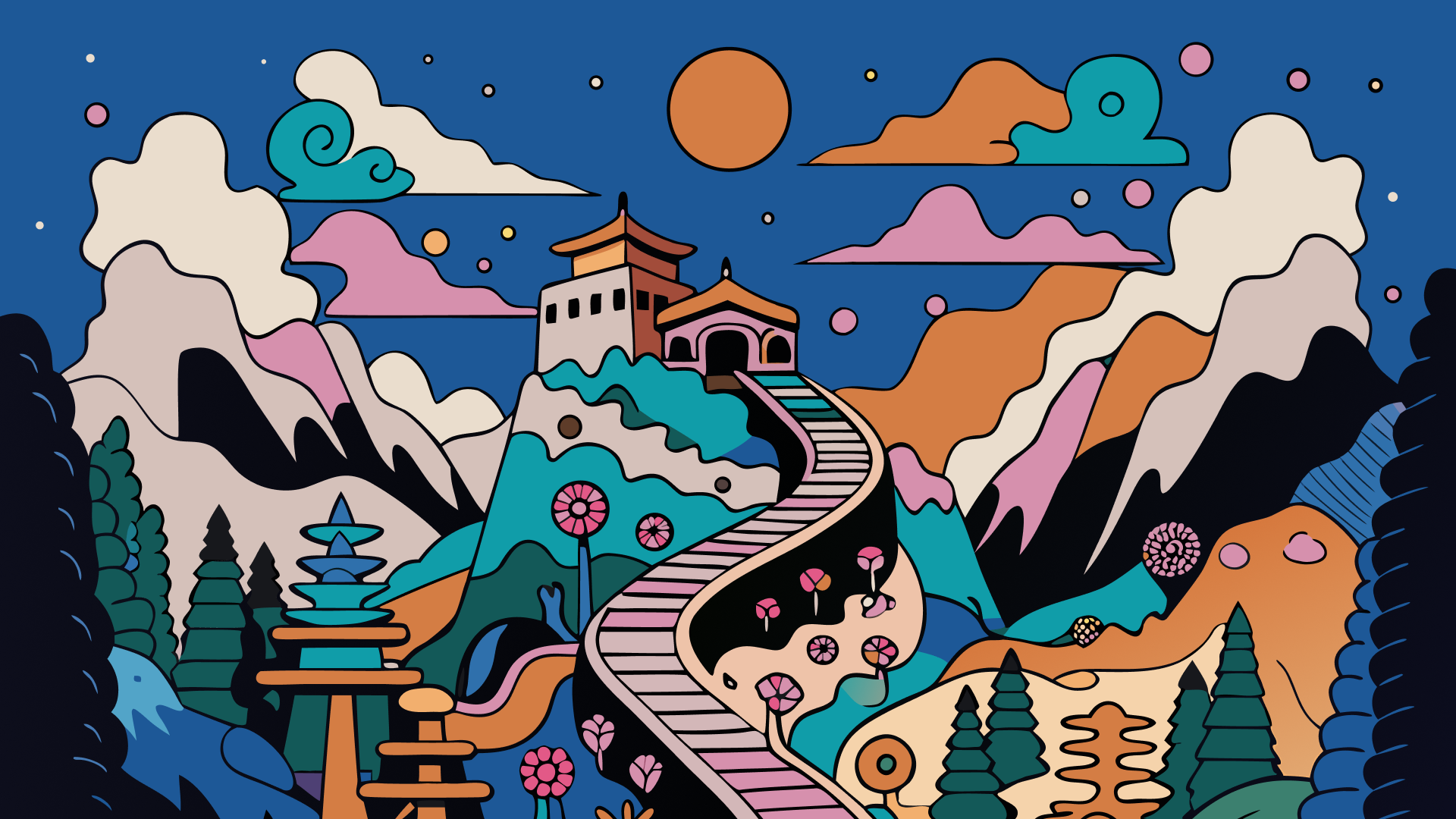
Explore the Recraft community gallery for custom AI-generated fantasy maps. See what Recrafters are building—from sprawling continents and kingdoms to dungeon layouts and city maps.

How the AI fantasy map generator works

Recraft's AI fantasy map generator turns a description into a detailed world map. Choose a cartography style, describe your world, then refine and export it. Here's how to create your custom fantasy map in four steps:

1

Choose a map style.

Pick from Recraft's ready-made styles—hand-drawn parchment, painted, isometric and more—or create your own custom style for a consistent look across a series.

2

Describe your world.

Enter a prompt with your terrain, regions and labels. Add details like mountains, rivers, coastlines or a compass rose for a richer result.

3

Generate and refine.

Hit Recraft to generate your map. Adjust colors, terrain and composition, and regenerate until your world looks exactly right.

4

Download your map.

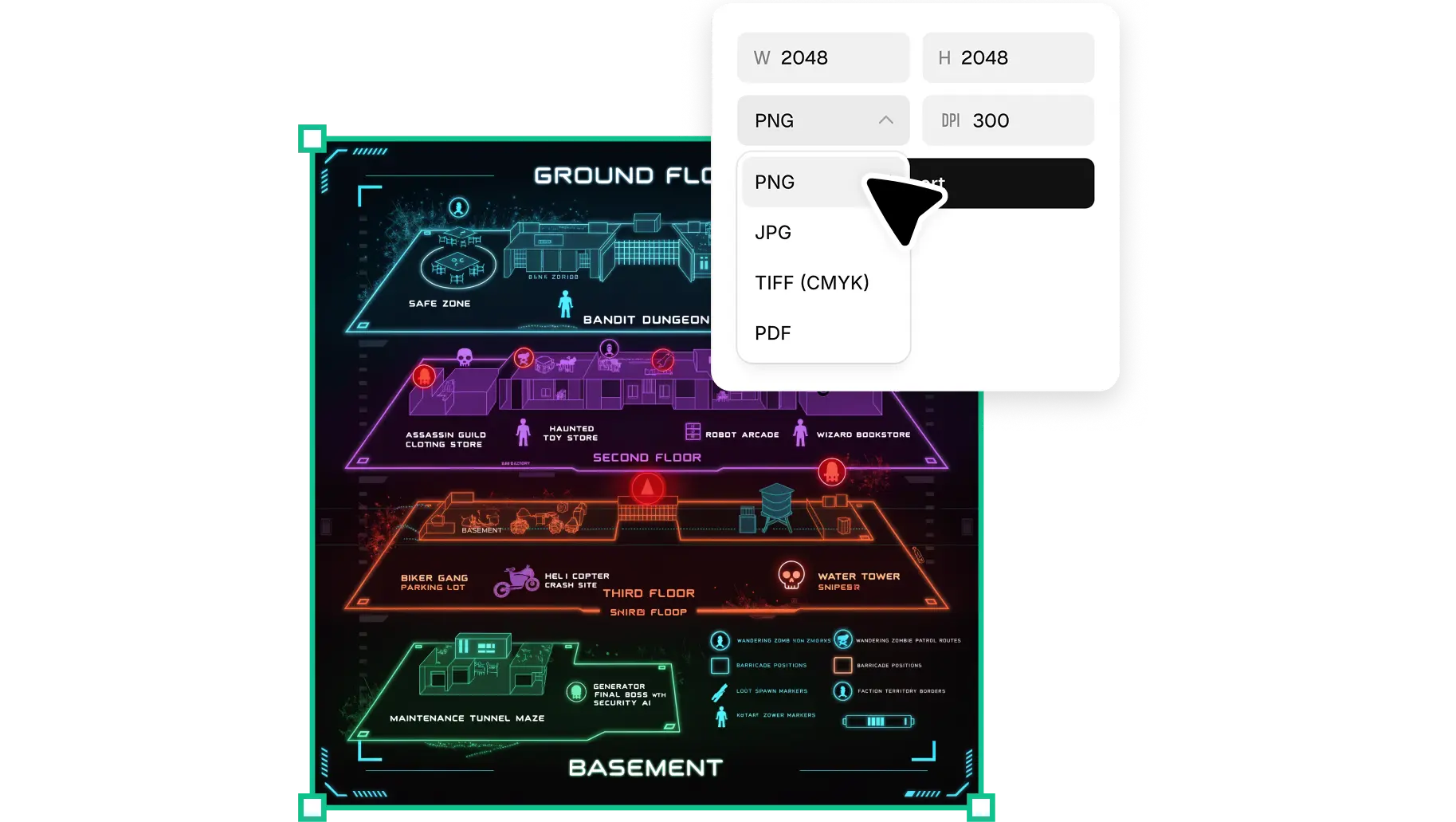
Export your fantasy map as a JPG, PNG or SVG file in one click—ready for your campaign, novel, game or print.

High-resolution maps, ready for print

Recraft generates fantasy maps at full resolution—no blurry coastlines or pixelated terrain. Every map scales cleanly from a screen handout to a large poster. Sharpen details and upscale your design in Recraft Studio's AI image generator.

Every cartography style, one creative tool

From hand-drawn parchment and inked linework to painted and isometric maps—Recraft covers the full range. Keep a series consistent with a saved custom style, and edit terrain, labels and color in Recraft Studio's AI image editor.

AI fantasy map generator FAQ

How does Recraft's AI fantasy map generator work?

Recraft's AI fantasy map generator uses a text-to-image model to turn a description into a detailed world map. Type your terrain, regions and style, and Recraft generates the map instantly. You can then refine the colors, layout and detail before downloading.

Is the AI fantasy map generator free?

Yes. Recraft's AI fantasy map generator is free to use. Create and download custom fantasy maps without a subscription, and free users get a generous number of generations every day.

What kinds of maps can I generate?

Recraft can generate continents, kingdoms, regions, city maps, dungeon layouts and more—in styles ranging from hand-drawn parchment to painted and isometric. You can also create your own custom style.

Can I use the maps for D&D or my novel?

Yes. Download your map as a high-resolution PNG, JPG or SVG and use it for tabletop campaigns, world-building, game design or book illustrations. The artwork stays sharp at any size.

Can I generate a map from a sketch?

Yes. Recraft's image-to-image tool lets you upload a rough sketch or reference map and transform it into a finished fantasy map while keeping your original layout.

Do I need design experience to use the fantasy map generator?

No design experience needed. Recraft is intuitive enough for anyone to use—just describe your world and refine the result with simple editing tools.