API
Build automated visual workflows with Recraft API
Integrations
Access Recraft across different platforms
Download app
Download app

Free AI Poster Generator

Recraft's AI poster maker generates custom poster designs from a text description — any style, any subject, ready to download in seconds.

Up to 30 free image generations per day

Trusted by designers at

AI poster inspiration

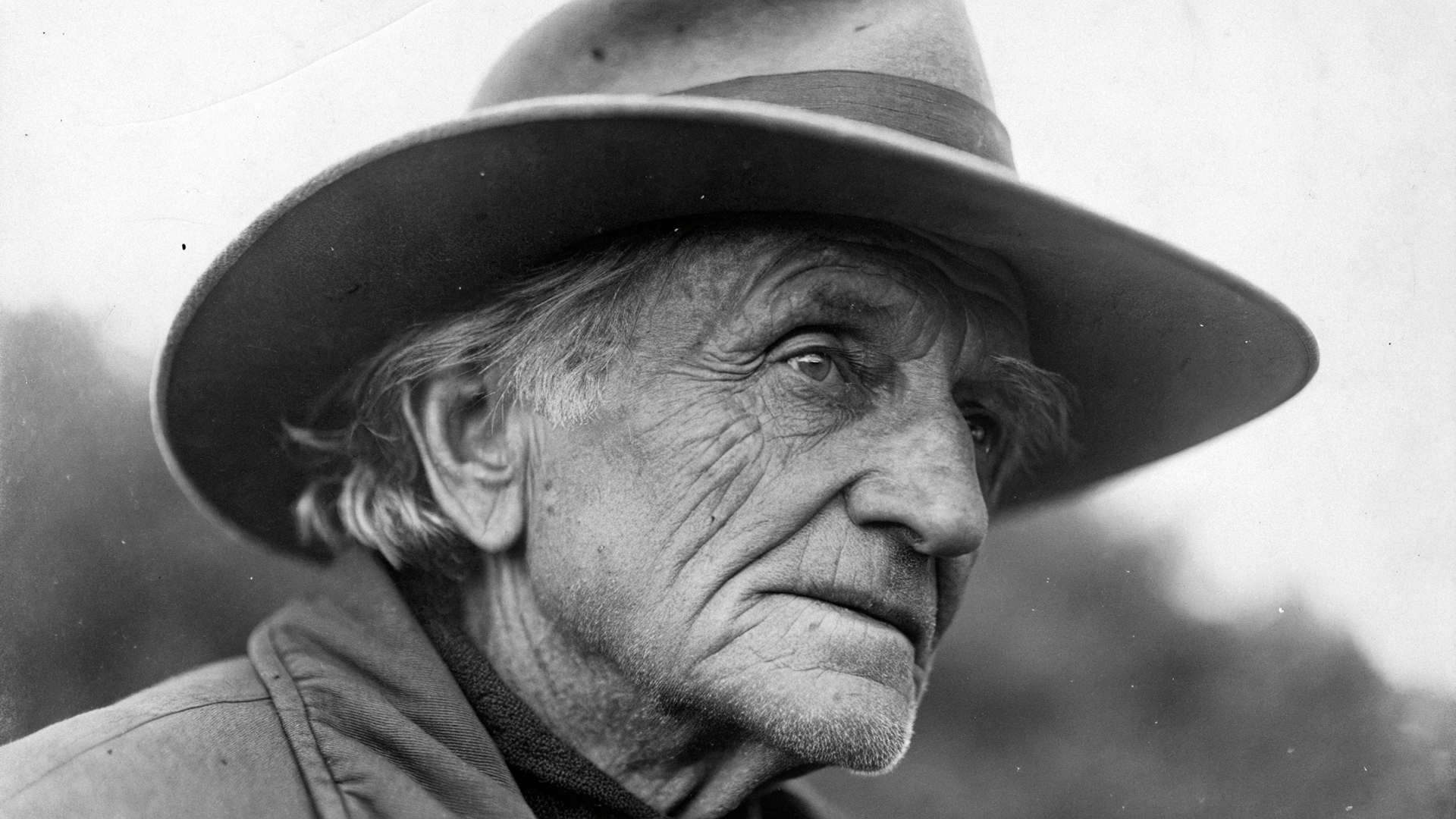
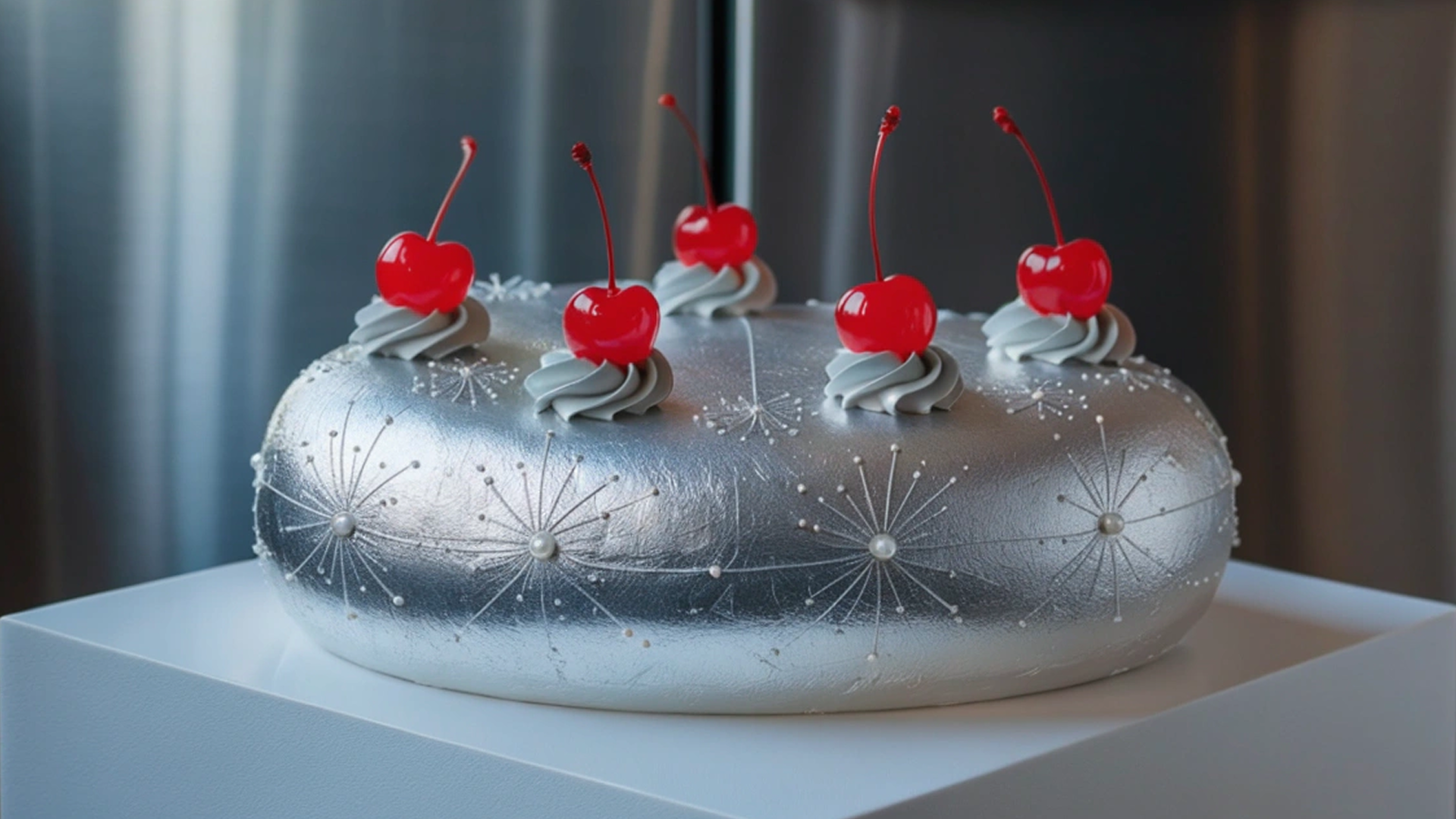
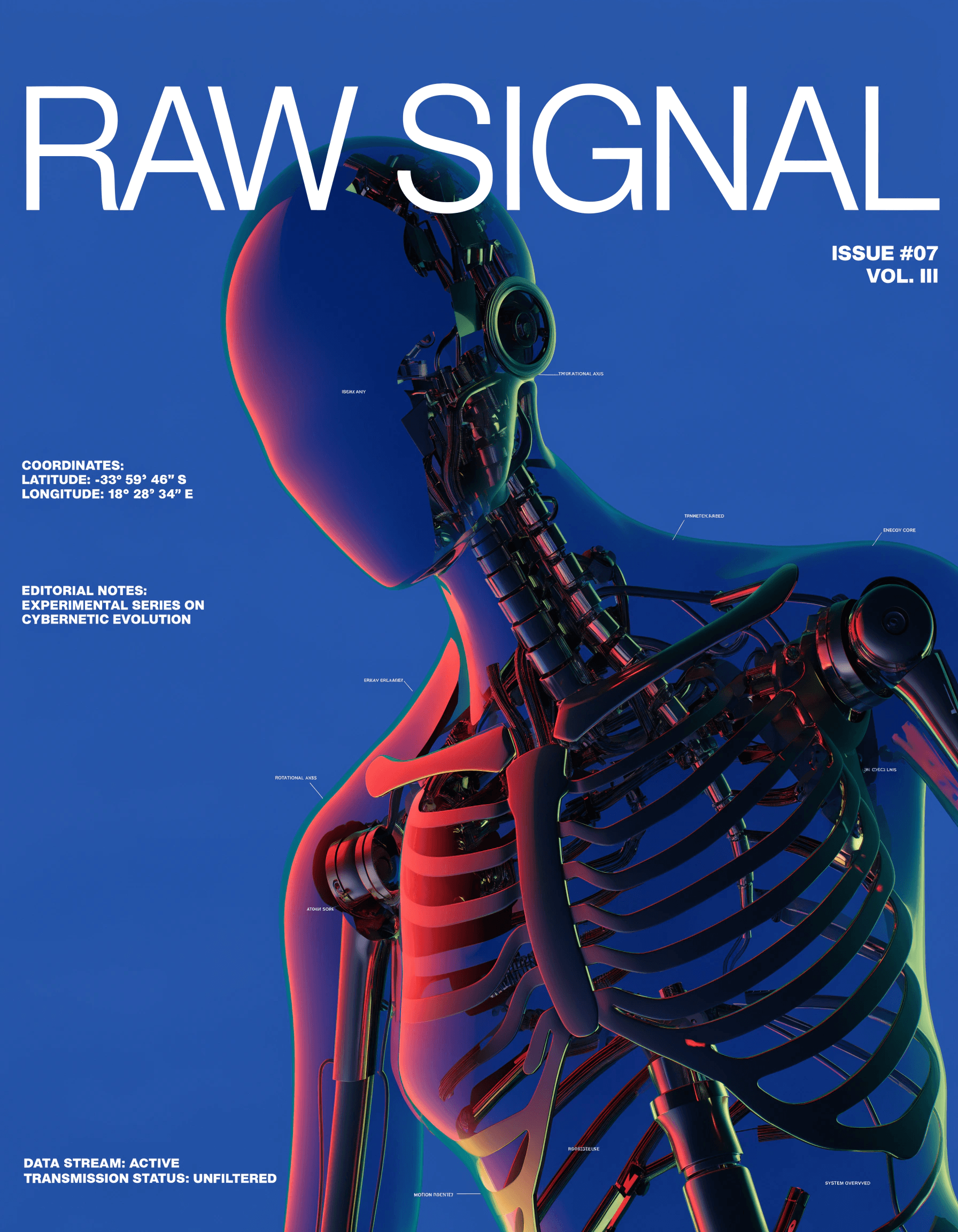
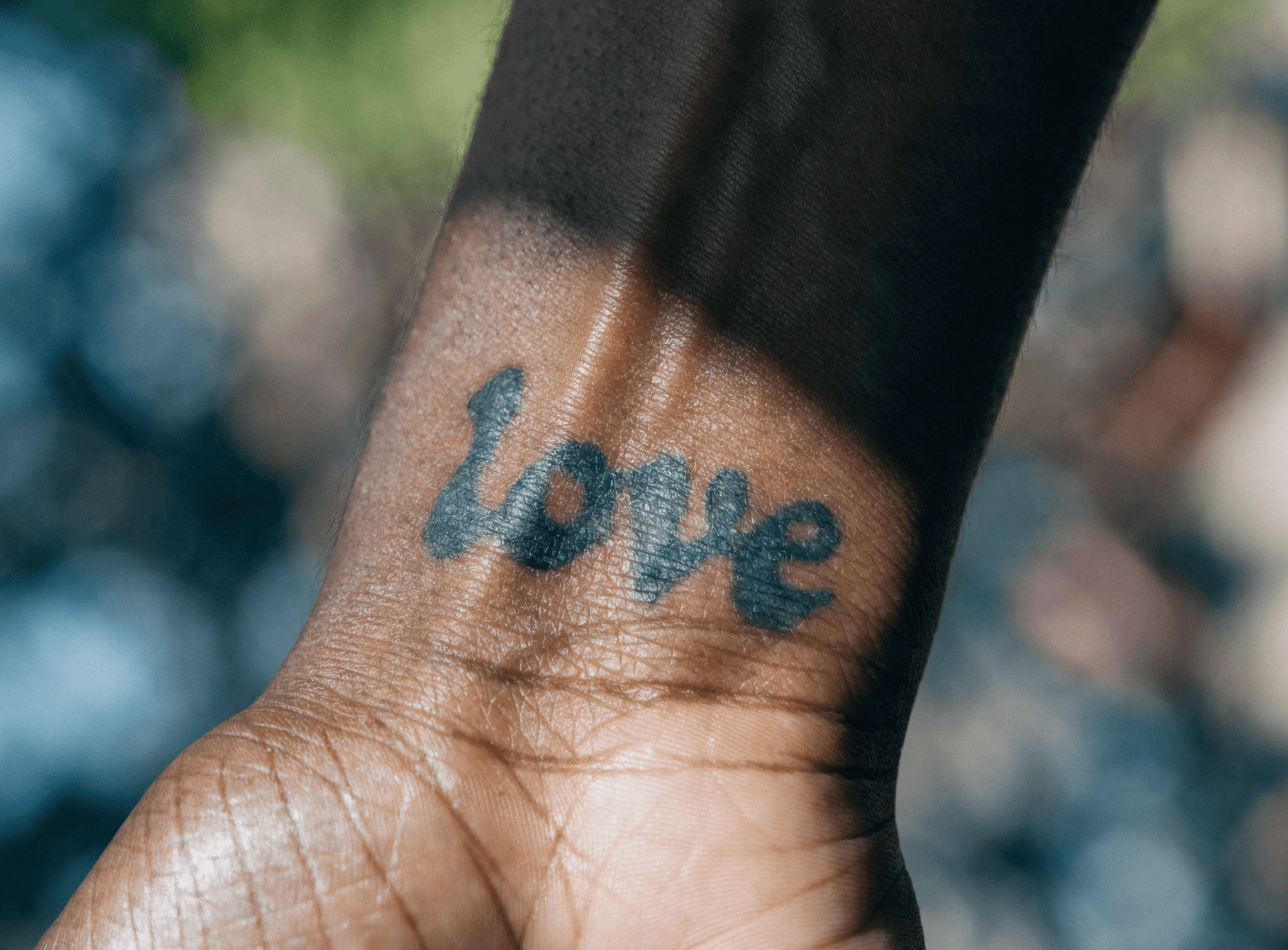
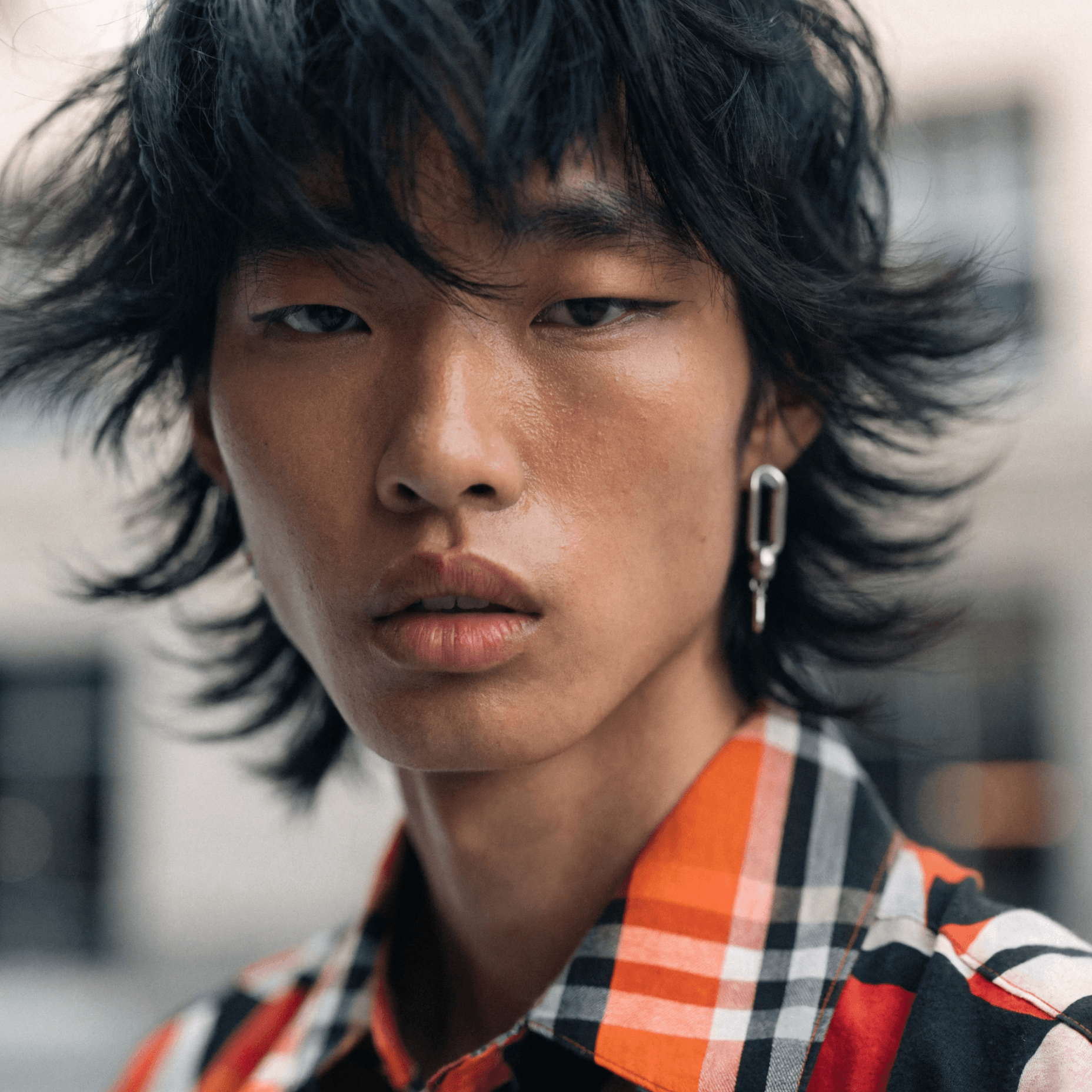
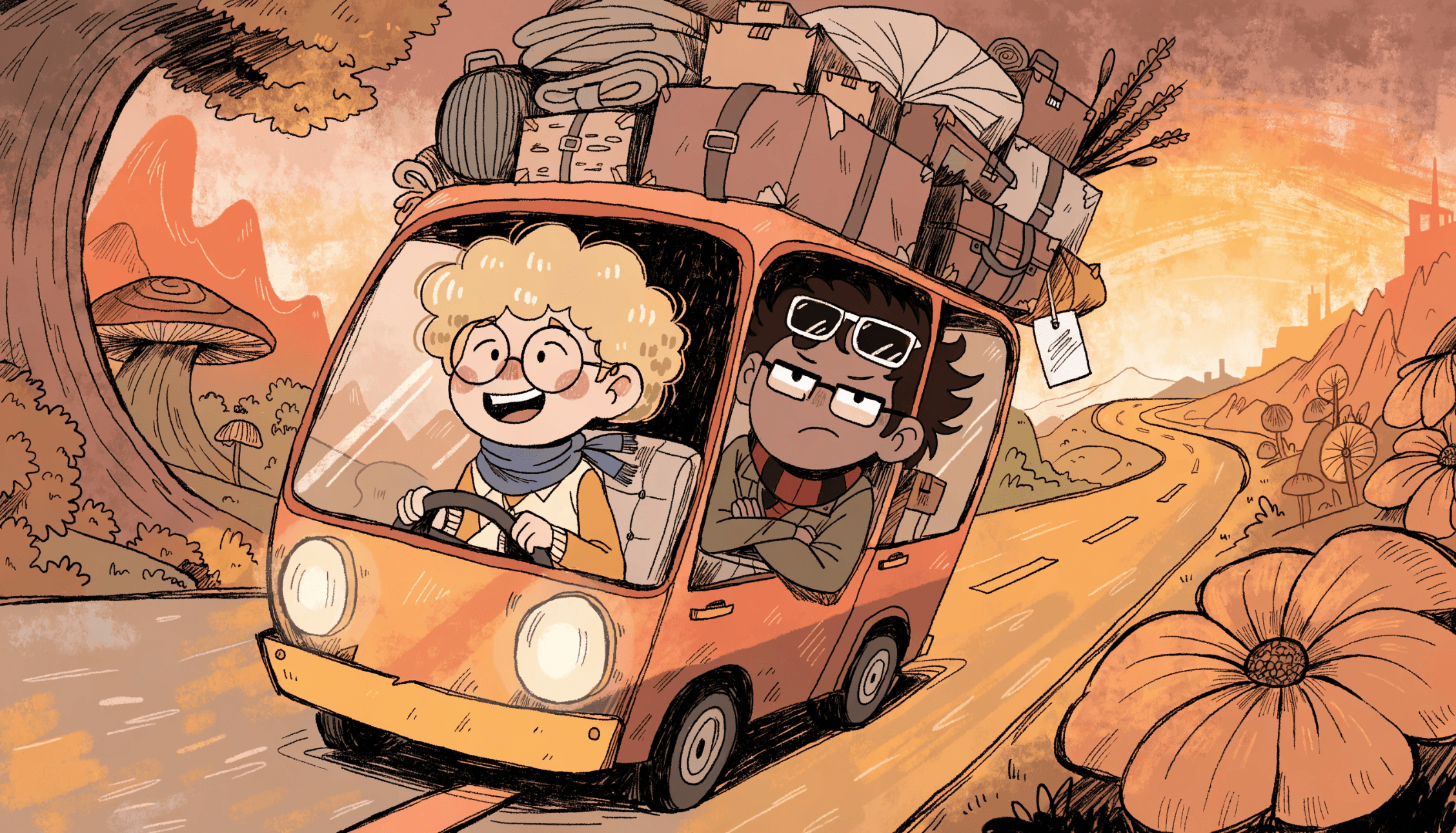
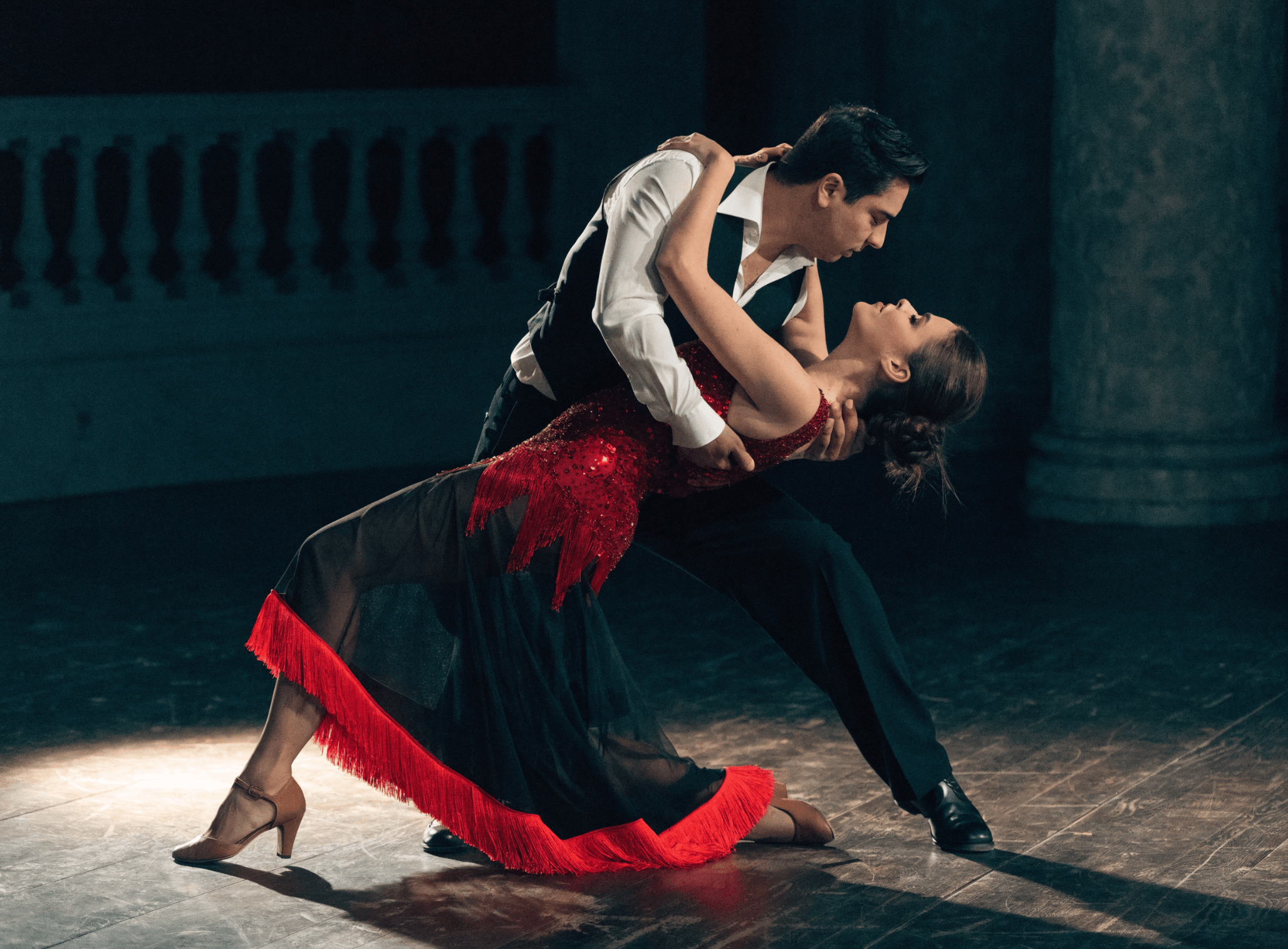
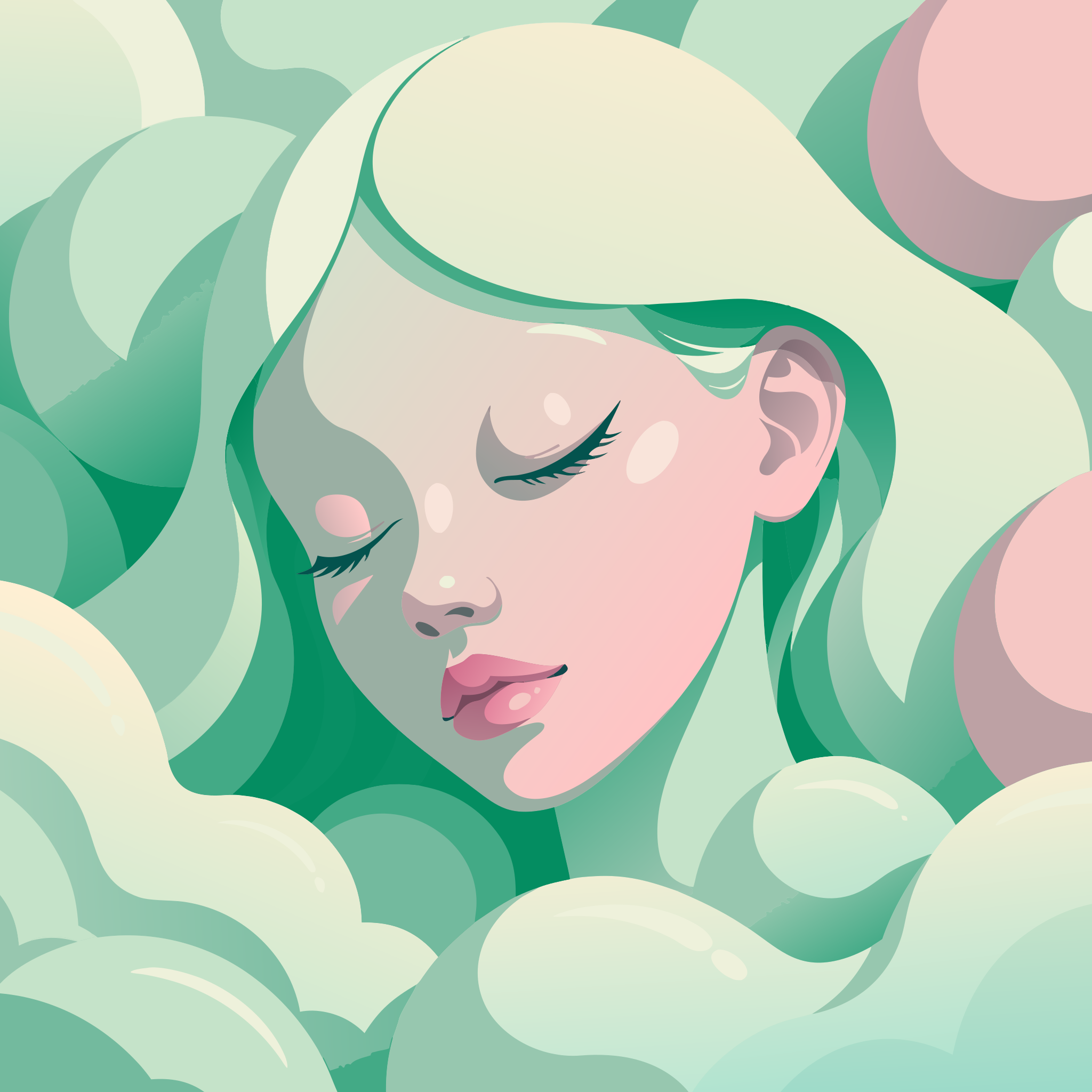
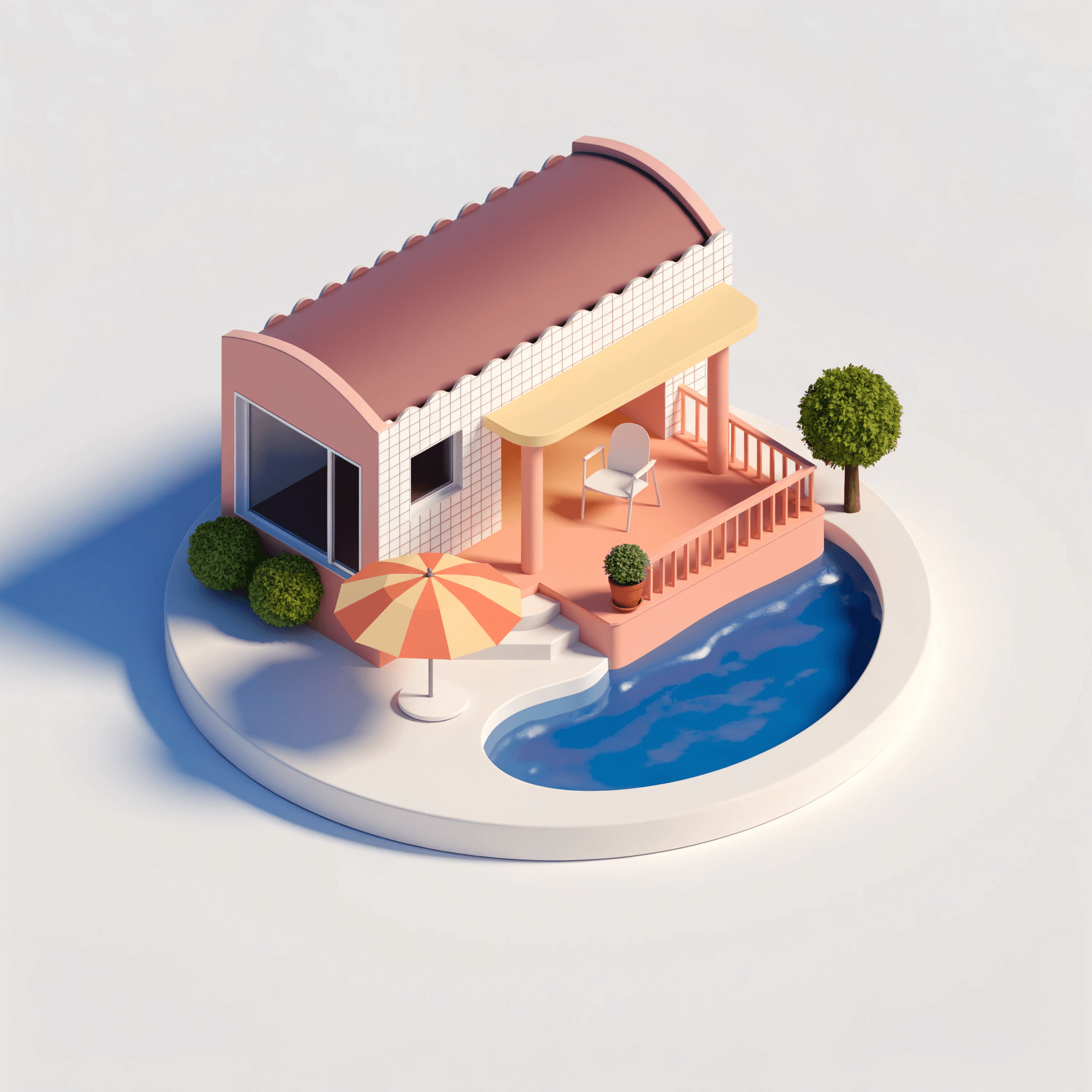
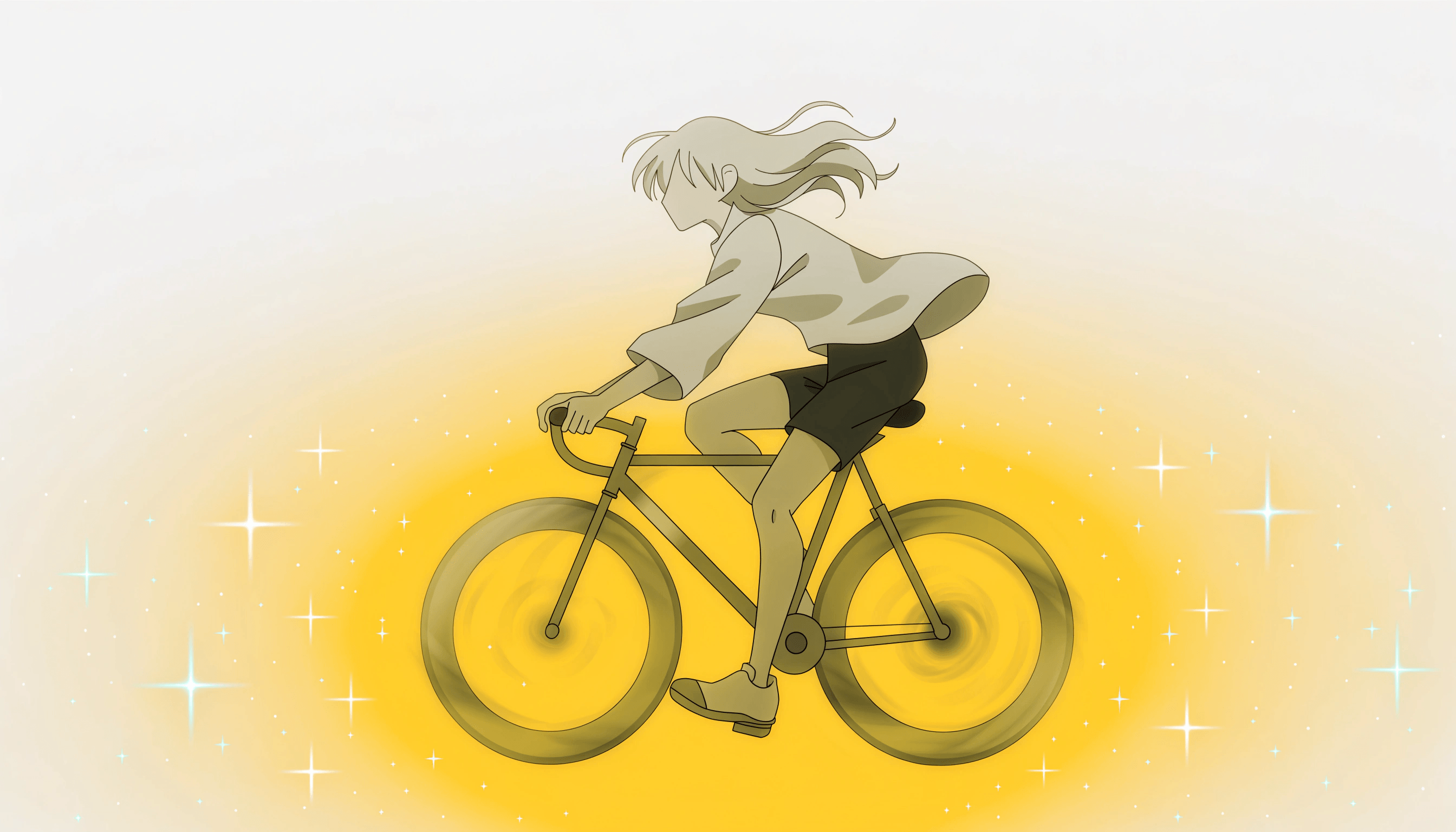
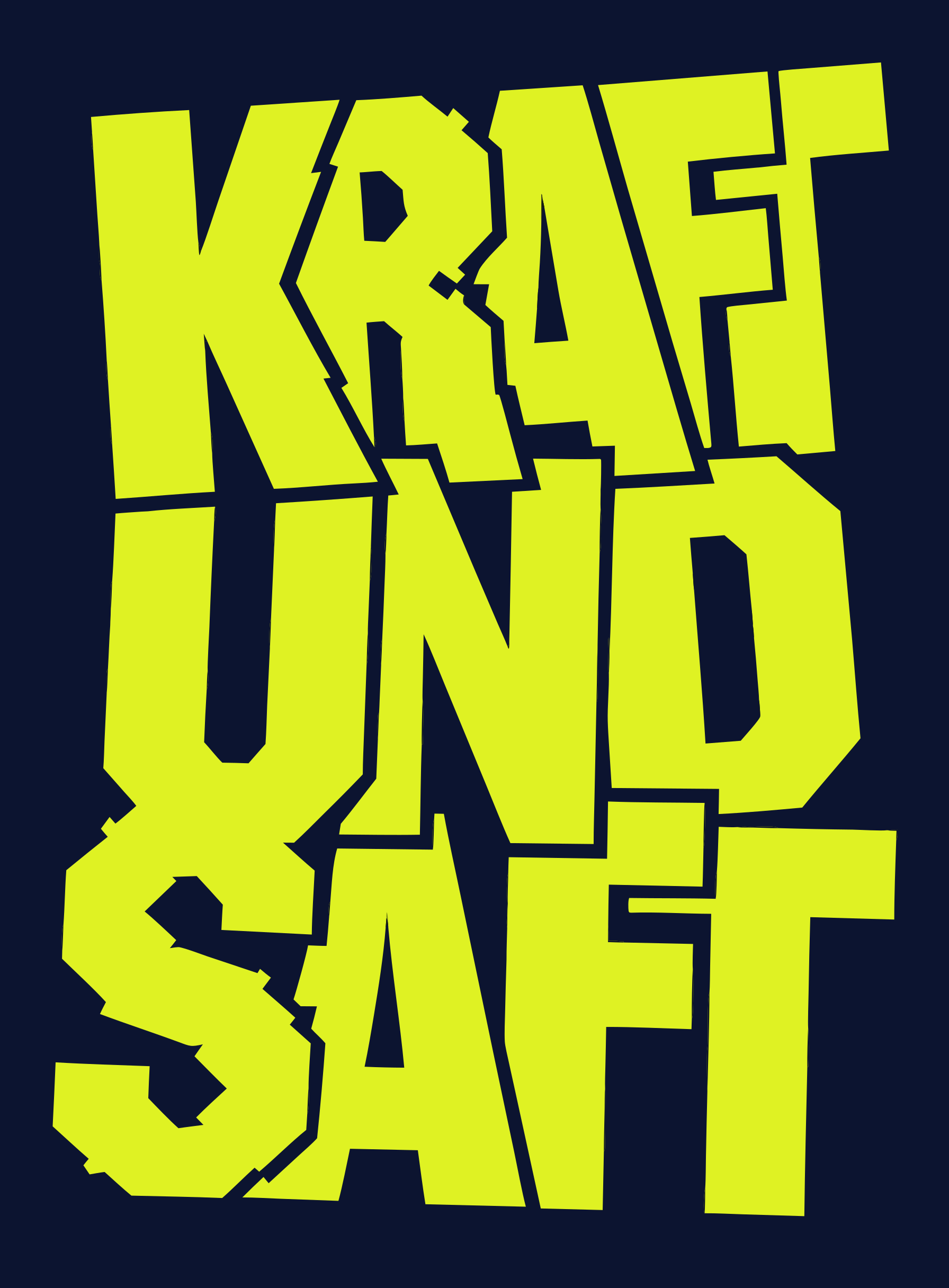
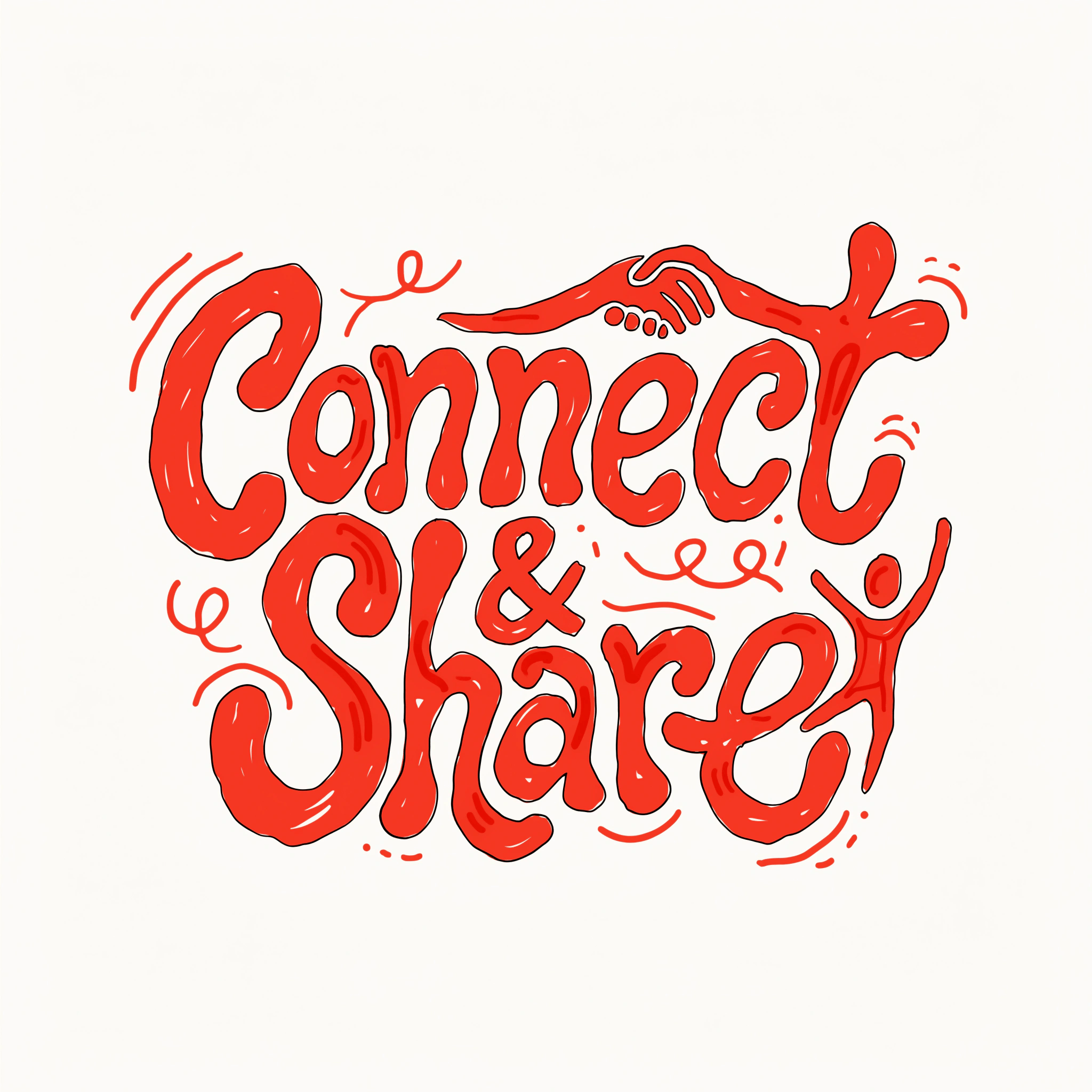
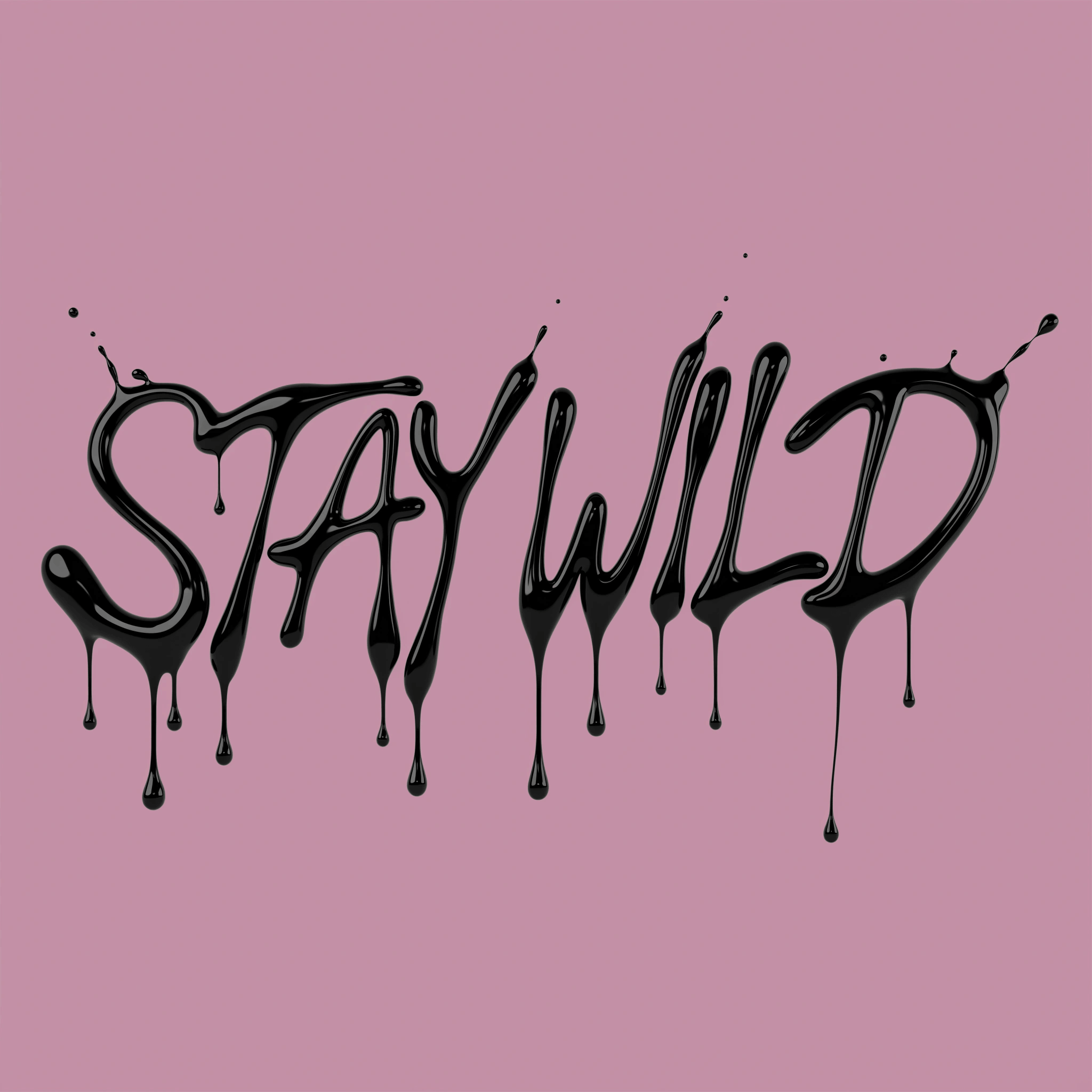
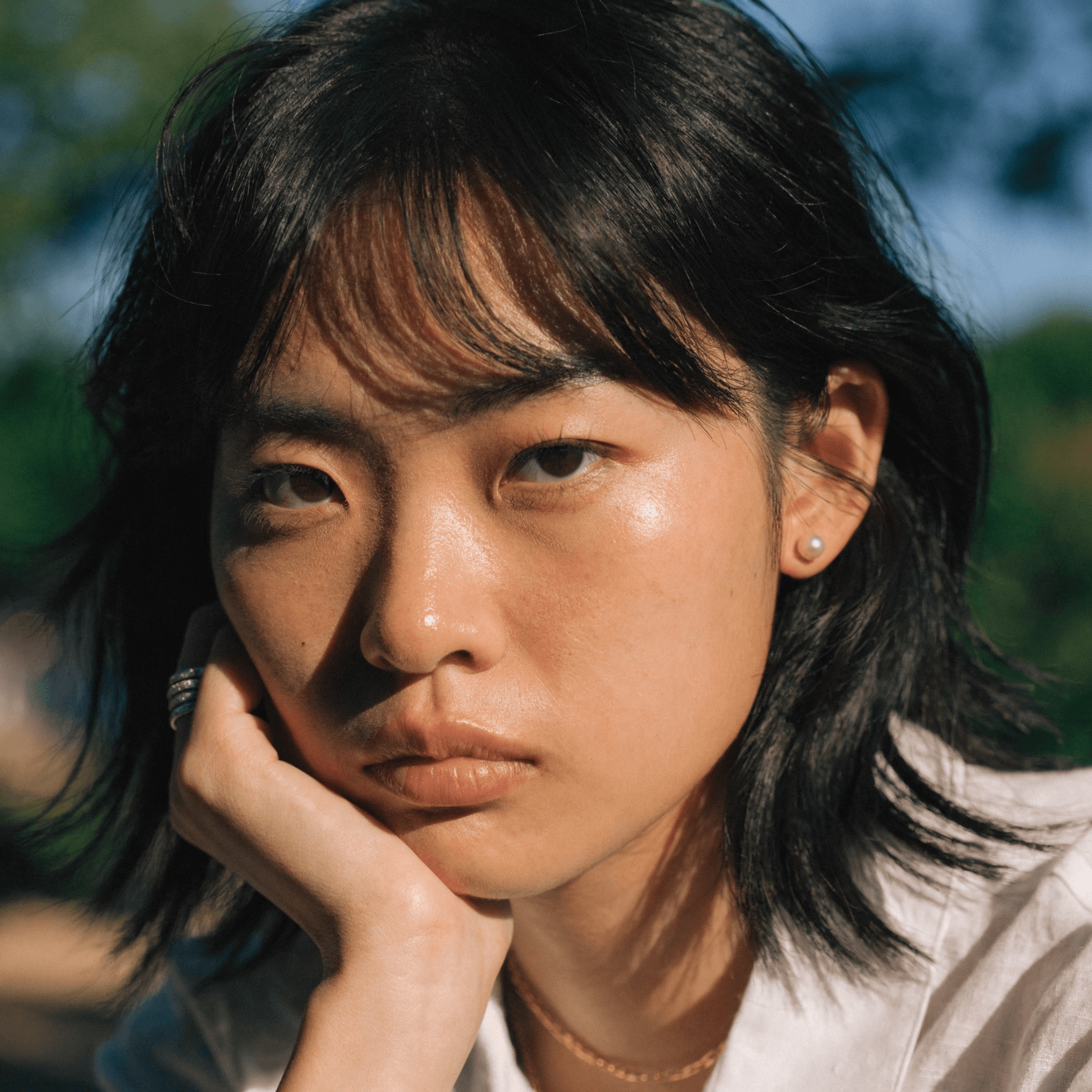
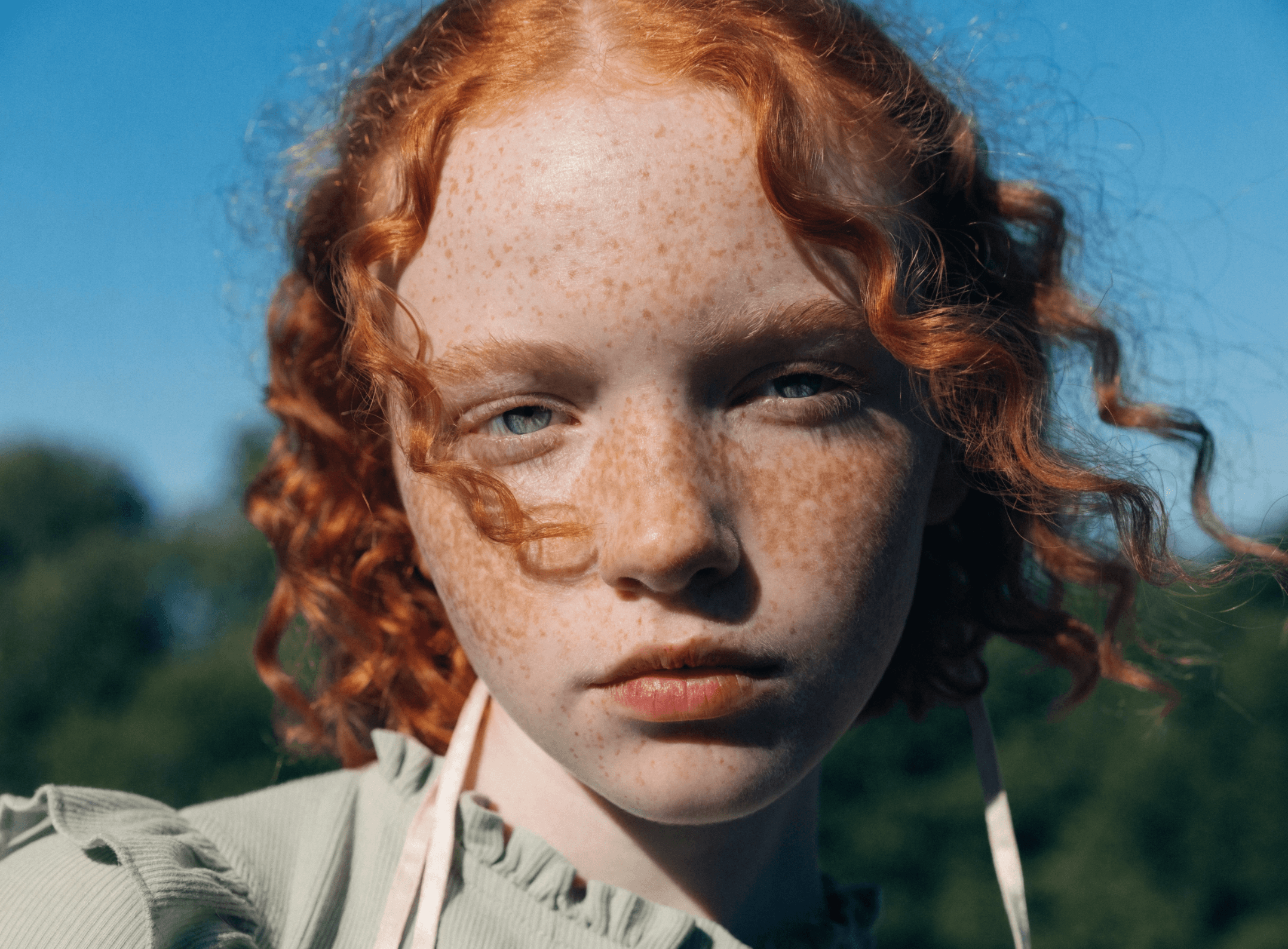
Need inspiration for a movie poster? Or maybe for your business's next event? Check out the community gallery for custom poster design ideas created by Recrafters. See how Recraft's community is taking poster creation to the next level.

How poster generator works

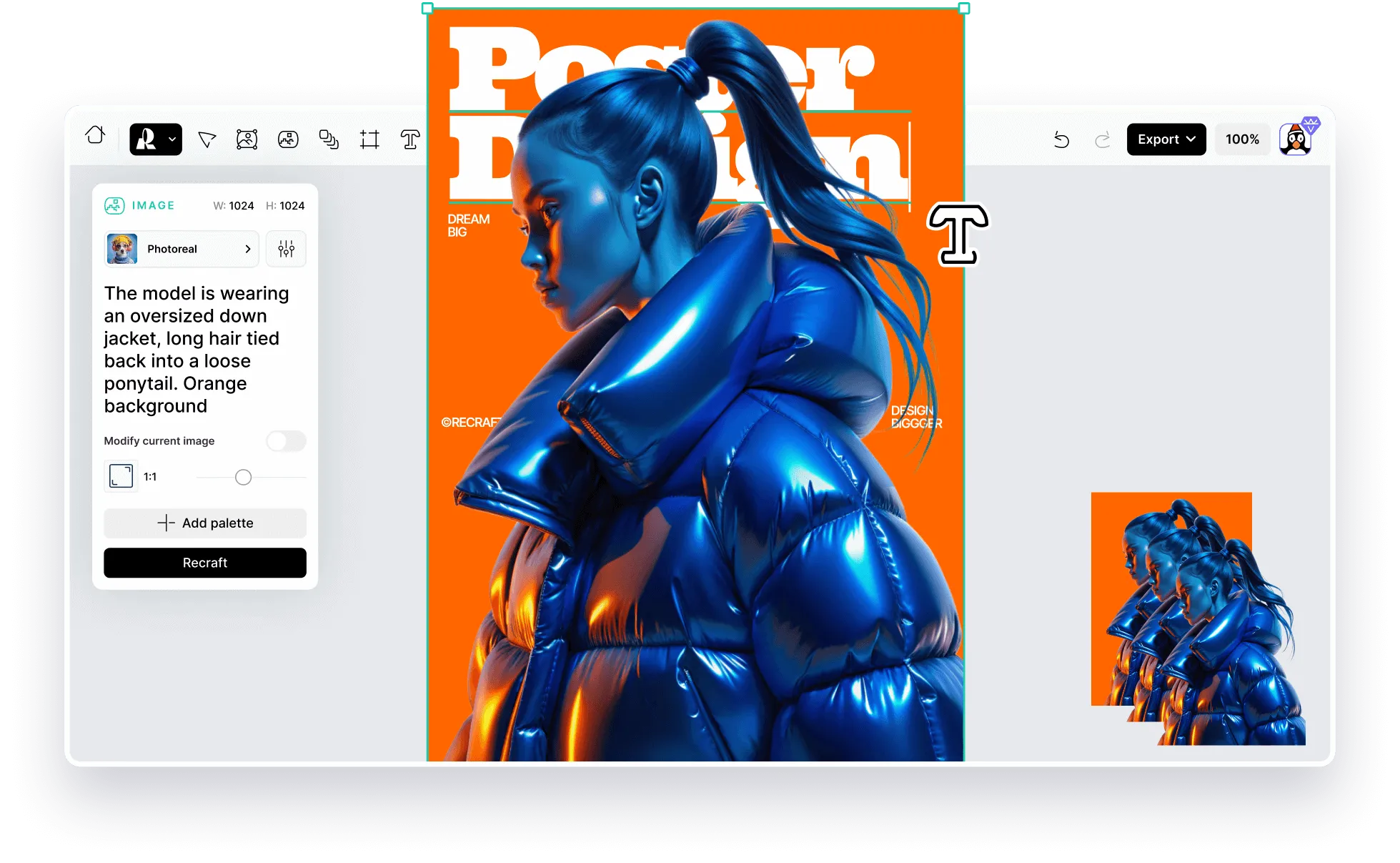
There's no better way to capture your audience's attention than with one-of-a-kind, professional posters. And with Recraft, you don't have to spend hours creating them! Simply type a prompt and get AI-generated posters instantly! Here's how to use Recraft's AI poster maker for stunning visuals in no time:

1

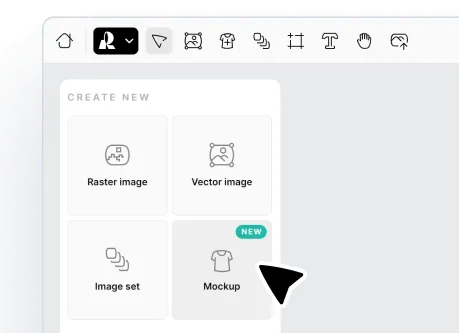
Select the mockup tool.

Click "Mockup" in the project panel or select the "New mockup" icon in the toolbar.

2

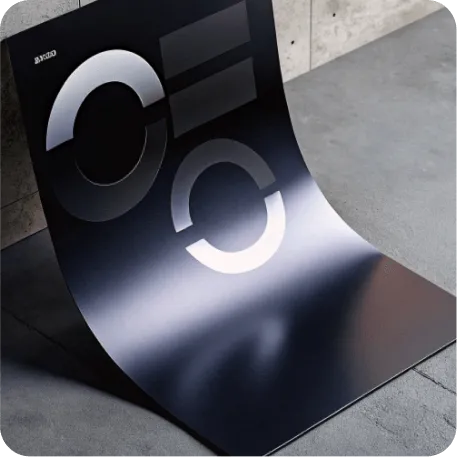
Generate a poster mockup.

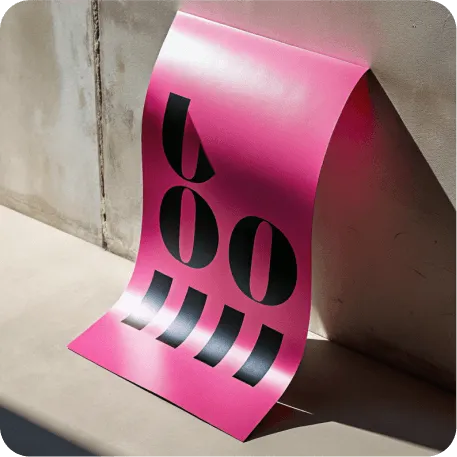
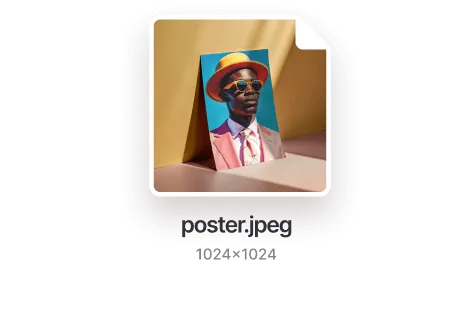
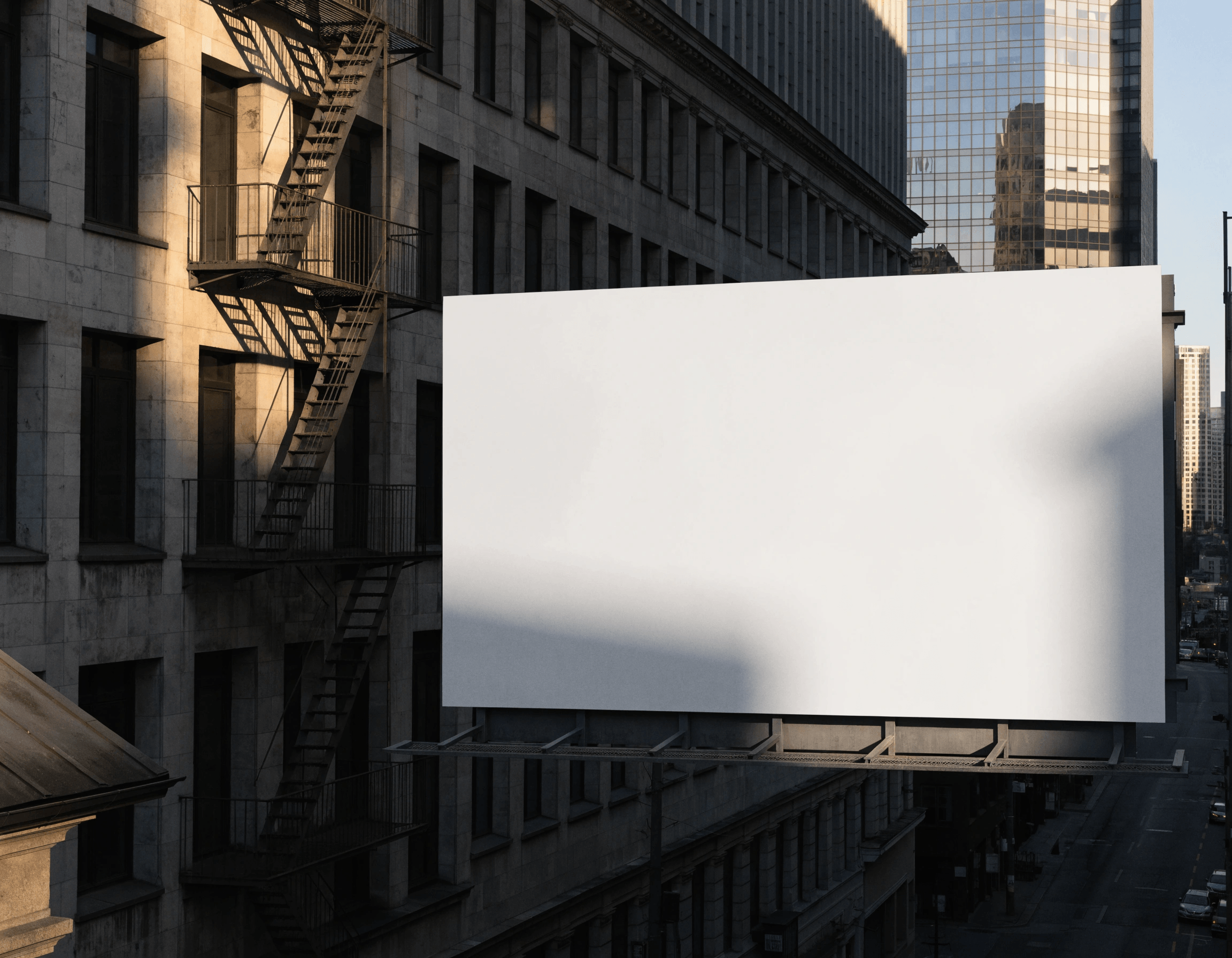
Describe the poster base you'd like to see. Recraft's AI poster generator will instantly generate the base with a blank design layer.

3

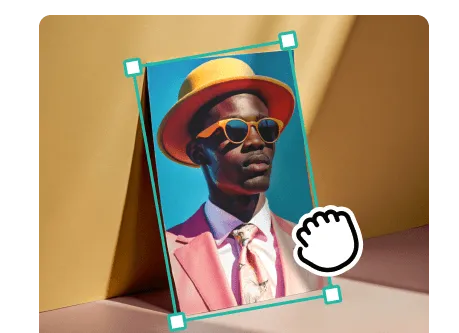
Create or upload a design.

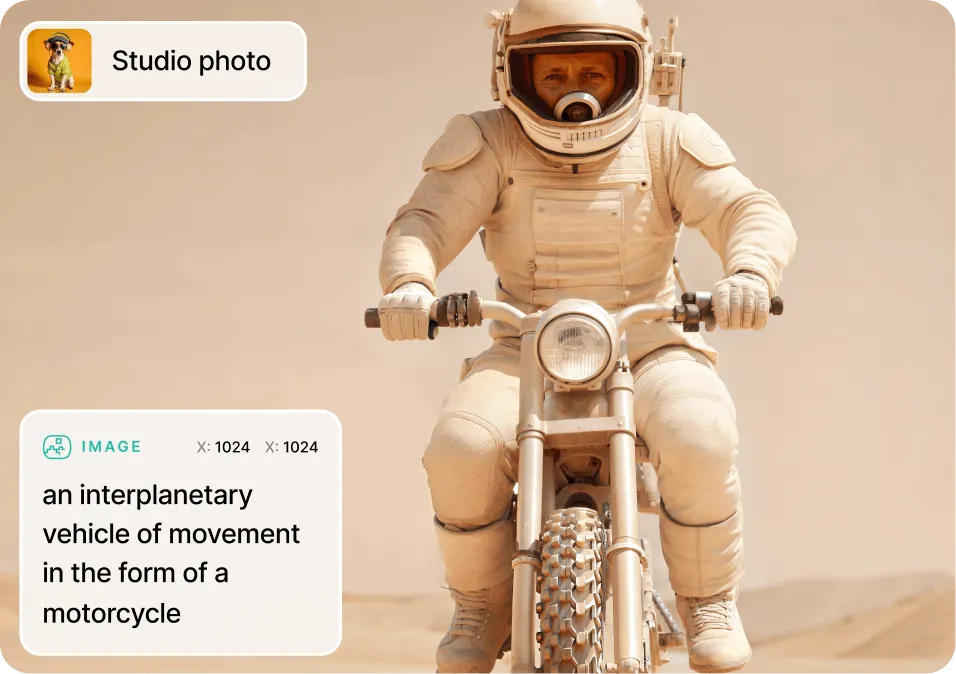
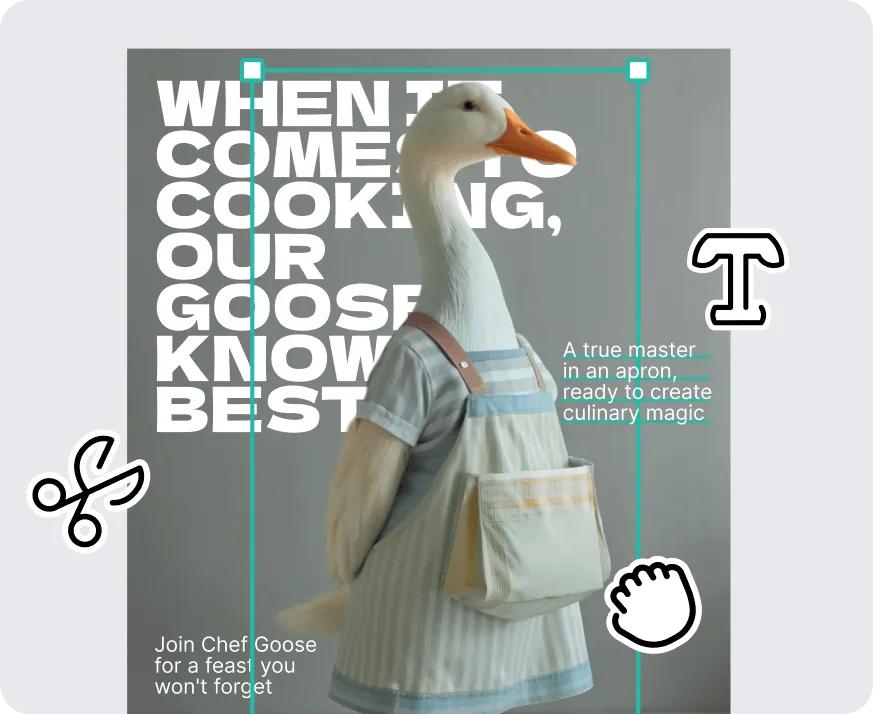
Enter another text prompt to generate images for your poster or upload an existing design. Layer multiple elements, add custom text and include your logo!

4

Export your poster design.

Download your poster as a JPG or PNG. Upload it to any social media platform or get it printed.

Go from prompt to poster in seconds

Say goodbye to stock photos! Promote your next event with visually appealing posters you can't get anywhere else. Generate custom AI images and visual elements in a few clicks with Recraft's AI poster generator. Explore more visual styles for your posters in Recraft Studio's AI image generator.

Create the perfect poster for every occasion

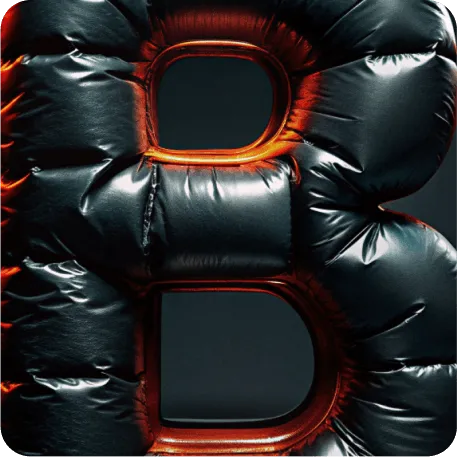
Recraft gives you complete control over every detail. Match your brand's visual style exactly—whether you're producing a horror film or hosting a fashion show. Edit the color palette. Sharpen detail with the AI image upscaler. Or change the style completely. Get unprecedented flexibility for all of your poster designs.

AI poster generator FAQ

How does Recraft's AI poster generator work?

Create poster designs using Recraft's text-to-image prompt. First, generate a poster template. This is the base you'll put your design on. Then, use the AI image generator to create images for your design. Drop your images right onto the template and Recraft stretches them to fit!

What poster styles can Recraft generate?

Recraft can create posters in any visual style: vintage, minimalist, typographic, illustrated, photorealistic, and more. Just describe the look you want.

What size should I use for a poster?

Recraft supports multiple aspect ratios. For standard posters, use portrait orientation. You can also generate in landscape for banner formats.

Can I edit my poster once it's generated?

Yes! Any posters created with Recraft can be edited. Change the visual style, delete elements, edit the color scheme and much more.

Can I use Recraft posters for commercial projects?

Yes. Images you generate are available for personal and commercial use. See usage terms for details.

How many elements can I layer on my poster?

There's no limit. Layer as many design elements as you want, including AI images, illustrations, logos and custom text.