API
Build automated visual workflows with Recraft API
Integrations
Access Recraft across different platforms
Download app
Download app

Free AI Graffiti Generator

Design custom graffiti with Recraft's AI graffiti generator. Create bold lettering, tags and full street-art pieces—in any style, in just a few clicks.

Up to 30 free image generations per day

Trusted by designers at

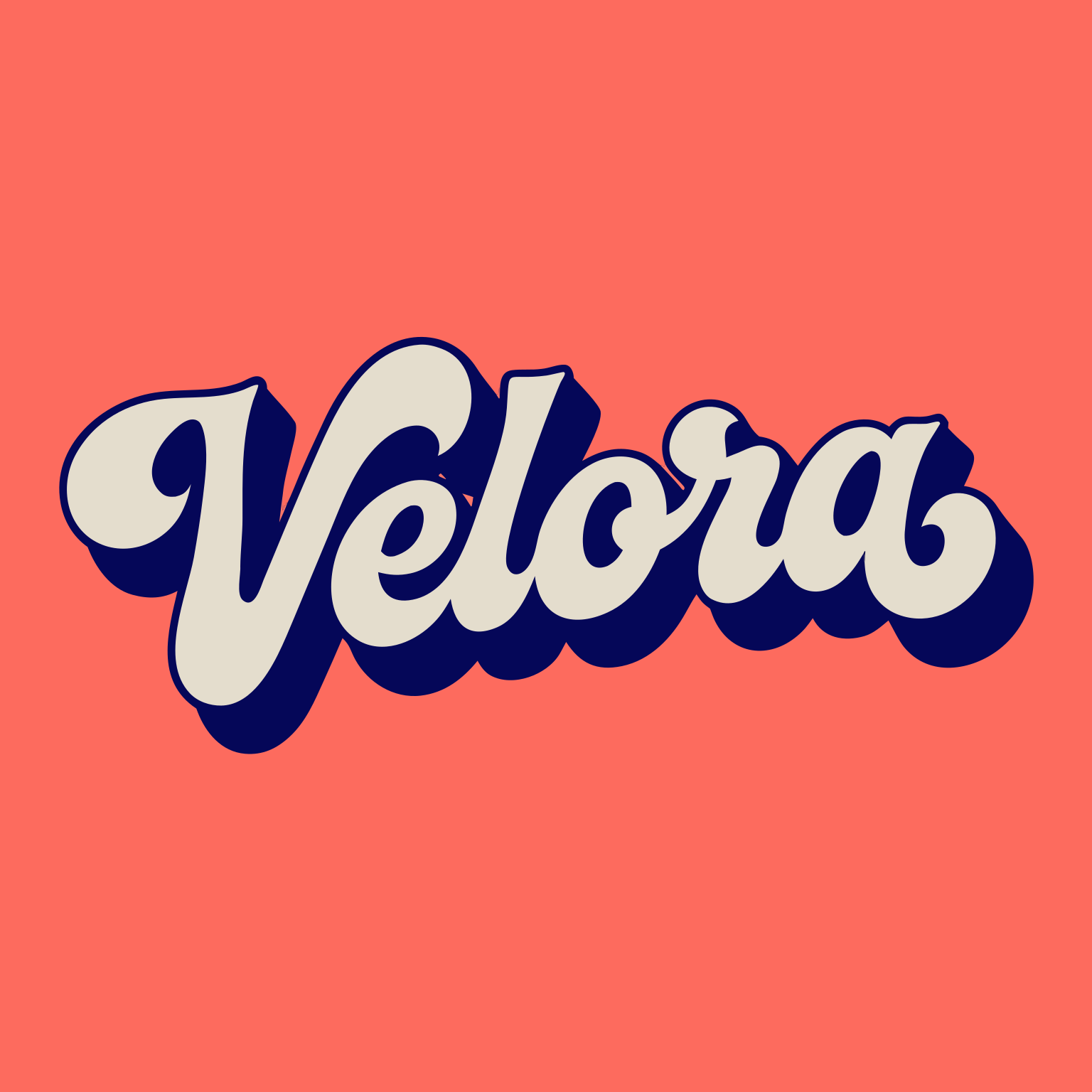
AI graffiti inspiration

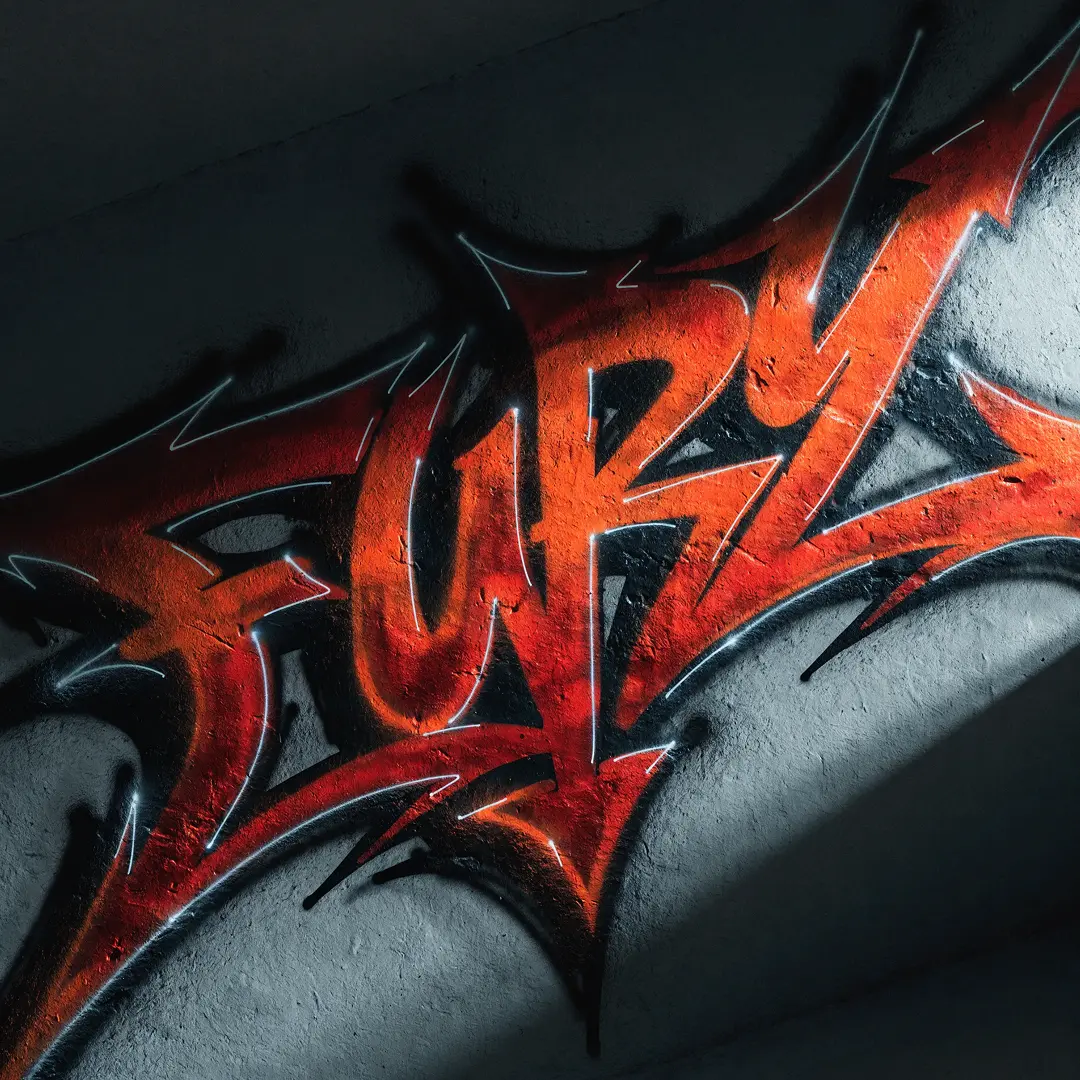
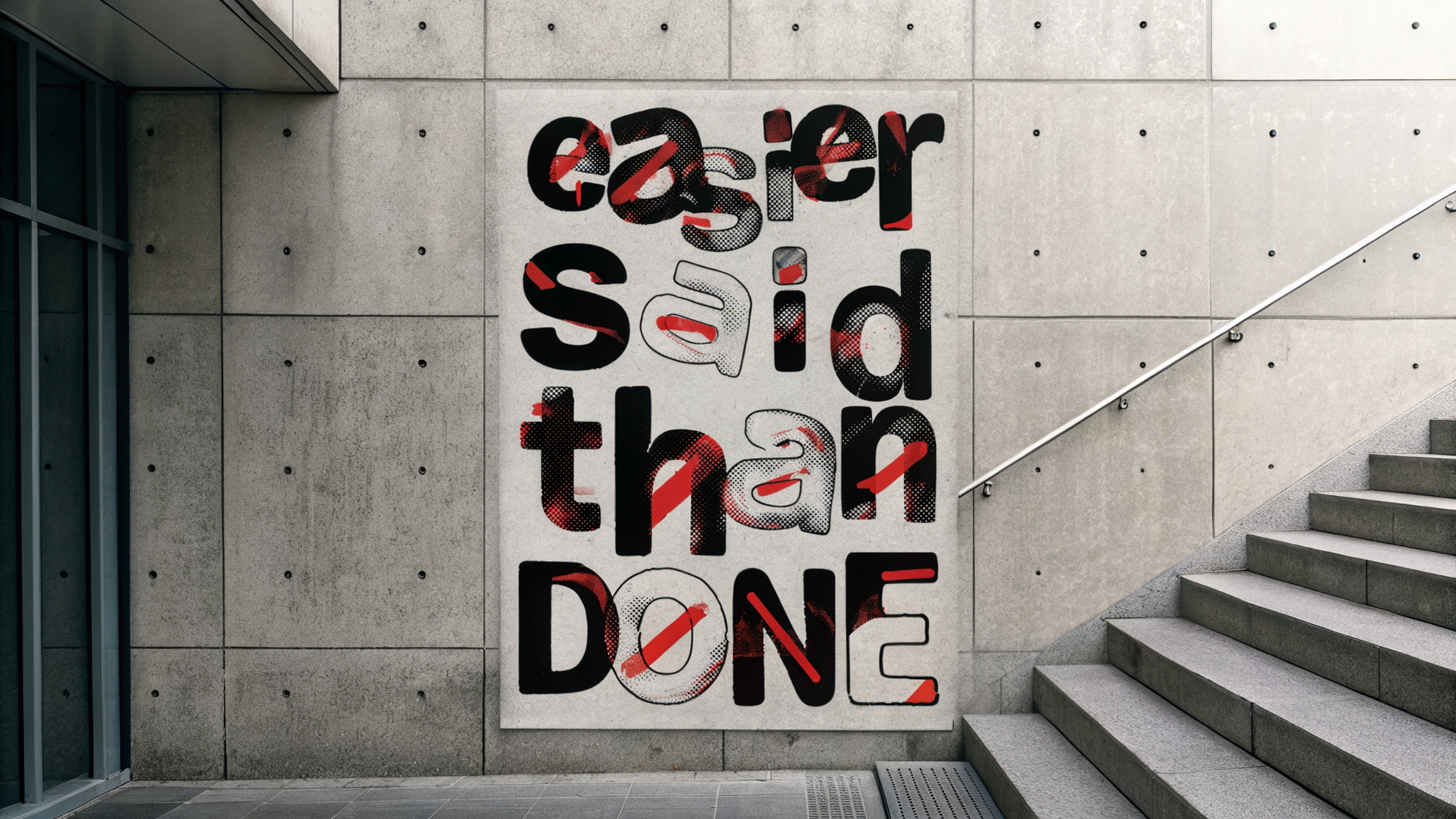
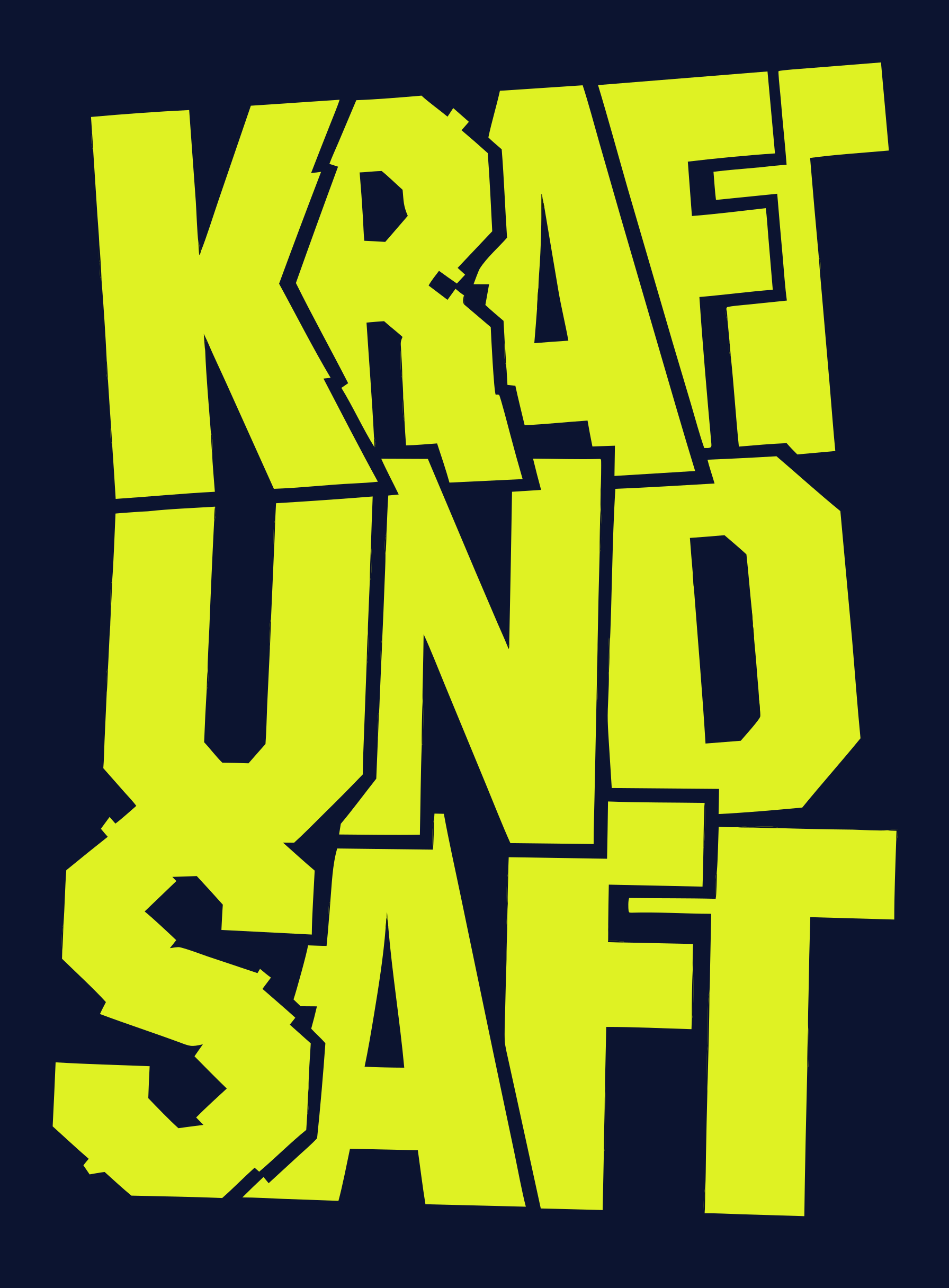
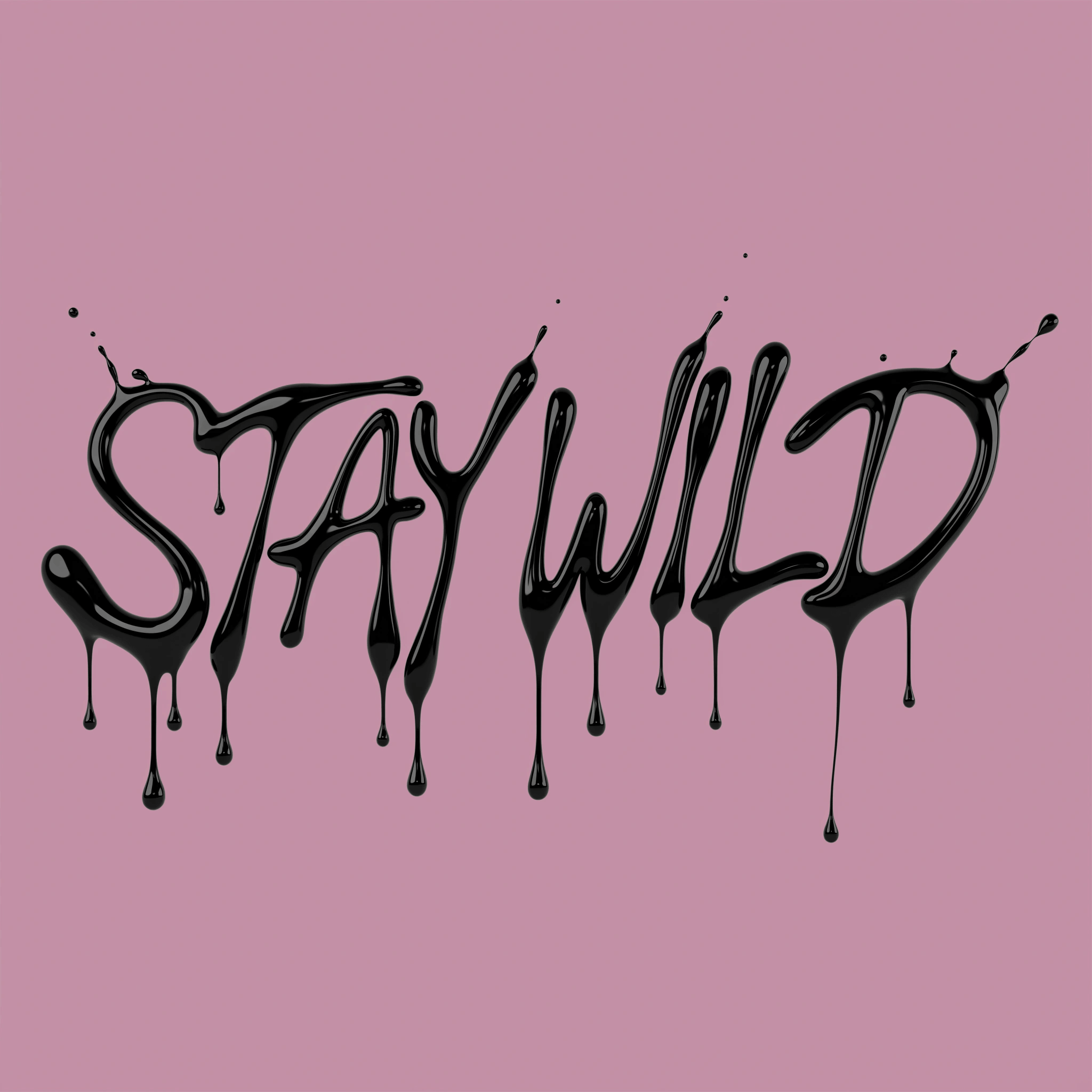
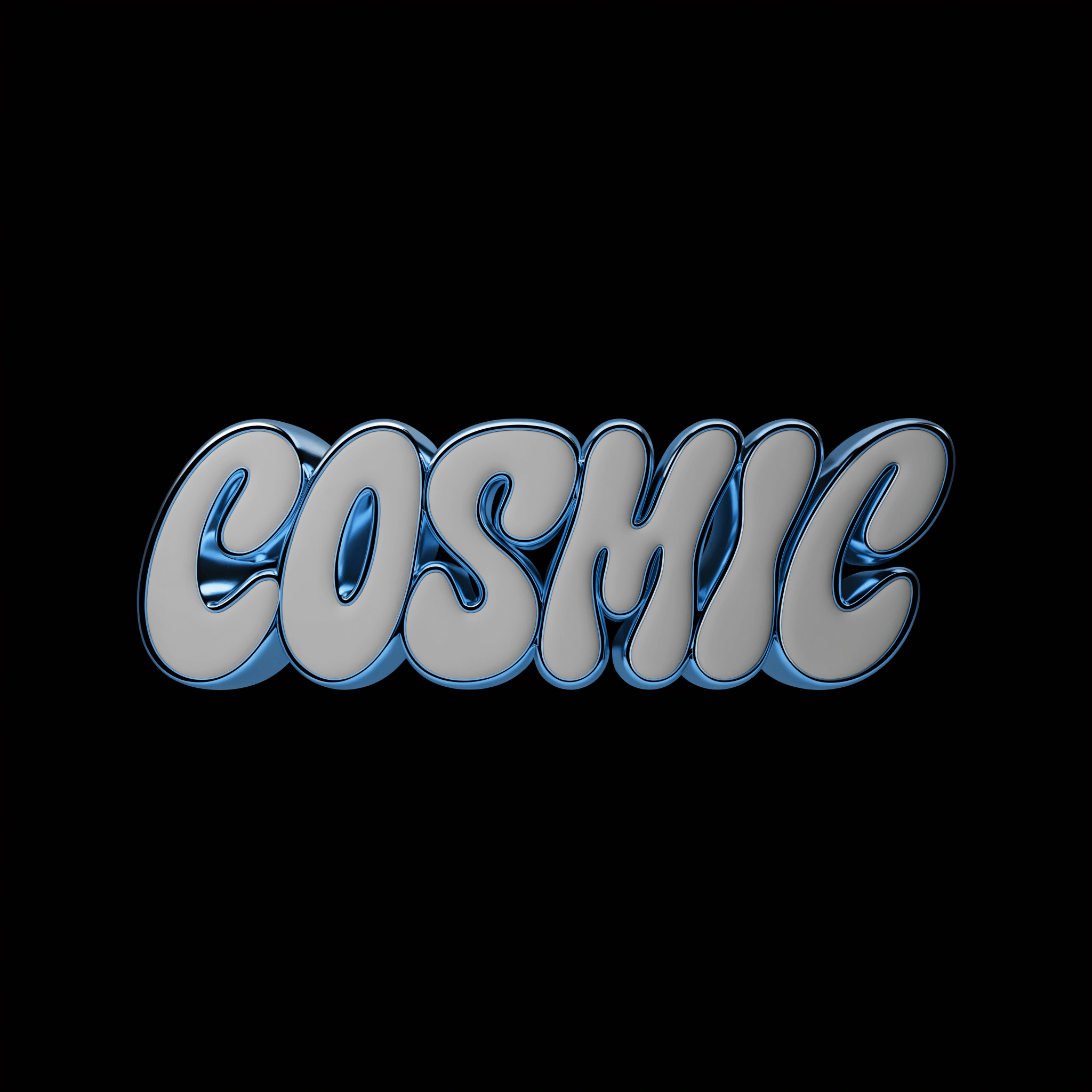
Explore the Recraft community gallery for custom AI-generated graffiti. See what Recrafters are creating—from wildstyle lettering and bubble tags to stencil art and full wall pieces.

How the AI graffiti generator works

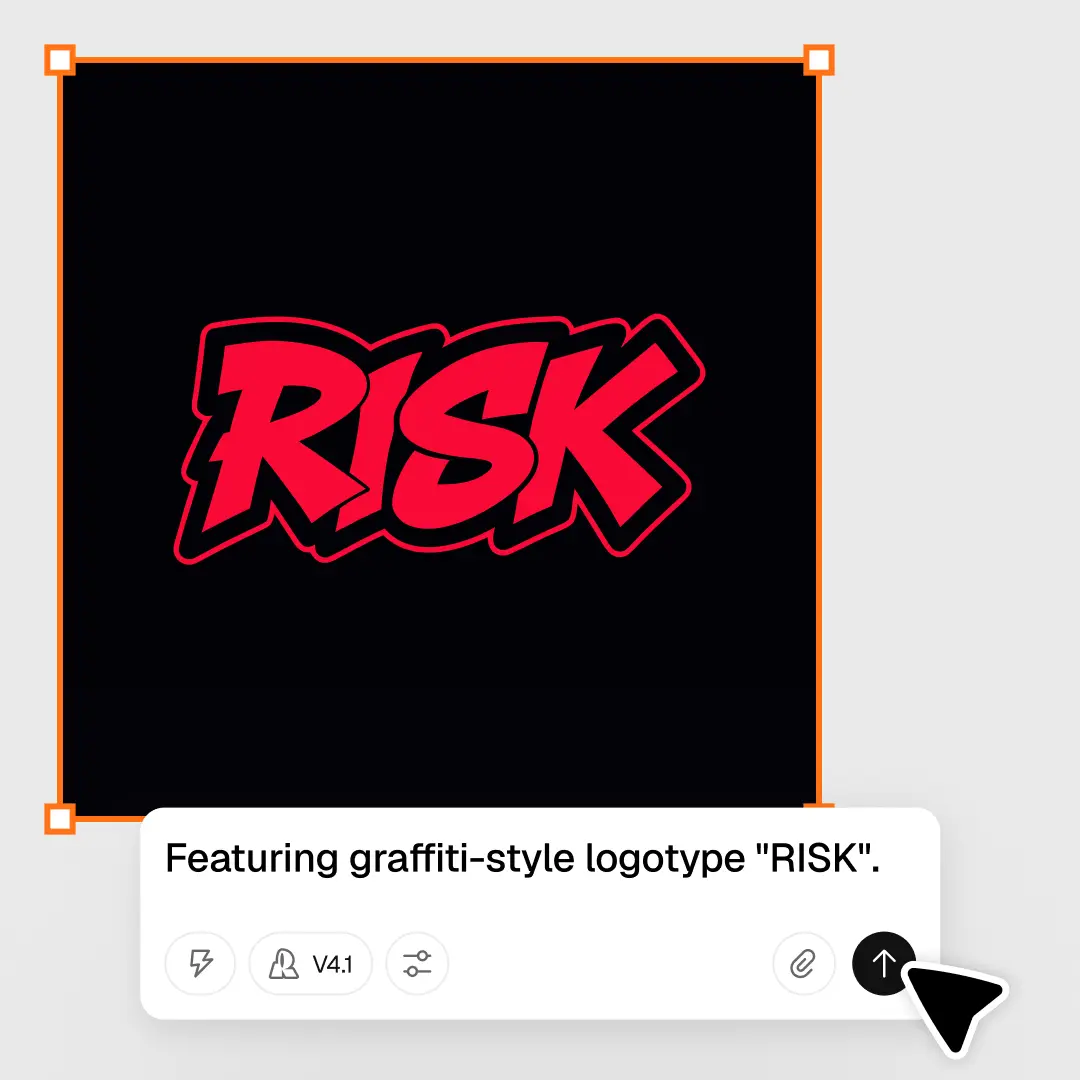
Recraft's AI graffiti generator turns a description into bold street-art lettering and designs. Choose a style, describe your piece, then refine and export it. Here's how to create your custom graffiti in four steps:

1

Choose a graffiti style.

Pick from Recraft's ready-made styles—wildstyle, bubble, stencil, blackbook and more—or build your own custom style for a consistent look.

2

Describe your graffiti.

Enter a prompt with your word or subject, color palette and surface. Add details like drips, outlines or a brick-wall backdrop for a sharper result.

3

Generate and refine.

Hit Recraft to generate your piece. Adjust colors, outlines and composition, and regenerate until it's exactly the look you want.

4

Download your design.

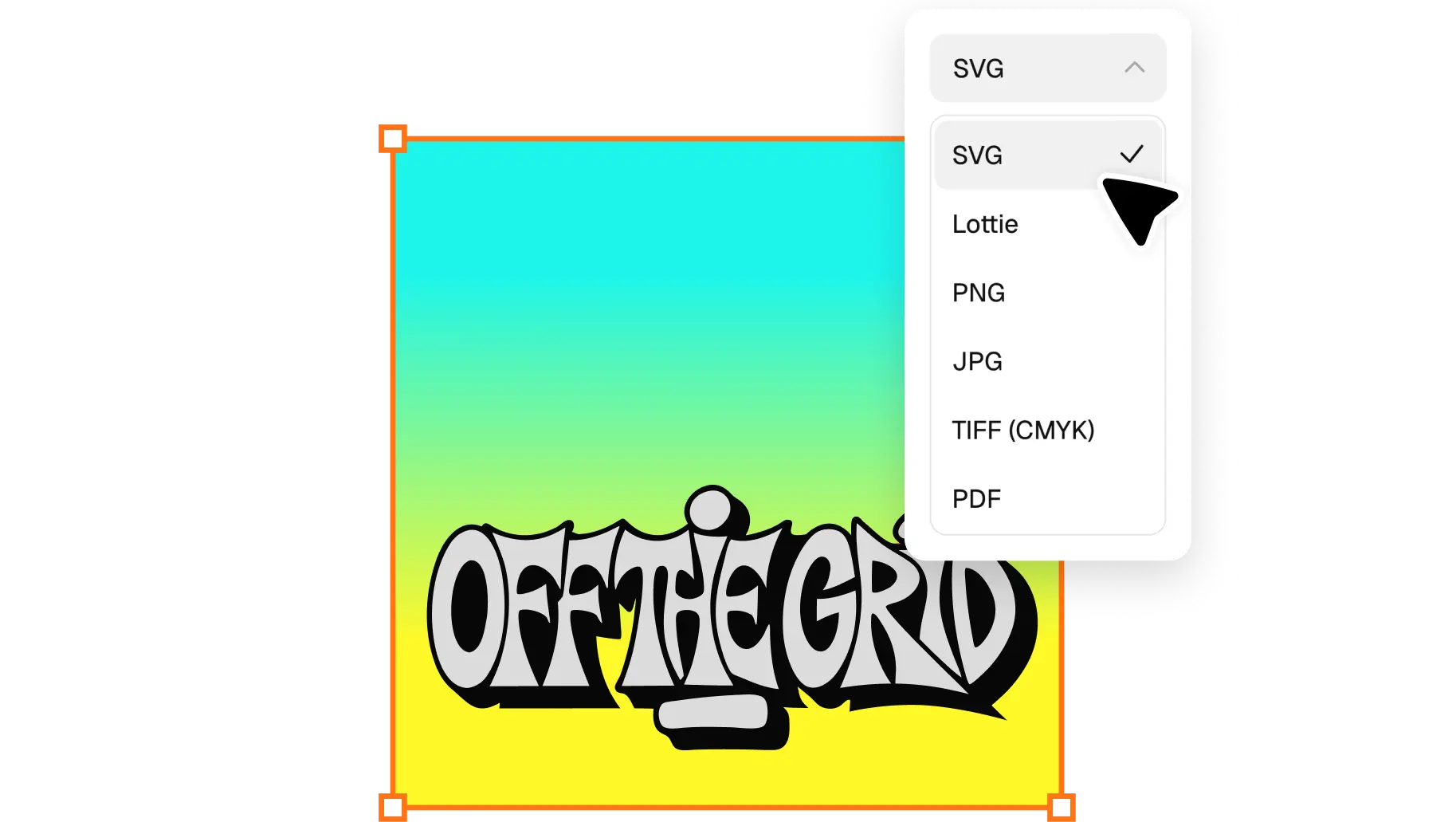
Export your graffiti as a JPG, PNG or SVG file in one click—ready to print, post or use in a larger project.

High-resolution graffiti, ready to use

Recraft generates graffiti at full resolution—no blurry edges or pixelated lettering. Every piece scales cleanly, whether you're posting online or printing large. Sharpen details and upscale your design in Recraft Studio's AI image generator.

Every street-art style, one creative tool

From wildstyle and bubble letters to stencil and blackbook sketches—Recraft covers the full range. Mix styles in one piece or lock in a saved custom style for a signature look, and edit every element in Recraft Studio's AI image editor.

AI graffiti generator FAQ

How does Recraft's AI graffiti generator work?

Recraft's AI graffiti generator uses a text-to-image model to turn a description into custom street art. Type your word or subject, style and colors, and Recraft generates the design instantly. You can then refine the lettering, palette and composition before downloading.

Is the AI graffiti generator free?

Yes. Recraft's AI graffiti generator is free to use. Create and download custom graffiti without a subscription, and free users get a generous number of generations every day.

What graffiti styles can I generate?

Recraft supports a wide range of styles including wildstyle, bubble letters, stencil, throw-ups, blackbook sketches and full wall pieces. You can also create your own custom style from reference images.

Can I turn my name or a word into graffiti?

Yes. Add the word or name to your prompt along with the style and colors you want, and Recraft generates custom graffiti lettering you can refine and download.

Can I generate graffiti from an image?

Yes. Recraft's image-to-image tool lets you upload a reference—a sketch, a photo or existing art—and transform it into a new graffiti design while keeping the original composition or style.

Do I need design experience to use the graffiti generator?

No design experience needed. Recraft is intuitive enough for anyone to use—just describe what you want and refine the result with simple editing tools.