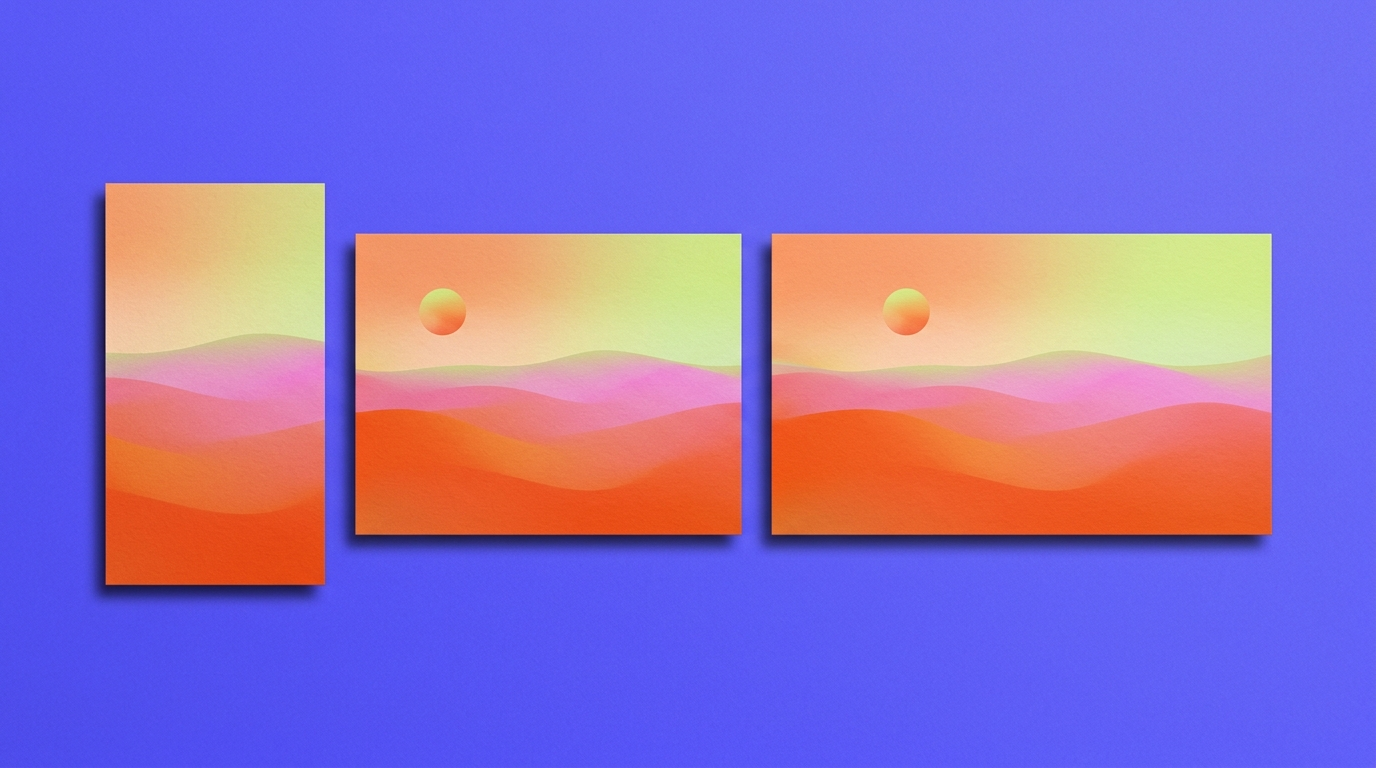
For a free phone wallpaper, Gemini (up to 20 images a day) and Recraft (up to 30) publish the clearest daily allowances. For the strongest default look, use Midjourney, if you will pay $10 a month. For a 4K desktop or a matched phone-and-desktop set, use Recraft.
AI wallpapers fail in two boring ways. The image is the wrong shape, so the lock screen crops the subject at the chin. Or the image is too small, so a 27-inch monitor shows every soft edge. Both are output problems, not prompt problems, so this comparison starts with output.
What is the best AI wallpaper generator?
Pick by the screen in front of you and by how many tries you need.
- If you want a free phone wallpaper today, start in Gemini. The free tier allows up to 20 images a day, inside an app you may already have.
- If you want the most attractive image from the shortest prompt, use Midjourney. It has no free plan, and Basic costs $10 a month.
- If the wallpaper is going on a 4K monitor, use Recraft and generate it as a vector. An SVG has no fixed pixel size, so it stays sharp at 3840×2160 and beyond. This works for flat and illustrated styles, not for photographs.
- If you want a phone, tablet, and desktop set that reads as one series, use Recraft. A custom style built from your own reference images holds every frame to the same look.
- If you already design in Canva or Photoshop, stay there. Canva puts the wallpaper inside a template with your text on top, and Adobe Firefly hands the file straight to Photoshop.
If you only need the steps, the AI wallpaper generator page walks through them. This post is the buying decision.
How we compared them
Seven tools, judged on what you can check on the product page rather than on a vibe score.
- Phone and desktop output. We recorded the pixel size each tool returns at 9:16 and 16:9, before any upscale.
- The route to 4K. We looked for native 4K, an upscaler, or a vector file with no fixed size.
- The free plan. We checked whether the allowance has a published number or only the word "limited."
- What happens after generation. We checked whether you can extend the frame, edit details, or match a second screen in the same style.
Limits were checked in October 2026. Free plans change often, so check the page before you plan around a number.
Recraft
Recraft is the right pick when the wallpaper has a spec. Recraft V4.1 Pro returns 2688×1536 at 16:9. The standard V4.1 returns 1344×768, which is below Full HD, so use Pro or upscale for a desktop. For a size no preset covers, draw a frame at your screen's exact dimensions in Recraft Studio, drop the image in, and generate the empty space around it.
For 4K and beyond, generate the wallpaper with the AI vector generator. An SVG has no fixed pixel size, so a flat or illustrated design stays sharp on a 5K display. For a set, build a style from up to 10 reference images, and every frame from lock screen to ultrawide holds to it.
The AI wallpaper generator offers up to 30 free generations a day. Free images are public in the community gallery and owned by Recraft, which is fine for your own lock screen and wrong for a wallpaper pack you plan to sell. Paid plans give you ownership and commercial rights.
Gemini
Gemini is the easiest free start. Google's help center lists up to 20 images a day with Nano Banana 2 on the free tier, and a Google account is all you need. Ask for the aspect ratio in the prompt, and the model usually follows it.
In the Gemini app, free downloads are 1K and paid plans reach 2K. The model's 4K output is only available through Google's paid API. 1K is enough for a phone and soft on a large monitor.
It also tends to give you more than you asked for. Ask for neon light, and the background may fill up with neon signs. Every correction spends one of the 20.
ChatGPT
ChatGPT is the most comfortable place to revise a wallpaper in plain language. Ask for the same scene with more empty sky at the top for the clock, and it understands the request.
It loses on the free plan and on specs. OpenAI describes free image generation as limited and publishes no number, and third-party tests put it at two or three images a day. OpenAI also does not publish the app's output sizes.
Midjourney
Midjourney gives the most attractive image from the shortest prompt. Type three words and you get light, mood, and texture you did not ask for, which is exactly what many people want on a lock screen.
It is also the most likely to deliver more than the brief. If the wallpaper has to sit quietly behind your icons, steer it with Raw mode or a style reference.
V8.2, the default since July, renders HD images at 2048px, with no native 4K. There is no free plan. Basic is $10 a month, and every paid plan includes commercial use, though companies earning more than $1 million a year need Pro or Mega.
Adobe Firefly
Firefly Image 5 generates at a native 4MP, which lands around 2,700 pixels wide at 16:9. That covers a 1440p monitor and needs an upscale for 4K.
Its real advantage is the next step. If the wallpaper needs retouching, Photoshop is one click away. Firefly also offers partner models, including Gemini and GPT Image, in the same interface.
It loses on the clarity of its free plan. Adobe describes free generations as daily and publishes no count.
Leonardo.Ai
Leonardo.Ai has a large library of fine-tuned models and presets, which suits wallpaper work, where the look matters more than literal accuracy. The free plan gives you 150 tokens a day, and a basic image costs a few tokens, so there is room to explore.
It loses on predictability. Output size depends on the model you pick, and higher resolutions and upscales cost more tokens. Free images are public.
Canva
Canva is the right pick when the wallpaper is a design rather than an image: a quote, a calendar, or a photo with type on top. You generate inside a phone or desktop canvas and set the text in the same file.
It loses on the image itself. The free plan's AI allowance is shared across tools, with up to 20 Premium AI uses a month, and Canva does not publish the pixel size of a generated image.
Wallpaper sizes worth knowing
Desktop sizes are standard. Full HD is 1920×1080, QHD is 2560×1440, and 4K UHD is 3840×2160. Phones are less tidy: most current phones are taller than 9:16, so a 9:16 image either loses its sides to the lock screen crop or needs the frame extended to your exact size.
Three habits prevent most failed AI wallpapers.
- Leave the top quarter of a phone wallpaper quiet, because the clock and widgets sit there.
- Keep the subject inside the middle third, so the crop and the parallax effect do not cut it.
- Generate at the largest native size first, then upscale. An upscaler keeps edges clean, and stretching only adds blur.
How to choose
For one free phone wallpaper, start with Gemini, or with Recraft if you want more tries and an exact size. For the most striking image with the least effort, pay for Midjourney. For a 4K monitor, use a vector from Recraft or an upscaled Firefly image. For a matched set across devices, use Recraft and build the style once.
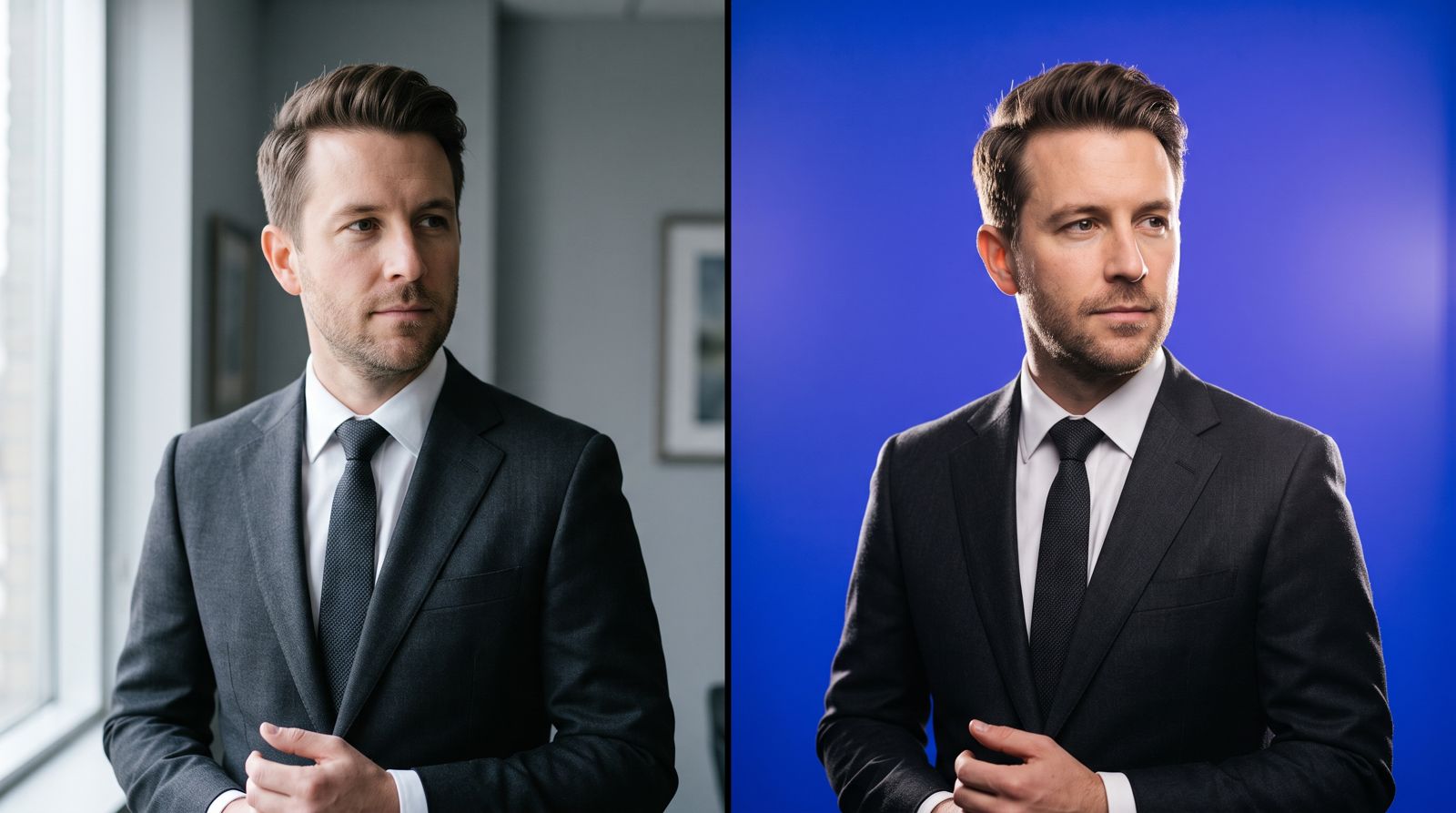
The same test, run on a different job, is how we compared the best AI headshot generators: output and terms first, brand claims second.
.svg)