API
Build automated visual workflows with Recraft API
Integrations
Access Recraft across different platforms
Download app
Download app

Free AI Tattoo Generator

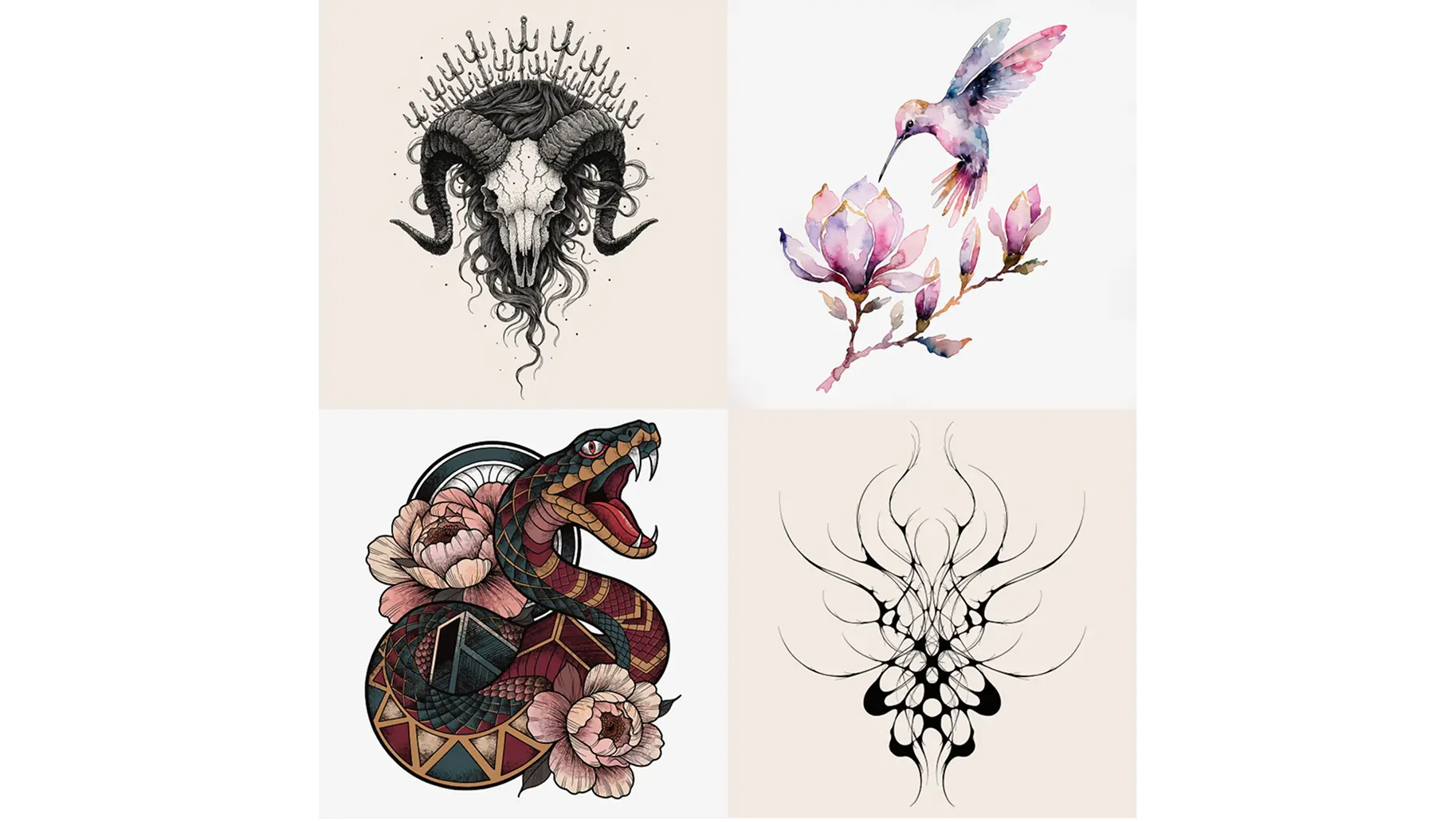
Design your perfect tattoo with Recraft's AI tattoo generator. Create custom designs in any style—from fine line and traditional flash to geometric and watercolor—in just a few clicks.

Up to 30 free image generations per day

Trusted by designers at

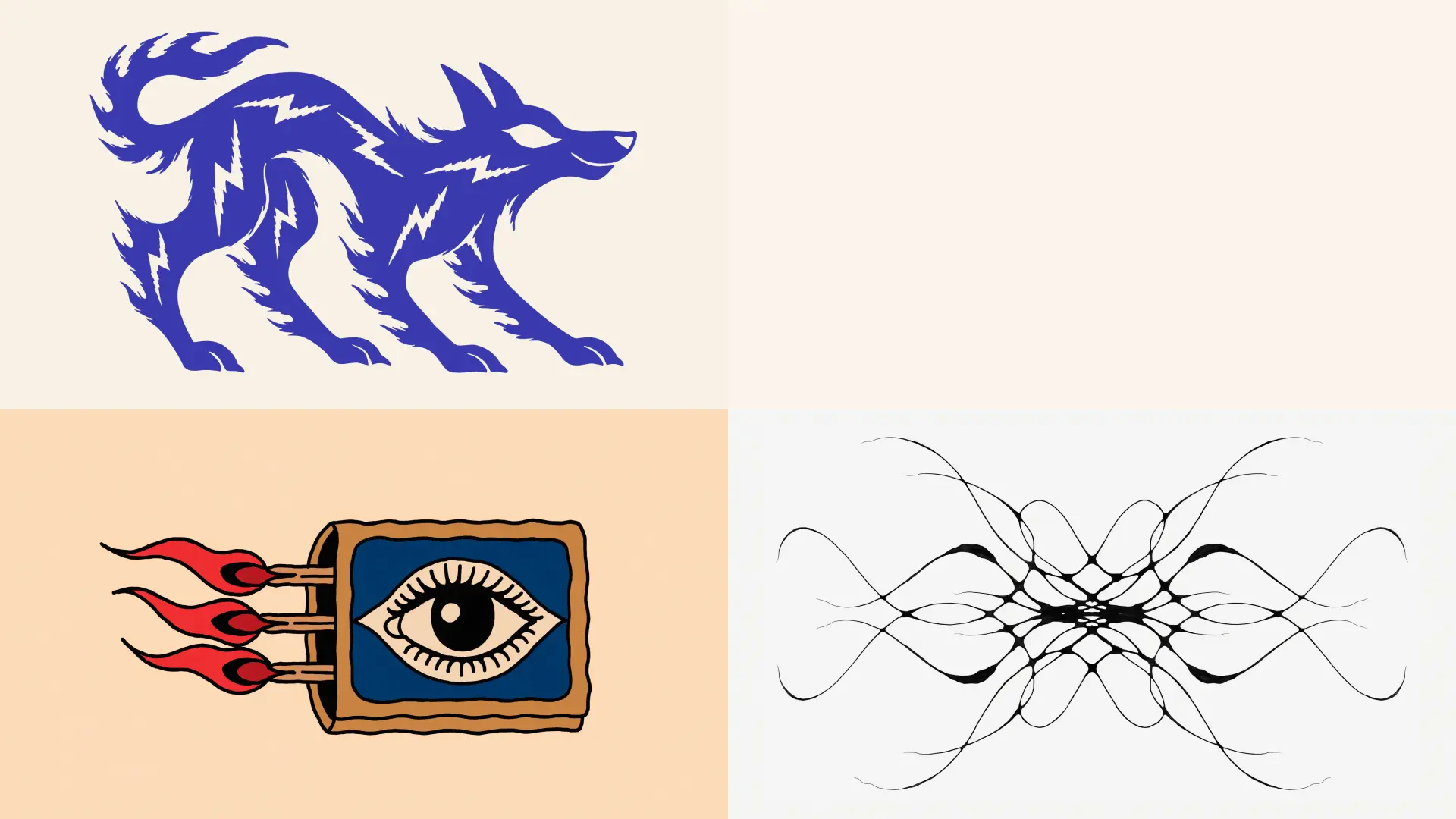
AI-generated tattoo design collection — fine line rose, geometric wolf, Japanese wave, watercolor butterfly

AI tattoo design inspiration

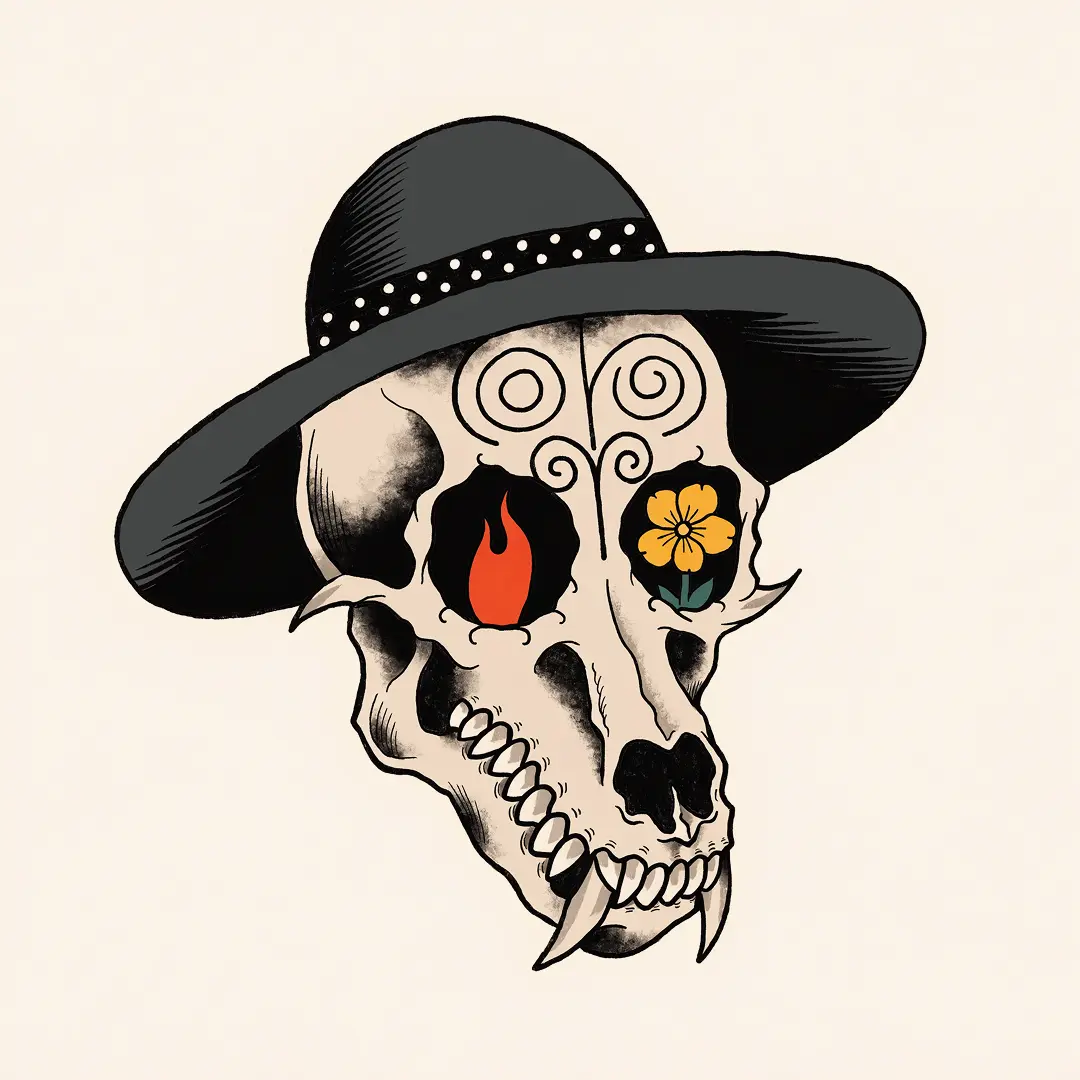
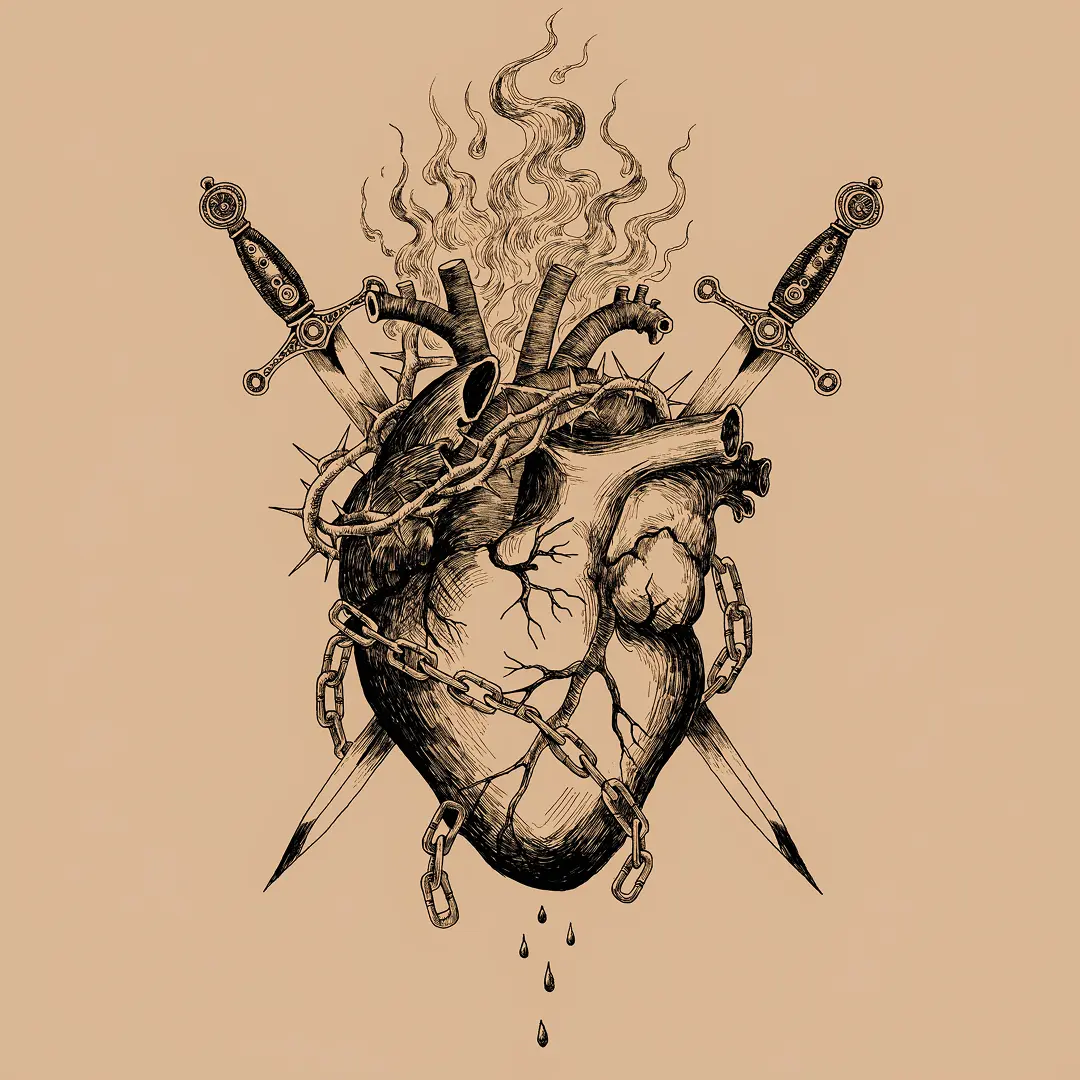
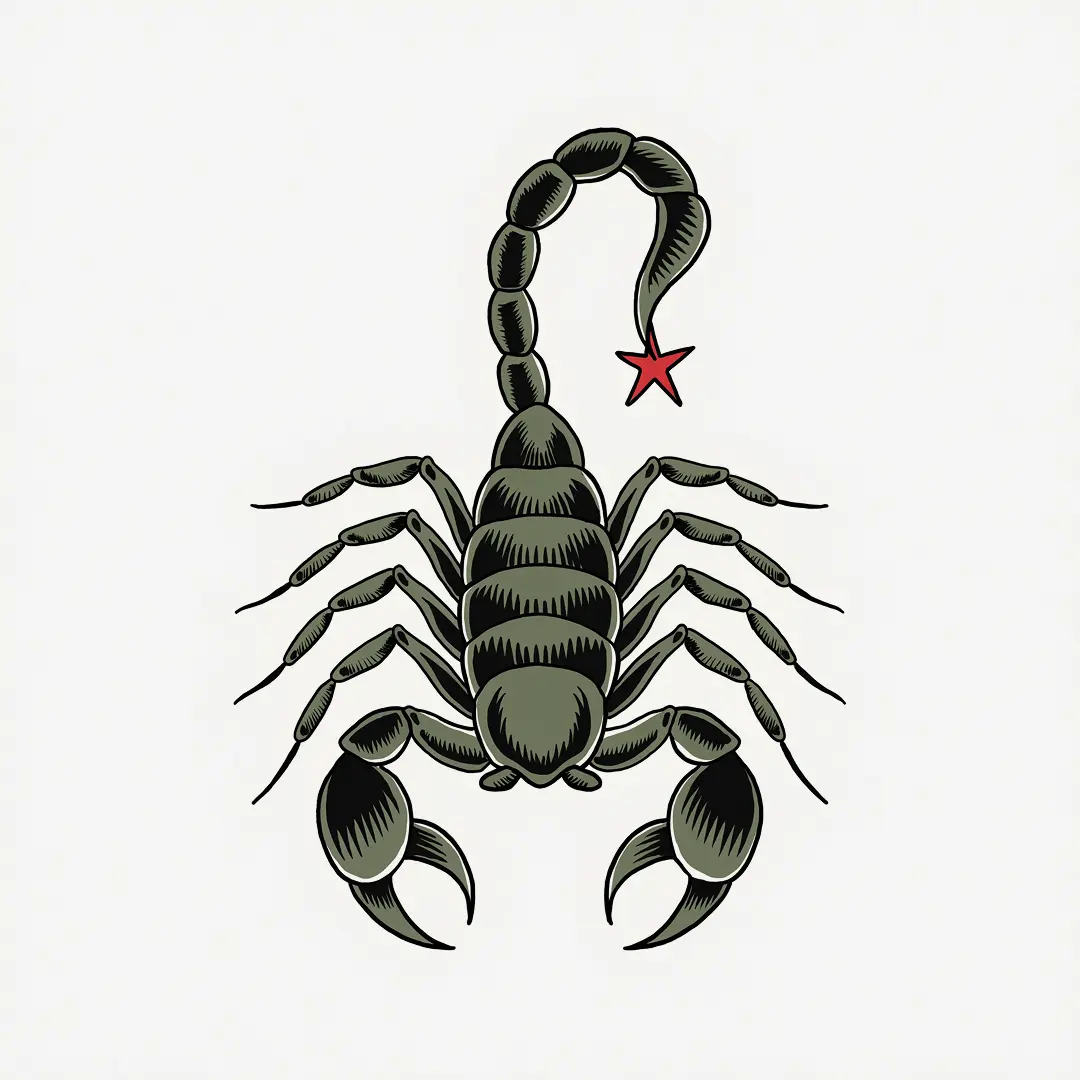
Explore the Recraft community gallery for stunning AI-generated tattoo designs. See what Recrafters are creating—from bold traditional flash to delicate fine line art and intricate geometric sleeves.

Traditional Japanese koi fish tattoo design with lotus flowers and waves
Fine line botanical tattoo design with delicate leaves and flowers
Bold geometric blackwork mountain tattoo design inside a diamond shape
Intricate blackwork mandala tattoo design with dotwork and geometric patterns
Watercolor hummingbird tattoo design in teal, violet and magenta

How the AI tattoo generator works

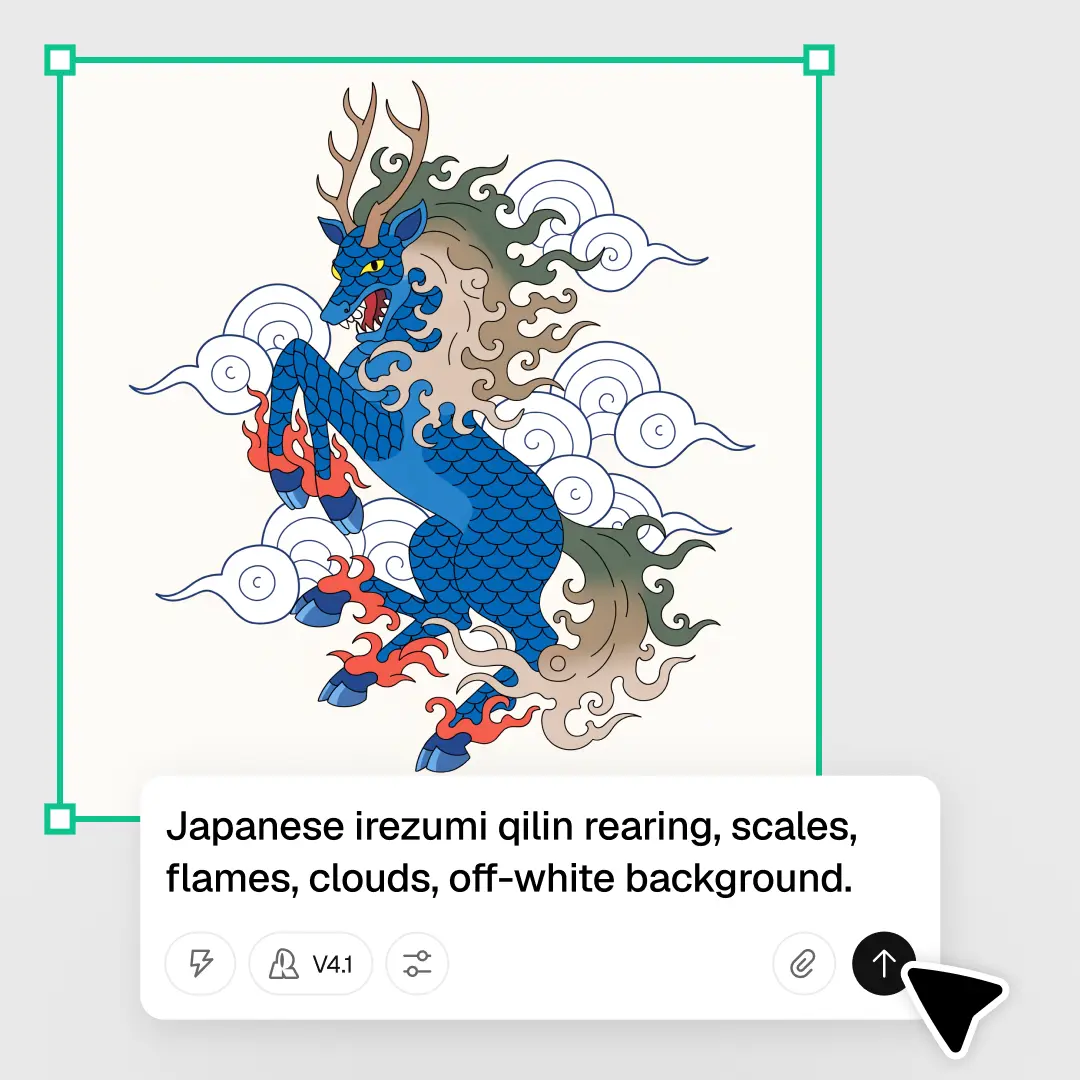
Recraft's AI tattoo generator makes it easy to visualize your next ink. Whether you want minimalist line work, traditional flash, a watercolor piece or a geometric sleeve—just describe it and generate it. Here's how to create your custom tattoo design in four steps:

1

Select a tattoo style.

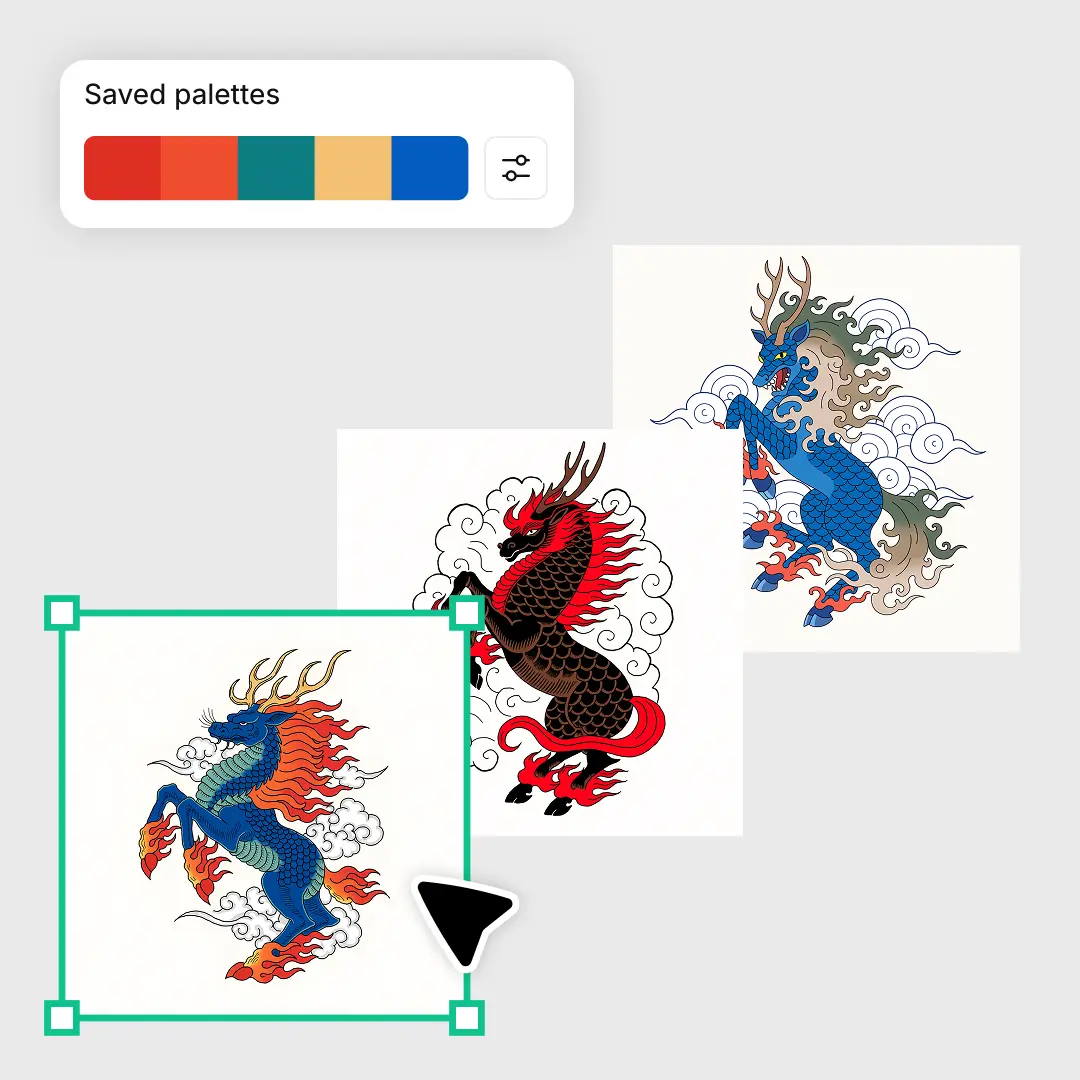
Choose from Recraft's ready-made styles—fine line, traditional, geometric, blackwork and more—or create your own custom style for total aesthetic consistency.

2

Enter your tattoo prompt.

Describe your tattoo design in the text prompt. Include the subject, style, shading, size and mood—the more detail, the better the result.

3

Generate and refine.

Hit Recraft to generate your design. Adjust colors, line weight and composition. Regenerate as many times as you like until it's exactly right.

4

Download your design.

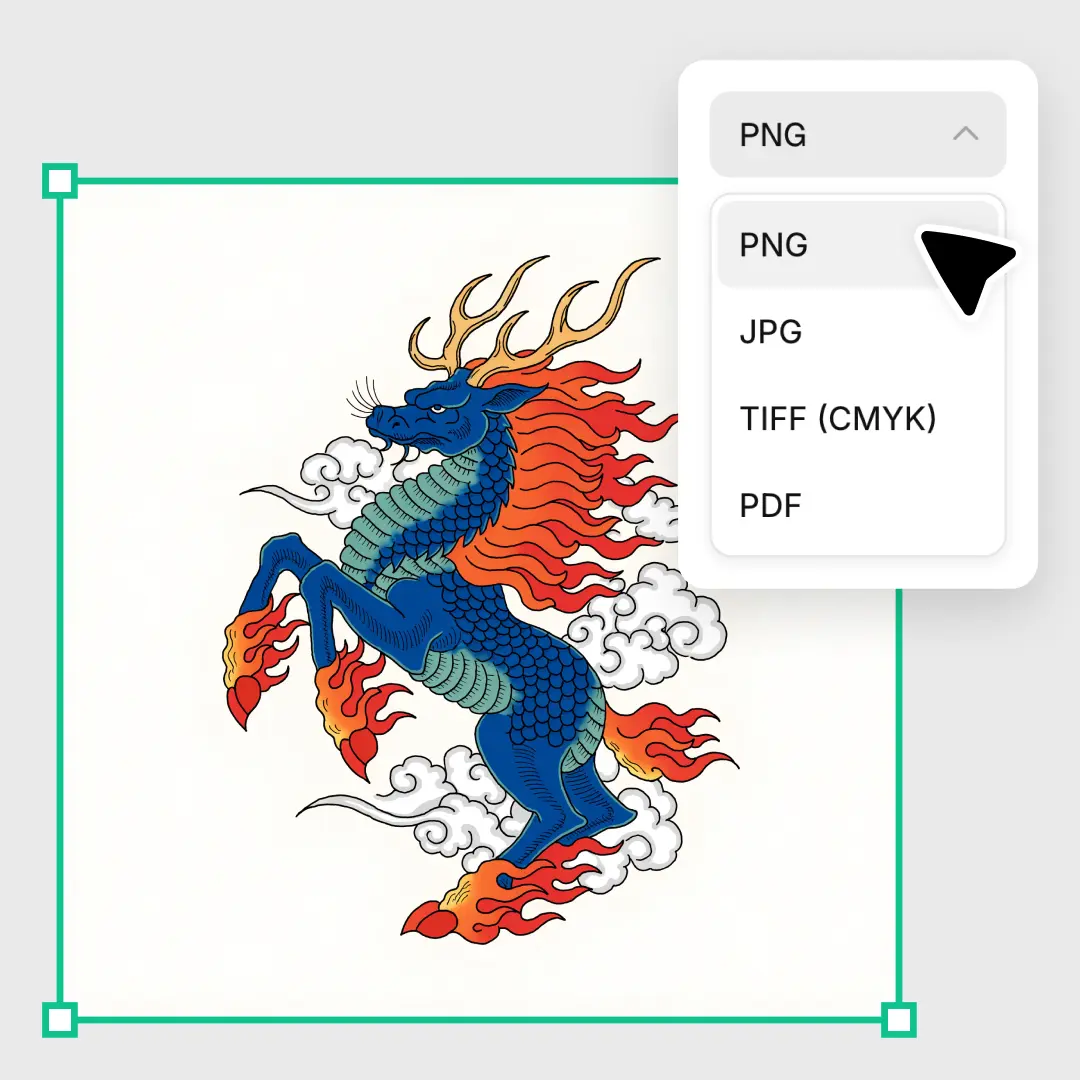
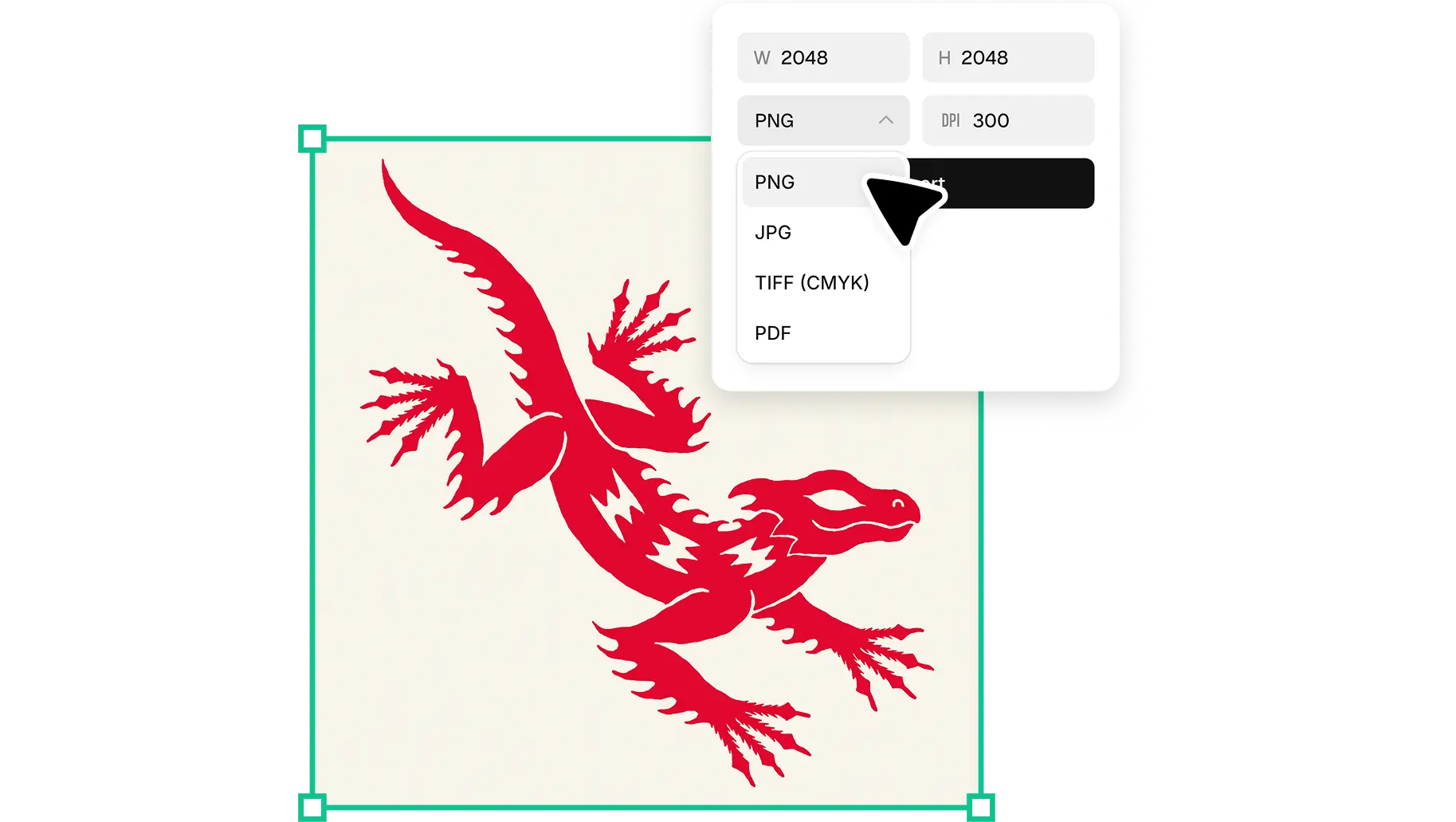
Export your tattoo design as a JPG, PNG or SVG file in one click. Share it directly with your tattoo artist or use it as a finished piece.

High-resolution tattoo designs, ready to share

Recraft generates tattoo designs at full resolution—no blurry or pixelated artwork. Every design scales perfectly, whether you're sharing a reference image with your tattoo artist or preparing a large-format stencil. Sharpen fine details and upscale your design with Recraft Studio's AI image generator.

Every tattoo style, one creative tool

From blackwork and neo-traditional to watercolor and fine line—Recraft covers every aesthetic. Create matching concepts for a full sleeve, mix styles in one design, or lock in your signature look with a saved custom style. Edit every element in Recraft Studio's AI image editor.

AI tattoo generator FAQ

How does Recraft's AI tattoo generator work?

Recraft's AI tattoo generator uses a text-to-image model trained on diverse artistic styles. Type a description of your tattoo—subject, style, placement, shading—and Recraft generates a custom design instantly. You can then refine colors, composition and detail level before downloading.

Is the AI tattoo generator free?

Yes. Recraft's AI tattoo generator is free to use. Create and download custom tattoo designs without any subscription. Free users get a generous number of generations every day.

What tattoo styles can I generate?

Recraft supports a wide range of tattoo styles including fine line, traditional, neo-traditional, blackwork, geometric, watercolor, tribal and more. You can also create your own custom style by uploading reference images.

Can I use the generated design with a real tattoo artist?

Absolutely. Download your design as a high-resolution PNG or SVG and share it directly with your tattoo artist as a reference. The more detailed your design, the easier it is for your artist to work from.

Can I generate a tattoo design from a photo?

Yes. Recraft's image-to-image tool lets you upload a reference photo—an existing tattoo, an illustration or a sketch—and transform it into a new tattoo concept while preserving the original composition or style.

Do I need design experience to use the AI tattoo generator?

No design experience needed. Recraft is intuitive enough for anyone to use. Just describe what you want and Recraft does the rest. You can refine the result with simple editing tools—no technical skills required.