API
Build automated visual workflows with Recraft API
Integrations
Access Recraft across different platforms
Download app
Download app

Free AI image generator

Generate professional-quality images with the top models in one workspace — Recraft V4, Nano Banana 2, GPT Image 2, and more. Photorealistic shots, logos, icons, vectors, and product visuals, all from a single prompt.

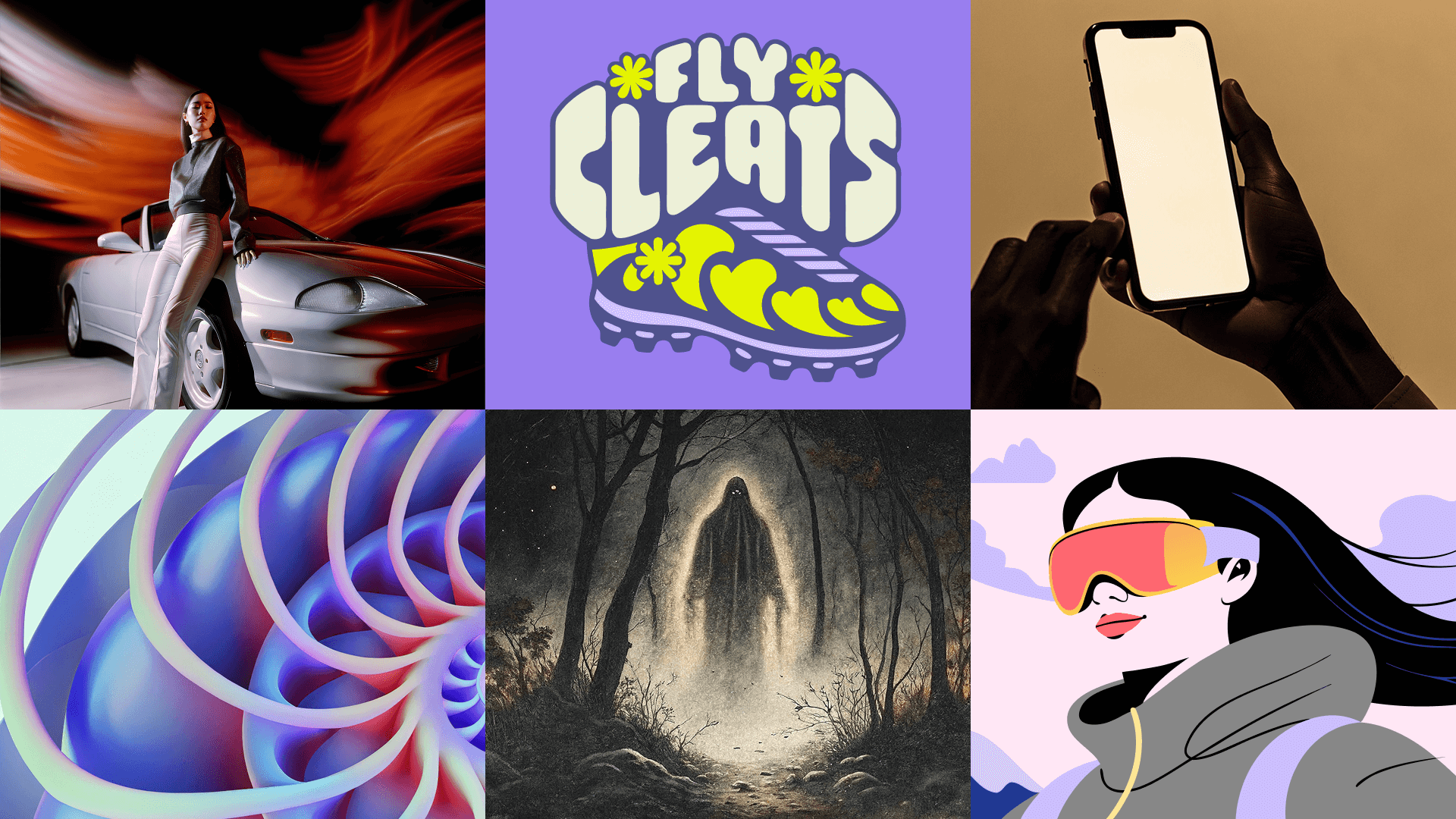
Generation examples
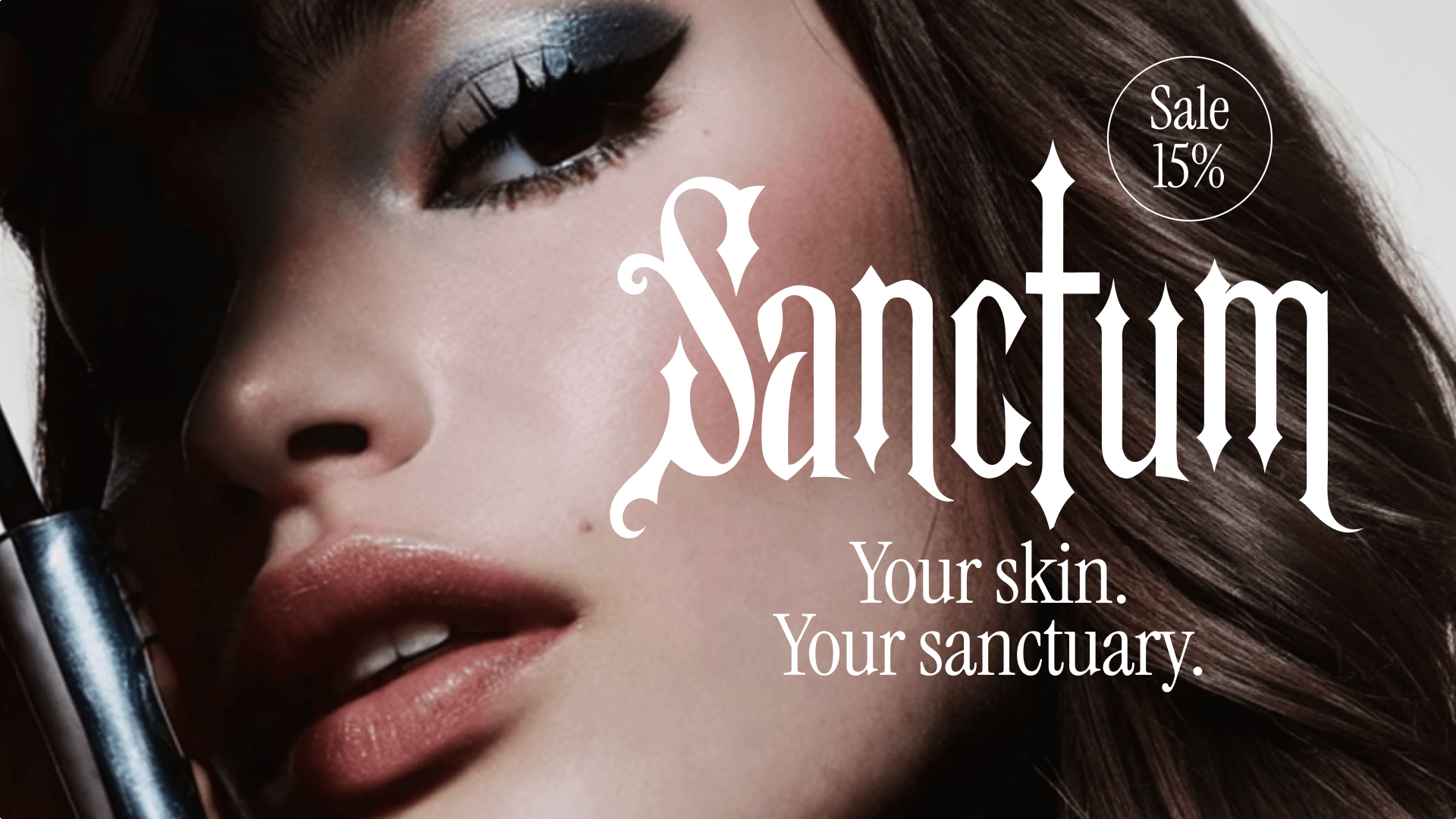
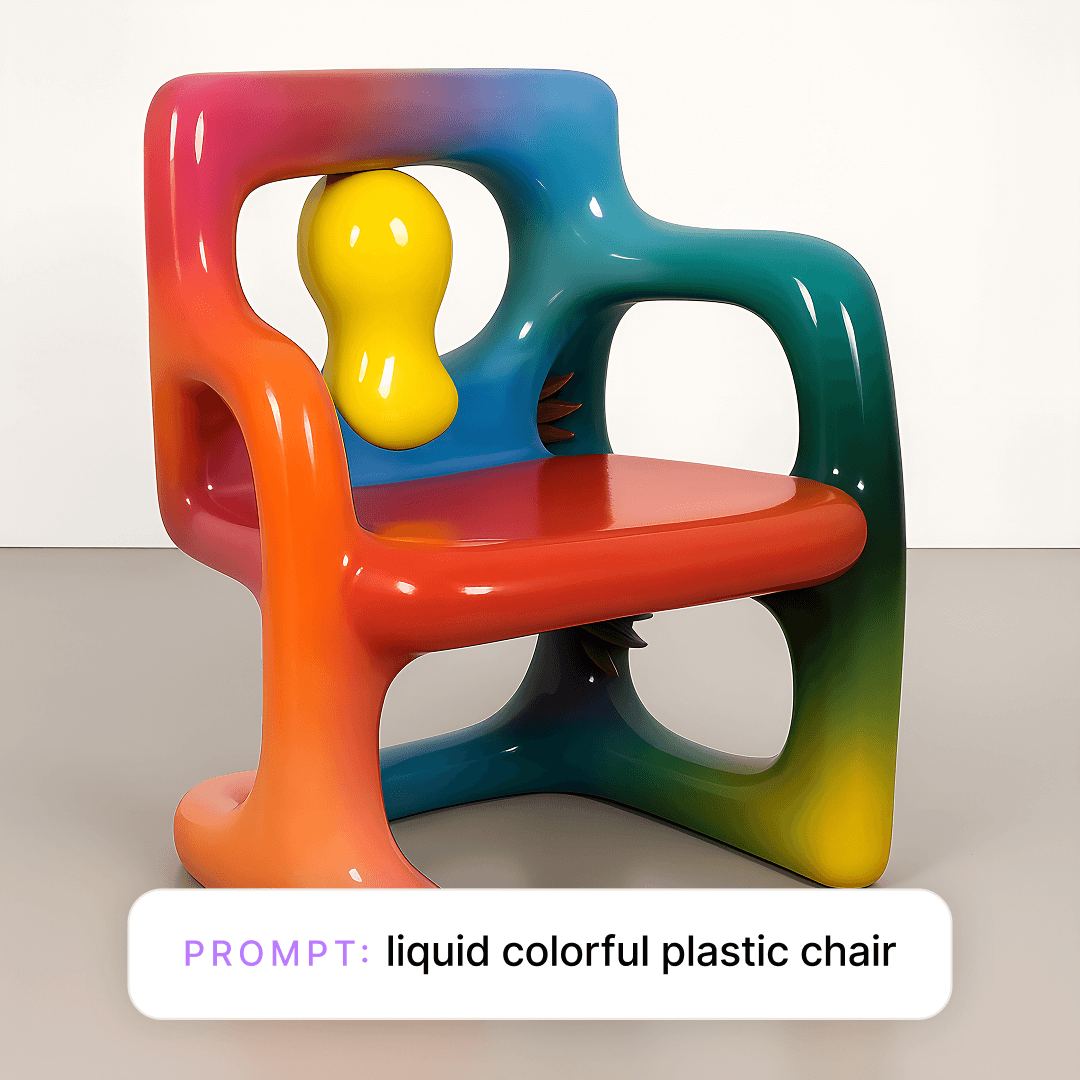
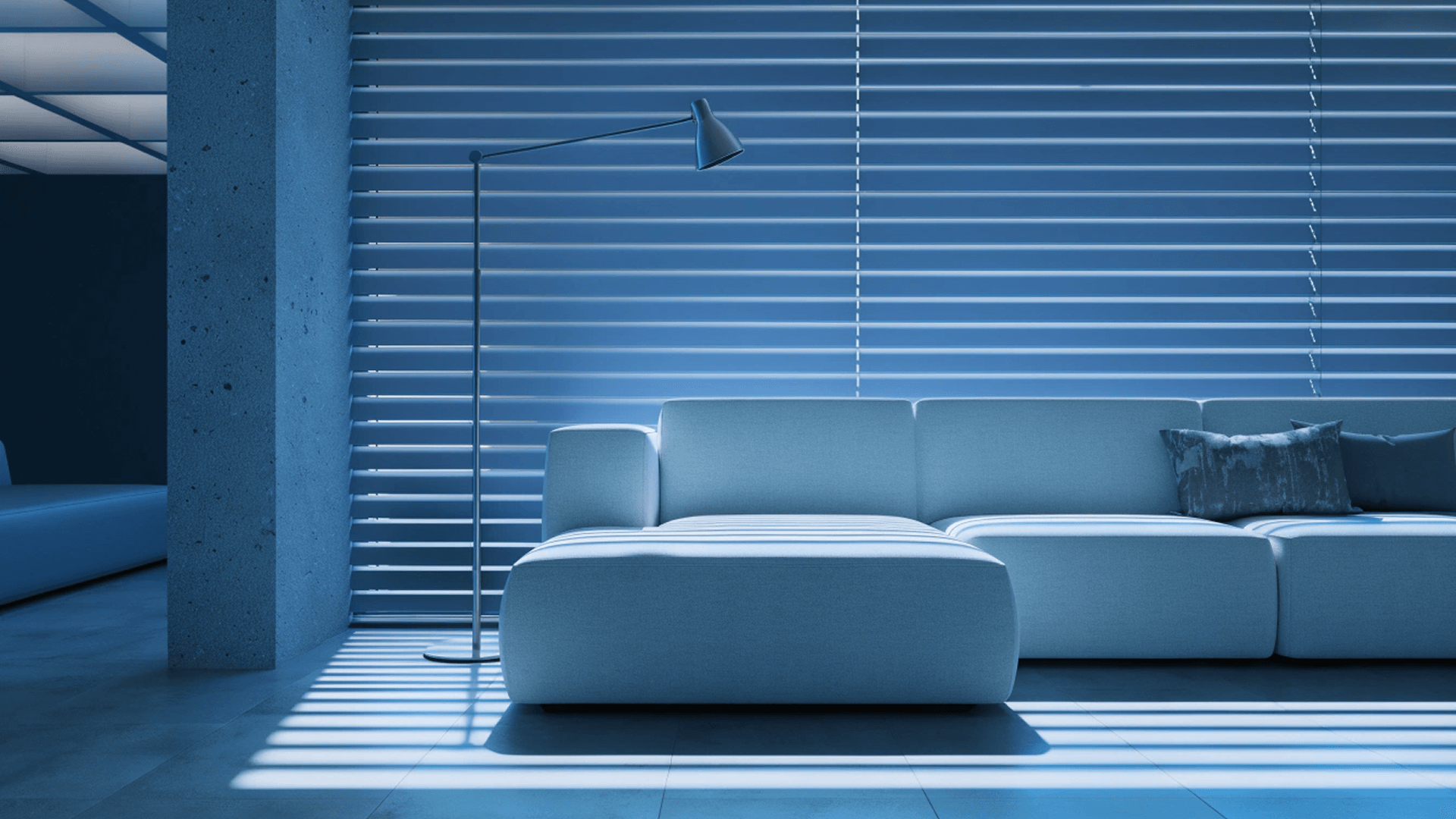
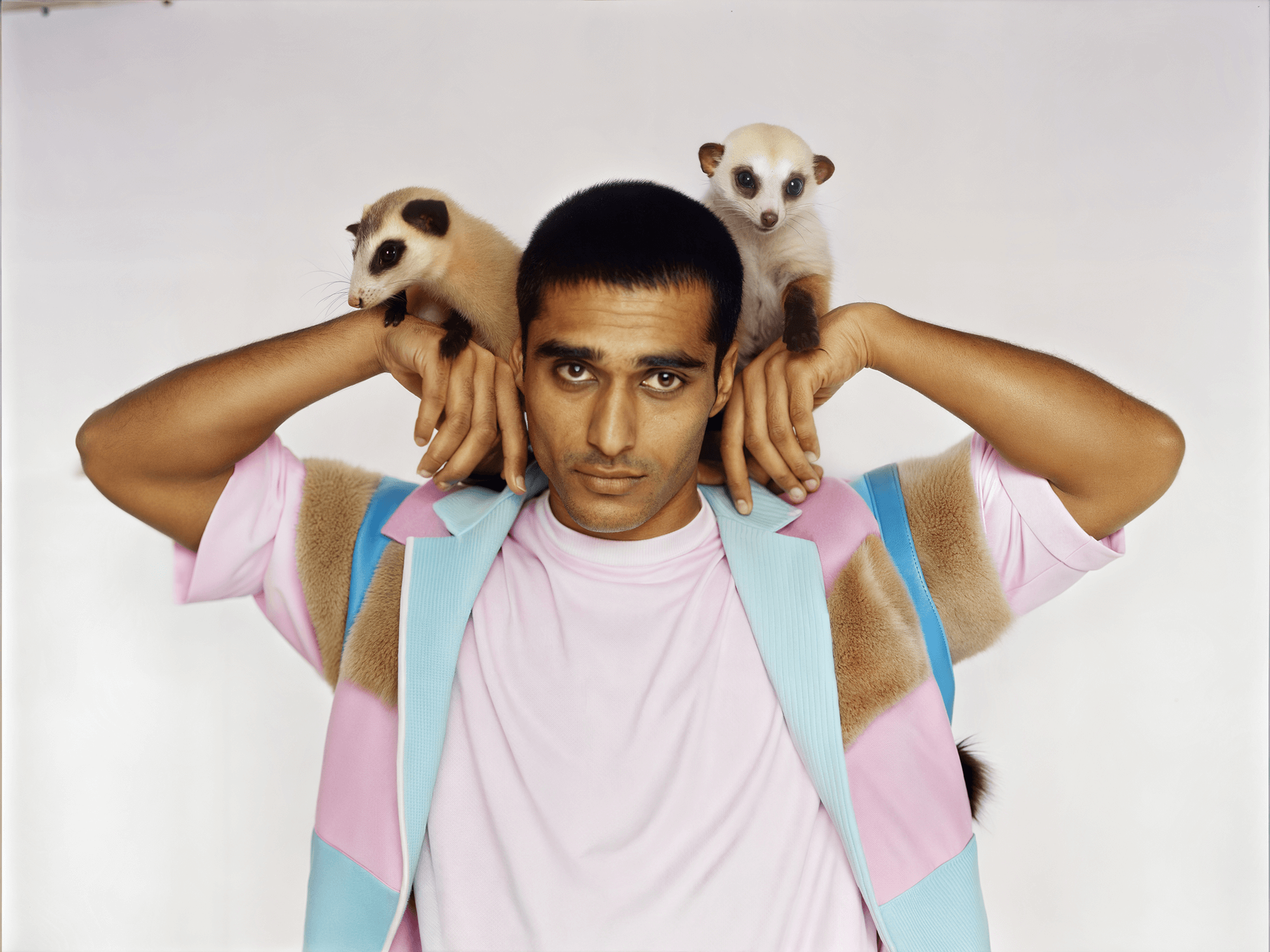
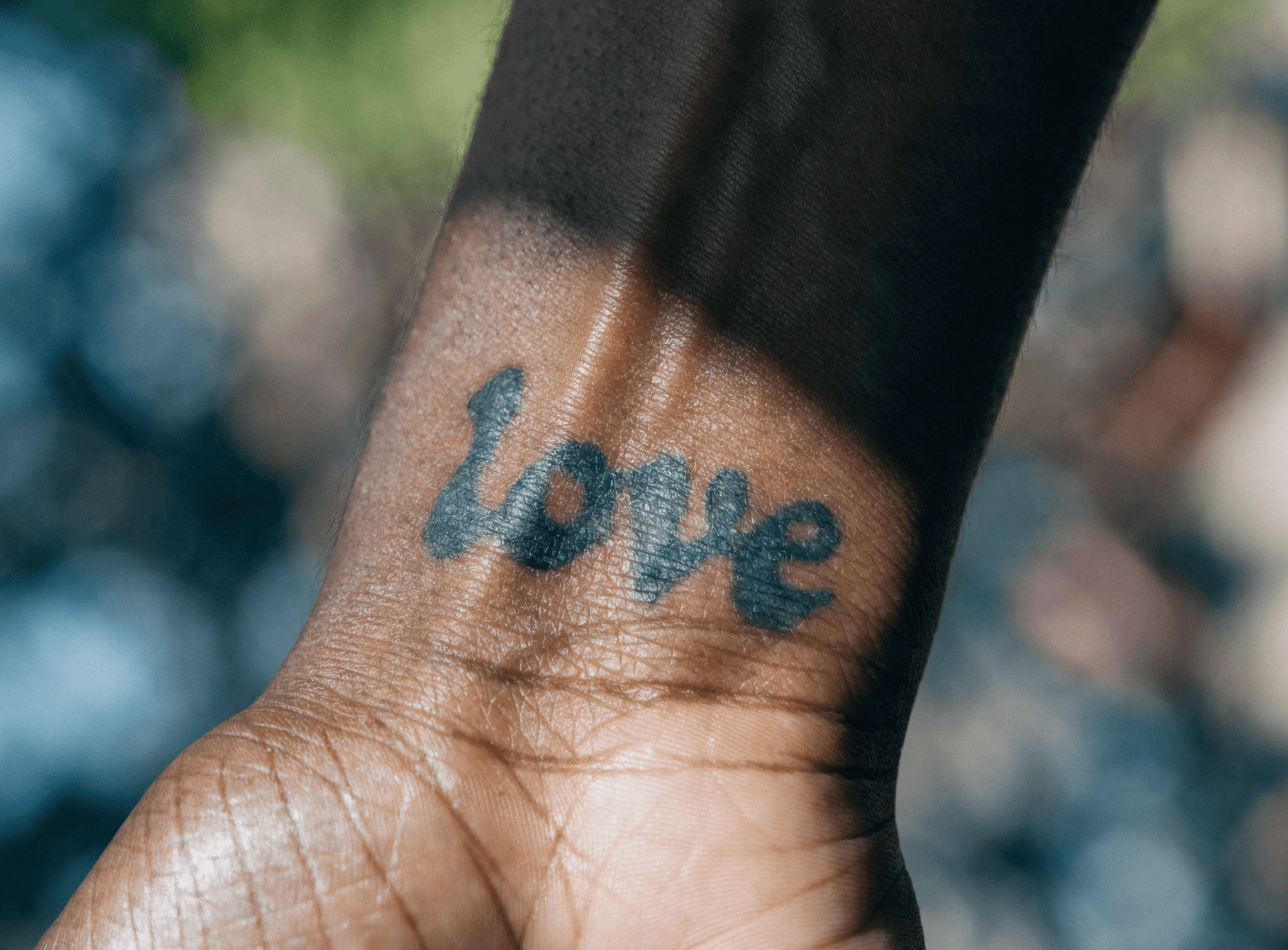
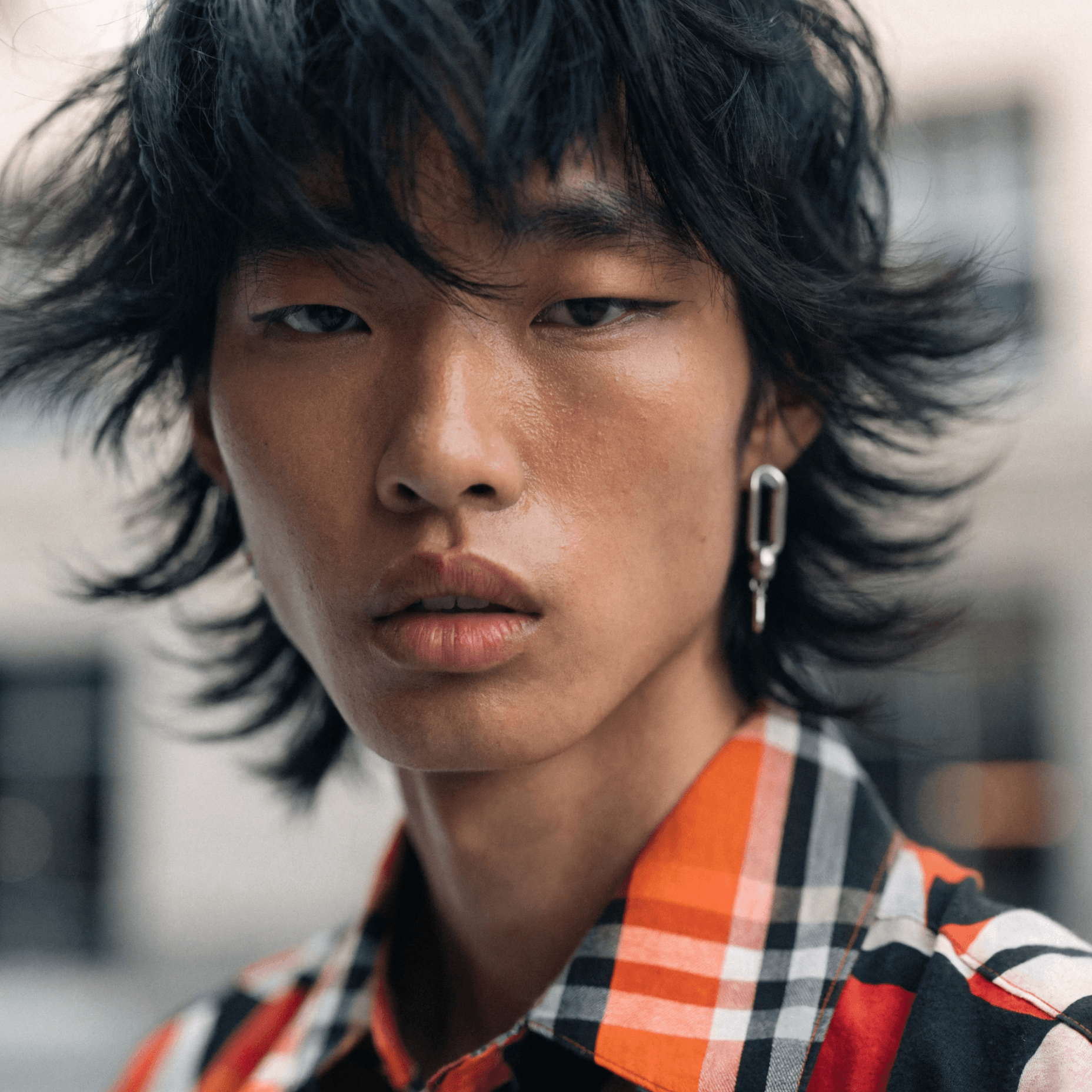
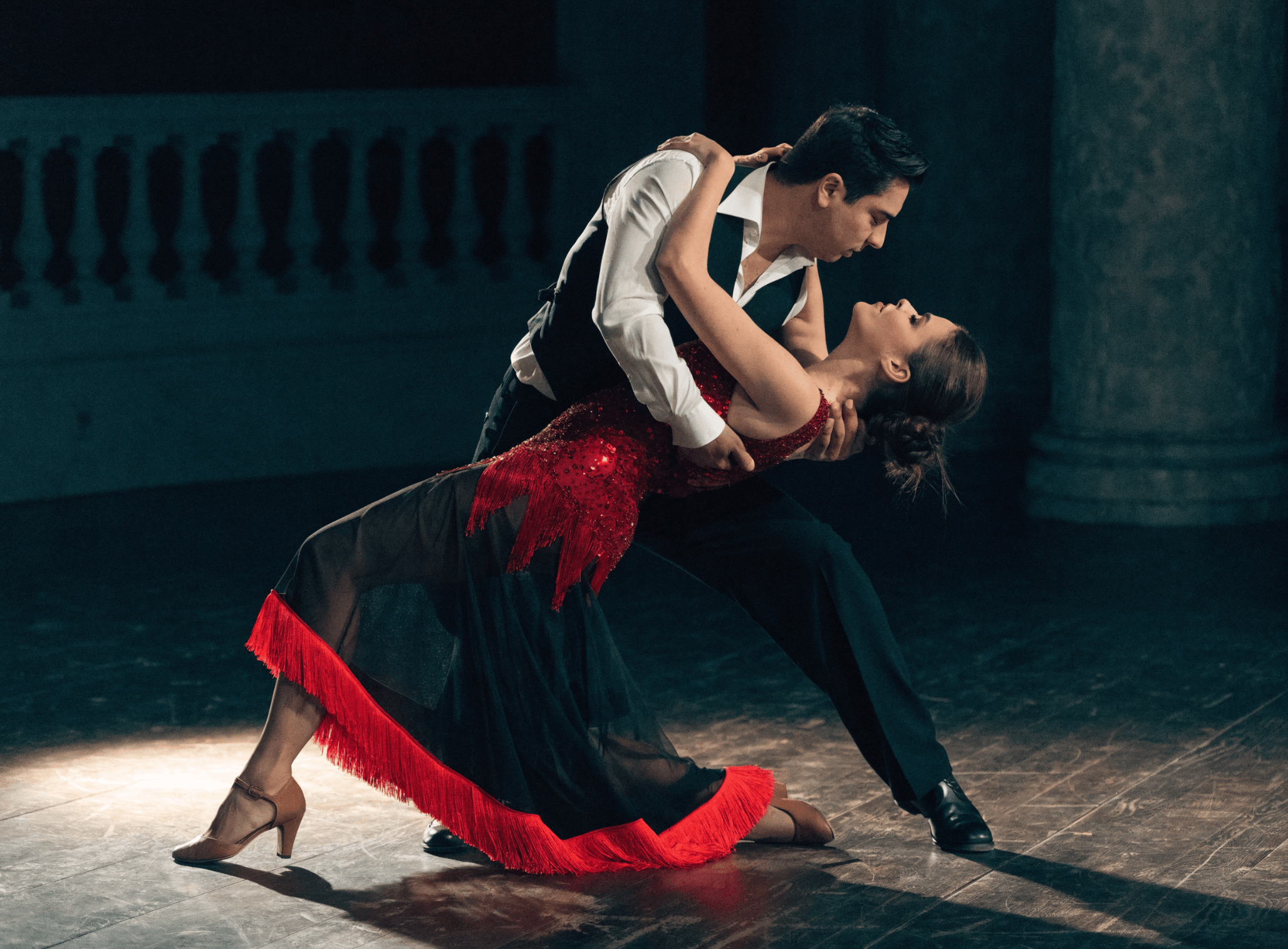
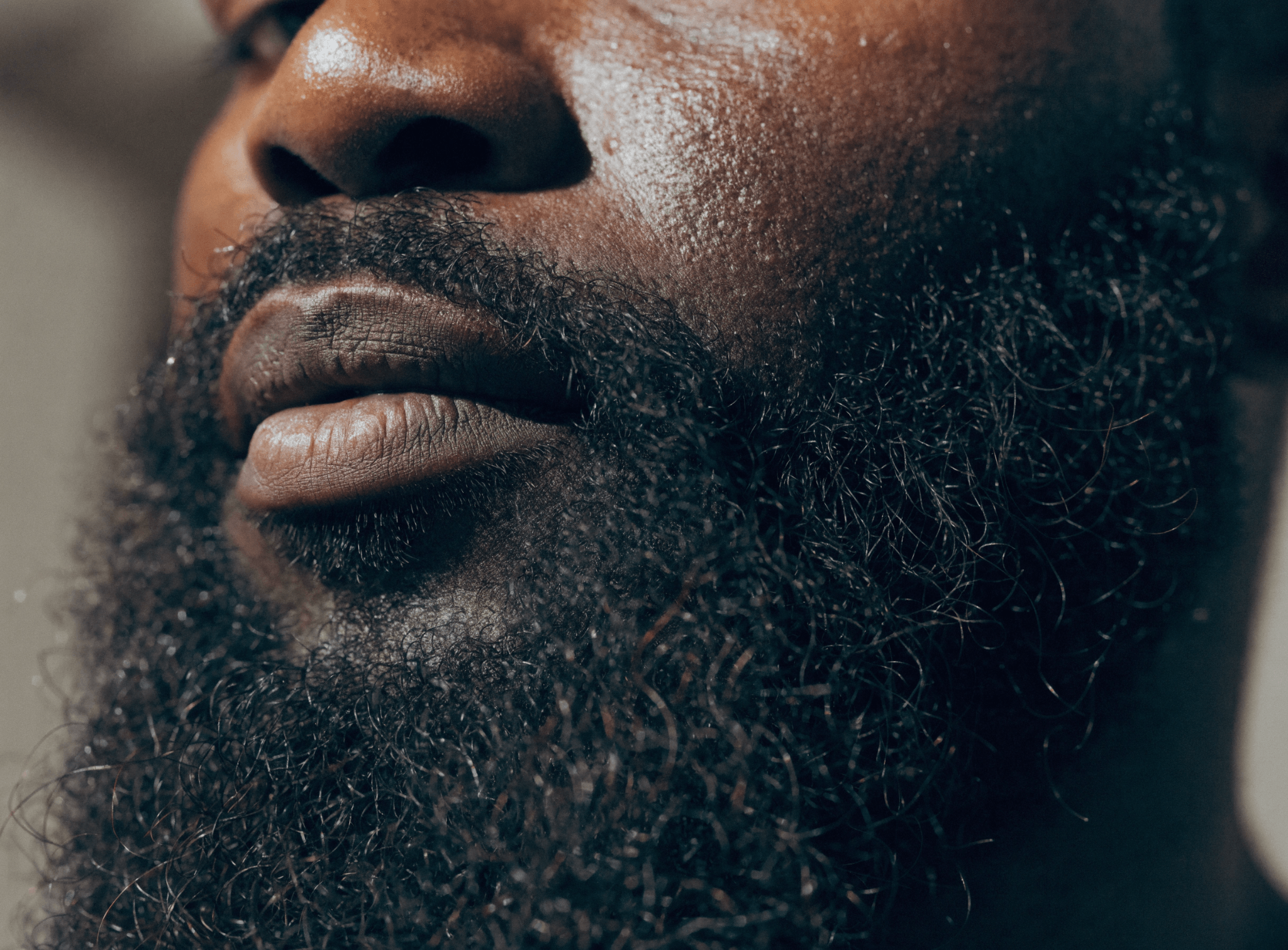
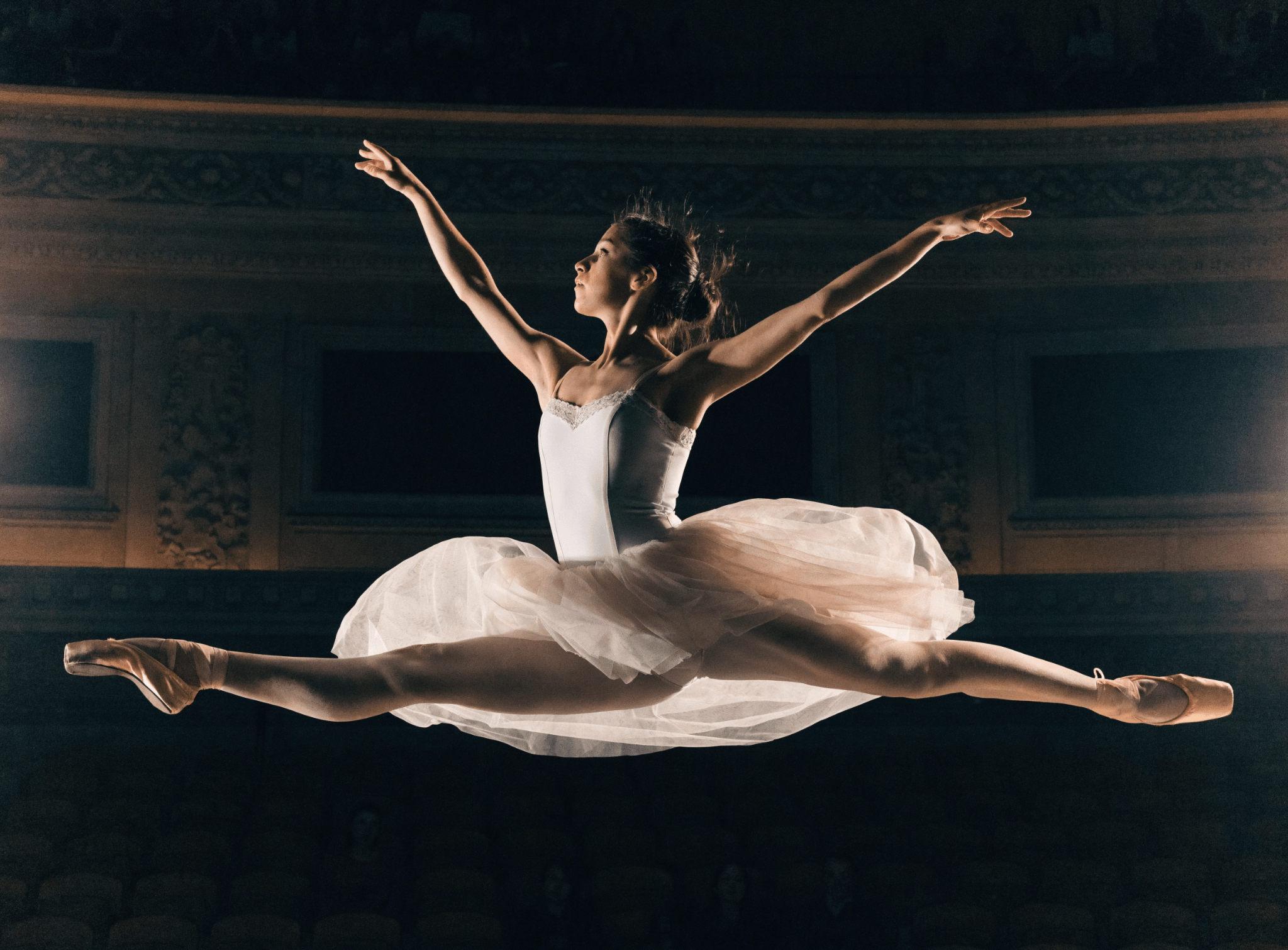
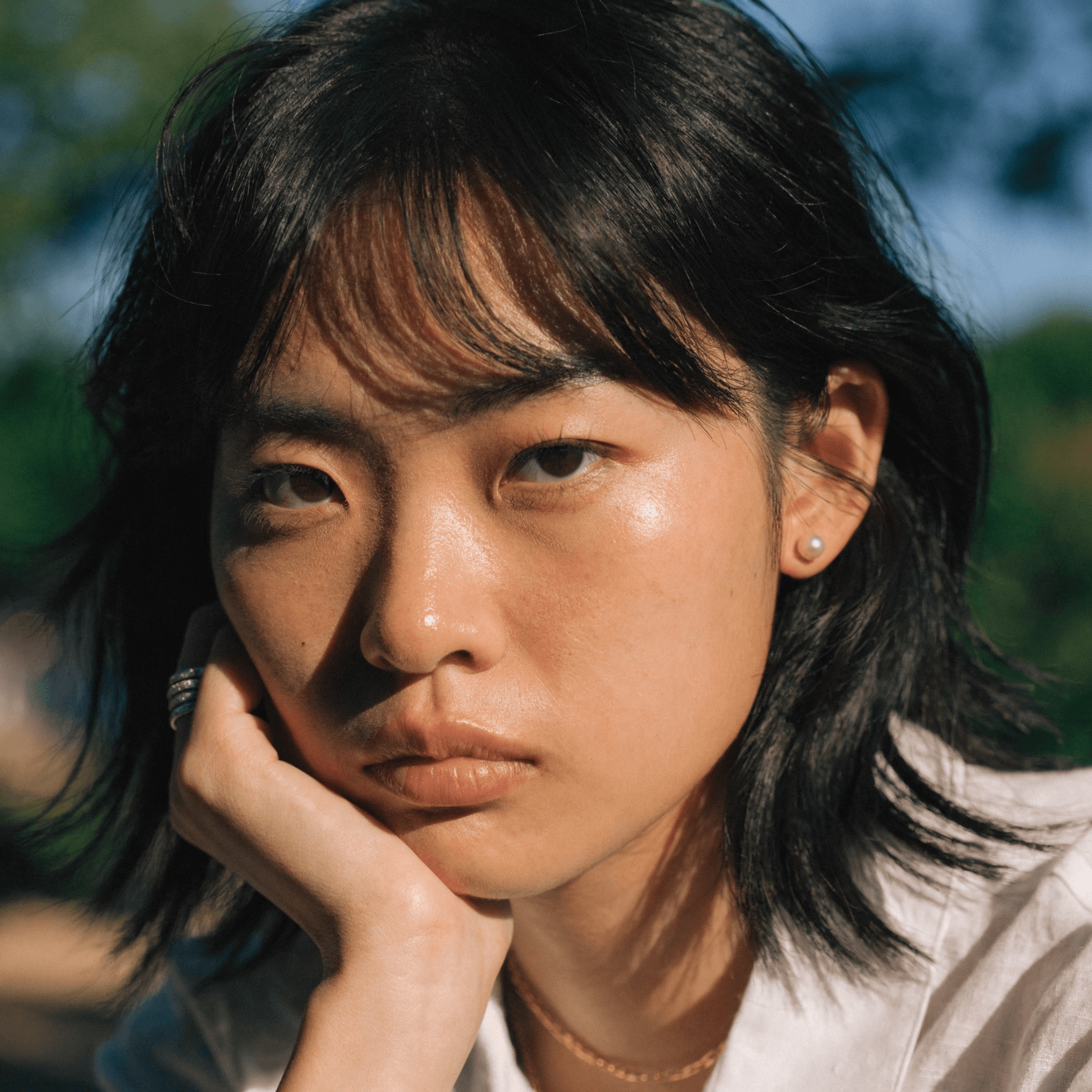
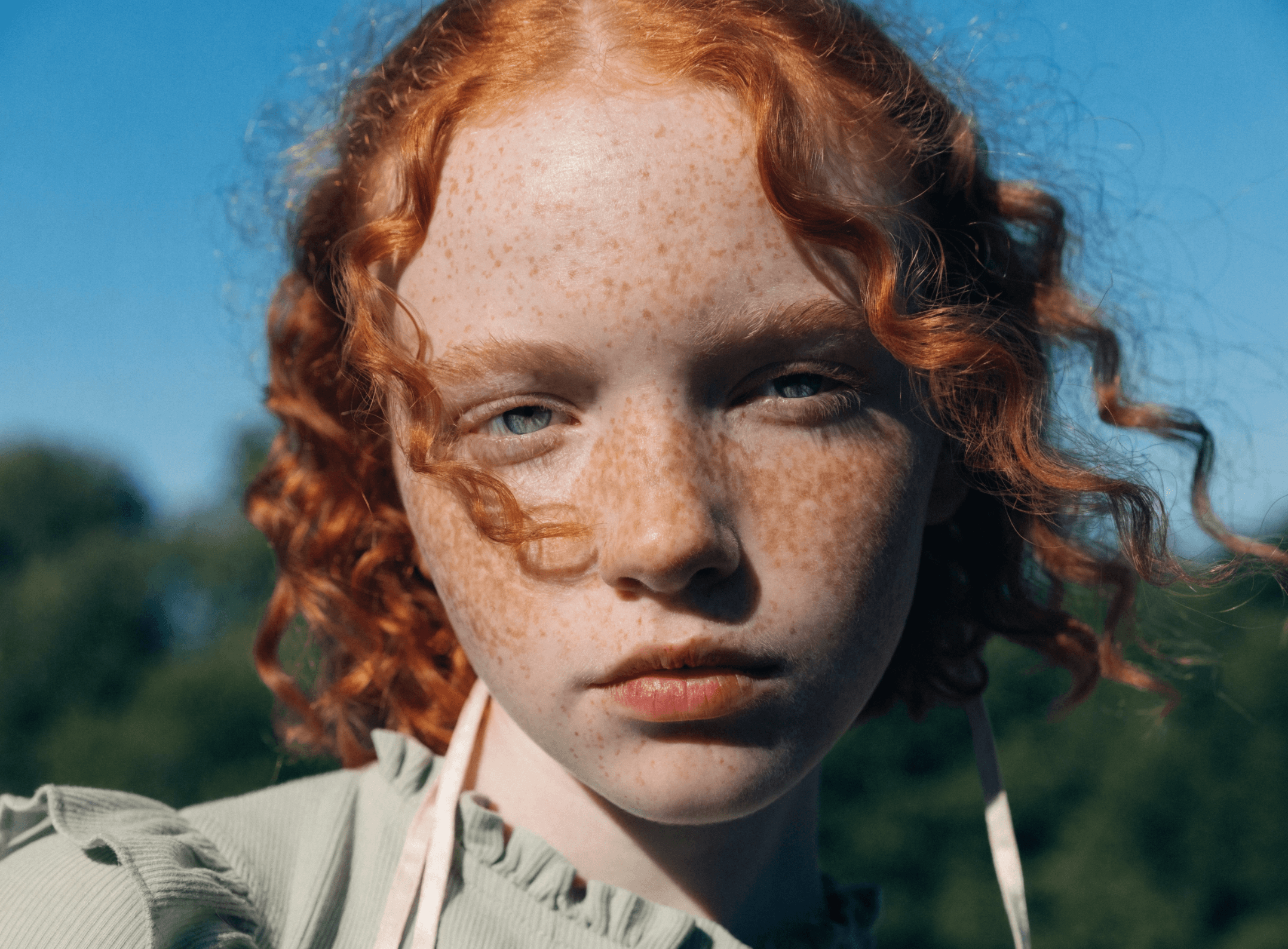
Photorealism
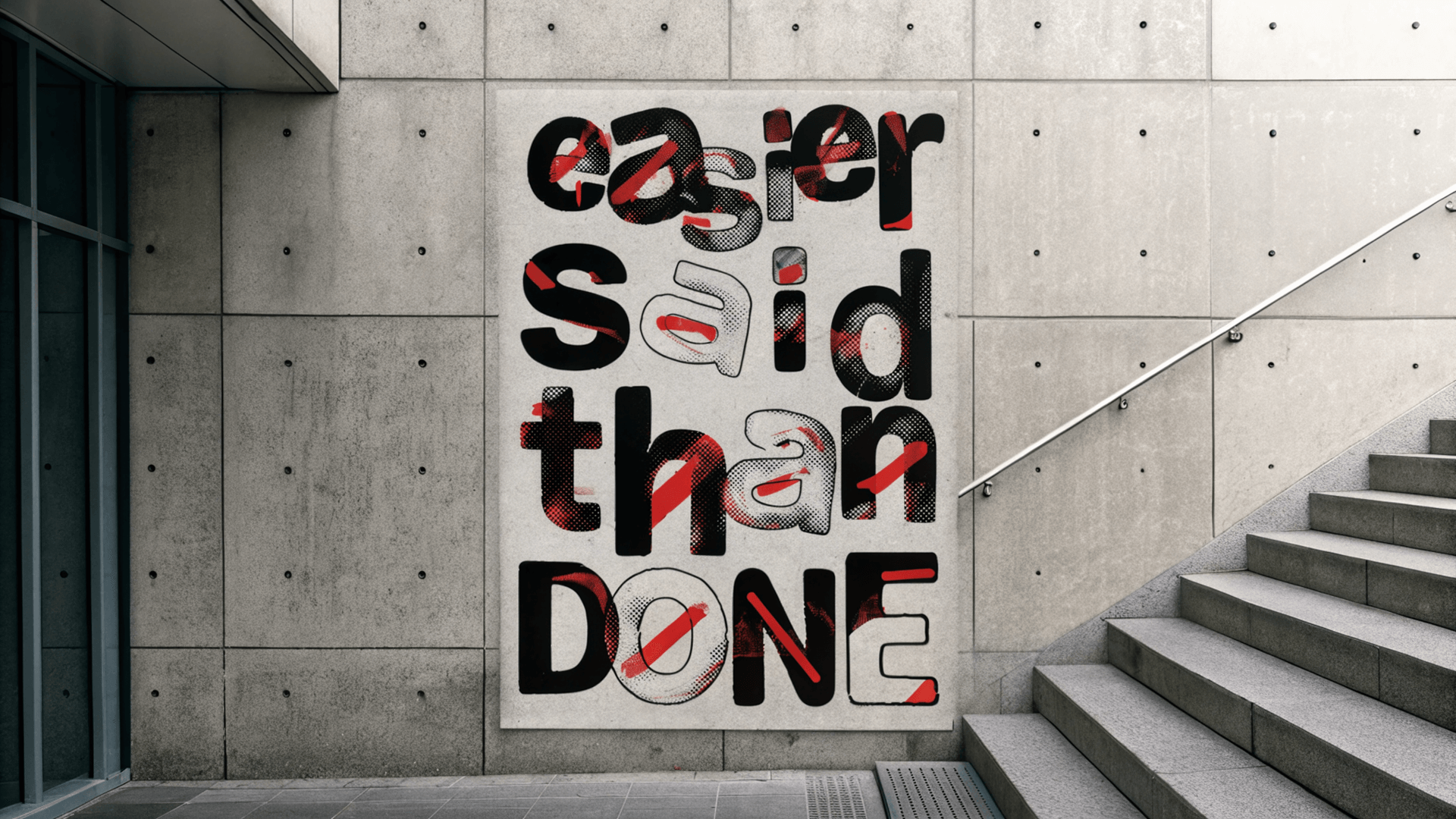
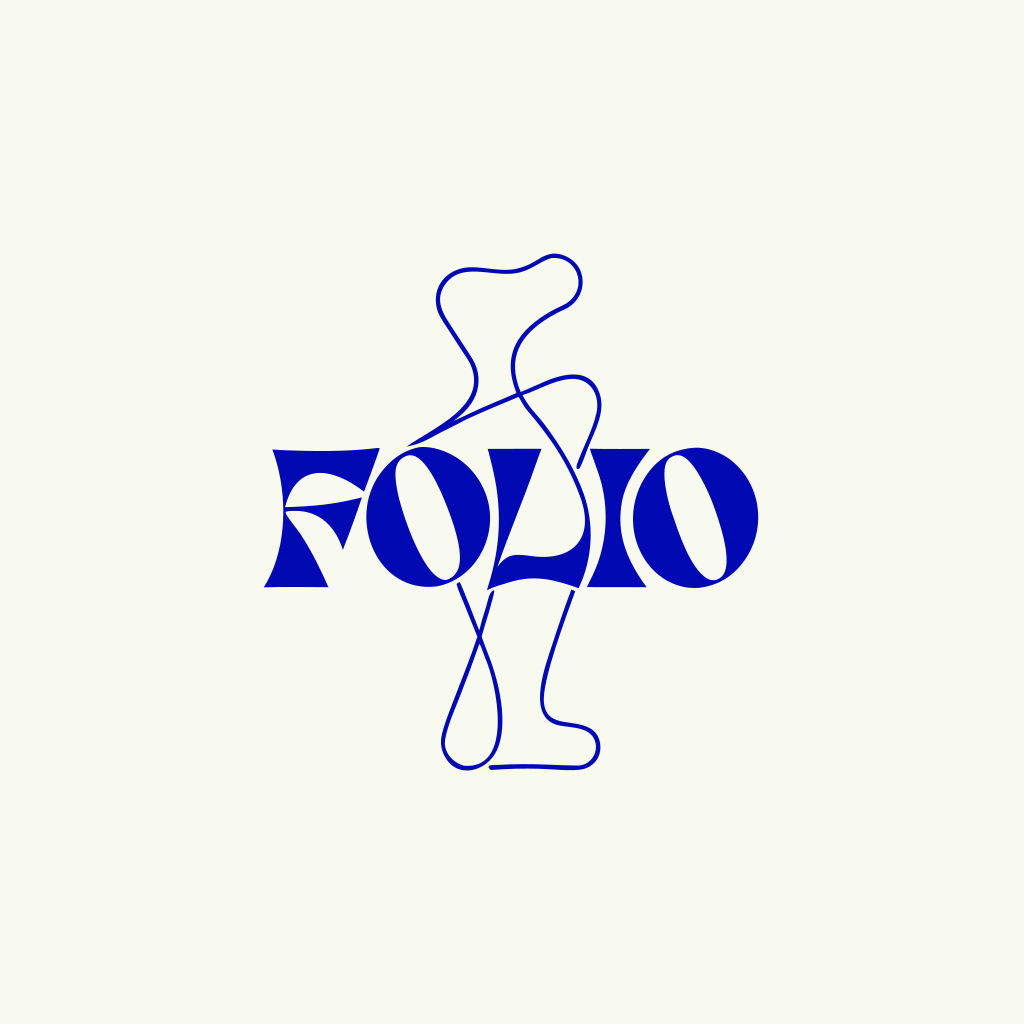
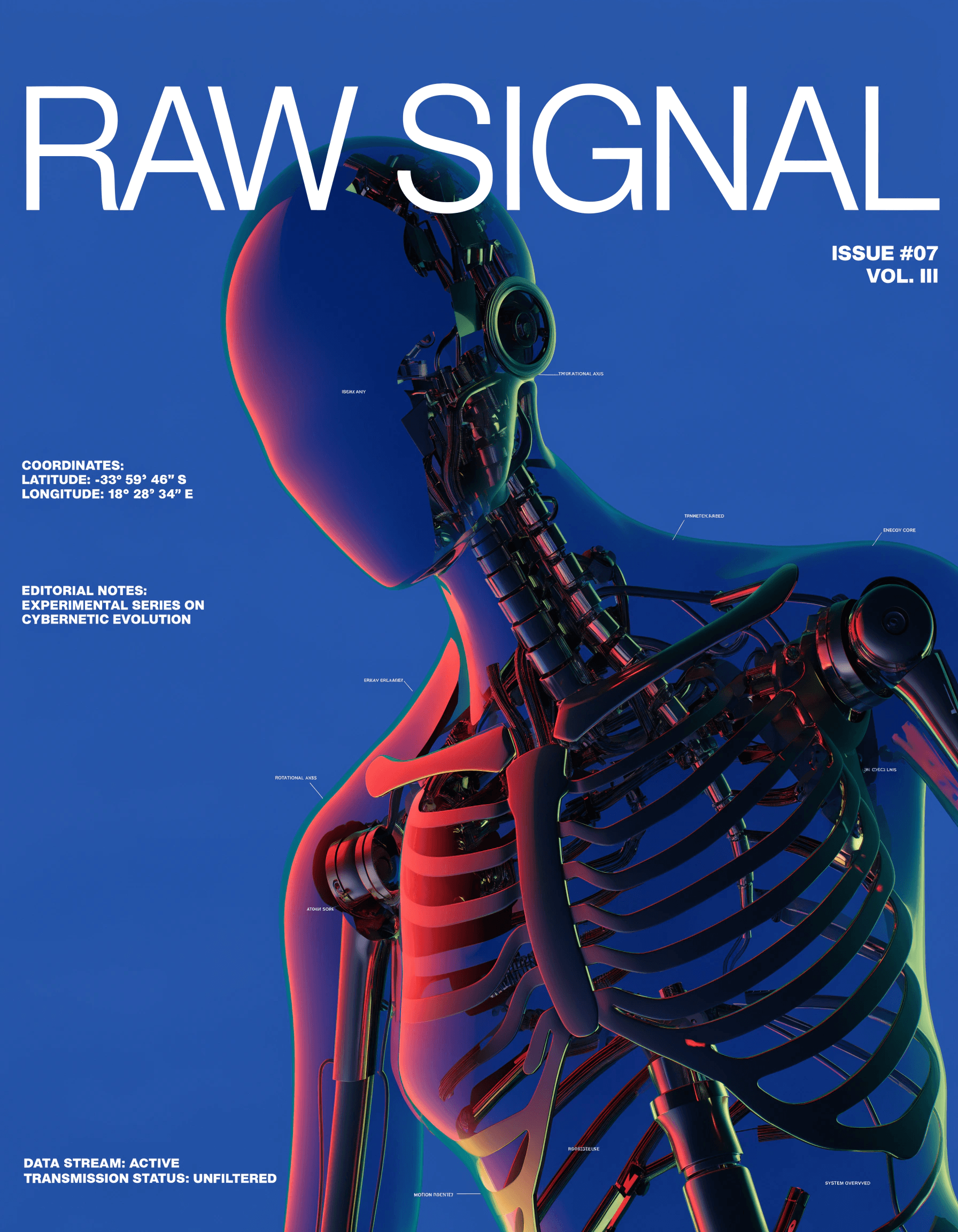
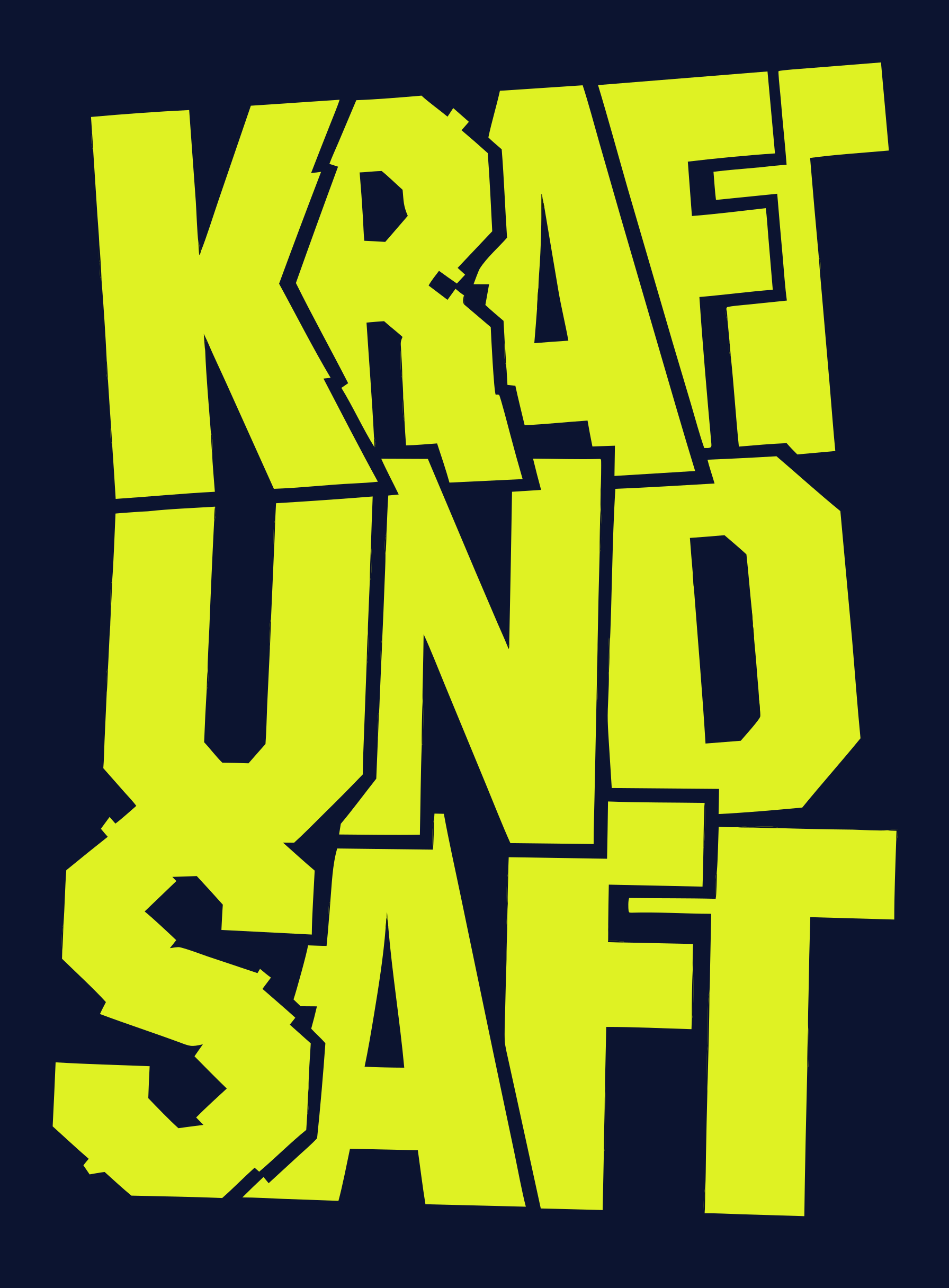
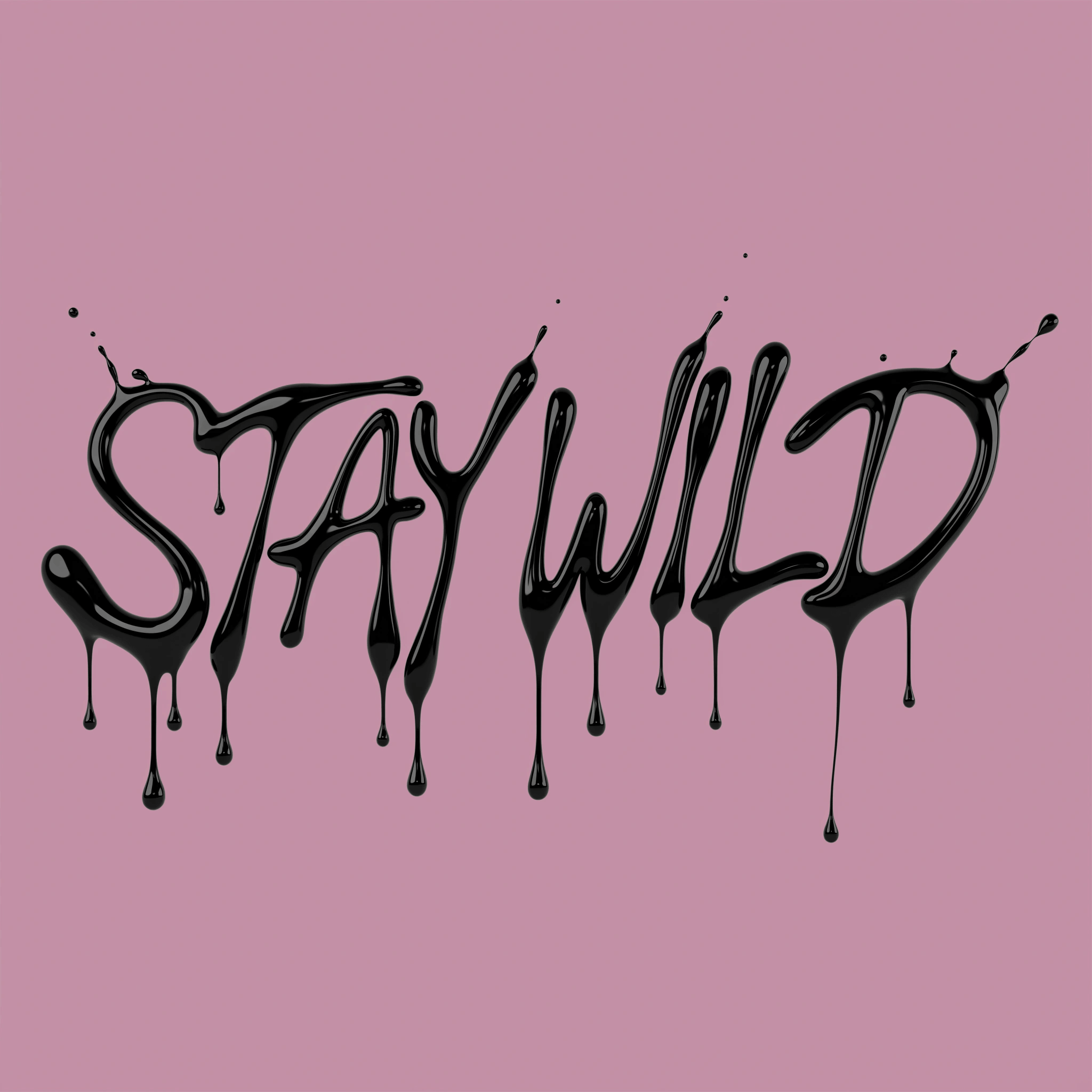
Text rendering
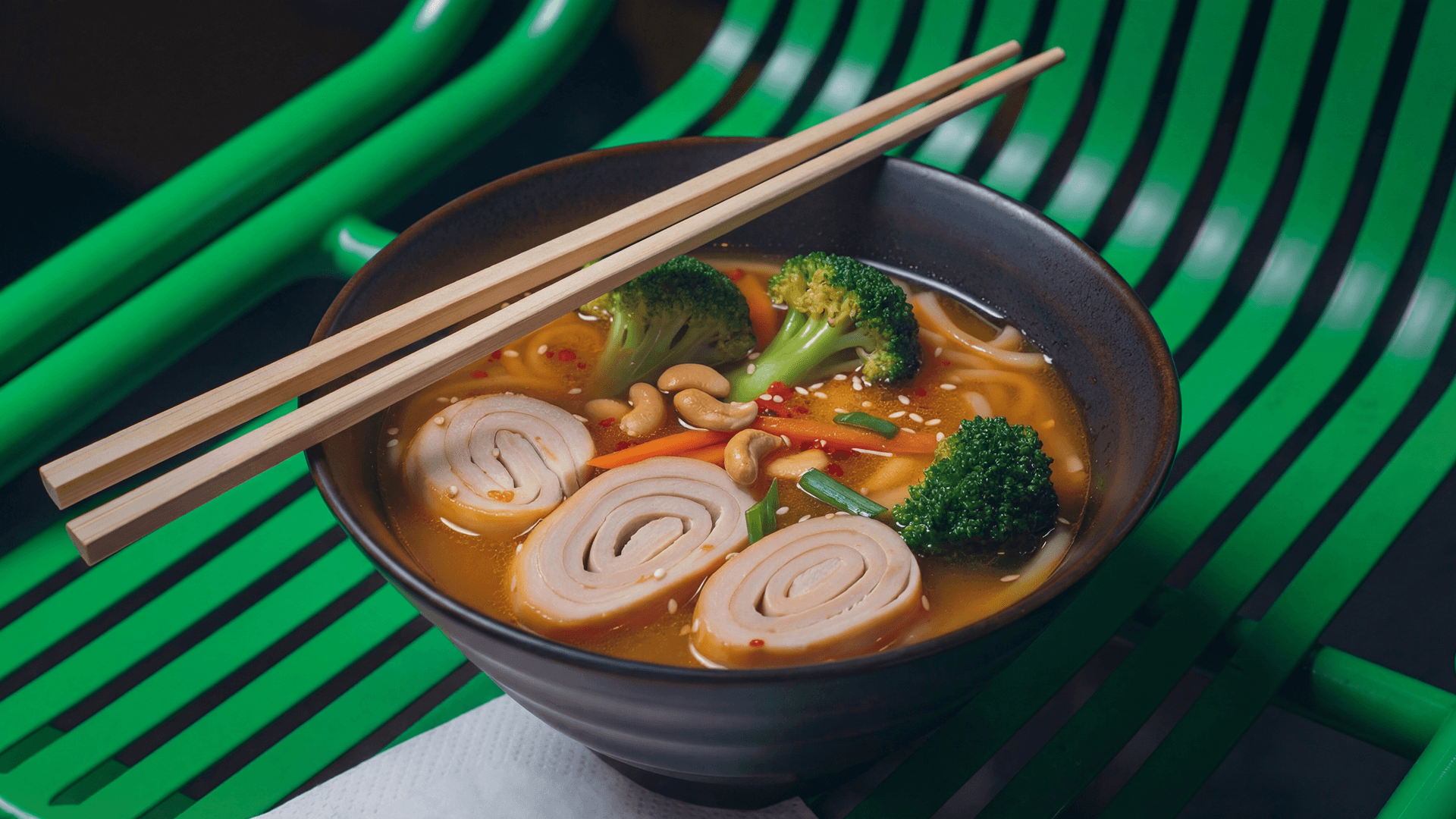
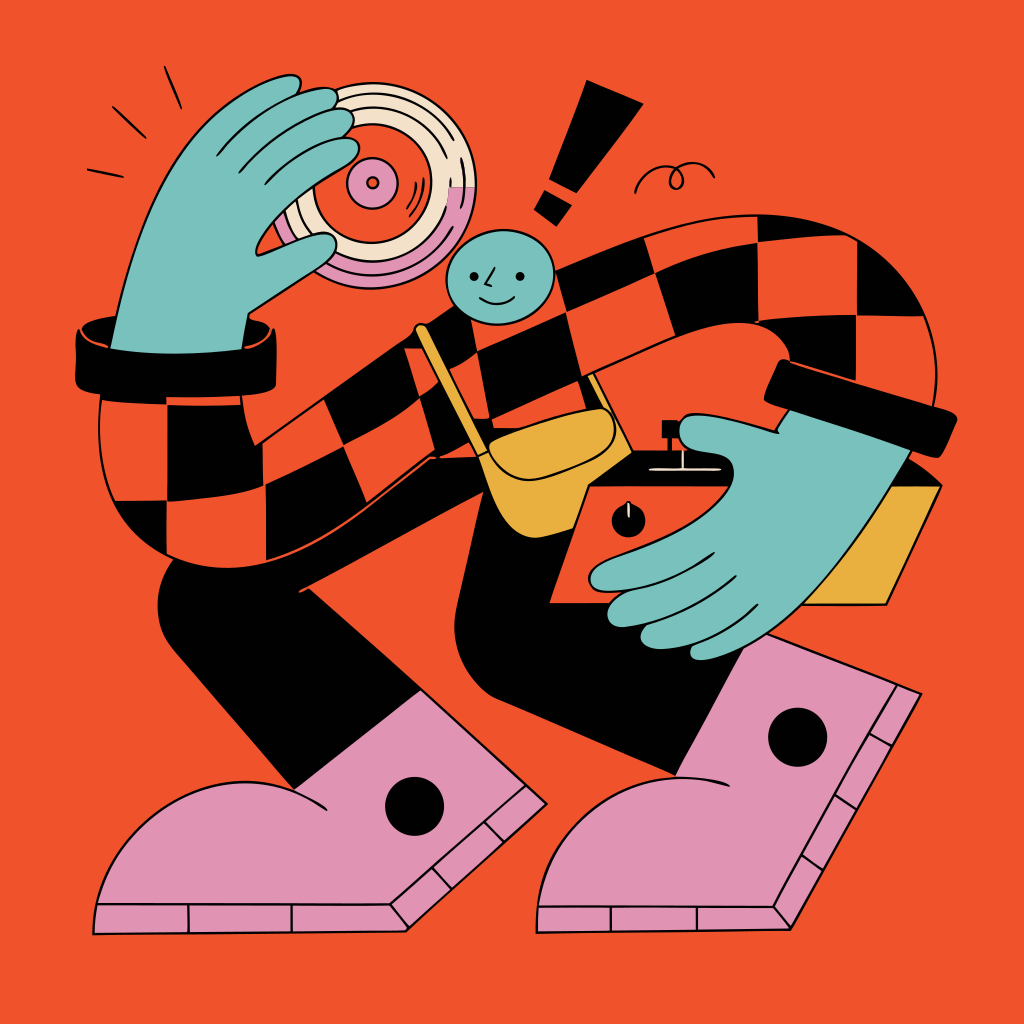
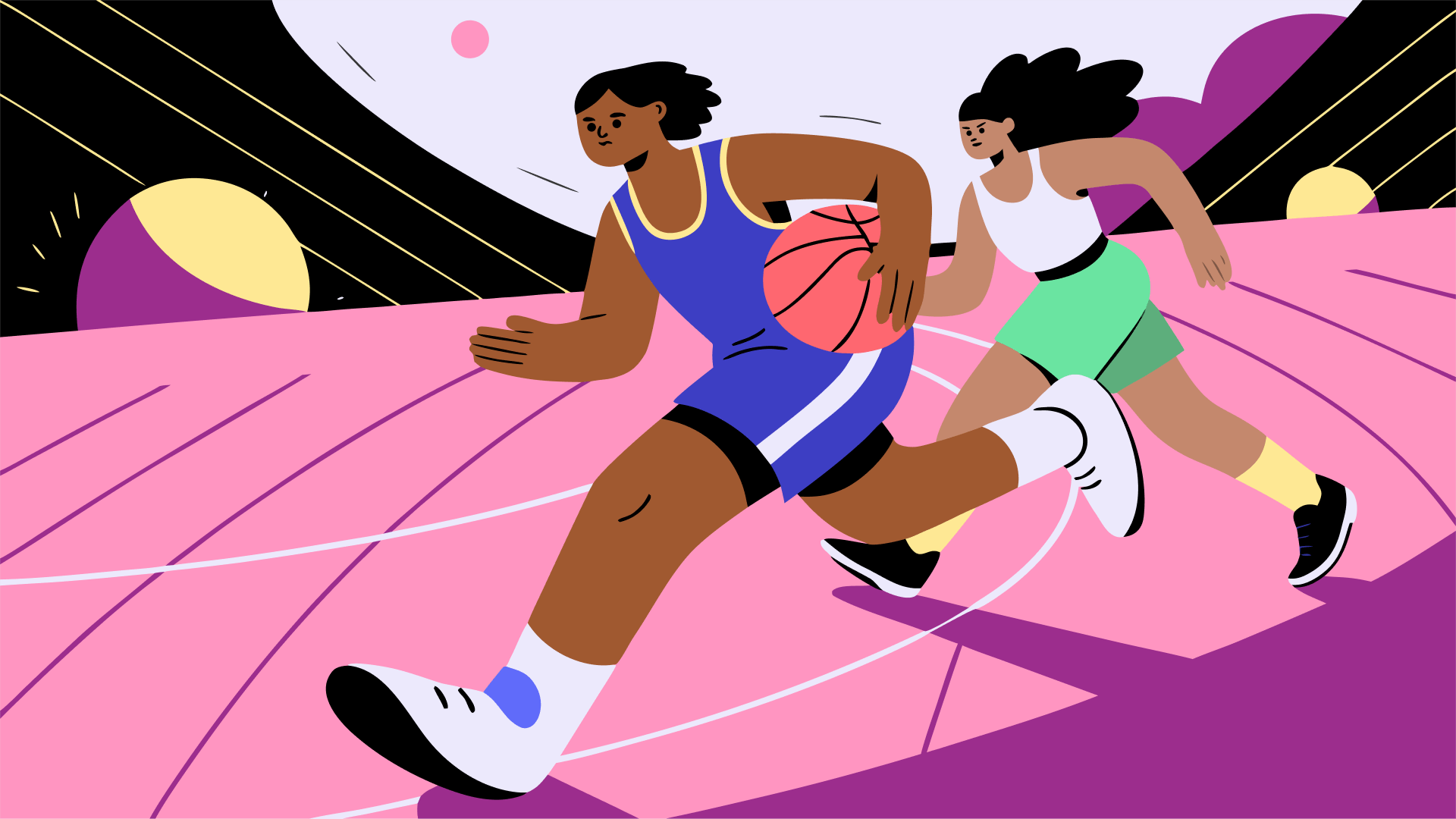
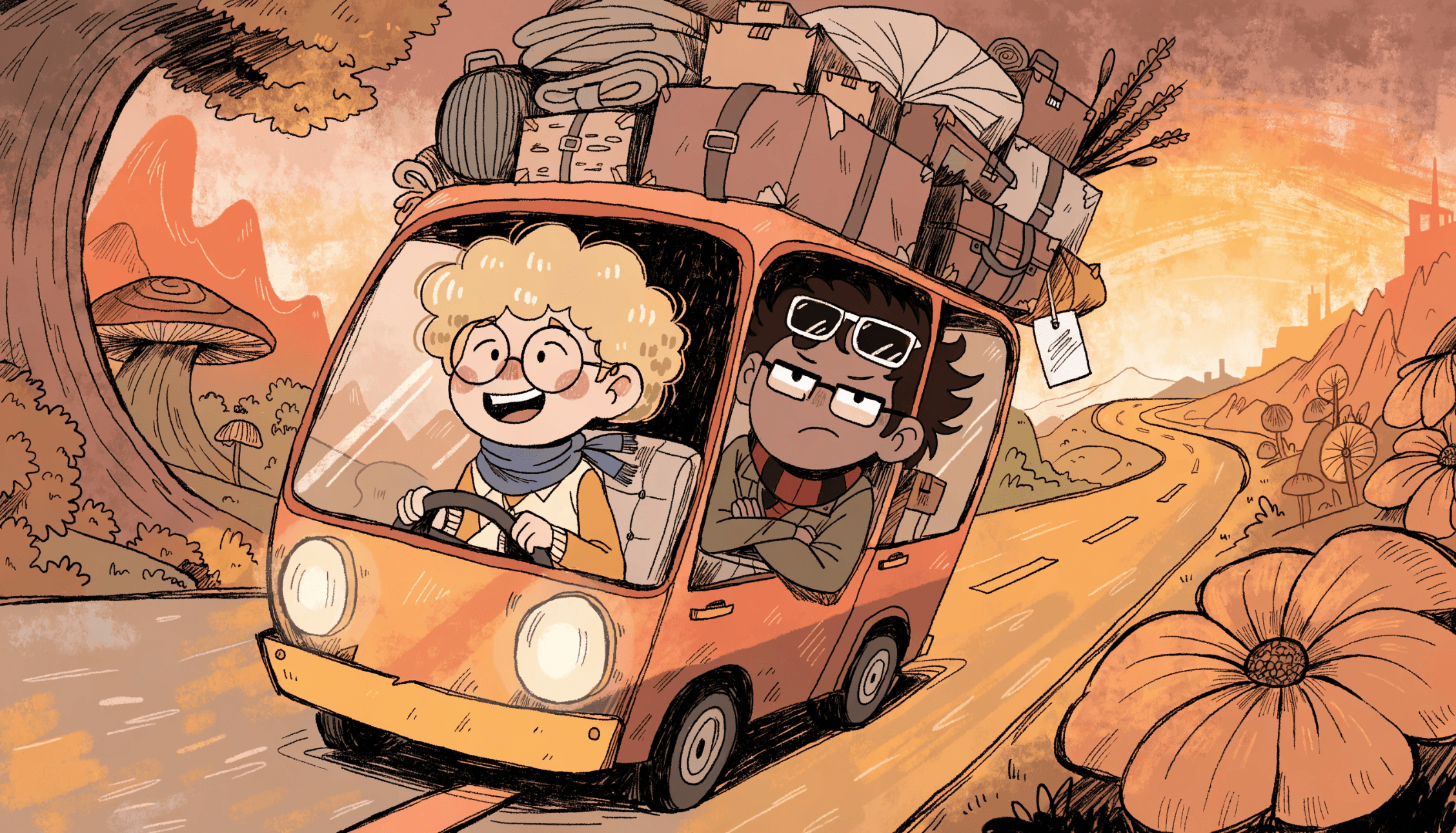
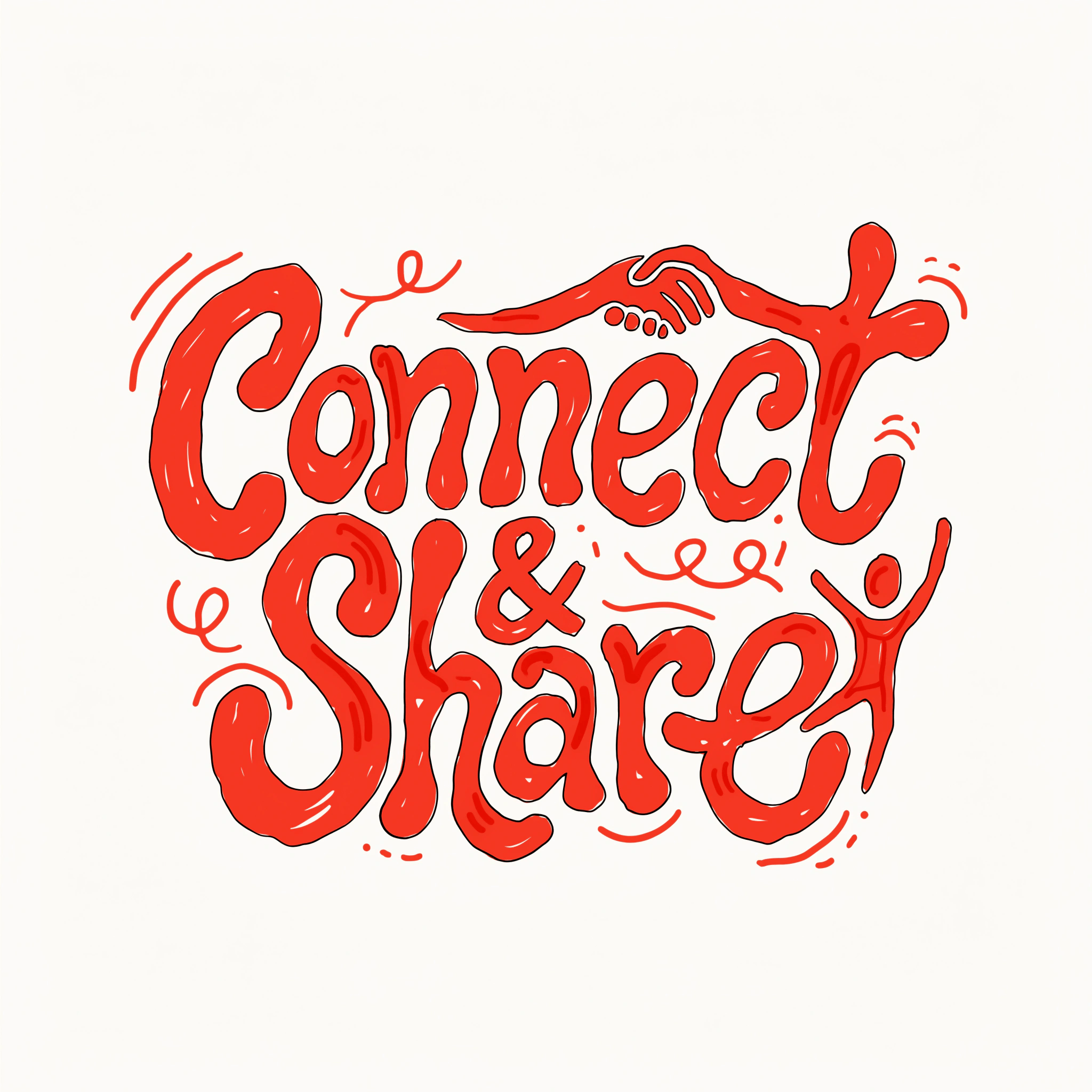
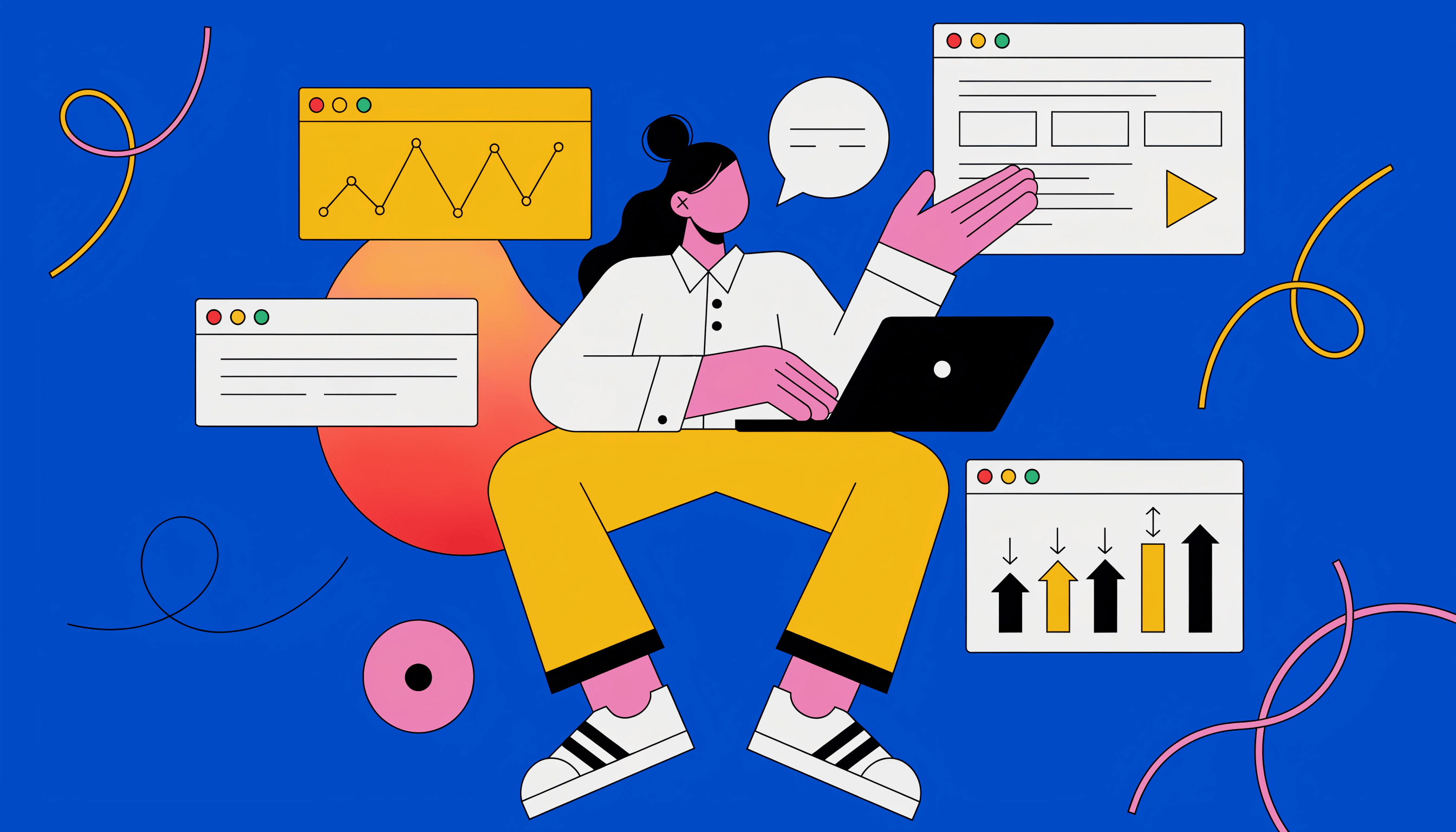
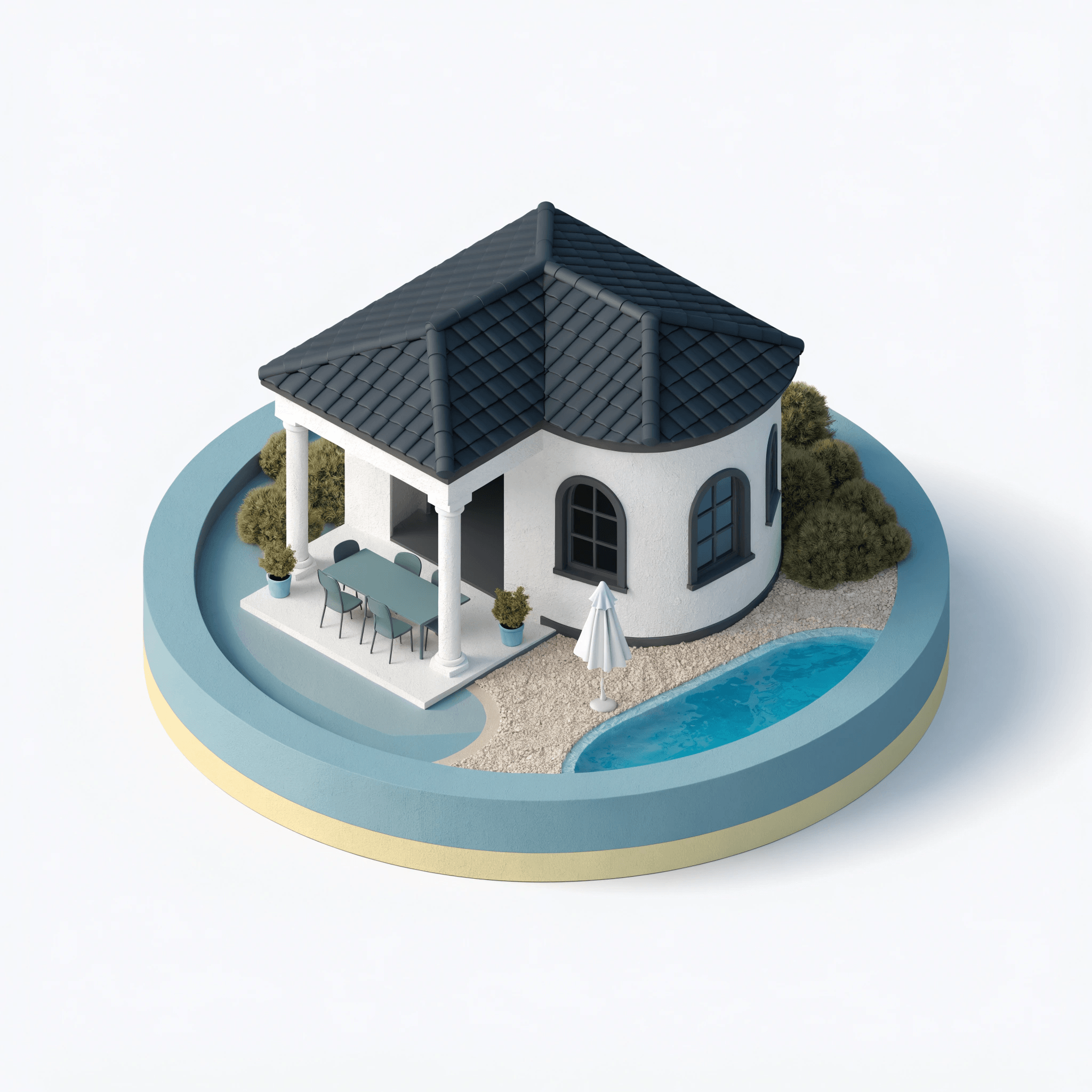
Illustration
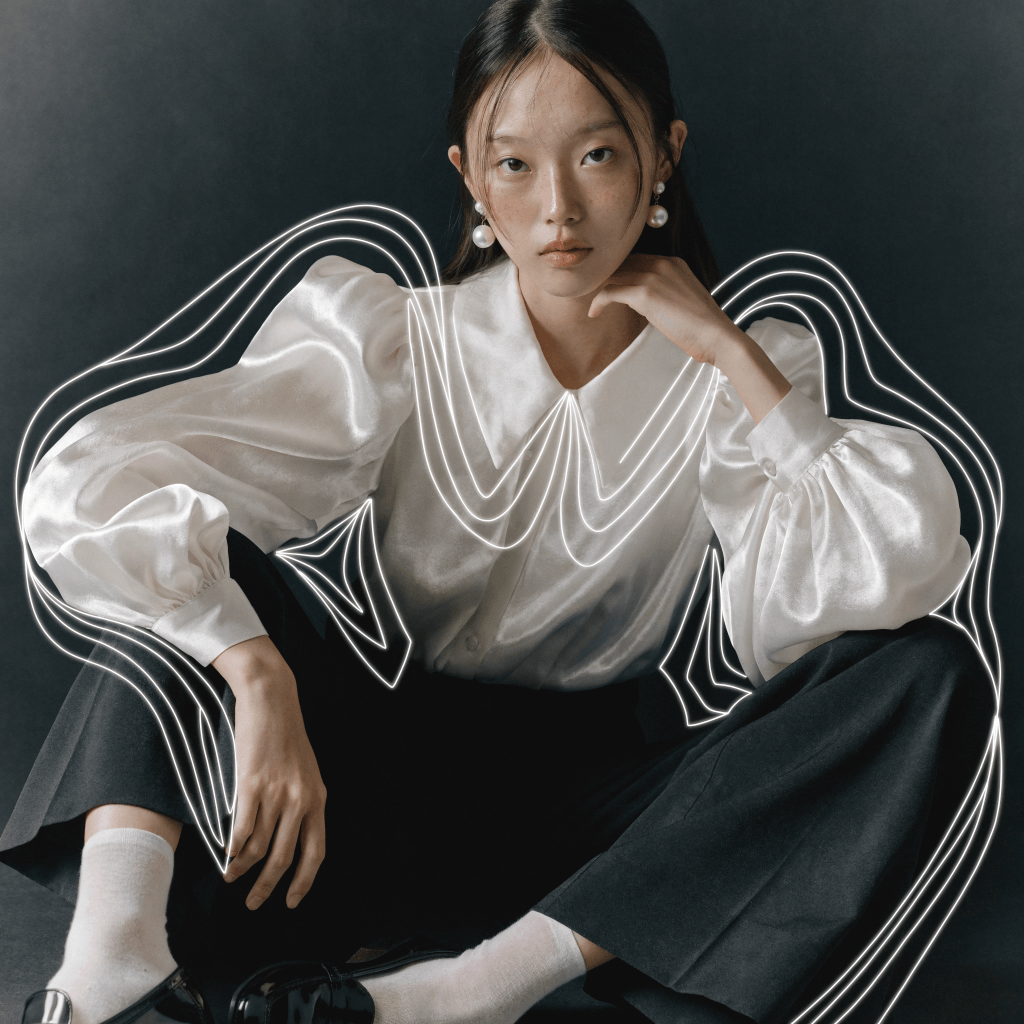
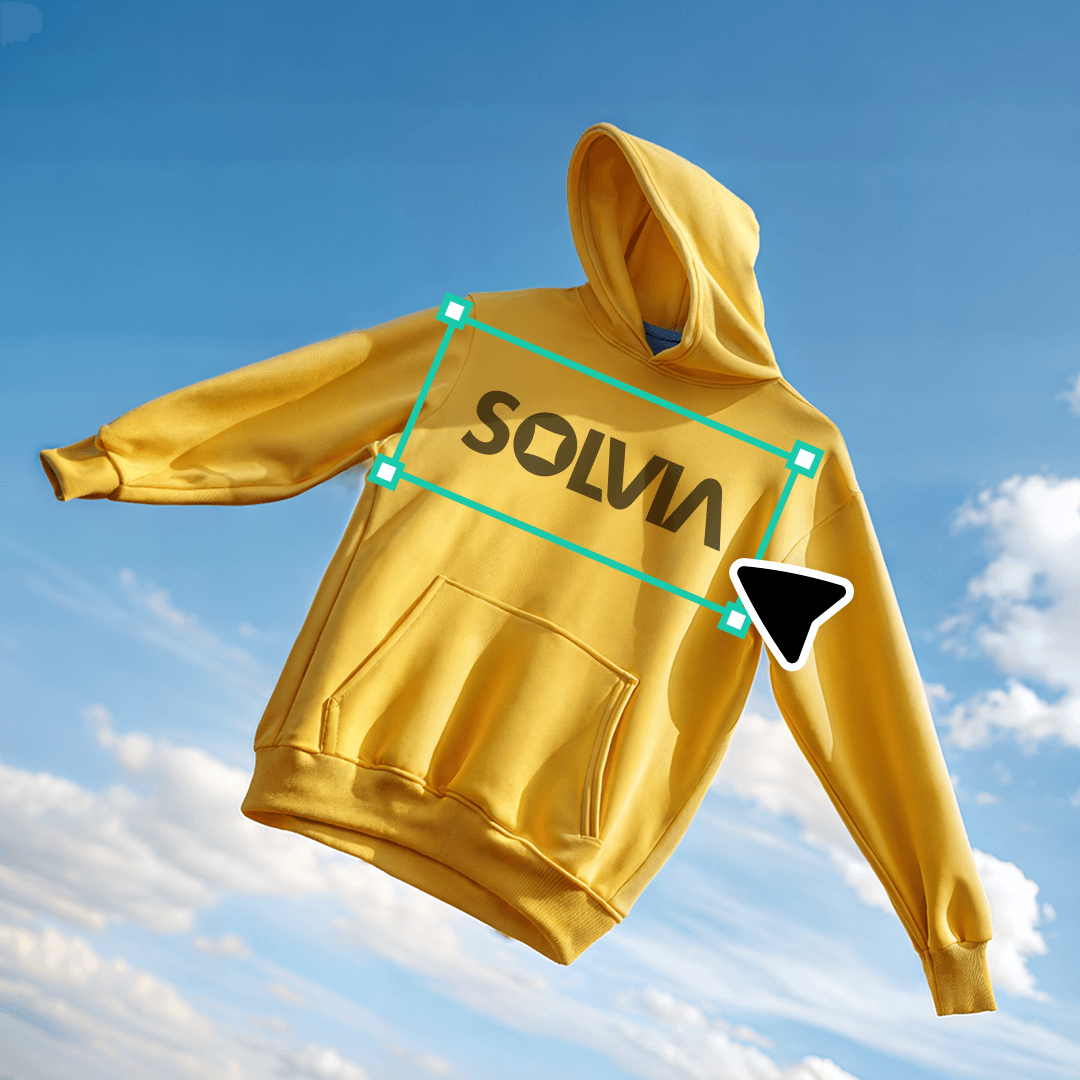
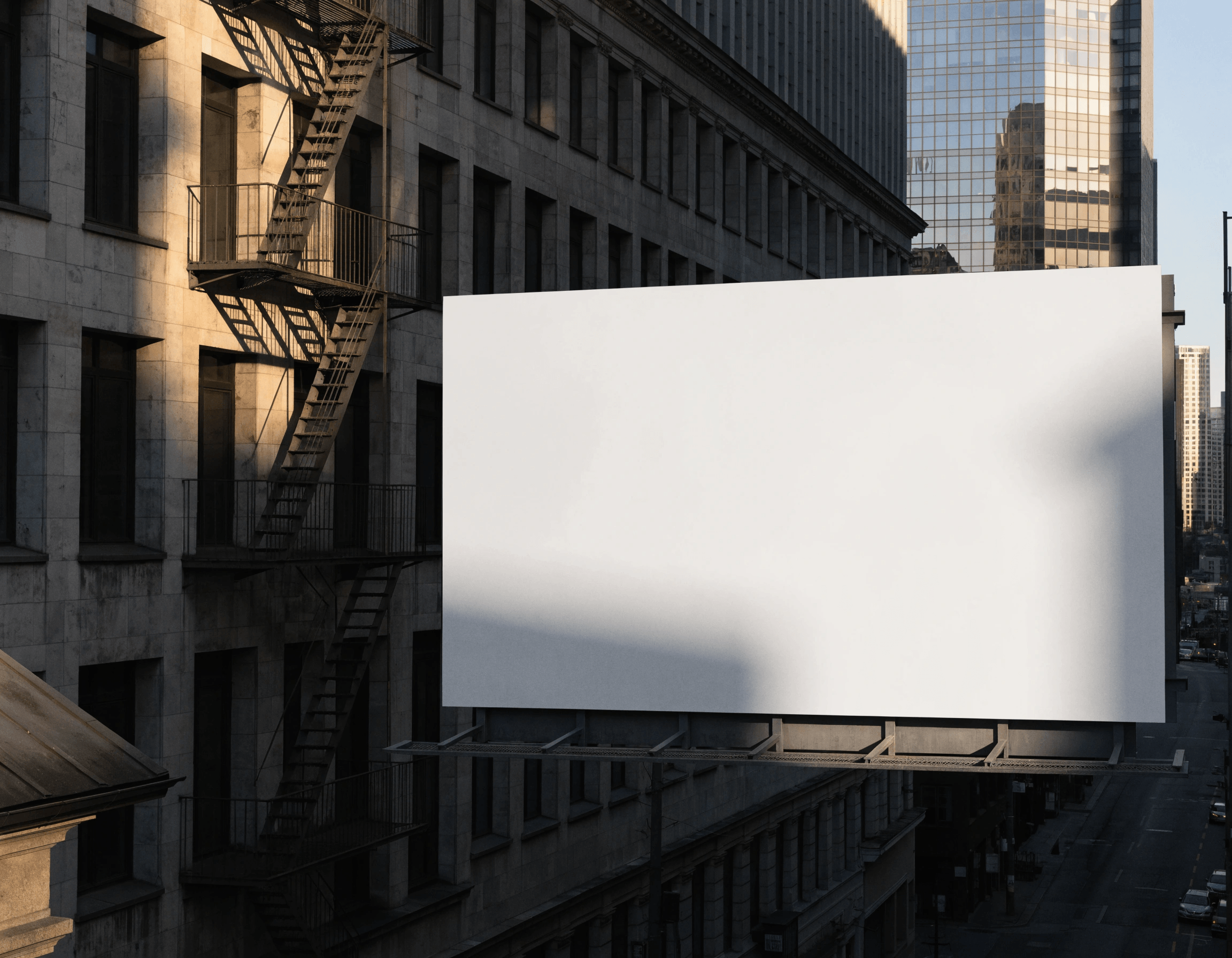
Mockups
Try image generation in Recraft Studio
Trusted by designers at

Introducing Recraft V4

Our latest model family — built for production-ready output across photo, illustration, vector, and typography.

Sharper detail and higher realism

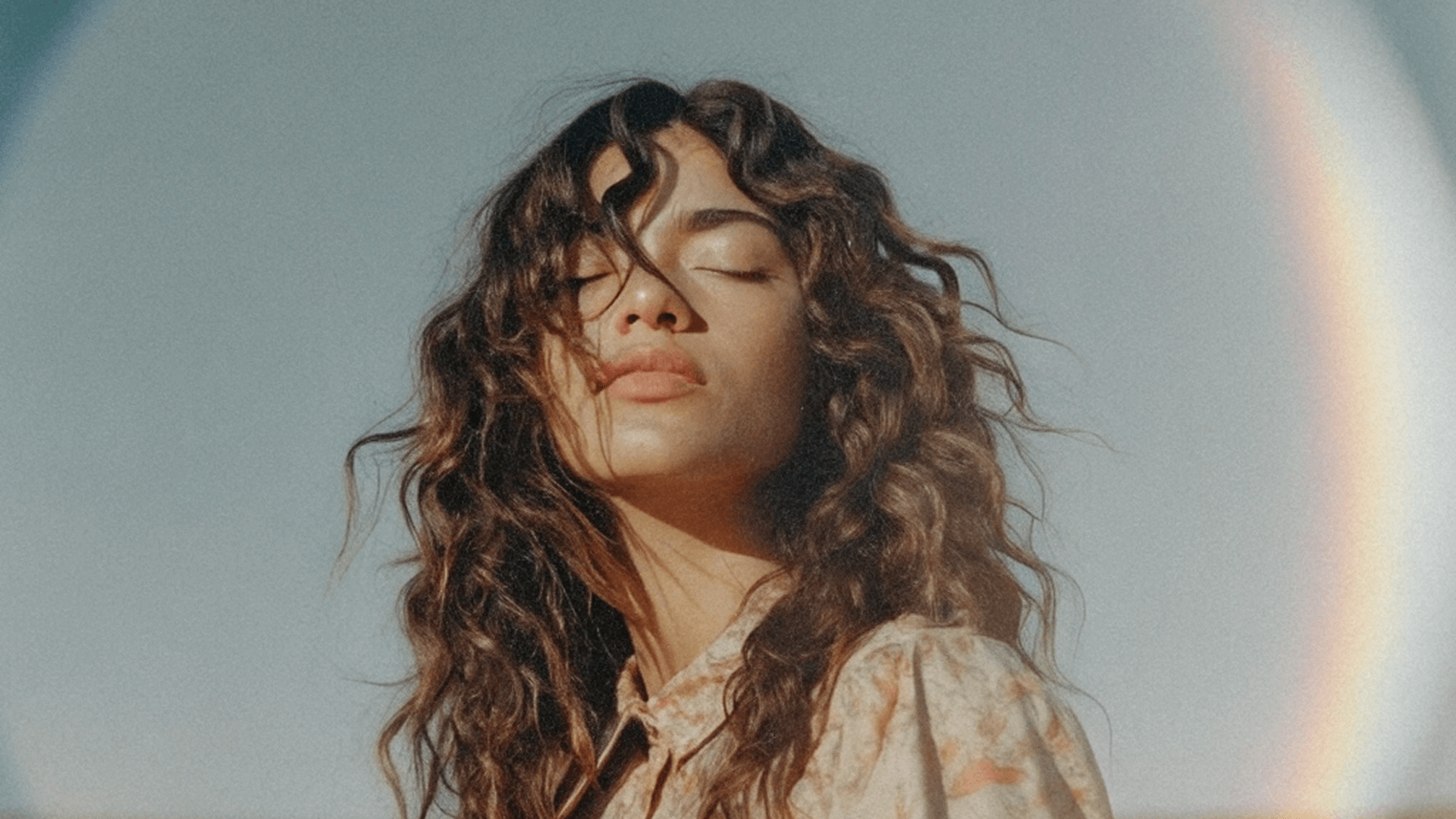
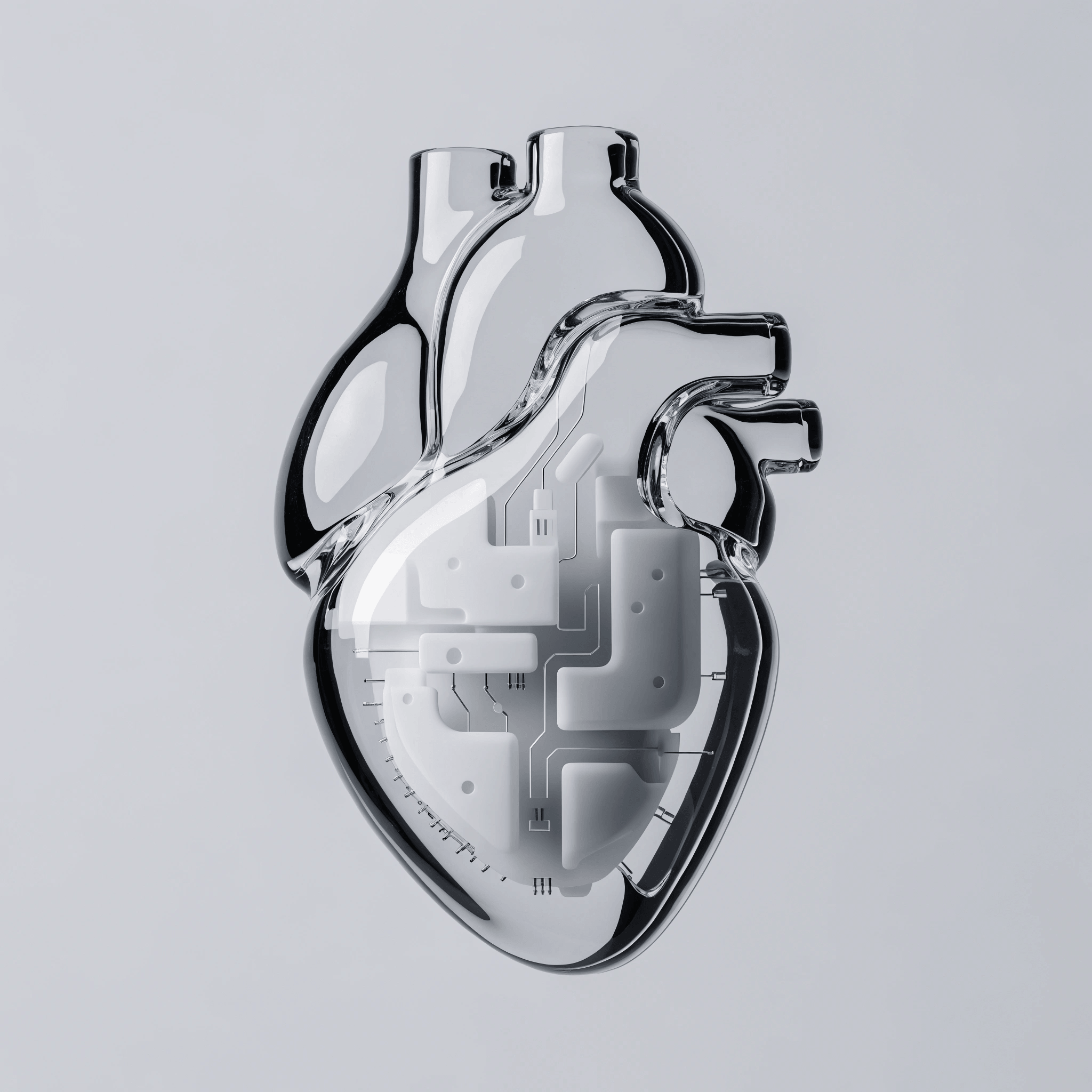
V4 reads depth, shadow, reflection, and material the way a designer would. Surfaces, lighting, and texture hold up in any environment, so outputs look photographed, not rendered.

Accurate faces in complex scenes

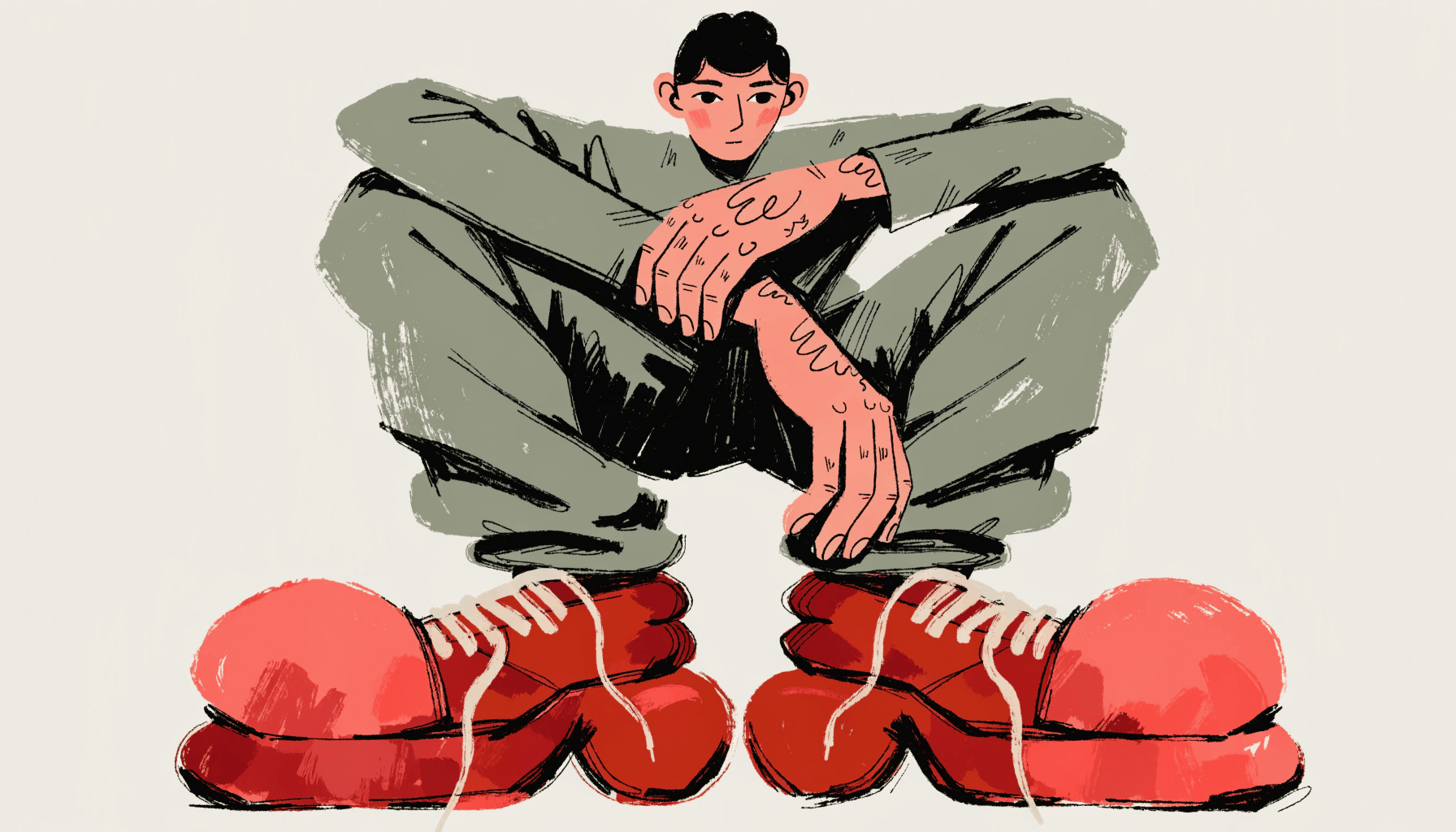
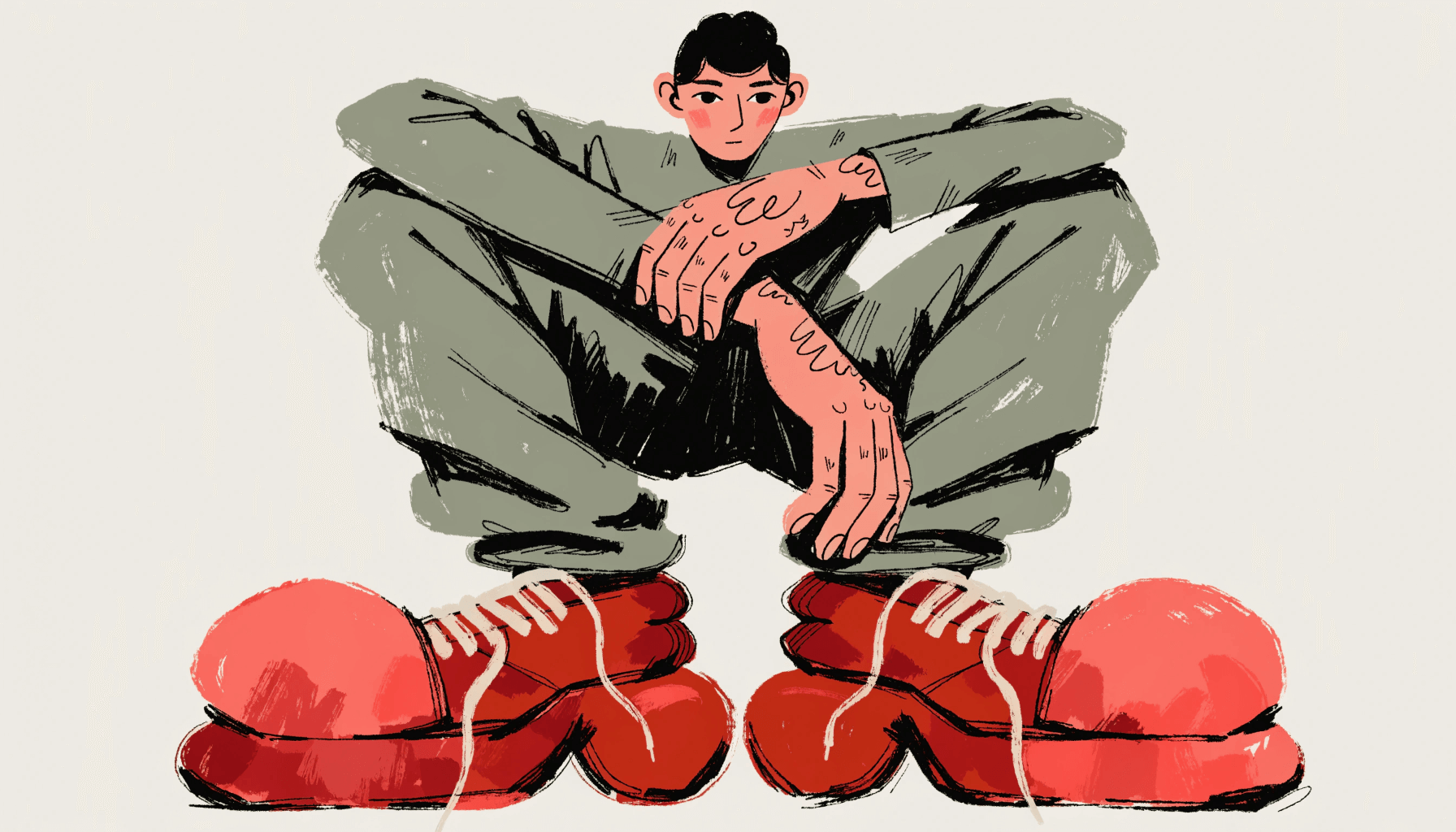
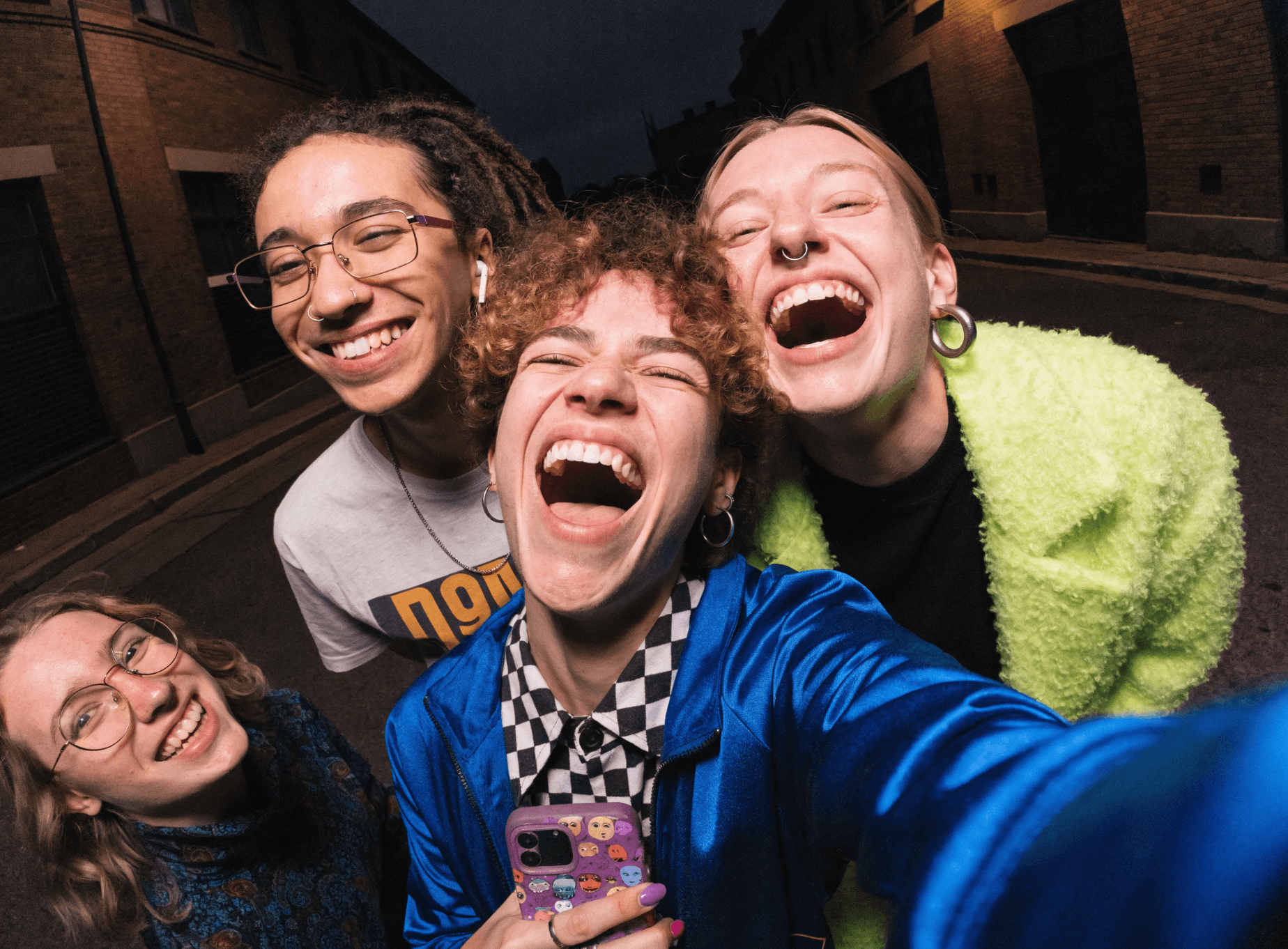
Proportions stay accurate and expressions stay readable across diverse features, dynamic poses, and group compositions — at any camera angle, in any lighting.

Where inspiration meets control

Describe the visual in plain language, down to subtle reflections or background patterns. V4 reads intent and renders fine detail with accuracy — no flags, ratios, or prompt syntax.

Handles small, long, and formatted text

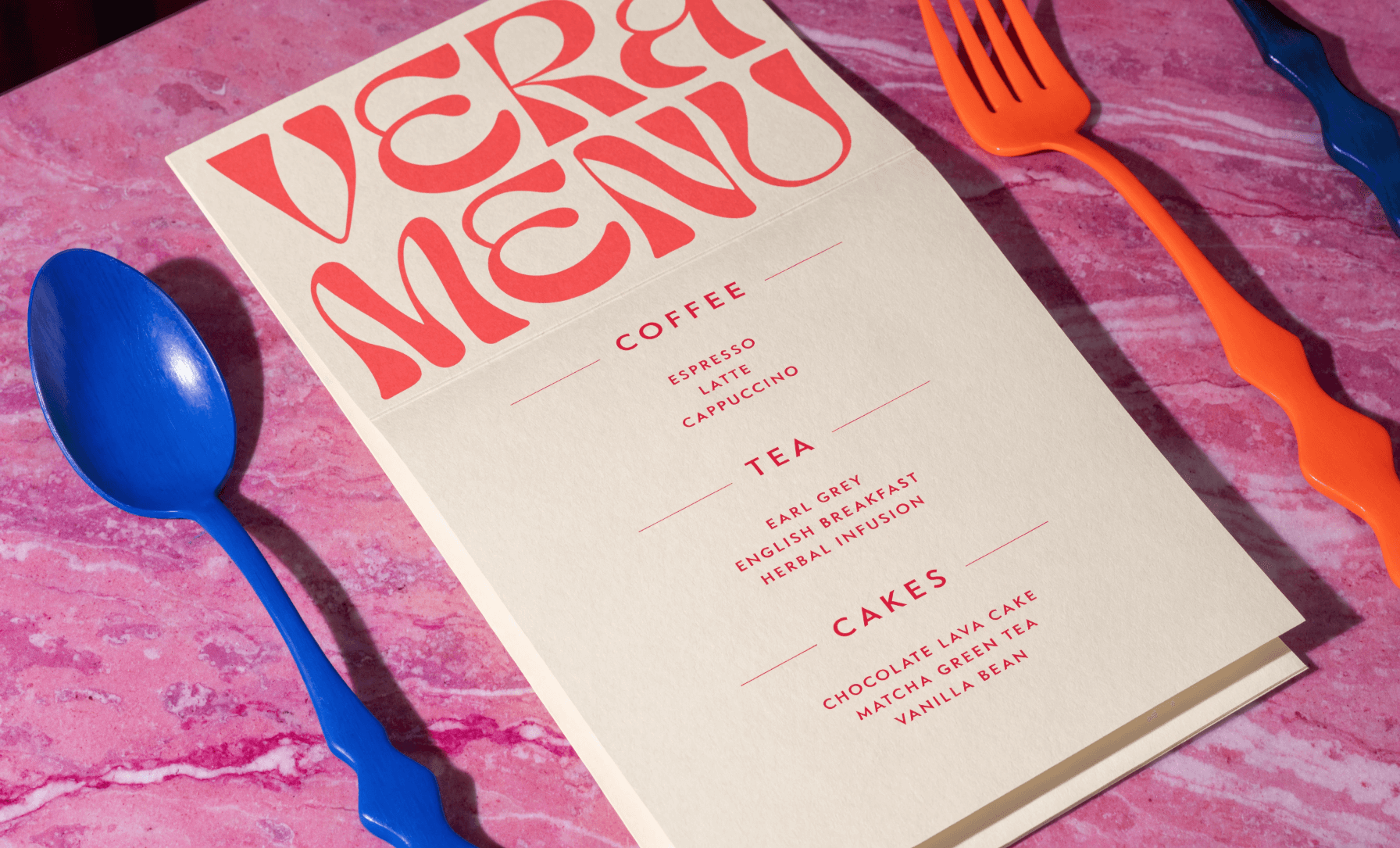
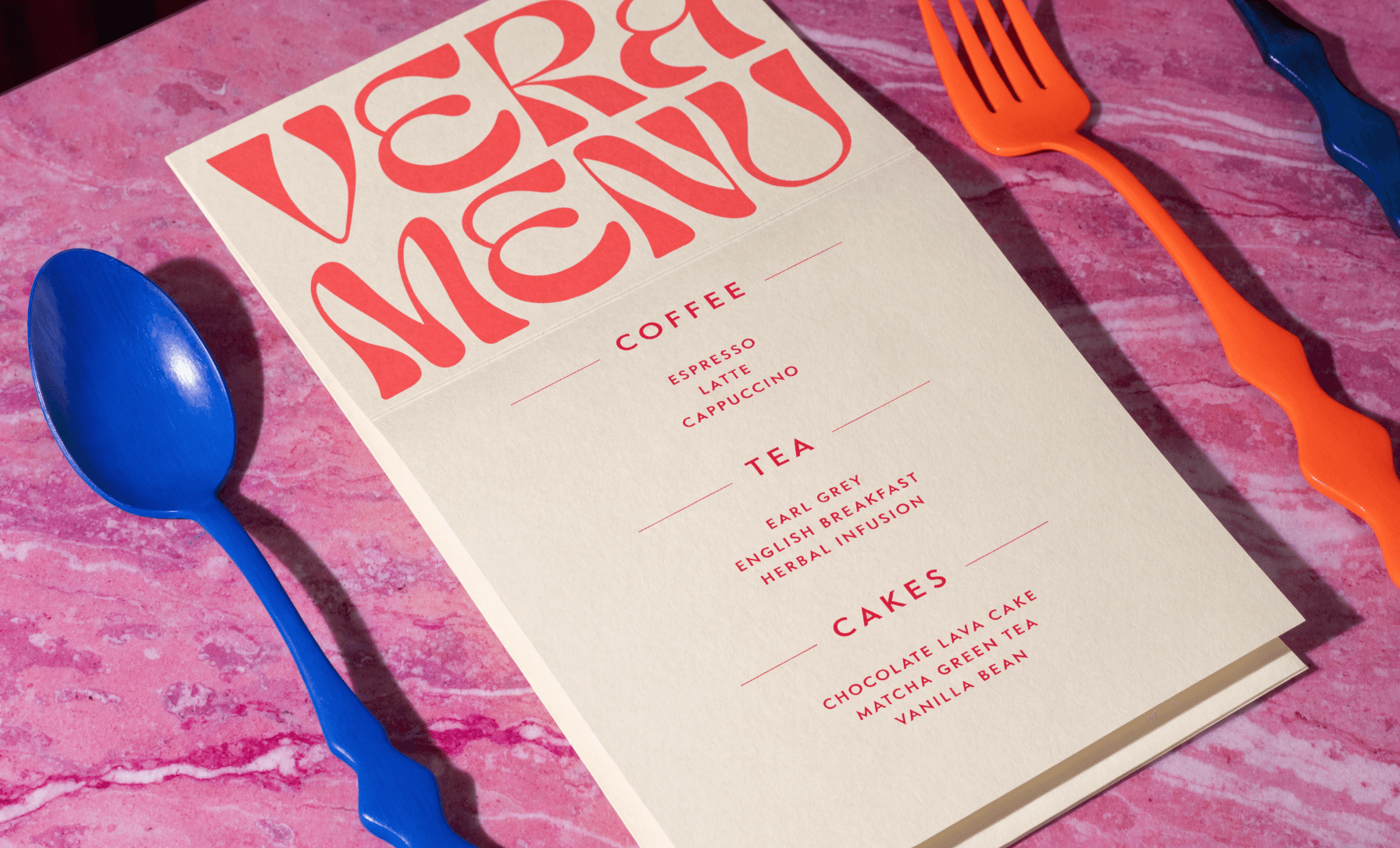
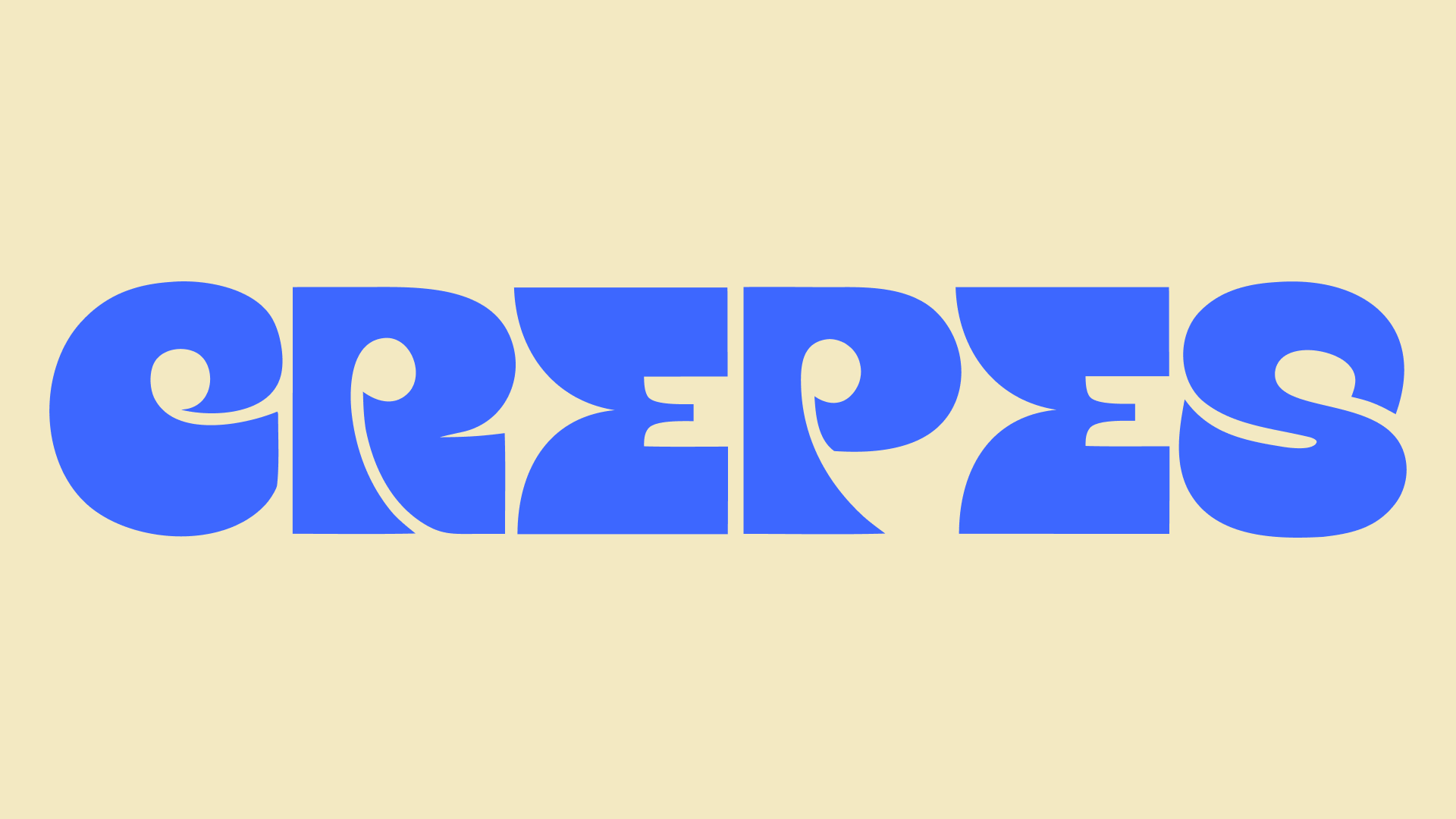
Spell-perfect typography on packaging, menus, posters, and book covers — across most languages and scripts, with clean spacing, alignment, and balance even in dense compositions.

Choose your style and explore visual directions

Exploration mode

Produce multiple high-quality results from one text description, each offering a unique visual direction while staying true to your concept.

Supports every visual format

Create photorealistic images, illustrations, logos, or vector art. All AI art creation from a single model.

Generate vector files

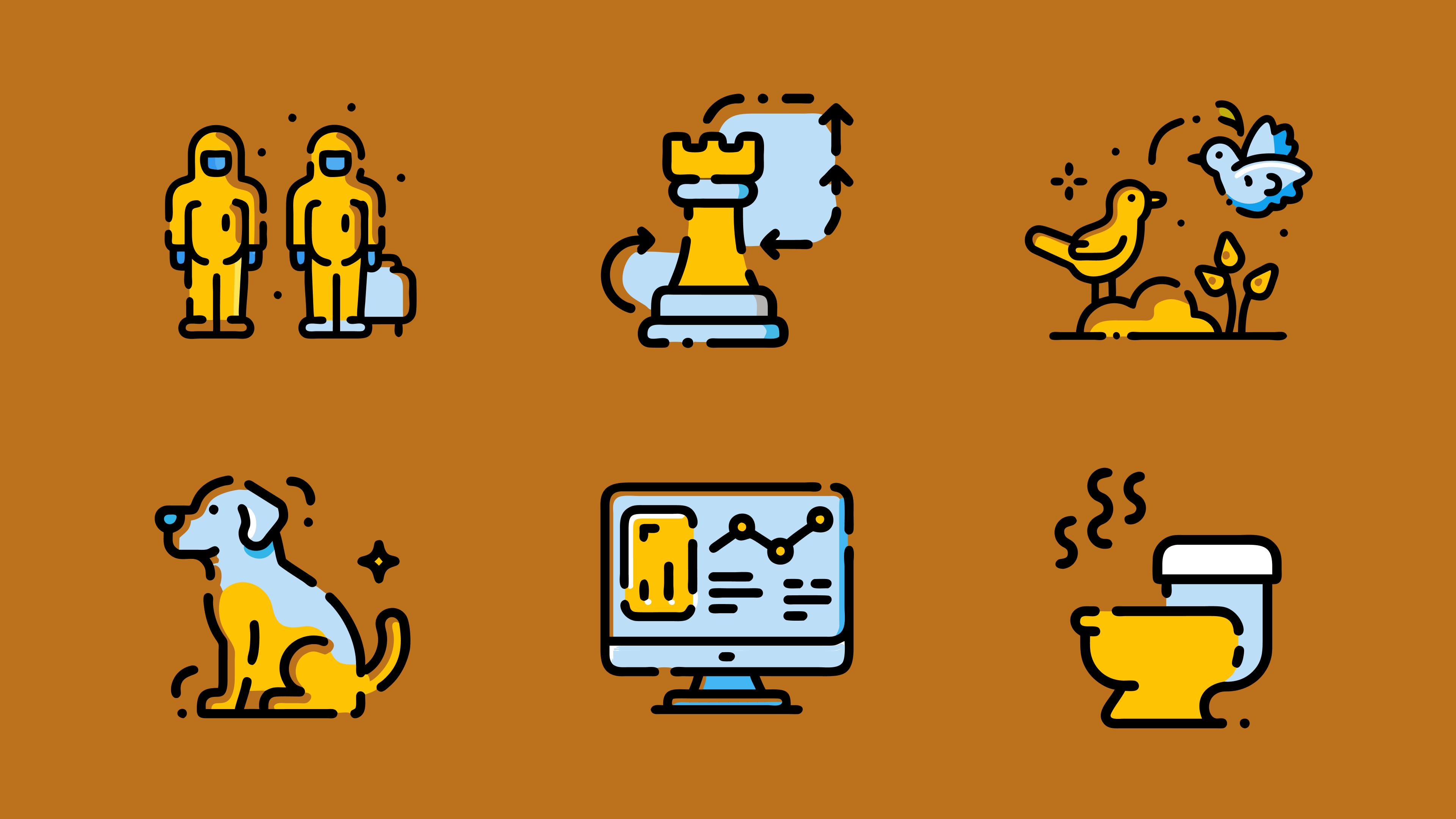
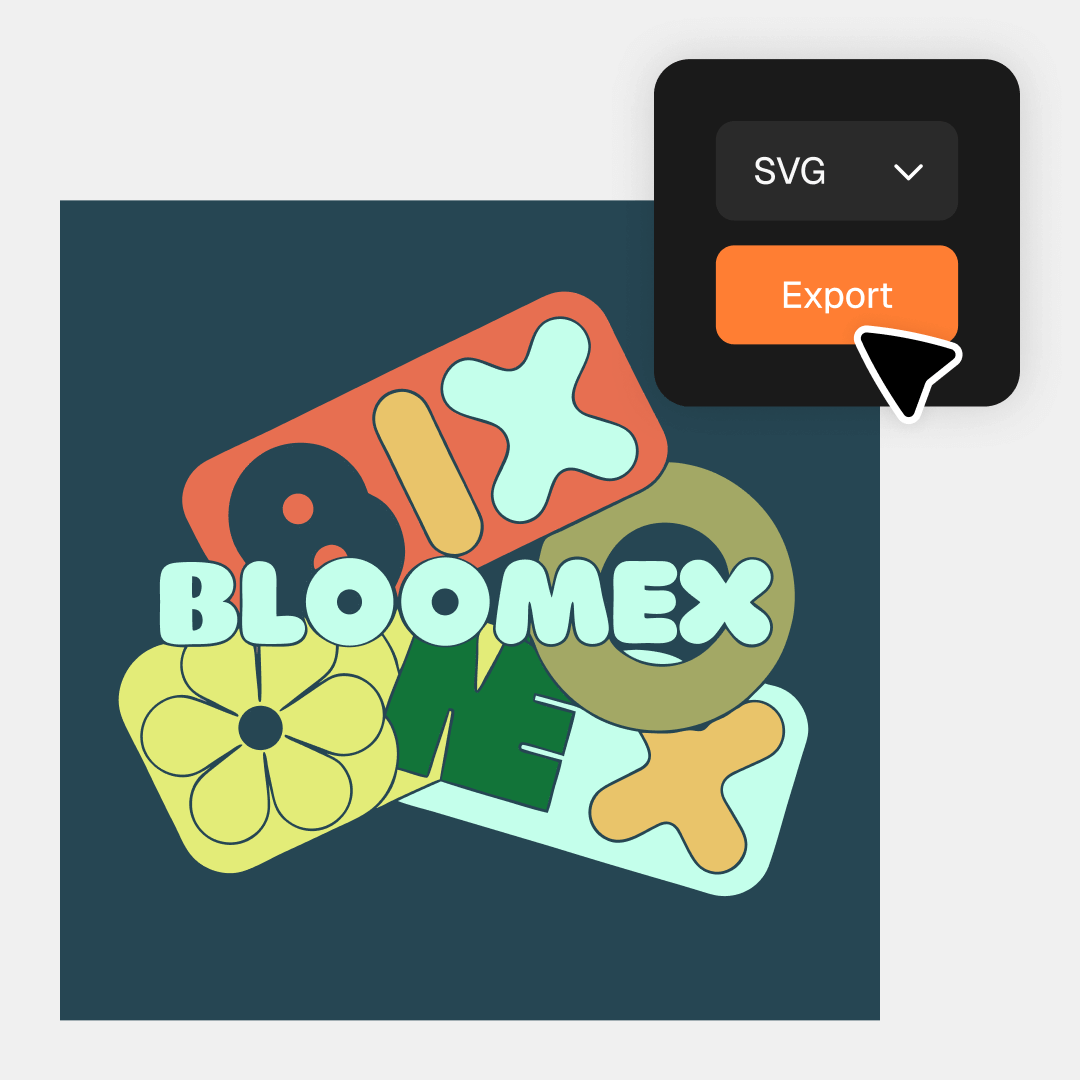
Recraft is the only AI image generator that produces truly editable vector files from a prompt. The AI vector generator returns real SVGs with smooth paths and organized layers — production-ready for logos, icons, illustrations, and brand assets, with no tracing or cleanup. Vectors can also be exported as Lottie files for scalable animations on web and interfaces.

Transform generated image

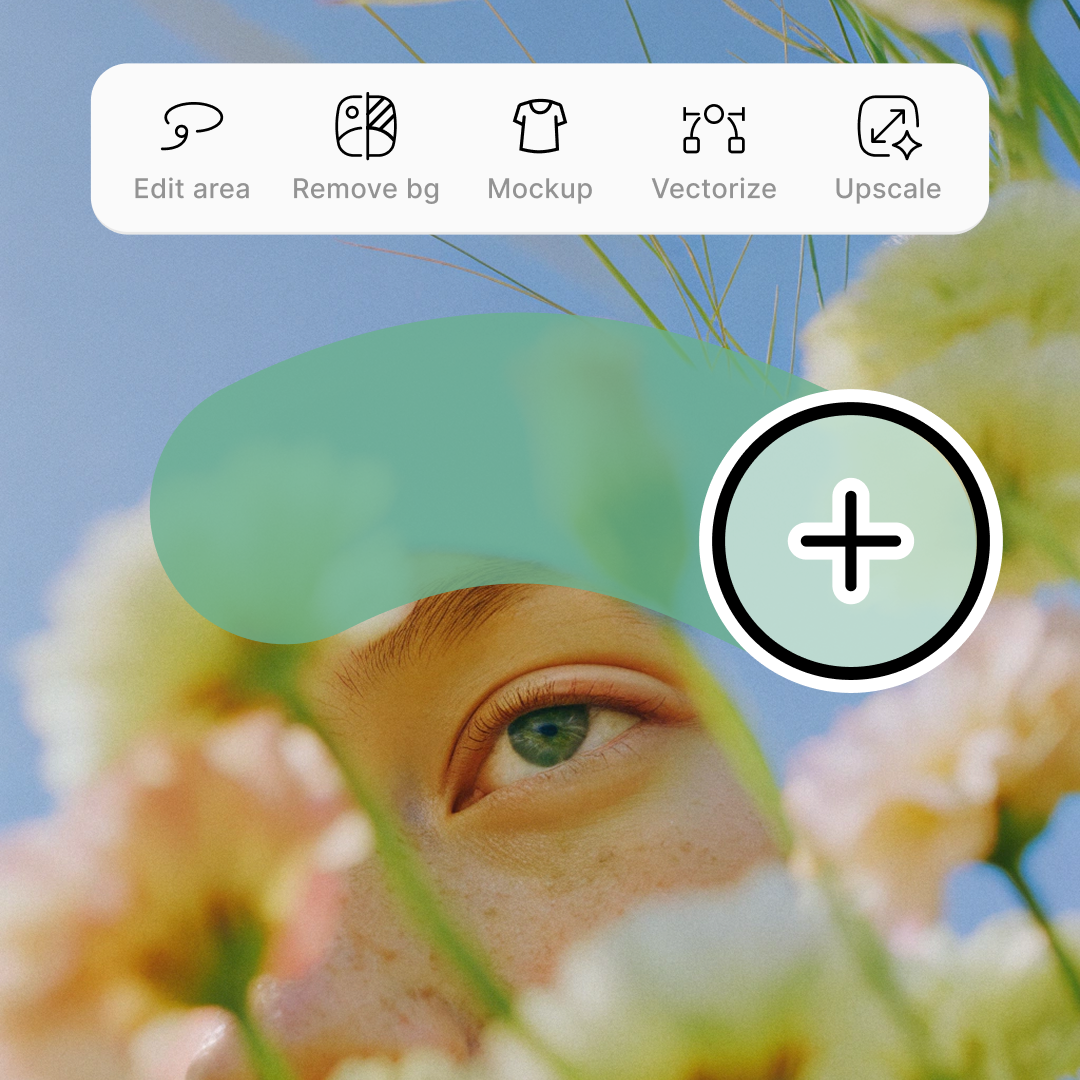
Use the AI image editor to remove the background, upscale, vectorize, retouch details. Need a different look? Use a leading ai models for image editing in Recraft Studio — Nano Banana Pro, GPT Image 2, and others — and transform any image with a text prompt, all in the same canvas.

Apply images on mockups

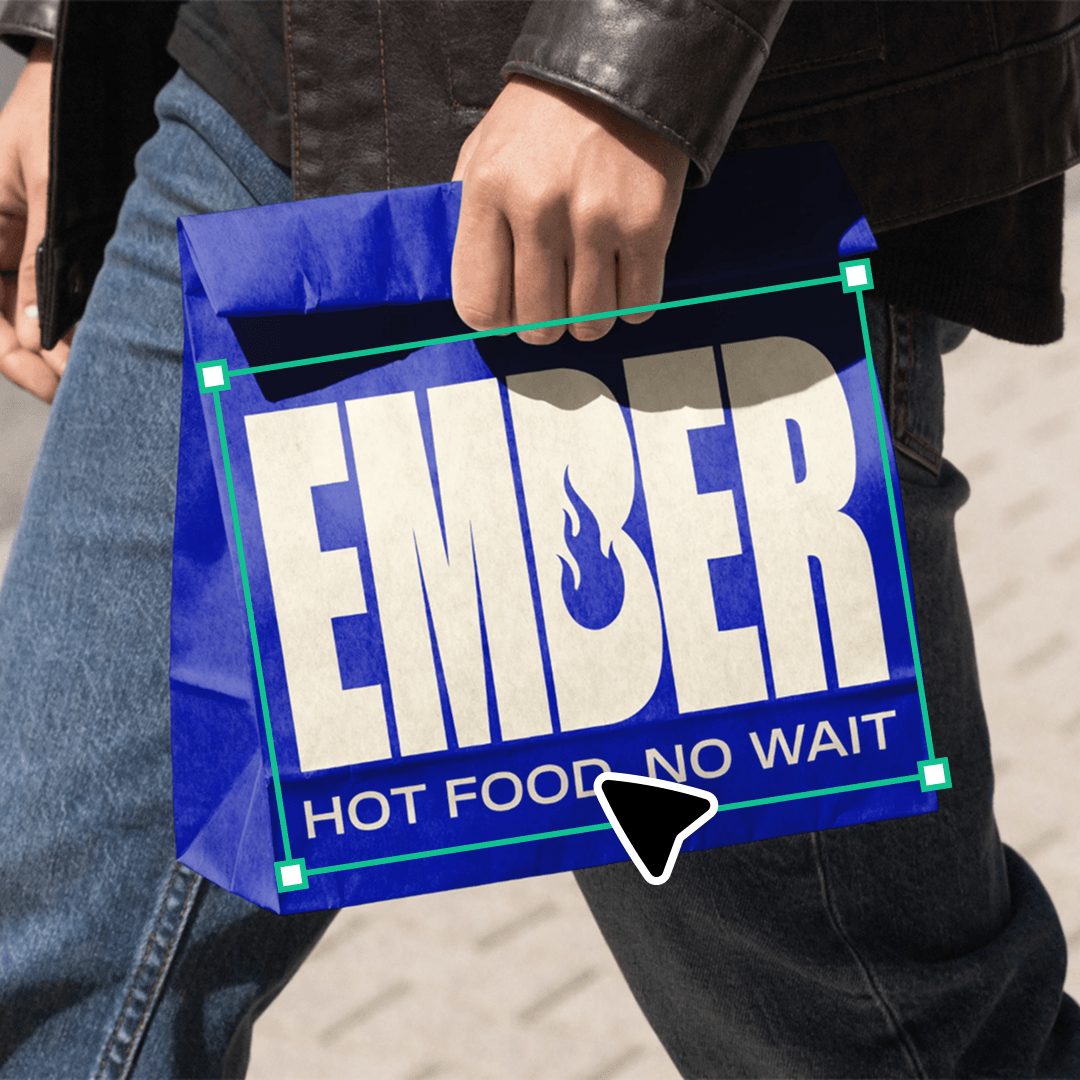
Take any image you generate and drop it onto a realistic product. The mockup generator previews your visual on apparel, packaging, ads, signage, or devices — so you can see how the work lands in the real world before you ship it.

Recraft V4 models

There are four versions of the Recraft V4 model. All model versions are included on every plan, including the Free plan. Paid plans include commercial rights, and all V4 models are available via API.

Recraft V4

Generates high-quality raster images, perfect for fast concepting, visual exploration, and general creative work.

Recraft V4 Pro

Delivers super resolution and finer detail, producing lifelike lighting, anatomy, and realism across complex compositions.

Recraft V4 Vector

Creates clean, scalable vector graphics in seconds, ideal for icons, logos, and quick illustrative concepts.

Recraft V4 Pro Vector

Generates production-grade vector illustrations with smooth paths and accurate geometry, ready for print or detailed design work.

Up to 30 free image generations per day

AI image generation for everyone

Create high-quality images, vectors, and design assets for any creative workflow.

Describe every detail

Recraft V4 can handle long, detailed text-to-image prompts without losing structure or coherence. Describe every element, from complex lighting and multi-object scenes to cinematic atmosphere, and V4 translates it faithfully into a consistent, visually accurate image.

Below is an example of a long prompt consisting of more than three thousand characters, featuring a detailed description of over twenty different objects, atmosphere, styles, and lighting.

Epic ultra-detailed cinematic illustration of a colossal autonomous robotic shipyard during a heavy nighttime rainstorm. The scene is vast and monumental, viewed from a wide elevated cinematic angle, revealing an enormous industrial dock complex stretching deep into the background. The environment is entirely mechanical — no humans present.  Foreground: A large humanoid industrial robot stands on a metal rail platform, slightly hunched forward, actively welding a massive skeletal framework of a futuristic ship hull. The robot’s design is utilitarian and heavy: exposed mechanical joints, hydraulic pistons, rotating actuators, thick armored plates, visible cables and conduits running along its limbs. One robotic arm holds a welding torch emitting an intense white-blue arc of light, producing bright sparks that scatter outward, illuminating rain droplets mid-air. The other arm stabilizes the structure. Reflections of the welding flash shimmer across wet metal surfaces beneath the robot.  Surrounding the robot on the ground level are multiple spider-like autonomous machines: low-profile robotic vehicles with four to six articulated legs each. These spider machines crawl across flooded platforms and metal walkways, carrying tools, power cables, and glowing energy cores. Their movement feels coordinated and precise. Small red and amber indicator lights glow on their bodies, reflected in puddles on the rain-soaked floor. Some spider machines cling to vertical surfaces and scaffolding, emphasizing the vertical complexity of the environment.  Midground: A gigantic partially assembled ship hull dominates the center of the scene. Its skeletal metal ribs form a long arched structure extending into the distance, revealing intricate internal trusswork. Conveyor platforms, service vehicles, and spider robots move along both sides of the hull. Thick power cables snake across the ground, partially submerged in water, with ripples forming as rain strikes the surface. Steam and mist rise from warm machinery, mixing with rainfall and catching the light.  Numerous towering robotic crane arms line both sides of the dock. These cranes have long segmented arms with rotating joints and heavy mechanical claws, positioned at different angles as if frozen mid-operation. Some cranes loom overhead, silhouetted against the stormy sky, while others reach toward the ship hull. Their shadows overlap across platforms, creating dense geometric patterns.  Background: The shipyard expands into massive industrial superstructures: stacked platforms, catwalks, gantries, and towering assembly bays disappearing into atmospheric haze. Additional colossal robotic arms operate in the far distance, barely visible through rain and mist. Storm clouds churn above, with faint lightning illuminating the clouds from within. Industrial floodlights mounted high above cast cold white beams downward, cutting through rain and fog in dramatic volumetric shafts.  Lighting and atmosphere: Complex cinematic multi-source lighting: cold blue-gray ambient storm light, harsh white industrial floodlights, warm orange warning lights, and intense blue-white welding flashes. Rain streaks are clearly visible, interacting with light. Wet surfaces produce realistic reflections and specular highlights. Volumetric fog and steam add depth and scale. Strong rim lighting outlines robots and machinery against darker backgrounds. Deep occlusion shadows fill recesses between structures.  Materials and detail: Hyper-detailed metal textures with scratches, rust stains, oil streaks, and weathering. Brushed steel, dark iron, carbon composites, and glowing energy elements coexist. Water droplets cling to surfaces, run along edges, and splash on impact. Every cable, bolt, and joint is visible.  Mood and scale: Monumental, industrial, dystopian, awe-inspiring. The scene emphasizes scale, automation, and precision — a world where massive machines endlessly construct without human presence.  Style: Ultra-detailed cinematic sci-fi illustration, hyper-realistic mechanical rendering, dramatic composition, strong depth layering (foreground robot → spider machines → ship hull → cranes → megastructures → stormy sky), high contrast, volumetric atmosphere, film-quality lighting, 8K ultra high resolution, no text, no characters, no stylization artifacts.
prompt

Explore Recraft infinite style library

Choose one of a thousand AI-generated art styles including photorealism, vector, illustration, and many others

Photorealism

Create lifelike AI photo style images with natural lighting, depth, and realistic textures.

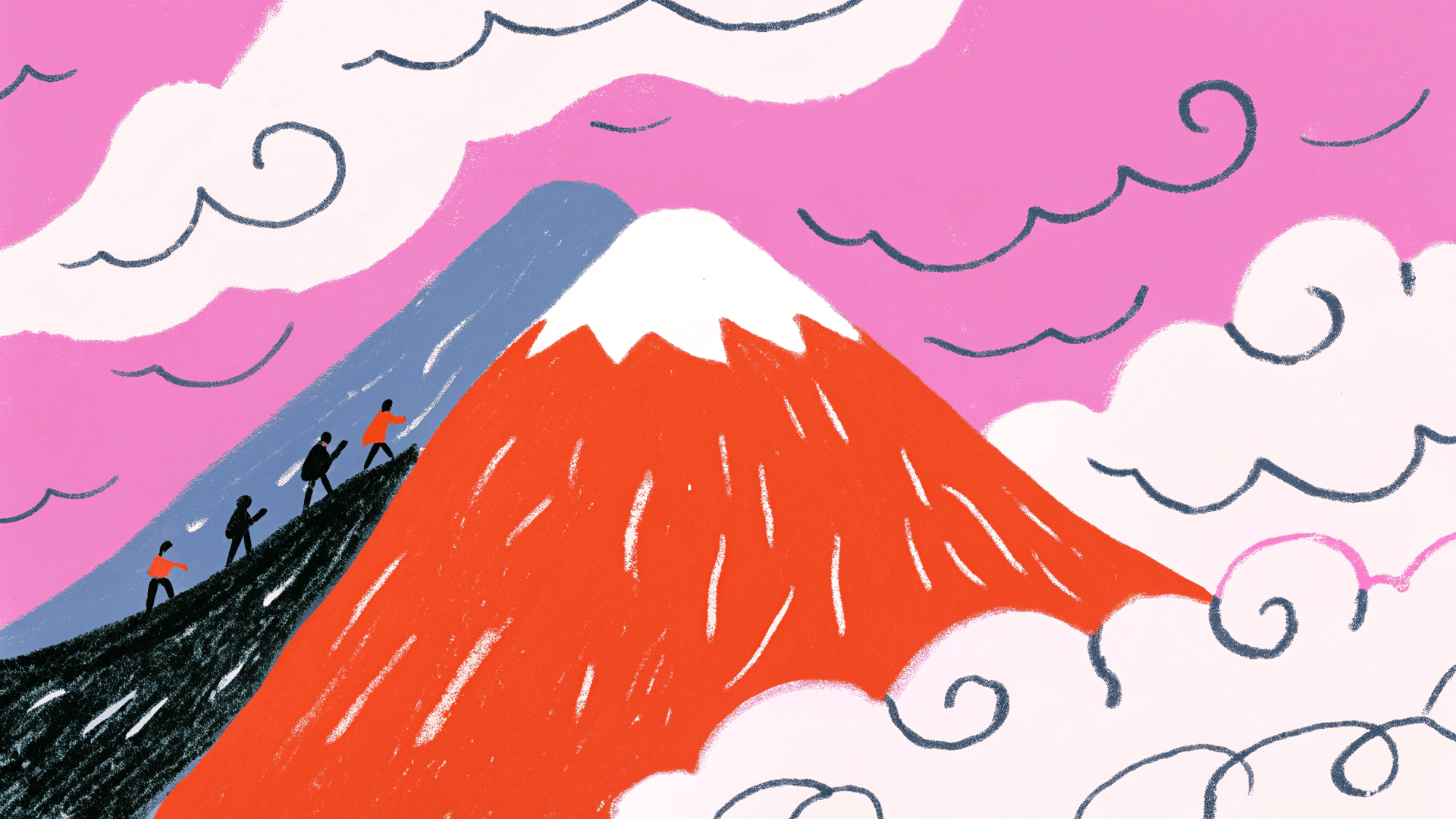
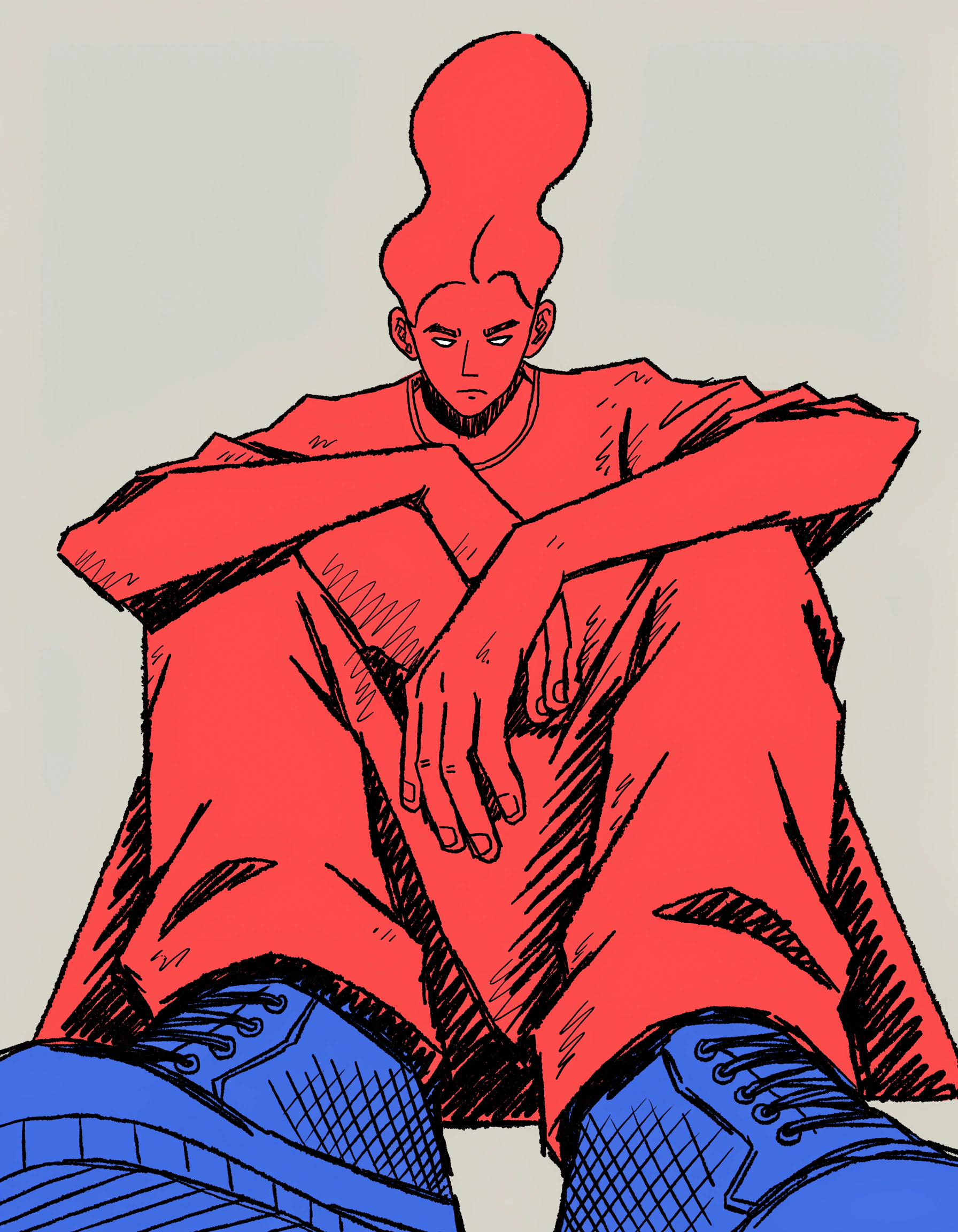
Illustration

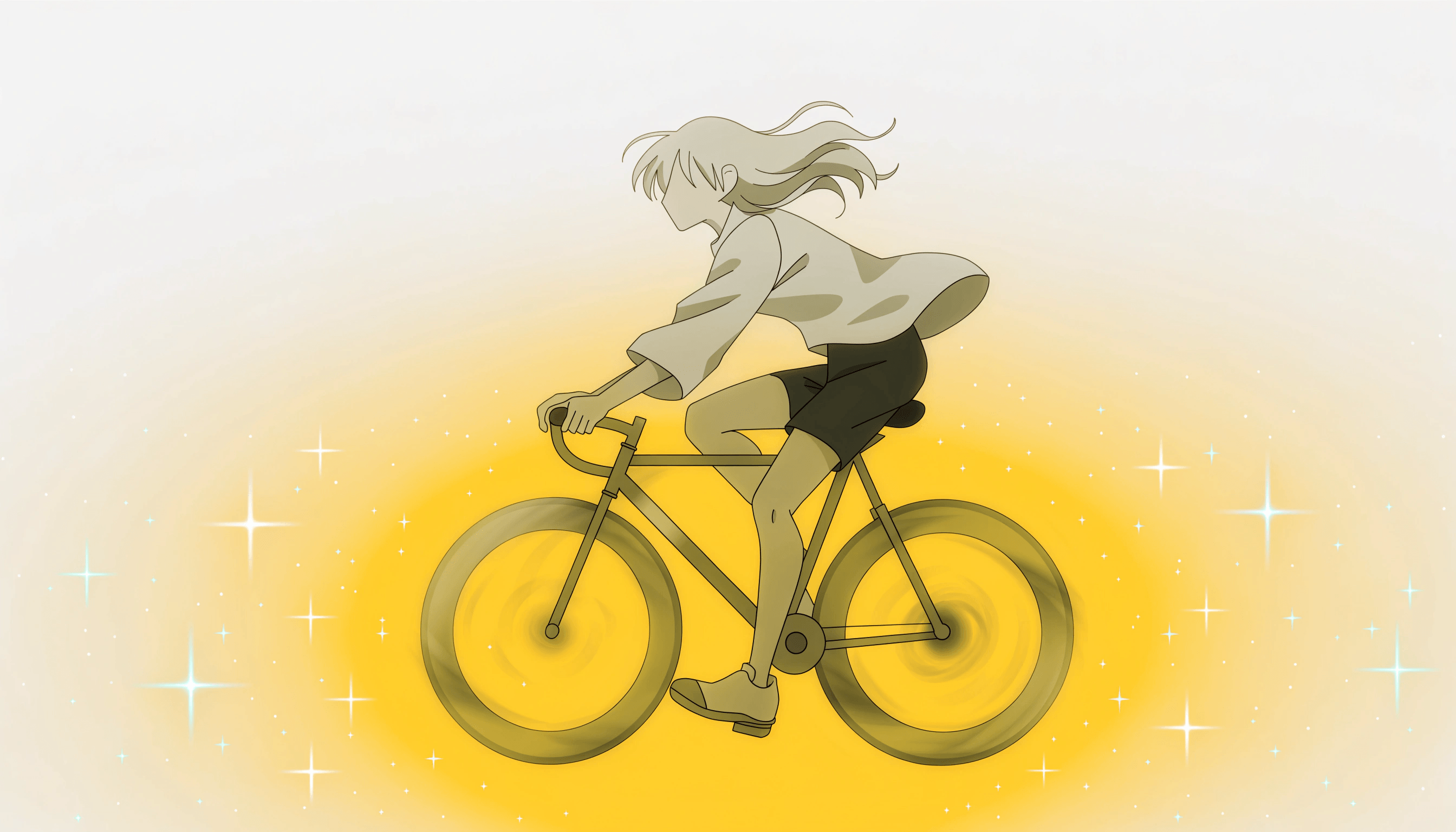
Generate artistic AI illustration visuals in any drawing or painting style, from minimal to detailed.

Vector art

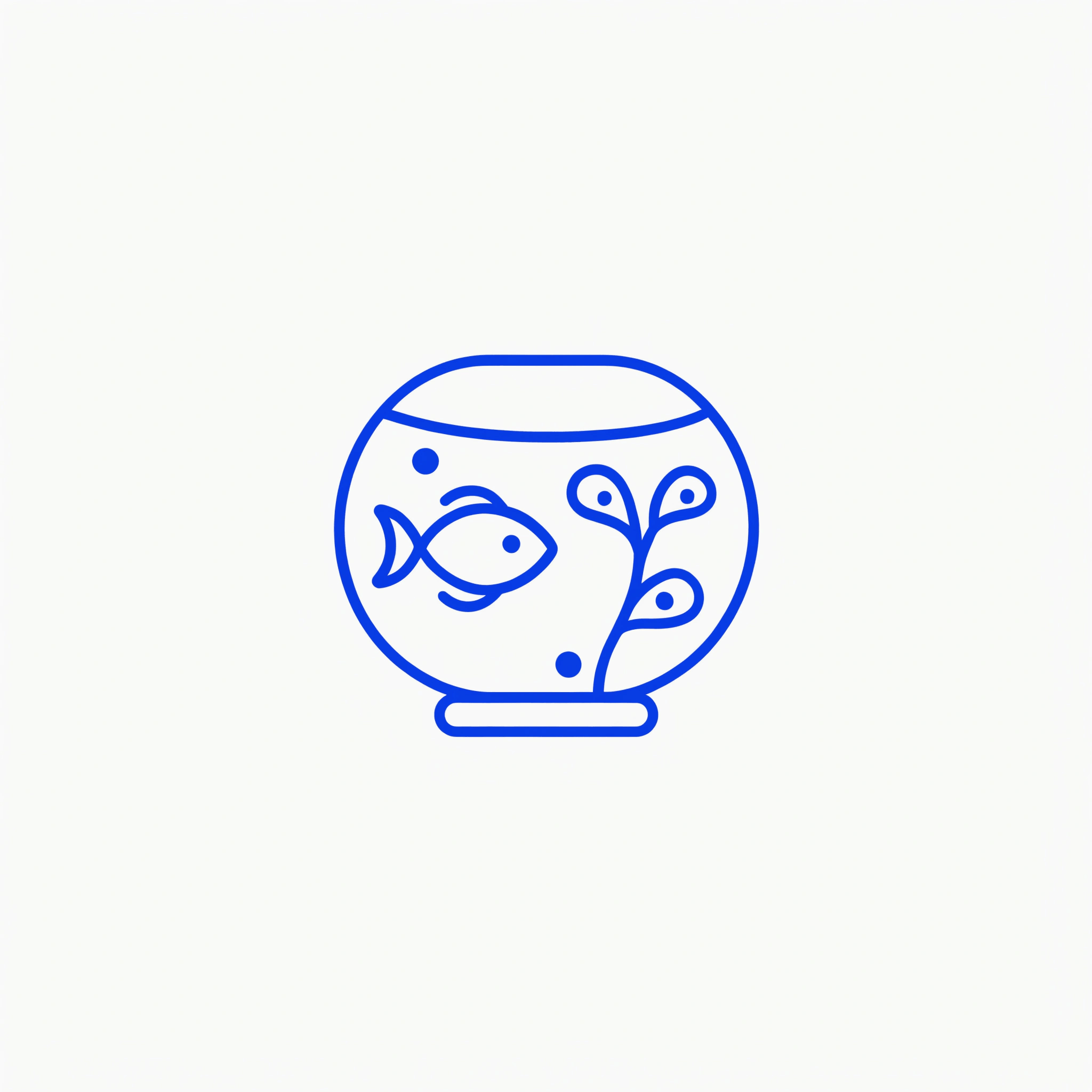
Create or convert clean, scalable vector graphics ready for logos, prints, or digital design using the AI art maker.

Icon

Design precise, consistent icons for interfaces, branding, or product visuals.

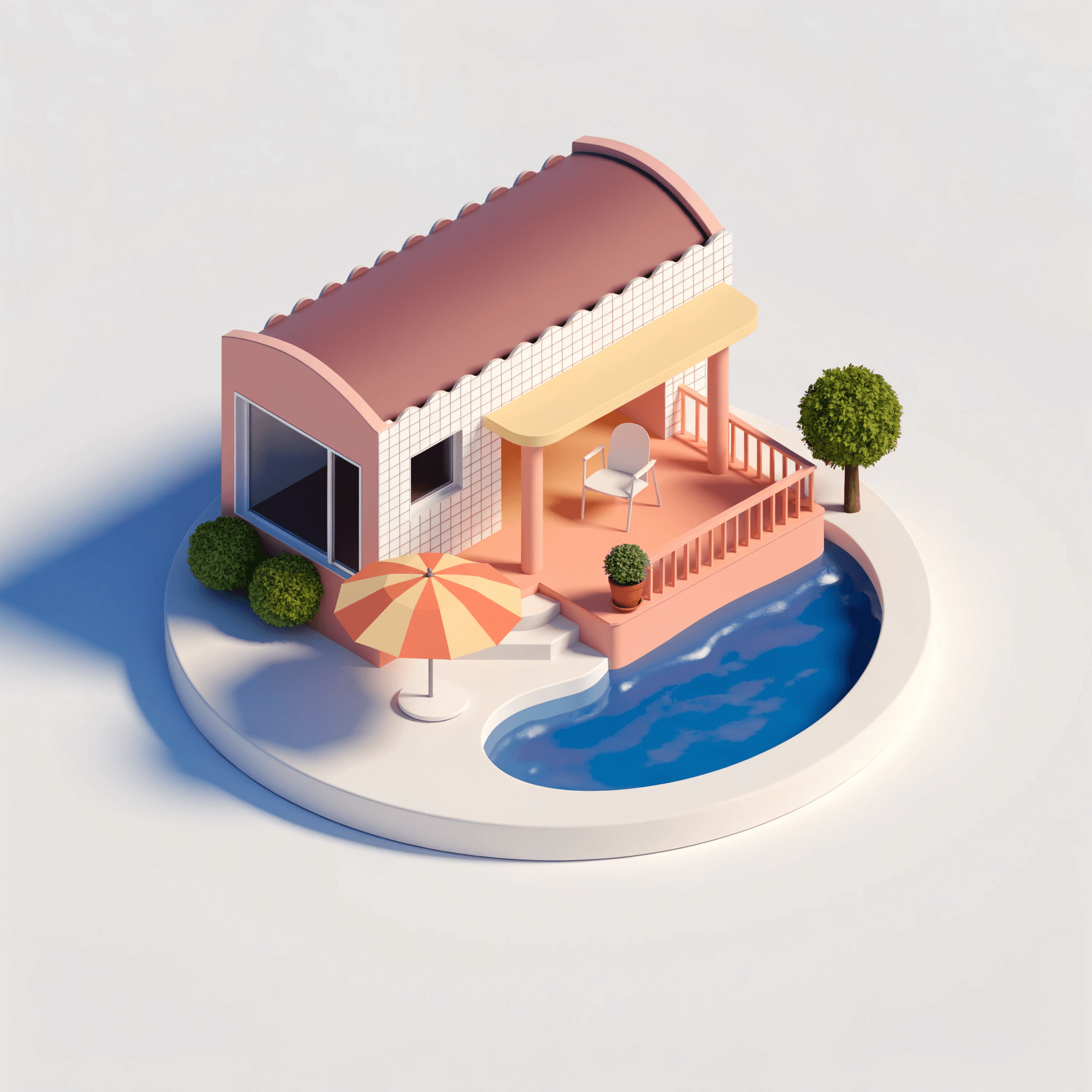
3D

Render scenes and objects with realistic depth, lighting, and perspective.

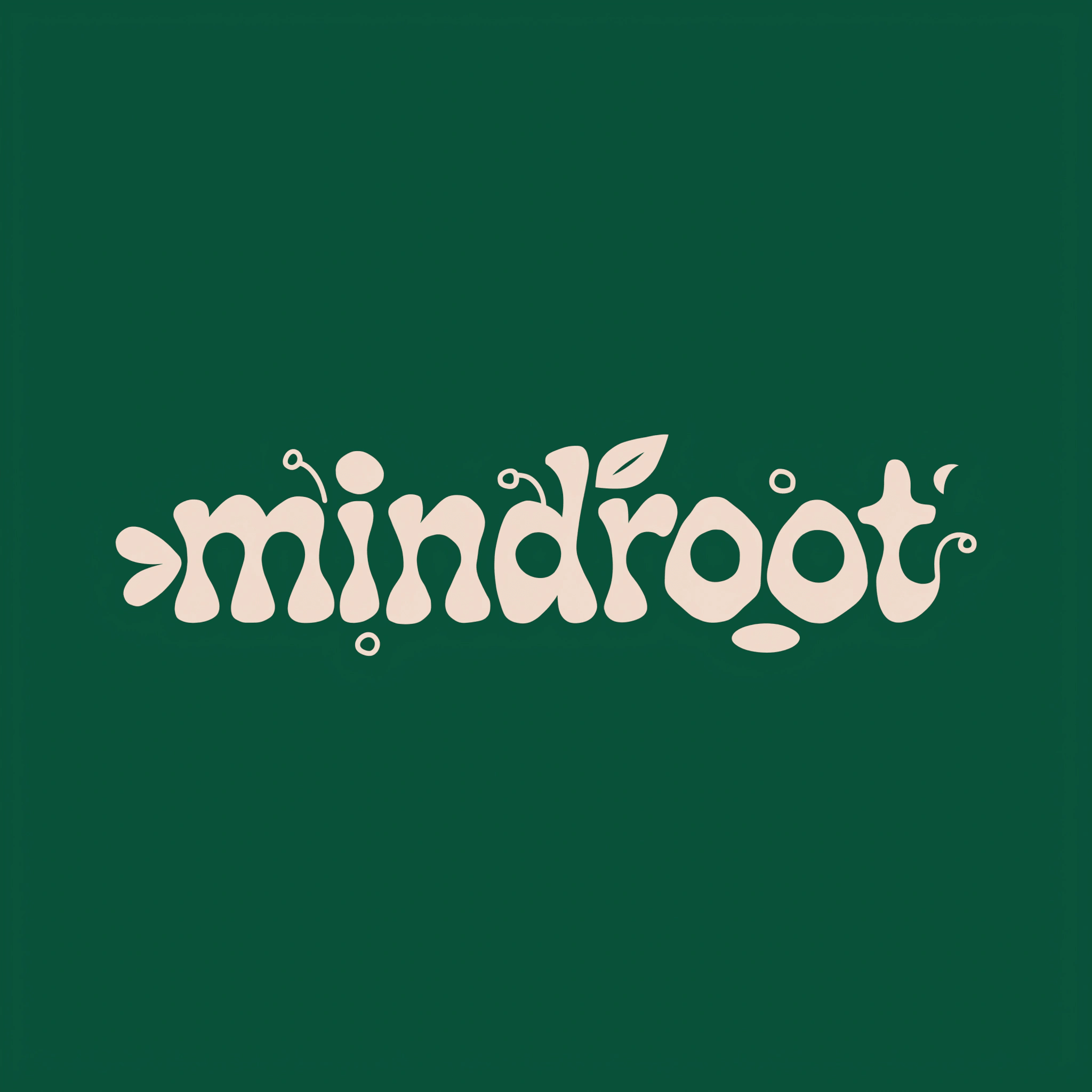
Typographic logo

Use the AI logo maker to craft text-based logos with balanced composition and professional lettering.

Studio photo

Simulate high-end studio photography with an AI photo creator that offers controlled lighting and crisp detail.

Hand-drawn

Create sketch-style artwork that feels personal and organic.

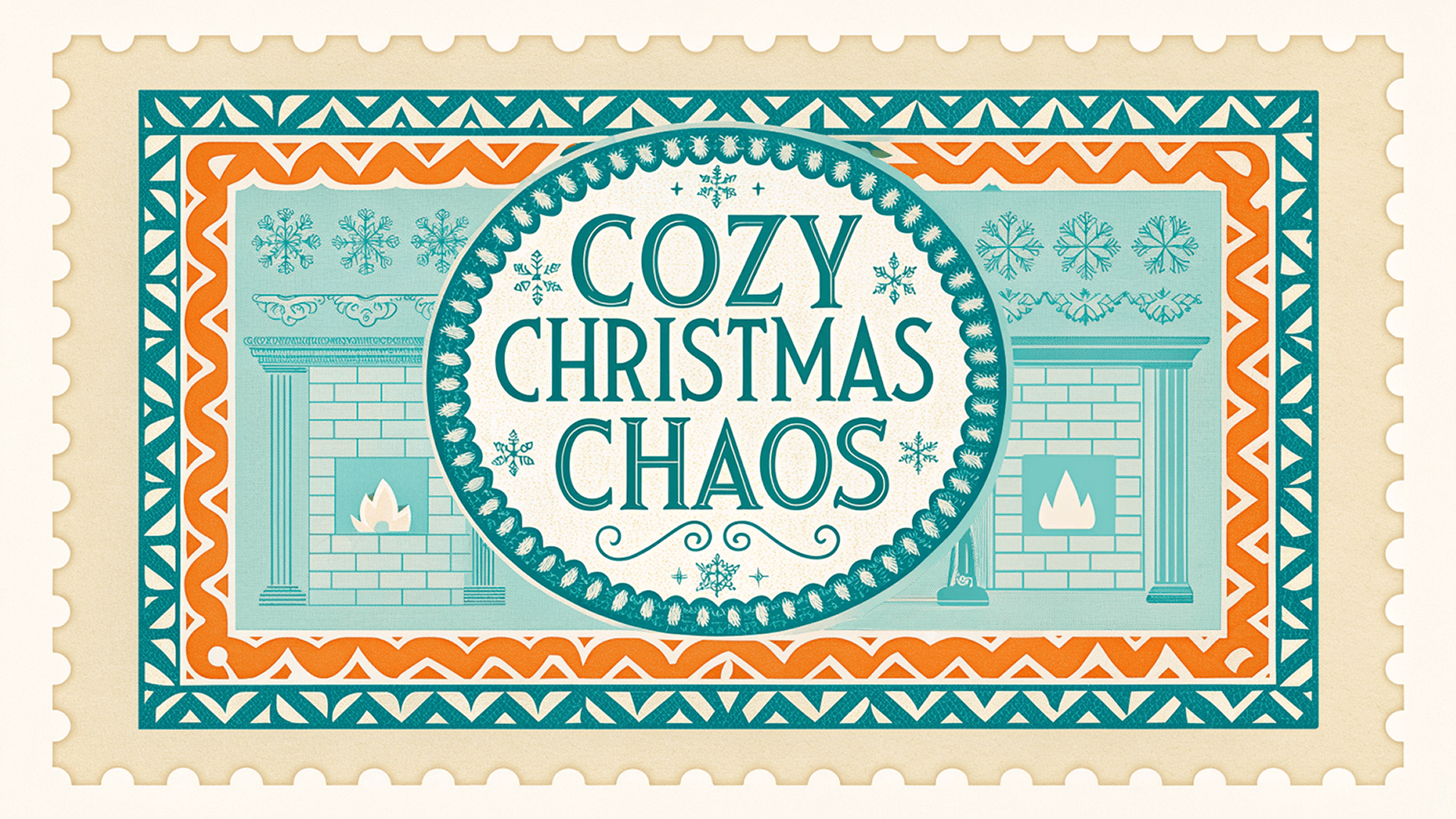
Stamp

Generate bold, graphic marks with solid fills and high visual contrast.

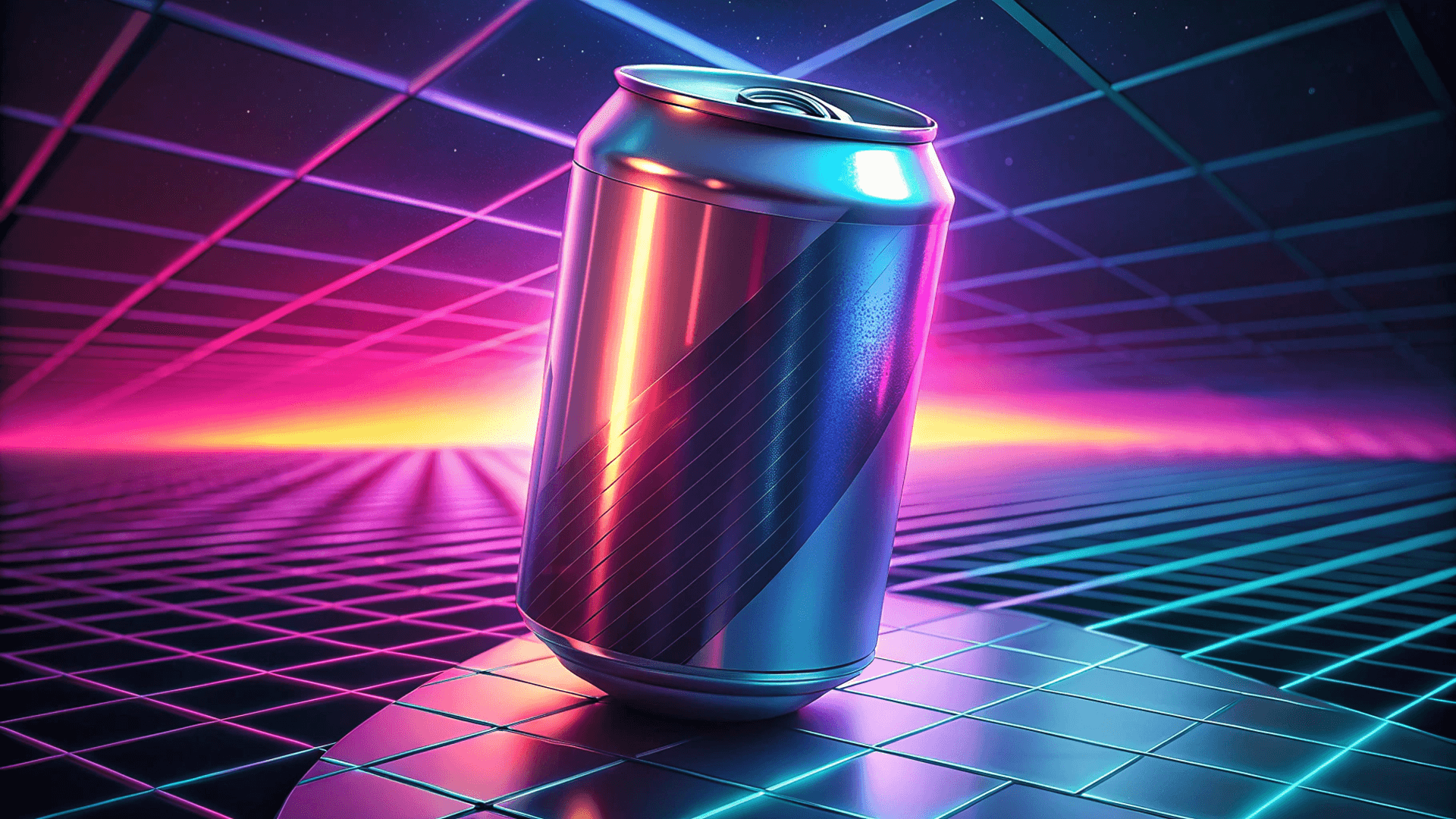
80's

Recreate retro color palettes, neon lighting, and nostalgic visual effects.

Explore more in Recraft Studio

Browse infinite curated or generated styles, or make your own.

What users say about Recraft

The best AI image generator on the market right now.

Tomas Laurinavicius,

Founder, Marketer, Designer & Writer

Very handy in my work. Enjoy creating illustrations with Recraft. Really love speed and the results. Highly recommend!

Alexander Karavaev,

Designer

Recraft is absolutely amazing when it comes to vector image generation. The UI is really polished and pretty intuitive and tutorials are also provided on the platform.

Daniele Manca,

Front End Engineer

I was impressed by all the styles available in Recraft, especially the creation of seamless patterns feature.

Daniela Muntyan,

Product Designer at Craft

Recraft plans and pricing

Recraft offers plans for any workflow, from quick experiments to full professional use. Start on the Free plan with 30 daily credits renewed every 24 hours, or upgrade to a paid plans for higher credit limits, unlimited image uploads, and access to advanced tools. All paid plans include full commercial rights.

FAQ

What is an AI image generator, and how does Recraft work?

An AI image generator turns text prompts into images. Recraft uses its top-ranked AI frontiers models to interpret natural language and produce high-quality photos, illustrations, vectors, and design assets with accurate lighting, composition, and detail.

Is Recraft a free AI image generator?

Yes. Recraft offers a Free plan with 30 daily credits renewed every 24 hours. You can generate images, vectors, mockups, and AI-edited photos at no cost.

Is Recraft the best free AI image generator for beginners?

Recraft is designed for everyone — creators, designers, marketers, and beginners — offering easy text-to-image generation, natural language understanding, and realistic results without technical prompting.

How does Recraft compare to other AI image generators?

Recraft V4 ranks among the highest on the Hugging Face Text-to-Image leaderboard, offering unmatched realism, accurate text, and vector precision.

Can I use Recraft to generate images in different languages?

Yes. Recraft  handles multilingual prompts and can generate accurate text across many languages and scripts.

How does Recraft handle safety and responsible use?

Recraft builds its image models with high safety standards to reduce the risk of harmful outputs, including NSFW content, biased imagery, and accidental copyright infringement. We use layered safeguards and ongoing testing to evaluate how our models behave in real-world use, not just in theory. Recraft is AIUC-1 certified by the Artificial Intelligence Underwriting Company, an independent organization that audits deployed AI systems. AIUC-1 certification includes third-party technical testing across multiple risk categories and requires continuous reassessment rather than a one-time review. It focuses on how AI systems behave in practice, including accidental failure modes.

Can I generate vector images?

Yes. Recraft is the only platform that produces true, editable SVG vectors suitable for logos, icons, and illustration workflows.

Can I use the AI-generated images for commercial purposes?

Yes. Paid plans include full commercial rights and ownership for all images created while subscribed. Free plan images are public and not licensed for commercial use.

What file formats can I export?

Recraft supports SVG, PNG, JPG, PDF, TIFF (up to 300 DPI CMYK), and Lottie formats for both raster and vector outputs.

How are credits used?

Each generation or edit uses credits. Different actions (image generation, editing, upscaling) consume varying credit amounts depending on complexity and output type.

Does Recraft offer an API for AI image generation?

Yes. Recraft’s API lets developers generate images, vector graphics, and AI-edited assets programmatically. It is designed for teams that need scalable image generation or automation.

Does Recraft support team collaboration?

Yes. Recraft for Teams allows multiple users to collaborate, share styles, and manage brand assets together.

Can I edit existing images?

Yes. You can erase, outpaint, recolor, and restyle existing images directly within Recraft without needing to start from scratch.

Can I create high-resolution AI photos for print?

Yes. V4 Pro and V4 Pro Vector generate high-detail images suitable for print, branding, product packaging, and other professional uses.