API
Build automated visual workflows with Recraft API
Integrations
Access Recraft across different platforms
Download app
Download app

Free AI Emoji Generator

Design custom emojis with Recraft's AI emoji generator. Create unique emojis, stickers and reactions—in any style, in just a few clicks.

Up to 30 free image generations per day

Trusted by designers at

AI emoji inspiration

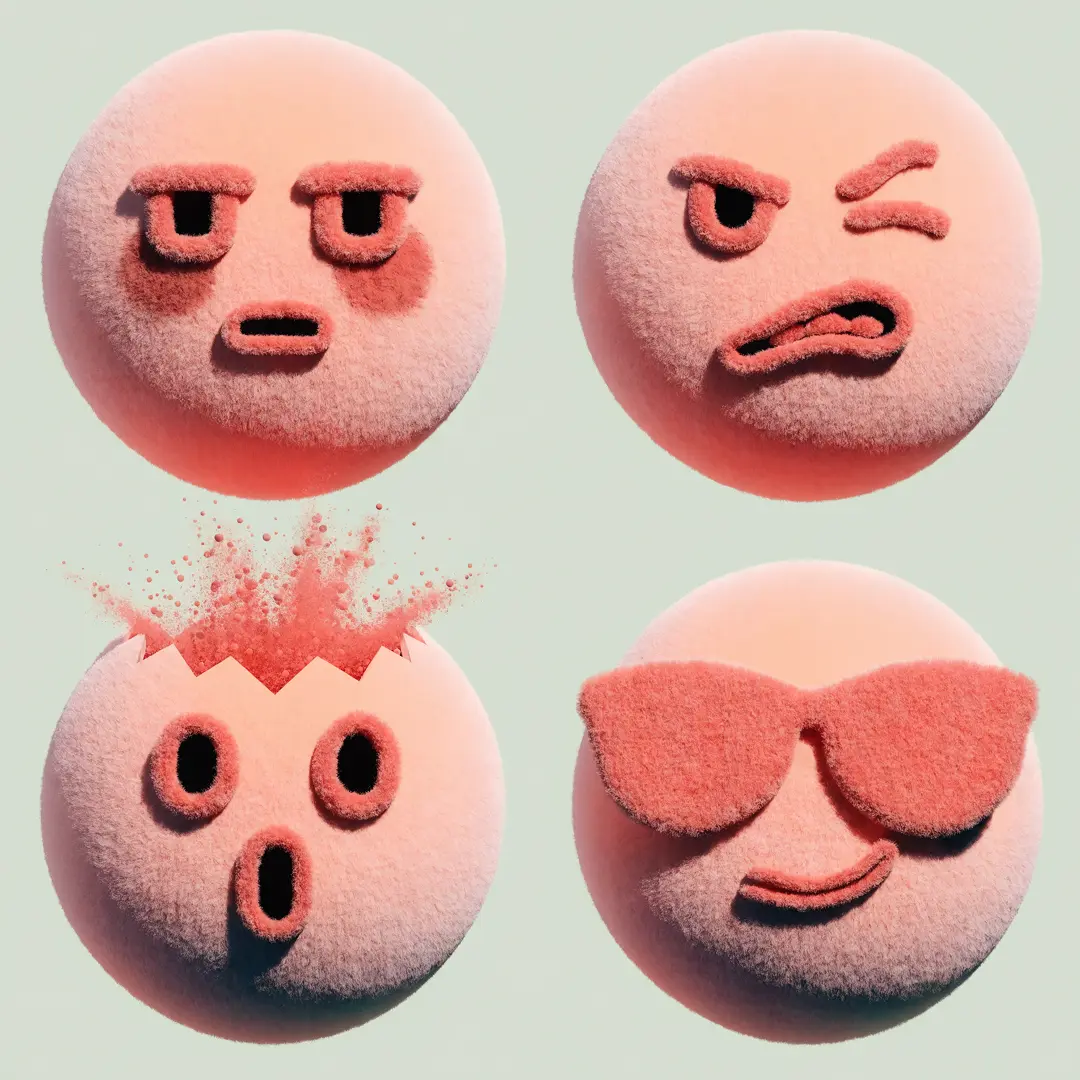
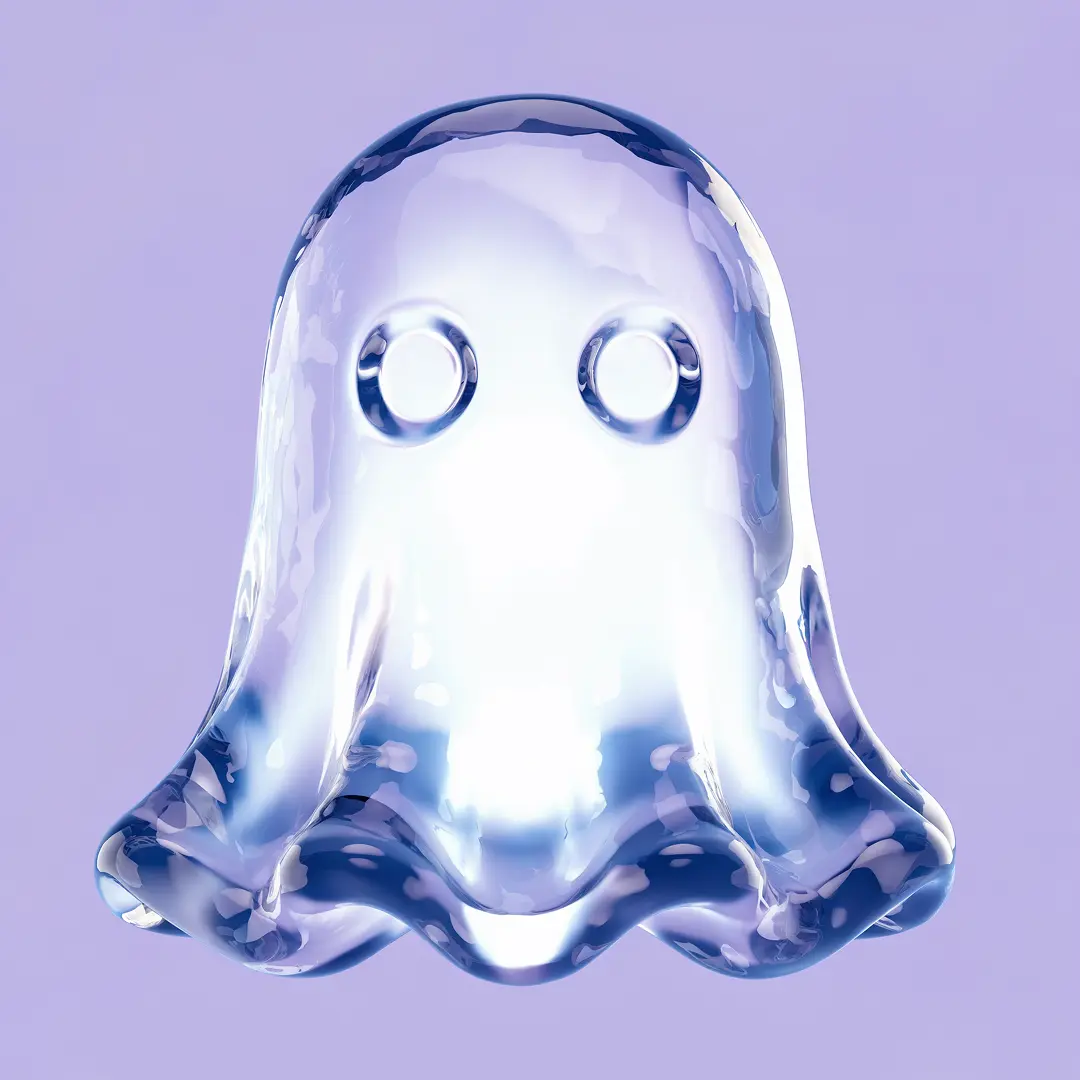
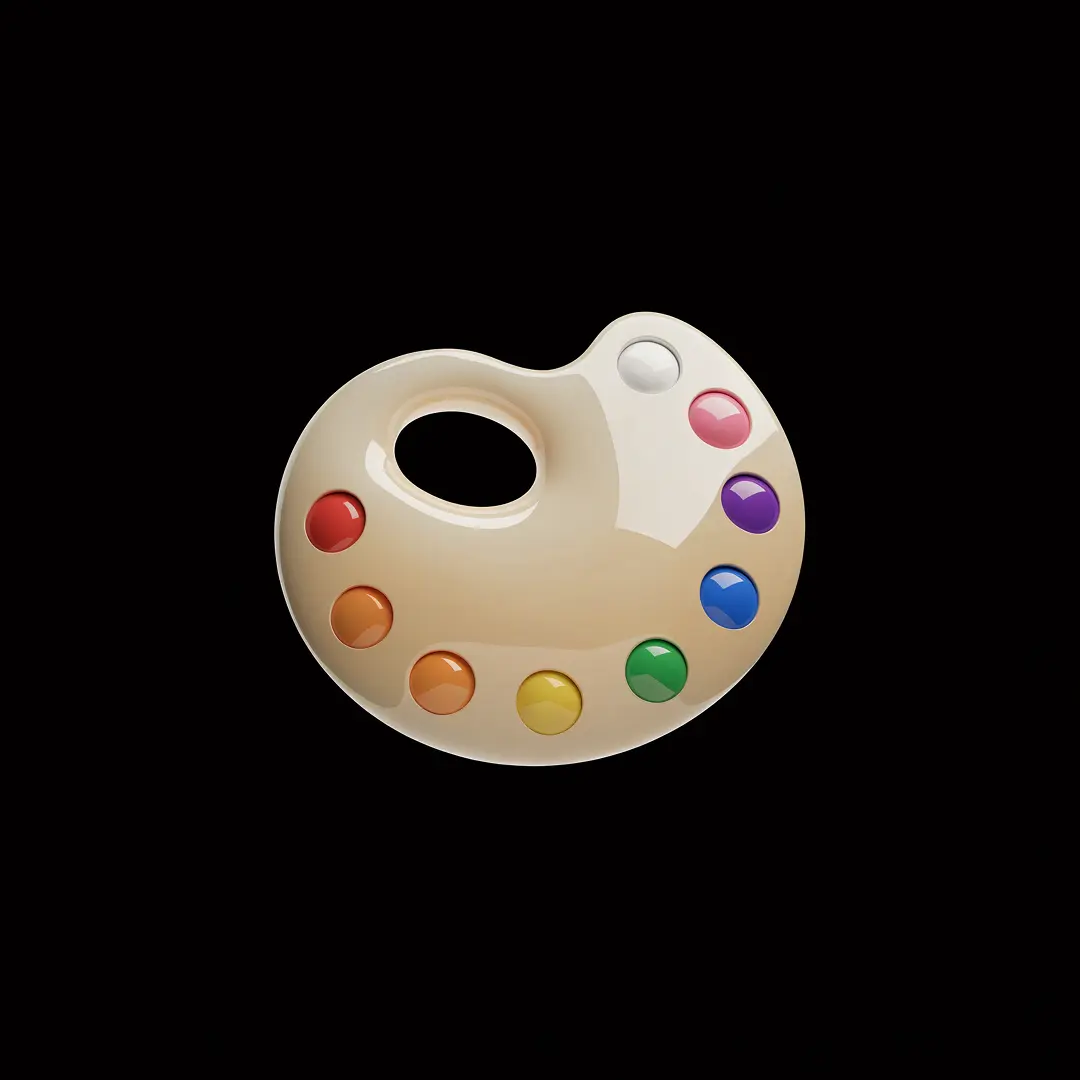
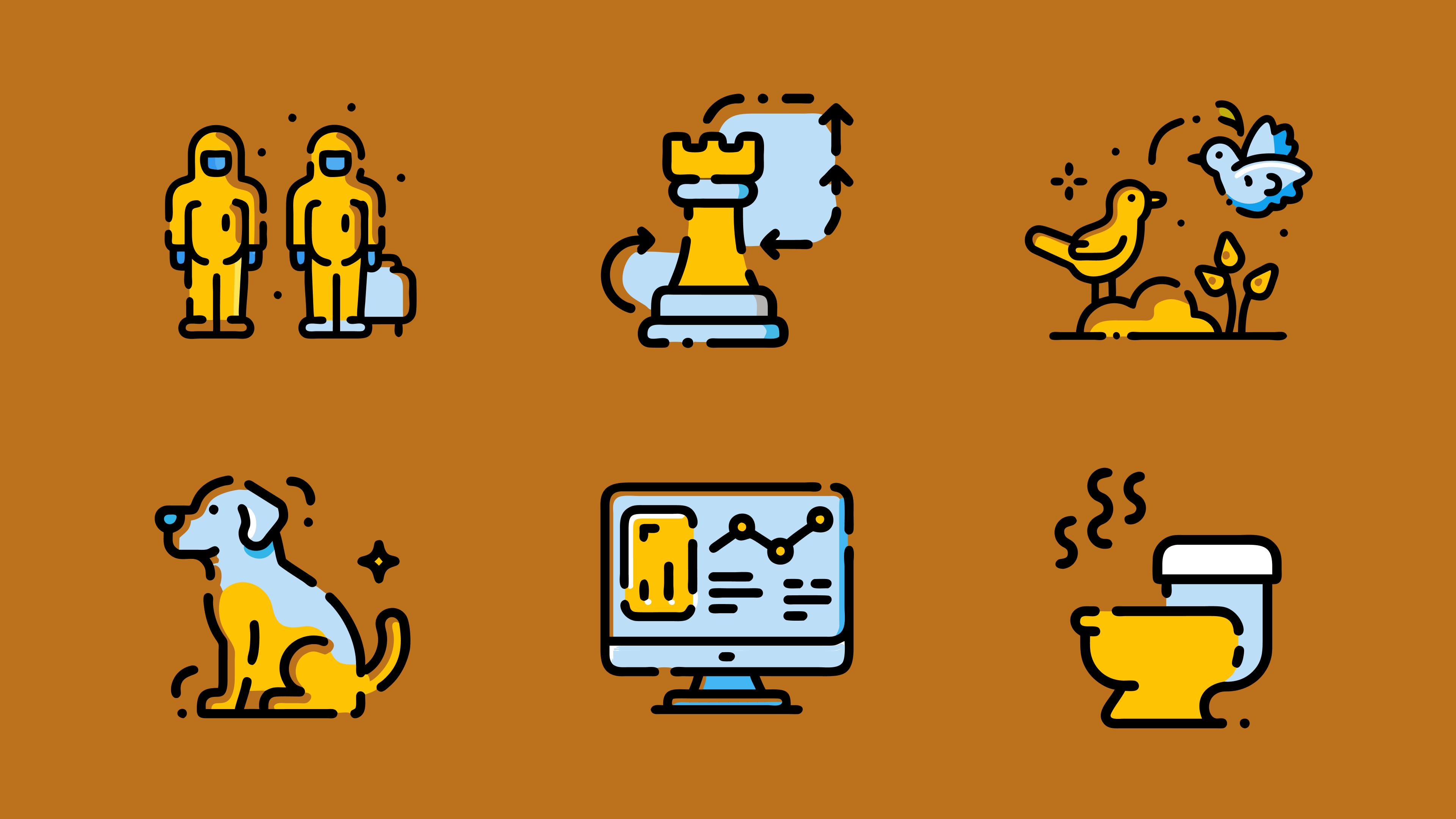
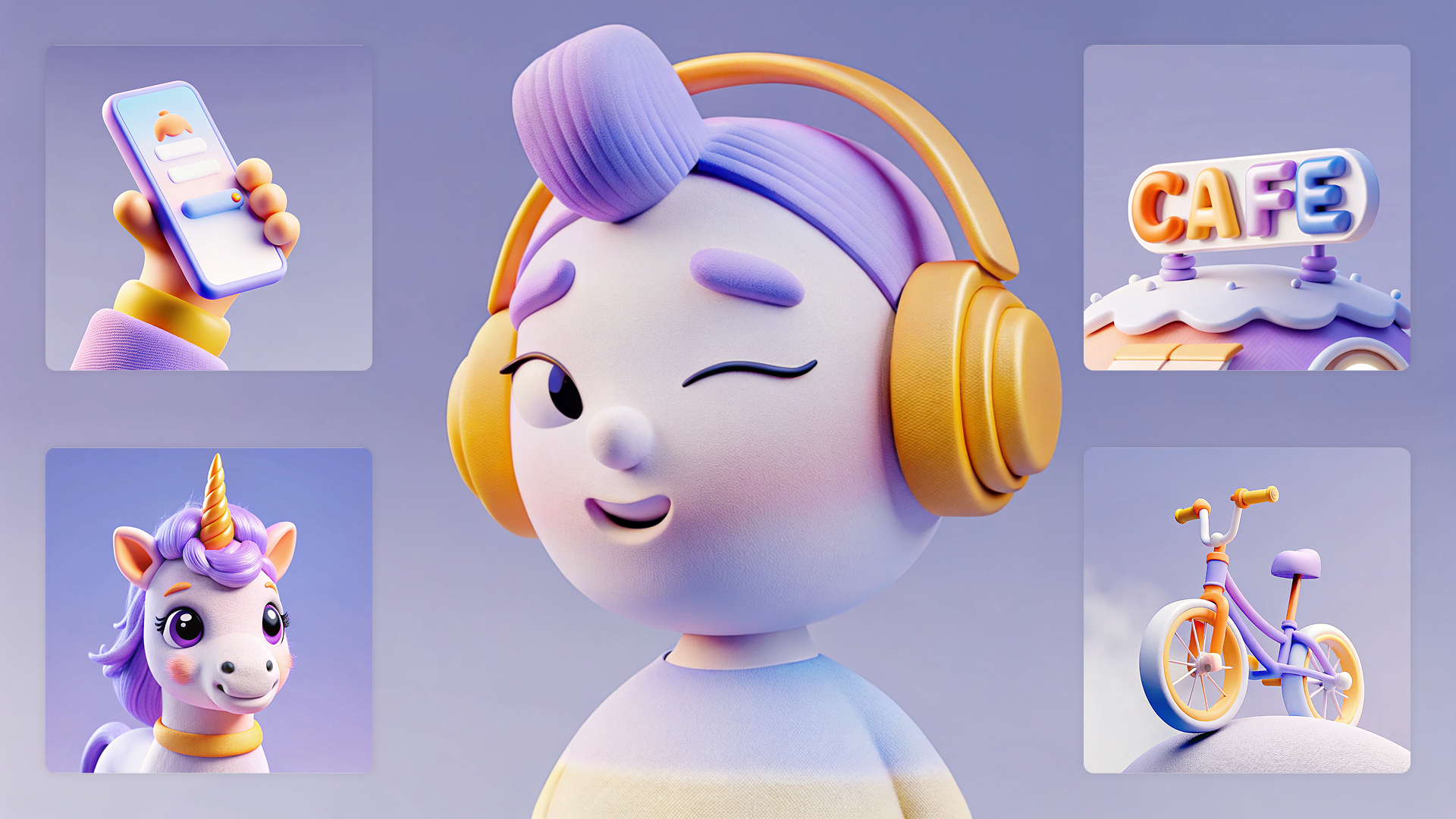
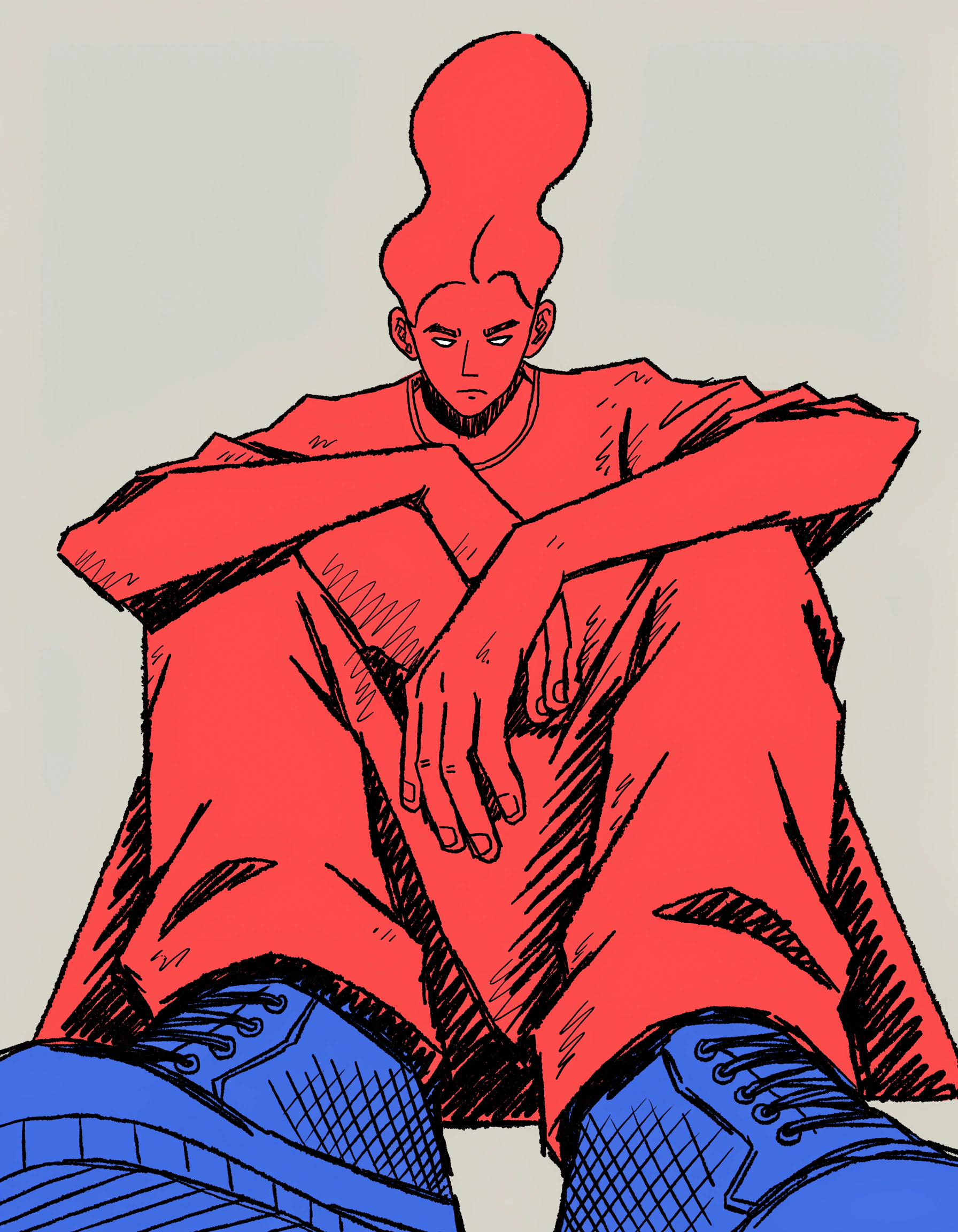
Explore the Recraft community gallery for custom AI-generated emojis. See what Recrafters are designing—from expressive reaction emojis and sticker packs to branded icons and mascots.

How the AI emoji generator works

Recraft's AI emoji generator turns a description into a custom emoji or sticker. Choose a style, describe your idea, then refine and export it. Here's how to create your custom emoji in four steps:

1

Choose an emoji style.

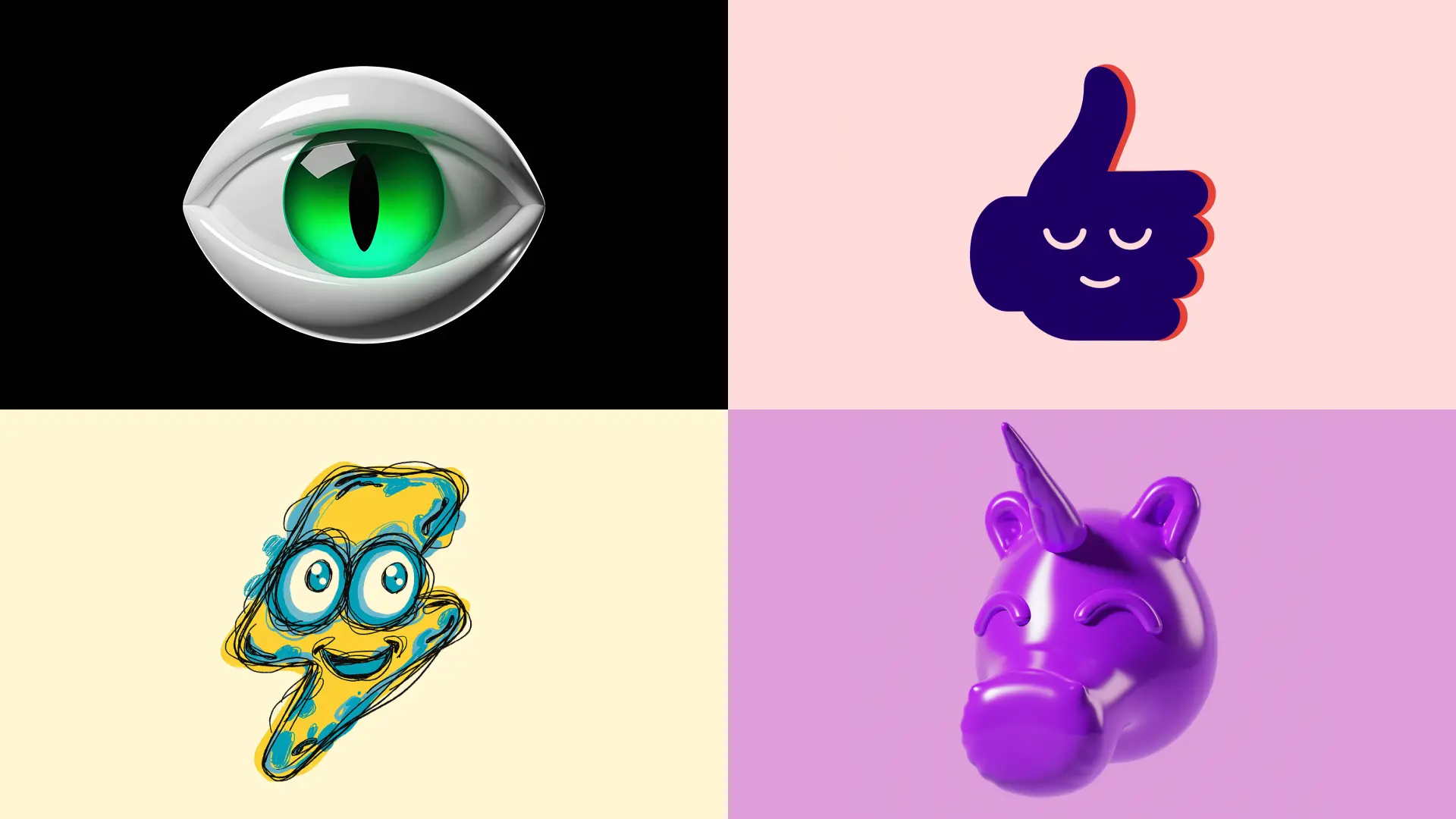
Pick from Recraft's ready-made styles—glossy 3D, flat, hand-drawn and more—or create your own custom style so a full set shares one consistent look.

2

Describe your emoji.

Enter a prompt with your subject, expression and colors. Add details like a glossy finish, outline or transparent background for a sharper result.

3

Generate and refine.

Hit Recraft to generate your emoji. Adjust colors, expression and composition, and regenerate until it's exactly right.

4

Download your emoji.

Export your emoji as a PNG with a transparent background, or as a JPG or SVG—ready for chat, your sticker pack or a brand kit.

Crisp emojis with transparent backgrounds

Recraft generates emojis at full resolution and can remove the background in one step—no blurry edges or stray pixels. Every emoji scales cleanly from a tiny chat icon to a large sticker. Refine and upscale in Recraft Studio's AI image generator.

One consistent style across a full set

Match every emoji in a pack to one look, or build separate sets for different brands. Lock in a saved custom style for repeatable results, and adjust any detail in Recraft Studio's AI image editor.

AI emoji generator FAQ

How does Recraft's AI emoji generator work?

Recraft's AI emoji generator uses a text-to-image model to turn a description into a custom emoji. Type your subject, expression and style, and Recraft generates the design instantly. You can then refine the colors and composition, and remove the background, before downloading.

Is the AI emoji generator free?

Yes. Recraft's AI emoji generator is free to use. Create and download custom emojis without a subscription, and free users get a generous number of generations every day.

Can I make a matching emoji or sticker set?

Yes. Save a custom style and reuse it across every emoji so a full set shares one consistent look—ideal for sticker packs, servers and brand kits.

Can I download emojis with a transparent background?

Yes. Recraft can remove the background so you can export your emoji as a transparent PNG, ready to drop into chats, stickers or designs. You can also export as JPG or SVG.

Can I turn a photo into an emoji?

Yes. Recraft's image-to-image tool lets you upload a photo or illustration and transform it into a custom emoji while keeping the original subject or style.

Do I need design experience to use the emoji generator?

No design experience needed. Recraft is intuitive enough for anyone to use—just describe what you want and refine the result with simple editing tools.